Event Media Coverage Kit for Podcasters & Creators
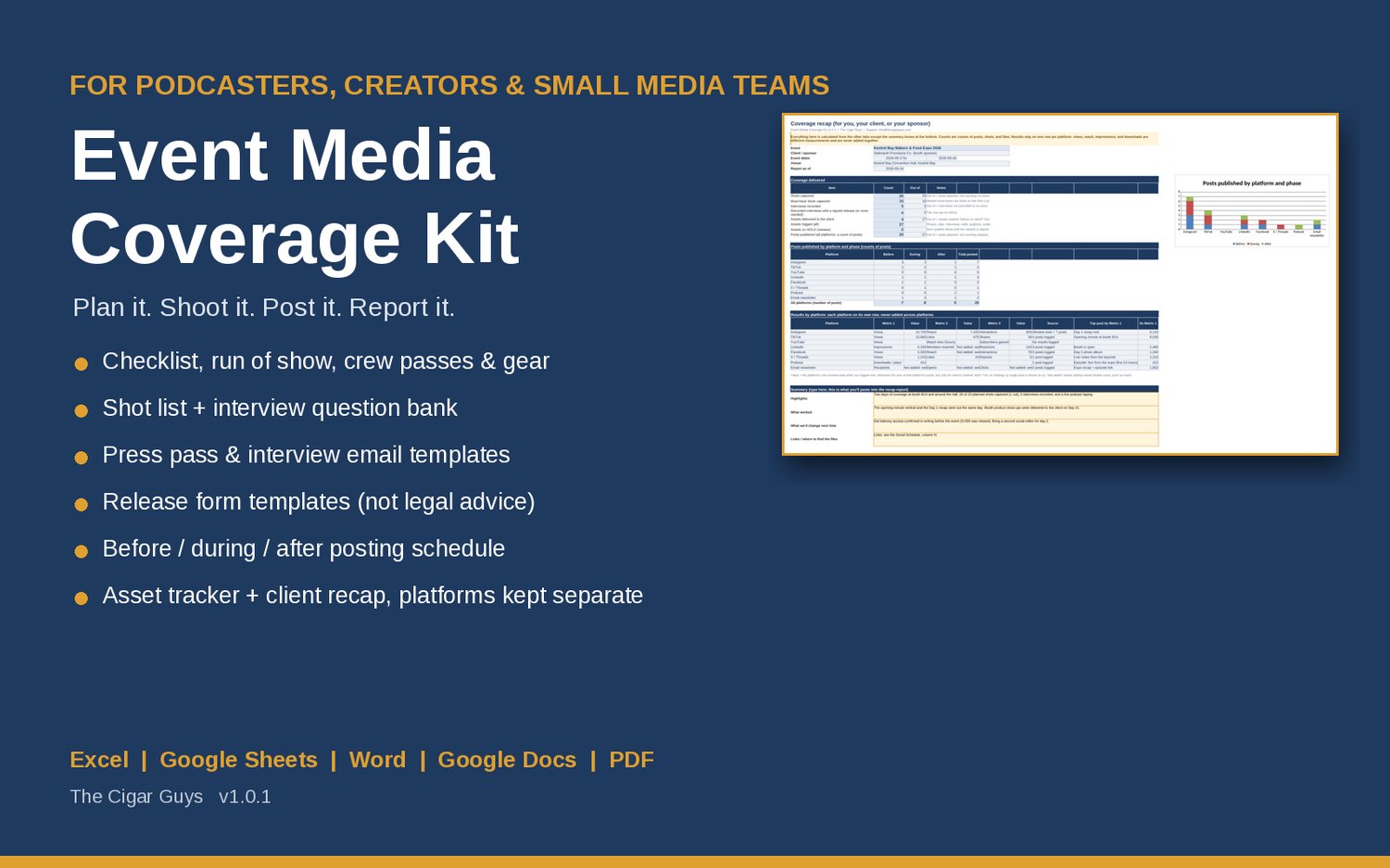
Event Media Coverage Kit for podcasters, creators, and media teams covering trade shows, festivals, launches, and conferences. Plan passes, crew, gear, shots, and interviews, schedule posts, and send a client recap. Works in Excel and Google Sheets.
Event coverage has a lot of moving parts: a press pass request that never got an answer, a must-have shot nobody was assigned, an interview recorded without a signed release, a client waiting on files, and a recap that adds Instagram views to LinkedIn impressions. This kit keeps all of it in one planner, flags what needs attention, and gives you the templates for everything you send.
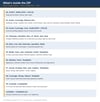
What's inside
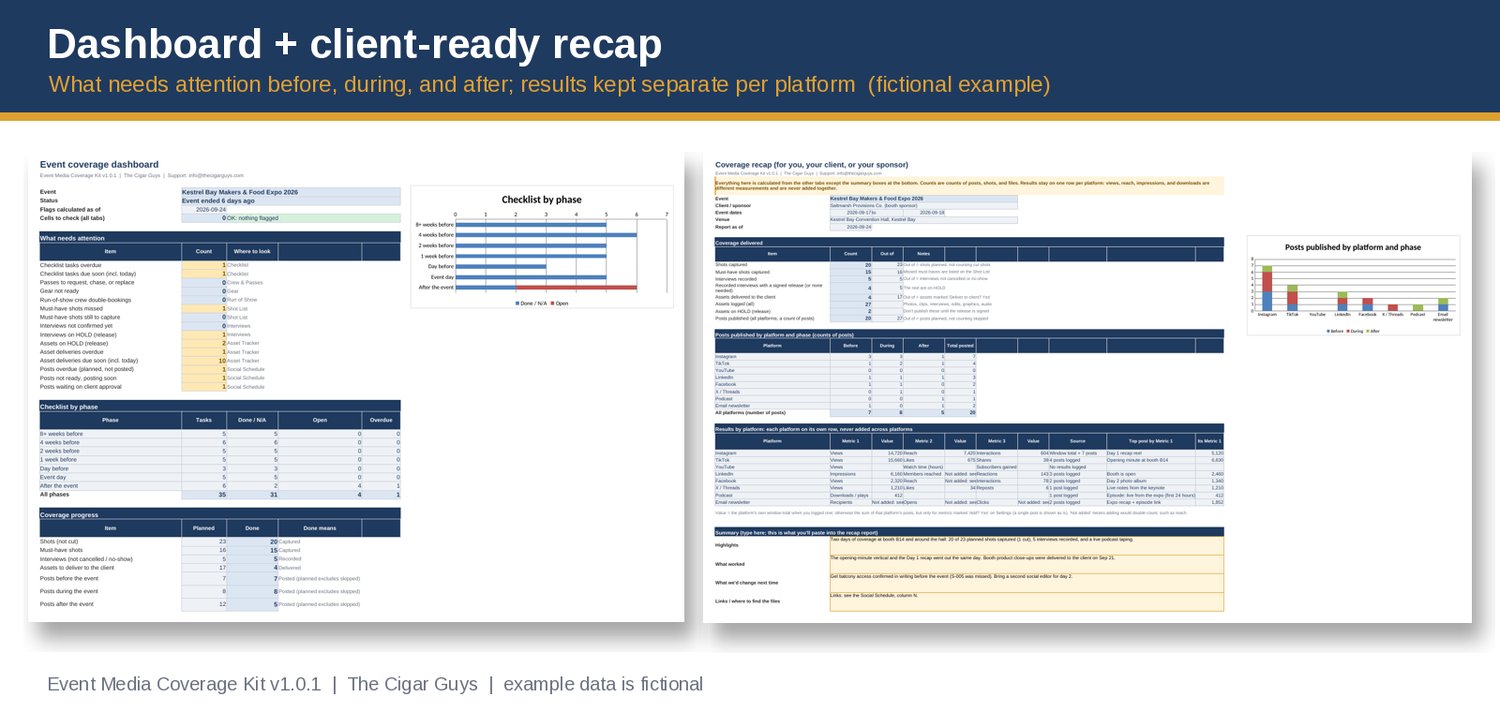
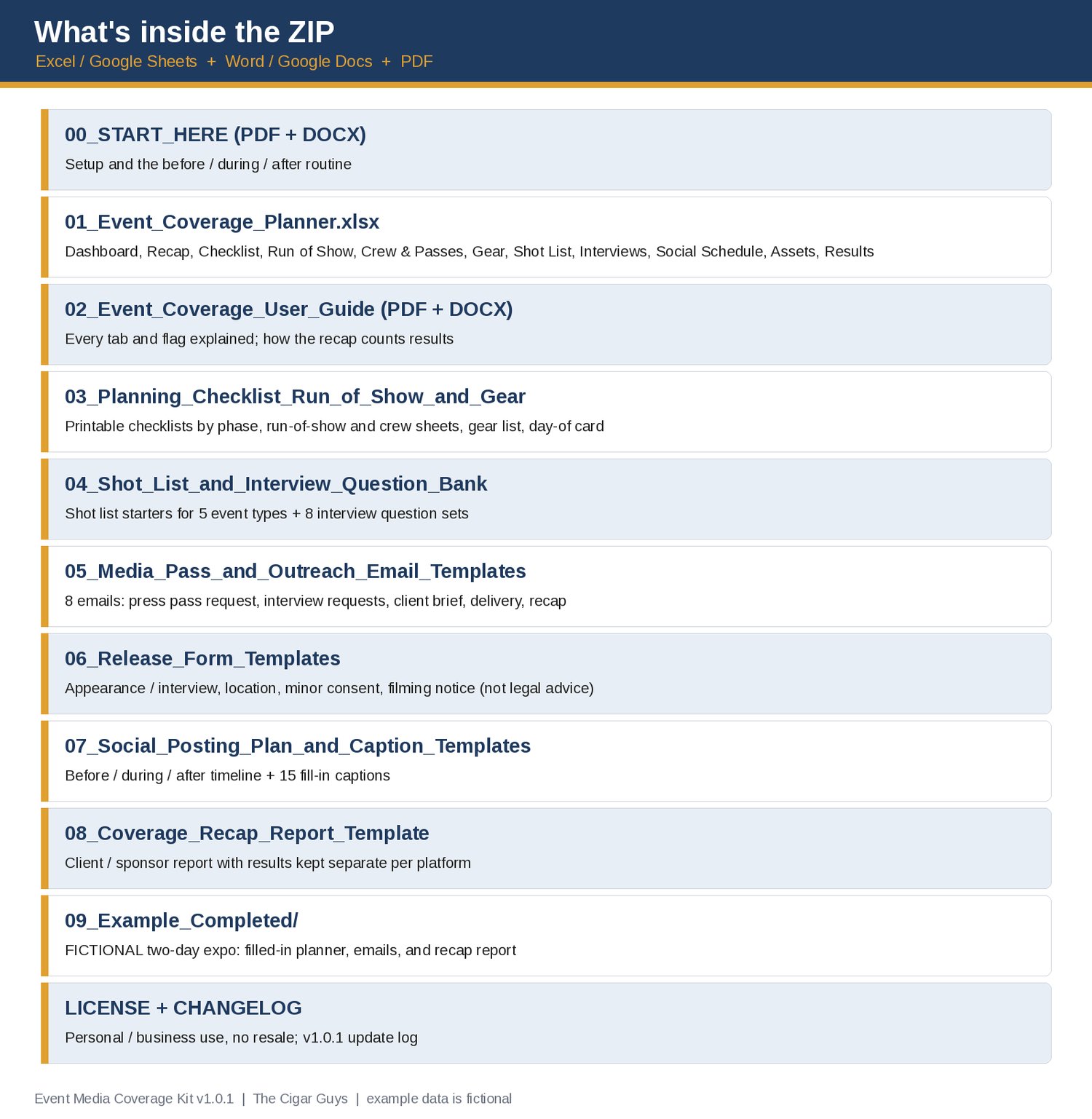
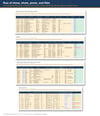
• Event Coverage Planner (Excel / Google Sheets) with a Dashboard that shows the countdown (or "event day 1 of 2") and everything that needs attention.
• Planning checklist: 35 common tasks from 8 weeks before to after the event, with due dates worked out from your event dates.
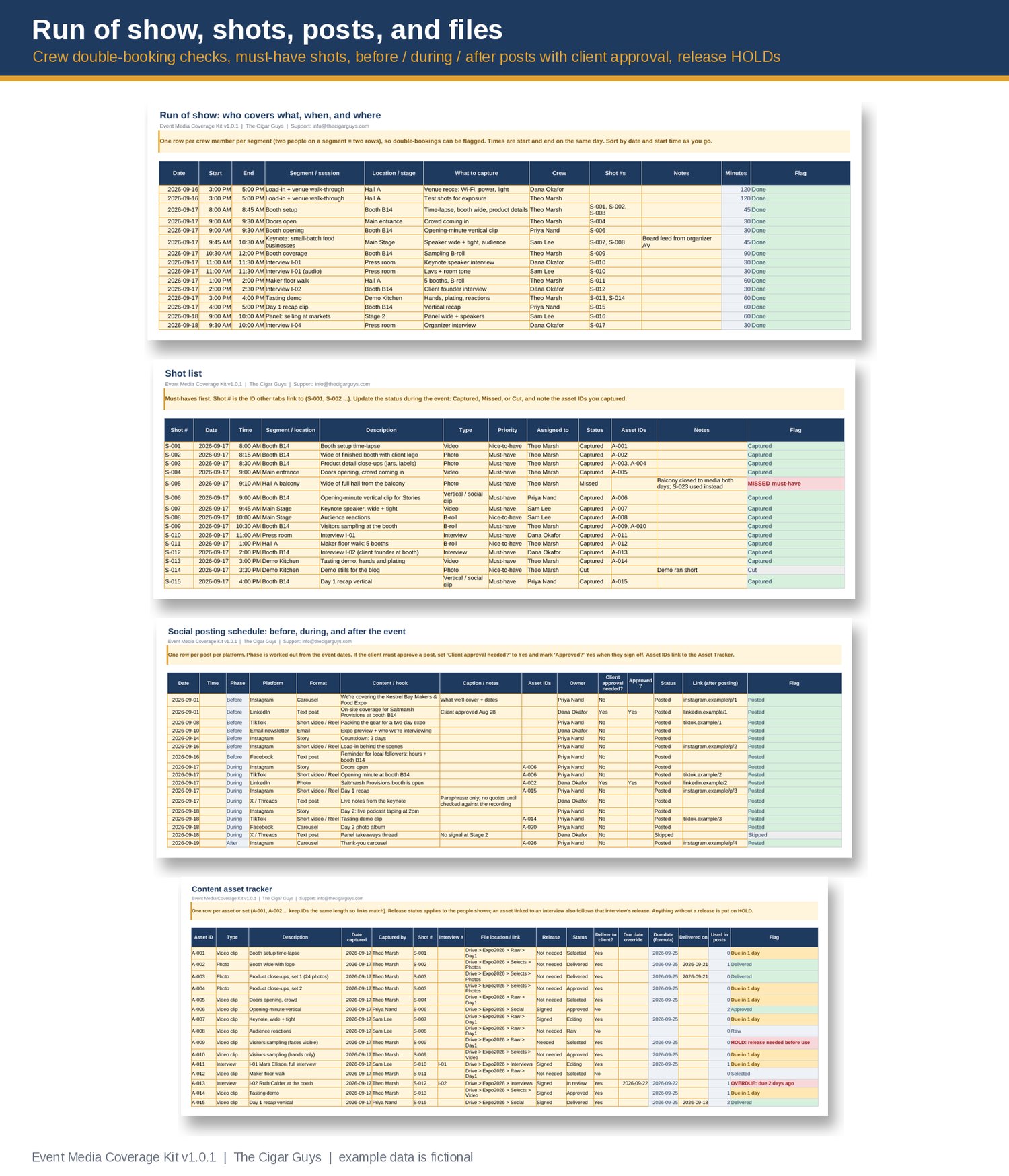
• Run of show: who covers what, when, and where, with a check that catches crew members booked in two places at once.
• Crew & media passes: call times and pass status, with "request now" and "follow up" prompts.
• Gear list: 28 common items, with quantity needed vs packed and charged / tested.
• Shot list (200 rows) with must-have tracking: missed must-haves are flagged.
• Interviews (100 rows) with question set, interviewer, and release status. A recorded interview without a signed release goes on HOLD.
• Social posting schedule (300 rows): before, during, and after the event is worked out automatically, with client approval flags, plus overdue and not-ready warnings.
• Content asset tracker (400 rows): file location, release status, edit status, and client delivery deadlines. Files without a release are put on HOLD.
• Results log and client recap: one row per platform, using each platform's own metric names. Platforms are never added together, and reach-type numbers aren't added across posts, because that counts the same people twice.
• Check flags on every tab for typos, missing dates, duplicate IDs, and names that don't match, all counted on the dashboard.
• Shot list starters for 5 event types and 8 interview question sets (PDF + Word).
• 8 outreach emails (PDF + Word): media / press pass request and follow-up, interview request and confirmation, client coverage brief, thank-you, file delivery, and recap cover email.
• Release form templates (PDF + Word): appearance / interview, location, minor consent, and a filming notice. These are starting points, not legal advice.
• Social posting plan and 15 caption templates for before, during, and after.
• Coverage recap report template (PDF + Word) for clients and sponsors.
• Start Here guide, User Guide, and printable checklists.
• A completed FICTIONAL example: a made-up two-day food and makers expo, with a filled-in planner, emails, and recap report.
• License and changelog (v1.0).
Who it's for: podcasters recording at events, creators covering events for their own channels or for brands, and small media teams doing event coverage for clients or sponsors.
What it isn't: it doesn't get you press passes or interviews, it doesn't post for you, and it doesn't connect to any platform. You copy your numbers from each platform's insights. The release templates aren't legal advice; have them reviewed for where you film. Nothing here promises views, reach, or sales. The example event, people, and numbers are fictional and aren't typical results.
Pairs well with:
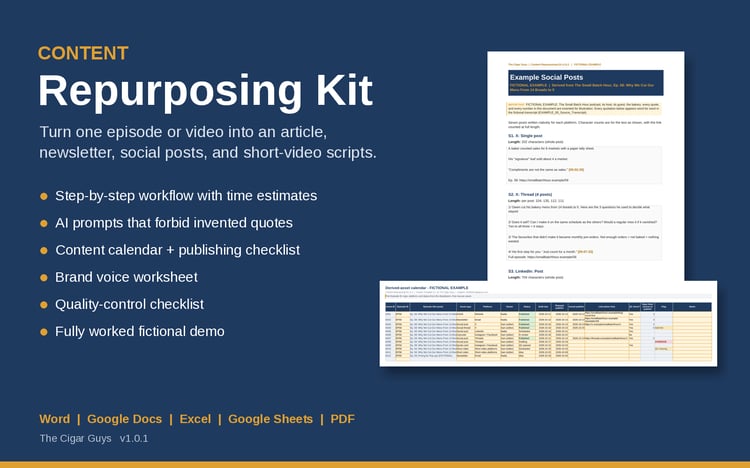
• Content Repurposing Kit (turn one long piece, like an event interview, into an article, newsletter, social posts, and short-video scripts): https://payhip.com/b/vPEeT
• Podcast Sponsorship Kit (media kit, proposal, pricing calculator, and outreach emails for podcast sponsorships): https://payhip.com/b/UFhm2
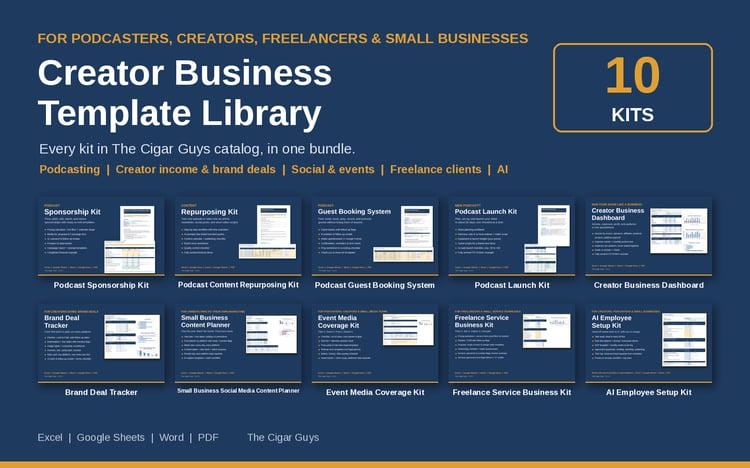
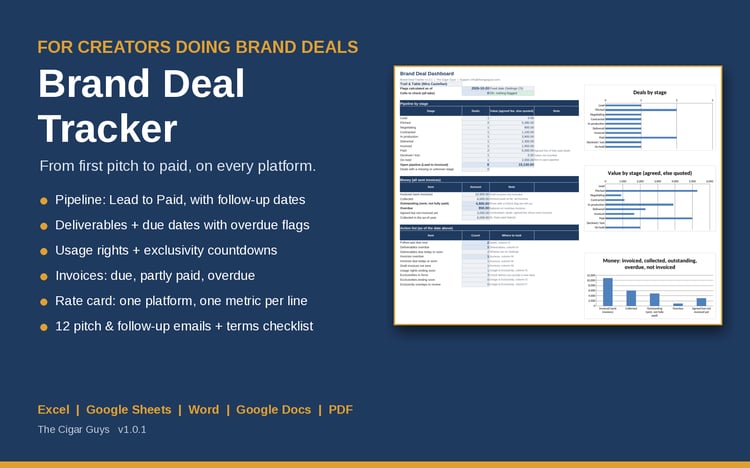
• Brand Deal Tracker (deliverables, usage rights, exclusivity, and invoices when a brand pays for coverage): https://payhip.com/b/PqrbC
Formats: .xlsx, .docx, .pdf. Works in Microsoft Excel and Word, Google Sheets and Docs, and LibreOffice. No macros or add-ons.
Refunds: these are instant digital downloads, so all sales are final and we don't offer refunds. If a file is broken, missing, or won't open, email info@thecigarguys.com and we'll fix or replace it.
License: for your own personal or business use, including coverage you produce for clients. No resale or redistribution. Questions: info@thecigarguys.com
FAQ
Q: Does it work in Google Sheets?
A: Yes. Unzip on a computer, upload the .xlsx to Google Drive, open it, then choose File > Save as Google Sheets. The formulas use only functions that Excel, Google Sheets, and LibreOffice all support. Charts may look slightly different after conversion.
Q: Are the release forms legally valid?
A: They're plain-language starting points, not legal advice. Rules on filming people and using their image differ by place and by how the footage is used. Have them reviewed by a lawyer where you operate, and follow the venue's, organizer's, and client's requirements.
Q: Will the press pass emails get me a pass?
A: No template can promise that; organizers decide. The emails cover what organizers usually ask for (who you are, your coverage plan, crew, gear, and past work), so your request is complete and easy to say yes to.
Q: Why doesn't the recap show one total for all platforms?
A: Instagram views, TikTok views, LinkedIn impressions, and podcast downloads are measured differently, so adding them gives a number a client can't rely on. Each platform gets its own row. Reach-type numbers aren't added across posts either: you log the platform's own total for the date range instead.
Q: I cover events for clients. Can I send them the recap and filled-in forms?
A: Yes. The license covers the reports, recaps, and filled-in forms you produce for clients. The blank kit files stay with your business.
Q: I cover several events a year.
A: Make one copy of the planner per event. The license allows as many copies as your business needs.
Q: How is this different from the Content Repurposing Kit?
A: This kit is about planning and running the coverage and reporting on it. The Repurposing Kit helps you turn one long recording, like an event interview, into lots of shorter content afterwards. They work well together.
Q: Can I get a refund?
A: No refunds on digital downloads. These are instant digital downloads, so all sales are final. If a file is broken, missing, or won't open, email info@thecigarguys.com and we'll fix or replace it.
Q: What can I do with the templates? (license)
A: Use and edit them for your own personal or business use, including coverage for your clients. You can't resell, share, or redistribute the files (edited or not). Full terms are in the ZIP (LICENSE_and_Terms_of_Use).
Q: Will I get updates?
A: Yes. When the kit is updated, the new file replaces the old one in Payhip. You can download it again from your purchase link or customer account, and CHANGELOG.txt lists what changed.
Q: How do I get support?
A: Email info@thecigarguys.com with your order email and the file you're asking about.