

AI Employee Setup Kit: Prompts, SOPs & Guardrails
AI employee setup kit for creators, podcasters, and small businesses: task audit, AI role descriptions, prompt templates, SOPs, approval guardrails, weekly QA log, and time tracker. Works with any AI tool. Excel, Google Sheets, Word, PDF.
Handing work to an AI assistant goes better when you treat it like hiring: a clear role, written instructions, rules about what needs your sign-off, and a weekly check of the work. Without that, you get drafts nobody reviews, prompts that live in random chats, an agent with more access than it needs, and no real idea whether it saves any time. This kit gives you the structure, and keeps you in charge.
What's inside
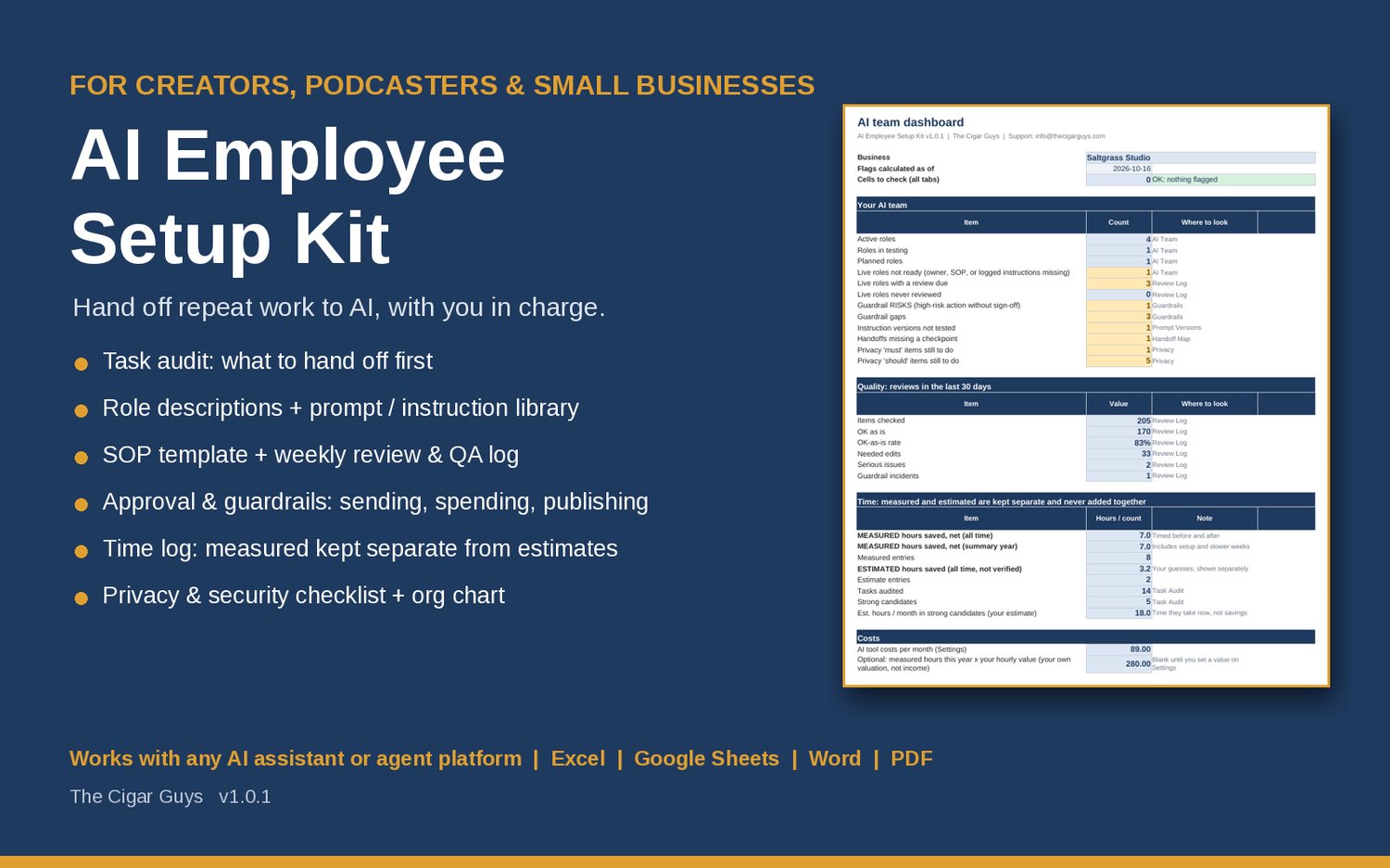
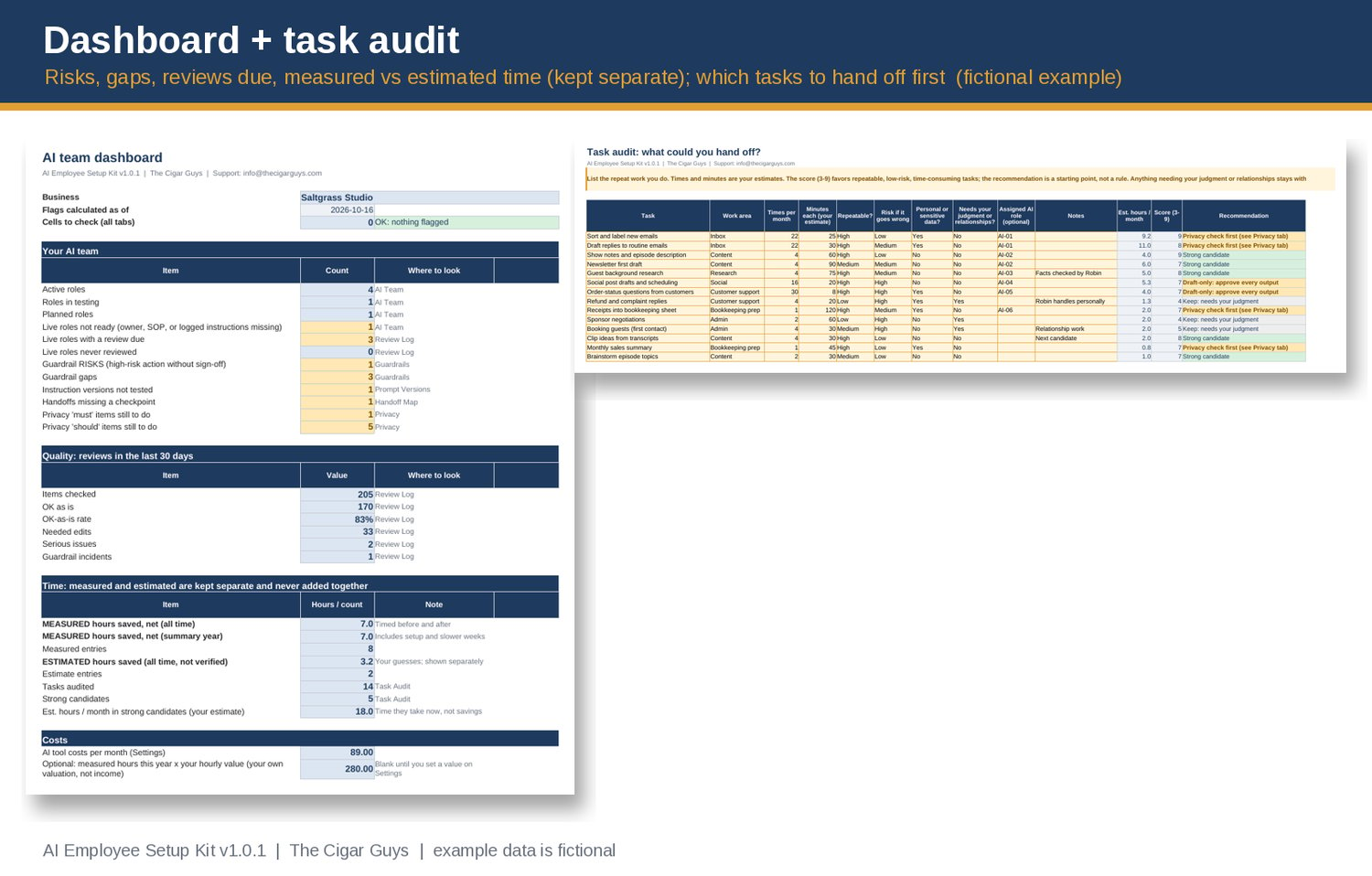
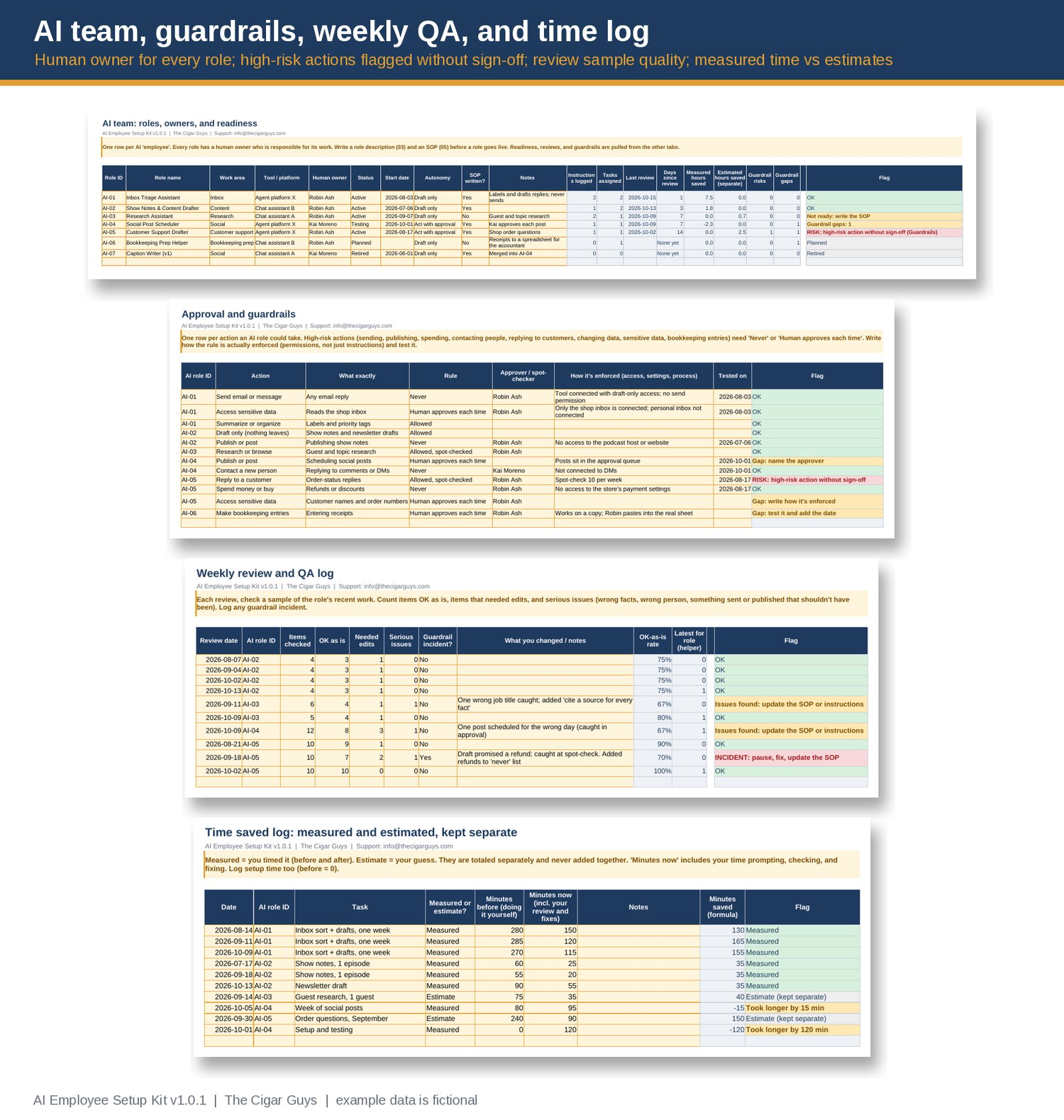
- AI Employee Planner (Excel / Google Sheets) with a Dashboard: roles live and in testing, guardrail risks and gaps, reviews due, review quality for the last 30 days, and time saved.
- Task audit (100 tasks): frequency, minutes, repeatability, risk, sensitive data, and whether it needs your judgment. Each task gets a 3-9 score and a recommendation: strong candidate, start with drafts, draft-only, privacy check first, or keep.
- AI team roster (30 roles): area, tool, human owner, status, autonomy level, and SOP, with readiness, last review, and guardrail status pulled in automatically.
- Approval and guardrails matrix: every action a role could take, with the rule, the approver, how it's enforced, and when you tested it. Sending, publishing, spending, contacting people, replying to customers, changing data, and bookkeeping entries without a human sign-off are flagged as a RISK.
- Prompt and instruction version log: where each version is saved, what changed, and whether you tested it.
- Weekly review and QA log: items checked, OK as is, needed edits, serious issues, and incidents, against your own quality bar.
- Time log that keeps MEASURED time (you timed it) separate from ESTIMATES (your guesses). They're never added together, and setup time and slower weeks count.
- 22-item data privacy and security checklist, plus room for your own items.
- Org chart and handoff map: how work moves between roles and where a human checks it.
- Check flags on every tab for typos, duplicate IDs, and names that don't match, all counted on the dashboard.
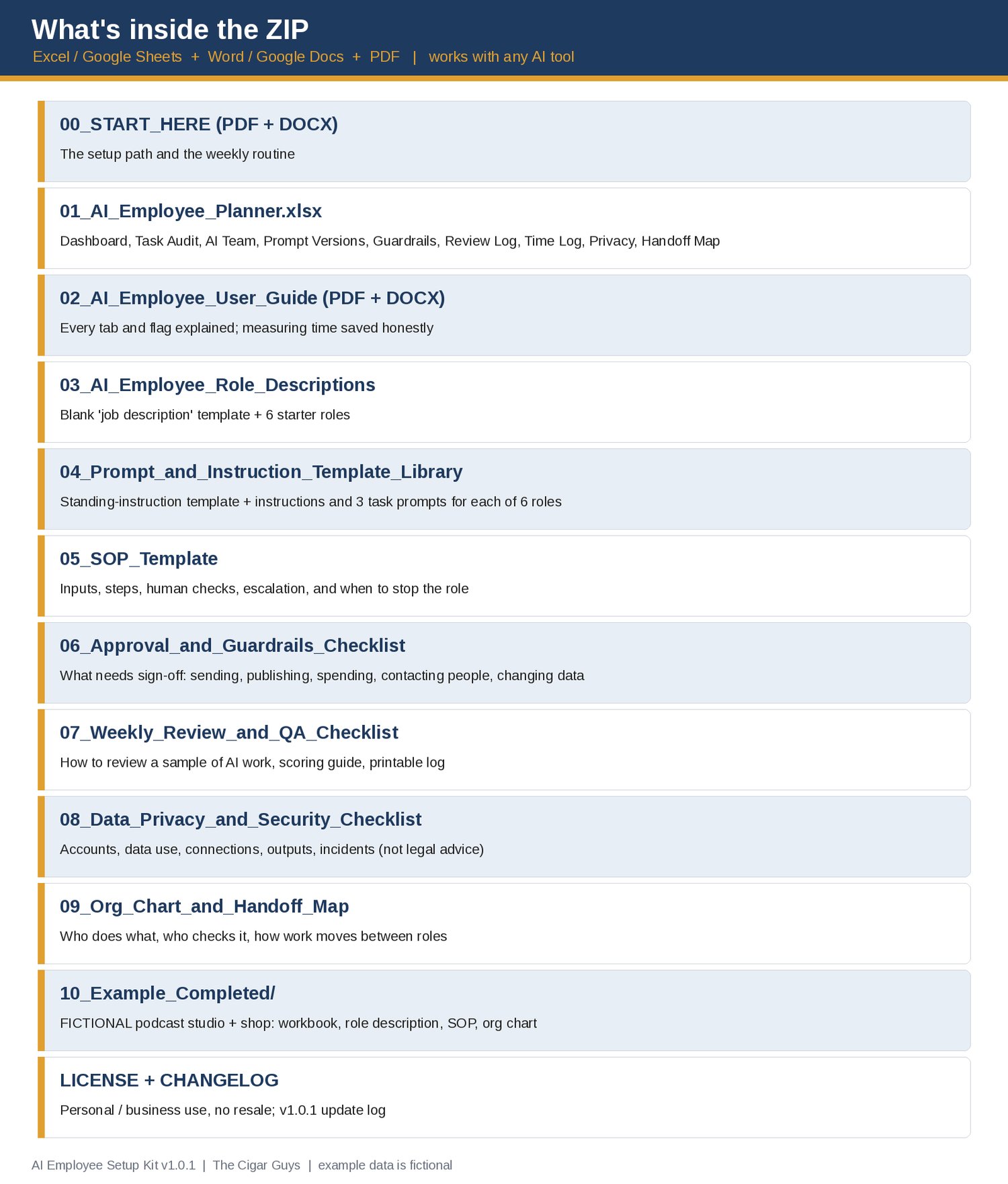
- AI role descriptions (PDF + Word): a blank "job description" template and 6 starter roles: inbox triage, content drafter, research assistant, social post scheduler, customer support drafter, and bookkeeping prep helper.
- Prompt and instruction template library: a standing-instruction template plus instructions and 3 task prompts for each of the 6 roles.
- SOP template, approval and guardrails checklist, weekly review and QA checklist, data privacy and security checklist (not legal advice), and an org chart template.
- Start Here guide and User Guide.
- A completed FICTIONAL example: a made-up podcast studio with a small online shop, with a filled-in workbook, role description, SOP, and org chart.
- License and changelog (v1.0).
Who it's for: creators, podcasters, freelancers, and small business owners who want AI assistants or agents to take on repeat work (inbox triage, content drafts, research, social posts, customer support drafts, bookkeeping prep) without losing control of what goes out.
Tool-agnostic: works with any chat assistant or agent platform, for example ChatGPT, Claude, Gemini, Grok, or an automation platform. It doesn't rely on any product's features, and it isn't affiliated with or endorsed by any AI company. Check your own tool's documentation for what it can do and how it handles data.
What it isn't: it doesn't connect to or control any AI tool, and it doesn't make any tool safe or accurate. Nothing here promises time or cost savings: the workbook only counts what you measure, and keeps estimates separate. The privacy checklist is practical guidance, not legal advice. The example business, tools, and numbers are fictional.
Pairs well with:
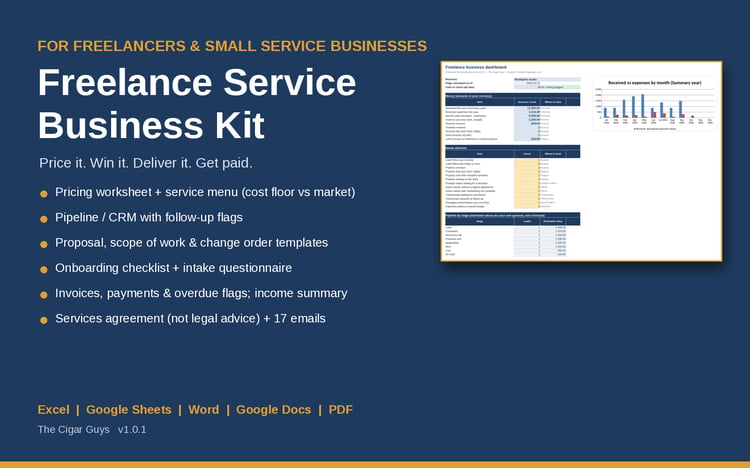
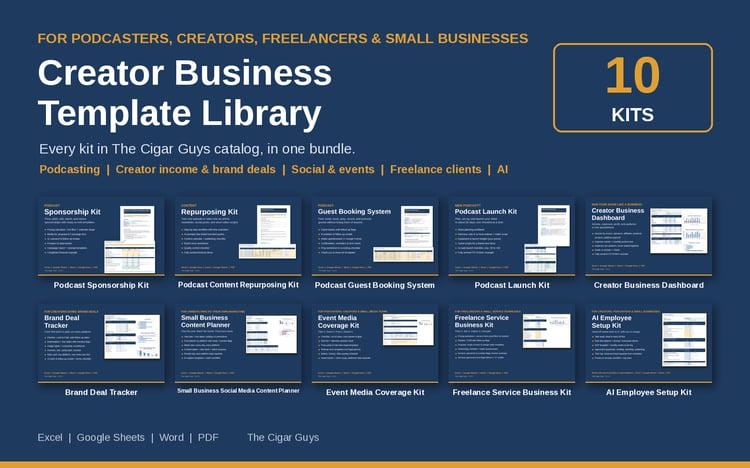
- Freelance Service Business Kit (pricing, client CRM, proposals, scope of work, invoices, and client emails): https://payhip.com/b/QgC5a
- Small Business Content Planner (plan and track the content your content drafter helps with): https://payhip.com/b/4vg8E
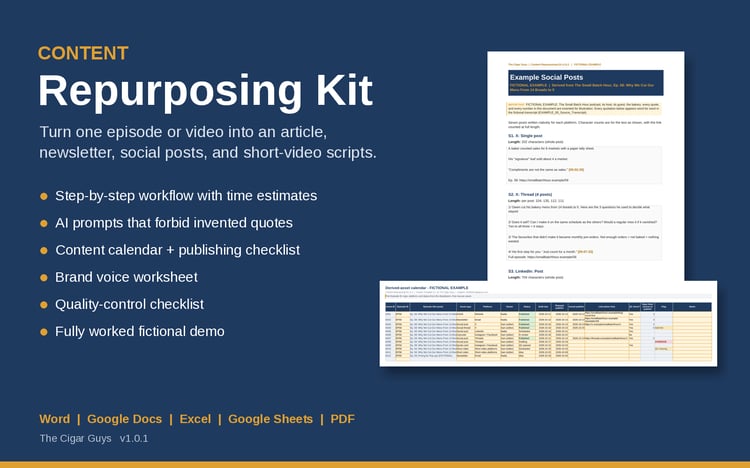
- Content Repurposing Kit (turn one long piece into posts, newsletters, and short-video scripts): https://payhip.com/b/vPEeT
Formats: .xlsx, .docx, .pdf. Works in Microsoft Excel and Word, Google Sheets and Docs, and LibreOffice. No macros or add-ons.
Refunds: these are instant digital downloads, so all sales are final and we don't offer refunds. If a file is broken, missing, or won't open, email info@thecigarguys.com and we'll fix or replace it.
License: for your own personal or business use, including with your own staff and contractors. No resale or redistribution, including the prompt library. Questions: info@thecigarguys.com
FAQ
Q: Which AI tools does it work with?
A: Any. The templates are plain text and checklists, so you can use them with any chat assistant or agent platform, for example ChatGPT, Claude, Gemini, or Grok. The kit doesn't depend on any product's features, so check your own tool's documentation for what it can do.
Q: Will it save me time?
A: That depends on your work, and nobody can promise it in advance. The kit helps you pick good tasks to hand off and then measure the result: timed before-and-after entries are kept separate from estimates, and setup time counts.
Q: Can an AI "employee" run on its own?
A: The kit assumes every AI role has a human owner, and that anything that sends, publishes, spends money, or contacts people has a human sign-off. You can loosen that for low-risk work, deliberately and in writing.
Q: Is the privacy checklist legal advice?
A: No. It's a practical checklist. Privacy and data rules differ by place and industry, and each tool's terms change, so check them yourself and get professional advice where it matters.
Q: Does it work in Google Sheets?
A: Yes. Unzip on a computer, upload the .xlsx to Google Drive, open it, then choose File > Save as Google Sheets. The formulas use only functions that Excel, Google Sheets, and LibreOffice all support. Charts may look slightly different after conversion.
Q: I'm new to AI tools. Is this too advanced?
A: Start with the Task Audit and one role in draft-only mode. The Start Here guide walks through the first role step by step.
Q: Can I set this up for clients?
A: Use it inside your own business to plan and document the work. Each client business that wants its own copy of the files needs its own license.
Q: Can I get a refund?
A: No refunds on digital downloads. These are instant digital downloads, so all sales are final. If a file is broken, missing, or won't open, email info@thecigarguys.com and we'll fix or replace it.
Q: Will I get updates?
A: Yes. When the kit is updated, the new file replaces the old one in Payhip. You can download it again from your purchase link or customer account, and CHANGELOG.txt lists what changed.
Q: How do I get support?
A: Email info@thecigarguys.com with your order email and the file you're asking about.