
If you run a small business, you have probably created a checklist before. Maybe it is a closing checklist, an onboarding checklist, or a list of steps you follow before sending an invoice.
But when does a checklist stop being enough? And when do you actually need a standard operating procedure, or SOP?
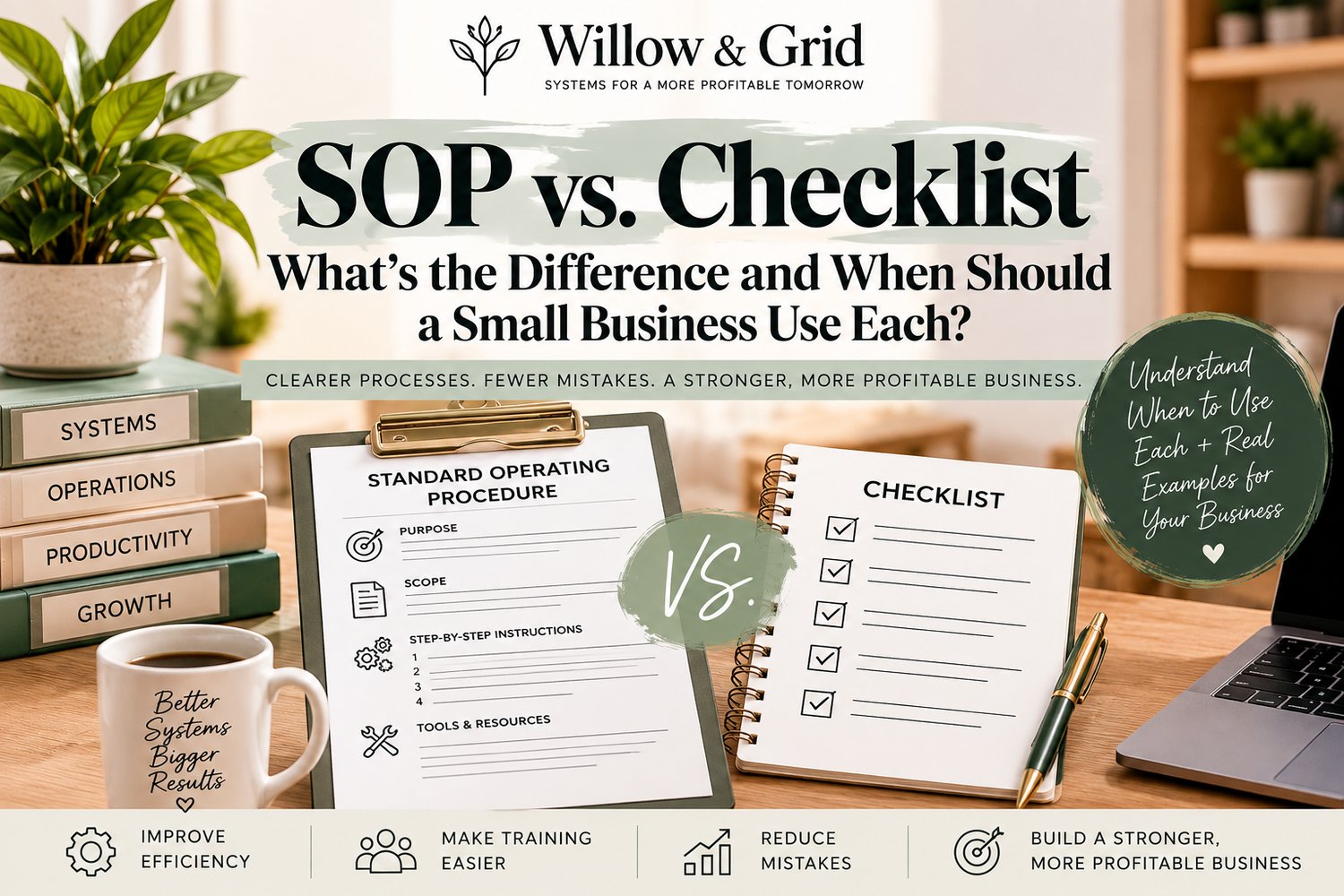
The two tools are closely related, but they are not the same. A checklist helps you remember what needs to happen. An SOP explains how to do it correctly.
SOP vs. Checklist: The Simple Difference
A checklist is a short list of tasks or checkpoints. It is best when the person already knows how to perform each step and simply needs a reminder.
An SOP is a detailed set of instructions for completing a repeatable process. It is best when the process needs to be performed consistently, taught to someone else, or completed without relying on one person's memory.
Think of it this way:
- Checklist: “Send welcome email.”
- SOP: Explains which welcome email template to use, when to send it, what information to include, which attachments to add, where to record that it was sent, and what to do if the client has not completed payment.
Both can be useful. The key is knowing which one fits the task.
When a Checklist Is Enough
A checklist works well when the process is simple, familiar, and low-risk.
Use a checklist when:
- The person completing the task already knows how to do it.
- The steps are short and straightforward.
- The main goal is preventing something from being forgotten.
- There are few decisions or exceptions.
- A mistake would be easy to correct.
For example, a small business closing checklist might include:
- Lock front door
- Turn off equipment
- Empty trash
- Set alarm
- Confirm register is closed
The checklist does not need to explain how to lock a door or turn off the equipment if the employee already knows how.
When You Need an SOP
An SOP is the better choice when the process requires more explanation or consistency.
Create an SOP when:
- Someone new needs to learn the process.
- The process has several steps or decision points.
- The task affects customers, money, compliance, or important records.
- Different people are completing the same task in different ways.
- Mistakes are causing delays, refunds, missed follow-ups, or lost revenue.
- The process currently lives mostly in one person's head.
- You want to delegate the task without answering the same questions repeatedly.
Client onboarding is a good example. A simple checklist may say:
- Send welcome email
- Collect documents
- Confirm payment
- Schedule kickoff
But a useful onboarding SOP would explain exactly how each step should be completed, which tools and templates to use, who owns each task, what to do when information is missing, and how to confirm onboarding is complete.
Quick Comparison: SOP vs. Checklist
Checklist
- Tells someone what needs to be done
- Usually short and simple
- Best for familiar, straightforward tasks
- Usually has few or no decision points
- Useful as a reminder
- Can be used alongside an SOP
SOP
- Explains how something should be done
- Usually includes more detail
- Best for processes that require consistency or training
- Can explain decisions, exceptions, and different paths
- Useful for training and delegation
- Can include a checklist
Sometimes You Need Both
One of the most useful approaches for a small business is to use an SOP and a checklist together.
The SOP becomes the full reference document. The checklist becomes the quick version someone uses while completing the task.
For example, your customer refund SOP might explain:
- Who can approve a refund
- Which situations qualify
- How to process the refund in your payment system
- How to update the customer record
- What message to send the customer
- What to do if the refund cannot be processed
Then the accompanying checklist might simply say:
- Confirm eligibility
- Get approval if required
- Process refund
- Update customer record
- Send confirmation
The SOP teaches and standardizes the process. The checklist helps someone execute it without skipping a step.
How to Decide Which One Your Business Needs
Ask these five questions:
- Does someone need instructions, or only reminders? If they need instructions, create an SOP. If they only need reminders, a checklist may be enough.
- Are there decisions or exceptions? If the answer changes depending on the situation, document those decision points in an SOP.
- Could a mistake cost time, money, or a customer? The higher the impact of a mistake, the more useful detailed documentation becomes.
- Could someone new complete this task without asking for help? If not, the process probably needs an SOP.
- Is the process repeated often? Frequently repeated work is usually worth documenting because even small improvements compound over time.
A Simple Rule to Remember
If the person needs to know what to remember, use a checklist.
If the person needs to know how to complete the work, use an SOP.
If the process is important and repeated often, use both.
Start With One Process
You do not need to document everything at once. Pick one process that is creating confusion, repeated questions, delays, or inconsistent results.
If you are new to SOPs, start with our guide How to Write an SOP for a Small Business: A Simple Step-by-Step Guide. It walks through the full process of turning repeatable work into a clear, usable system.
Build It Faster With a Ready-to-Use Template
If you are ready to document a process but do not want to start with a blank page, the Willow & Grid Small Business SOP Builder - Standard Operating Procedure Template Kit gives you a structured framework for creating organized SOPs faster.
As your procedures grow, use our How to Systemize a Small Business Without Expensive Software guide to turn individual SOPs and checklists into a repeatable operating system.
Get the Small Business SOP Builder
Start simple. Document the process. Make it easier to repeat. Then turn the next recurring task into a system too.