
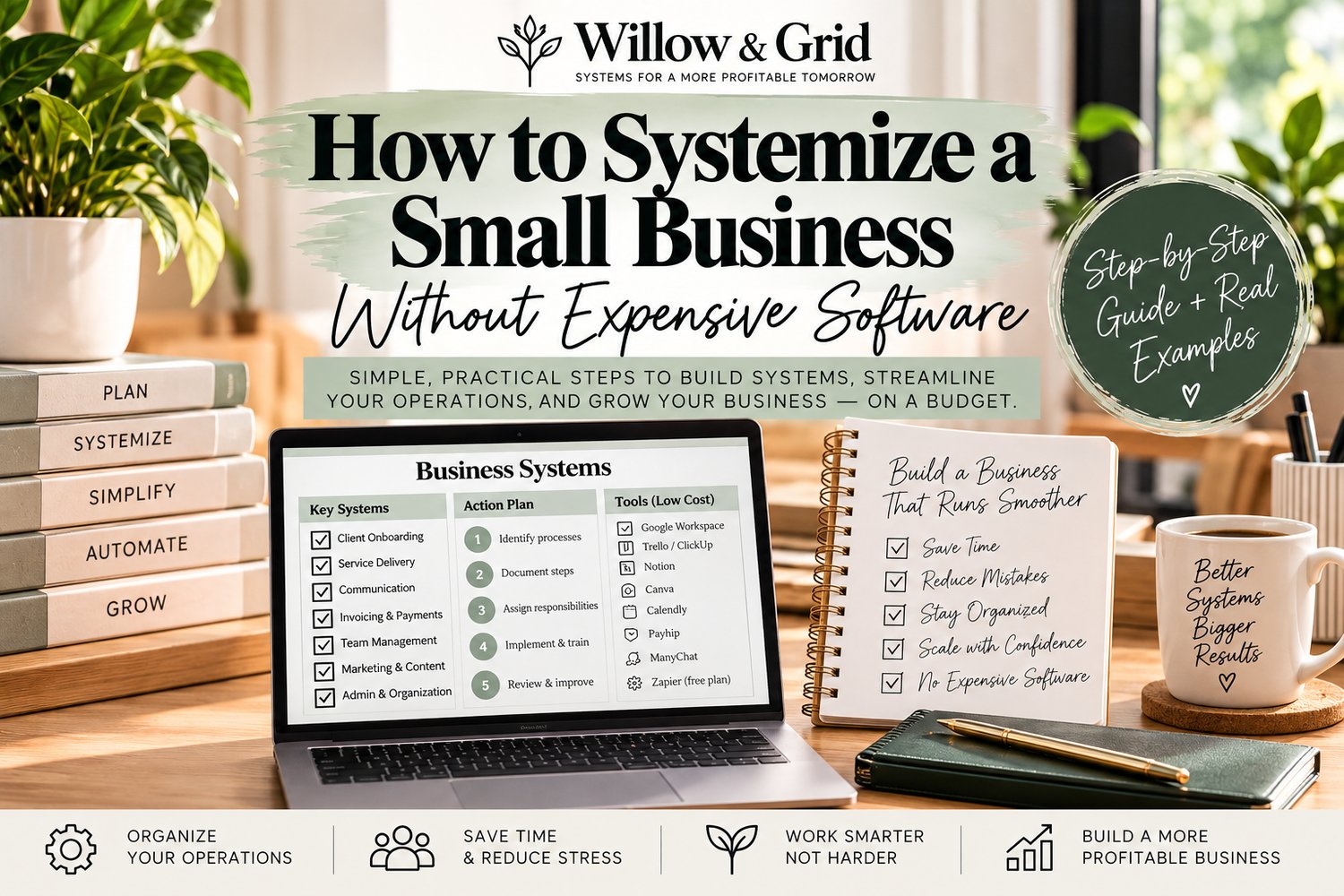
If your business depends on you remembering every step, answering every question, and fixing the same problems over and over, the issue usually is not effort. It is a lack of systems.
Systemizing a small business means turning repeatable work into clear processes that can be followed consistently. You do not need expensive software or a large team to start. You need to identify the work that repeats, document it, assign ownership, and make the process easy to follow.
This guide walks through a simple way to systemize a small business without overcomplicating it.
What Does It Mean to Systemize a Small Business?
A business system is a repeatable way of getting a specific result. It usually includes a trigger, a process, an owner, and a clear definition of what “done” looks like.
For example, instead of “handle new clients,” a system might look like this:
- A signed agreement starts the process.
- The client receives a welcome email and intake form.
- Payment is confirmed.
- The client record is created.
- A kickoff meeting is scheduled.
- The process is marked complete.
The goal is not to make your business feel corporate. The goal is to stop relying on memory for work that happens again and again.
Start With the Work That Repeats
Do not try to systemize your entire business at once. Start with the processes that happen often, create mistakes, take too much of your time, or cause repeated questions.
Good starting points include:
- Lead follow-up
- Client onboarding
- Invoicing and payment follow-up
- Customer service requests
- Order fulfillment
- Scheduling
- Employee or contractor onboarding
- Weekly reporting
- Content publishing
- Refunds or cancellations
If you are unsure which process to document first, choose the one that creates the most friction when it is missed, delayed, or done differently each time.
Step 1: Identify the Trigger
Every useful system starts with a clear trigger. The trigger tells you when the process begins.
Examples:
- A customer submits an inquiry.
- A client signs an agreement.
- An invoice becomes overdue.
- A customer asks for a refund.
- A new employee accepts an offer.
- A blog post is approved for publishing.
Without a trigger, people may know the process exists but still be unsure when they are supposed to use it.
Step 2: Document the Process
Write down the steps in the order they actually happen. Do not try to make the first version perfect. Capture the real workflow first, then improve it.
If the process needs detailed instructions, turn it into a standard operating procedure. Our guide How to Write an SOP for a Small Business walks through that process step by step.
If you need a structure to follow, use our SOP Template for Small Business guide with examples.
Step 3: Decide Whether You Need an SOP or a Checklist
Not every process needs a long document.
If someone already knows how to perform the work and only needs reminders, a checklist may be enough. If they need instructions, decision rules, tools, or quality standards, an SOP is usually the better choice.
For a simple comparison, read SOP vs. Checklist: What’s the Difference and When Should a Small Business Use Each?
Step 4: Assign an Owner
Every system should have one clear owner. That does not mean the owner completes every step. It means someone is responsible for making sure the process happens correctly.
A process with no owner usually becomes a process everyone assumes someone else is handling.
For each system, define:
- Who starts the process
- Who completes each major step
- Who approves exceptions
- Who is responsible for the final result
Step 5: Define What “Done” Looks Like
A system needs a finish line.
For example, “client onboarding complete” might mean:
- Agreement signed
- Payment confirmed
- Intake form received
- Client folder created
- Kickoff scheduled
- CRM updated
When “done” is clear, fewer tasks get stuck halfway through.
Step 6: Test the System
The easiest way to find missing steps is to have someone follow the process without additional explanation.
Watch for questions such as:
- Where do I find this file?
- Which template should I use?
- Who approves this?
- What happens if the customer does not respond?
- Where do I record the result?
Each question points to something that needs to be clarified.
Step 7: Improve Before You Automate
Automation can save time, but automating a confusing process usually creates a faster version of the same problem.
Before adding software or automation, make sure the manual process is clear and repeatable.
A simple order is:
- Document the process.
- Remove unnecessary steps.
- Assign ownership.
- Test it.
- Then automate repetitive parts where it makes sense.
7 Small Business Systems Worth Building First
You do not need dozens of systems to make progress. Start with the areas that affect customers, cash flow, and recurring work.
1. Lead Follow-Up System
Define how new leads are recorded, when follow-ups happen, which messages are used, and when a lead is closed or moved forward.
2. Client Onboarding System
Create one consistent path from signed agreement to active client.
3. Invoicing and Payment System
Document when invoices are sent, how overdue payments are followed up, and how payment status is tracked.
4. Customer Service System
Set expectations for response times, issue tracking, escalation, and resolution.
5. Content Publishing System
Define how ideas move from draft to review, publishing, distribution, and performance tracking.
6. Employee or Contractor Onboarding System
Standardize access, documents, training, responsibilities, and first-week expectations.
7. Weekly Business Review System
Choose the numbers and outstanding actions you review each week so problems are noticed earlier instead of after they become expensive.
What You Do Not Need to Start
You do not need a complicated project-management platform, a large operations team, or a giant process manual.
You can start with a shared document, spreadsheet, or the tools you already use. The important part is that the process is clear, accessible, and actually followed.
A Simple Small Business System Template
For each process, document:
- System Name: What process is this?
- Trigger: What starts it?
- Owner: Who is accountable?
- Tools: What is needed?
- Steps: What happens and in what order?
- Exceptions: What changes when something goes wrong?
- Definition of Done: How do you know it is complete?
- Where It Is Recorded: Where is the result saved?
- Review Date: When should the system be checked again?
Start With One System This Week
Choose one process that currently depends too much on memory, causes repeated questions, or creates avoidable delays. Document it, test it, and improve it.
Then move to the next one.
Small-business systems are built one repeatable process at a time.
Build Your SOPs Faster
If documenting your processes is the part that keeps getting pushed aside, the Willow & Grid Small Business SOP Builder - Standard Operating Procedure Template Kit gives you a ready-to-use structure for turning repeatable work into clear procedures.
Get the Small Business SOP Builder
You do not need to systemize everything today. Start with the process that is costing you the most time, confusion, or inconsistency and build from there.