
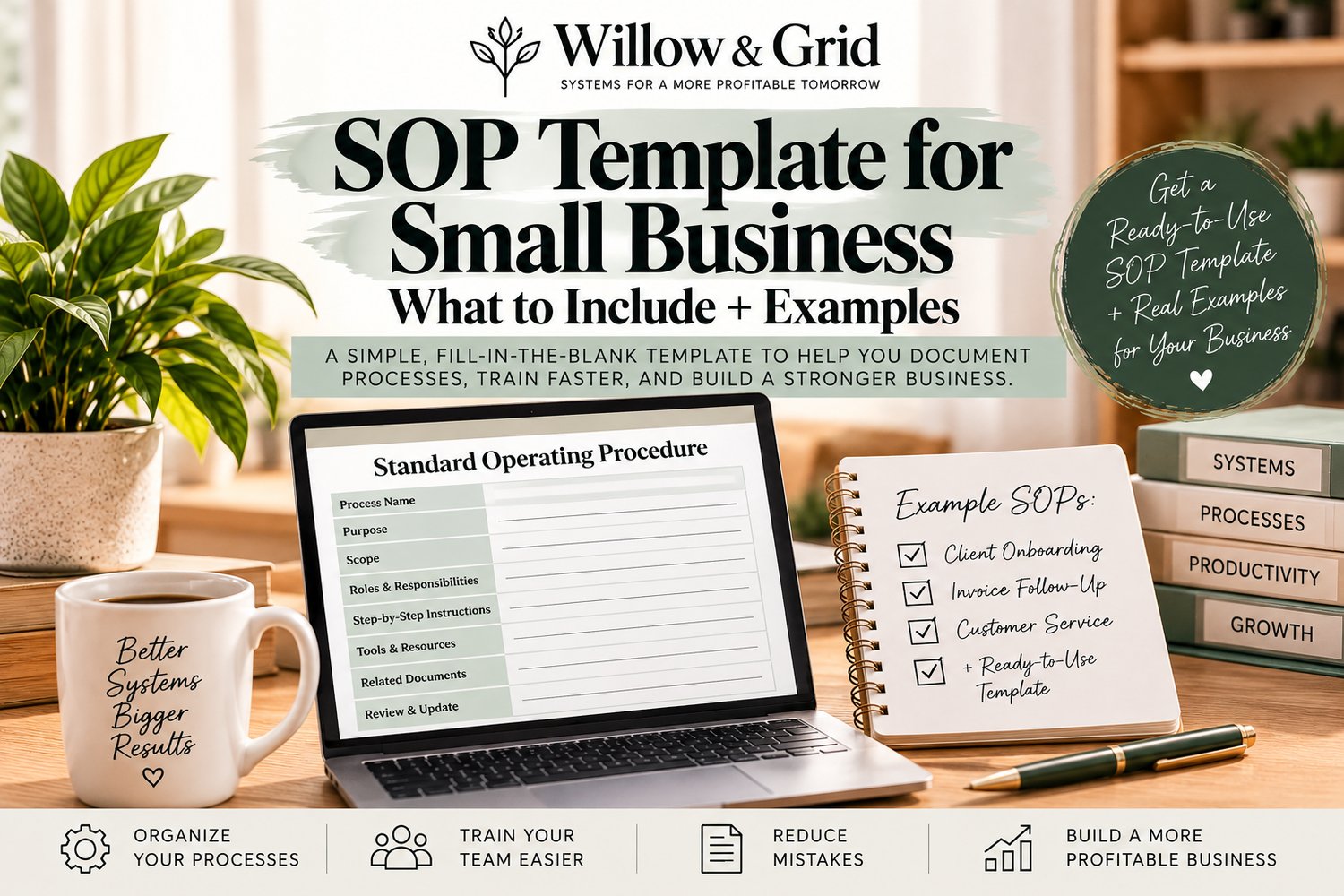
Starting an SOP from a blank page can make a simple process feel harder than it needs to be. A good SOP template gives you the structure first, so you can focus on documenting the actual work.
For most small businesses, an SOP does not need to be complicated. It just needs to be clear enough that someone can follow the process without guessing what comes next.
This guide shows you what to include in a small business SOP template, how to organize it, and what a few real-world examples can look like.
What Is an SOP Template?
An SOP template is a repeatable format for documenting how a business process should be completed. Instead of deciding how to organize every new SOP from scratch, you use the same basic structure each time.
That makes your procedures easier to create, easier to update, and easier for employees or contractors to understand.
If you are still learning the basics, start with our guide How to Write an SOP for a Small Business: A Simple Step-by-Step Guide.
What Should a Small Business SOP Include?
A practical SOP template usually includes the following sections.
1. SOP Title
Use a title that clearly identifies the process. Avoid vague names like “Office Tasks.” A better title would be “New Client Onboarding” or “Weekly Invoice Follow-Up.”
2. Purpose
Briefly explain why the process exists and what it is supposed to accomplish.
Example: “This SOP explains how to onboard a new client from signed agreement through kickoff so every client receives the same required information and setup.”
3. Scope
Define when the SOP should be used and, if necessary, when it should not be used.
Example: “Use this process for all new monthly service clients after the agreement has been signed.”
4. Process Owner
Identify the person or role responsible for the process. You can also list anyone who approves or supports specific steps.
5. Tools and Information Needed
List the systems, files, templates, logins, forms, or information someone needs before starting.
For example:
- Client agreement
- Payment system
- CRM or customer record
- Welcome email template
- Scheduling link
6. Step-by-Step Instructions
Write the process in the order it should happen. Each step should tell the reader exactly what action to take.
Keep the language simple. Start each step with a clear action such as:
- Open
- Confirm
- Send
- Record
- Review
- Upload
- Schedule
7. Decision Points and Exceptions
If the process changes based on the situation, explain what to do.
Example: “If payment has not been received, do not schedule the kickoff meeting. Send the payment reminder template and follow up in two business days.”
8. Quality Check
Explain how someone knows the process was completed correctly.
This might include checking that a record was updated, confirming an email was sent, reviewing a document, or making sure required fields were completed.
9. Records or Documentation
State where completed work should be recorded or saved. This keeps important information from disappearing into email inboxes or individual notes.
10. Review Date
Add a simple “last reviewed” date. Business processes change, and outdated SOPs can create just as much confusion as having no SOP at all.
Simple SOP Template Structure
You can use this basic structure for many small business processes:
- SOP Name:
- Purpose:
- Scope:
- Owner:
- Trigger / When to Start: What event, schedule, request, or condition starts this process?
- Tools/Information Needed:
- Steps:
- Decision Points/Exceptions:
- Quality Check:
- Where to Record or Save:
- Last Reviewed:
Not every process needs every section. A simple recurring task may only need a few of them. A more important process involving money, customers, or multiple people may need more detail.
SOP Example #1: New Client Onboarding
SOP Name: New Client Onboarding
Purpose: Make sure every new client receives the required welcome information, payment confirmation, documents, and kickoff scheduling.
Owner: Client Success or Business Owner
Tools Needed: CRM, payment system, welcome email template, intake form, scheduling link
Steps:
- Confirm the signed agreement has been received.
- Confirm the initial payment has been completed.
- Create or update the client record.
- Send the welcome email and intake form.
- Save all required documents to the client's folder.
- Send the kickoff scheduling link.
- Confirm the kickoff meeting is scheduled.
- Mark onboarding complete in the client record.
Exception: If payment is missing, pause onboarding and send the payment reminder.
Quality Check: Agreement, payment, intake information, client record, and kickoff date are all complete.
SOP Example #2: Invoice and Payment Follow-Up
SOP Name: Overdue Invoice Follow-Up
Purpose: Follow up consistently on overdue invoices without relying on memory.
Owner: Business Owner or Accounts Receivable
Steps:
- Review the overdue invoice list.
- Confirm the payment has not already been received.
- Send the first payment reminder using the approved template.
- Record the follow-up date.
- If payment is still missing after the defined follow-up period, send the second reminder.
- Escalate according to the business's payment policy when required.
Quality Check: Every overdue invoice has a current status and next follow-up date.
SOP Example #3: Customer Service Request
SOP Name: Customer Service Request Handling
Purpose: Make sure customer questions are acknowledged, documented, and resolved consistently.
Owner: Customer Service
Steps:
- Review the customer's message and confirm the issue.
- Record the request in the appropriate system.
- Send an acknowledgment if the issue cannot be resolved immediately.
- Complete the required action or route the request to the correct person.
- Send the customer the resolution or next-step update.
- Document the outcome.
Quality Check: The customer received a response and the final outcome was recorded.
Do You Need an SOP or Just a Checklist?
Not every repeated task needs a full procedure. If someone already knows how to complete the work and only needs a reminder of the steps, a checklist may be enough.
For a full comparison, read SOP vs. Checklist: What’s the Difference and When Should a Small Business Use Each?
Common SOP Template Mistakes
A template helps, but the document still needs to be usable. Watch for these common problems:
- Writing too much: More detail is not always better. Include what someone needs to complete the process correctly.
- Using vague steps: “Handle the client” is not an instruction. Explain the actual action.
- Skipping exceptions: If the process changes when something goes wrong, document that.
- Leaving out ownership: Make it clear who is responsible for the process.
- Creating the SOP and never testing it: Have someone follow it. Their questions will show you what is missing.
- Never updating it: Review procedures when tools, policies, responsibilities, or workflows change.
How to Use Your SOP Template
Start with one process that happens often or creates repeated questions. Fill in the template, test it, fix anything that is unclear, and then put it where the people doing the work can actually find it.
Once that process is documented, move to the next recurring task. Over time, you build a small business operations library instead of trying to document everything in one weekend.
After you create your first few SOPs, read How to Systemize a Small Business Without Expensive Software to organize those procedures into a practical business system.
Want a Ready-to-Use SOP System?
If you would rather start with a structured template instead of building your own from scratch, the Willow & Grid Small Business SOP Builder - Standard Operating Procedure Template Kit gives you a practical framework for documenting repeatable processes faster.
Get the Small Business SOP Builder
Clear processes make it easier to delegate, train, stay consistent, and protect the time you are currently spending explaining the same work over and over.