Create Mailto URL 1.5
On Sale
$0.00
Pay what you want:
$
Create Mailto URL 1.5
Configure mailto: buttons without the headache
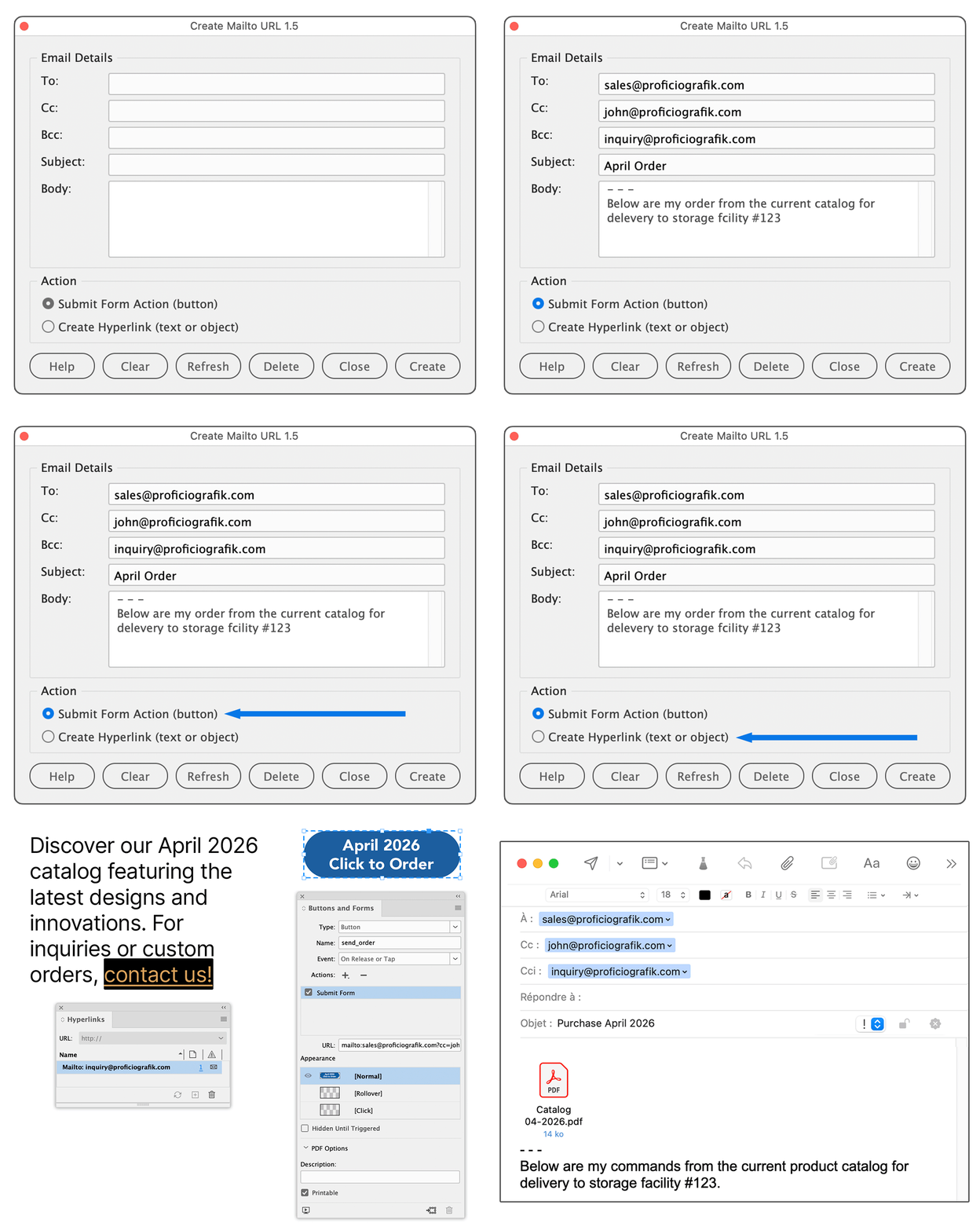
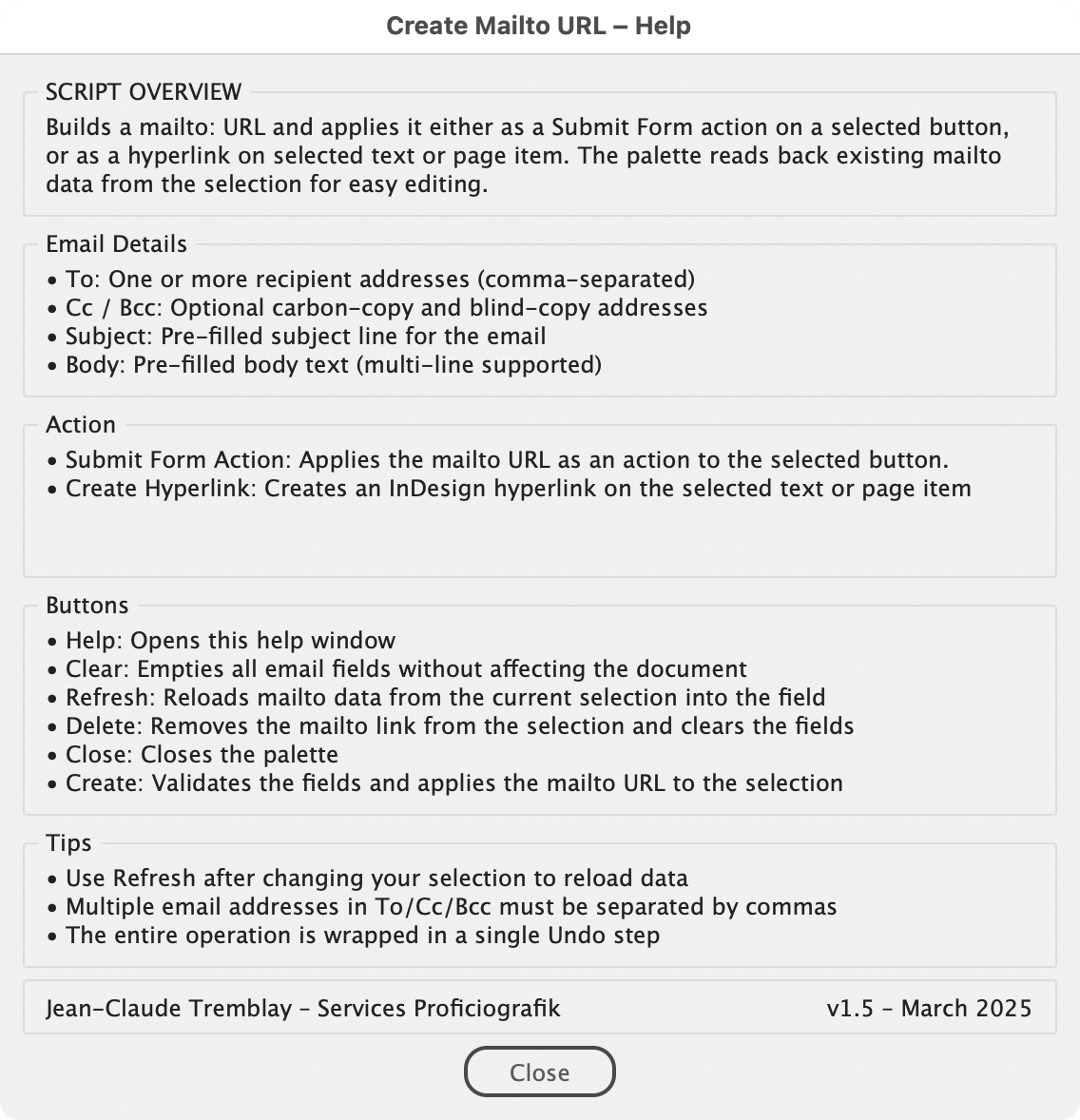
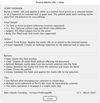
Manually building mailto: URLs with recipients, CC, BCC, subject, and body is tedious and error-prone. This script gives you a persistent palette with a simple form to fill in your email details, validates the addresses, and applies the resulting mailto: URL either as a Submit Form action on a button or as a hyperlink on selected text or object. It also reads back existing mailto: URLs so you can edit them in place, and lets you delete mailto actions or hyperlinks directly from the palette.
How to use:
- Select a button, text, or object on your InDesign page.
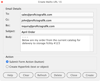
- Run the script — if a mailto: URL already exists on the selection, the fields are pre-filled automatically.
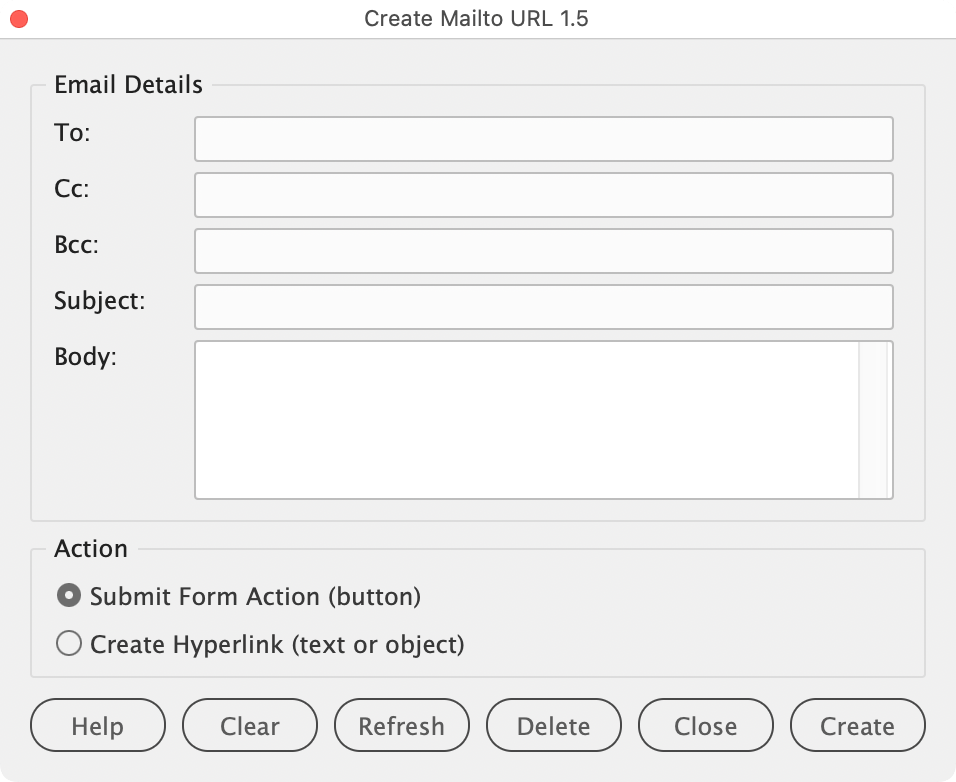
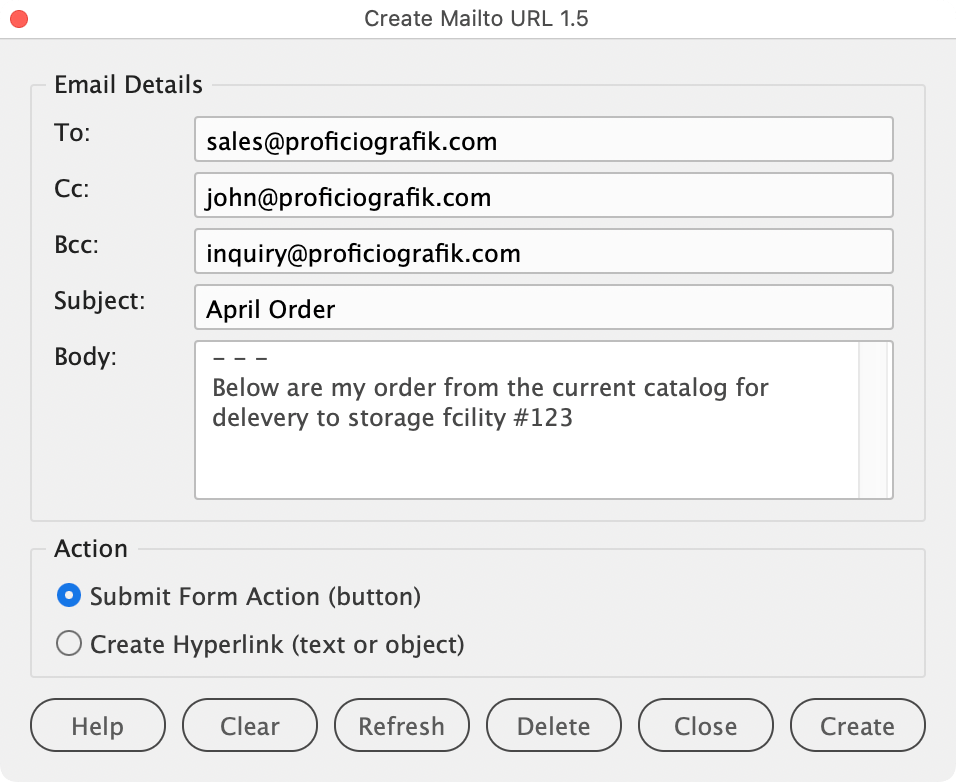
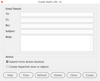
- Fill in or edit the email fields (To, Cc, Bcc, Subject, Body).
- Choose the action mode: Submit Form Action (button) or Create Hyperlink (text/object).
- Click Create — the script validates your addresses and applies the mailto: URL.
- Change your selection at any time and click Refresh to load its mailto data into the fields.
- Use Clear to empty all fields, or Delete to remove the mailto action or hyperlink from the current selection.
What's New in 1.5
- Hyperlink mode — apply mailto URLs to text or objects, not just buttons
- Auto-reads existing mailto data from the selection on launch/refresh
- New buttons: Help, Clear, Refresh, Delete, Create
- Proper cleanup of orphan hyperlink sources on apply/delete
Scripts provided without warranty - backup data and use at your own risk.
Contact me for bugs/feature requests.
Jean-Claude Tremblay – Services Proficiografik