


PDF Properties Suite 2.5
PDF Properties Suite 2.5
Manage custom PDF properties directly from InDesign docs metadata
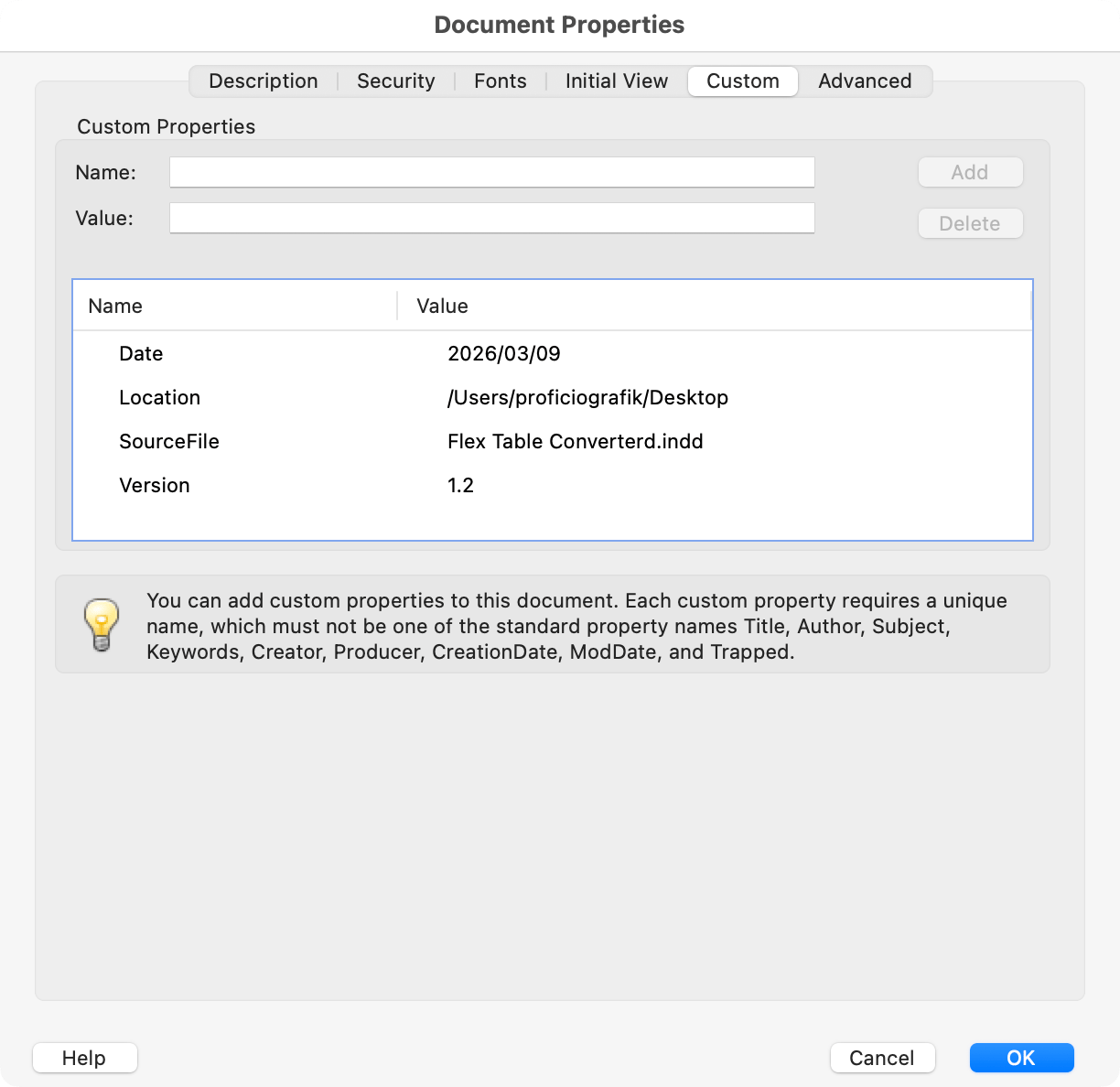
PDF Custom Properties are user-defined metadata fields that appear in Acrobat under File > Properties > Custom tab. They're commonly used in print production and document management workflows to embed traceable information — file names, folder paths, dates, job numbers — directly into the PDF. Setting these properties at the InDesign stage, before export, means the metadata travels with every PDF you generate, eliminating the need to manually add it in Acrobat after the fact.
PDF Properties – Add Name and Path 1.0 — A one-click utility that writes the current document's file name and folder path into the XMP metadata as pdfx custom properties. No dialog, no options — just instant tagging.
PDF Properties – Add 1.1 — A more flexible version of the Add script. A dialog lets you toggle three standard properties (Document Name, Path Location, Date) on or off, and add as many custom name/value pairs as you need through dynamic rows.
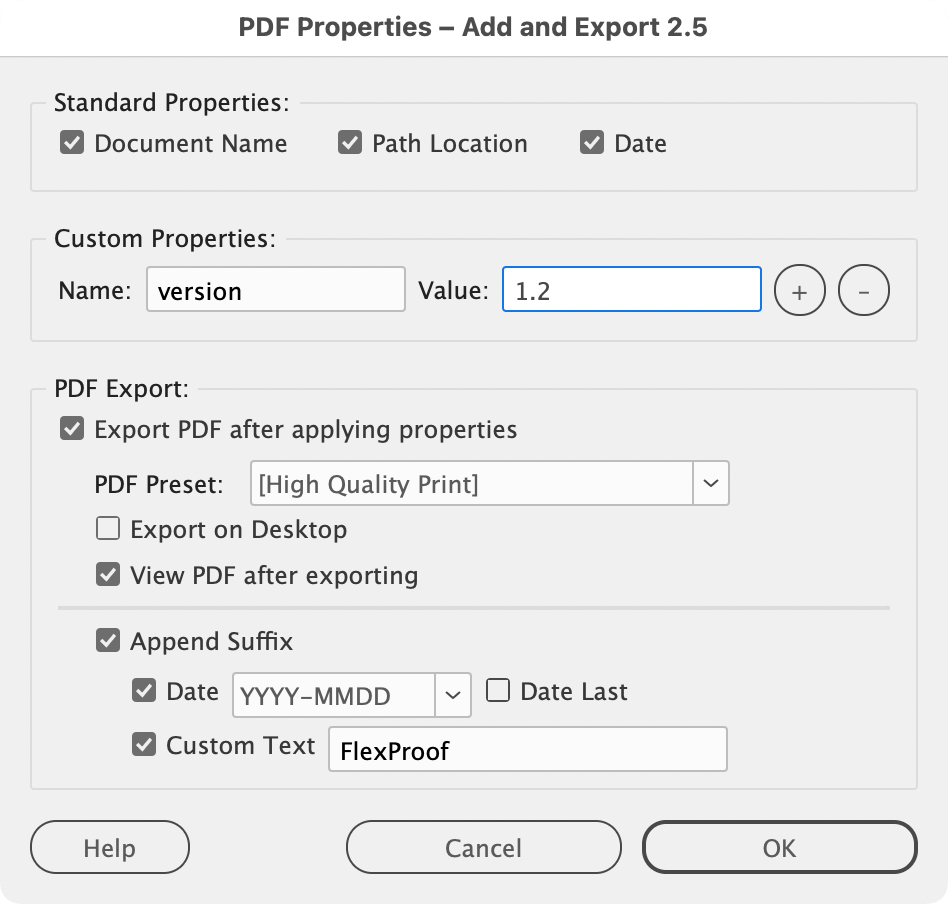
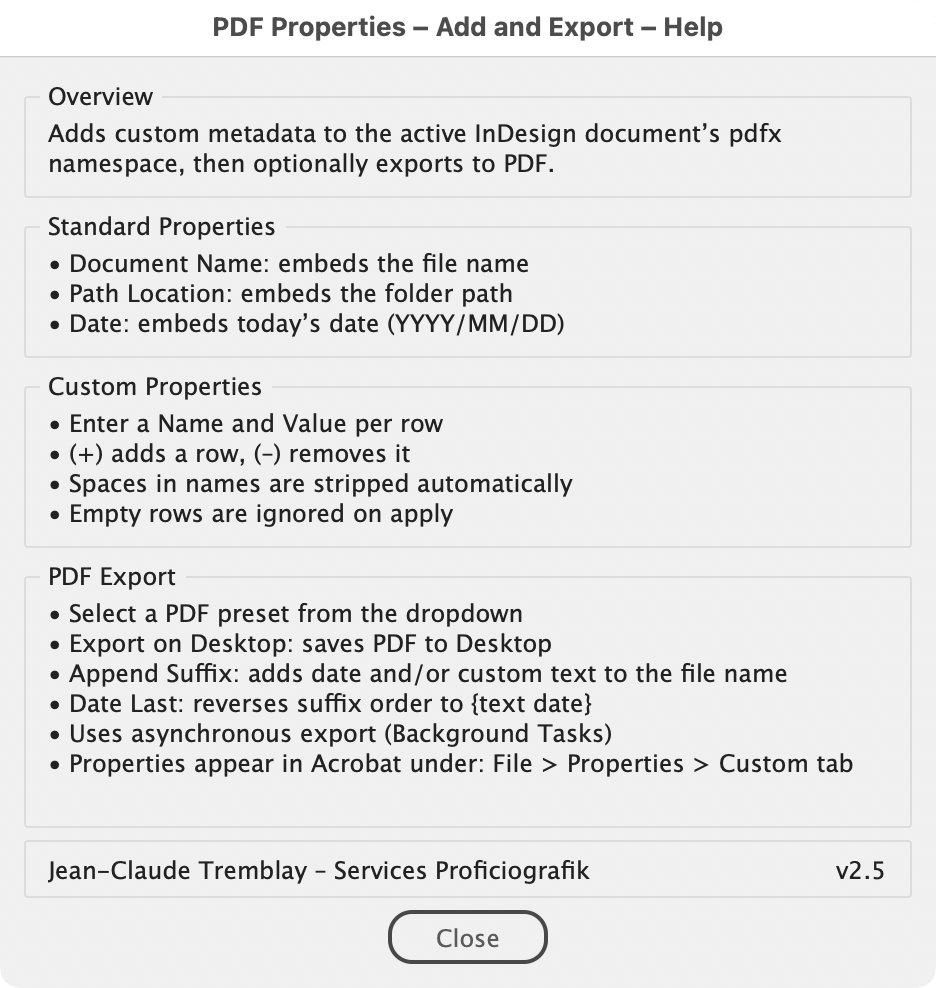
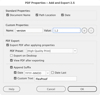
PDF Properties – Add and Export 2.5 — Combines property assignment with PDF export in a single workflow. Set your standard and custom properties, pick an export preset and destination, and the script handles both steps in one pass.
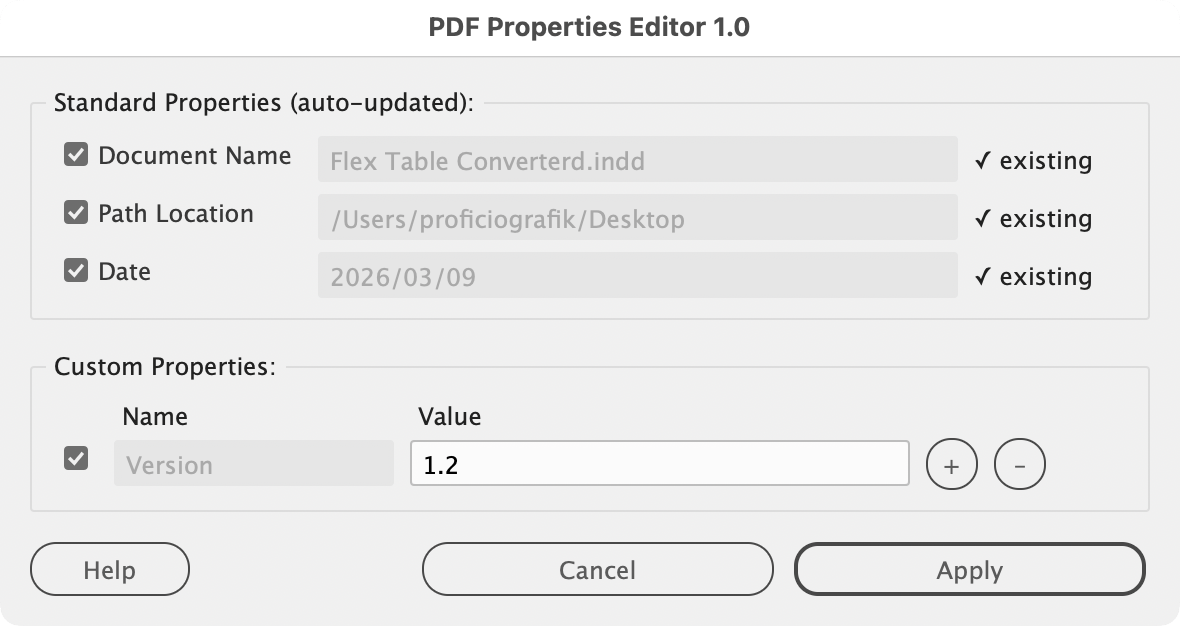
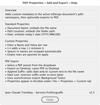
PDF Properties – Editor 1.0 — Reads existing pdfx metadata from the active document and presents it in an editable dialog. Standard properties are auto-refreshed with current values; custom entries can be modified, added, or cleared. Everything applies in a single undo step.
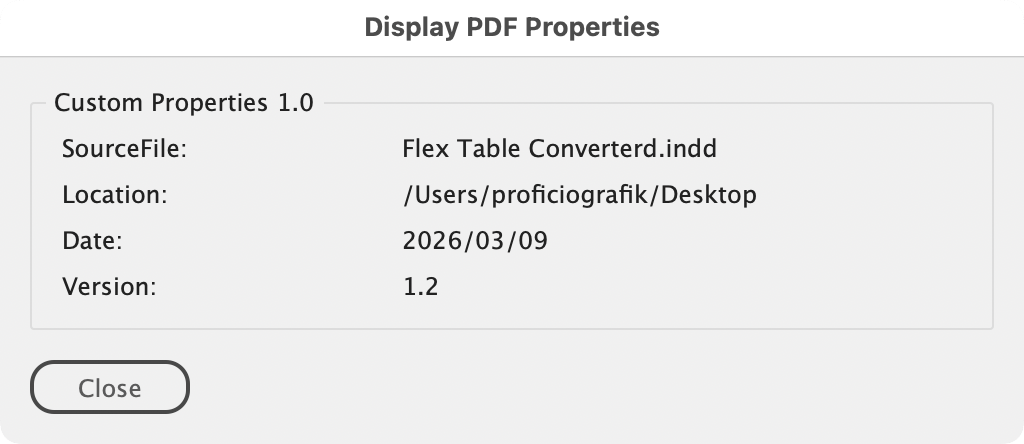
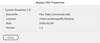
PDF Properties – Display 1.0 — A read-only viewer that extracts and lists all pdfx custom properties currently embedded in the document, letting you verify what's there without opening Acrobat.
PDF Properties – Delete 1.0 — Scans the document's XMP data for all pdfx custom properties and clears them in one operation, with a confirmation prompt showing how many entries will be removed.
Suggested pricing is for single-user licenses. For teams/departments, consider a higher contribution.
Scripts provided without warranty - backup data and use at your own risk.
Contact me for bugs/feature requests.
Jean-Claude Tremblay – Services Proficiografik