
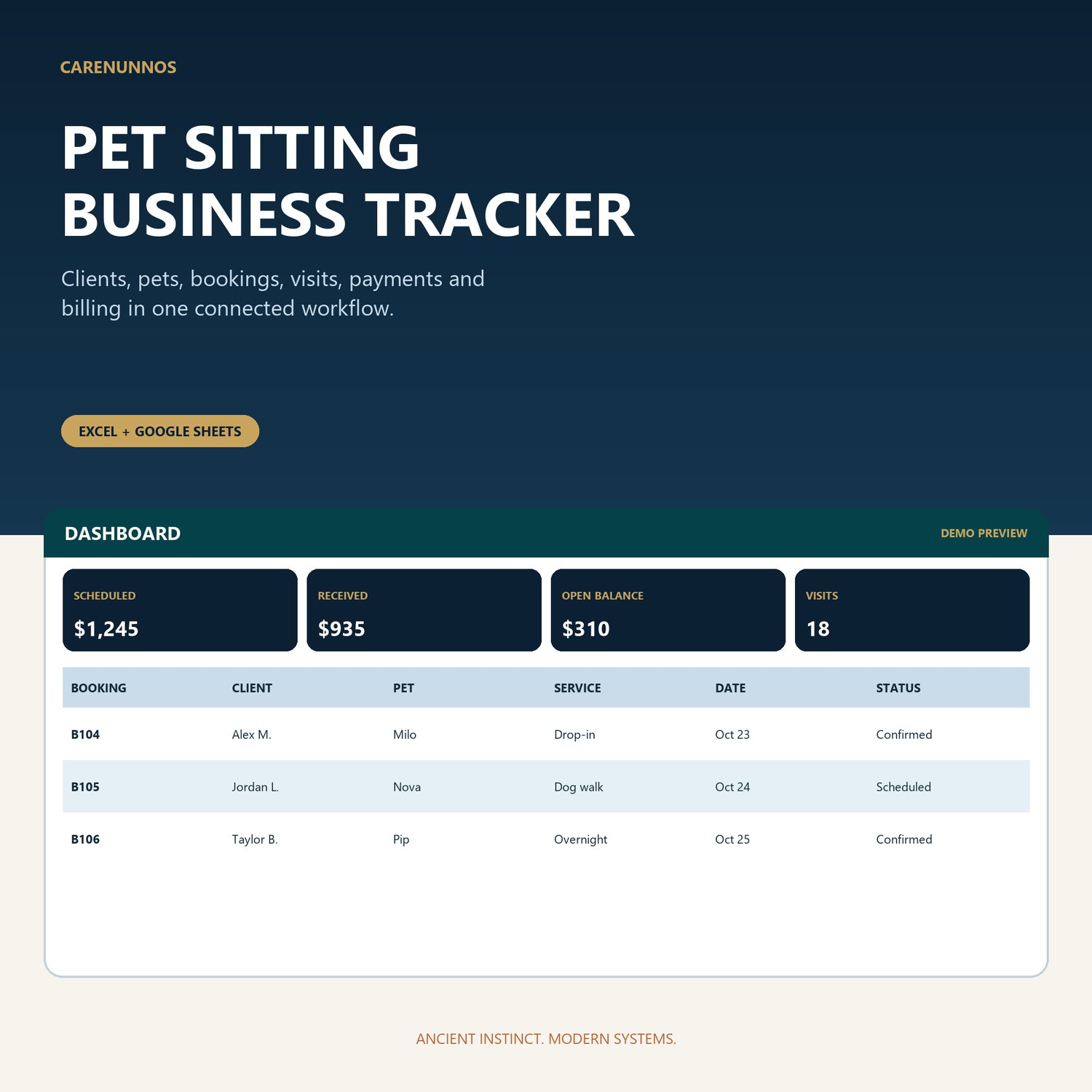

Pet Sitting Business Tracker, Dog Walking Spreadsheet, Excel & Google Sheets Template
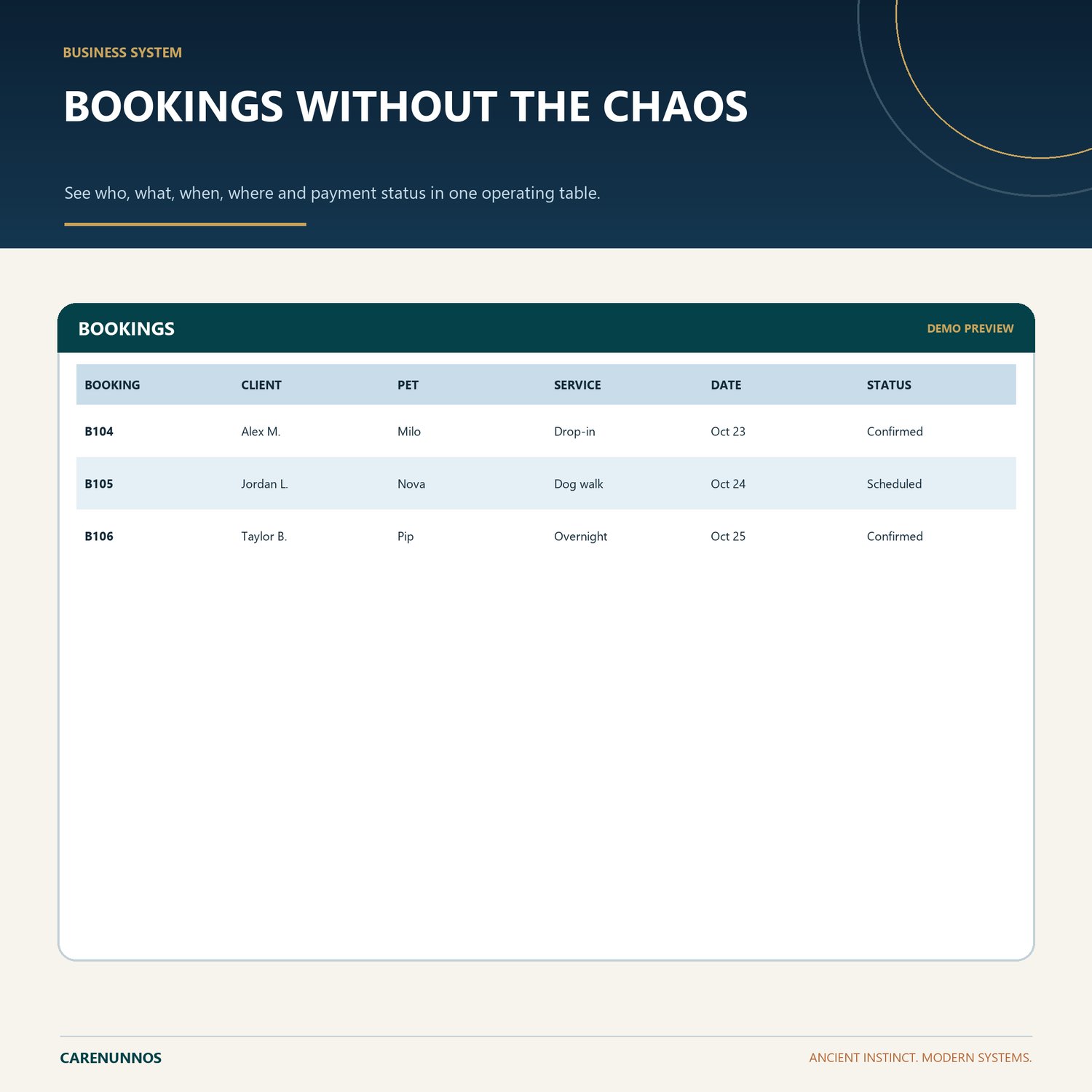
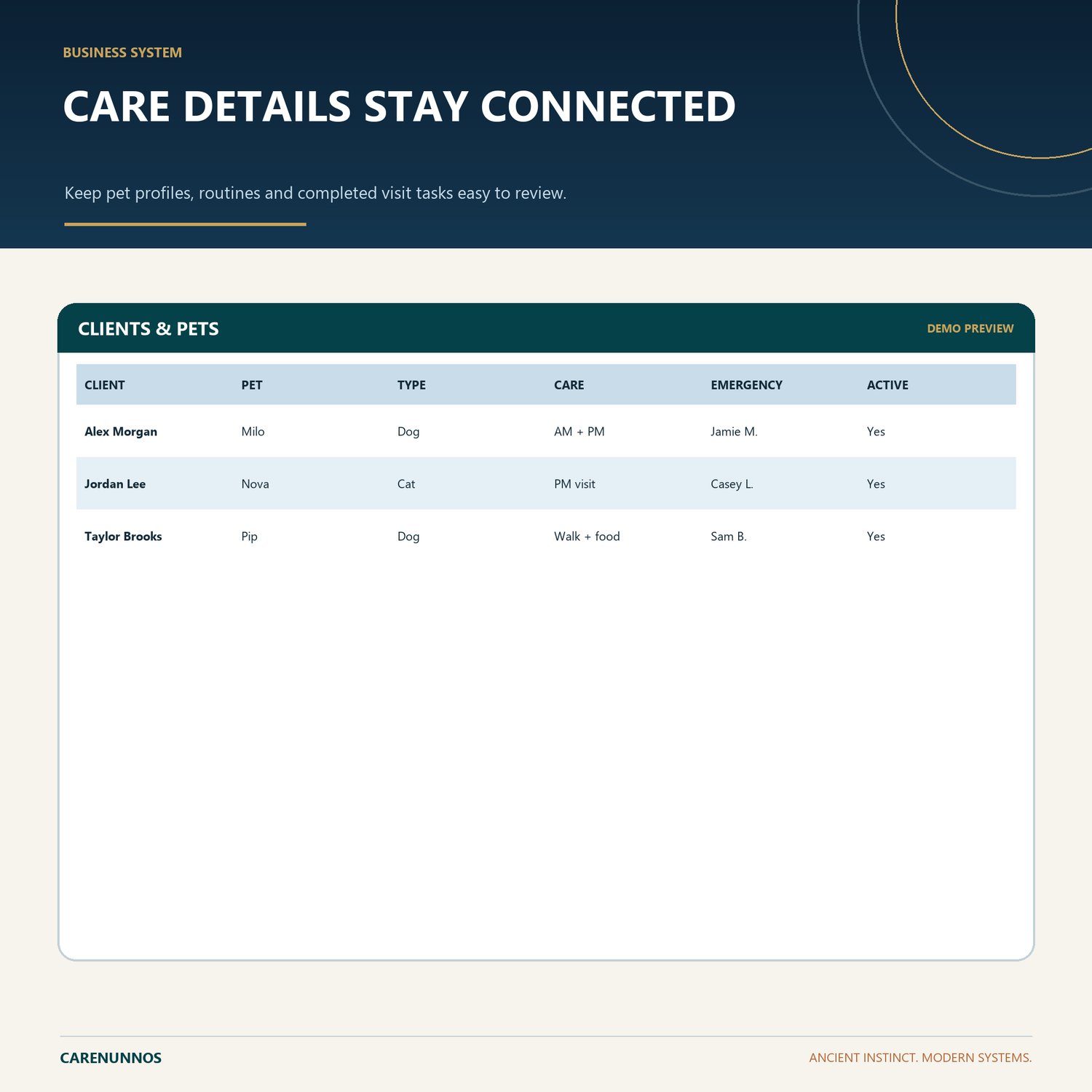
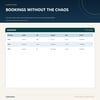
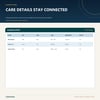
Connect client and pet records, care instructions, bookings, visits, payments, costs and billing in one operational workbook.
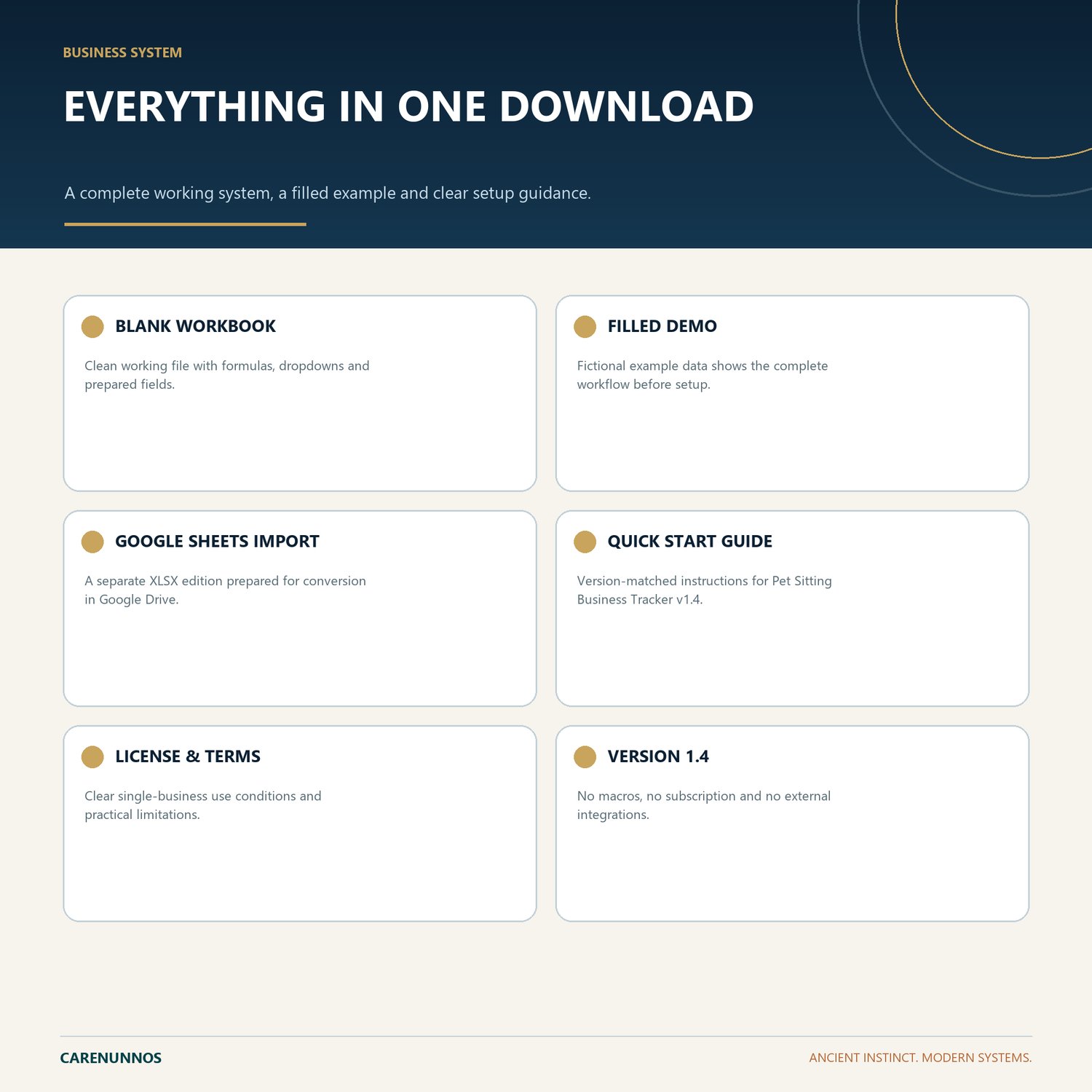
WHAT YOU RECEIVE
- Blank Excel workbook
- Fictional-data Demo workbook
- Google Sheets Import workbook
- Version-matched Quick Start PDF
- CareNunnos License and Use Terms PDF
KEY FEATURES
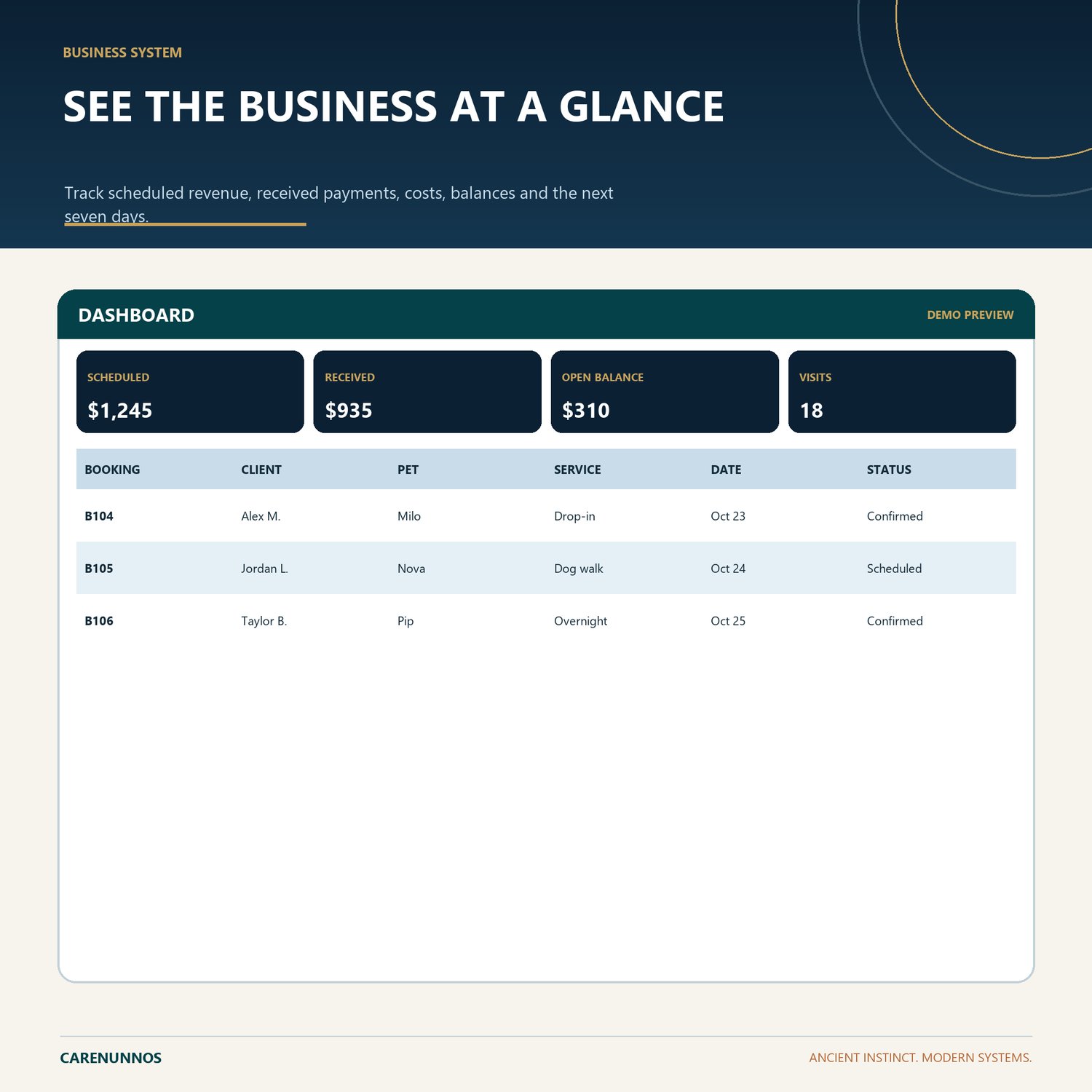
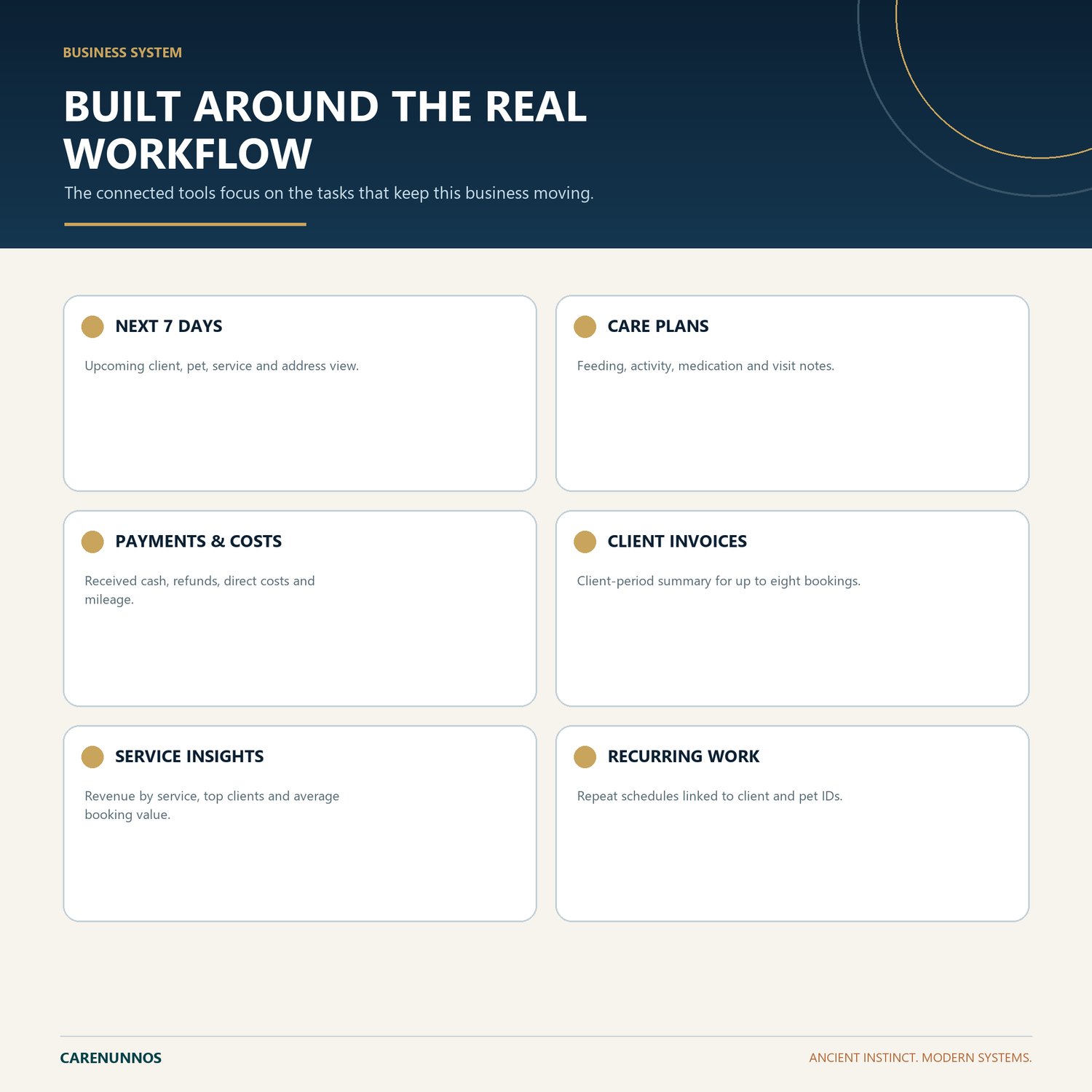
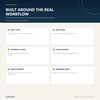
- NEXT 7 DAYS: Upcoming client, pet, service and address view.
- CARE PLANS: Feeding, activity, medication and visit notes.
- PAYMENTS & COSTS: Received cash, refunds, direct costs and mileage.
- CLIENT INVOICES: Client-period summary for up to eight bookings.
- SERVICE INSIGHTS: Revenue by service, top clients and average booking value.
- RECURRING WORK: Repeat schedules linked to client and pet IDs.
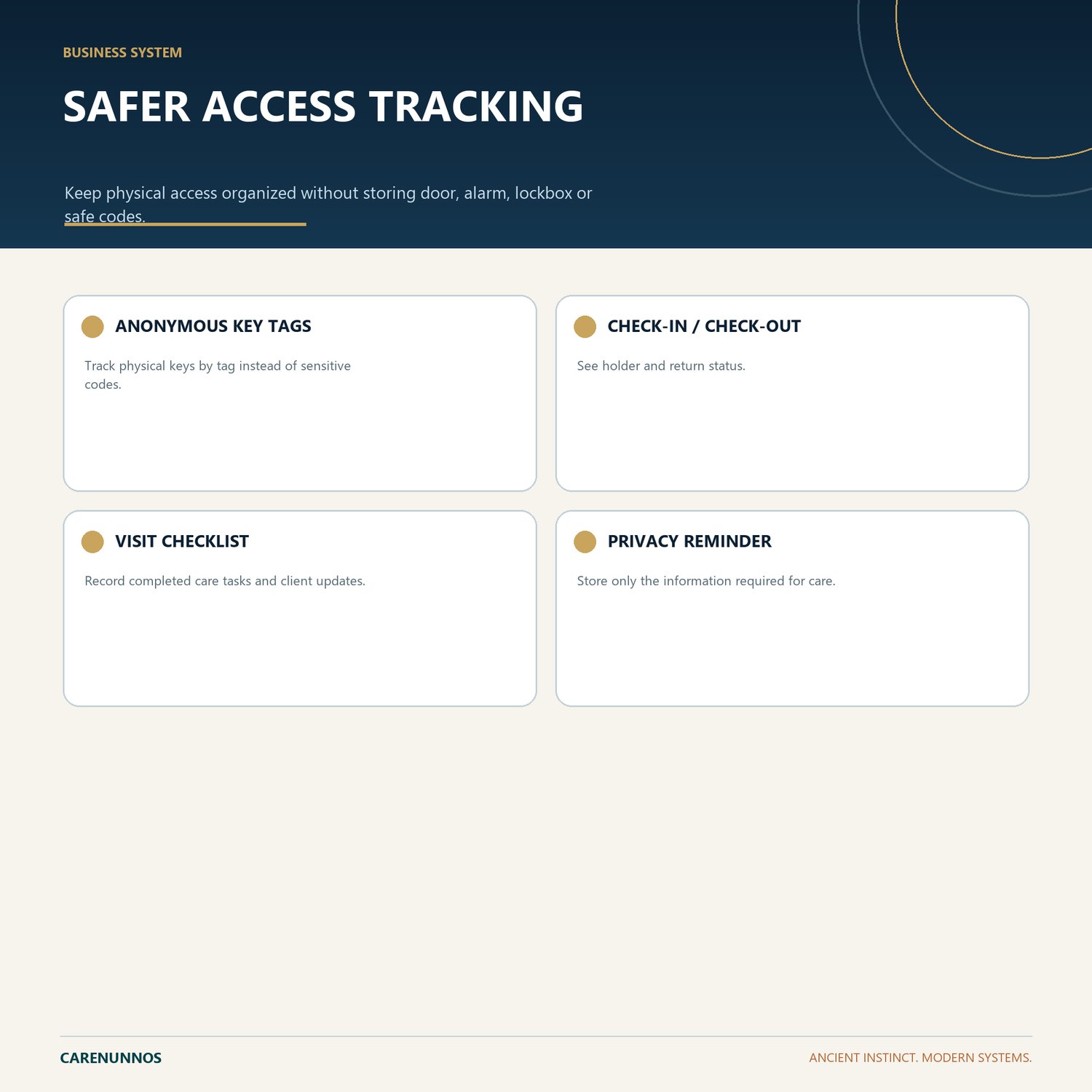
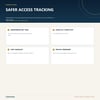
- ANONYMOUS KEY TAGS: Track physical keys by tag instead of sensitive codes.
- CHECK-IN / CHECK-OUT: See holder and return status.
- VISIT CHECKLIST: Record completed care tasks and client updates.
- PRIVACY REMINDER: Store only the information required for care.
HOW IT WORKS
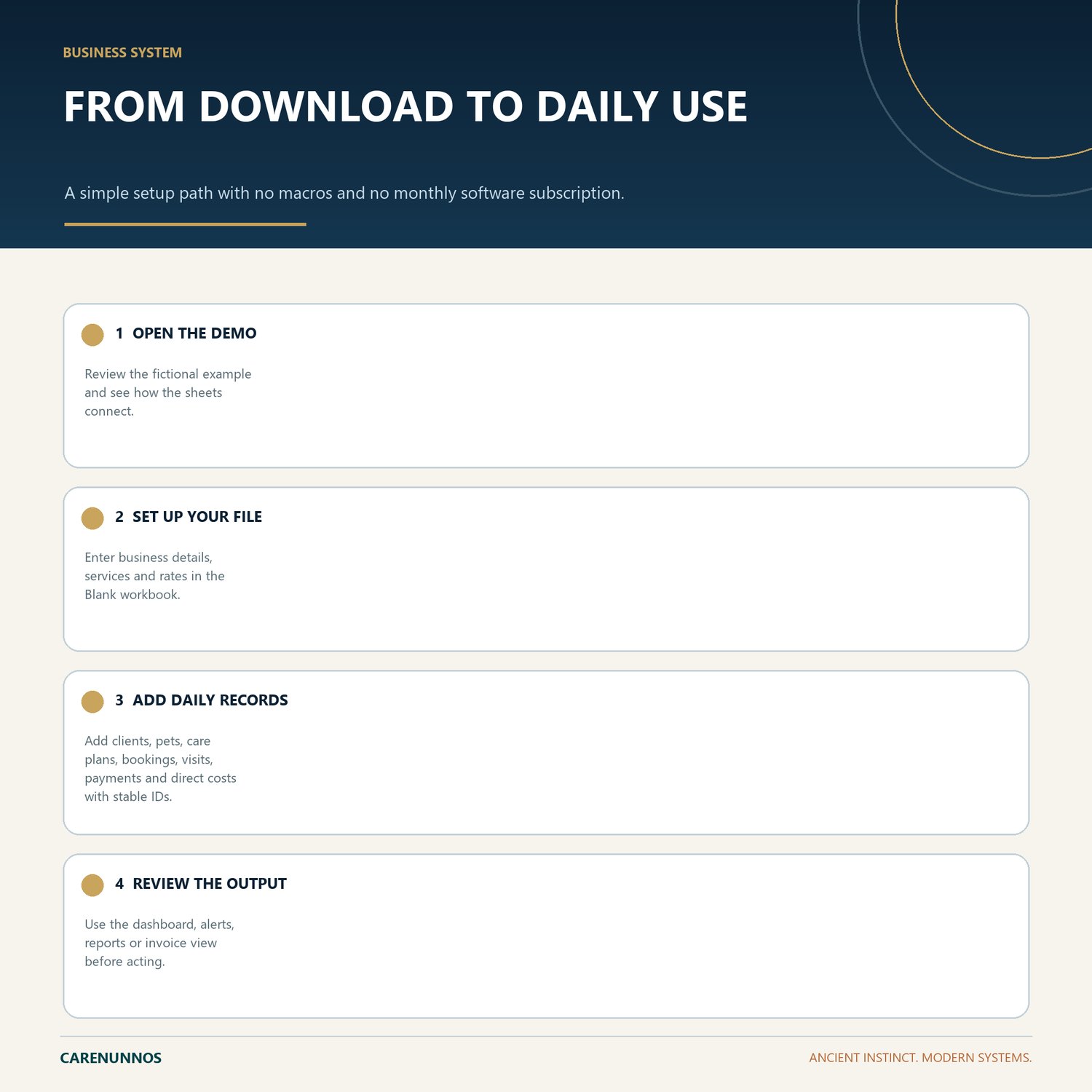
1. Open the Demo workbook to understand the workflow.
2. Use the Blank workbook as your working file.
3. Use stable IDs and the supplied dropdown values so connected calculations remain reliable.
4. Review the dashboard, balances, alerts, reports or invoice output before relying on them.
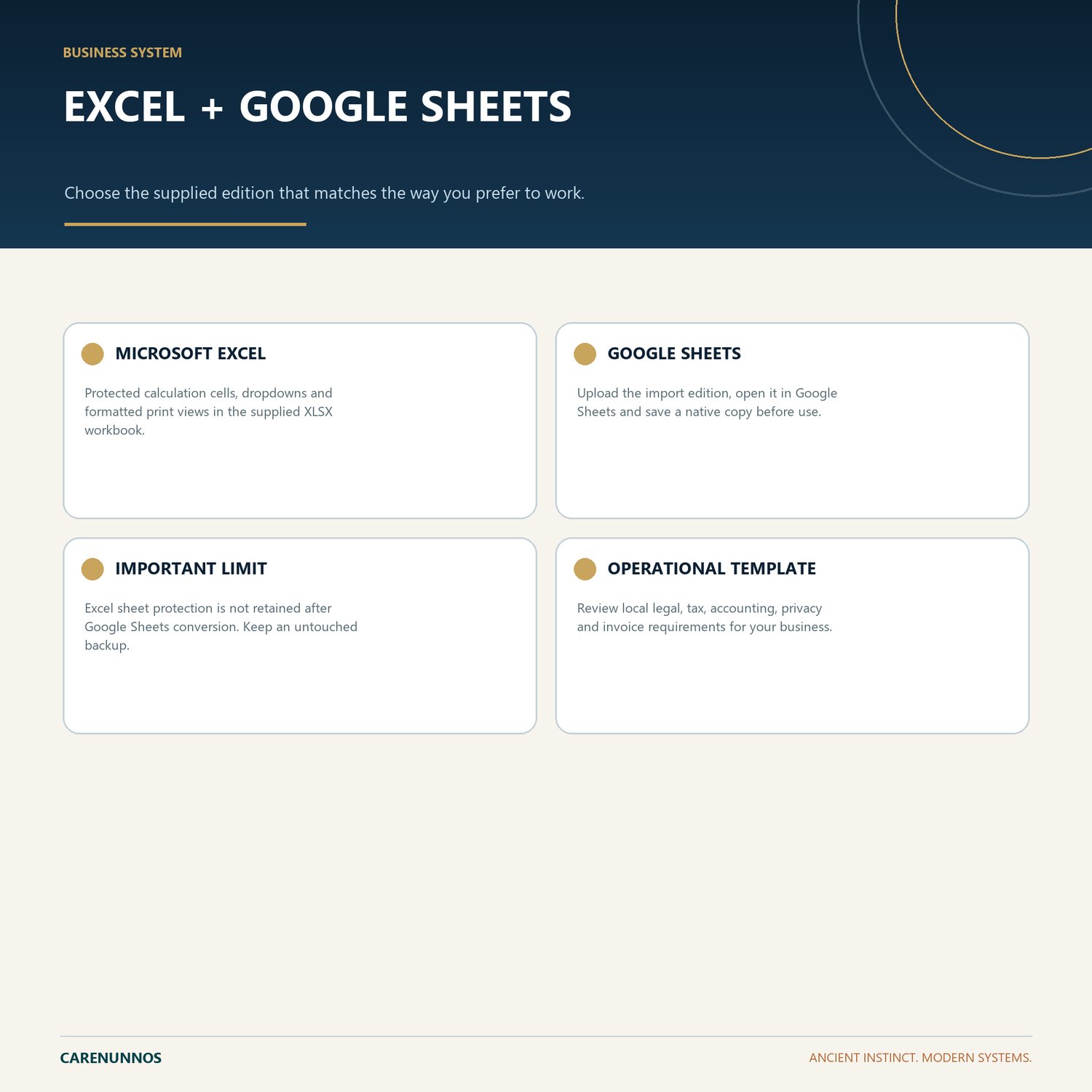
GOOGLE SHEETS
Upload the Google Sheets Import XLSX file to Google Drive, open it with Google Sheets, then save it as a native Google Sheet before entering real information. Excel protection is not retained after conversion, so keep a clean backup and avoid overwriting calculated cells.
IMPORTANT
This is a digital spreadsheet download. No physical item will be shipped. It is an organizational tool, not legal, tax, accounting, payroll, privacy or other professional advice. Buyers are responsible for local requirements and for reviewing every output.
Support: hello@carenunnos.com