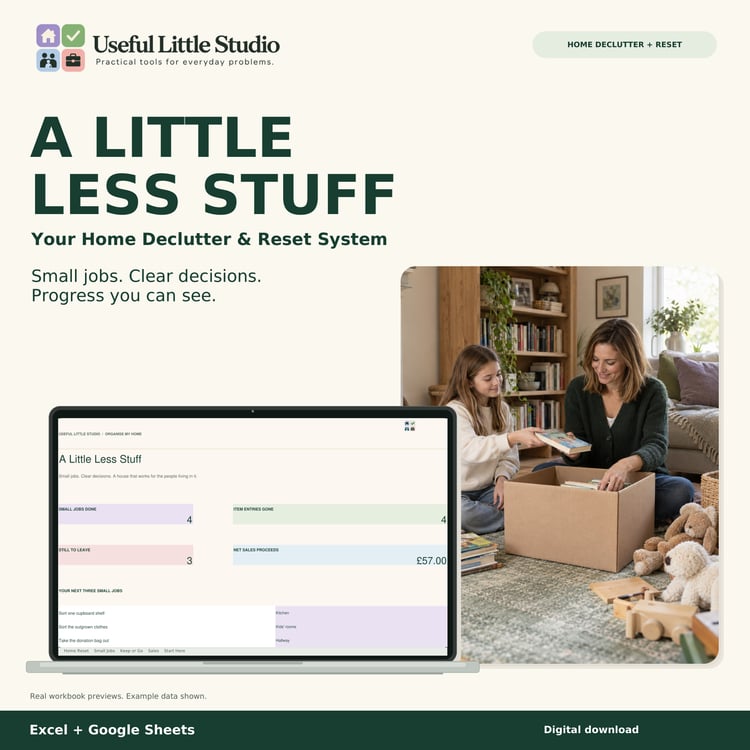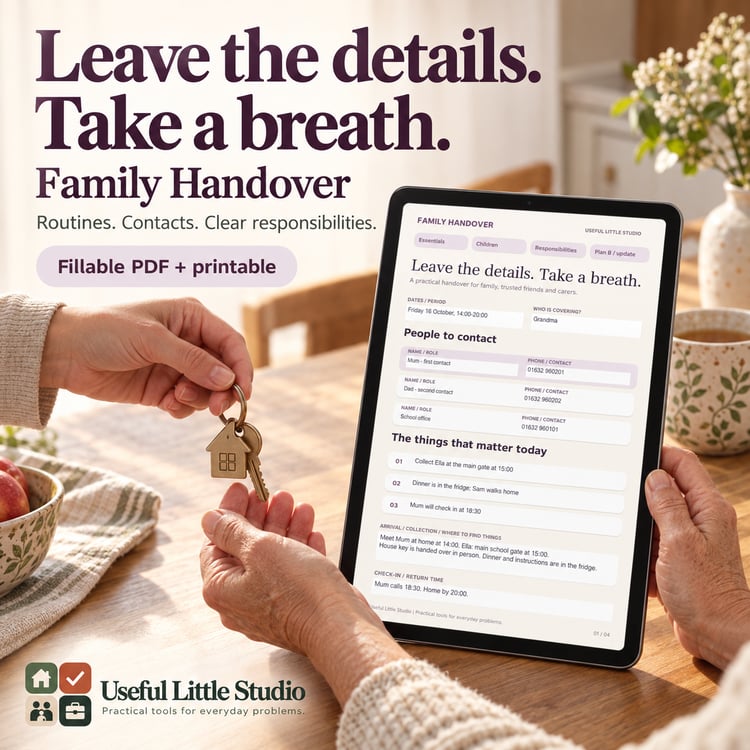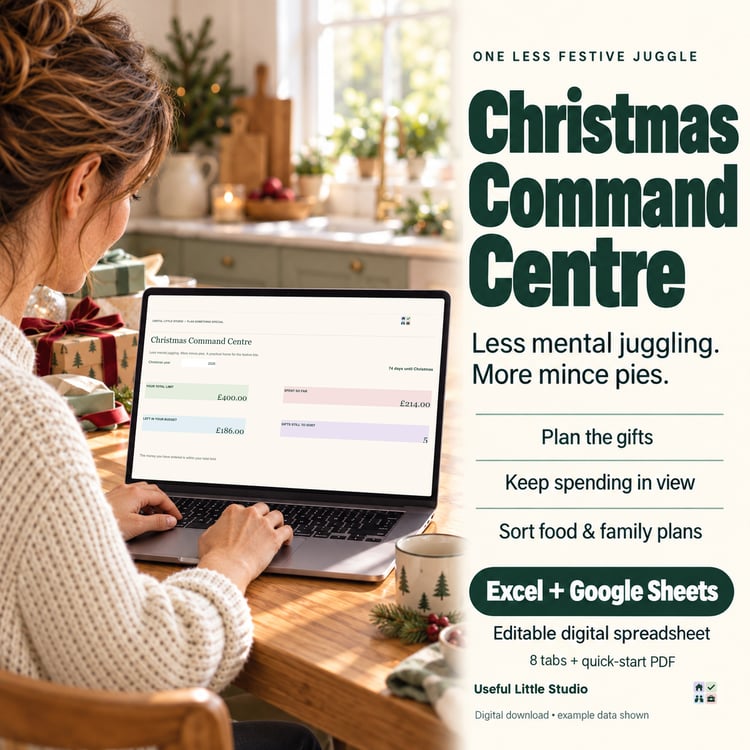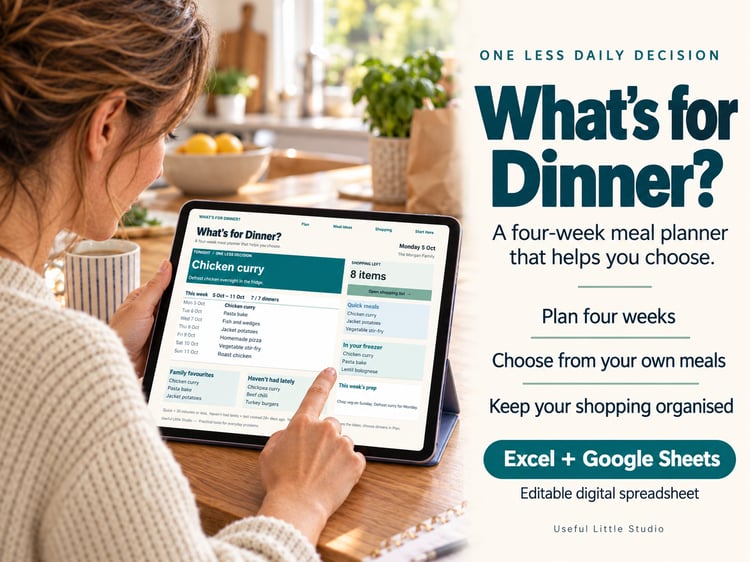




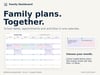

Family Dashboard Spreadsheet | Meal Planner, Budget, Calendar, Shopping List & Family Organiser | Excel + Google Sheets
Everything your home needs. One Dashboard.
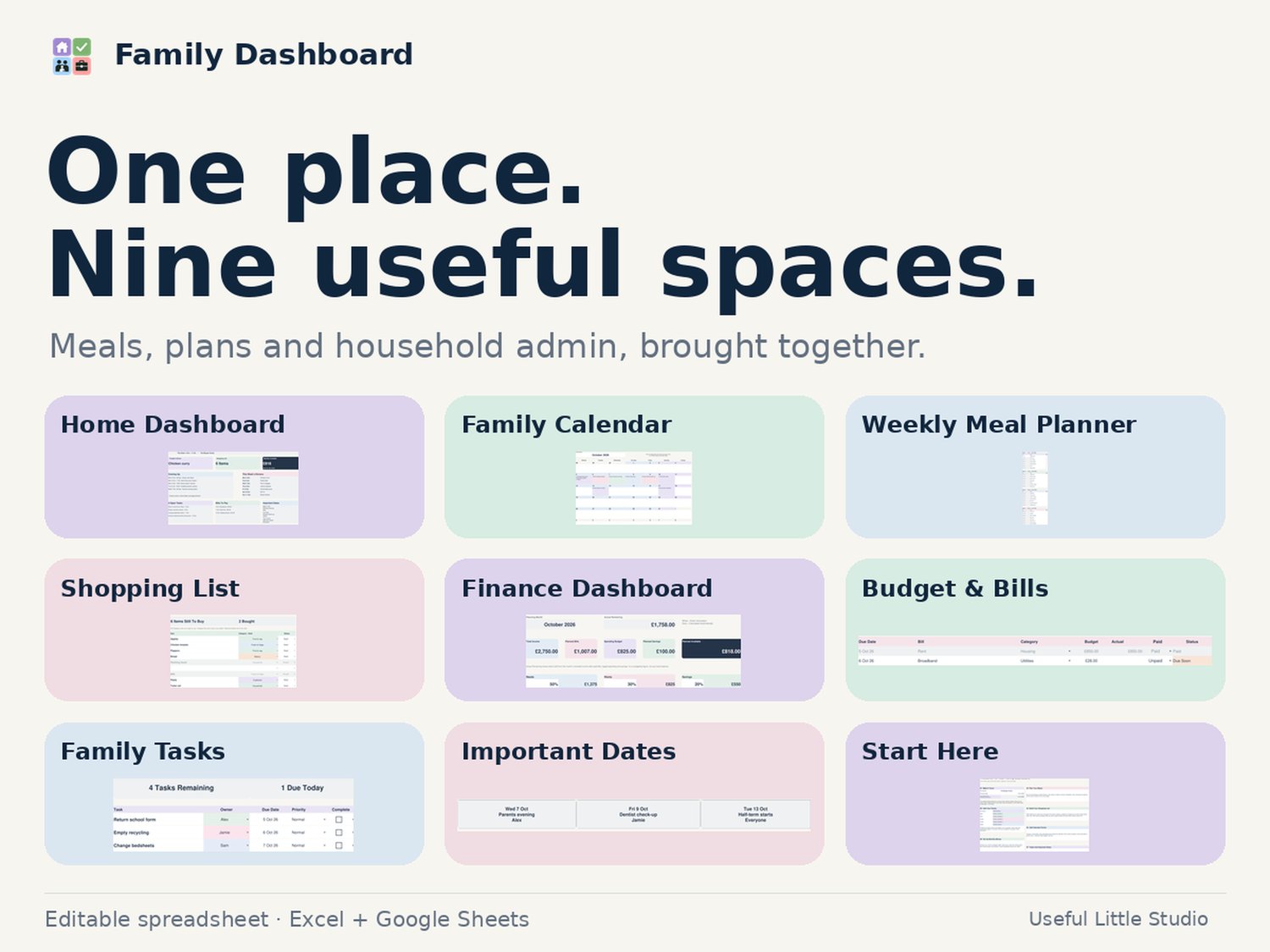
Family Dashboard is a premium digital family organiser designed for busy households who want one simple place to keep on top of everyday life.
Instead of juggling separate meal planners, shopping lists, calendars, budgeting sheets and task lists, Family Dashboard brings everything together in one beautifully designed spreadsheet.
What’s Included
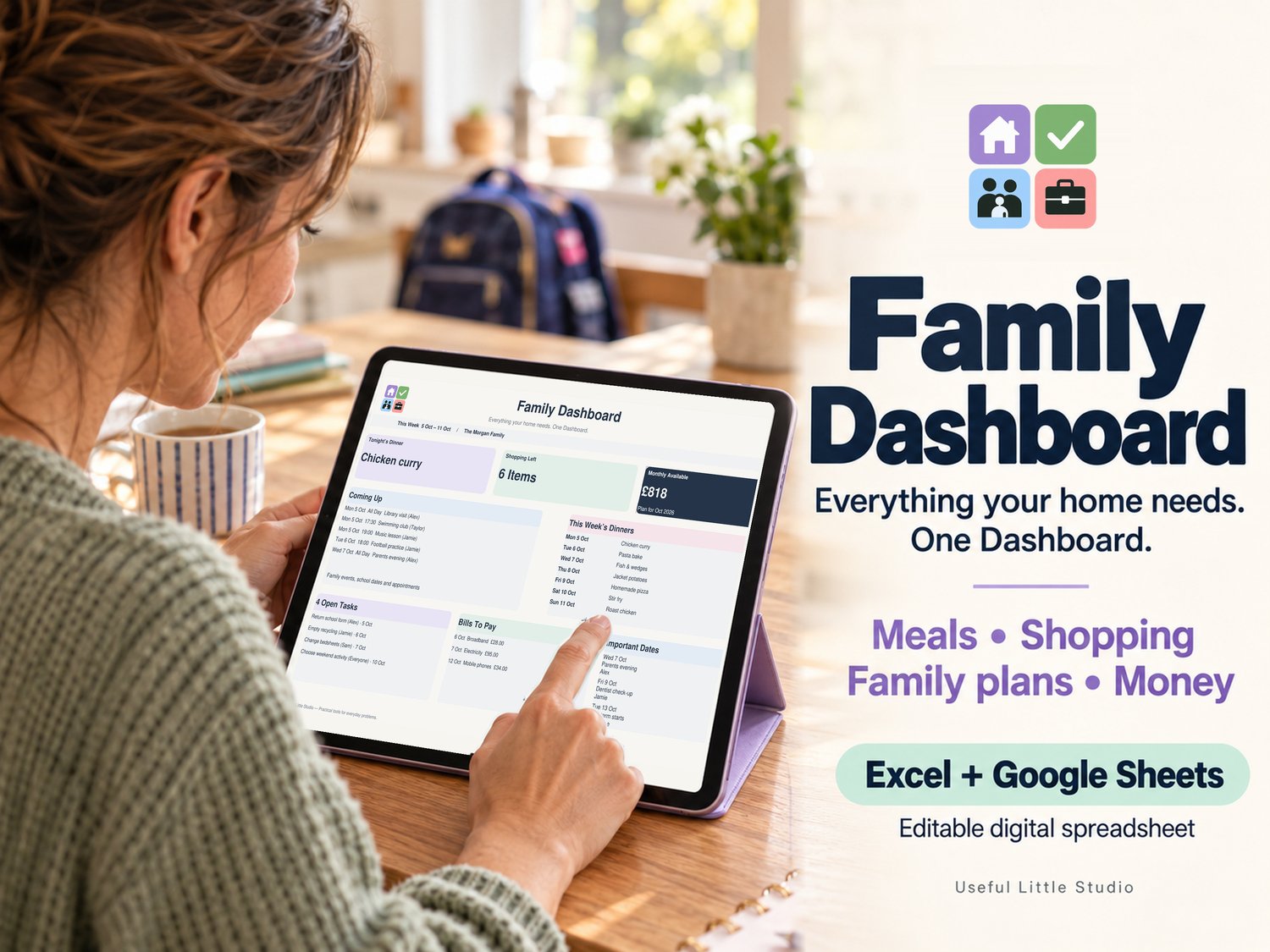
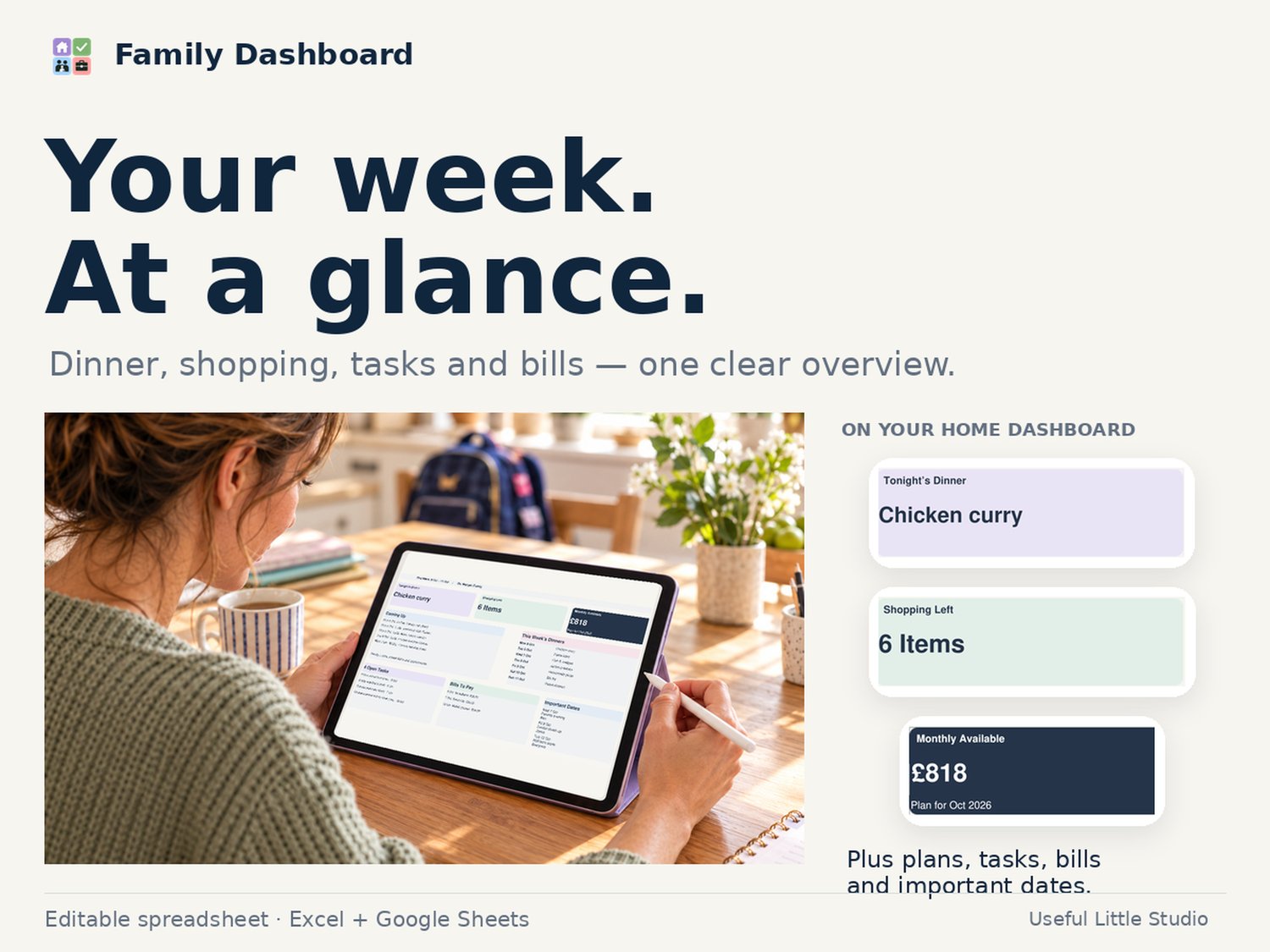
Home Dashboard
See the key parts of your week at a glance, including:
- Tonight’s dinner
- Shopping items left
- Monthly money available
- Upcoming events
- This week’s dinners
- Open family tasks
- Bills still to pay
- Important dates
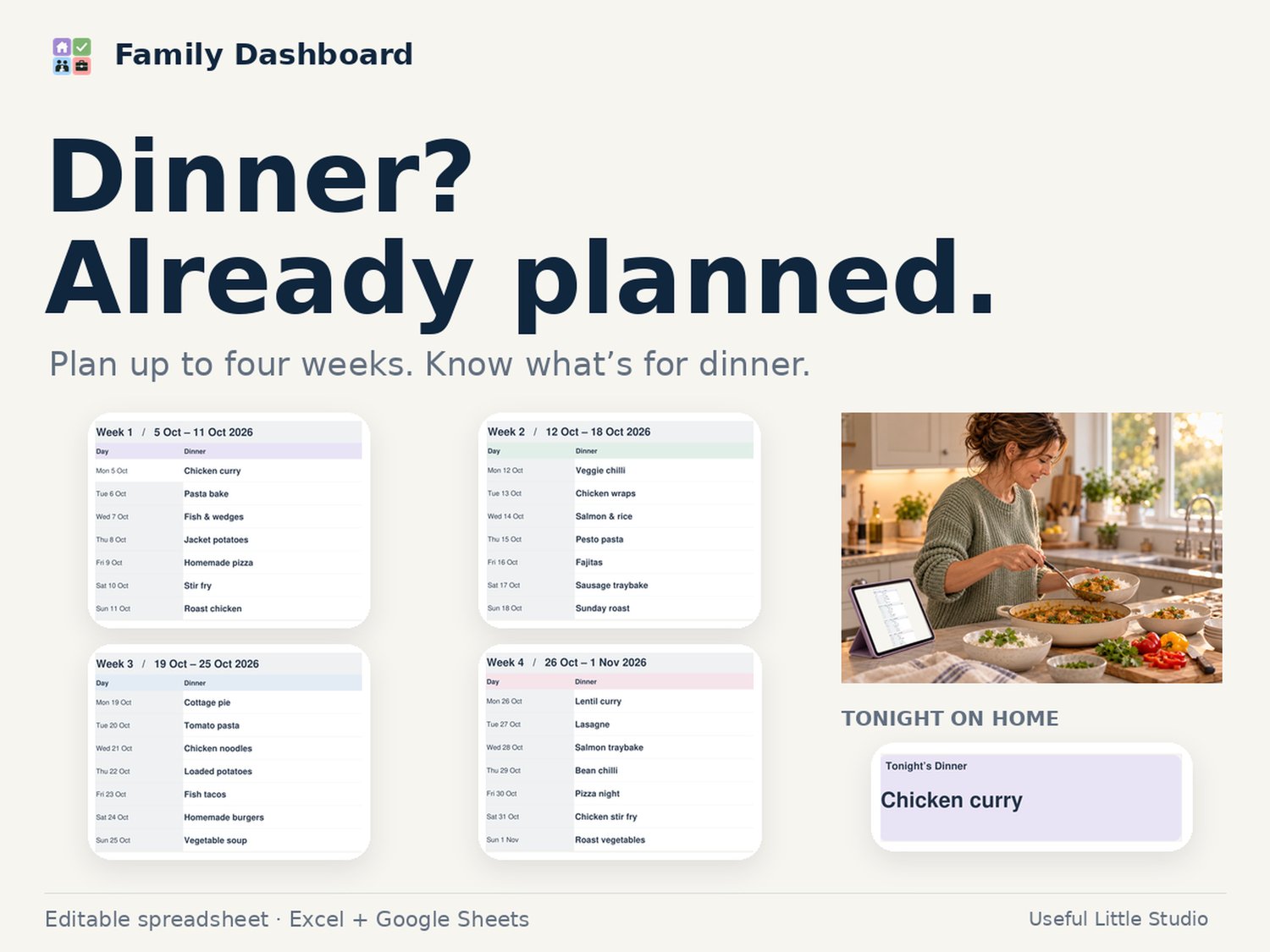
4-Week Meal Planner
Plan up to four weeks of meals in advance.
Includes:
- Monday–Sunday planning
- Dinner as the main focus
- Optional breakfast and lunch planning
- Prep / reminder area
- Automatic date setup from your chosen starting Monday
- Meals automatically feeding through to the Home Dashboard
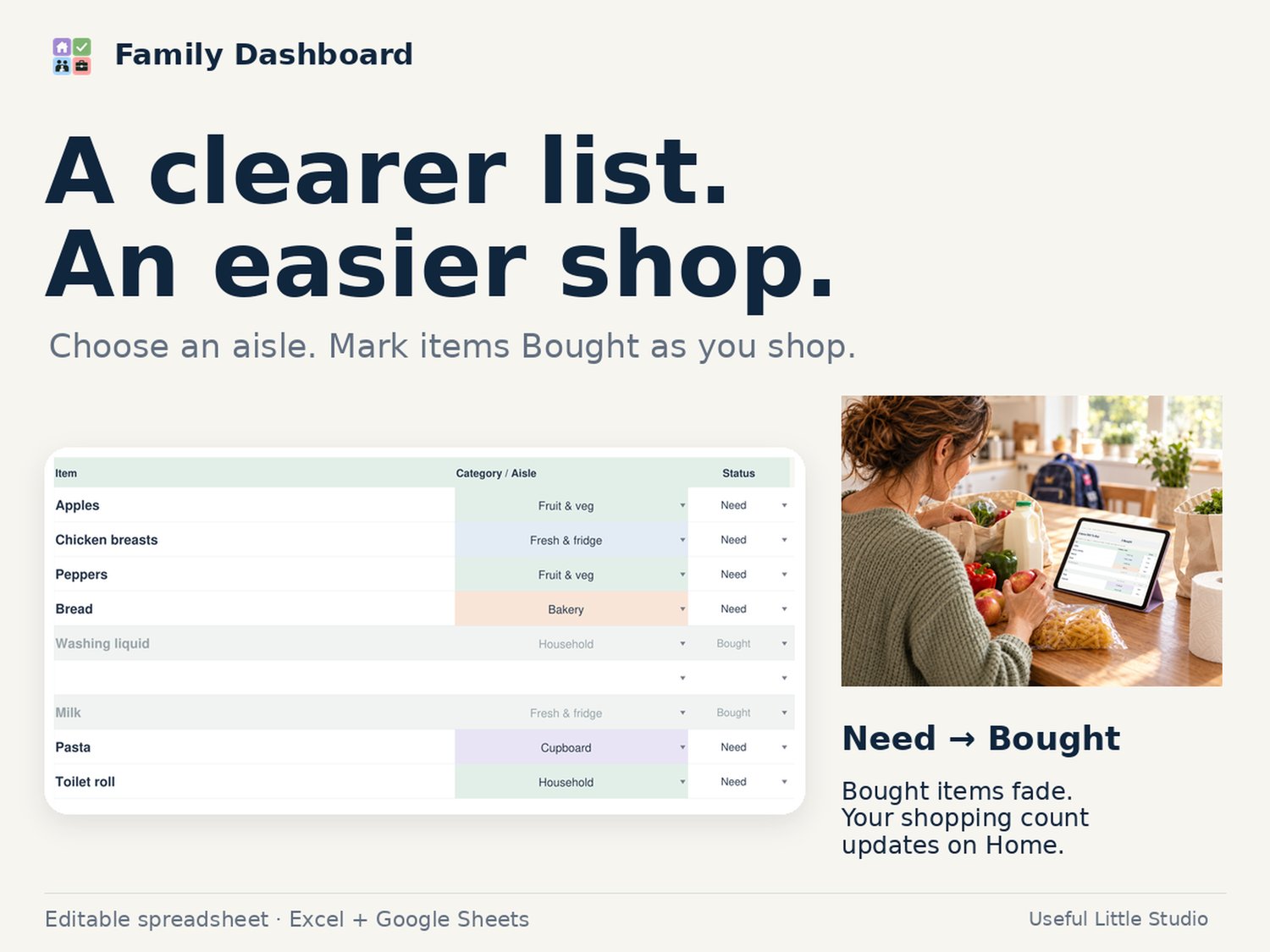
Shopping List
Keep track of everything you need throughout the week.
Includes:
- Item
- Supermarket category / aisle
- Need / Bought status
- Optional quantity, meal/use, shop and notes
- Bought items automatically fade so you can see what is left
- Extra shopping rows that can be collapsed when not needed
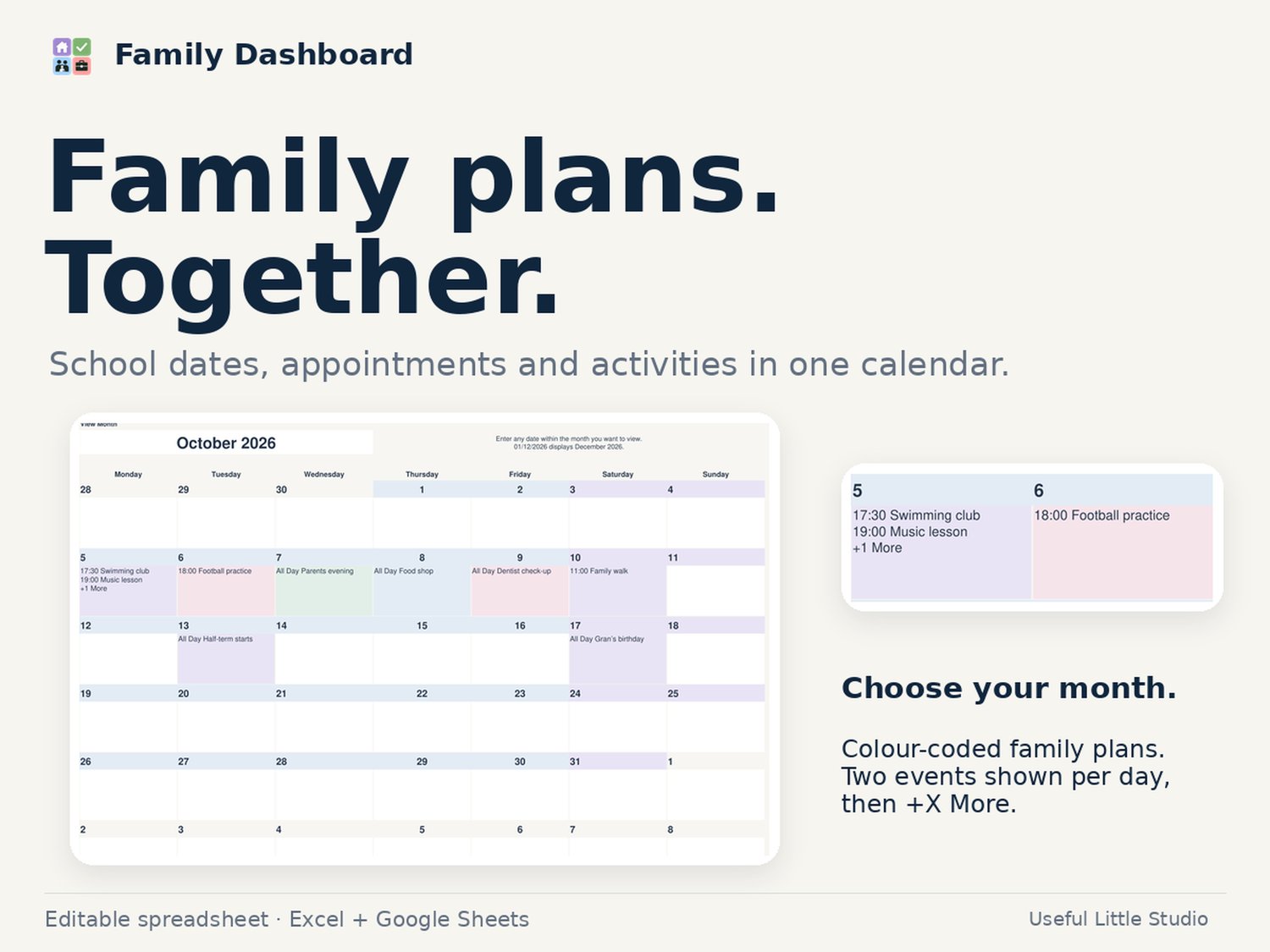
Family Calendar
A clean monthly household calendar for:
- School events
- Appointments
- Activities
- Birthdays
- Family plans
- Holidays
- Bills and reminders
Choose the month you want to view and add multiple events to the same day.
Finance Dashboard
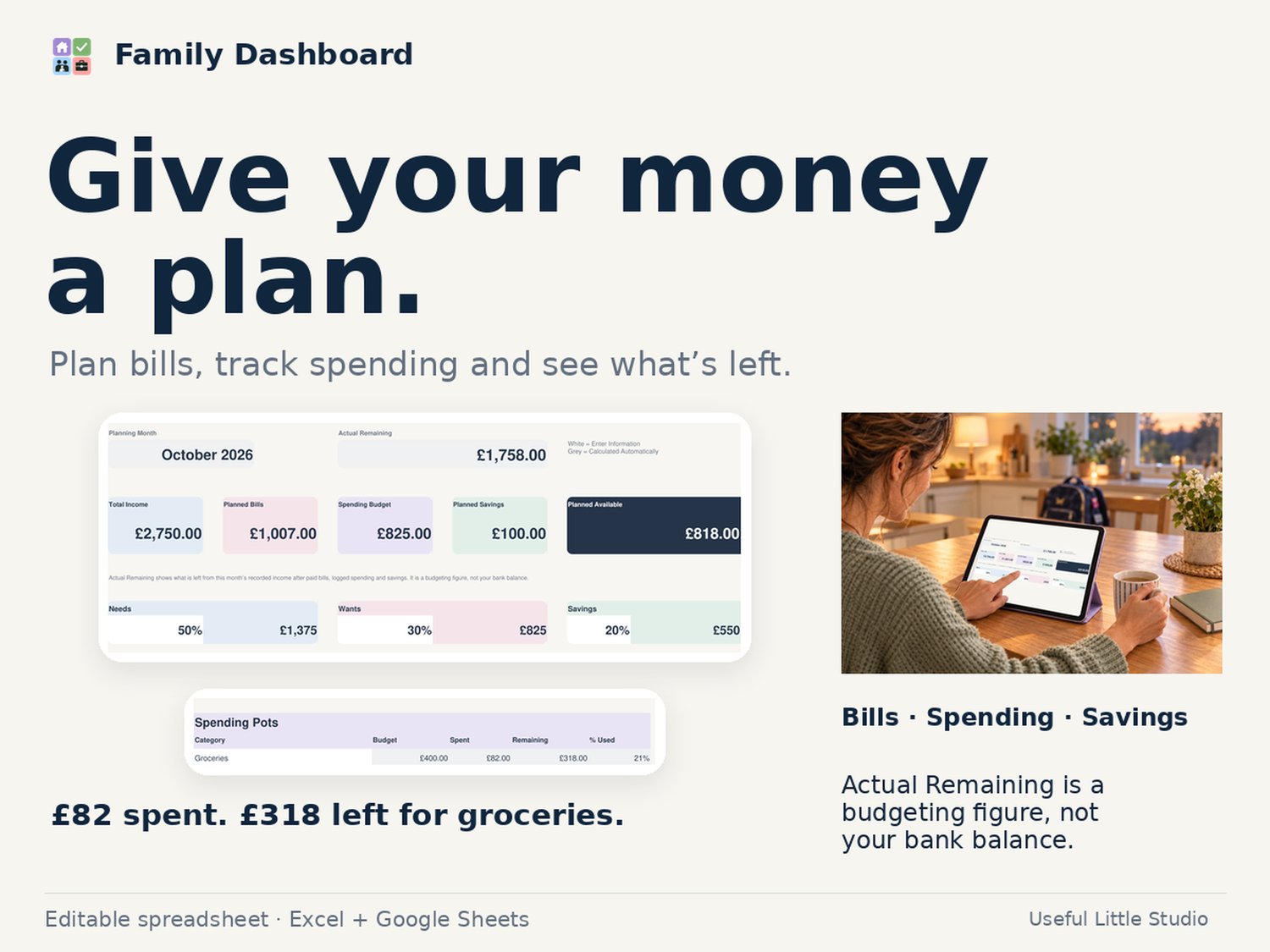
See your monthly money clearly without turning budgeting into an accounting exercise.
Includes:
- Total income
- Planned bills
- Spending budget
- Planned savings
- Planned available money
- Actual remaining
- Needs / Wants / Savings planning
- Spending pots
- Savings pots
- Bills still to pay
Budget & Bills
The working area behind your Finance Dashboard.
Includes:
- Income tracking
- Bills and direct debits
- Budgeted vs actual bill amounts
- Paid / Unpaid status
- Custom spending pots
- Spend log
- Savings tracking
- Automatic budget calculations
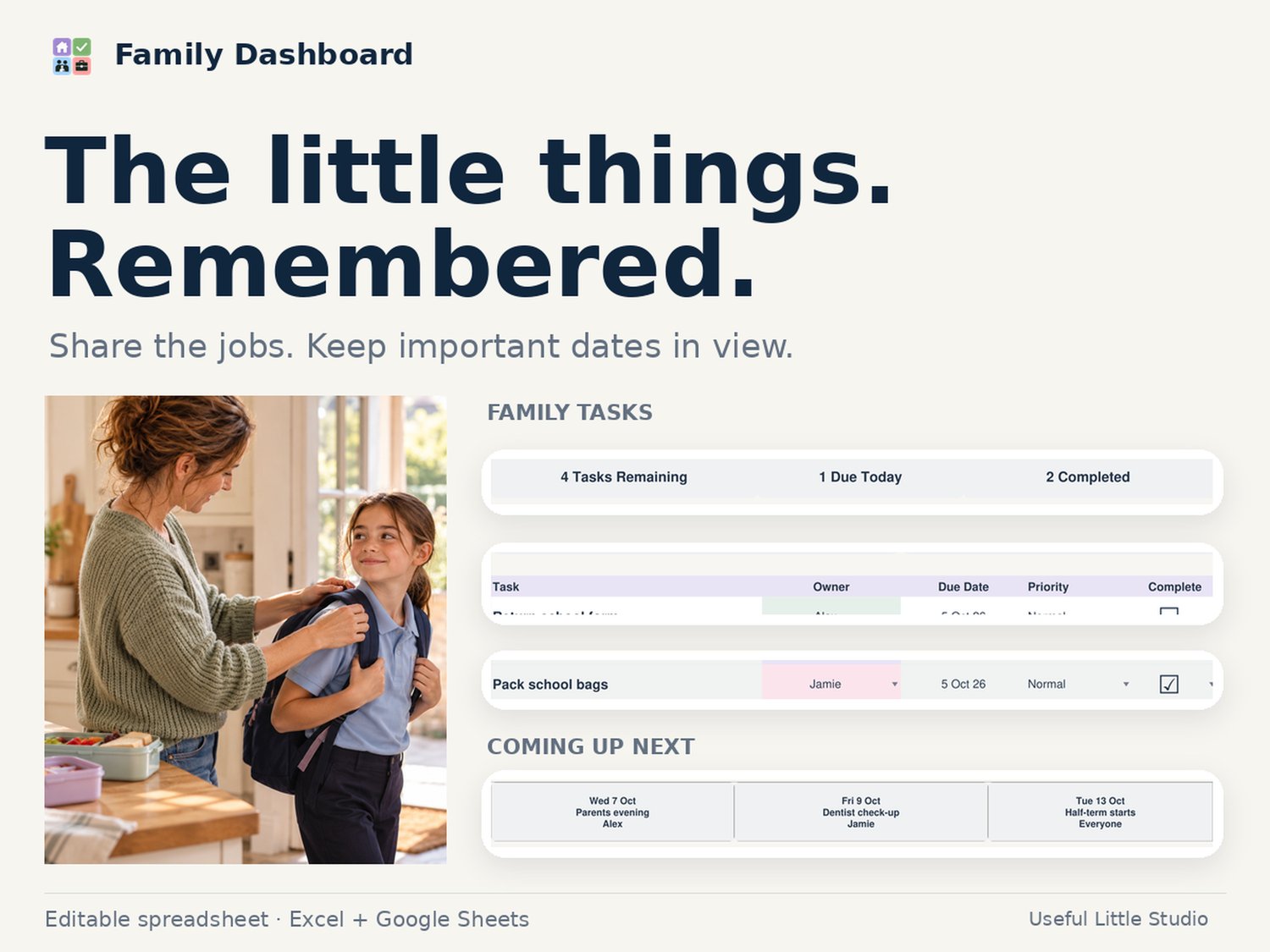
Family Tasks
Keep household jobs organised.
Includes:
- Task
- Owner
- Due date
- Priority
- Status
- Notes
- Completed task tracking
- Tasks remaining / due today / completed summary
Important Dates
Keep birthdays, school dates, appointments and special occasions together.
Includes:
- Upcoming date cards
- Category
- Person
- Date
- Notes
- Reminder view
Start Here Guide
A built-in setup page walks you through how to personalise and use your Family Dashboard.
Designed to be simple
You don’t need to be an Excel expert.
The workbook clearly separates:
- White cells — enter your information
- Grey cells — calculated automatically
- Dropdown fields — choose from the list
Simply personalise the household details, add your plans and let the spreadsheet do the calculations.
Works With
- Microsoft Excel
- Google Sheets
No macros are required.
Please note that minor visual differences may occur when importing an Excel workbook into Google Sheets.
Who Is This For?
Family Dashboard is ideal for:
- Busy mums and dads
- Single parents
- Couples managing a household
- Families with school-age children
- Anyone trying to reduce mental load
- People who enjoy planning but don’t want a complicated system
- Anyone who wants their meal planning, money and family organisation in one place
Why You’ll Love It
Family Dashboard helps you:
- Reduce mental load
- Plan ahead
- Save money
- Keep on top of bills
- Reduce forgotten food and unnecessary shopping
- Organise meals
- Stay aware of upcoming events
- Keep family tasks visible
- Stop relying on scraps of paper and separate spreadsheets
Simple, but Smart.
What You Receive
Your download includes blank and demo Family Dashboard workbooks, plus the accompanying PDF files.
- Family Dashboard – Blank
- Family Dashboard – Demo
Important Digital Product Notice
This is a digital download. No physical item will be posted.
HELP & POLICIES
Downloads & Refunds · Privacy Policy · Contact Useful Little Studio