
Home Declutter Planner for Excel and Google Sheets – Room by Room Tracker
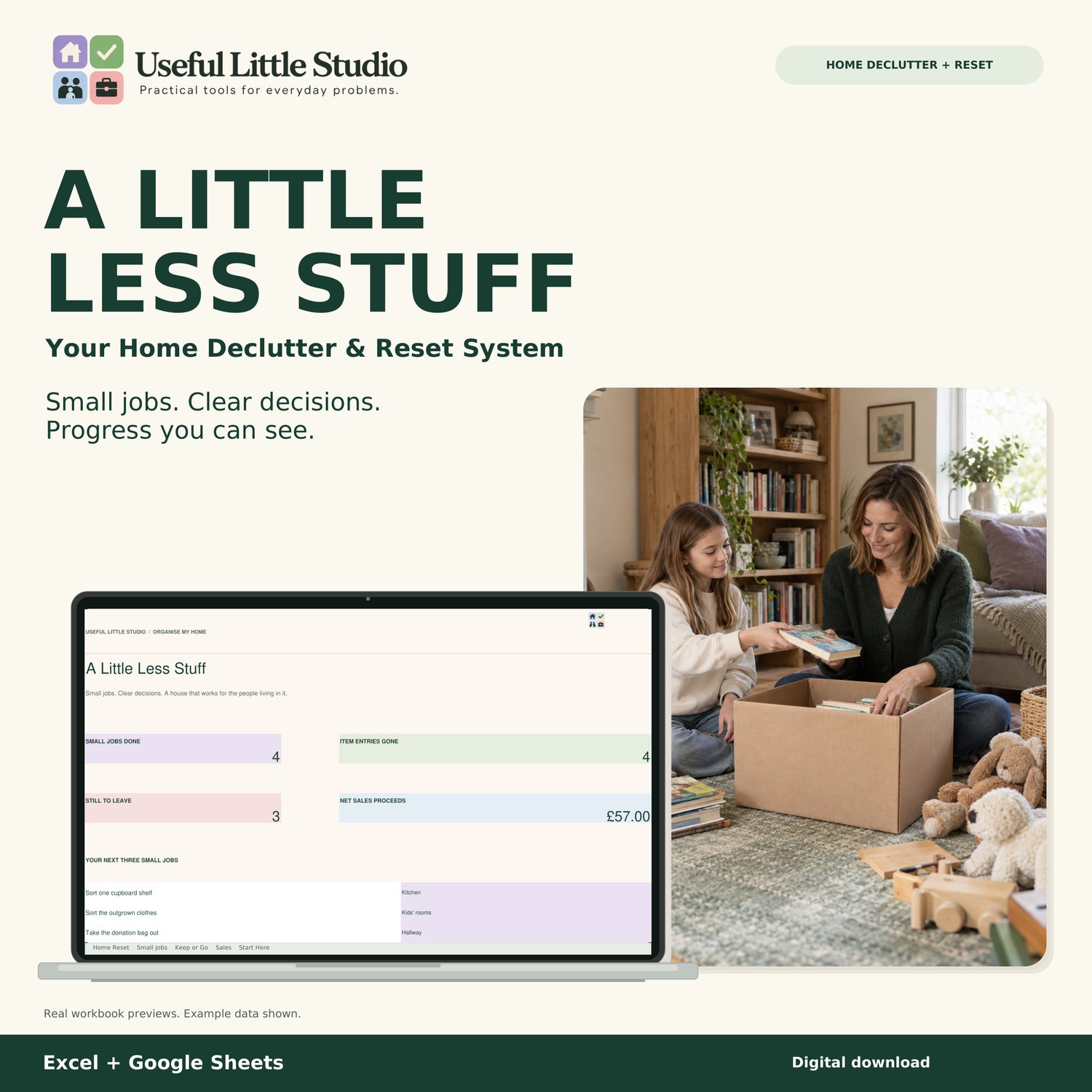
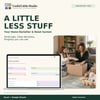
A LITTLE LESS STUFF
Your Home Declutter & Reset System
Less clutter. More breathing room.
You know those cupboards you've been meaning to sort? The clothes nobody wears anymore? The bags of things waiting to be donated?
Sometimes the hardest part of decluttering isn't deciding you want less stuff. It's knowing where to start.
A Little Less Stuff is a digital home decluttering planner designed to help you tackle your home one manageable job at a time.
No overwhelming cleaning schedules. No unrealistic challenges.
Just small jobs, clear decisions and progress you can actually see.
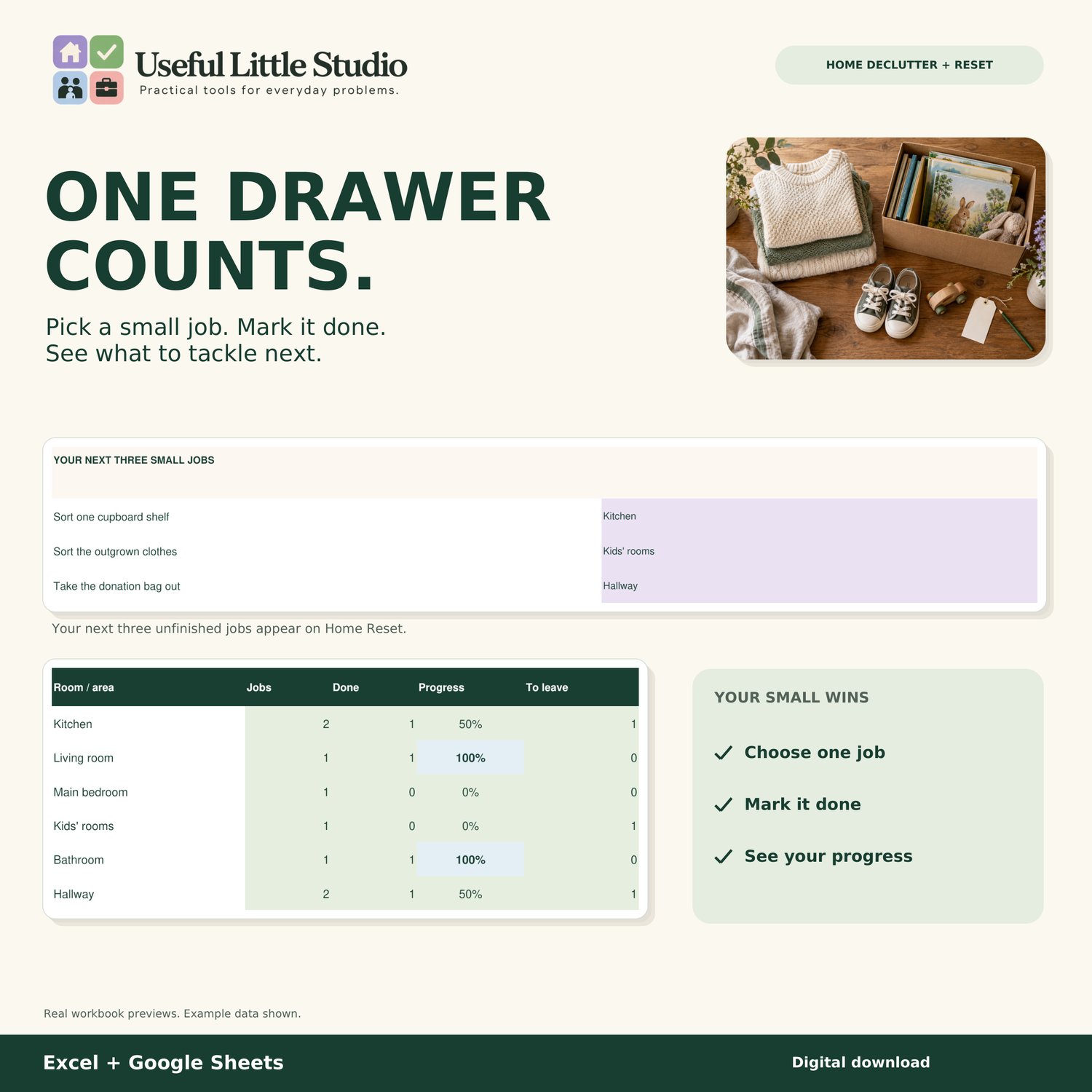
One drawer counts. One shelf counts. Every little bit of progress counts.
━━━━━━━━━━━━━━━━━━━━
WHAT CAN YOU DO WITH IT?
━━━━━━━━━━━━━━━━━━━━
✓ Break decluttering into small, manageable jobs
✓ Organise your home room by room
✓ Decide what to keep, donate, sell or recycle
✓ Track unwanted items waiting to leave
✓ See your next three unfinished jobs
✓ Monitor your decluttering progress
✓ Record money made from selling unwanted belongings
✓ Reuse your planner whenever you need a fresh start
━━━━━━━━━━━━━━━━━━━━
YOUR HOME RESET DASHBOARD
━━━━━━━━━━━━━━━━━━━━
See your progress without having to keep track of everything yourself.
Your dashboard automatically shows:
• Small jobs completed
• Item entries that have left your home
• Things still waiting to leave
• Net proceeds from completed sales
• Your next three unfinished jobs
• Room-by-room progress
Sometimes seeing what you've already achieved is exactly what you need to keep going.
━━━━━━━━━━━━━━━━━━━━
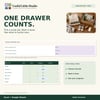
ONE DRAWER COUNTS
━━━━━━━━━━━━━━━━━━━━
You don't need to tackle the entire house in one weekend.
Start with one cupboard, one drawer or one shelf.
The Small Jobs section lets you record:
• Room or area
• Job to complete
• Person responsible
• Estimated time
• Optional deadline
• Progress and status
Mark jobs as Done and watch your dashboard update.
Includes space for 150 small jobs.
━━━━━━━━━━━━━━━━━━━━
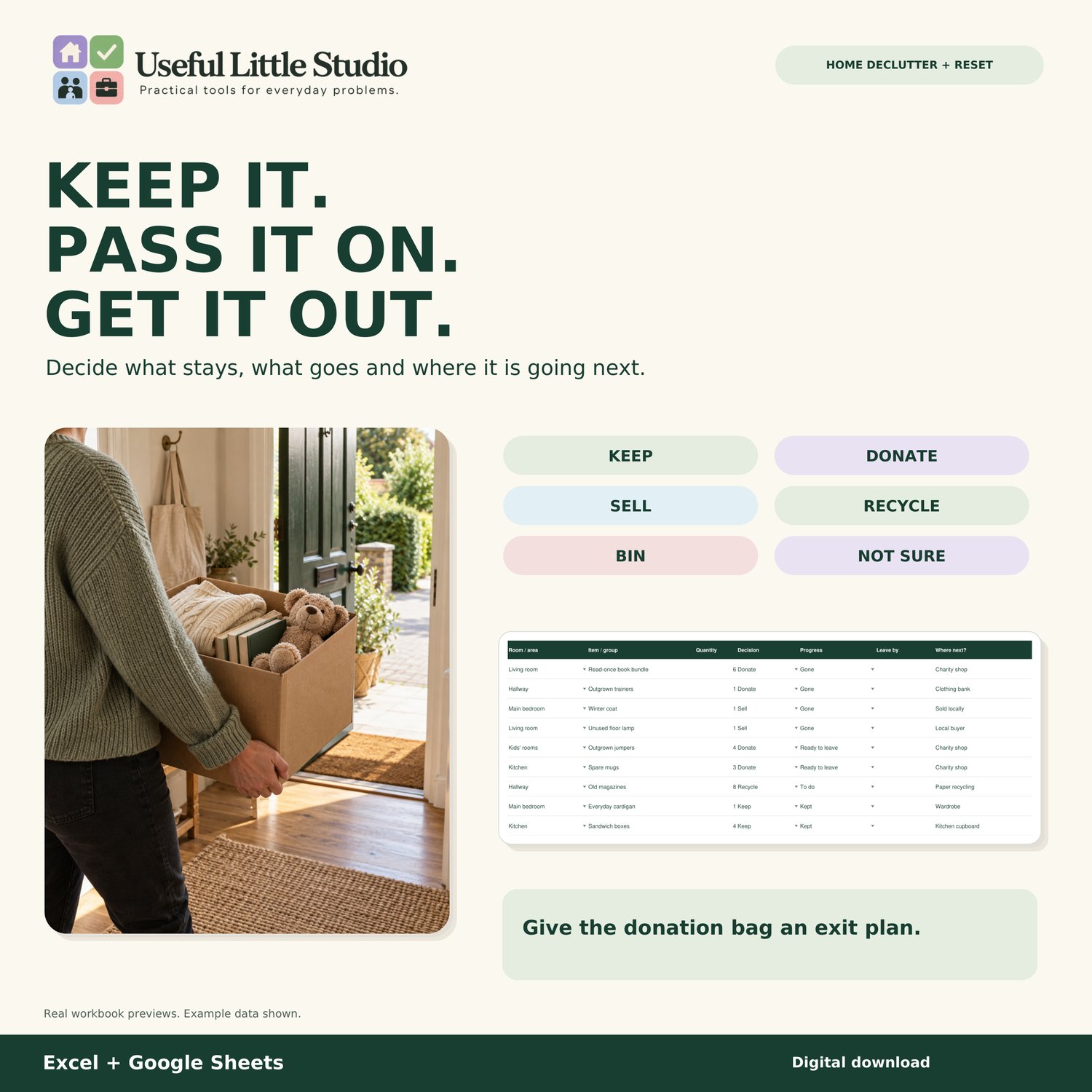
KEEP IT. PASS IT ON. GET IT OUT.
━━━━━━━━━━━━━━━━━━━━
We all have things sitting around because we haven't quite decided what to do with them.
The Keep or Go section helps you make those decisions.
Choose from:
KEEP – Something you're keeping
DONATE – Items ready for a new home
SELL – Things you'd like to sell
RECYCLE – Items that can be recycled
BIN – Things that need disposing of
NOT SURE – Things you haven't decided about yet
Record where each item is going, its progress and an optional date for getting it out of the house.
Includes space for 200 item entries.
And here's the important part...
That donation bag sitting in your hallway?
It's still there!
Your planner only counts outgoing items as Gone once they've actually left your home.
Because the goal isn't just to create organised piles.
It's to make more space.
━━━━━━━━━━━━━━━━━━━━
SELLING UNWANTED ITEMS?
━━━━━━━━━━━━━━━━━━━━
Keep track of the money you're making from the belongings you no longer need.
Record:
• Item sold
• Sale date
• Sale amount
• Selling fees
• Postage and other selling costs
• Net sale proceeds
Your planner calculates the amount remaining after the selling costs you've entered.
For example:
Item sold: £15
Selling costs: £2
Net proceeds: £13
Includes space for 200 completed sales.
Please note: Net proceeds are not business profit. Original purchase costs are not deducted.
━━━━━━━━━━━━━━━━━━━━
WHAT'S INCLUDED?
━━━━━━━━━━━━━━━━━━━━
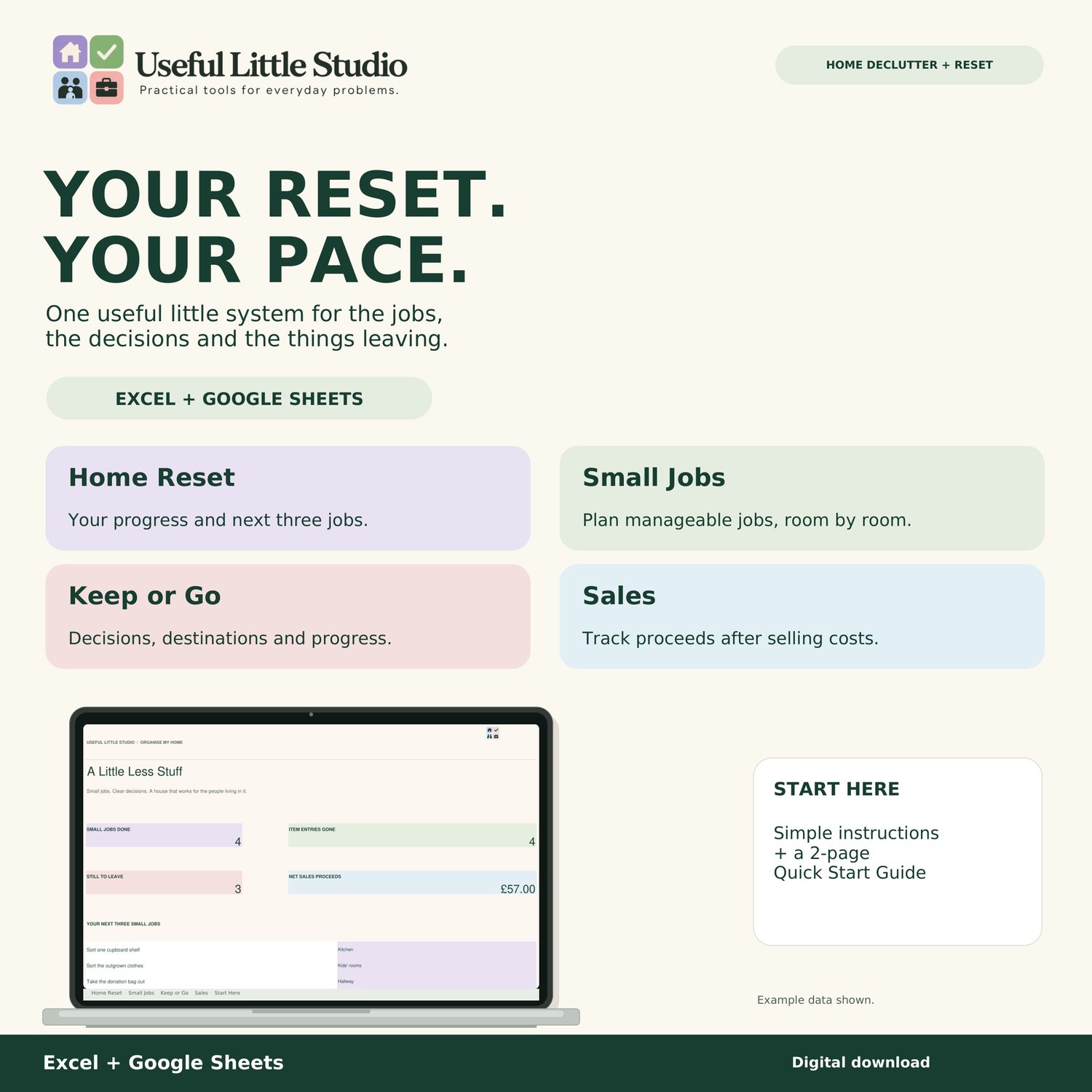
Your digital Home Declutter & Reset System includes FIVE connected sections:
1. HOME RESET
Your main dashboard, showing progress, next jobs, items still waiting to leave and net sale proceeds.
2. SMALL JOBS
Break decluttering into manageable tasks and track what you've completed.
3. KEEP OR GO
Decide what stays and what goes. Organise donations, selling, recycling and disposal.
4. SALES
Track completed sales and calculate net proceeds after selling costs.
5. START HERE
Simple instructions to help you personalise and use your planner.
PLUS:
A two-page Quick Start Guide to help you get started.
The planner includes 12 editable room or area names, 150 job spaces, 200 item entries and 200 sales entries.
━━━━━━━━━━━━━━━━━━━━
HOW TO GET STARTED
━━━━━━━━━━━━━━━━━━━━
STEP 1 – MAKE IT YOURS
Open your planner, save your own copy and personalise your room names.
STEP 2 – START SMALL
Add three manageable jobs. You don't need to plan the whole house.
STEP 3 – DECIDE WHAT STAYS
Use Keep or Go to record items and choose what happens to them.
STEP 4 – GET THINGS MOVING
Update items as you donate, sell, recycle or dispose of them.
STEP 5 – RECORD ANY SALES
Keep track of money received from unwanted belongings.
STEP 6 – SEE YOUR PROGRESS
Return to Home Reset to see what you've achieved and what to tackle next.
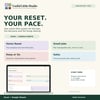
Your reset. Your pace.
━━━━━━━━━━━━━━━━━━━━
EXCEL + GOOGLE SHEETS
━━━━━━━━━━━━━━━━━━━━
A Little Less Stuff is a digital spreadsheet designed for use with Microsoft Excel and Google Sheets.
USING EXCEL:
1. Download your workbook.
2. Open it in Microsoft Excel.
3. Save your own copy.
4. Follow the Start Here instructions.
USING GOOGLE SHEETS:
1. Download your workbook.
2. Open Google Drive.
3. Select New > File upload.
4. Upload the Excel workbook.
5. Open it with Google Sheets.
6. Select File > Save as Google Sheets.
7. Start using your editable copy!
Some formatting and spreadsheet features may vary slightly between applications.
A compatible spreadsheet application is required.
This is a digital spreadsheet, not a printable PDF or standalone app.
━━━━━━━━━━━━━━━━━━━━
PERFECT FOR
━━━━━━━━━━━━━━━━━━━━
• Decluttering your home
• Room-by-room organisation
• Sorting wardrobes and cupboards
• Tackling overwhelming clutter
• Preparing items for donation
• Selling unwanted belongings
• Getting ready for a house move
• Making your home feel more manageable
• Anyone who prefers small, achievable tasks
You don't need a perfectly organised home.
You just need somewhere to start.
━━━━━━━━━━━━━━━━━━━━
YOUR DIGITAL DOWNLOAD
━━━━━━━━━━━━━━━━━━━━
Your purchase includes:
✓ A Little Less Stuff – Home Declutter & Reset Workbook
✓ Two-page Quick Start Guide (PDF)
INSTANT DIGITAL DOWNLOAD
No physical product will be posted.
Please note that a compatible spreadsheet application is required.
━━━━━━━━━━━━━━━━━━━━
IMPORTANT INFORMATION
━━━━━━━━━━━━━━━━━━━━
This planner helps you organise decluttering tasks, item decisions and completed sales.
It does not automatically list items for sale, connect to selling platforms, arrange collections or send reminders.
Progress is calculated using the information you enter.
The planner is reusable. Save a copy of your previous progress before starting a completely new reset.
For accurate results, keep your information updated and follow the included instructions.
━━━━━━━━━━━━━━━━━━━━
MORE FROM USEFUL LITTLE STUDIO
━━━━━━━━━━━━━━━━━━━━
Looking for more ways to get organised?
Our 30-Item Wardrobe Clear-Out Challenge is a simple place to start.
Or explore our Vinted Listing & Clear-Out Manager for keeping track of clothes you're selling.
Both are available separately in our Etsy shop.
━━━━━━━━━━━━━━━━━━━━
PERSONAL USE
━━━━━━━━━━━━━━━━━━━━
For personal household use only.
You may save and reuse the planner for your own household.
Files must not be resold, redistributed or shared publicly.
© Useful Little Studio. All rights reserved.
AI DISCLOSURE
AI-assisted creative tools were used during the development and design process. The finished product was reviewed and curated by Useful Little Studio.