

Why I built this
I'm a finance manager who spent years doing spreadsheet work the slow, manual way — until I started building the shortcuts. This bundle is all of them in one place: every Excel technique I rely on day to day, plus the pricing model I use to check whether a business actually makes money. Buy the three together and you save 20% over buying them one at a time. Practitioner-tested, built on generic sample data you swap for your own, and yours to keep.
Everything, in one download
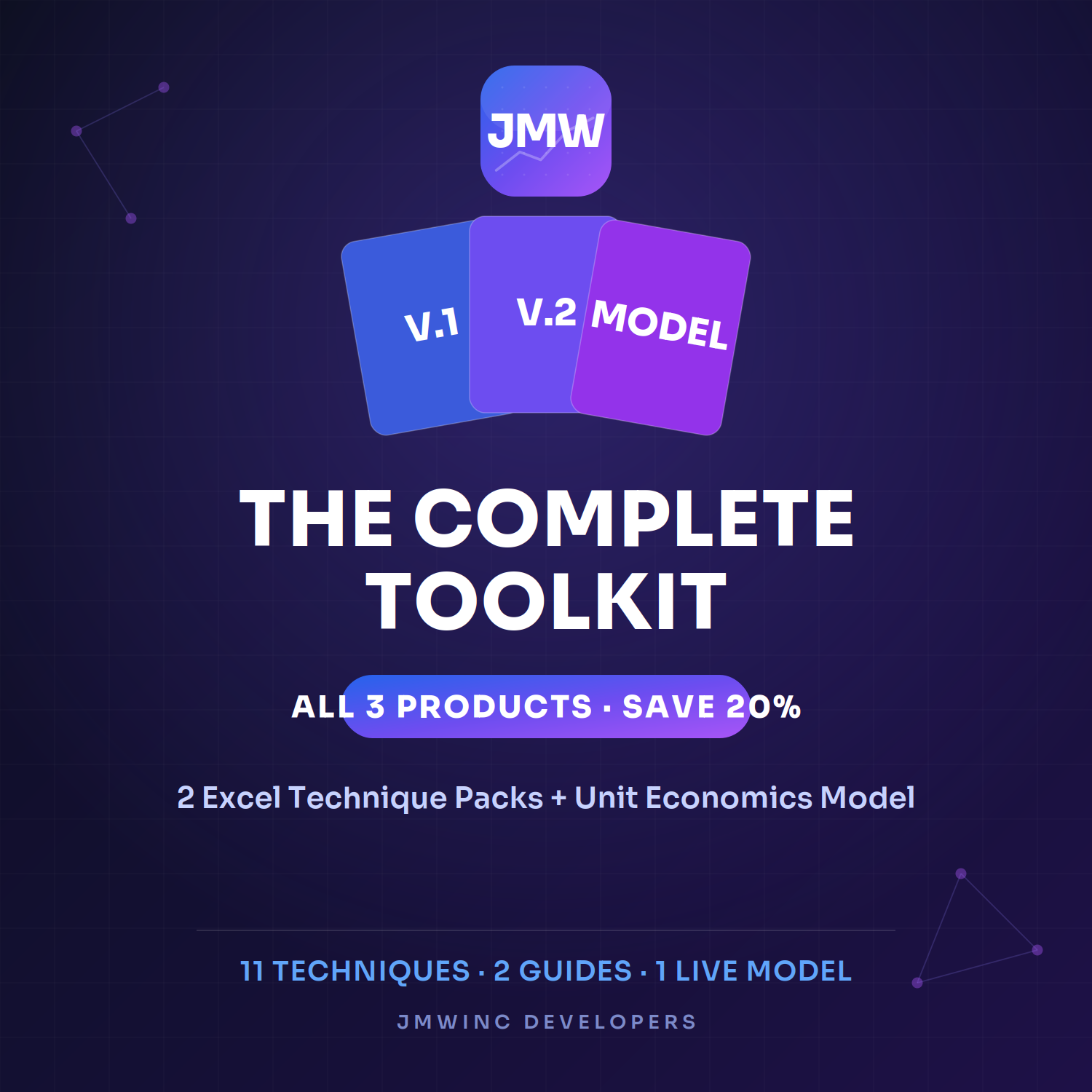
The Complete Toolkit packs all three products into a single purchase: 11 Excel techniques across two guided packs, plus a live Unit Economics & Pricing Model. From cleaning messy data and reconciling two lists, to ranking, lookups, and working out whether your pricing turns a profit — it's the full kit, 20% cheaper than buying separately.
Choose a pricing plan
Complete Toolkit — All 3 Products
$45
Excel Power Techniques — Starter Pack (Vol. 1)
Stop fighting your spreadsheets. Start finishing early.
These are the five moves that turn slow, error-prone Excel work into clean, automated results — the exact techniques a working finance manager reaches for every single day. No theory, no filler. Open a tab, copy the formula, drop in your own data.
Inside:
Smart Lookups — pull any value, in any direction (and the one-line XLOOKUP upgrade)
Two-List Match — compare two exports and flag every missing row and mismatch in seconds
Instant Dashboard — summarize thousands of rows with no PivotTable
Clean Messy Data — fix spacing, casing, and split fields in one shot
Flag & Find — make duplicates and outliers light up automatically
A working .xlsx with live examples on every tab, plus a step-by-step PDF guide. Runs in Excel 2016+, Microsoft 365, and Google Sheets.
Built by a finance manager who got tired of doing it the slow way.
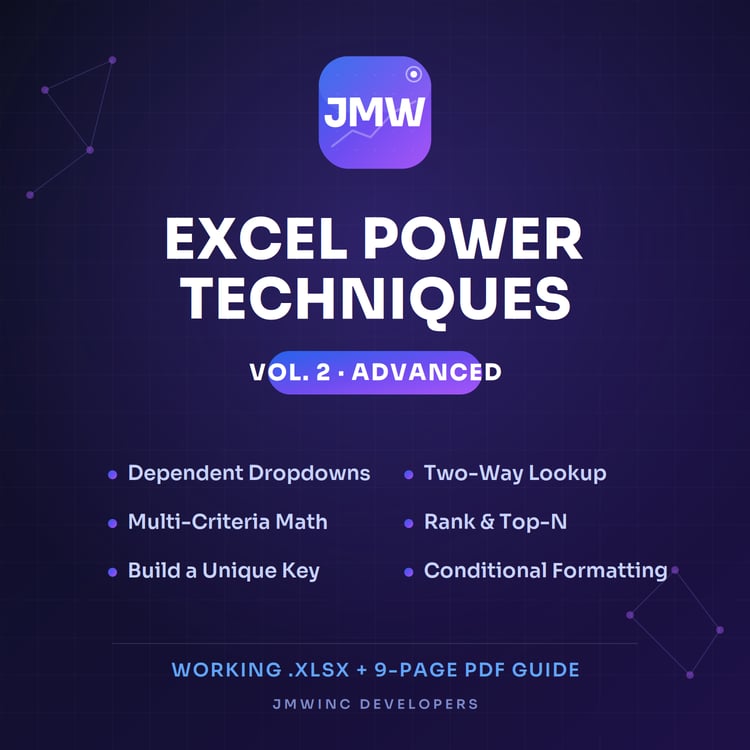
Excel Power Techniques — Vol. 2 (Advanced)
You've got the basics. Here's what comes next.
Six power techniques for people who already know their way around a formula bar and want to look like the smartest person in the meeting. Each one solves a real problem that trips up most Excel users — and each comes with the modern 365 shortcut so you're never doing it the long way.
Inside:
Dependent Dropdowns — menus that filter based on the choice before them
Two-Way Lookup — find a value by row and column at once
Multi-Criteria Math — sum, count, and weight across conditions with SUMPRODUCT
Rank & Top-N — auto-rank performers and flag your top 3
Build a Unique Key — merge files and kill duplicates cleanly
Conditional Formatting+ — data bars, color scales, and icons that make a sheet readable at a glance
Working .xlsx + a 9-page PDF guide. New to this? Grab Vol. 1 first.
Built by a finance manager who got tired of doing it the slow way.
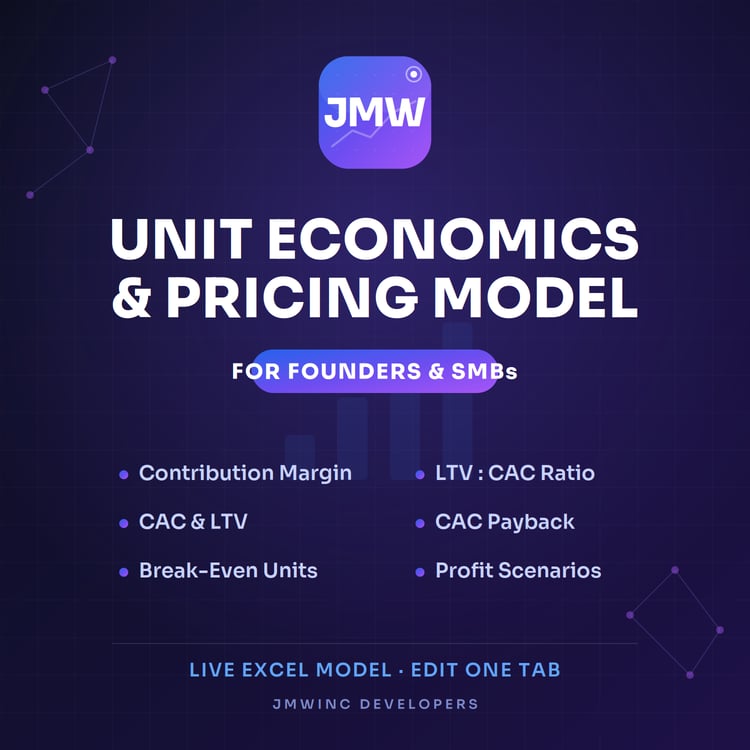
Startup Unit Economics & Pricing Model
Does your business actually make money? Change one number and find out.
A live Excel model that answers the question most founders avoid: is each sale paying off, or are you busy losing money efficiently? Edit one tab of assumptions — price, costs, volume, marketing spend — and every metric recalculates instantly. No finance degree required.
It tells you:
Contribution margin — what's really left after each sale
CAC, LTV, and the LTV:CAC ratio — the headline health check
CAC payback — how fast you earn back what you spent to win a customer
Break-even units — what you must sell each month to keep the lights on
Profit scenarios — your numbers at lower and higher volume
Touch one tab; the Results and Scenarios pages do the rest. A planning tool that gives you a straight answer — not financial advice.
Built by a finance manager who got tired of doing it the slow way.
Stop fighting your spreadsheets. Start finishing early.
These are the five moves that turn slow, error-prone Excel work into clean, automated results — the exact techniques a working finance manager reaches for every single day. No theory, no filler. Open a tab, copy the formula, drop in your own data.
Inside:
Smart Lookups — pull any value, in any direction (and the one-line XLOOKUP upgrade)
Two-List Match — compare two exports and flag every missing row and mismatch in seconds
Instant Dashboard — summarize thousands of rows with no PivotTable
Clean Messy Data — fix spacing, casing, and split fields in one shot
Flag & Find — make duplicates and outliers light up automatically
A working .xlsx with live examples on every tab, plus a step-by-step PDF guide. Runs in Excel 2016+, Microsoft 365, and Google Sheets.
Built by a finance manager who got tired of doing it the slow way.
Excel Power Techniques — Vol. 2 (Advanced)
You've got the basics. Here's what comes next.
Six power techniques for people who already know their way around a formula bar and want to look like the smartest person in the meeting. Each one solves a real problem that trips up most Excel users — and each comes with the modern 365 shortcut so you're never doing it the long way.
Inside:
Dependent Dropdowns — menus that filter based on the choice before them
Two-Way Lookup — find a value by row and column at once
Multi-Criteria Math — sum, count, and weight across conditions with SUMPRODUCT
Rank & Top-N — auto-rank performers and flag your top 3
Build a Unique Key — merge files and kill duplicates cleanly
Conditional Formatting+ — data bars, color scales, and icons that make a sheet readable at a glance
Working .xlsx + a 9-page PDF guide. New to this? Grab Vol. 1 first.
Built by a finance manager who got tired of doing it the slow way.
Startup Unit Economics & Pricing Model
Does your business actually make money? Change one number and find out.
A live Excel model that answers the question most founders avoid: is each sale paying off, or are you busy losing money efficiently? Edit one tab of assumptions — price, costs, volume, marketing spend — and every metric recalculates instantly. No finance degree required.
It tells you:
Contribution margin — what's really left after each sale
CAC, LTV, and the LTV:CAC ratio — the headline health check
CAC payback — how fast you earn back what you spent to win a customer
Break-even units — what you must sell each month to keep the lights on
Profit scenarios — your numbers at lower and higher volume
Touch one tab; the Results and Scenarios pages do the rest. A planning tool that gives you a straight answer — not financial advice.
Built by a finance manager who got tired of doing it the slow way.
Bundle Includes
Here are all the products that are included in your bundle