
Nonprofit Board Financial Dashboard | Budget vs Actual & Financial Reporting
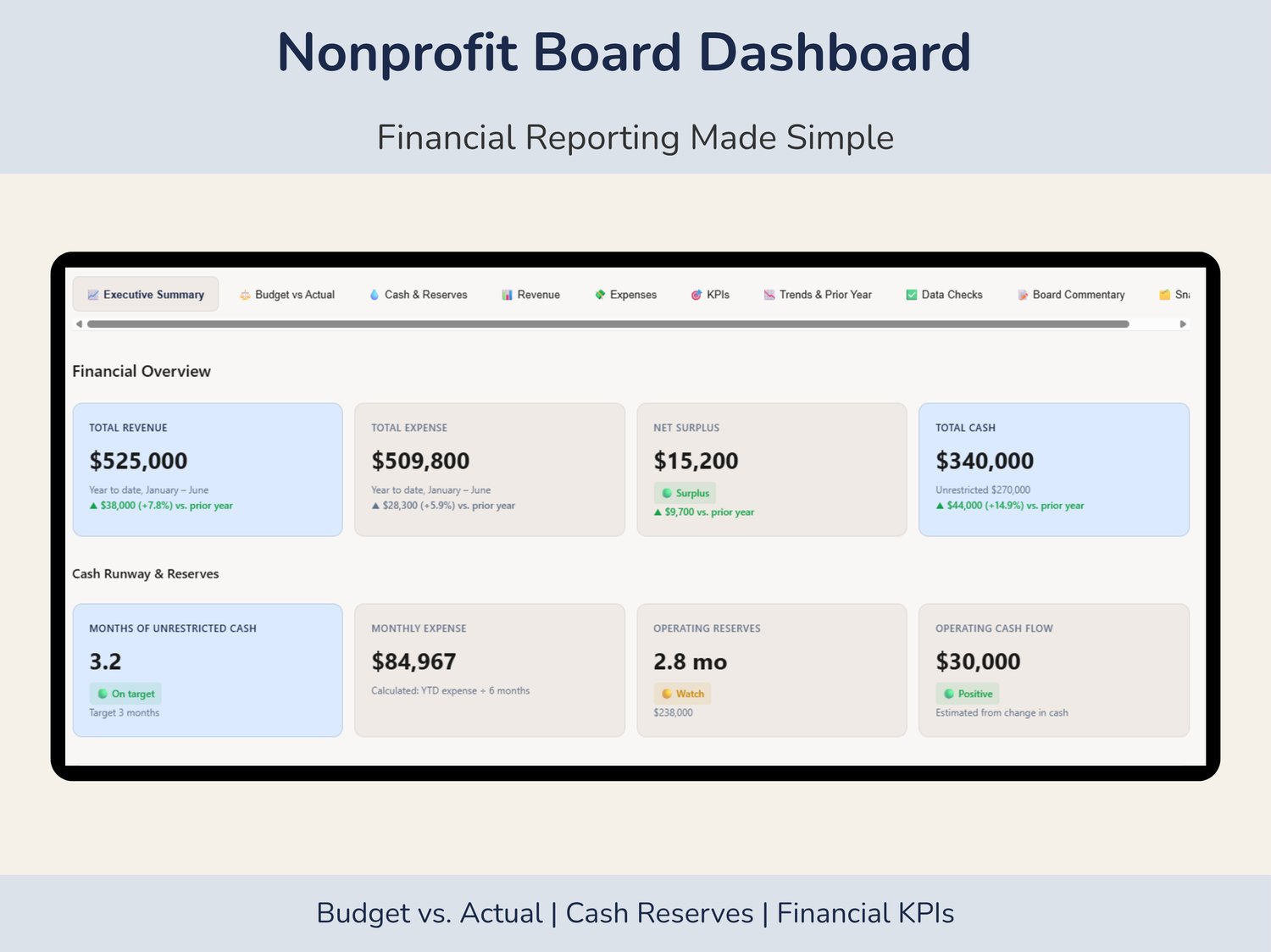
Simplify nonprofit financial reporting with an interactive Nonprofit Board Financial Dashboard designed for board meetings, financial reviews, and nonprofit annual report preparation. Track budget vs. actual performance, cash reserves, profit and loss, financial KPIs, revenue sources, expenses, and financial trends in one easy-to-use tool.
Designed for nonprofit executive directors, board treasurers, finance teams, accountants, and bookkeepers, this dashboard turns financial data into clear, professional reports that support better financial oversight and informed decision-making.
What's Included
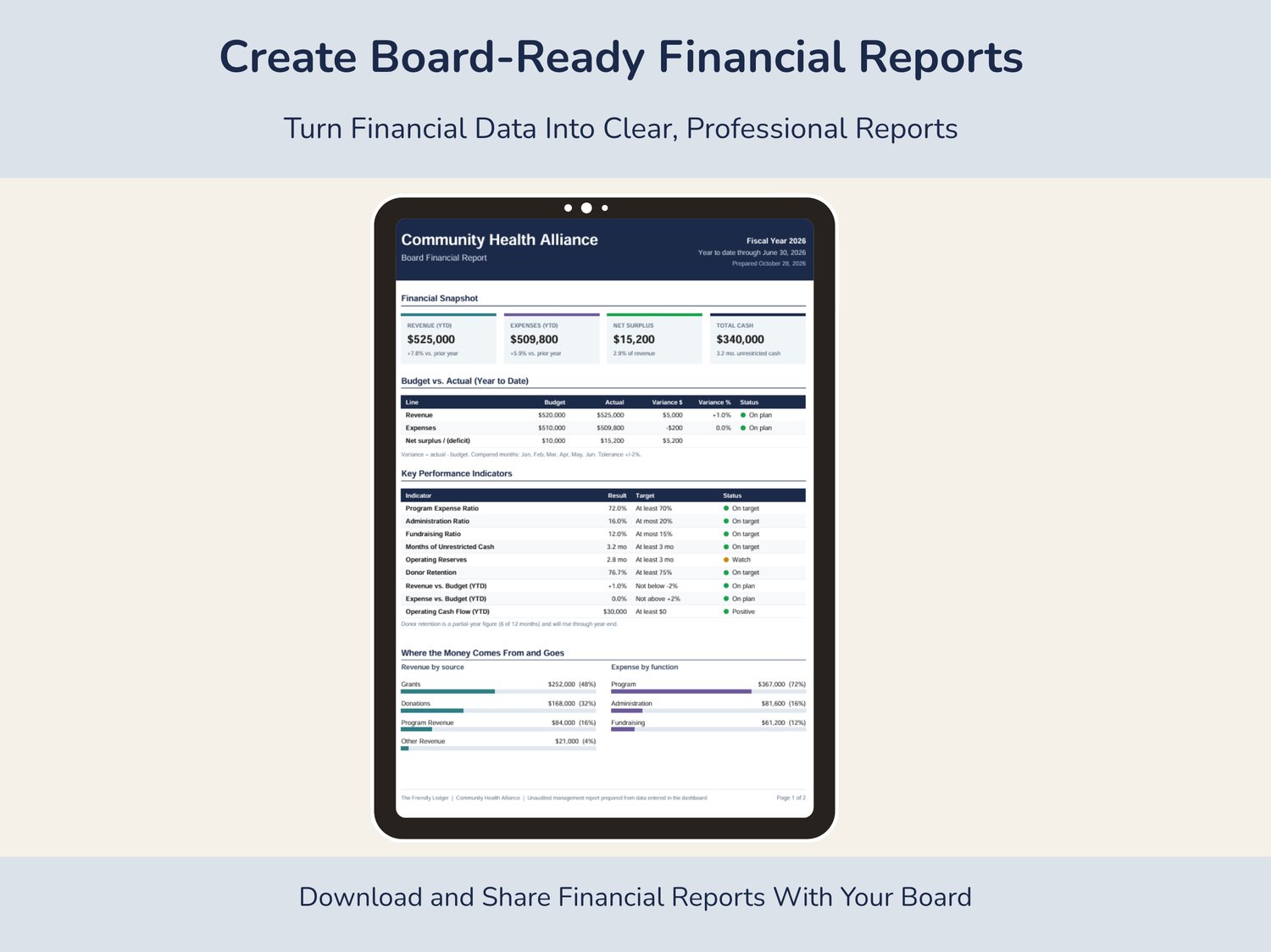
- Executive Financial Dashboard: View revenue, expenses, operating surplus or deficit, cash availability, and key financial indicators.
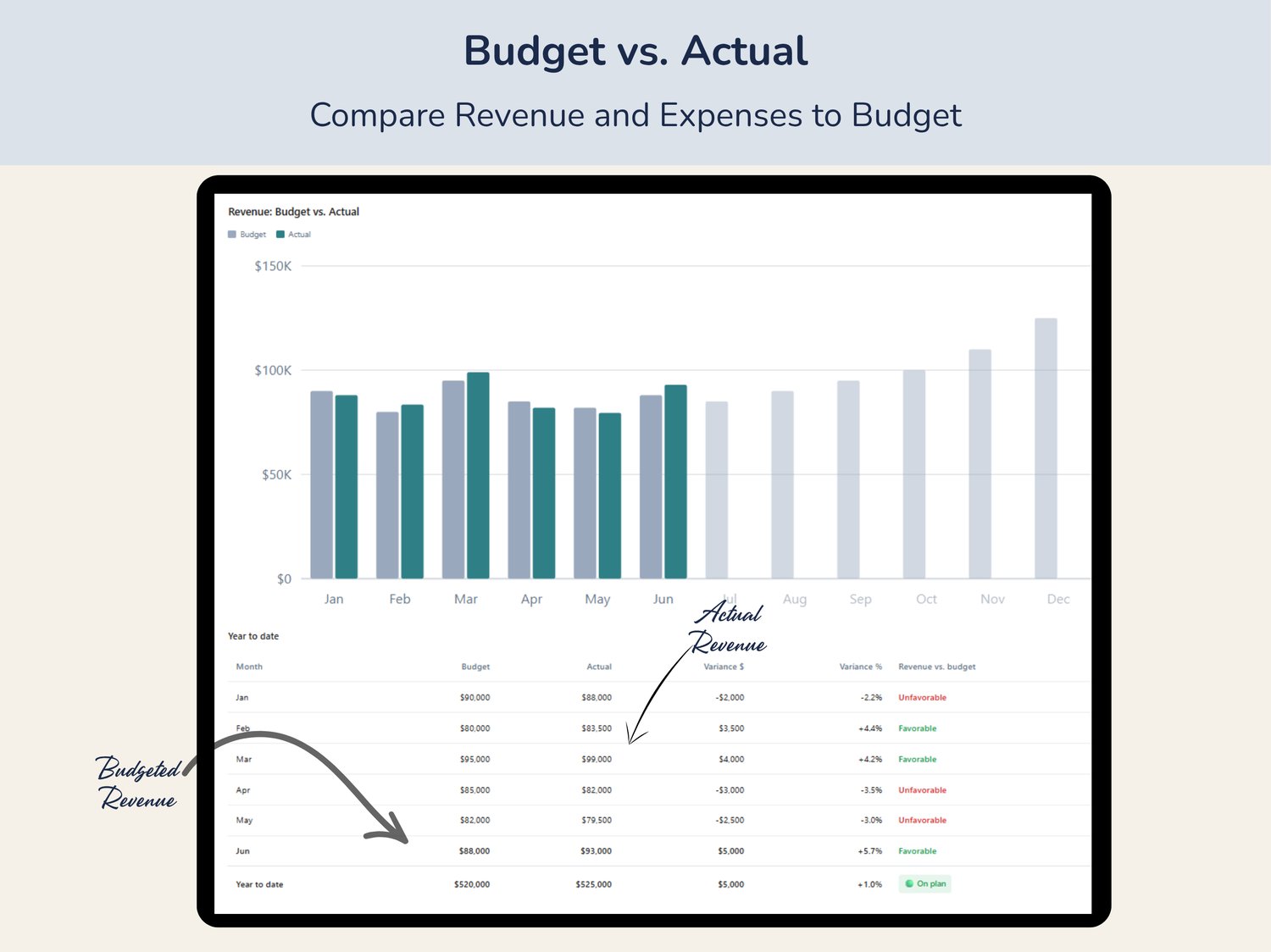
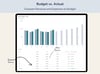
- Budget vs. Actual Reporting: Compare revenue and expenses against budget with monthly, quarterly, and year-to-date views.
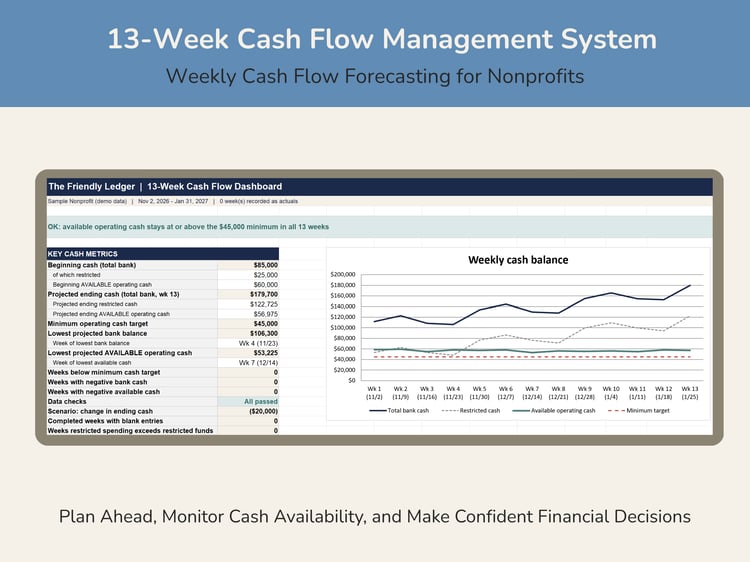
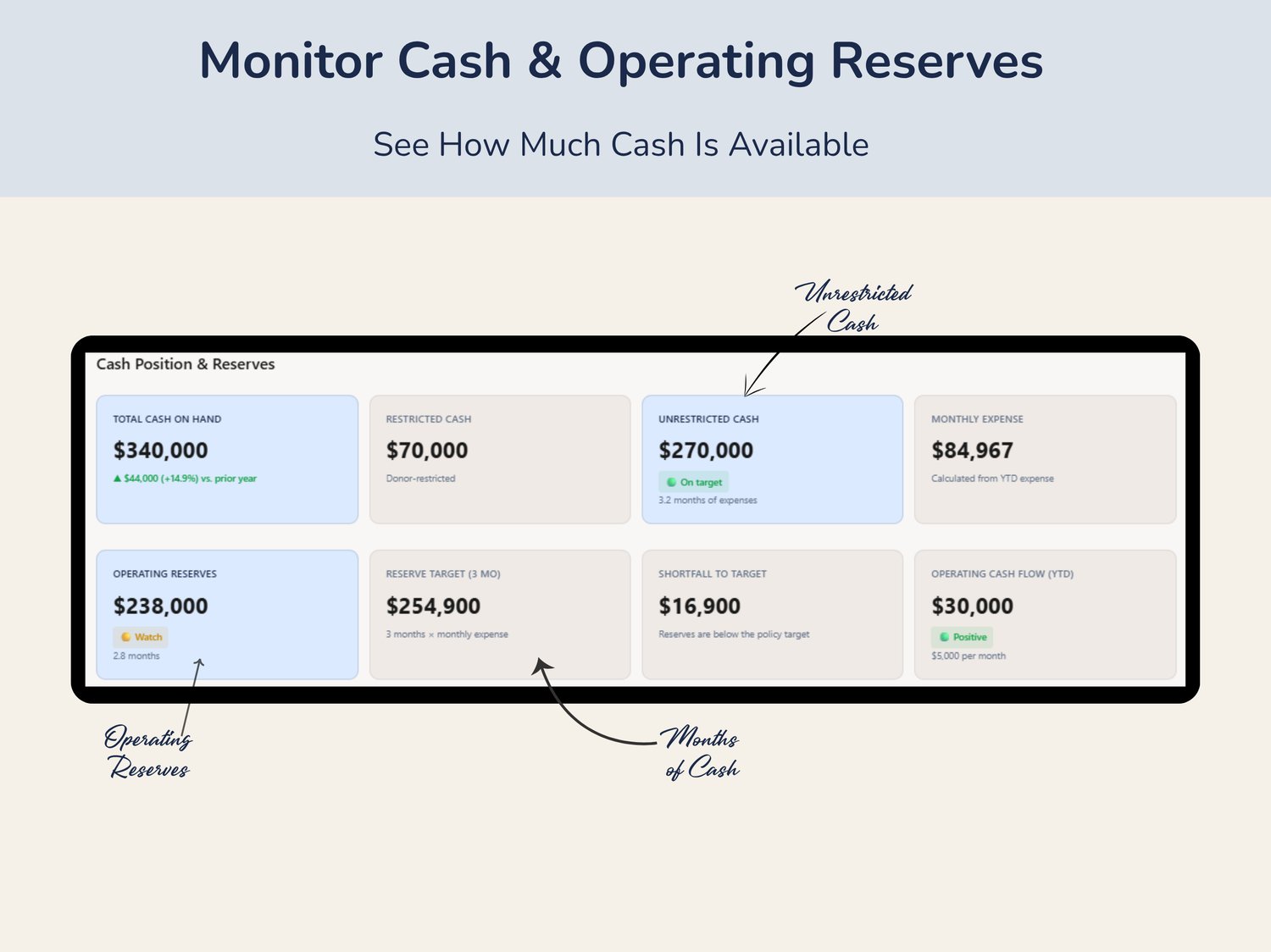
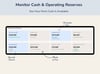
- Cash & Operating Reserves: Monitor restricted and unrestricted cash, operating reserves, and months of available cash.
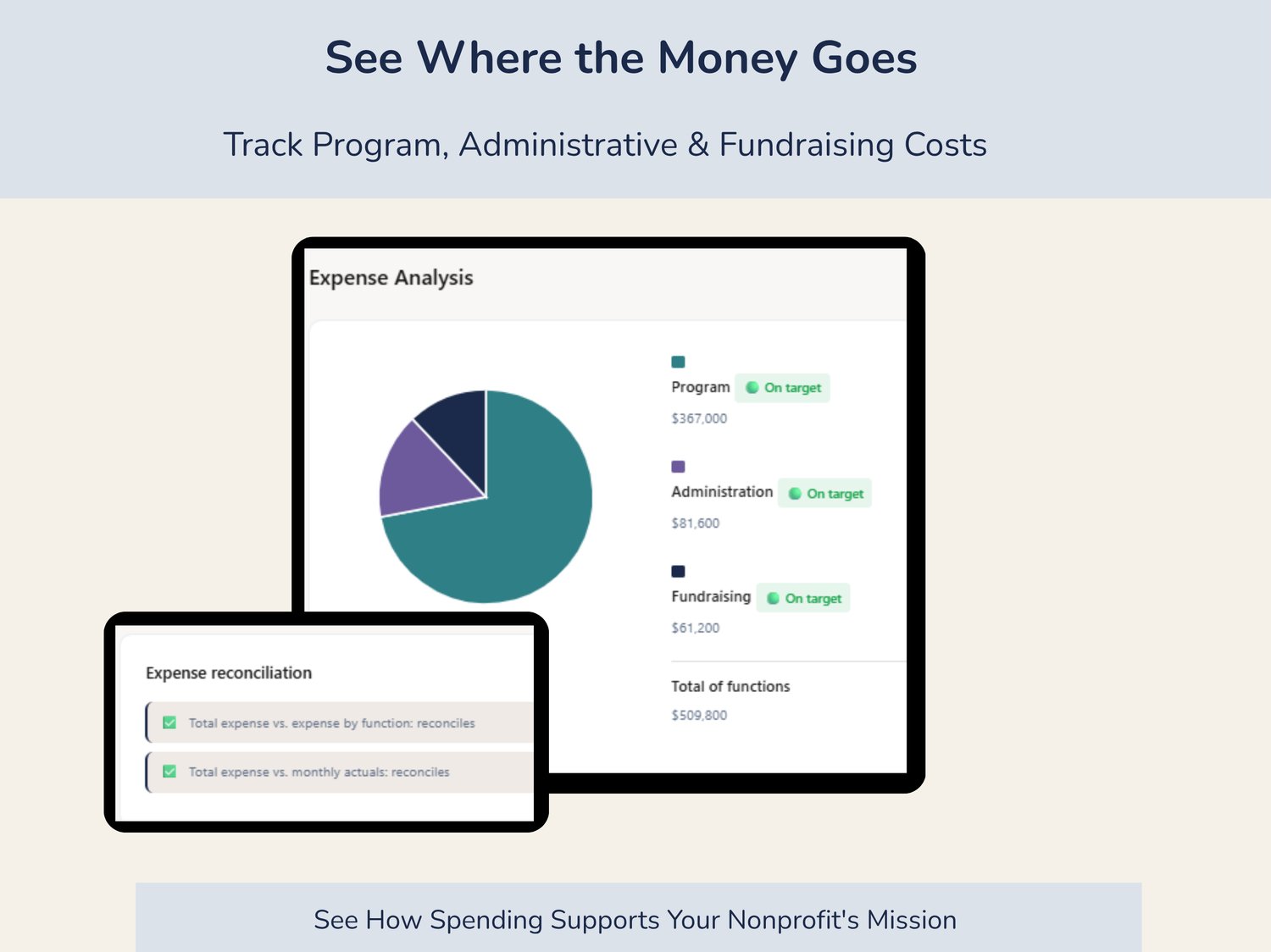
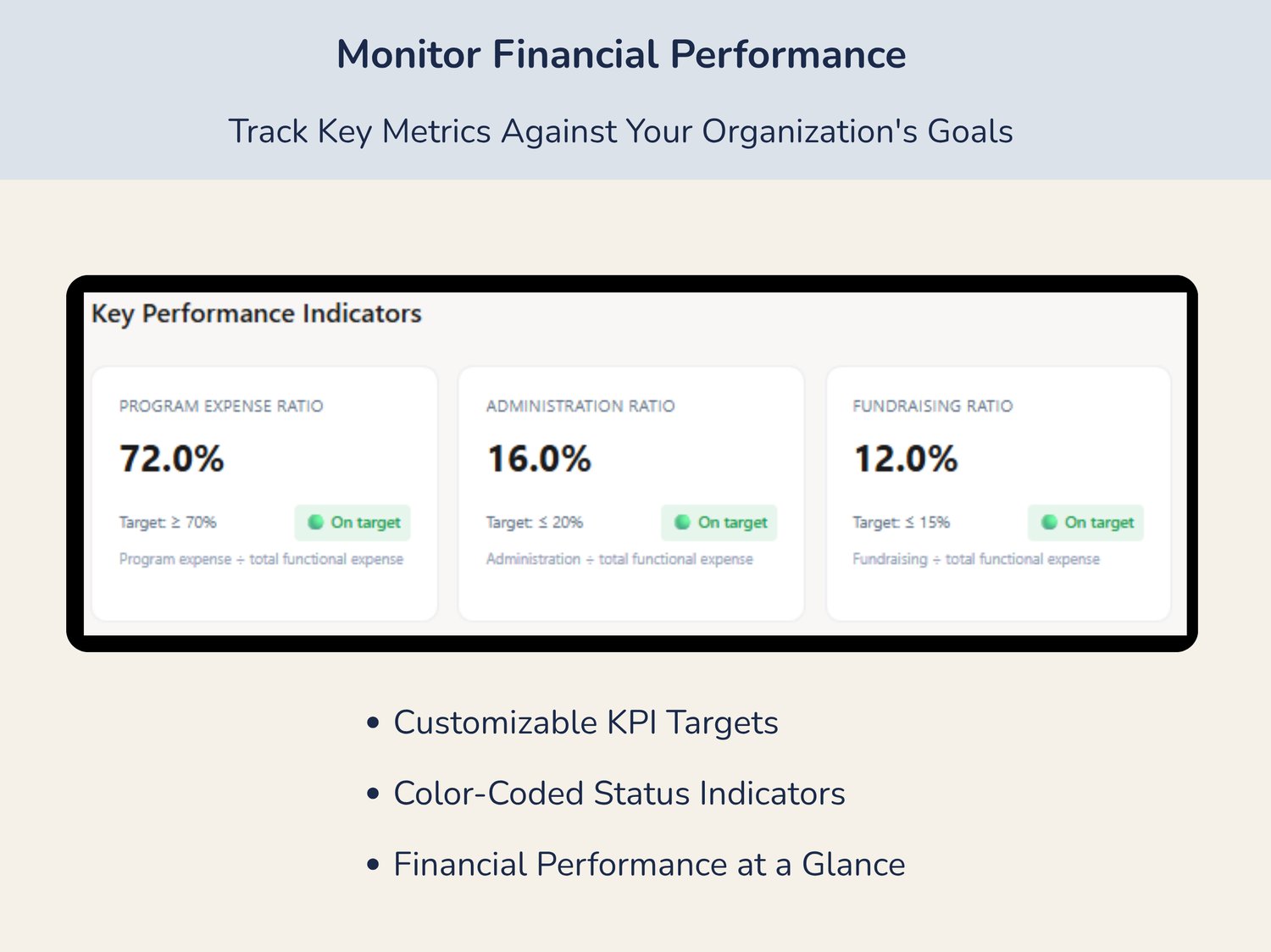
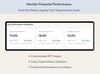
- Financial KPI Tracking: Track program, administration, and fundraising expense ratios with customizable targets and color-coded indicators.
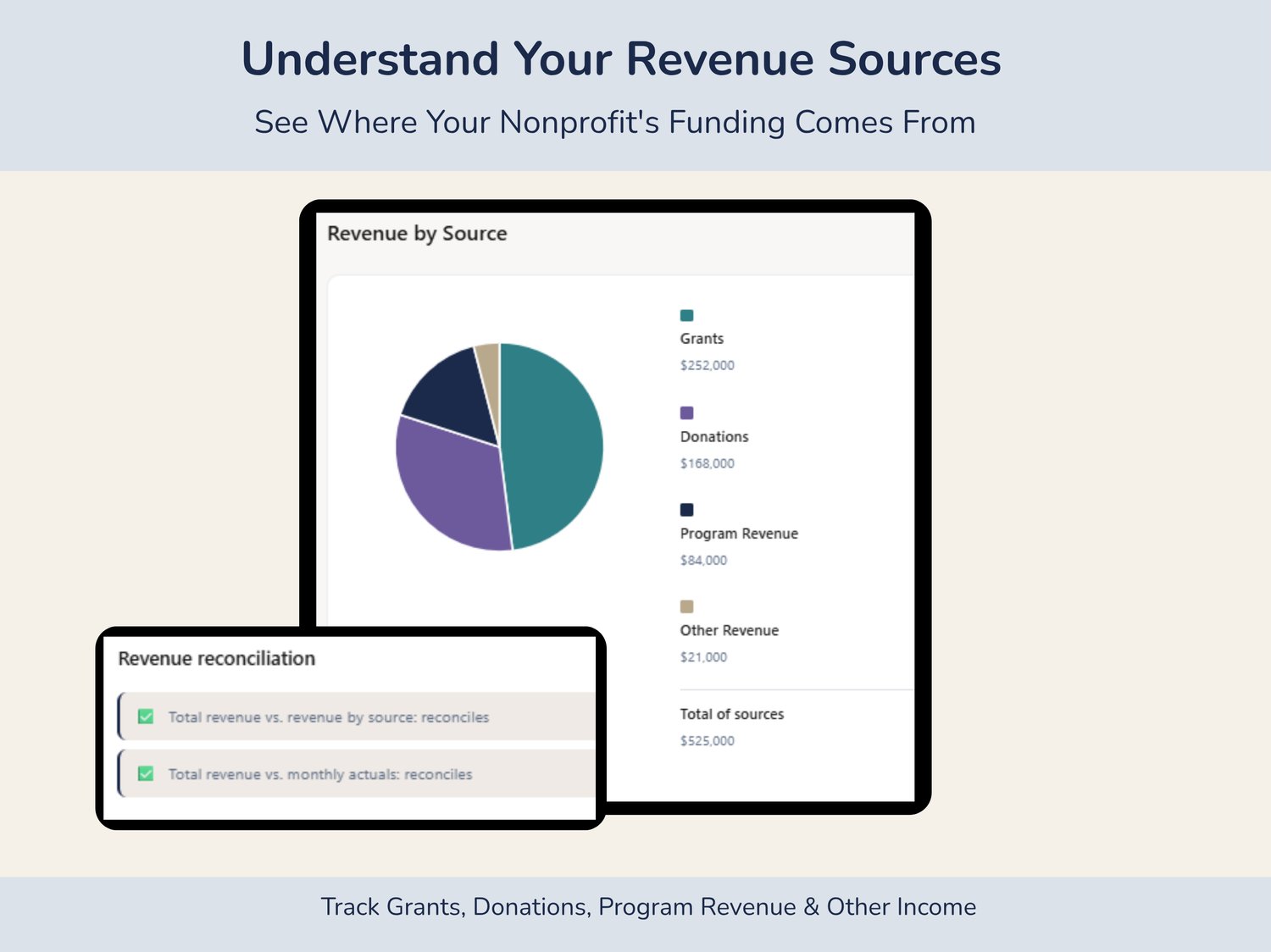
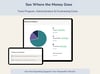
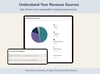
- Revenue & Expense Breakdowns: Visualize funding sources and functional spending.
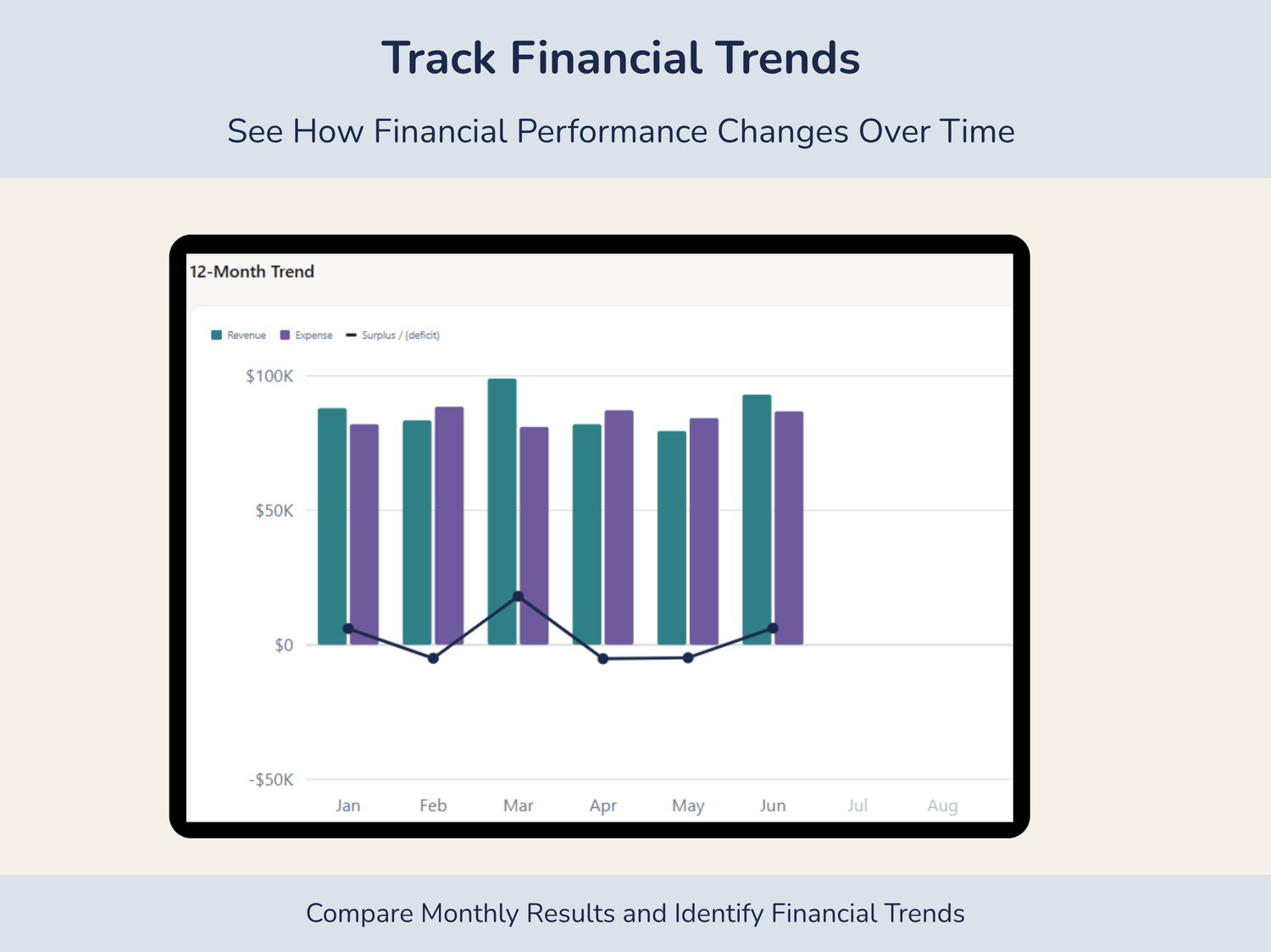
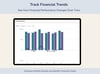
- Financial Trends: Review 12-month performance and prior-year financial comparisons.
- Donor Retention: Monitor returning donors and retention rates.
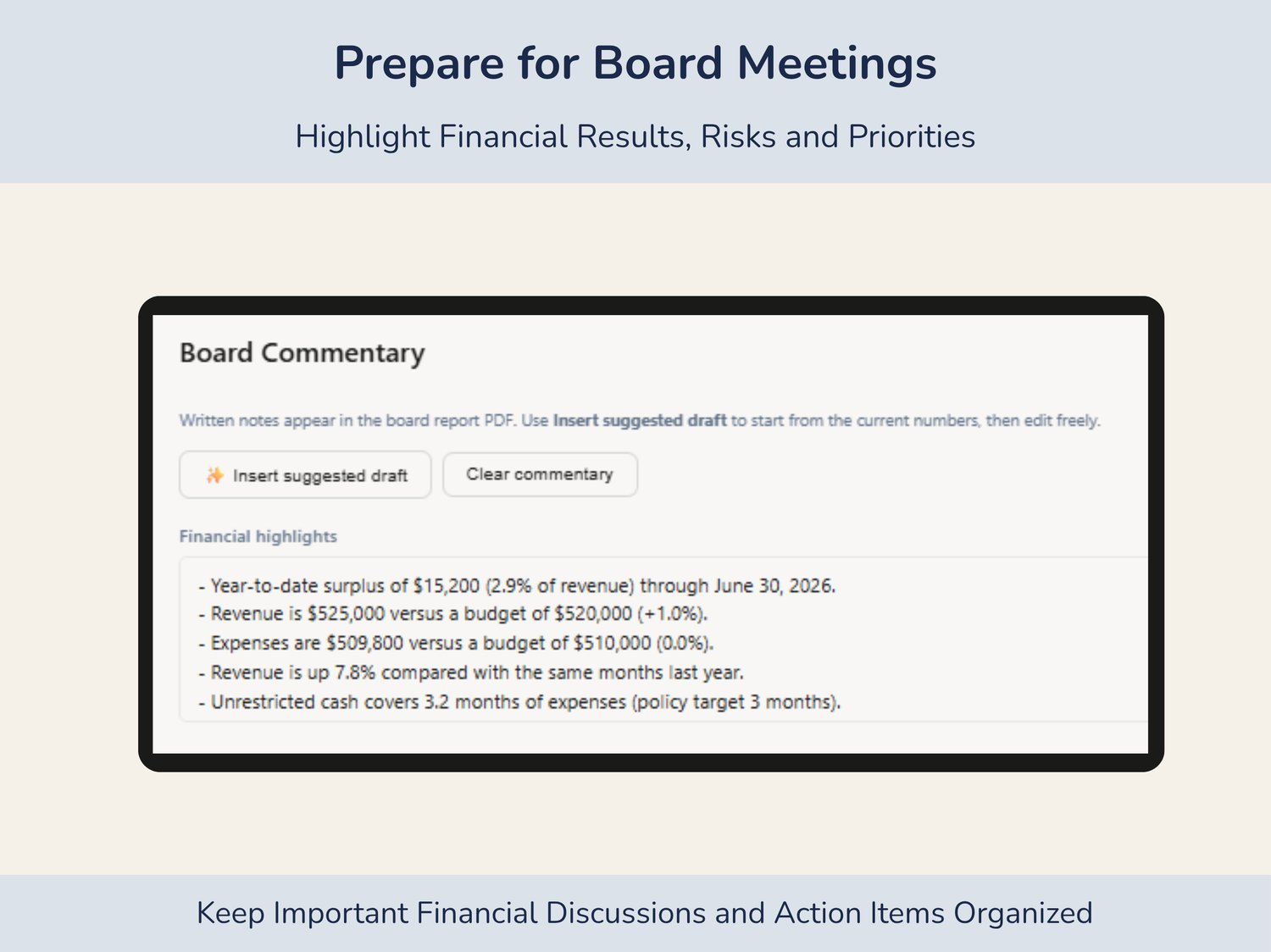
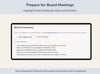
- Board Commentary: Document financial highlights, risks, and action items for board discussions.
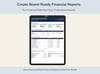
- Board-Ready PDF Reports: Generate professional financial summaries for board meetings and annual financial reporting.
- Monthly Snapshots: Save reporting periods and compare financial performance over time.
Easy Data Entry & Import
Enter financial information manually or import trial balance and profit and loss data using CSV files exported from QuickBooks, Xero, or other accounting systems.
Built-in account mapping, reconciliation checks, data validation, and sample financial data help simplify the reporting process.
What You'll Receive
- Interactive HTML Nonprofit Board Financial Dashboard
- Step-by-step How-to Guide
- Built-in sample dashboard
No Subscription or Special Software Required
- Works offline in a compatible web browser
- No recurring subscription fees
- No software installation required
- Save and restore your financial data
- Download professional PDF board reports
- Compatible with desktop, laptop, and supported mobile browsers
Important Information
- This is a digital download. No physical product will be shipped.
- The dashboard is a browser-based reporting tool, not an Excel or Google Sheets spreadsheet. Your data is stored locally in your browser, with an option to download a backup.
- This tool supports nonprofit financial statements review and annual report preparation but does not create a complete nonprofit annual report or replace accounting software.
Make nonprofit board reporting easier with organized financial data, meaningful performance indicators, and professional reports ready to share.