


Cadence Guided Setup + Railway Support
Want help getting Cadence Core set up, without working through the whole process alone?
This is a guided setup support service for Cadence Core users who want the Railway deployment handled for them, plus a focused one-hour voice/screen-share session to help them understand their setup, ask questions, and start shaping Cadence around their own rhythm.
You do not need this service to use Cadence Core. Free setup guides and community support are available for all Cadence users. This option is for people who would like direct one-to-one help from me.
Important: this purchase does not include a Cadence Core licence
This listing is for setup support only. You will need a valid Cadence Core licence key before your setup can be completed. If you have not bought Cadence Core yet, please purchase the Cadence Core licence separately or choose the bundle option if one is available.
What’s included
With this guided setup service, I will:
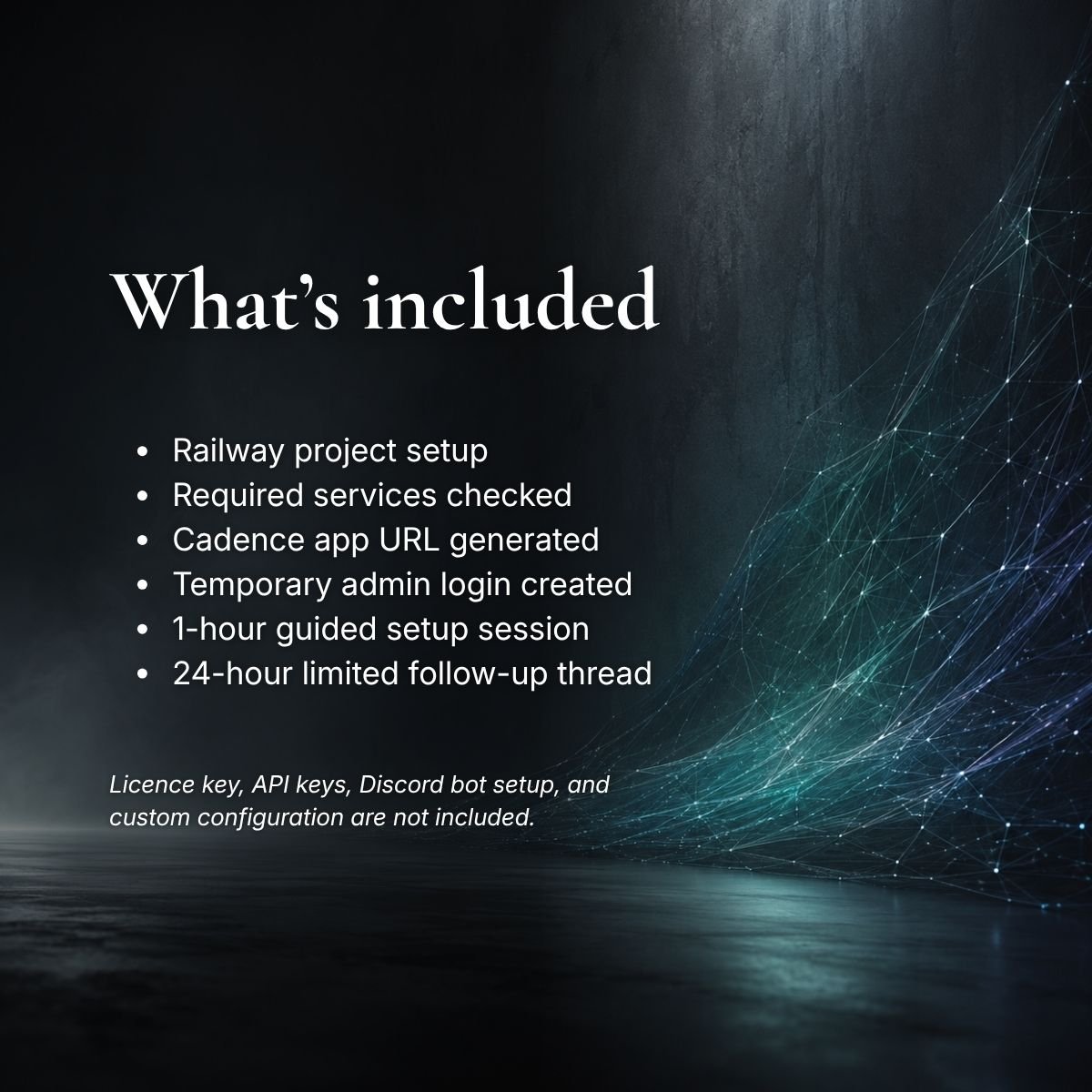
- set up your Cadence Railway project for you
- check that the required Railway services are created correctly
- create placeholder variables where needed, so you can add your own private API keys afterwards
- generate/check your Cadence app URL
- create temporary admin login details for your Cadence web interface
- send you next-step instructions after the Railway setup is ready
- give you time to add your own private details and explore the Cadence admin panel
- schedule one 60-minute voice/screen-share setup session
- answer your prepared setup questions during the session
- help you understand where to begin with making Cadence feel more personal to you
- open a limited 24-hour follow-up thread for small questions directly related to the session
Your guided setup session can be done as a voice/screen-share call, or as a scheduled private Discord thread if you’re more comfortable with text. Text-based sessions are still booked as a one-hour support window, with follow-ups as normal.
How it works
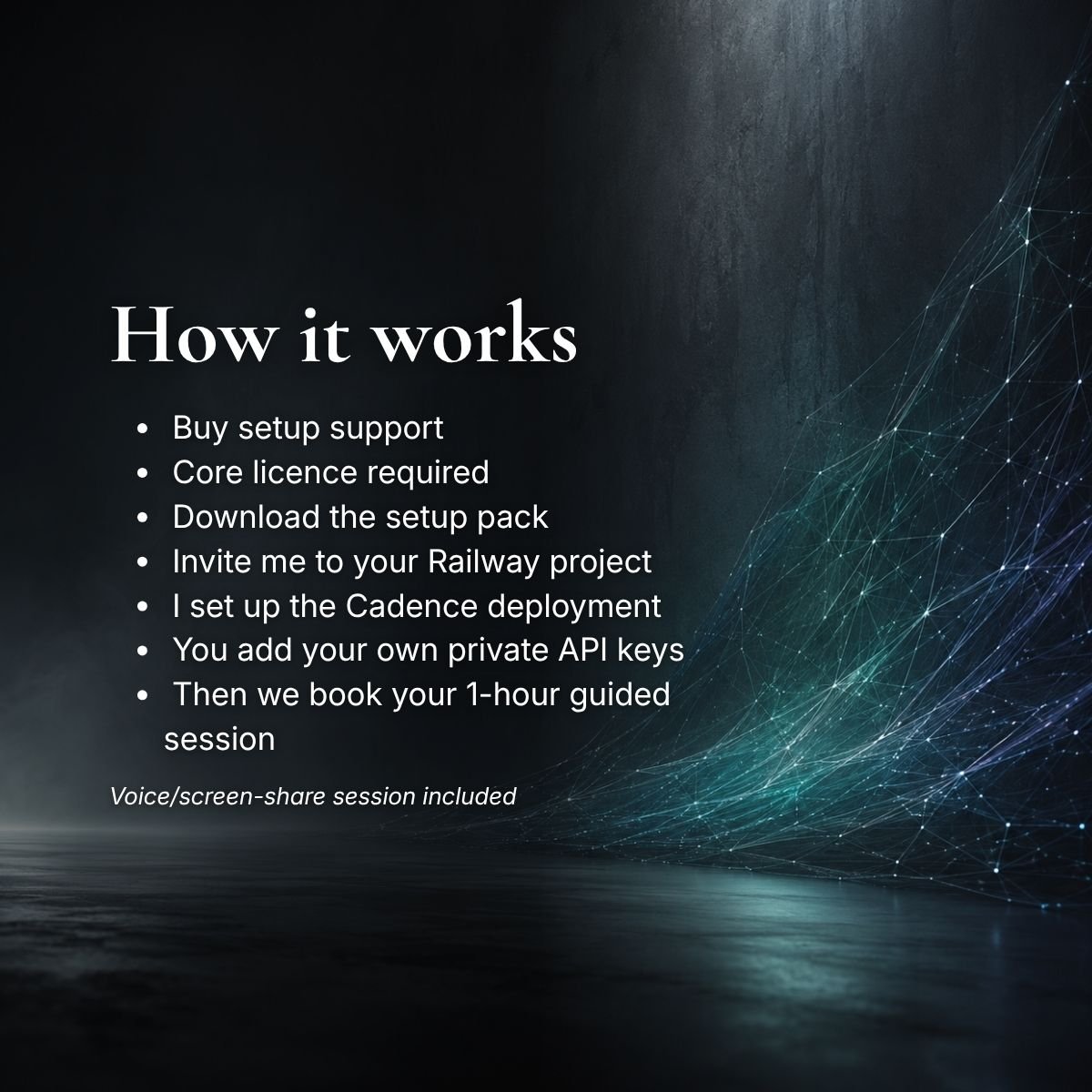
When you purchase, you’ll receive a downloadable setup pack explaining what I need from you and how to invite me to your Railway project.
Once you invite me, I’ll complete the initial Railway deployment and remove myself from the project afterwards.
You’ll then add your own private API keys, bot token, licence key, and other sensitive details yourself.
A few days you’ve had a little time to look around, we’ll schedule your one-hour guided setup session. Before the call, you’ll be asked to send over your main questions so we can keep the session focused and useful.
What the session can cover
Your guided setup session can be used for things like:
- understanding the Cadence admin panel
- checking what still needs configuring
- finding key features and settings
- basic model/settings questions
- first-time setup questions
- deciding when to use certain tools
- understanding memories, schedules, Metronome, channel modes, and galleries
- basic prompt/persona setup guidance
- thinking through how to transfer your own daily rhythm, support needs, creative habits, or companion dynamic into Cadence
- deciding what to work on next without overbuilding everything at once
The session is shaped around your questions, so please send your main questions before the call.
What this service does not include
This service does not include:
- a Cadence Core licence key
- creating third-party accounts for you
- buying credits or subscriptions on your behalf
- entering your API keys, bot tokens, passwords, or private credentials for you
- full Discord bot creation from scratch
- finished custom prompt writing as a done-for-you service
- full memory setup or memory import
- building a complete Metronome system for you
- full persona design from scratch
- troubleshooting unrelated Railway, Discord, OpenRouter, or account access issues
- ongoing one-to-one support beyond the included follow-up thread
If you need deeper customisation after this, you can book a separate Cadence support session.
Follow-up thread
After your guided setup session, I’ll open a private follow-up thread in the Cadence Discord. This thread is for small follow-up questions directly related to what we covered in the session. It stays open for 24 hours after the call and is intended for one or two “I forgot to ask” questions.
It does not include a second live session, ongoing support, or a custom one-to-one helpdesk. I’ll reply when I’m available during normal waking/workable hours.
Best for you if…
This is a good fit if you want the Railway setup handled for you, but you’d also like a one-hour guided session afterwards to help you understand Cadence and start making it your own.
It’s not the right option if you want a fully handled setup or customisation done for you from start to finish. For deeper prompting, memory shaping, Metronome setup, or custom configuration after setup, please book a separate support session.