



Mobile Dog Grooming Business Tracker, Rebooking Spreadsheet, Excel Google Sheets Template
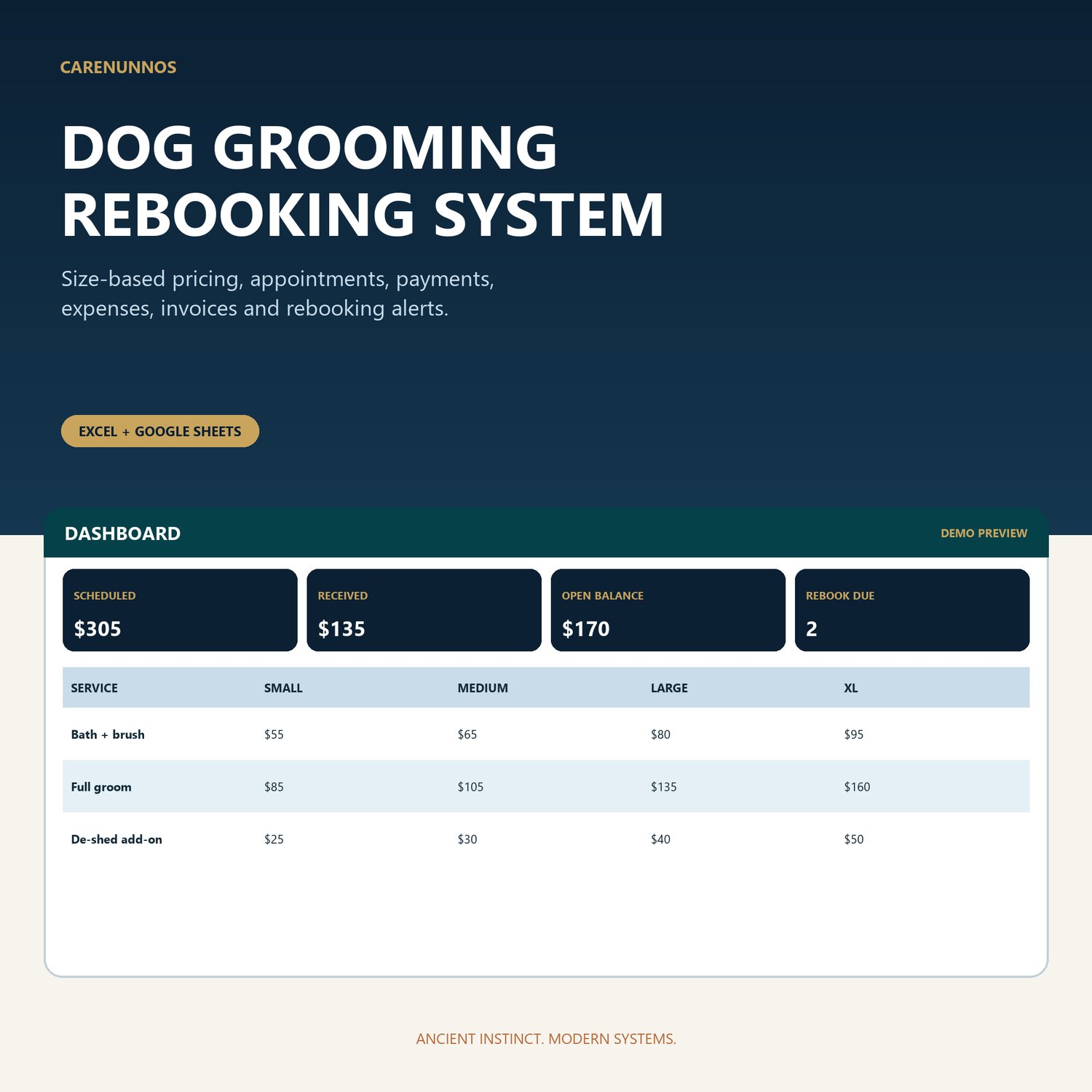
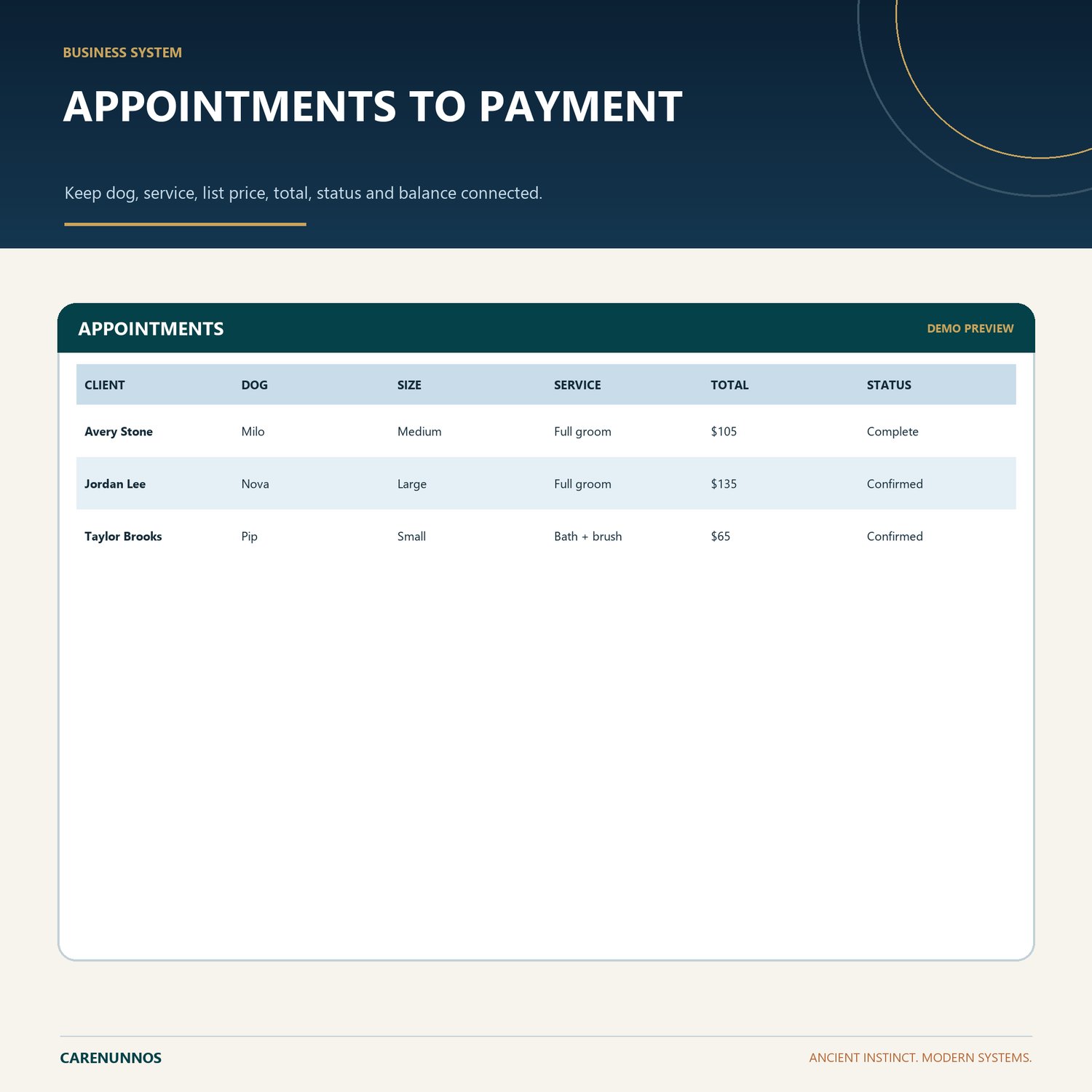
Connect clients and dogs, size-based prices, appointments, payments, rebooking, expenses, supplies, monthly profit and invoices.
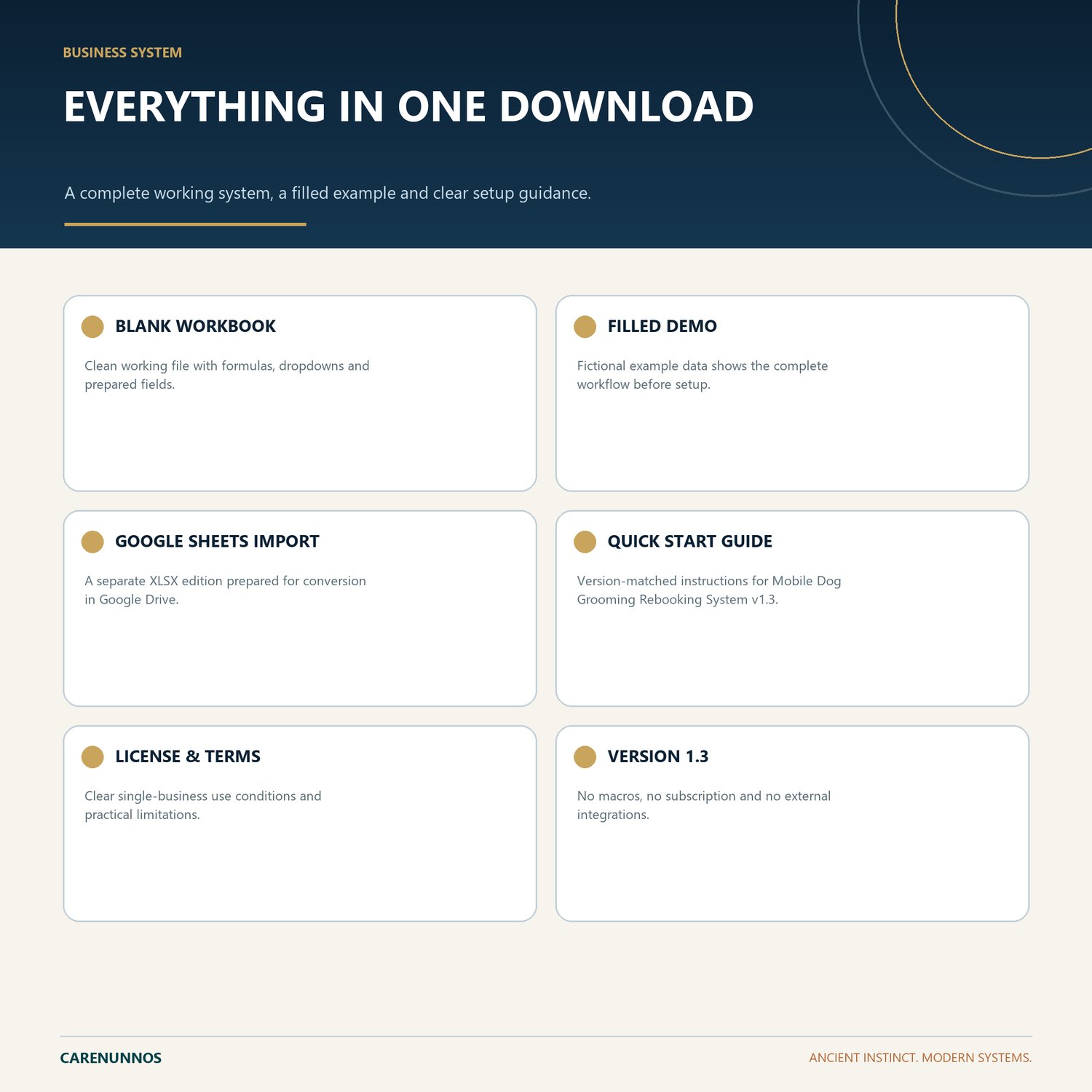
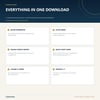
WHAT YOU RECEIVE
- Blank Excel workbook
- Fictional-data Demo workbook
- Google Sheets Import workbook
- Version-matched Quick Start PDF
- CareNunnos License and Use Terms PDF
KEY FEATURES
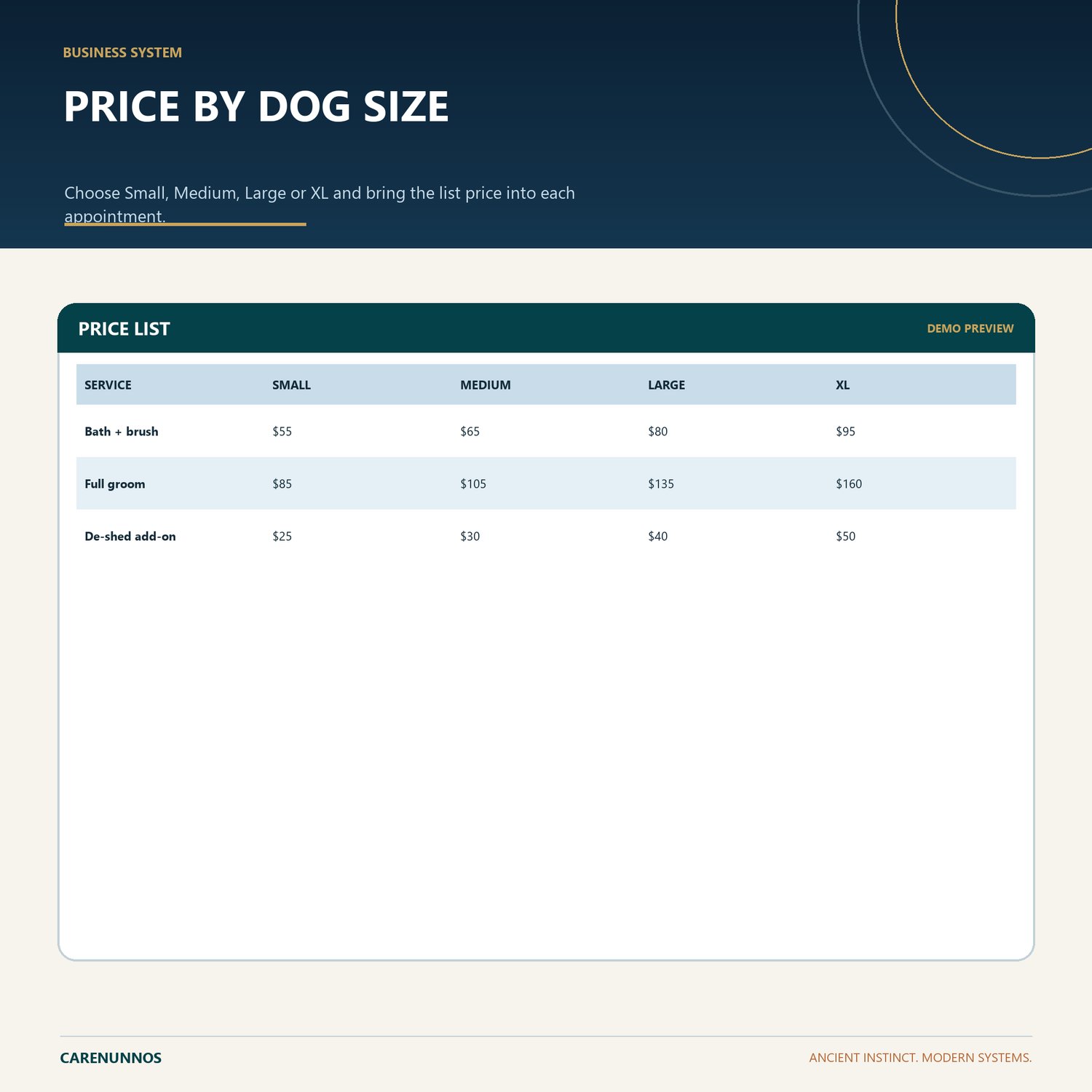
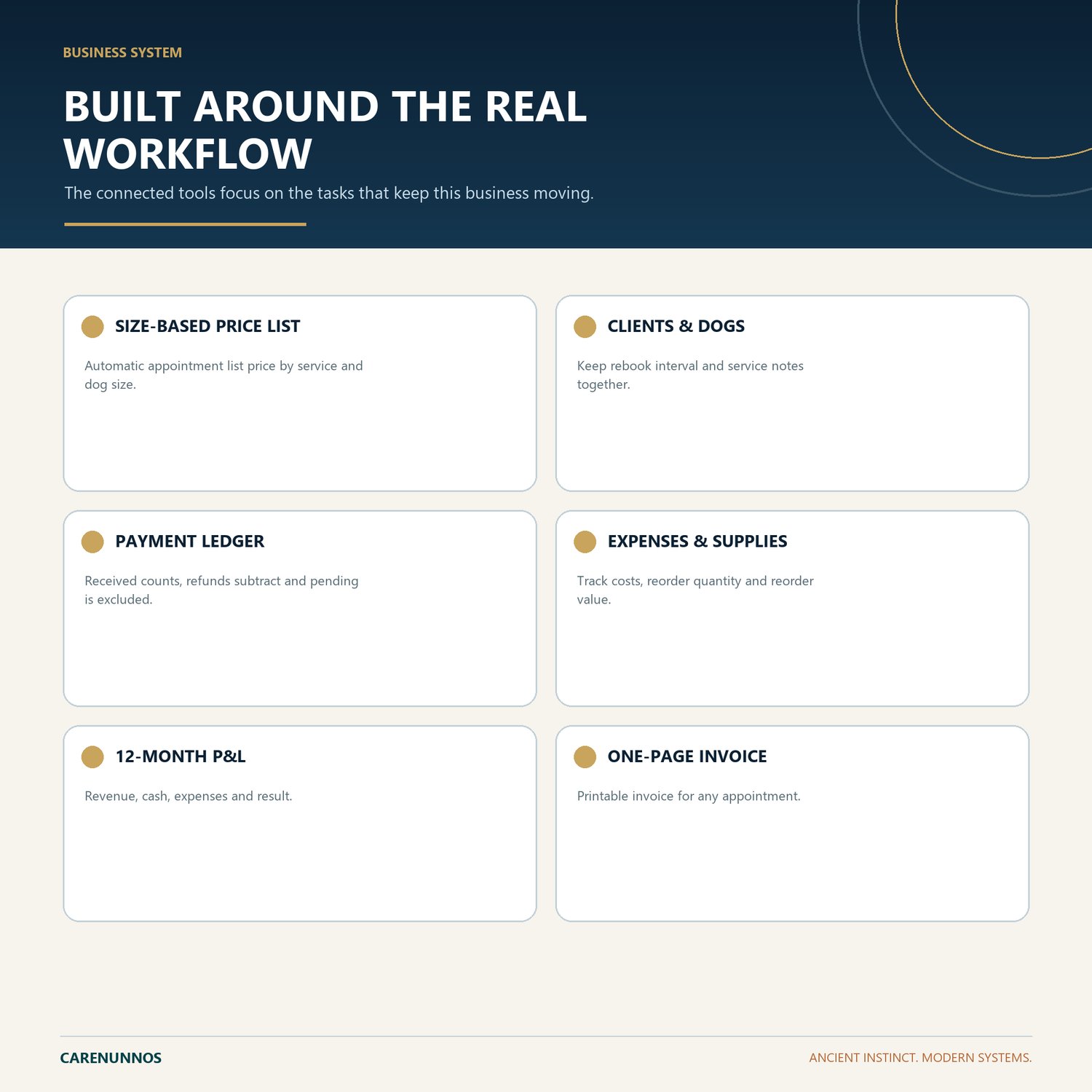
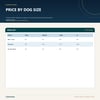
- SIZE-BASED PRICE LIST: Automatic appointment list price by service and dog size.
- CLIENTS & DOGS: Keep rebook interval and service notes together.
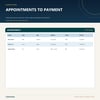
- PAYMENT LEDGER: Received counts, refunds subtract and pending is excluded.
- EXPENSES & SUPPLIES: Track costs, reorder quantity and reorder value.
- 12-MONTH P&L: Revenue, cash, expenses and result.
- ONE-PAGE INVOICE: Printable invoice for any appointment.
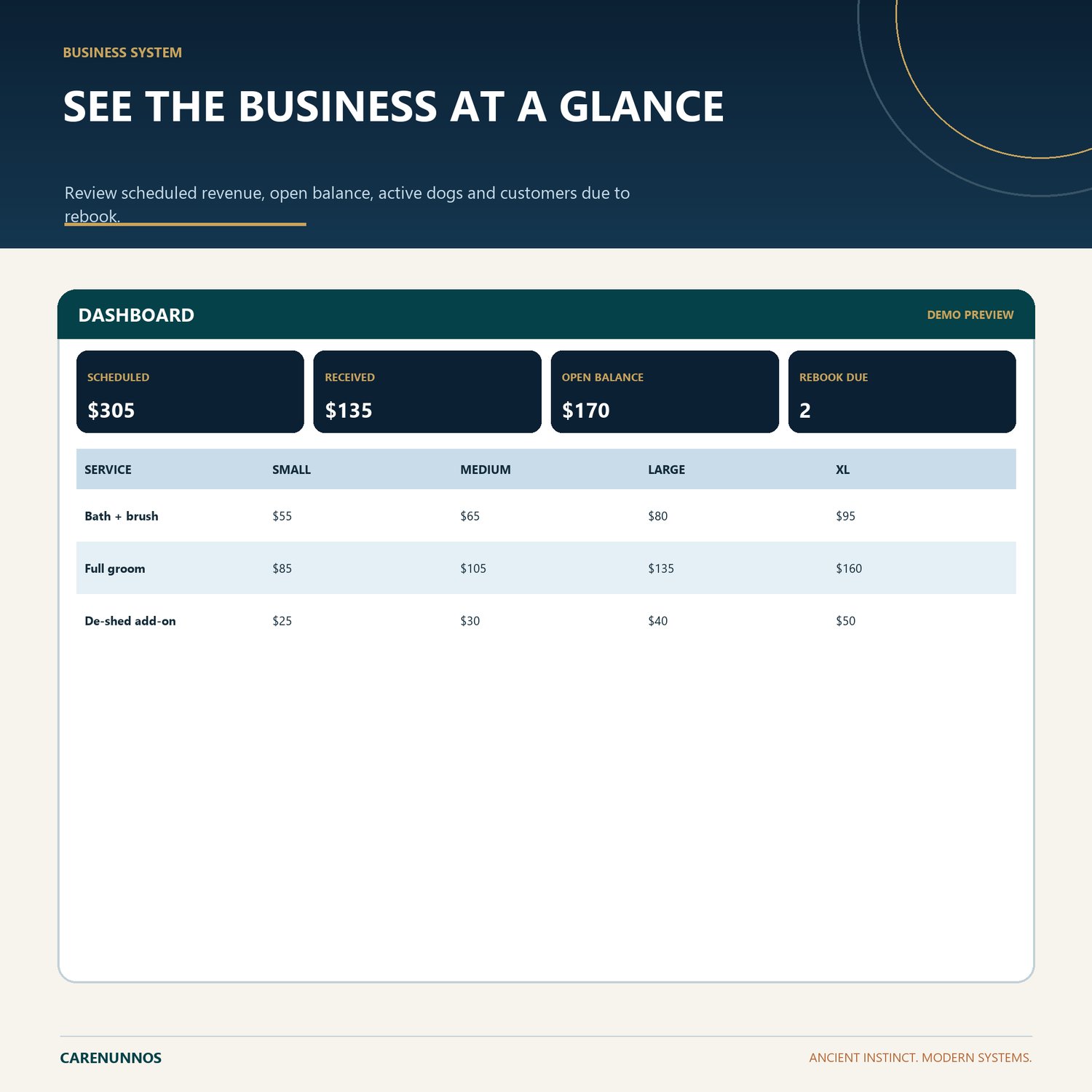
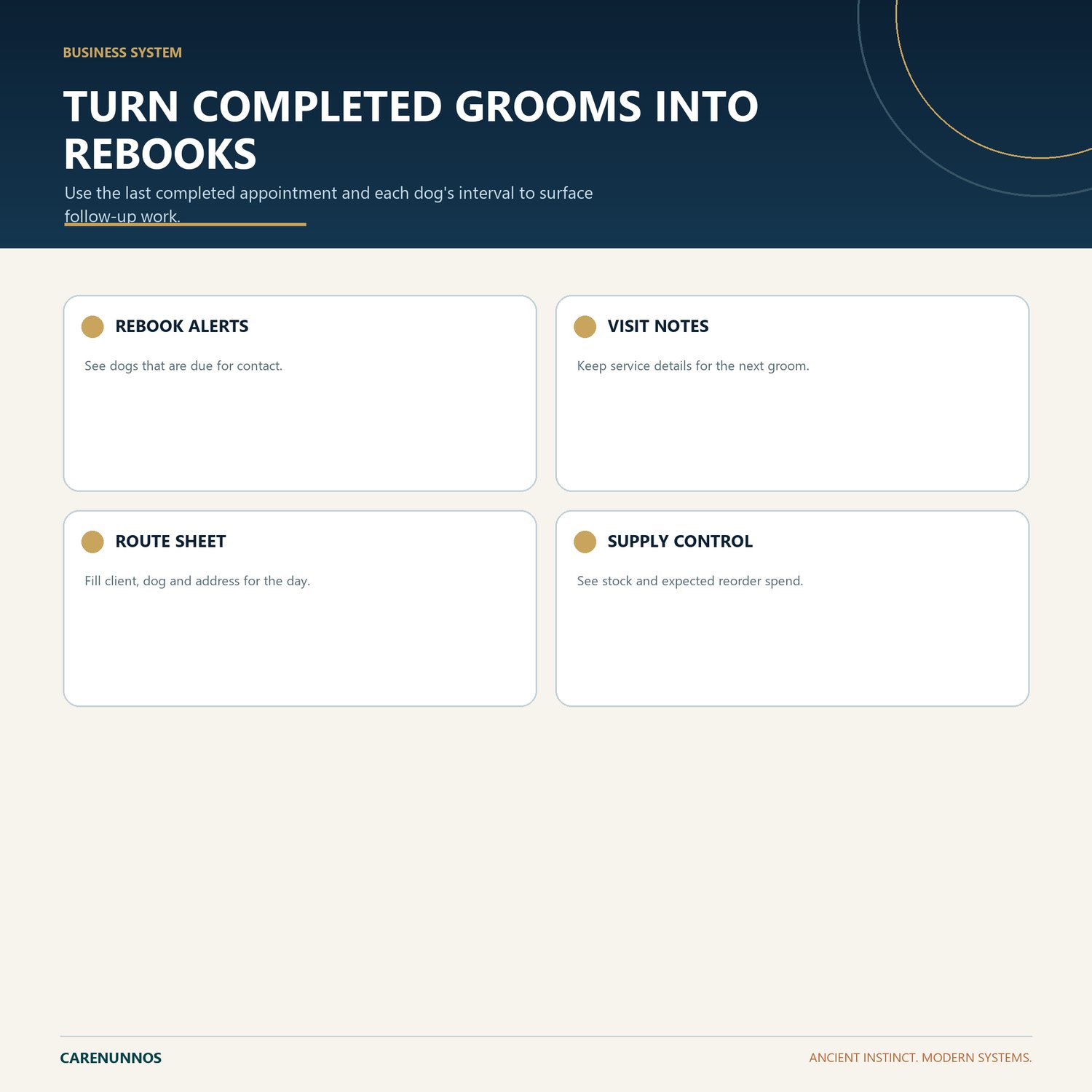
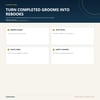
- REBOOK ALERTS: See dogs that are due for contact.
- VISIT NOTES: Keep service details for the next groom.
- ROUTE SHEET: Fill client, dog and address for the day.
- SUPPLY CONTROL: See stock and expected reorder spend.
HOW IT WORKS
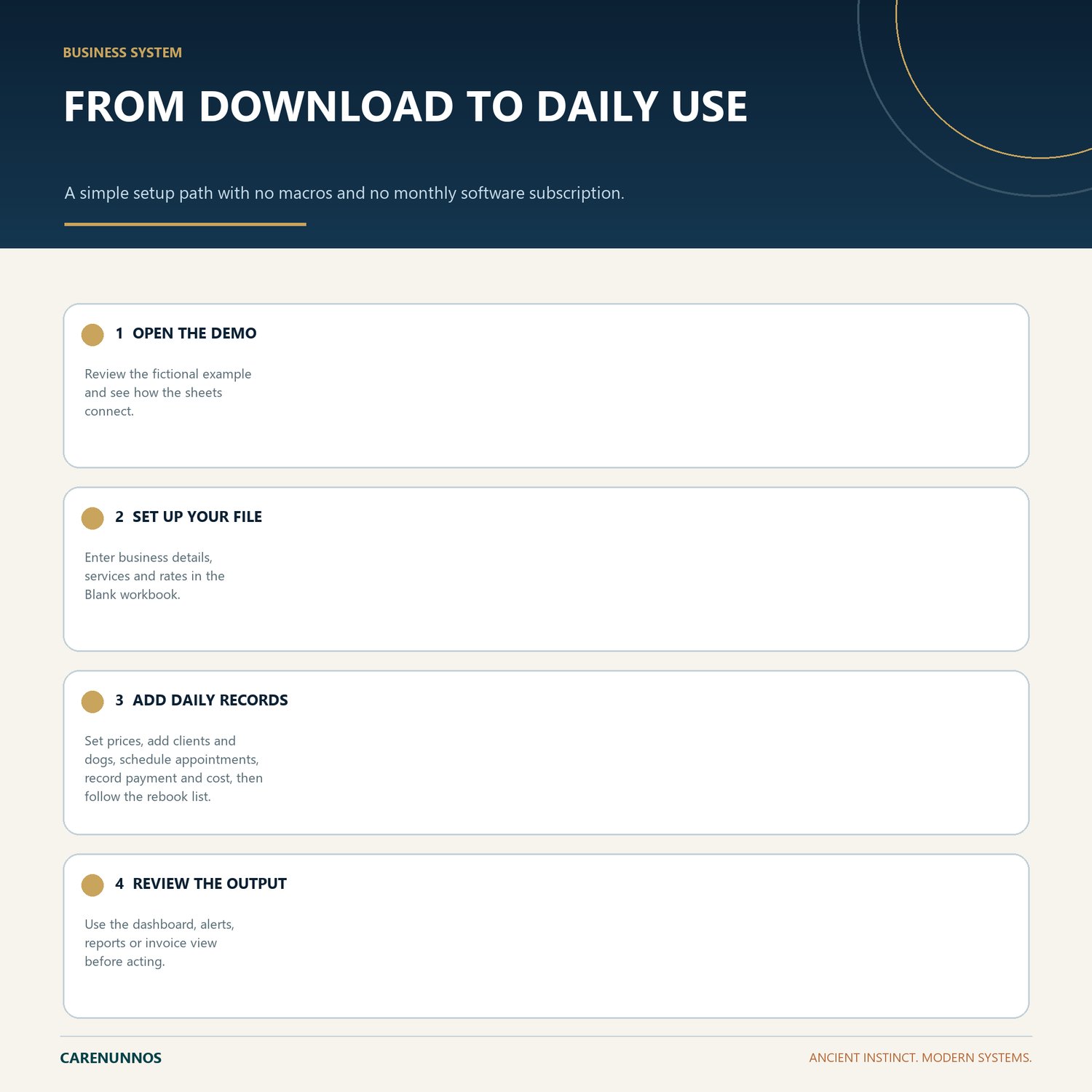
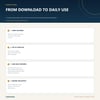
1. Open the Demo workbook to understand the workflow.
2. Use the Blank workbook as your working file.
3. Use stable IDs and the supplied dropdown values so connected calculations remain reliable.
4. Review the dashboard, balances, alerts, reports or invoice output before relying on them.
GOOGLE SHEETS
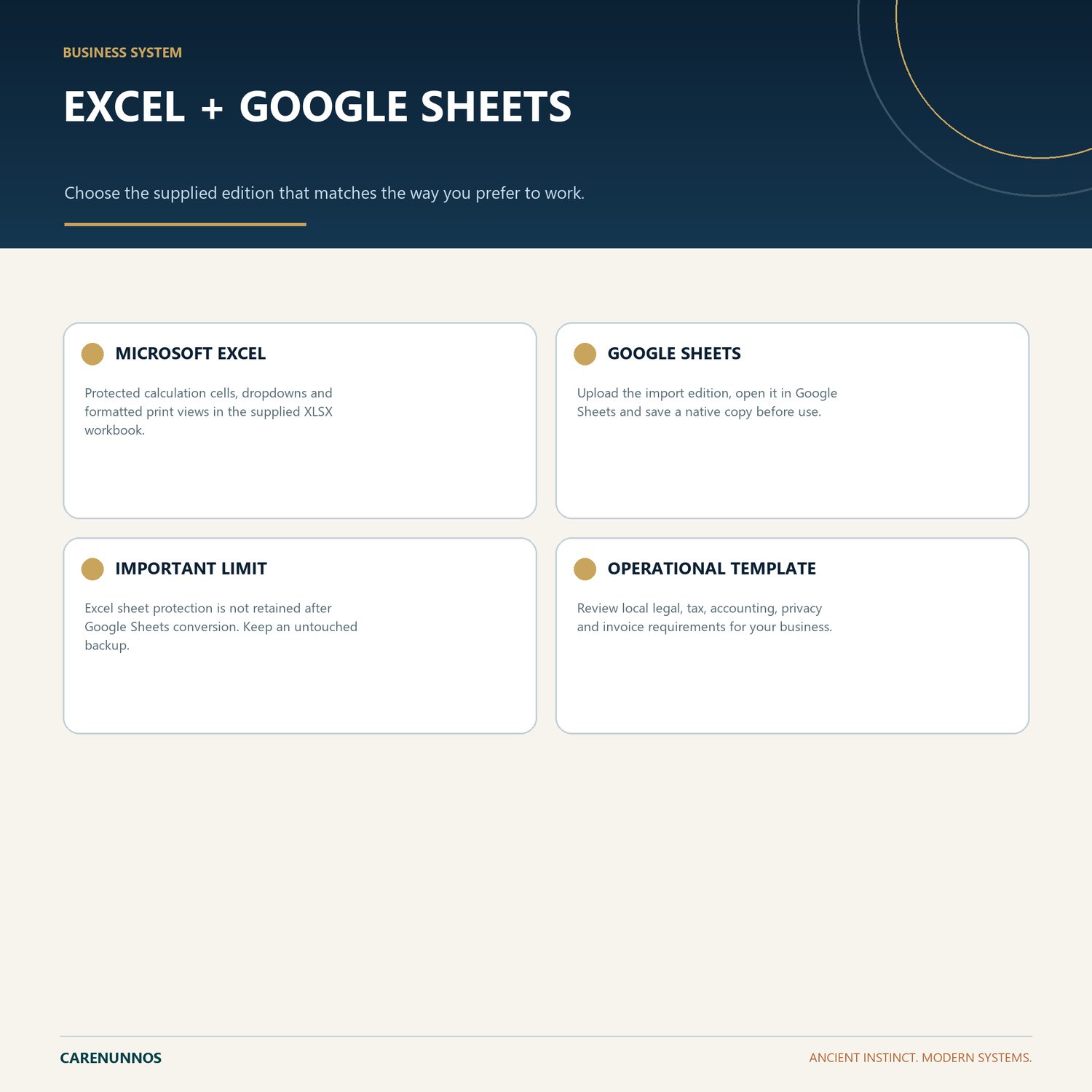
Upload the Google Sheets Import XLSX file to Google Drive, open it with Google Sheets, then save it as a native Google Sheet before entering real information. Excel protection is not retained after conversion, so keep a clean backup and avoid overwriting calculated cells.
IMPORTANT
This is a digital spreadsheet download. No physical item will be shipped. It is an organizational tool, not legal, tax, accounting, payroll, privacy or other professional advice. Buyers are responsible for local requirements and for reviewing every output.
Support: hello@carenunnos.com