

Airbnb Turnover Spreadsheet, Short Term Rental Cleaning Tracker, Excel Google Sheets Template
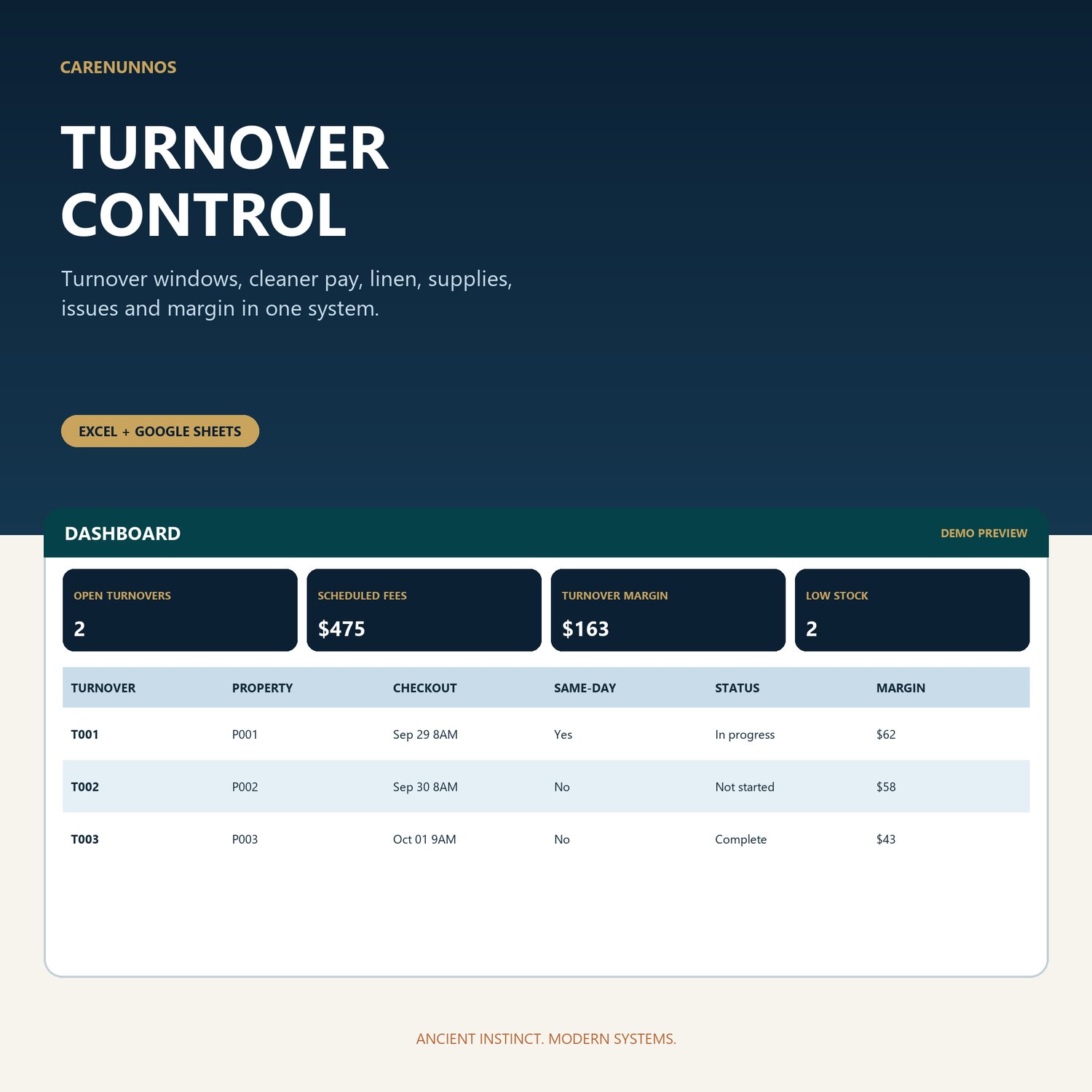
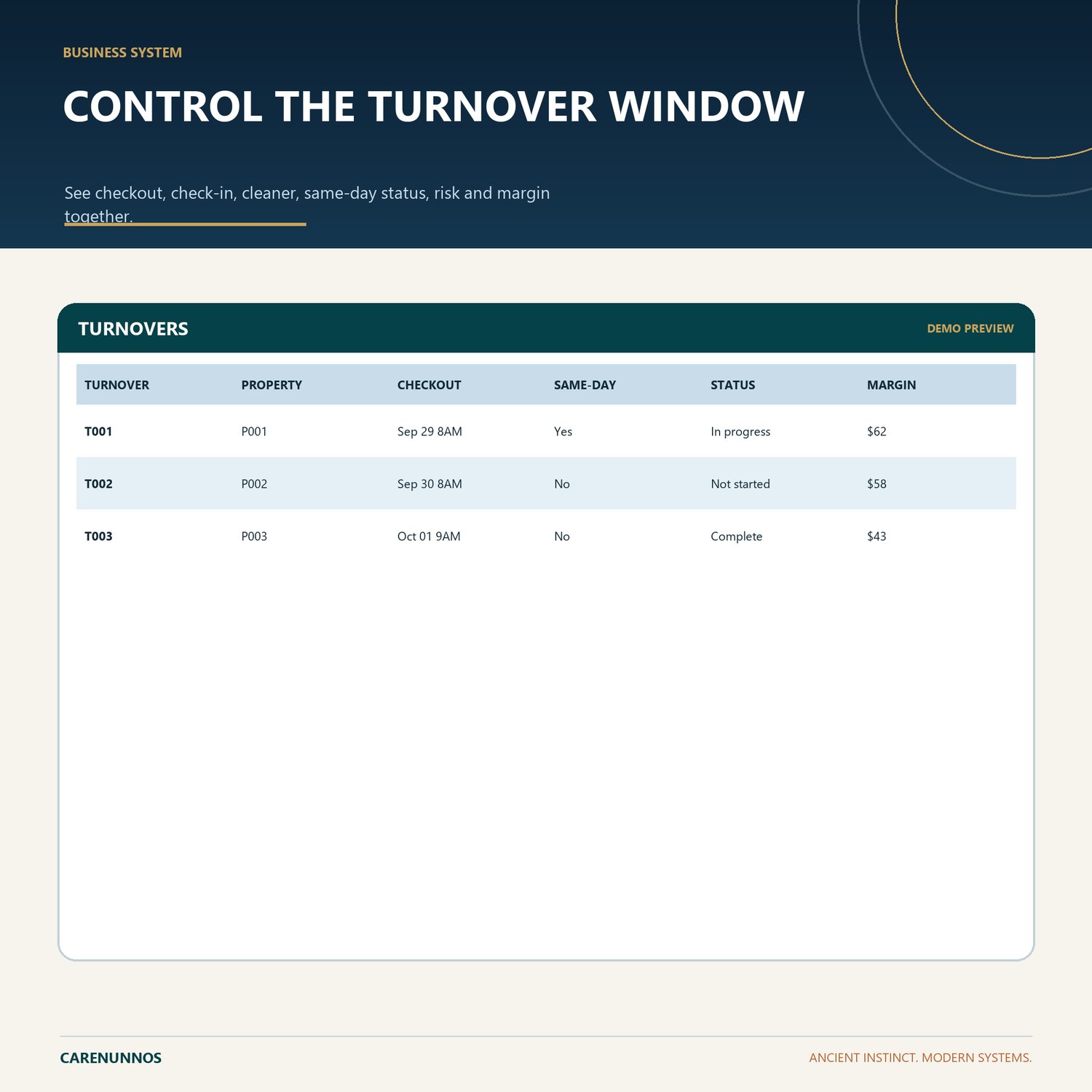
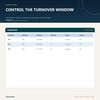
Track checkout-to-check-in windows with risk flags, cleaner pay, linen, room tasks, supplies, issues and turnover margin.
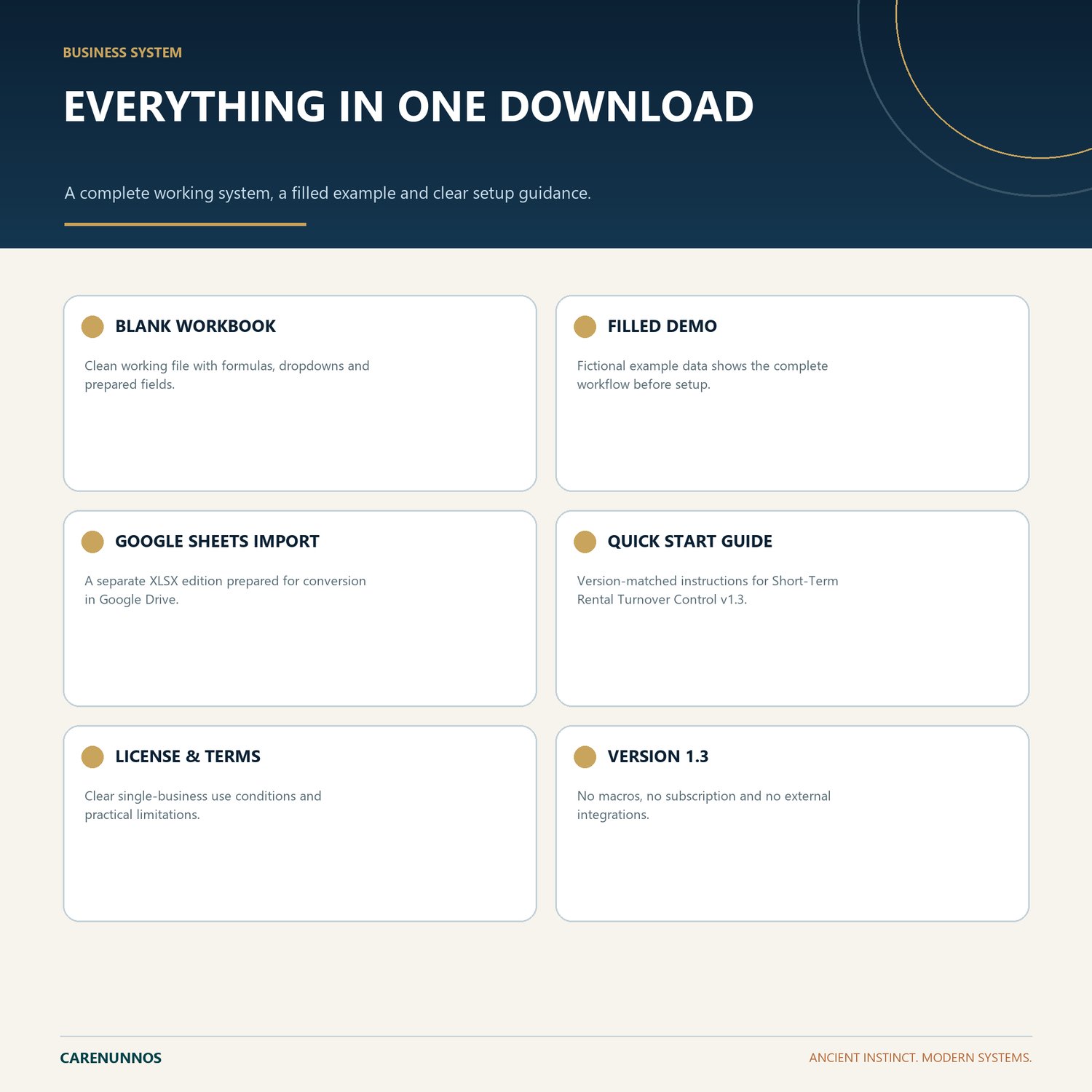
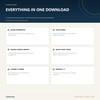
WHAT YOU RECEIVE
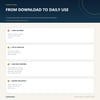
- Blank Excel workbook
- Fictional-data Demo workbook
- Google Sheets Import workbook
- Version-matched Quick Start PDF
- CareNunnos License and Use Terms PDF
KEY FEATURES
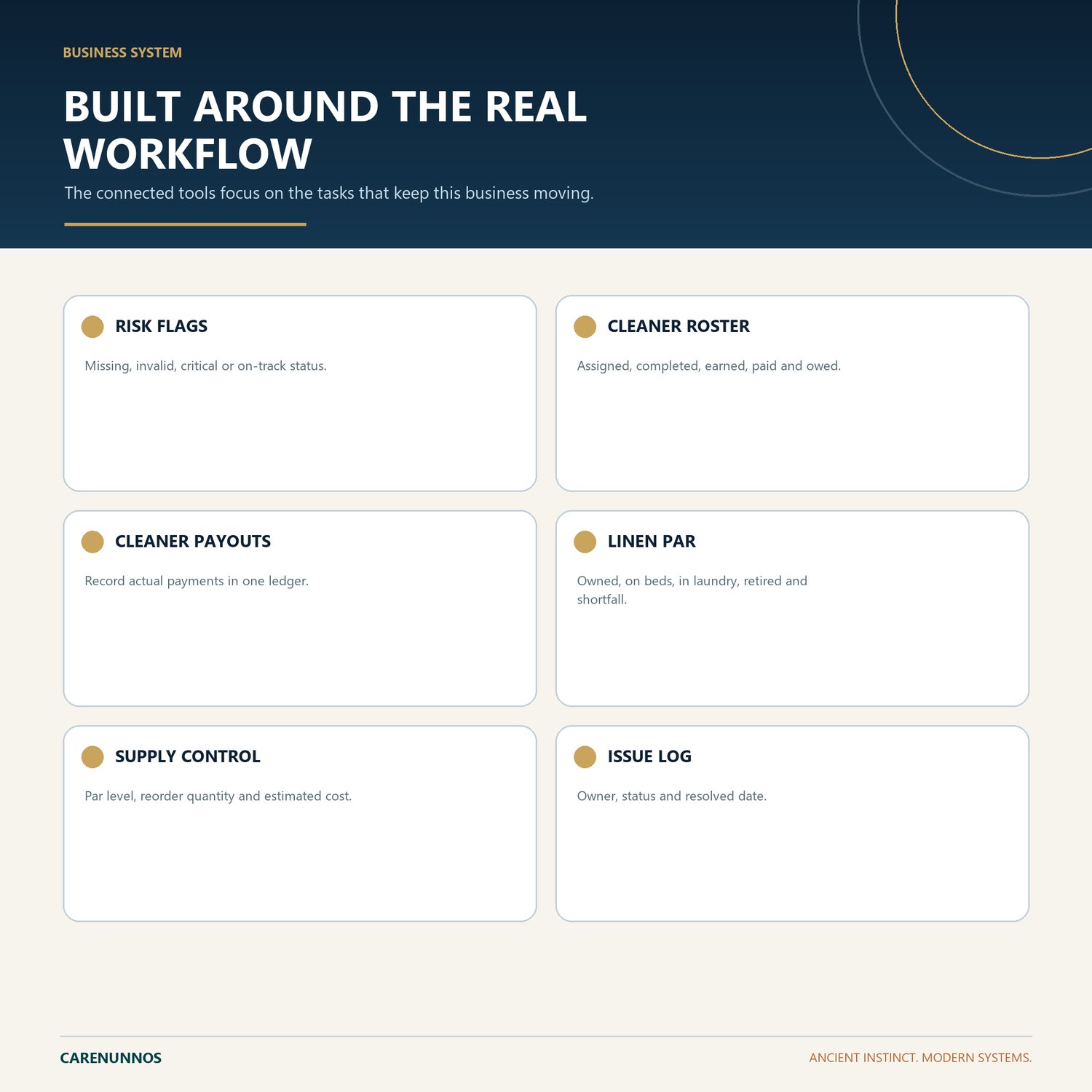
- RISK FLAGS: Missing, invalid, critical or on-track status.
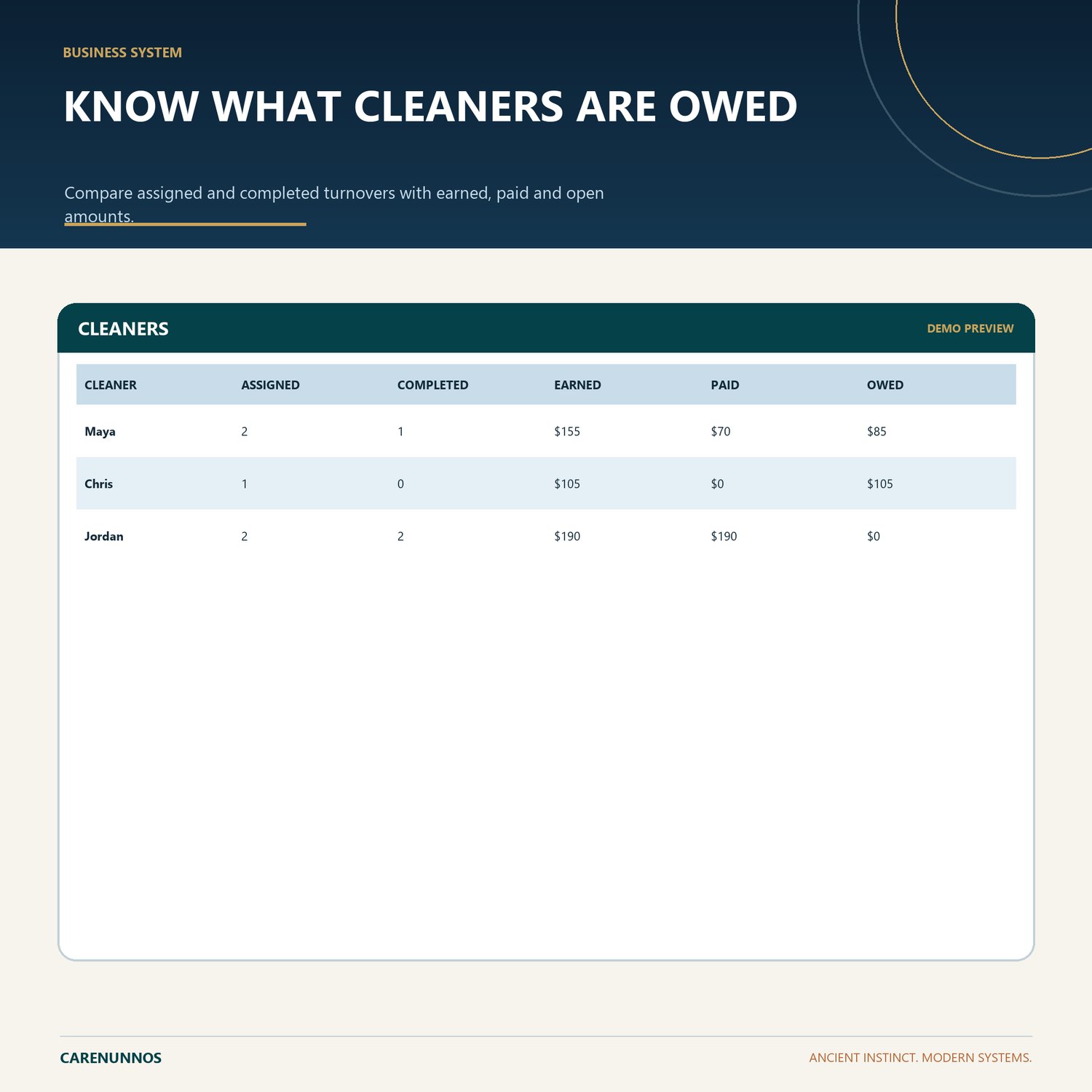
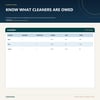
- CLEANER ROSTER: Assigned, completed, earned, paid and owed.
- CLEANER PAYOUTS: Record actual payments in one ledger.
- LINEN PAR: Owned, on beds, in laundry, retired and shortfall.
- SUPPLY CONTROL: Par level, reorder quantity and estimated cost.
- ISSUE LOG: Owner, status and resolved date.
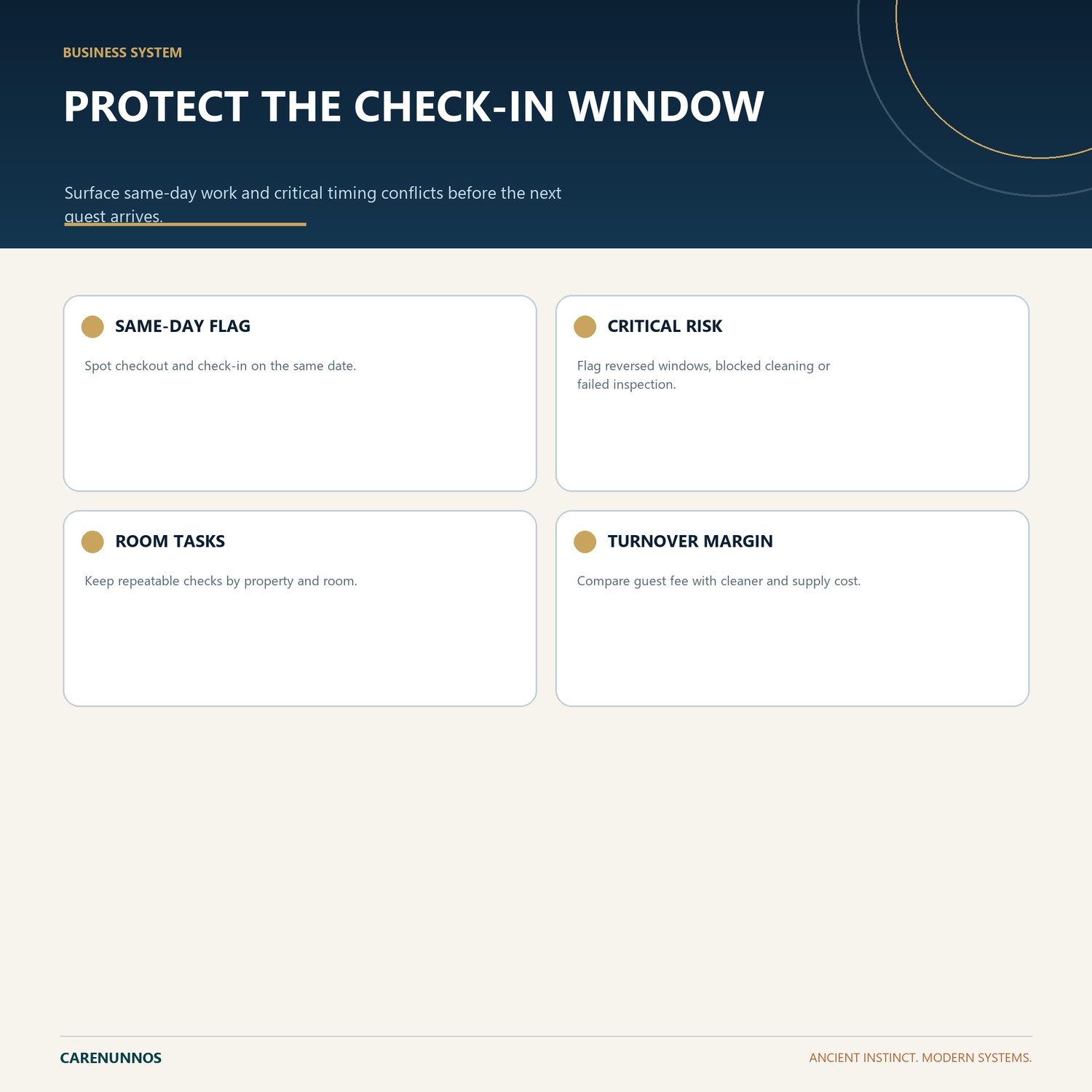
- SAME-DAY FLAG: Spot checkout and check-in on the same date.
- CRITICAL RISK: Flag reversed windows, blocked cleaning or failed inspection.
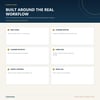
- ROOM TASKS: Keep repeatable checks by property and room.
- TURNOVER MARGIN: Compare guest fee with cleaner and supply cost.
HOW IT WORKS
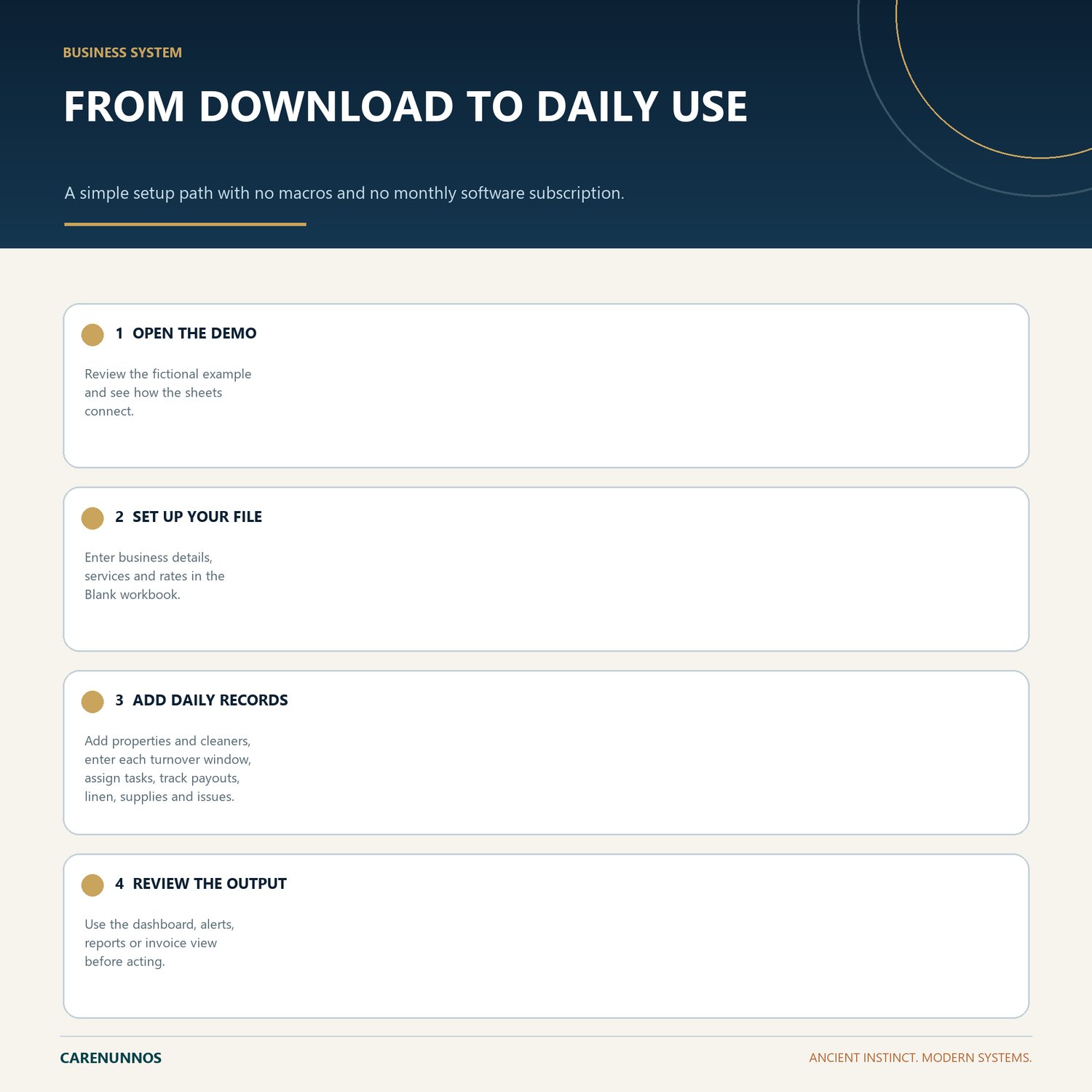
1. Open the Demo workbook to understand the workflow.
2. Use the Blank workbook as your working file.
3. Use stable IDs and the supplied dropdown values so connected calculations remain reliable.
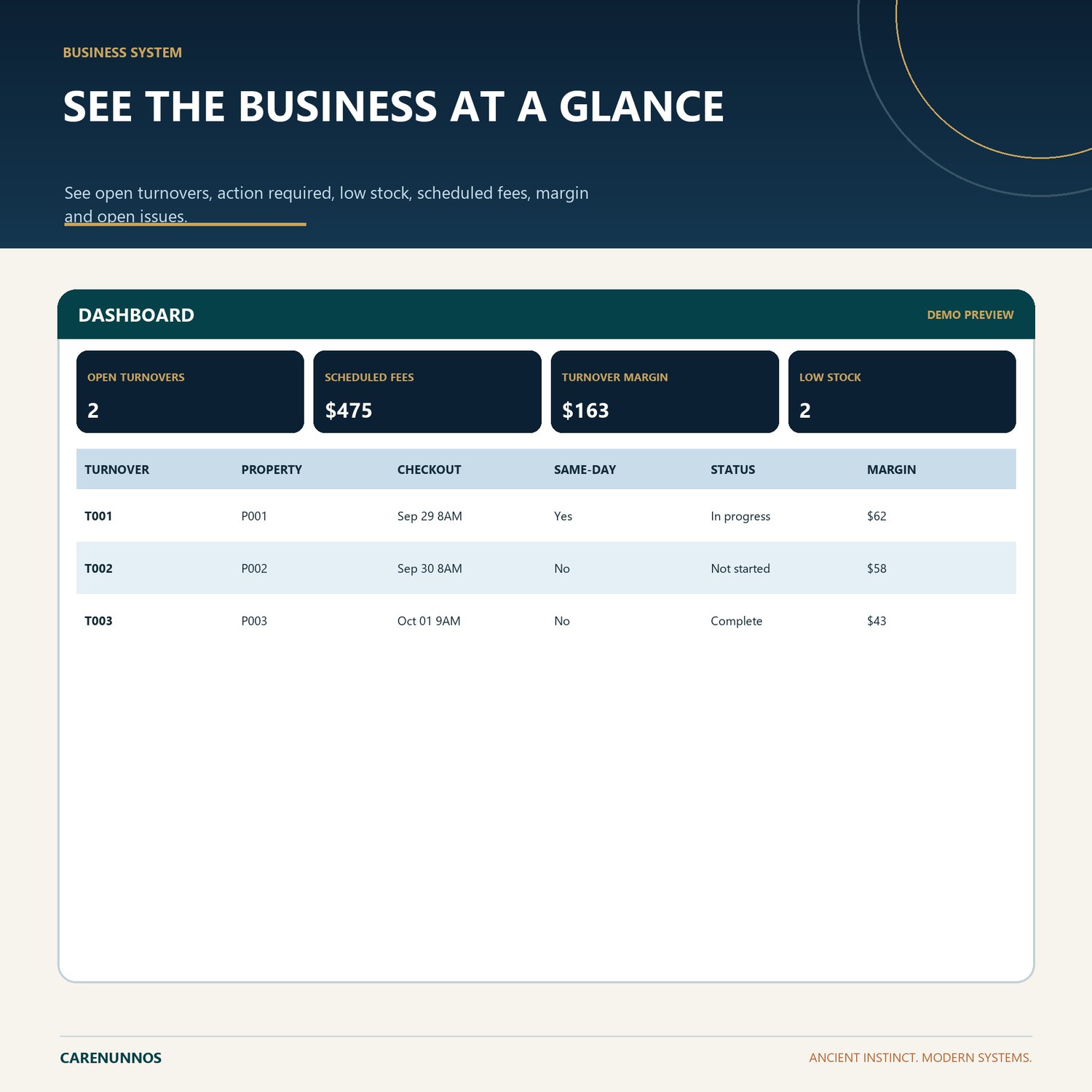
4. Review the dashboard, balances, alerts, reports or invoice output before relying on them.
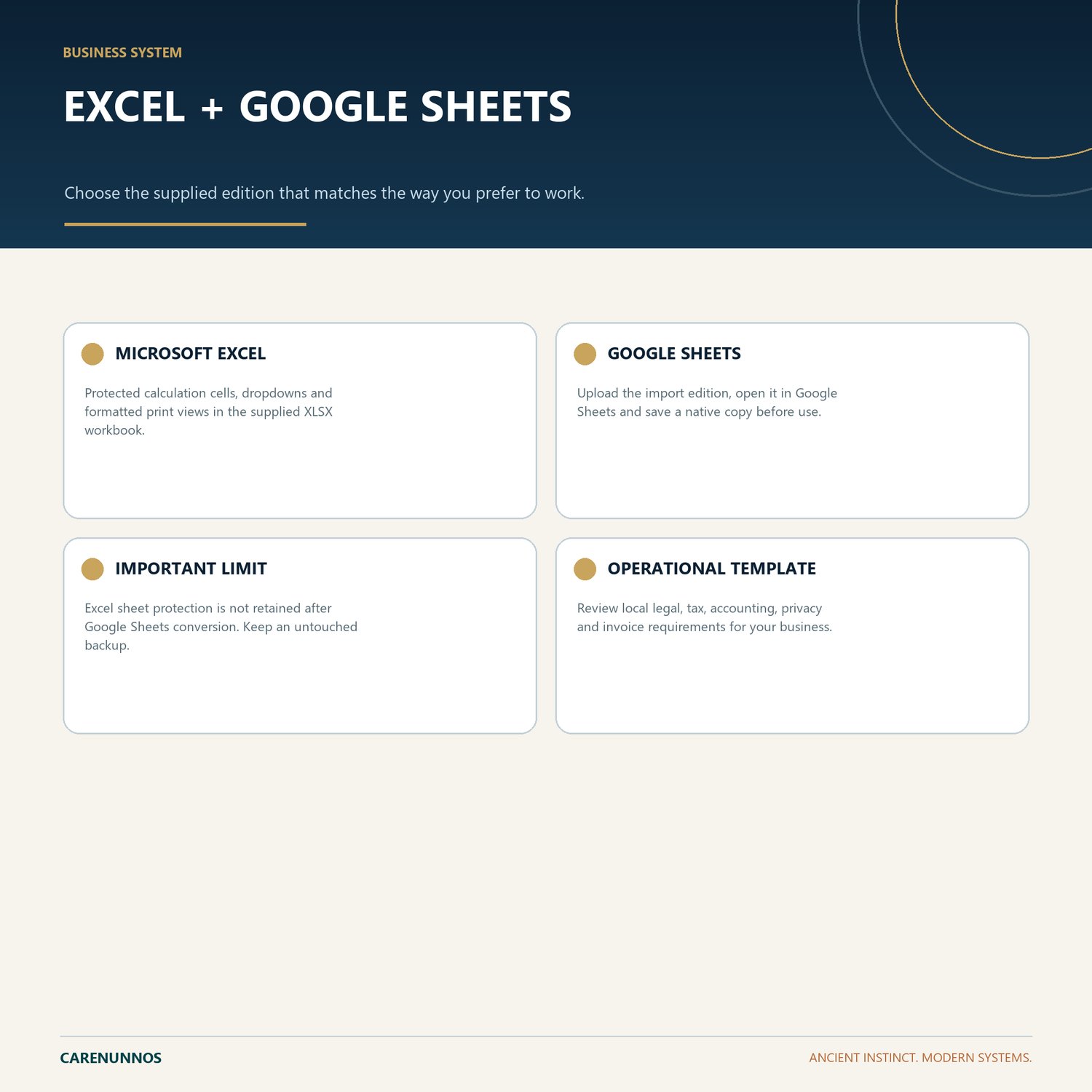
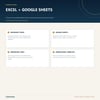
GOOGLE SHEETS
Upload the Google Sheets Import XLSX file to Google Drive, open it with Google Sheets, then save it as a native Google Sheet before entering real information. Excel protection is not retained after conversion, so keep a clean backup and avoid overwriting calculated cells.
IMPORTANT
This is a digital spreadsheet download. No physical item will be shipped. It is an organizational tool, not legal, tax, accounting, payroll, privacy or other professional advice. Buyers are responsible for local requirements and for reviewing every output.
Support: hello@carenunnos.com