
Free sample: Tracker and Report Builder (try it with a made-up class)
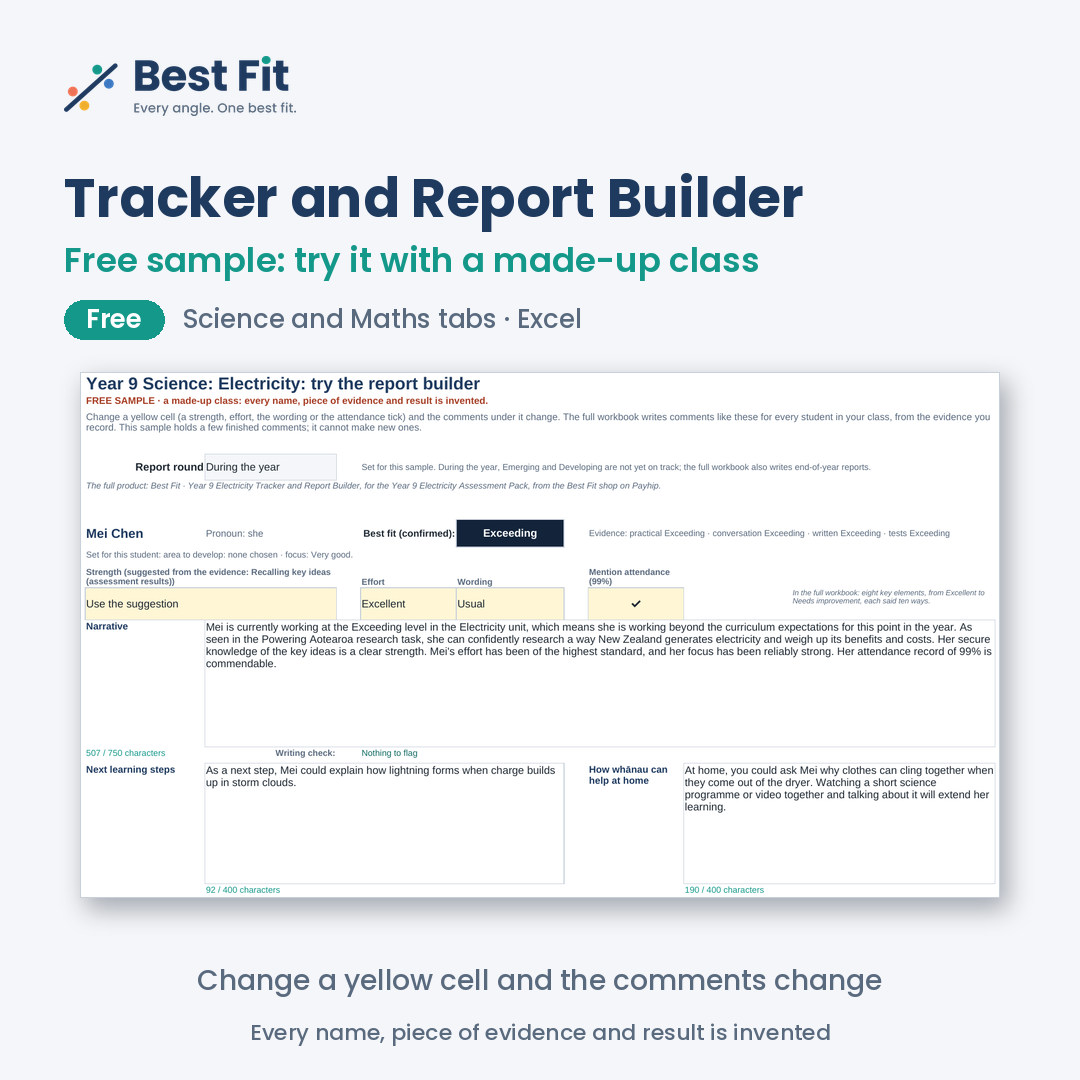
See the report comments the Best Fit report builder writes: change a student's strength, effort, wording or attendance tick, and the comments change.
Description:
A try-it workbook (Excel) with a made-up class:
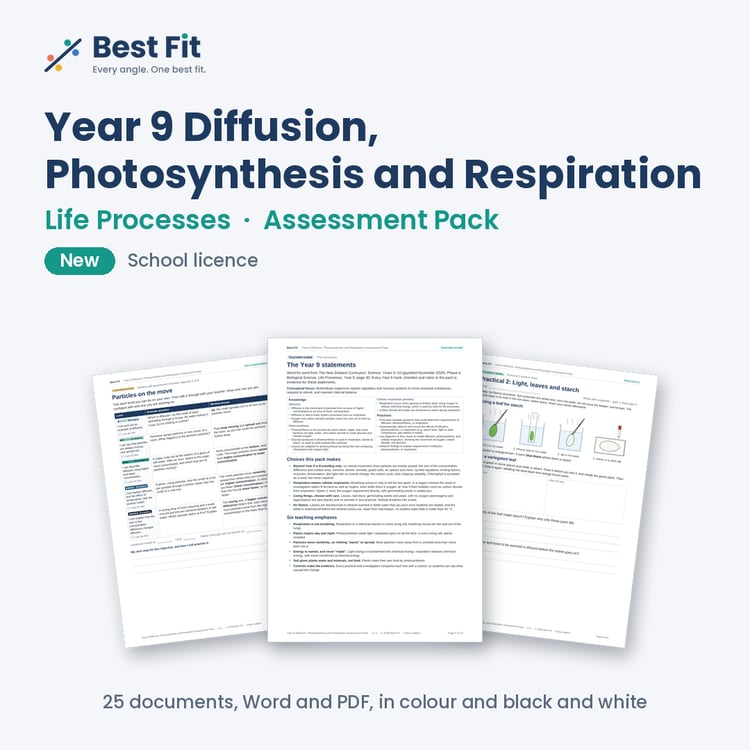
- Science: three students from the Year 9 Electricity Tracker and Report Builder's demo class.
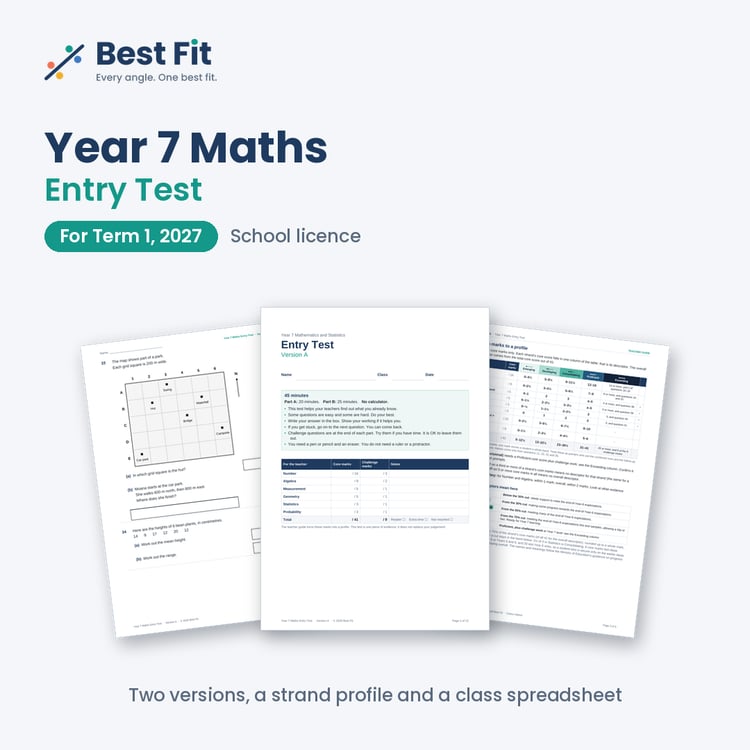
- Maths: three students, showing how the planned Year 9 Number workbook's comments will read.
For each student, change a yellow cell (their strength, their effort, the wording, or the tick that mentions attendance) and the three comments change, as they would in the full workbook: a narrative written for parents, next learning steps, and how whānau can help at home. Each comment shows its character count and a writing check.
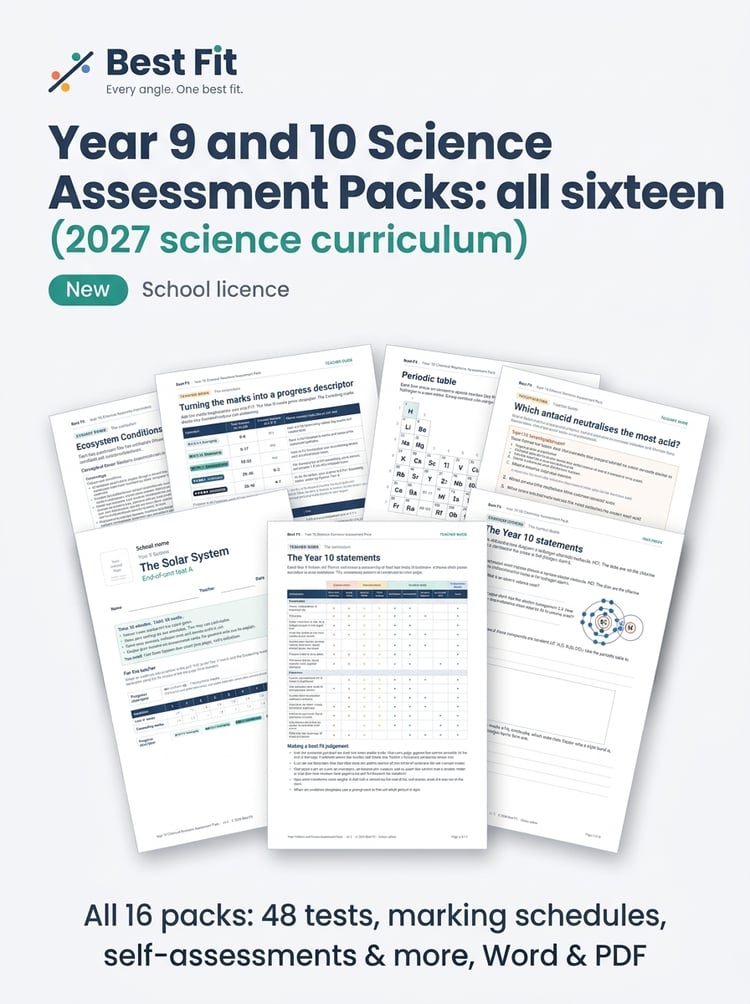
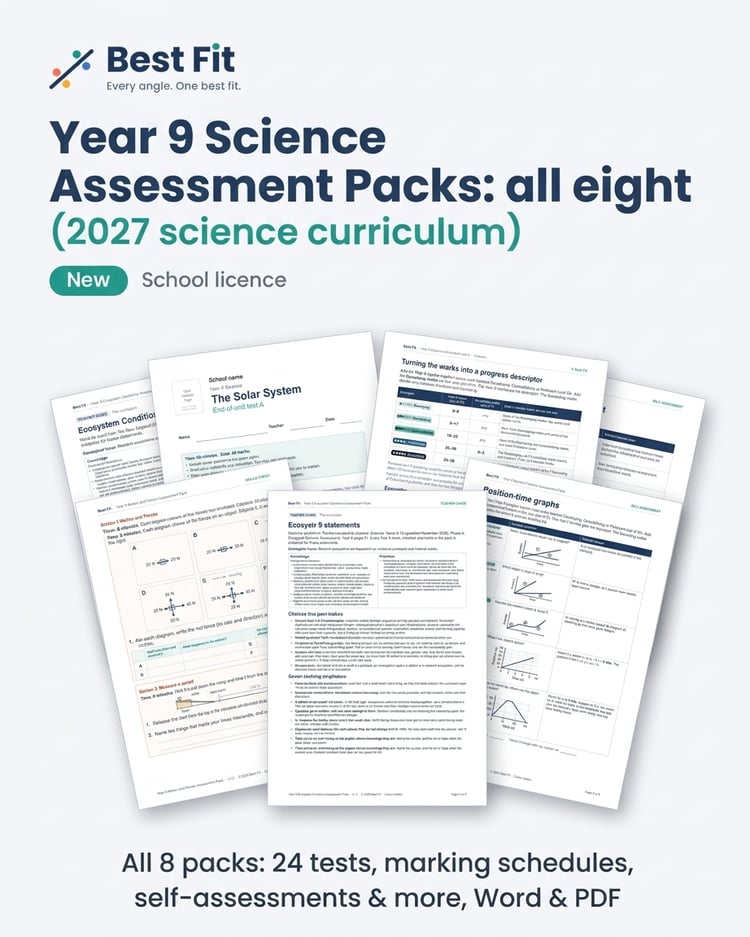
The sample holds 216 finished comments written by the full workbook. It cannot take your students or make new comments: the Science Tracker and Report Builder (soon on Best Fit) does that for every student in your class, from the evidence you record with the Science Assessment Packs.
If Excel opens the file in Protected View, click Enable Editing first, or the drop-downs will not open.
Every name, piece of evidence and result in the sample is invented. Free: please share it as it is.