
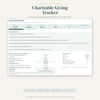
Charitable Giving Tax Receipt Tracker, Donation Log Spreadsheet, Itemize vs Standard, Google Sheets & Excel Printable
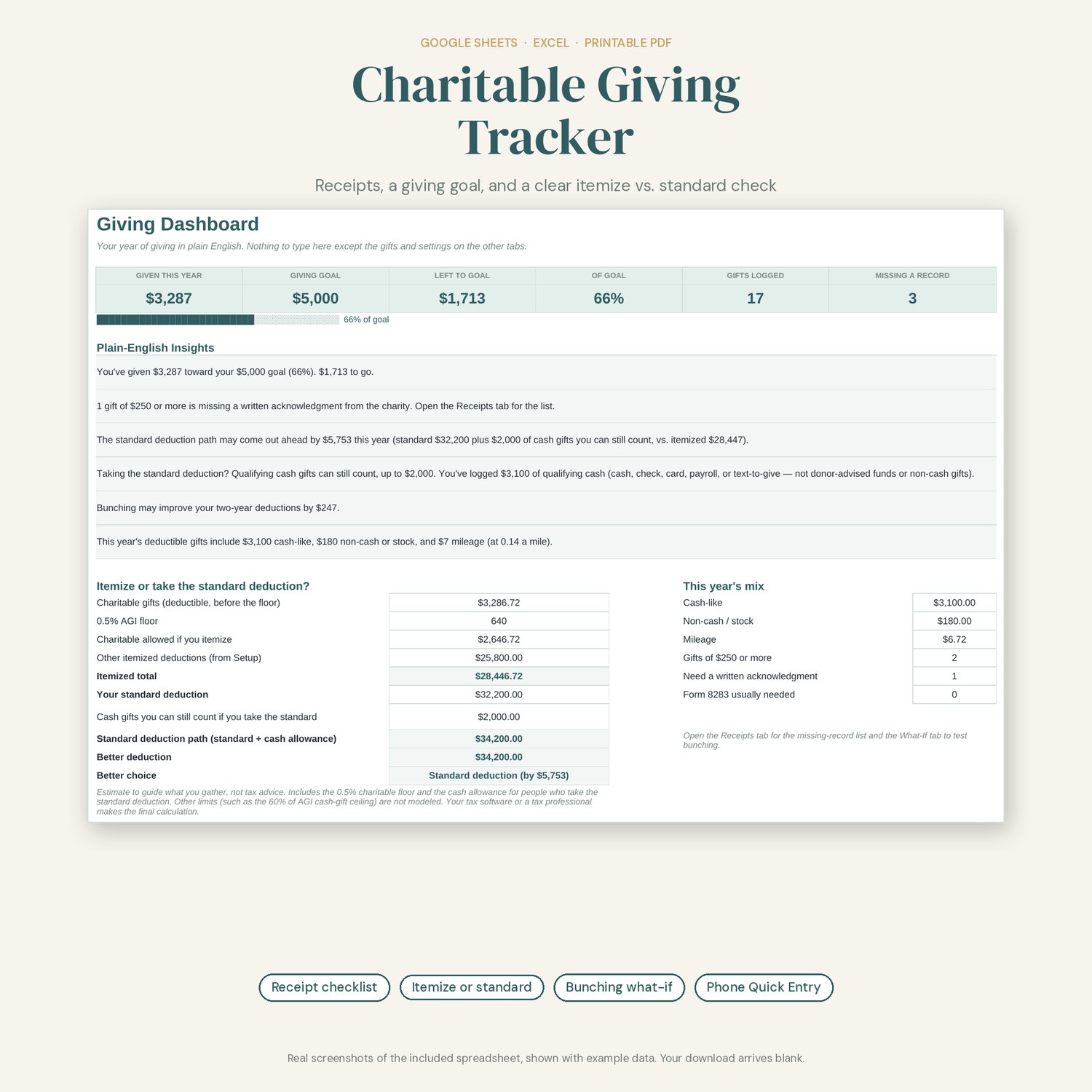
Keep a receipt for every gift, and see whether itemizing or the standard deduction comes out ahead. This Charitable Giving Tax Receipt Tracker logs cash, non-cash items with a fair value, and mileage, flags gifts of $250 or more that still need a written acknowledgment, totals giving by charity, tracks your goal, and runs an itemize-vs-standard check plus a donation-bunching what-if. 2026 and 2027 standard deduction figures are filled in and editable. A matching printable is included.
★ WHY IT STANDS OUT
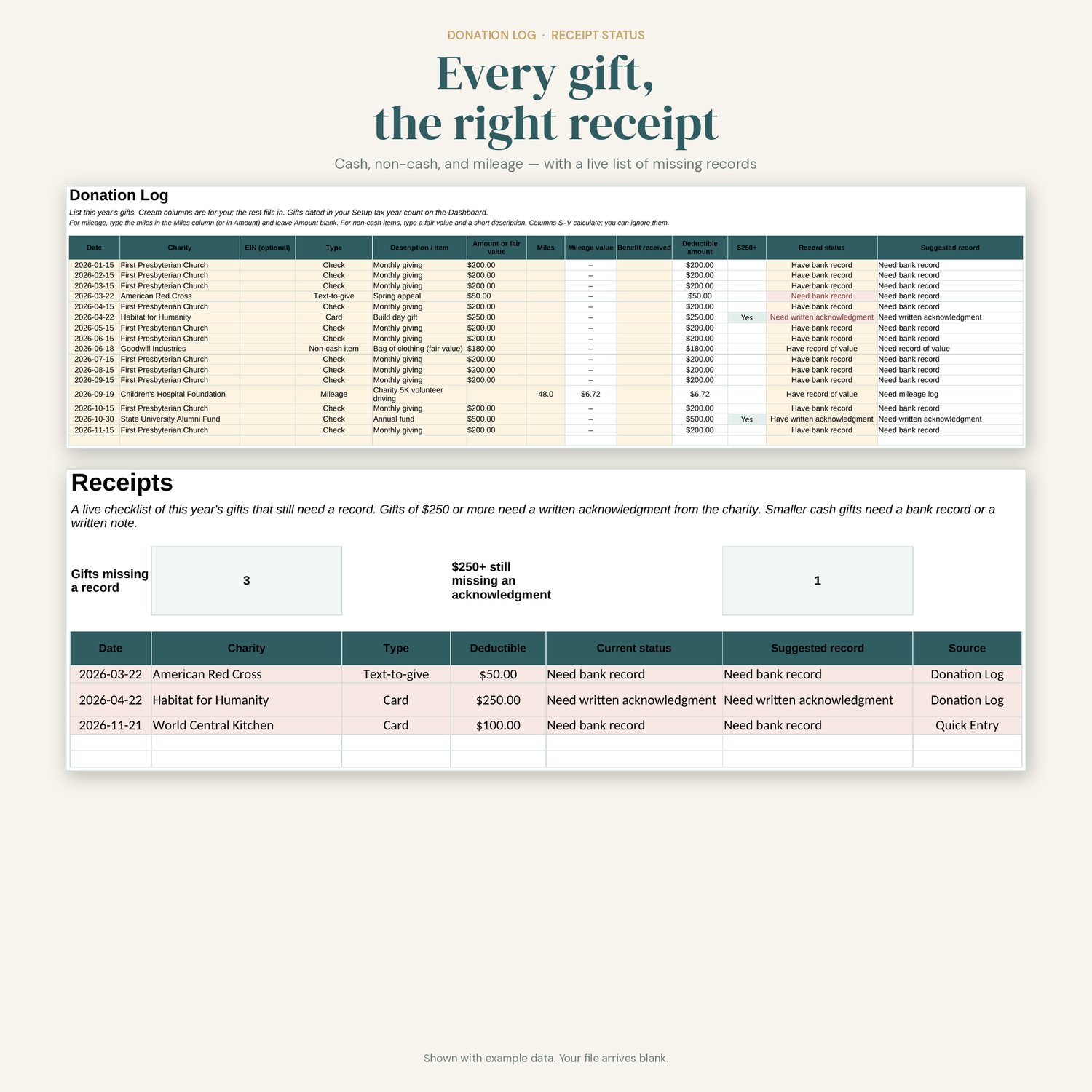
• One log for cash, non-cash gifts (with fair value), and charitable mileage
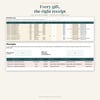
• A live Receipts checklist that flags missing bank records and written acknowledgments for gifts of $250 or more
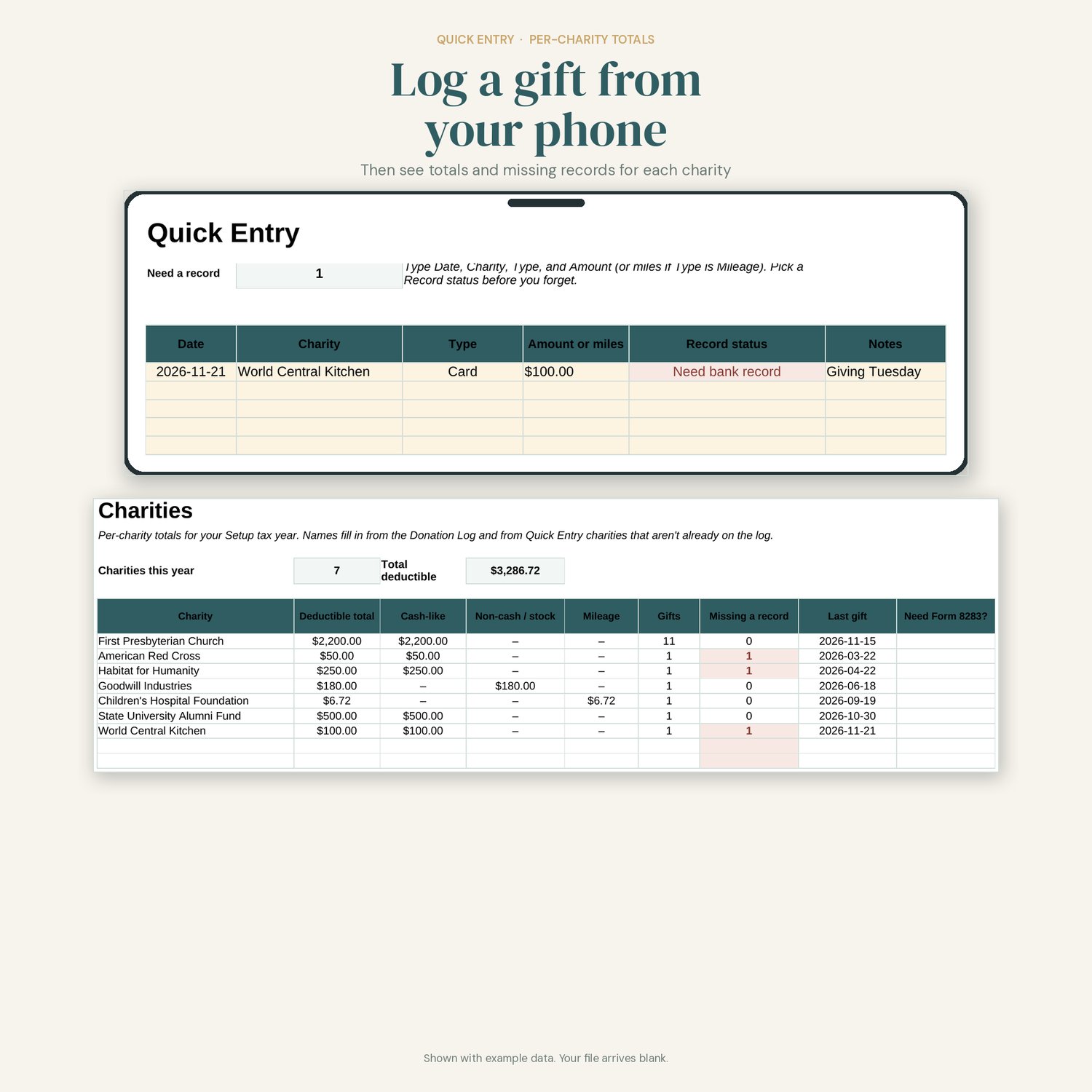
• Per-charity totals, gift counts, and missing-record counts, including a Form 8283 flag when non-cash or stock gifts may need it
• Giving goal vs. actual, in dollars and as a percent
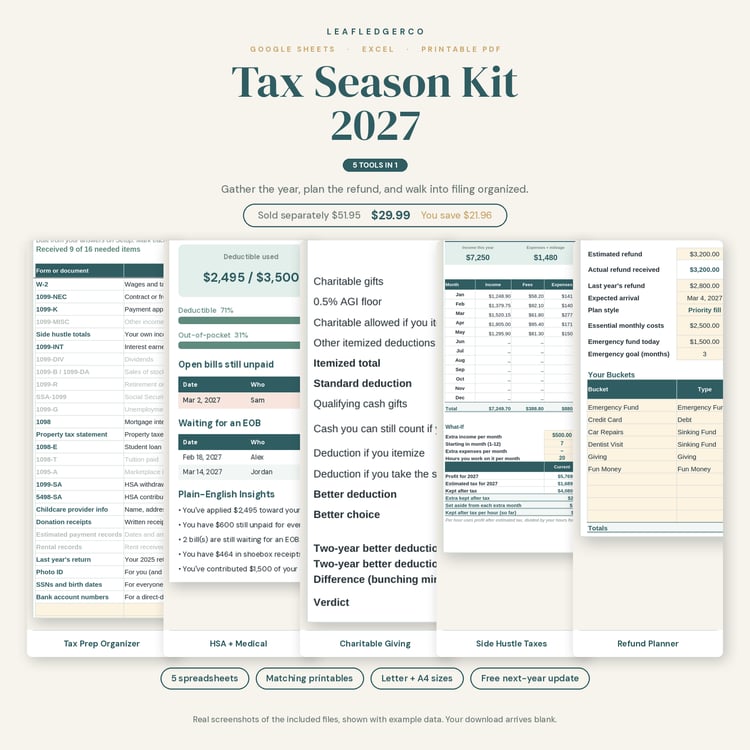
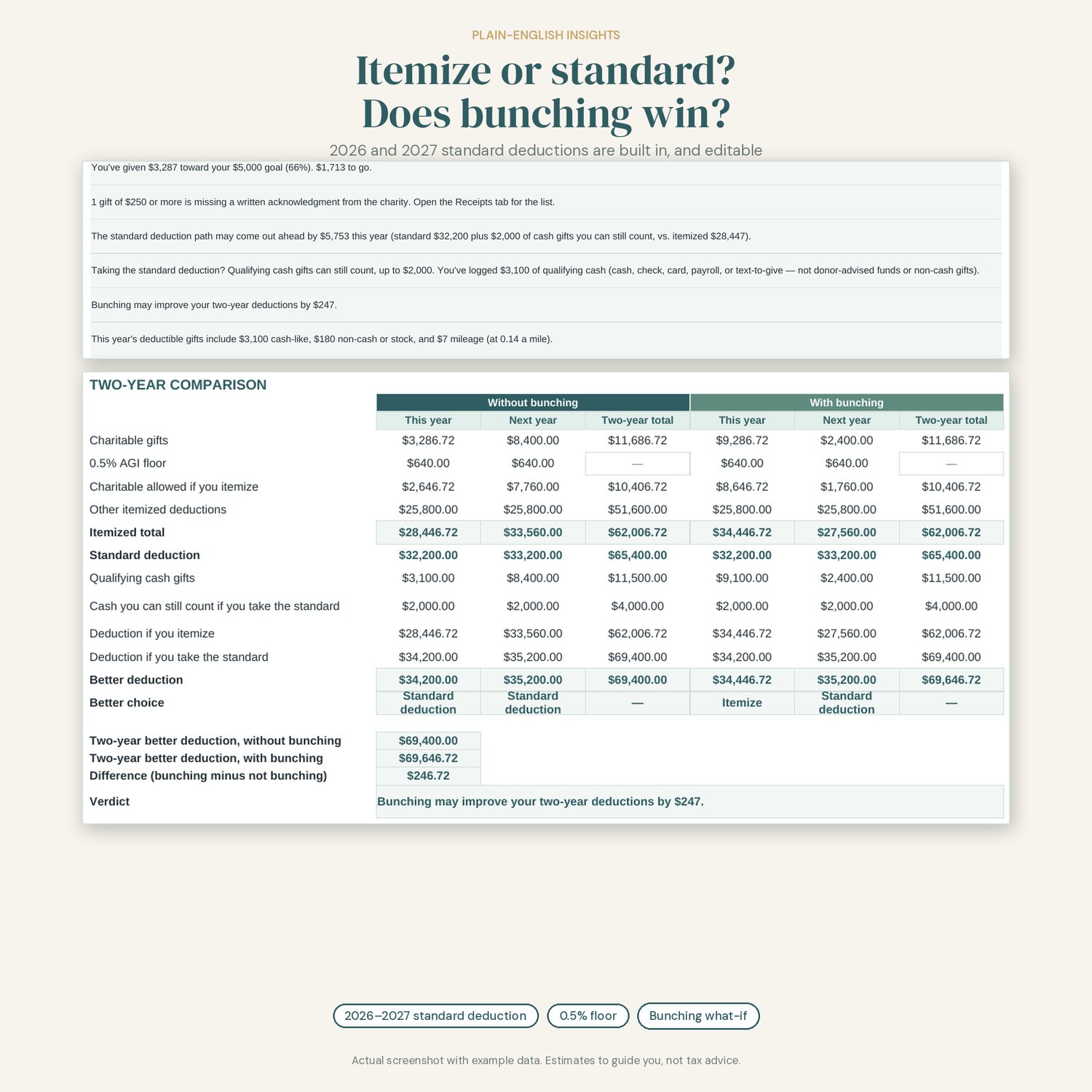
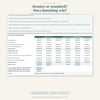
• Itemize vs. standard deduction in plain English, including the 0.5% AGI charitable floor and the cash-gift allowance for people who take the standard deduction
• Bunching what-if: move planned early-next-year gifts into this December and compare two-year totals
• 2026 and 2027 standard deduction amounts are already filled in (and you can edit them)
• 10-minute numbered Quick Start on the Start Here tab
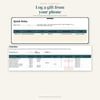
• Quick Entry tab sized for logging a gift from your phone right after checkout
• Spending categories that match the 2027 Budget Toolkit and the rest of the LeafLedgerCo shop
• Free 2028 update
★ WHAT'S INCLUDED
SPREADSHEET (one .xlsx file that works in Google Sheets and Microsoft Excel)
• Start Here: a numbered 10-minute Quick Start and a color key (cream cells are for you, white cells calculate)
• Setup: tax year, filing status, AGI, giving goal, other itemized deductions, charitable mileage rate, and editable 2026 and 2027 standard deduction tables
• Dashboard: given this year, goal, left to goal, gifts logged, missing records, a giving mix, an itemize-vs-standard comparison, and Plain-English Insights
• Donation Log: date, charity, type (cash, check, card, payroll, text-to-give, non-cash, stock, mileage, and more), amount or miles, fair value, deductible amount, receipt and acknowledgment status, and suggested record
• Quick Entry: log a gift from your phone; those rows count on the Dashboard, so you do not have to copy them onto the log
• Charities: per-charity totals for cash-like, non-cash or stock, and mileage, plus missing records, last gift, and a Form 8283 flag
• Receipts: a live list of this year's gifts that still need a record
• What-If Bunching: move planned gifts into this December and compare two-year deductions with and without bunching
• Categories: shared spending category names that match the 2027 Annual Budget Toolkit
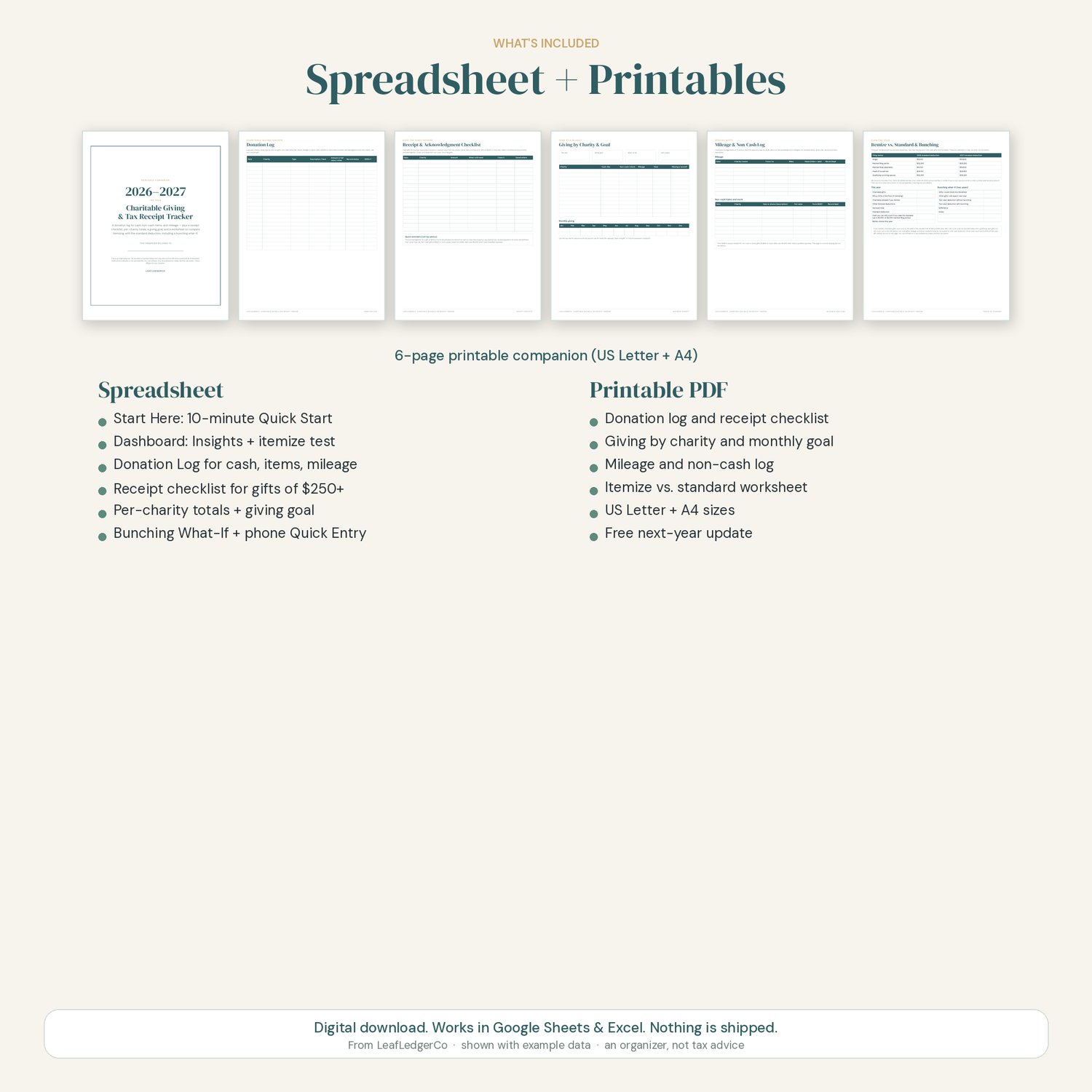
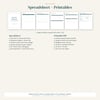
PRINTABLE TRACKER (6 pages, in both US Letter and A4)
• Cover
• Donation Log
• Receipt and acknowledgment checklist
• Giving by charity and monthly goal grid
• Mileage and non-cash log
• Itemize vs. standard and bunching worksheets, with the 2026 and 2027 standard deduction table and a short not-tax-advice note
★ HOW TO USE IT IN GOOGLE SHEETS
1. Download the files from the link in your purchase receipt email.
2. In Google Drive, click New > File upload and choose Charitable-Giving-Tax-Receipt-Tracker.xlsx.
3. Open it and choose File > Save as Google Sheets. Work in that copy.
4. On your phone, open that copy in the free Google Sheets app and use the Quick Entry tab.
★ HOW TO USE IT IN MICROSOFT EXCEL
1. Open Charitable-Giving-Tax-Receipt-Tracker.xlsx in Excel (desktop, web, or mobile).
2. If you see a Protected View bar, click Enable Editing.
3. Save a personal copy, then follow the 10-minute Quick Start on the first tab.
★ PRINTING
Print the PDF at home or at a print shop. Choose "Actual size" or "Fit" in your print settings. Print every page or only the ones you need. The pages use thin lines and little color to save ink.
★ PART OF A SET
The Tax Prep Organizer in this store, LeafLedgerCo, has a shorter charity log for tax season. This is the year-round giving tracker that can feed it. The 2027 Annual Budget Toolkit uses the same spending category names, so your Gifts & Giving numbers can line up with your whole budget.
★ PLEASE NOTE
• This is a DIGITAL DOWNLOAD. Nothing will be shipped to you.
• Download your files from the link in your purchase receipt email (a computer is easiest).
• FREE 2028 UPDATE: when the 2028 edition is ready, I'll add it to this product, and you can download it at no extra cost from your original purchase download link. I'll also email buyers when the update is ready.
• Amounts are shown in US dollars. You can change the currency format in your spreadsheet app.
• You need a free Google account or Microsoft Excel to use the spreadsheet, and a PDF reader to print.
• The listing photos show example data so you can see how it works. Your file arrives blank.
• This is an organizing tool, not tax or legal advice. It does not file your return or decide whether a gift is deductible. Your tax software or a tax professional makes the final calculation.
• 2026 and 2027 standard deduction figures, the extra amounts for age 65 or older or blindness, the cash-gift allowance for people who take the standard deduction, and the charitable mileage rate come from IRS Revenue Procedures 2025-32 and 2026-35, as of November 2026. They're editable on the Setup tab if anything changes.
• Other limits (such as the 60% of AGI cash-gift ceiling) are not modeled.
• For personal use only. Please do not share or resell the files.
• Colors may look slightly different on screen than on paper.
★ ABOUT HOW THIS WAS MADE
This product was designed with AI assistance under my direction. I planned it, set its features and look, and reviewed and tested the spreadsheet formulas and printable pages before listing.
Questions? Use the contact form on this store, or reply to your receipt email. I'm happy to help you get set up.