
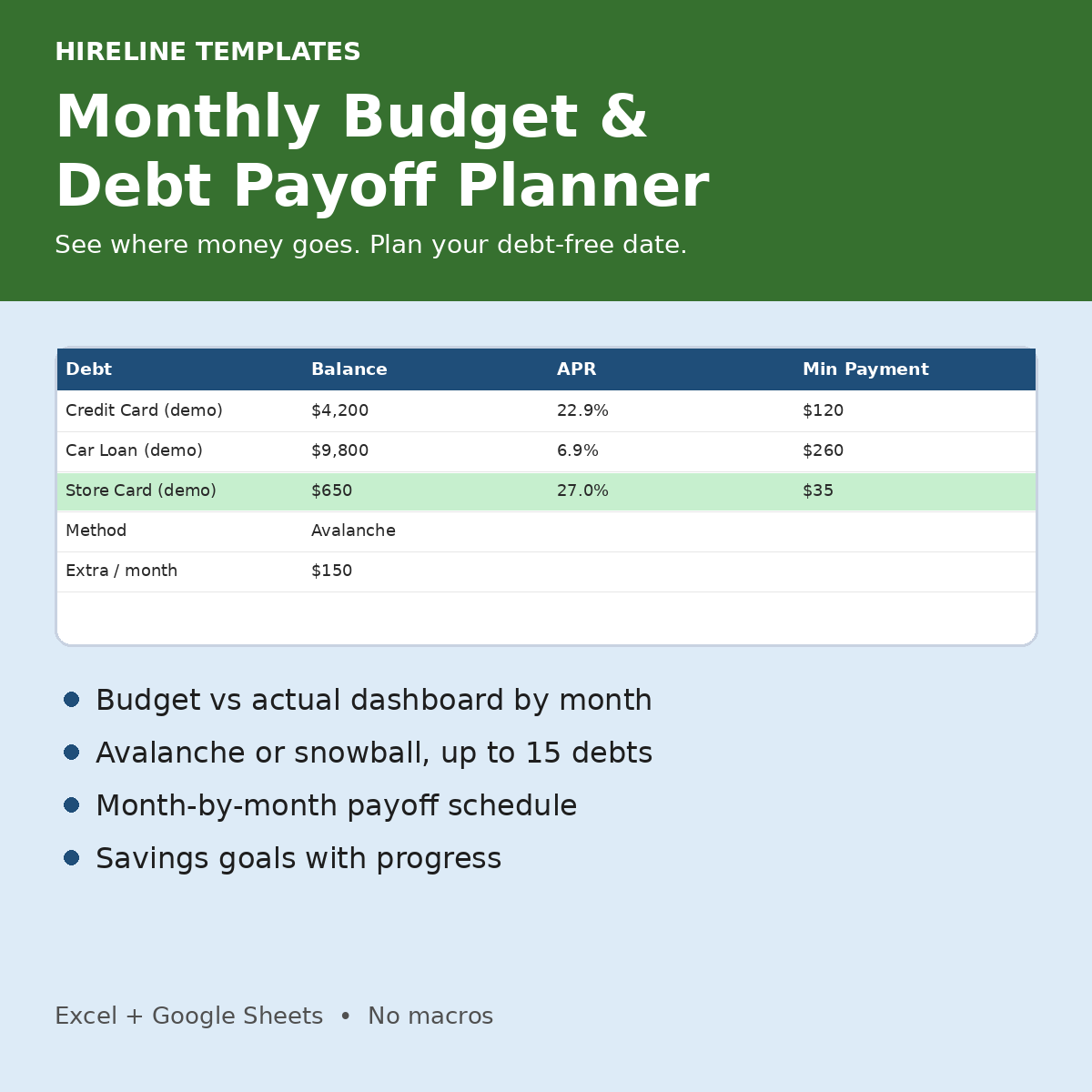
Budget & Debt Payoff Spreadsheet - Snowball or Avalanche Planner for Excel & Google Sheets
Know where your money goes each month and get an estimate of when you will be debt-free, in one file. $9 one-time.
Why you will like it
- Switch between Snowball and Avalanche with one dropdown and compare months to debt-free and total interest.
- The debt to pay first turns green, so you know where any extra money goes.
- Budget vs. actual for any month, with overspent categories in red.
What's included (1 .xlsx, 7 tabs + 1-page Start Here PDF)
- Budget Plan: up to 39 categories marked Income or Expense, each with a monthly budget
- Transactions (up to 1,999 rows): Date, Description, Category dropdown, Amount; Month fills in for you
- Budget Dashboard: pick a month to see budget, actual, remaining and % used per category, plus a chart
- Debt Payoff: up to 15 debts (balance, APR, minimum), method dropdown, extra monthly payment, total debt, months to debt-free, total interest and a chart
- Schedule: month-by-month payoff for up to 360 months; paid-off debts roll their payment into the next
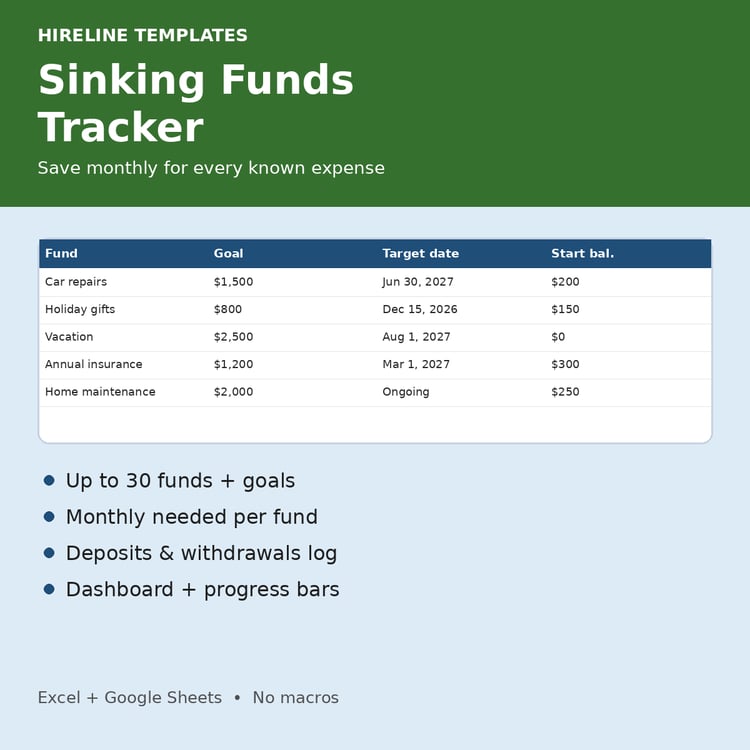
- Savings Goals: target, saved so far, target date, needed per month and progress
- Instructions tab; fictional DEMO rows in yellow
How it works
- Set your categories and monthly amounts on Budget Plan.
- Log transactions as you spend and check the Dashboard.
- List your debts, pick Snowball or Avalanche and add any extra payment.
- Follow the green row and watch the Schedule.
Compatibility
- Standard .xlsx for Microsoft Excel; open it in Google Sheets by uploading it to Google Drive.
- No macros, scripts or add-ons. One-time download, no subscription.
FAQ
- Is it financial advice? No. All figures are estimates from what you enter.
- Is it a subscription? No. You pay once and keep the file.
- Questions? hirelinetemplates@mail.grokbot.com
You may also like
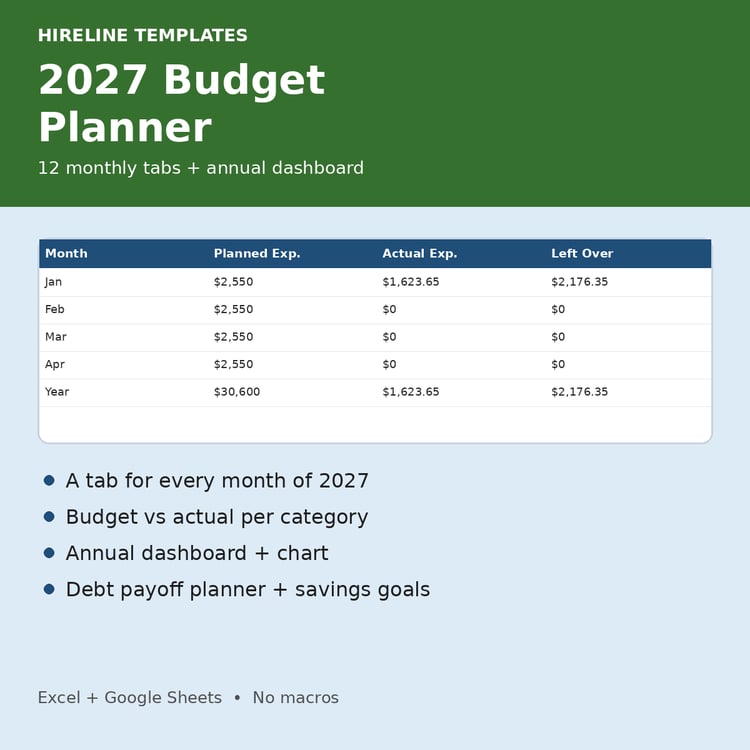
- Want every 2027 month on its own tab? 2027 Budget Planner ($8): https://payhip.com/b/MIl0Z
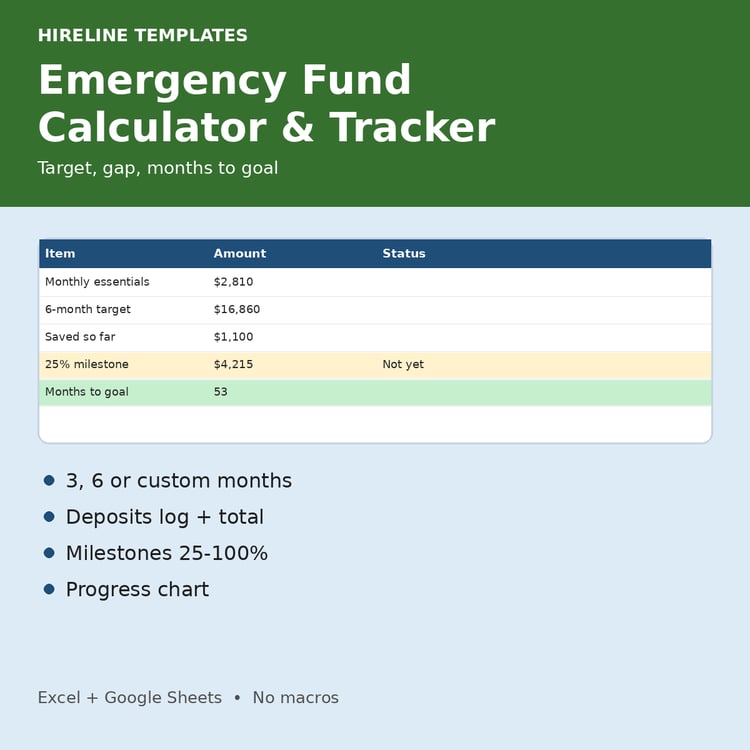
- Building a cushion next? Emergency Fund Calculator ($3): https://payhip.com/b/N9qUG