
Net Worth Tracker Spreadsheet - Google Sheets & Excel Template
On Sale
$5.00
$5.00
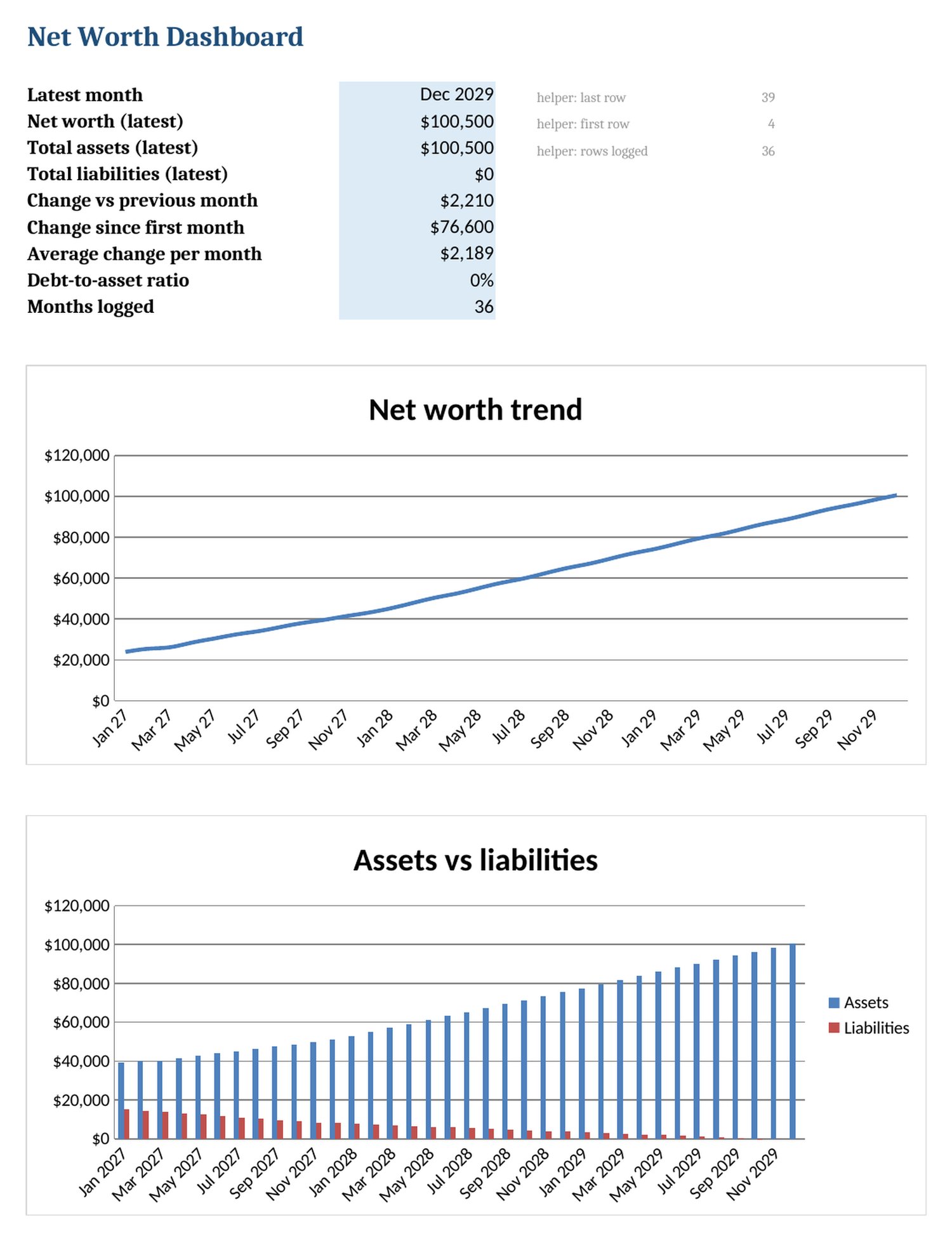
Know your real net worth in 5 minutes a month: type in your balances and the dashboard shows whether you are moving up or down.
$5 one-time. Works in Google Sheets and Excel.
What's included (1 .xlsx with 3 tabs + a 1-page Start Here PDF)
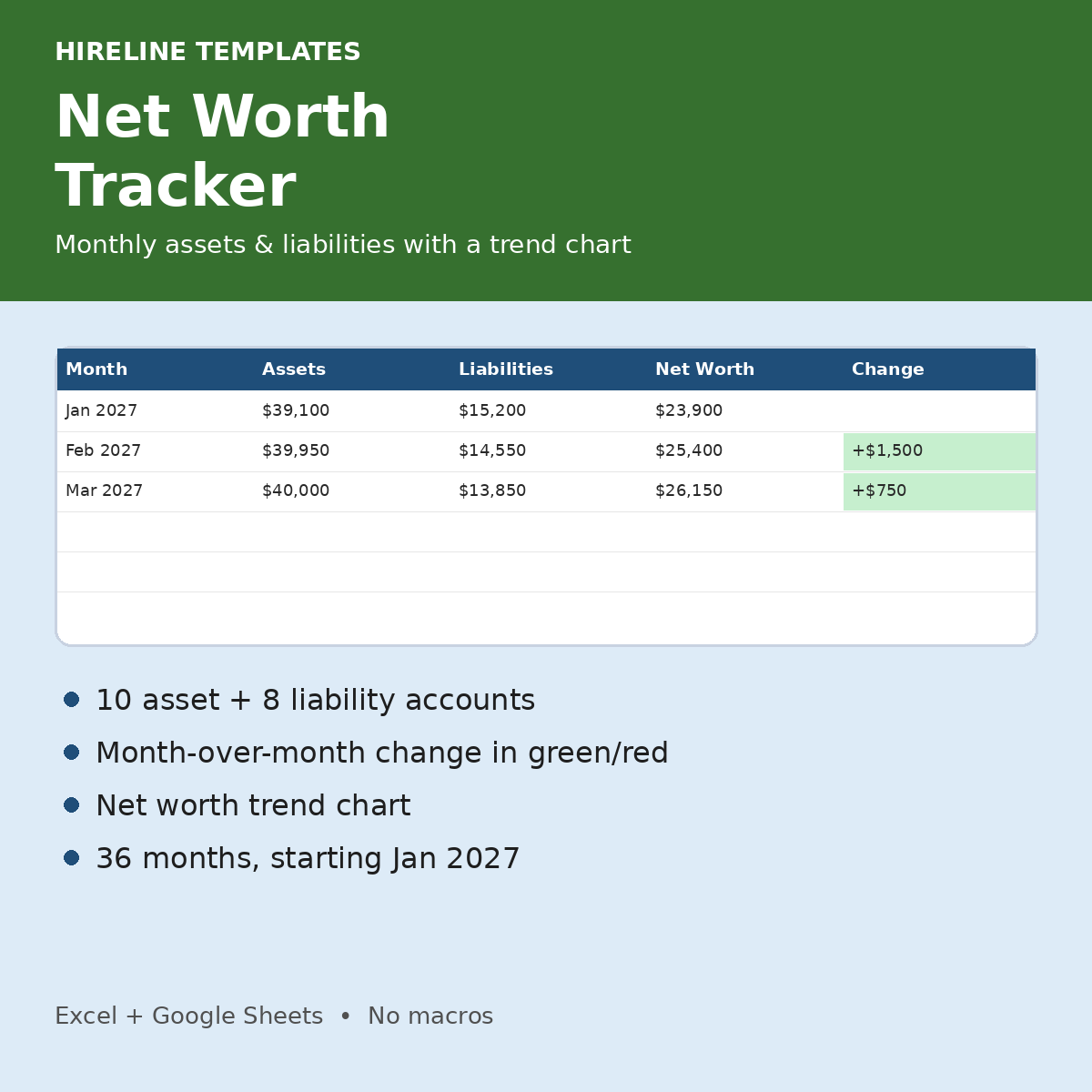
- Monthly: 36 months starting Jan 2027, with 10 asset columns (Checking, Savings, Emergency Fund, Retirement 1 and 2, Brokerage, Home Value, Vehicle, 2 Other) and 8 liability columns (Mortgage, Car Loan, Student Loan, 2 Credit Cards, Personal Loan, Medical, Other Debt). Rename any of them
- Calculated for you: total assets, total liabilities, net worth, and month-over-month change in green (up) or red (down)
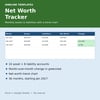
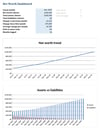
- Dashboard: latest month, net worth, total assets and liabilities, change vs. previous month, change since your first month, average change per month, debt-to-asset ratio, months logged
- 2 charts: a net worth trend line and an assets vs. liabilities bar chart
- Instructions tab. Fictional DEMO rows (yellow) show how it works; delete them to start.
How it works
- Rename the account headers to match yours.
- Once a month, type in each balance.
- Check the Dashboard for your change and trend.
- Starting later than January 2027? Leave earlier months blank; the dashboard counts only months you fill in.
Google Sheets + Excel
- Excel: open the .xlsx directly.
- Google Sheets: upload the .xlsx to Google Drive, then File > Save as Google Sheets.
- No macros, scripts, add-ons or subscription. It does not connect to your accounts, so nothing is shared.
FAQ
- Does it connect to my bank? No. You type balances in yourself.
- Is it financial advice? No. It adds up the numbers you enter.
- Is it a subscription? No. You pay once and keep the file.
- Questions? hirelinetemplates@mail.grokbot.com
Paying down debt to grow that number? Compare snowball vs. avalanche and plan payoff with the Budget & Debt Payoff Spreadsheet ($9): https://payhip.com/b/Is04a