
Emergency Fund Calculator & Tracker Spreadsheet - Excel & Google Sheets
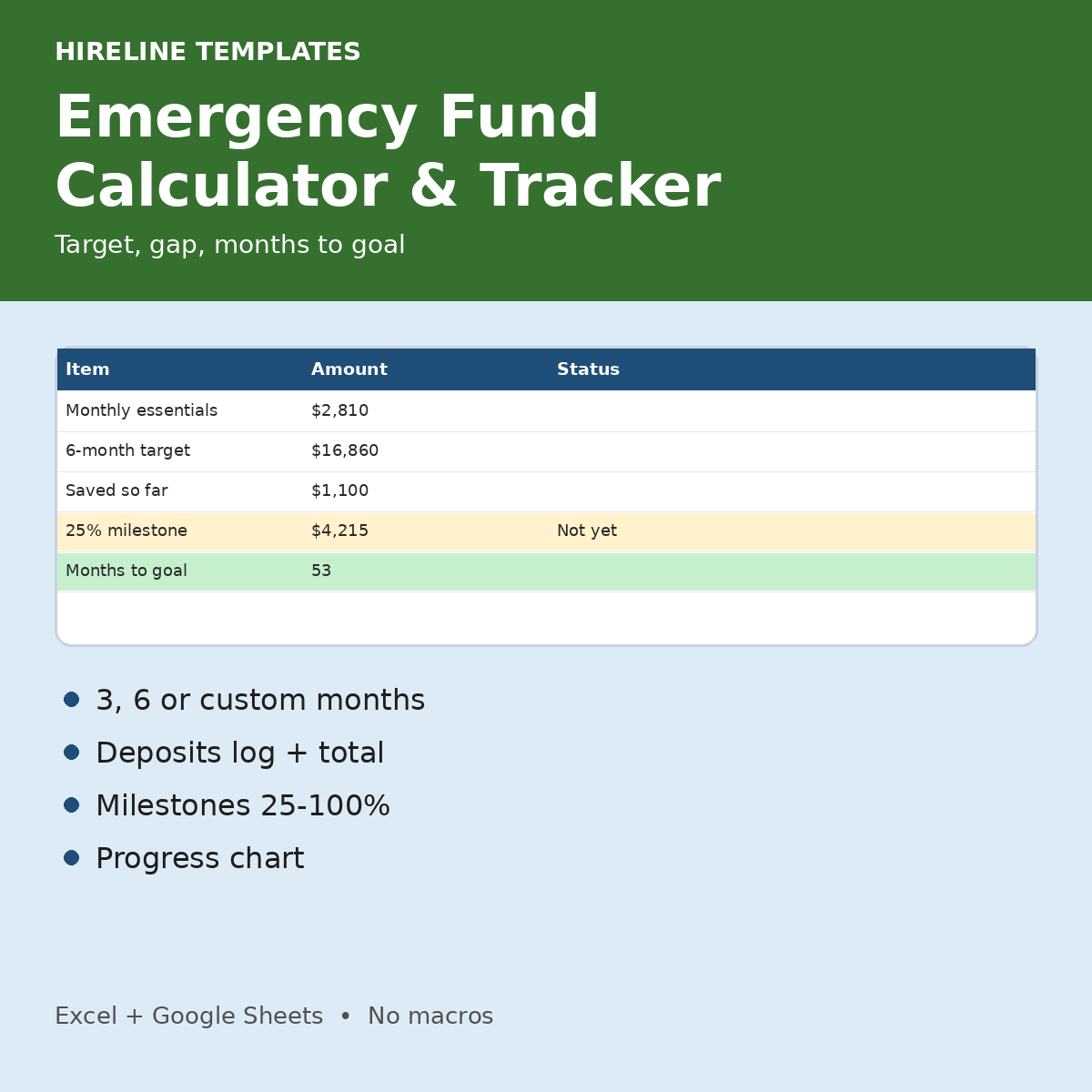
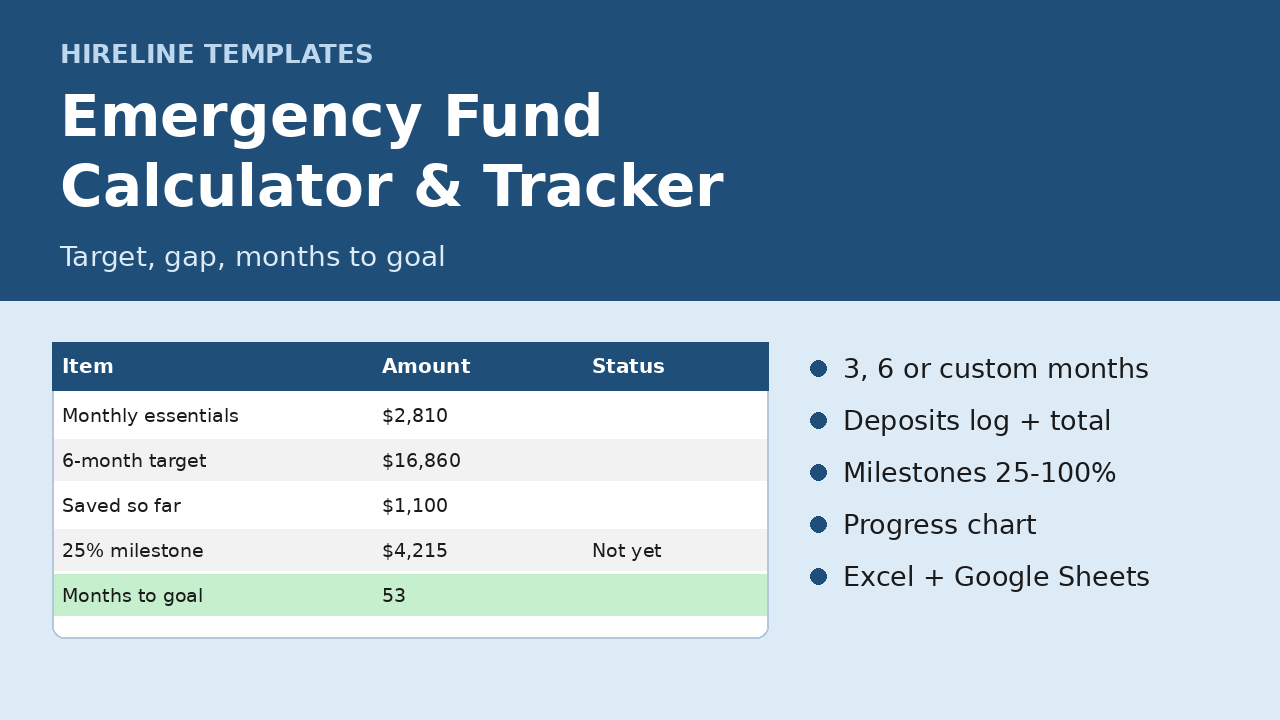
Know your exact emergency fund target and the date you will reach it, for $3.
Pick 1, 3, 6 or a custom number of months of essential expenses, then log deposits until you get there.
Why you will like it
- Turns your real expenses into a clear savings target.
- Shows months to goal and an estimated goal date from your planned monthly deposit.
- Milestones turn green at 25, 50, 75 and 100 percent.
What's included (1 .xlsx, 4 tabs)
- Calculator: 10 essential expense lines, monthly total, targets for 1, 3, 6 or custom months chosen from a dropdown; target, saved, gap, months to goal, estimated goal date
- Deposits: date, amount, note and running total for up to 500 entries (withdrawals as negative amounts)
- Progress: target, saved, remaining, % to goal, milestone rows that turn green, and a saved vs remaining chart
- Instructions tab and yellow fictional DEMO numbers
How it works
- Replace the DEMO amounts with your essential monthly costs.
- Choose your target months and your planned monthly deposit.
- Log each deposit; Progress updates automatically.
Compatibility
- Standard .xlsx for Excel; open in Google Sheets by uploading to Drive (File > Save as Google Sheets).
- No macros, scripts or add-ons. One-time download, no subscription.
FAQ
- Does it tell me how much I must save? No. It turns your numbers into targets. Estimates only, not financial advice.
- Is it a subscription? No. You pay once and keep the file.
- Questions? hirelinetemplates@mail.grokbot.com
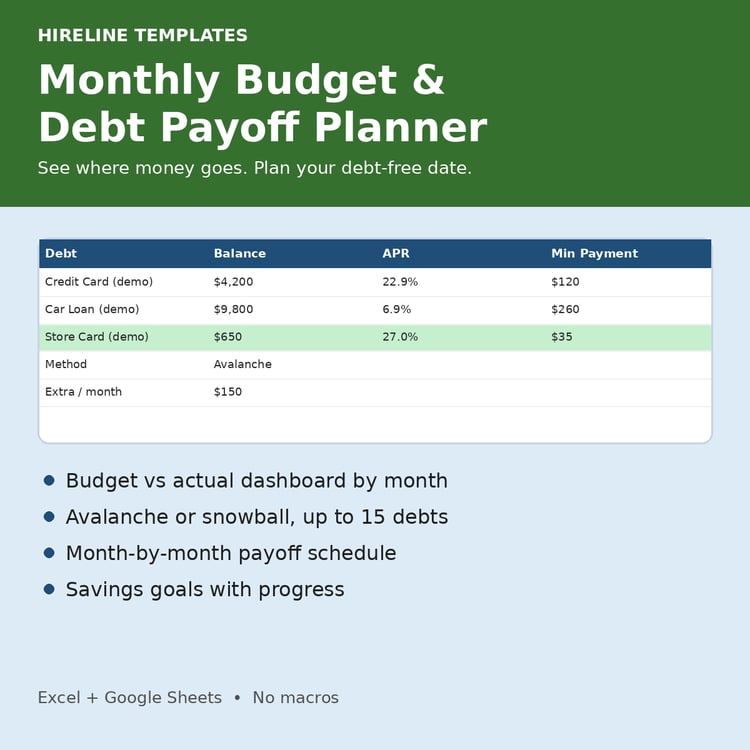
Paying off debt at the same time? Budget & Debt Payoff Spreadsheet ($9): https://payhip.com/b/Is04a