

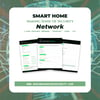





Smart Home Network Workbook — Inventory & Secure Every Connected Device | Printable PDF
Smart Home Network Workbook — Inventory & Secure Every Connected Device | Printable PDF
Smart Home Network Workbook: Inventory & Secure Every Connected Device | Printable PDF
Do you know what's on your WiFi?
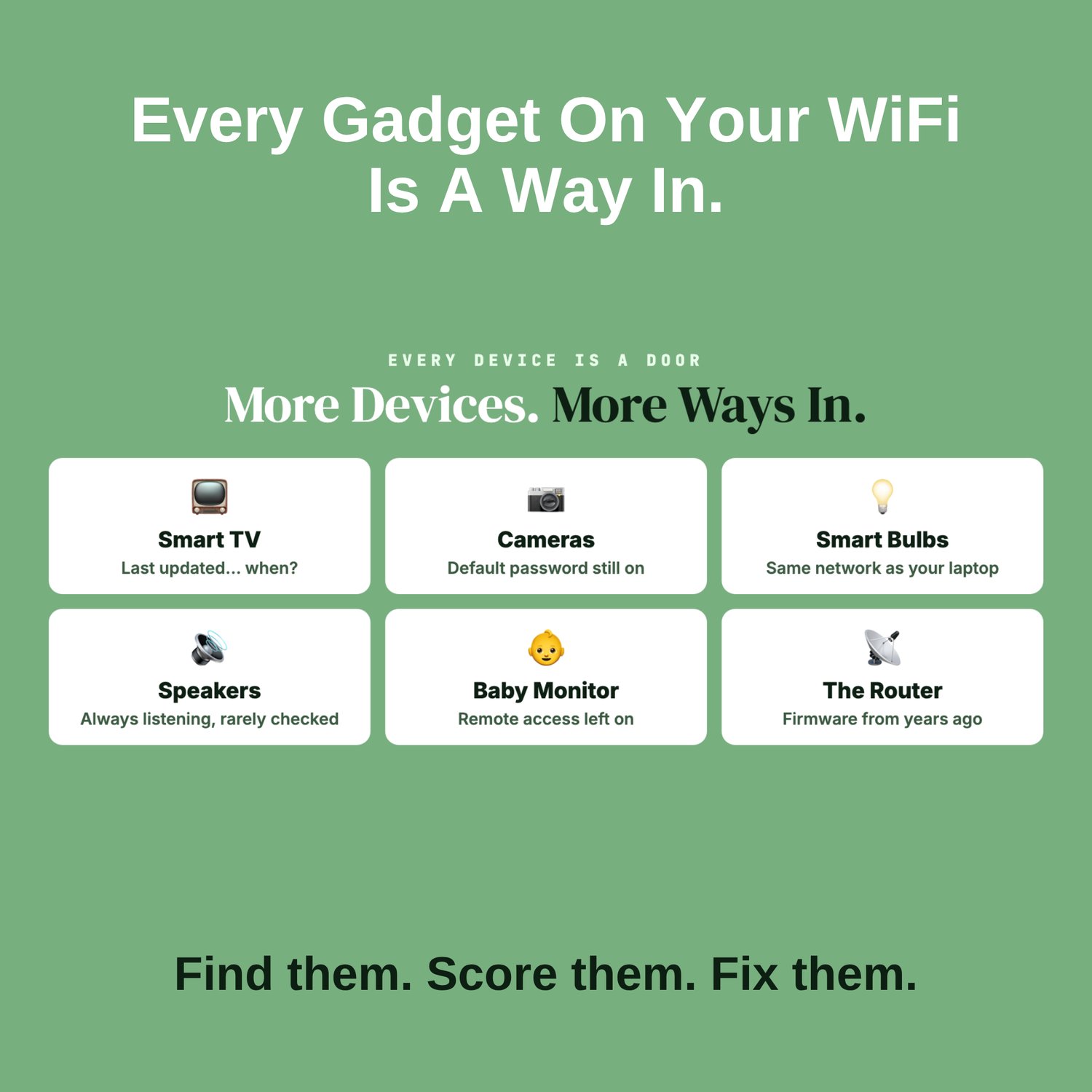
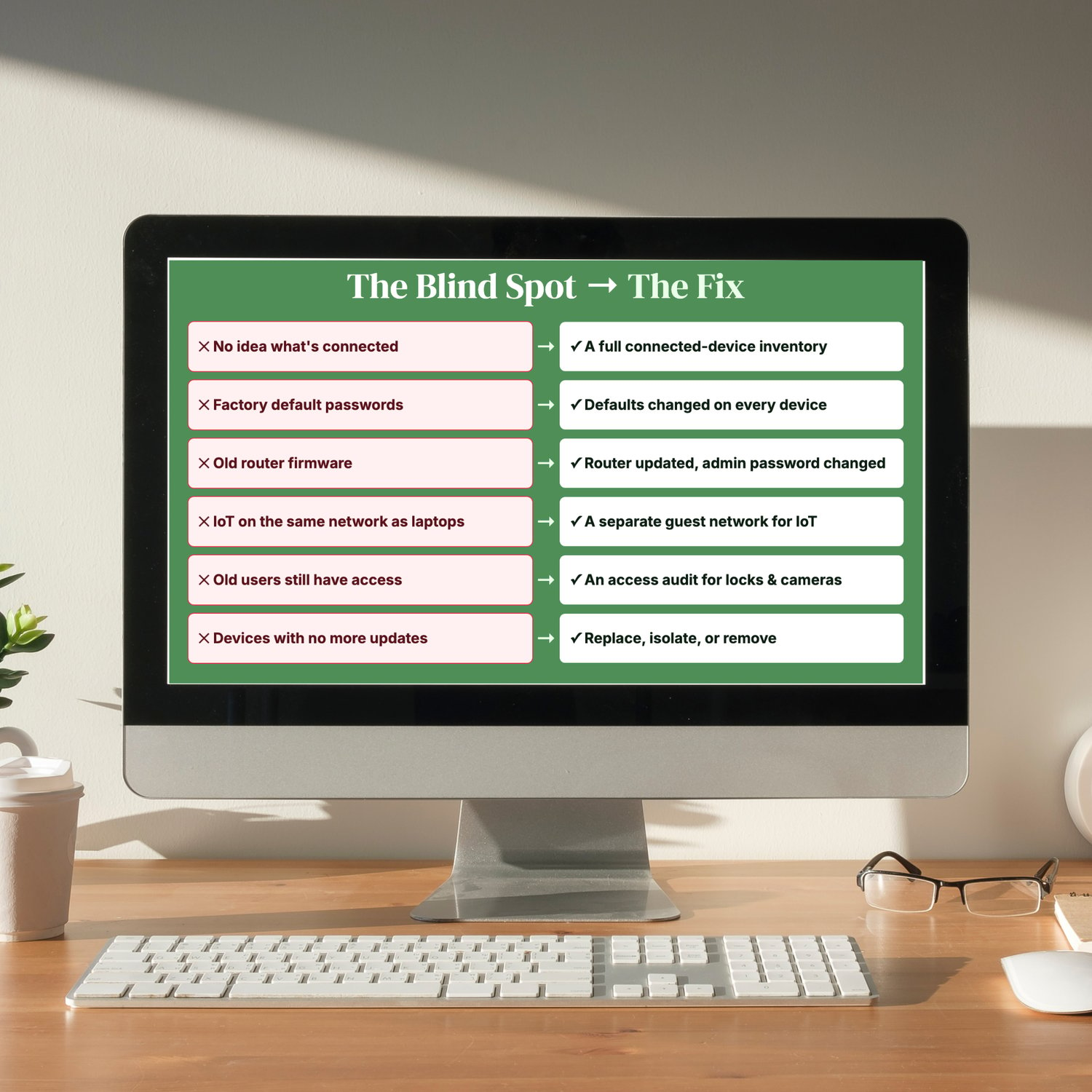
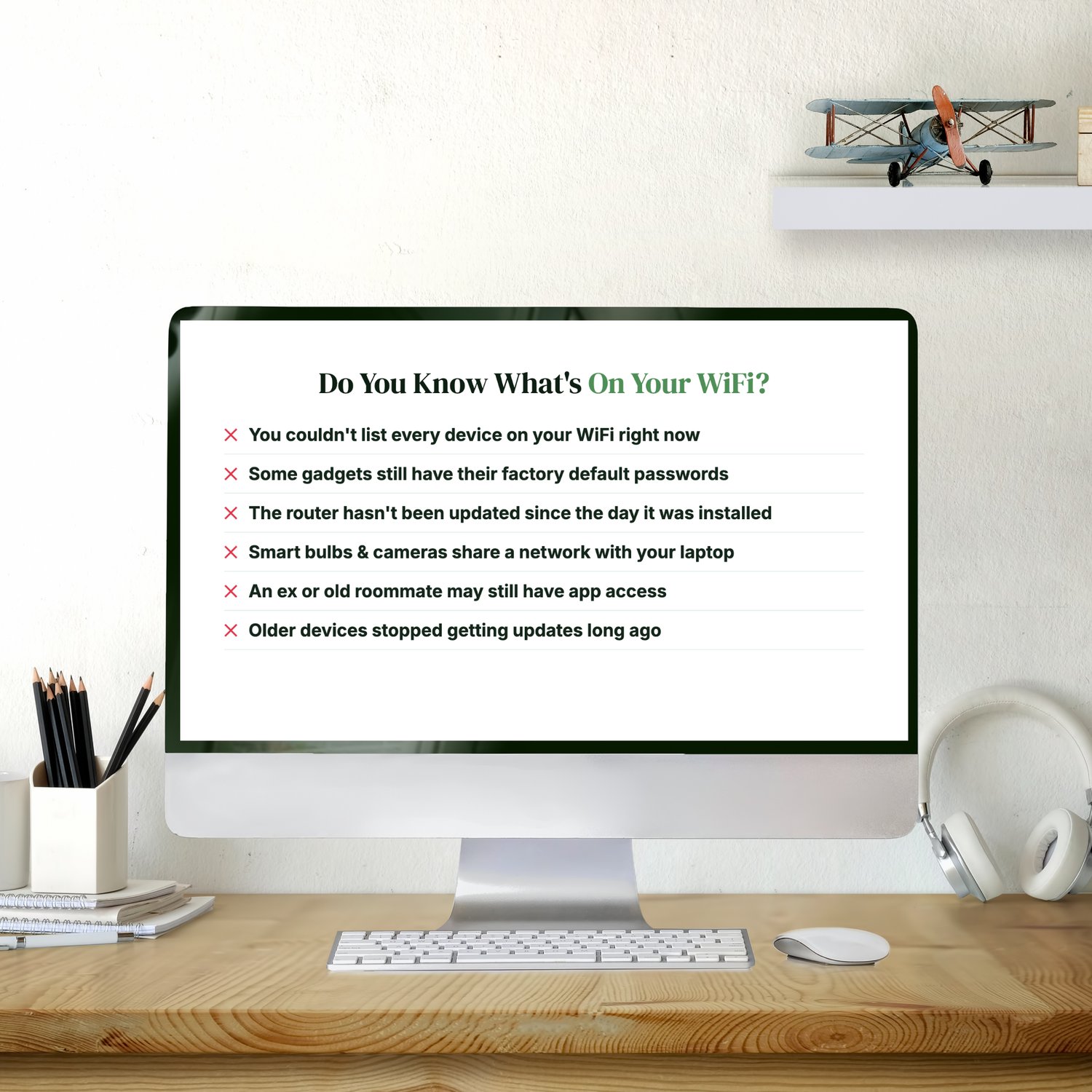
- You couldn't list every device on your network right now.
- Some gadgets still have their factory default passwords.
- The router hasn't been updated since the day it was installed.
- Smart bulbs and cameras share a network with your laptop.
- An ex or an old roommate may still have app access.
- Older devices stopped getting updates long ago.
Phones and laptops, smart TVs, cameras, locks, speakers, thermostats, light bulbs, baby monitors, appliances: the connected devices add up fast. Each one is a potential way into your home network, and most of them were set up once and then forgotten.
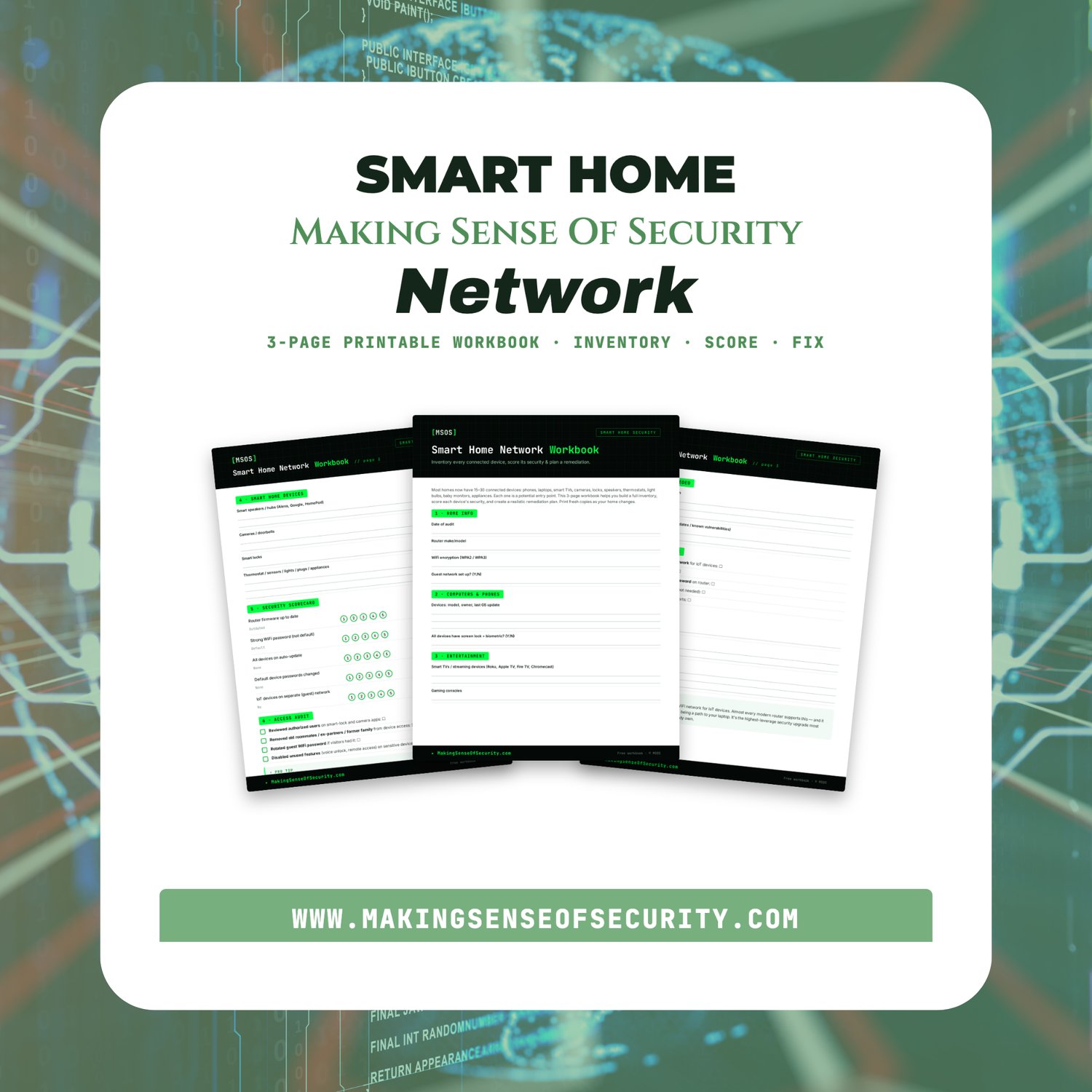
This workbook helps you find every device, score it and fix the gaps.
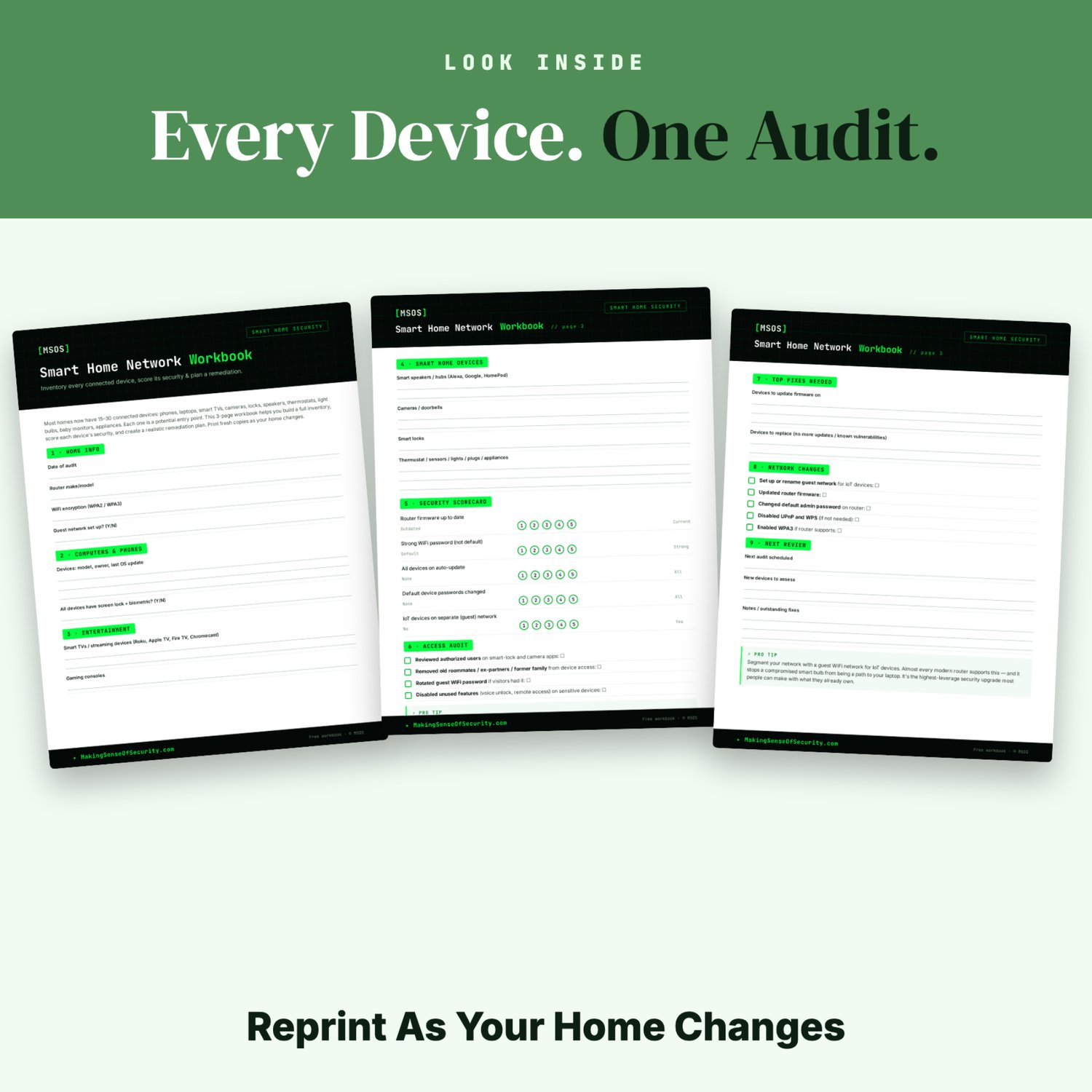
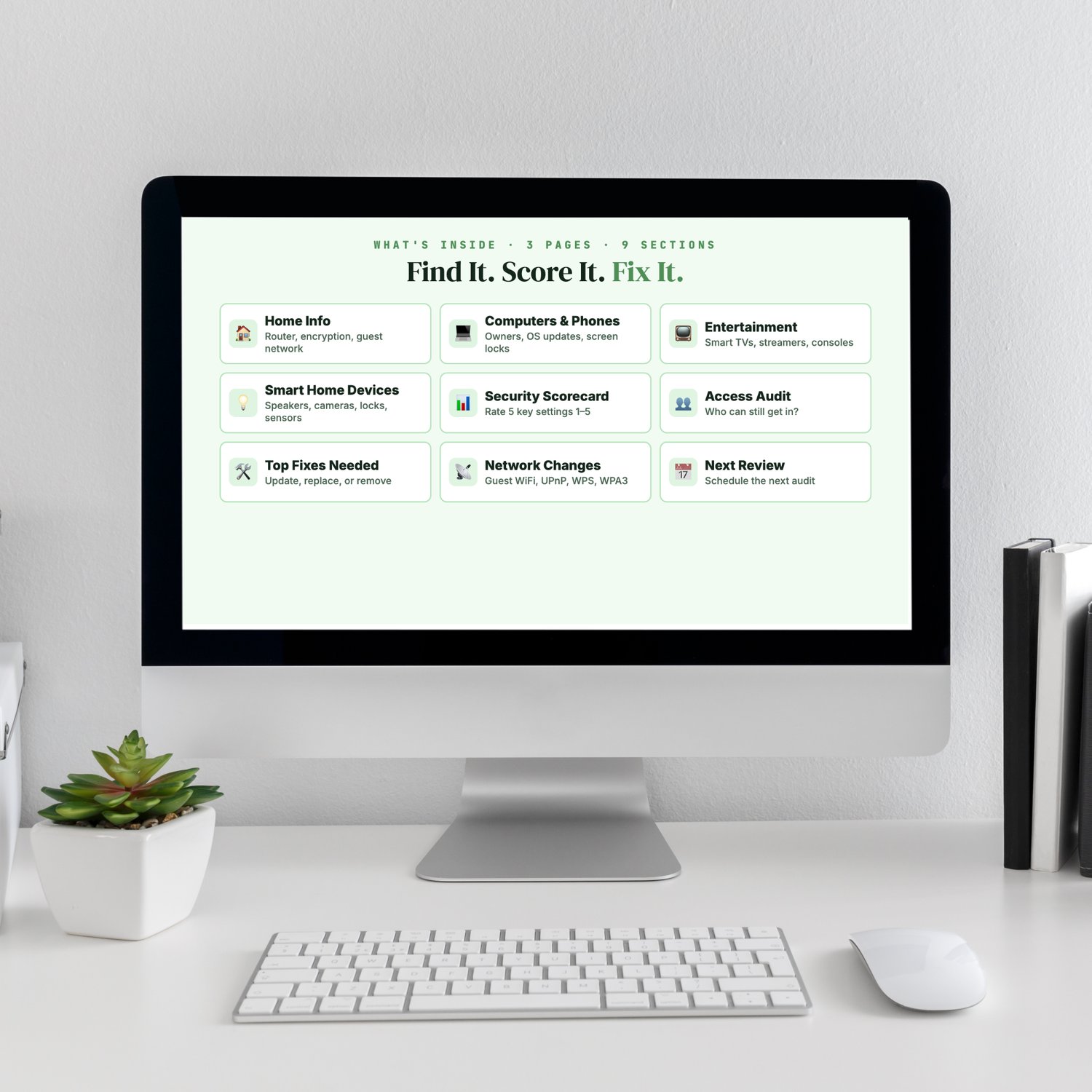
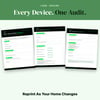
It's a 3-page printable workbook that takes you from "no idea what's connected" to a clear fix list:
- 🏠 Home Info: router model, WiFi encryption, guest network
- 💻 Computers & Phones: owners, last OS update, screen locks
- 📺 Entertainment: smart TVs, streaming sticks, game consoles
- 💡 Smart Home Devices: speakers and hubs, cameras and doorbells, locks, thermostats, sensors, plugs
- 📊 Security Scorecard: rate five key settings from 1 to 5
- 👥 Access Audit: remove former roommates, ex-partners and old guests
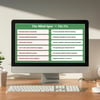
- 🛠️ Top Fixes Needed: what to update, what to replace
- 📡 Network Changes: IoT guest network, router firmware, admin password, UPnP and WPS (the auto-connect features), WPA3
- 📅 Next Review: schedule your next audit
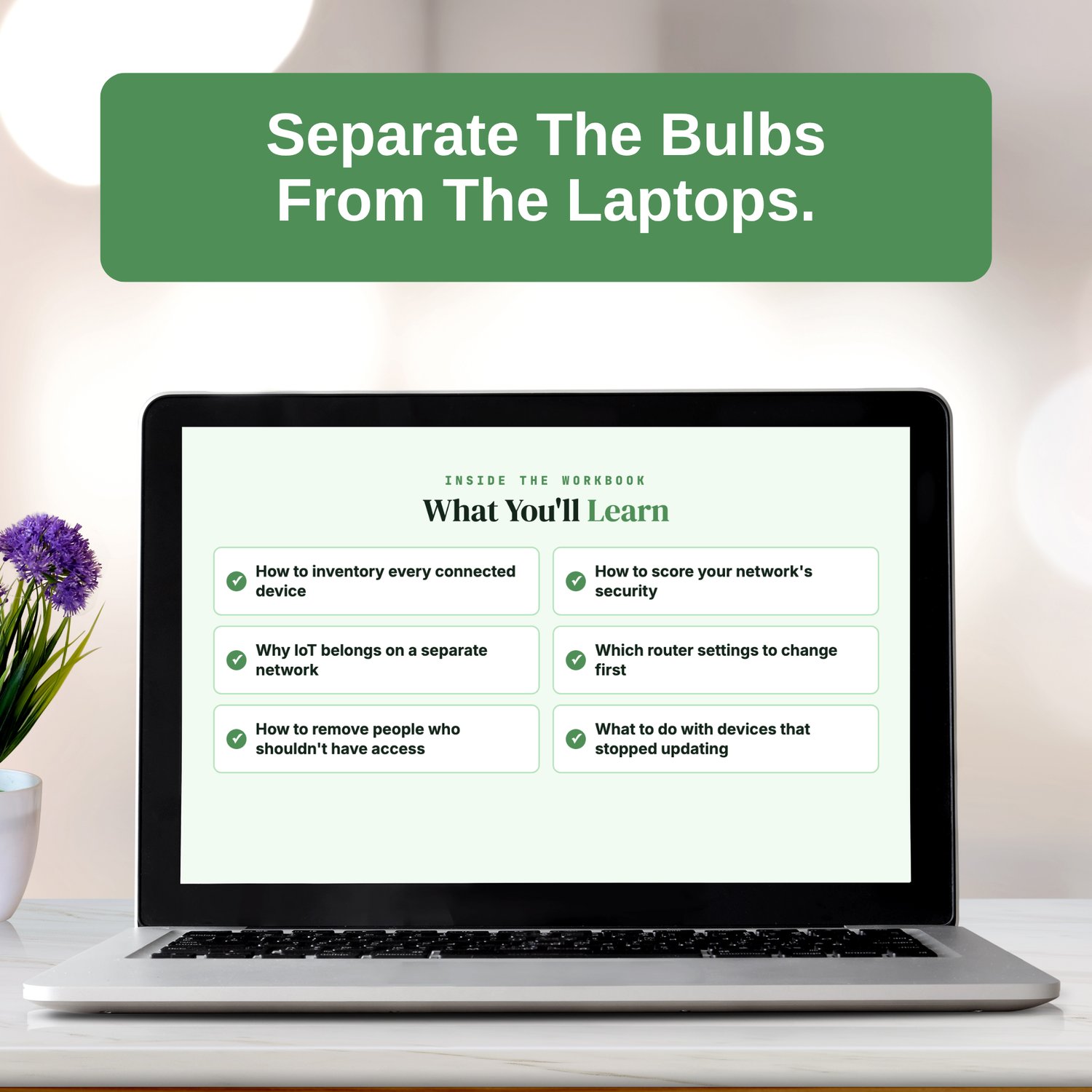
What you'll learn
- How to inventory every connected device
- How to score your network's security
- Why smart-home (IoT) devices belong on a separate network
- Which router settings to change first
- How to remove people who shouldn't have access
- What to do with devices that stopped getting updates
Pro tip: put your smart-home devices on a separate guest network. Most modern routers support it, and it keeps a compromised smart bulb from becoming a path to your laptop.
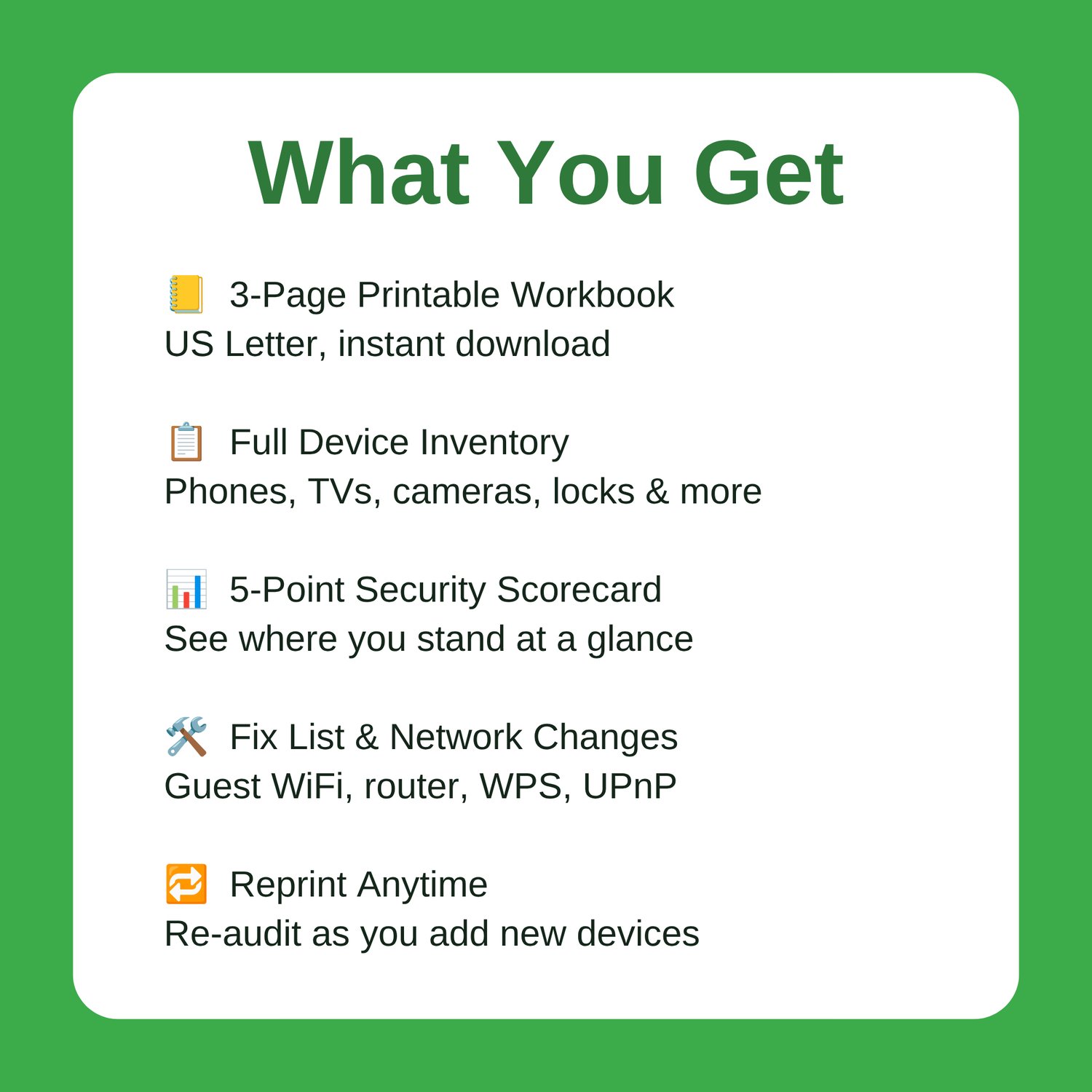
What you get: a 3-page printable PDF workbook, sized for US Letter and available as an instant download. Print it, walk through your home, and reprint it whenever you add new devices.
Great Companion Guides
- Smart Home Security Quick-Start Checklist
- Router Hardening Cheat Sheet
- Default Password Change Checklist
- Smart Speaker Privacy Settings Card
- Smart TV Privacy Settings Card
- App Permissions Audit Cheat Sheet
All Sales Final. Please reference this page for details.