

Your Cart
Loading
2 reviews

PowerCut

On Sale
Sale ends in 20 days
$999.99 (50% off)
Added to cart
2 reviews

Your rough cut, in minutes,

No uploads.

No subscription.

No black box.

Entirely on your Mac.

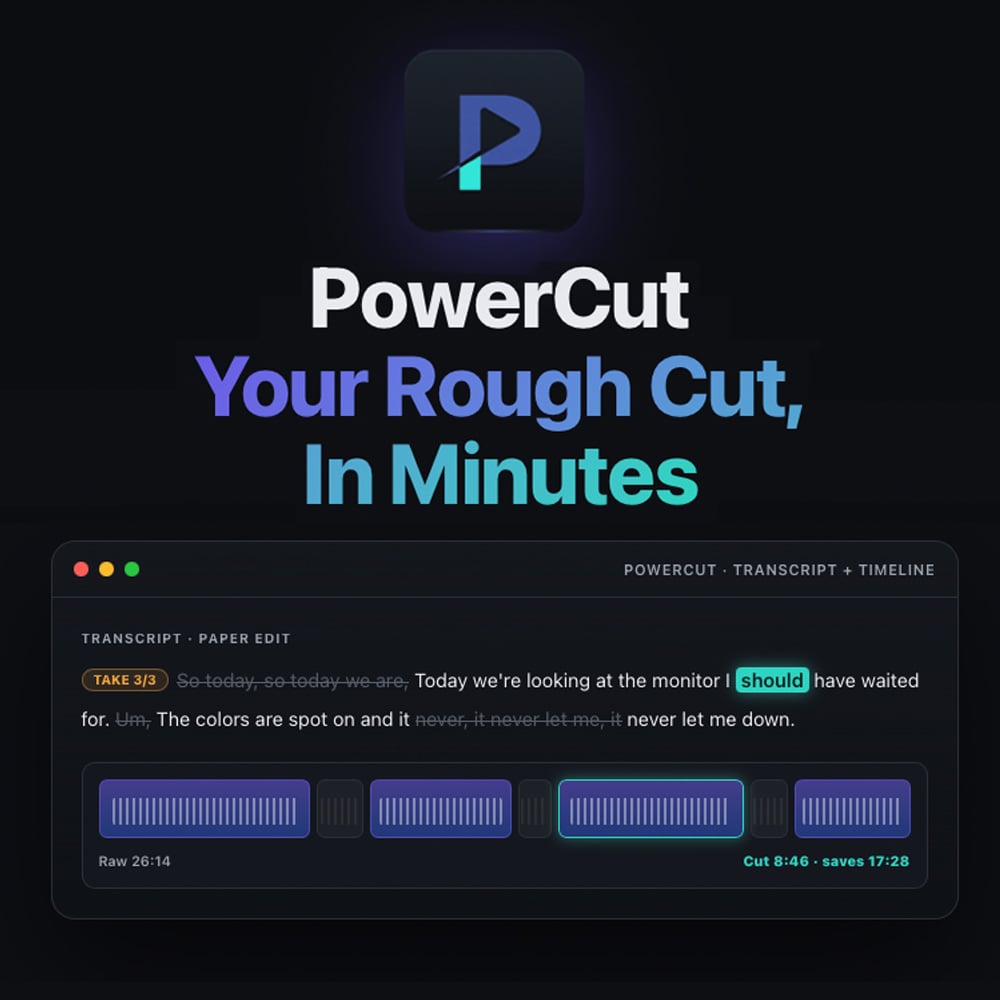
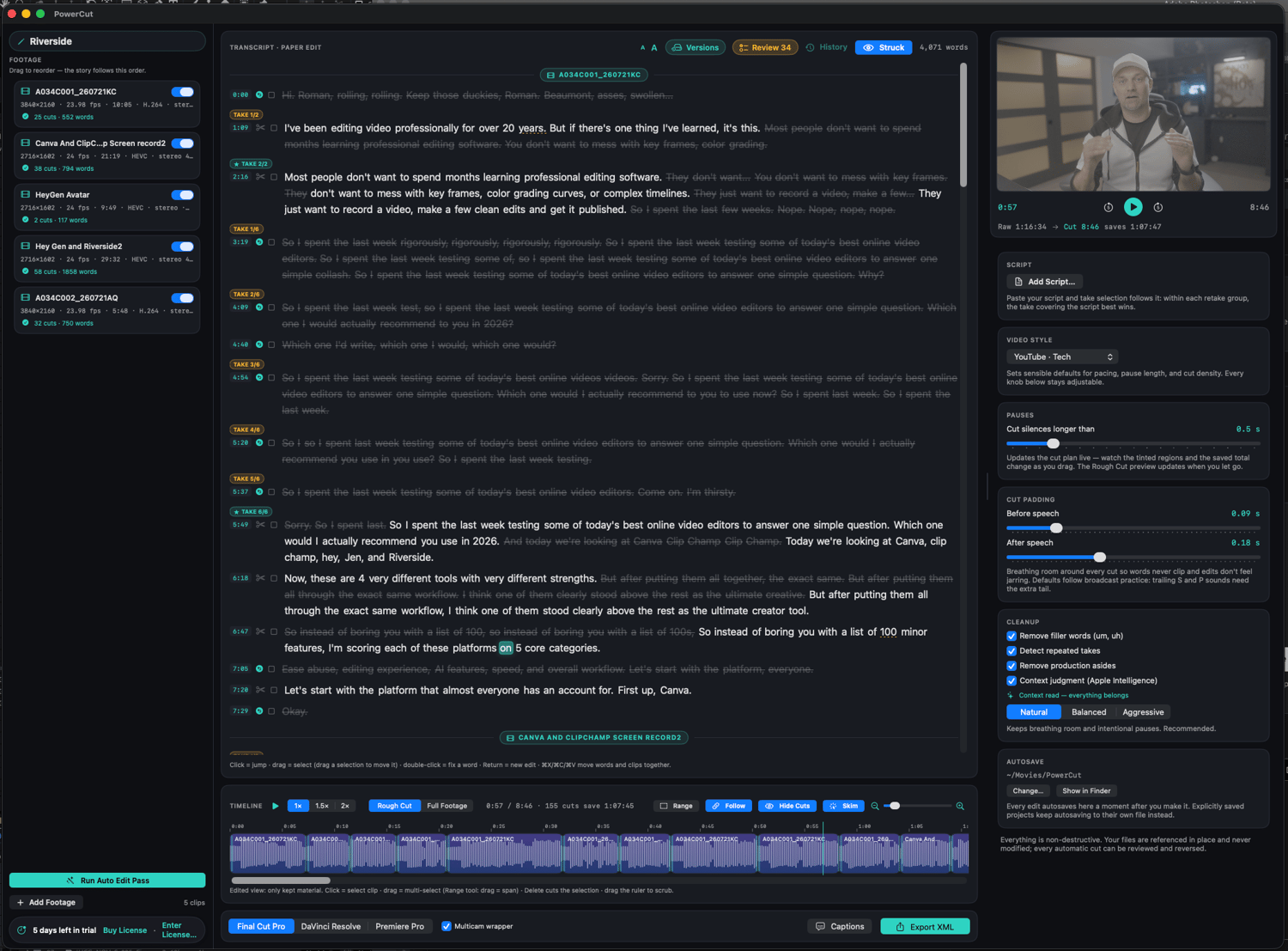
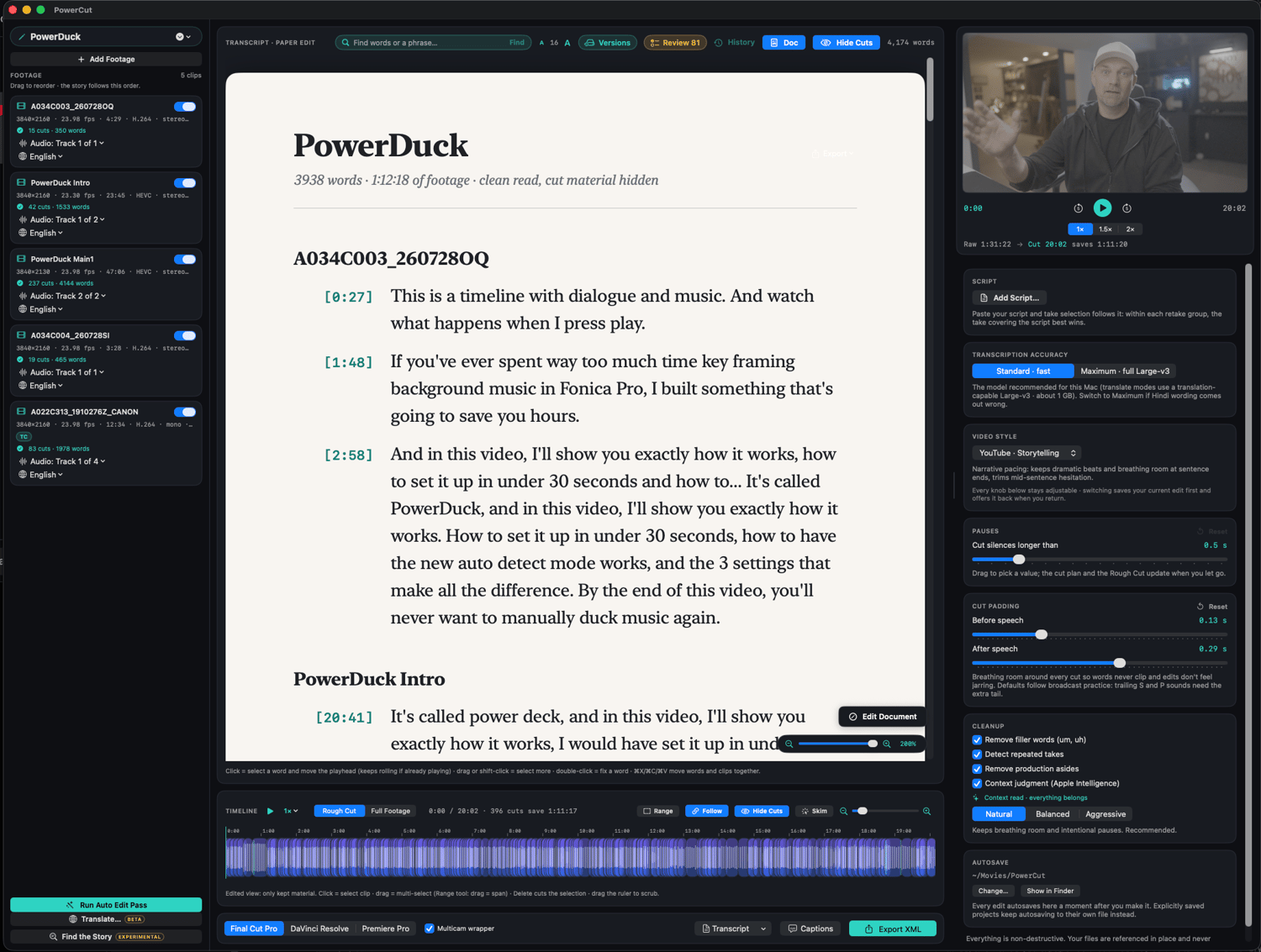
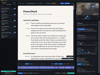
Drop in your clips and PowerCut transcribes them on device, then strikes the silences, filler words, false starts, and repeated takes automatically. The best read of every line is kept, with the reasoning shown. Edit the rest like a document: select text, strike it, done. When it reads right, export a frame-accurate timeline straight into Final Cut Pro, DaVinci Resolve, or Premiere Pro, plus captions that match the cut.

No uploads. Your footage never leaves your Mac. No processing queues, no per-minute limits, works offline.

No subscription. Buy once, own it, free updates included.

No black box. Every automatic cut shows its reason and is one click to restore. A review queue flags the calls the automation was least sure about, and PowerCut learns your taste the more you overrule it.

Free version: 7 days fully functional, export included. After that the entire editor keeps working forever; a license unlocks export whenever you're ready. Your work is never held hostage.

Requires an Apple Silicon Mac. On-device transcription uses macOS 26 (Tahoe). English footage. User guide: rafaelludwig.com/apps/powercut/manual


One-time purchase · Yours Forever · 14-day money back



Customer Reviews

Sort

Daniel Goyette

Verified Buyer

5 days ago

The reliable source for Great FCP Plugins.

Power Cut another Perfect App for Final Cut Pro From Rafael Ludwig.
Reply from creator

Brad (Home Theater Gamer on YouTube)

Verified Buyer

6 days ago

I had been using TimeBolt for about a year, and before that I had tried other subscription-based editors like Gling. They all had their issues, and honestly, I was getting pretty tired of paying another subscription every month.

With TimeBolt, I eventually just stopped using it. I never really liked the way it handled audio waveforms, the limited view range could be frustrating, and every now and then I’d get weird or buggy edits when bringing its XML files into Final Cut Pro.

I actually found PowerCut completely by accident. I was on Rafael’s site to buy PowerDuck and PowerEQ, saw PowerCut, and thought, “Wait... what is this?” Haha.

A few things immediately caught my attention. It uses Apple Intelligence for transcription, it gives you actual text-based editing; which is something I REALLY wish Final Cut had built in; and it’s a one-time purchase. No subscription. That alone had me interested.

So I downloaded the 7-day trial, edited one video with it... and bought it immediately afterward. Seriously. One video was enough.

I’ve already saved a ridiculous amount of time editing A-roll with it, and at this point I honestly can’t imagine not using it. I’m going back to work full-time while still doing YouTube on the side, so anything that can save me this much time on the more tedious parts of editing is going to be an absolute GODSEND.

And I really like that it doesn’t try to replace Final Cut. It just helps me get through the rough cut way faster and then sends everything right back into FCP where I already want to be working.

Thanks, Rafael. Your Final Cut tutorials have helped me a ton over the years, so I’m really happy to support something you made—and even happier that it turned out to be this useful. Excellent work!
Reply from creator
Hi Brad, this is exactly why I created PowerCut, I felt the same way. And there were many projects I couldn't use these tools on because of the privacy issue. On device and no uploads was the number one thing I needed. Thank you for the nice words! This is really encouraging, I am glad you found it, it's officially launching later this month after more thorough testing.