
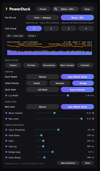
Power Duck for Final Cut Pro
On Sale
$999.99
(25% off)
Final Cut Pro has no mixer buses and no ducking button. PowerDuck fixes that.
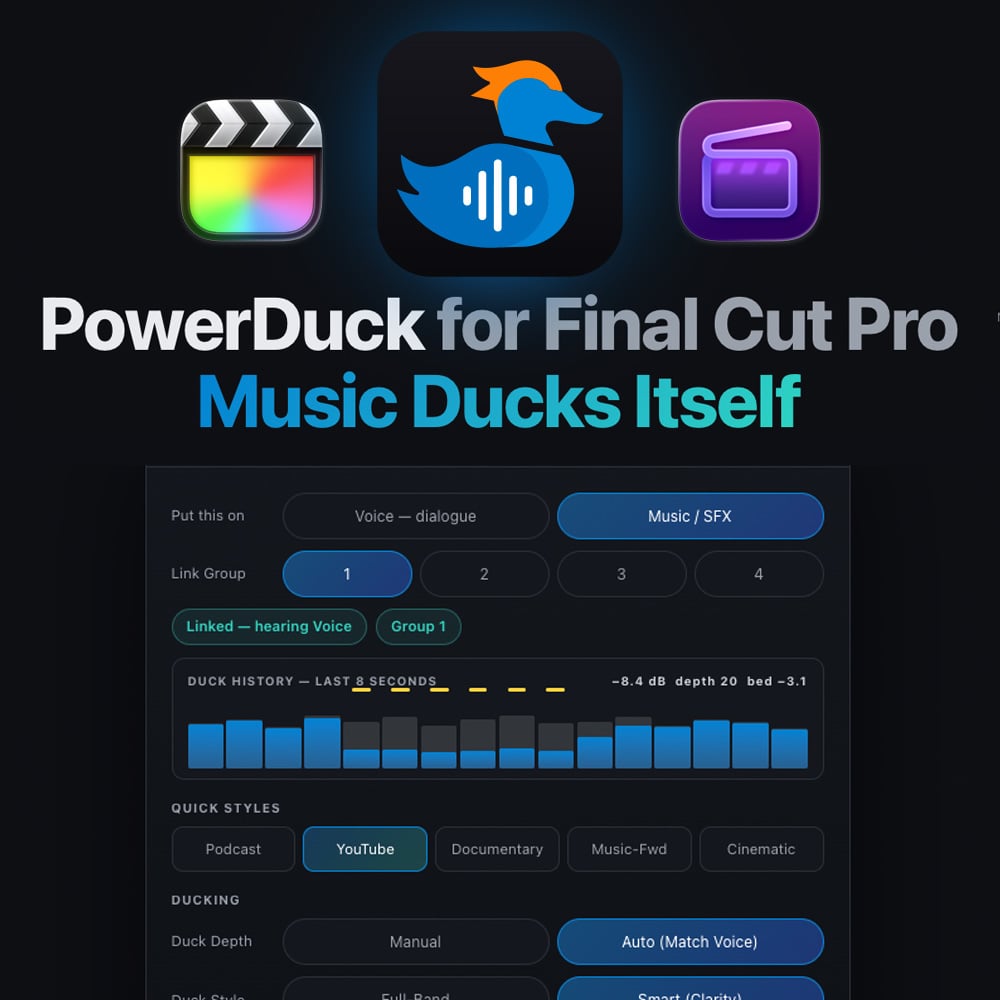
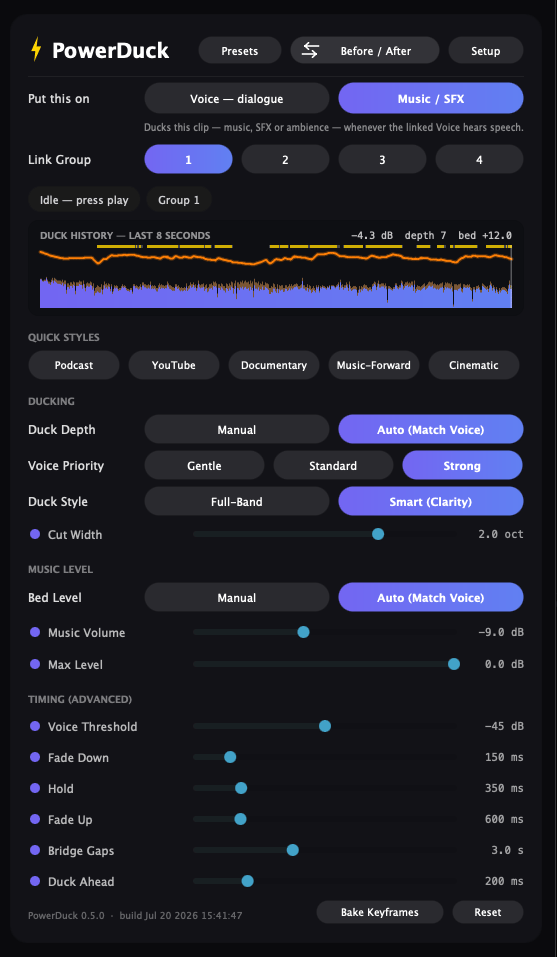
Drop one copy of PowerDuck on your dialogue and one on your music or SFX — they link up automatically. Click a Quick Style (Podcast, YouTube, Documentary, Music-Forward, Cinematic), press play, and the music gets out of the way every time someone speaks — then comes back up, smoothly, like a mixer riding your fader.
- Auto (Match Voice): stages the music bed at broadcast level under YOUR voice, then ducks just enough to keep every word on top — loud songs pushed harder, quiet beds left alone
- Smart Clarity Cut: a dynamic EQ pocket right where the voice lives (~2.8 kHz), so dialogue cuts through while the music keeps its low end and air
- Duck History strip: see the applied ducking, live — the readout FCP's clip waveform can't give you
- Max Level ceiling: the music never crosses the line you set, ducked or not
- Works on compound clips and roles — one pair can cover your whole timeline — and ducks SFX and ambience too
- Sliders for everything when you want manual control
Requirements: macOS 12+, Apple Silicon & Intel. Audio Unit + VST3 — built for Final Cut Pro; also runs in Logic and any AU/VST3 host.
Try it free for 7 days — full features, no account. Your license includes free updates.
Manual & support: rafaelludwig.com/apps/powerduck
One-time purchase · Yours Forever · 14-day money back