
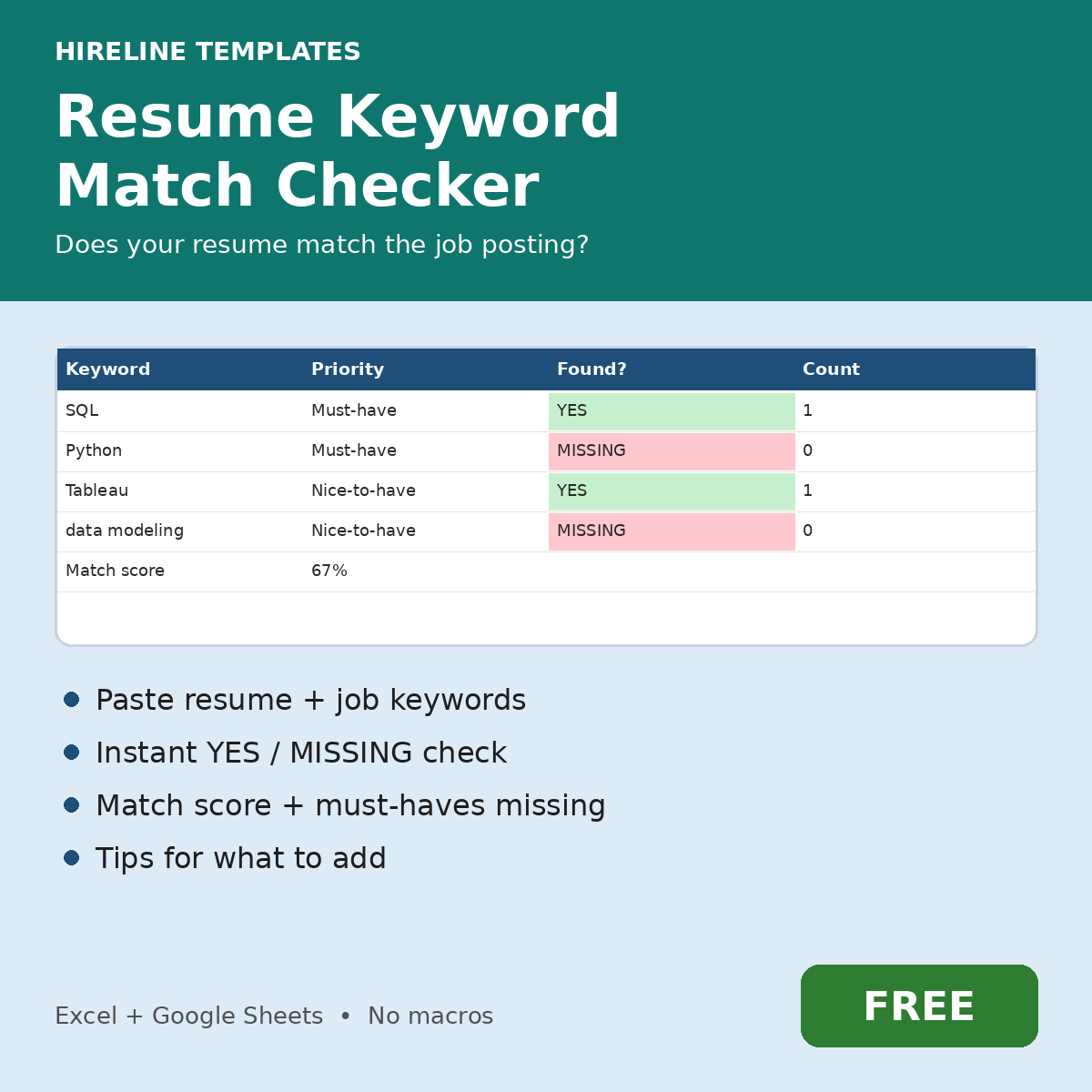
Resume Keyword Checker Free - ATS Keyword Match Spreadsheet for Excel & Google Sheets
See which must-have keywords from a job posting are missing from your resume before you apply. Free.
Why you will like it
- Tailor your resume to each posting in a few minutes.
- Must-haves you have not covered show as MISSING, so you know what to fix first.
- Private: it runs in your own spreadsheet; your resume is not uploaded anywhere.
What's included (1 .xlsx, 3 tabs)
- Keyword Checker: paste your resume into one cell, then list up to 100 keywords marked Must-have or Nice-to-have
- Each keyword shows YES or MISSING, times found and a tip; found keywords turn green
- Match summary: keywords found, match score with a progress bar, and missing must-haves
- Instructions tab and a Next step tab; the DEMO resume and keywords are fictional
How it works
- Download for $0 and open the file.
- Paste your resume text into the blue cell.
- Type the key skills and terms from the job posting.
- Add the missing ones to your resume, only if they are true for you.
Compatibility
- Standard .xlsx for Microsoft Excel; open it in Google Sheets by uploading it to Google Drive.
- No macros, scripts or add-ons.
FAQ
- Is it an ATS? No. It checks whether each keyword appears in your text; it cannot predict how an employer scores you.
- Is it really free? Yes. Download for $0 and keep the file.
- Questions? hirelinetemplates@mail.grokbot.com
Next step
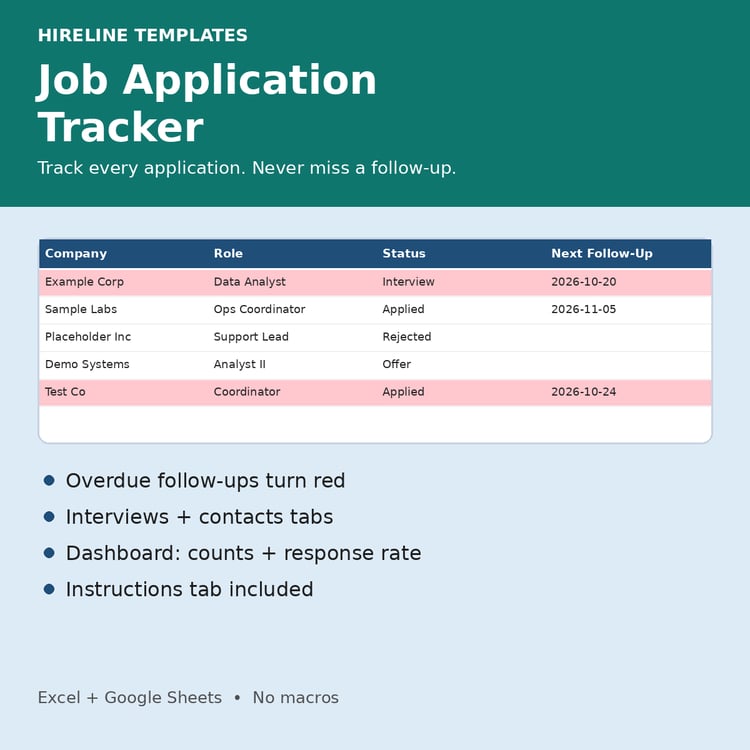
- Track every application and follow-up: Job Application Tracker ($4.99): https://payhip.com/b/zVejq