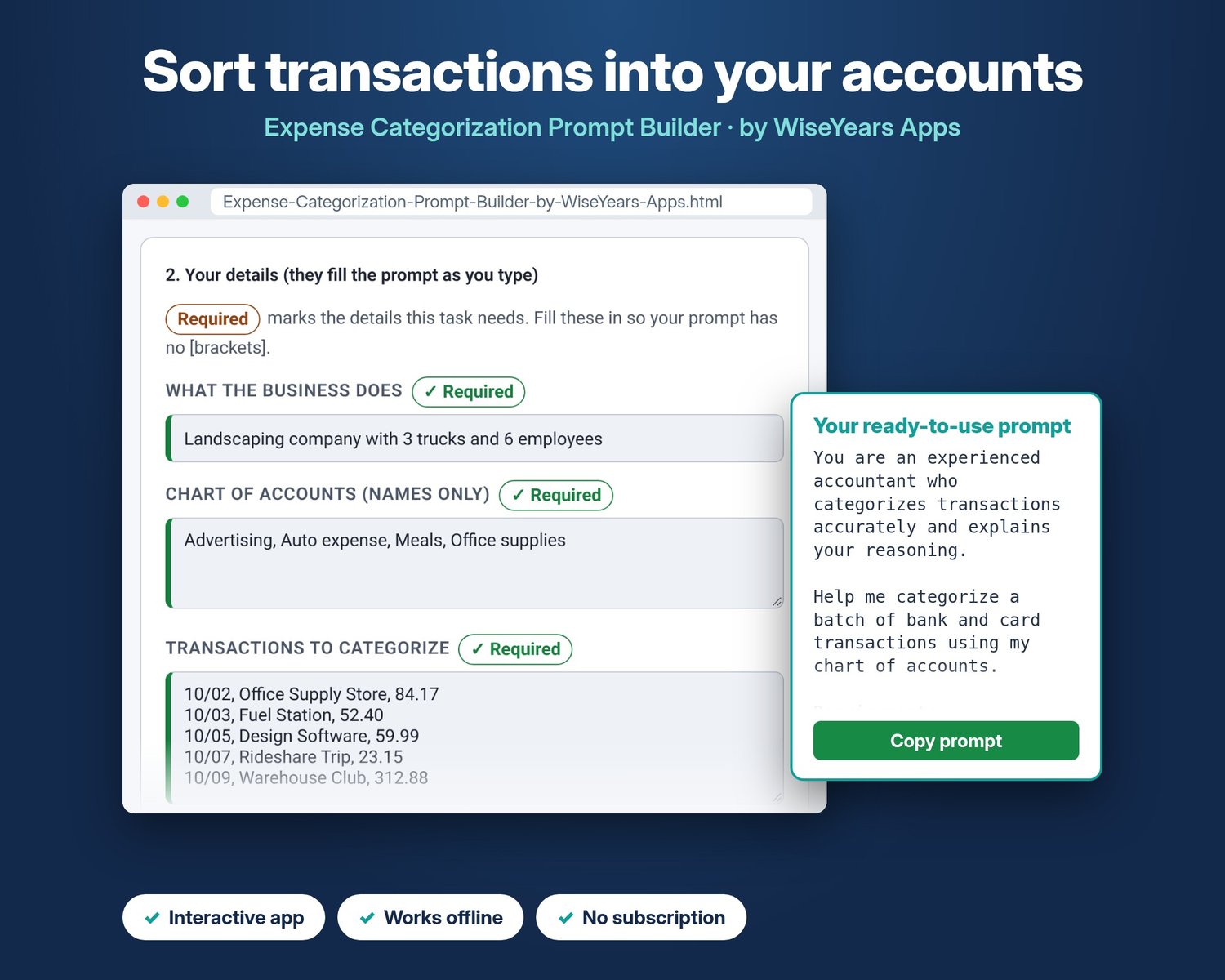
Expense Categorization AI Prompts for Bookkeepers | WiseYears Apps
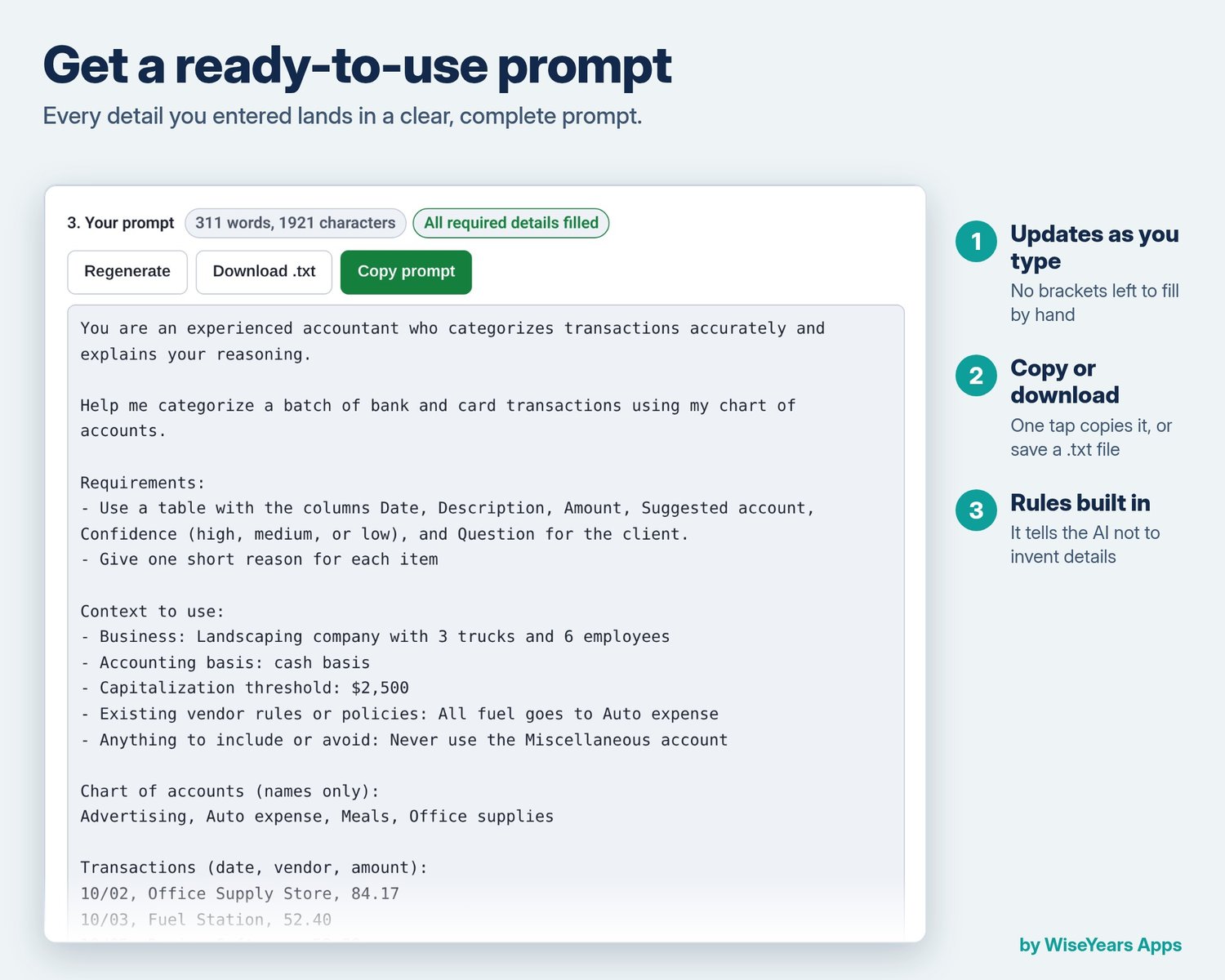
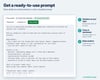
Builds ready-to-use AI prompts that sort transactions into your accounts, flag unclear items, and set up repeatable rules.
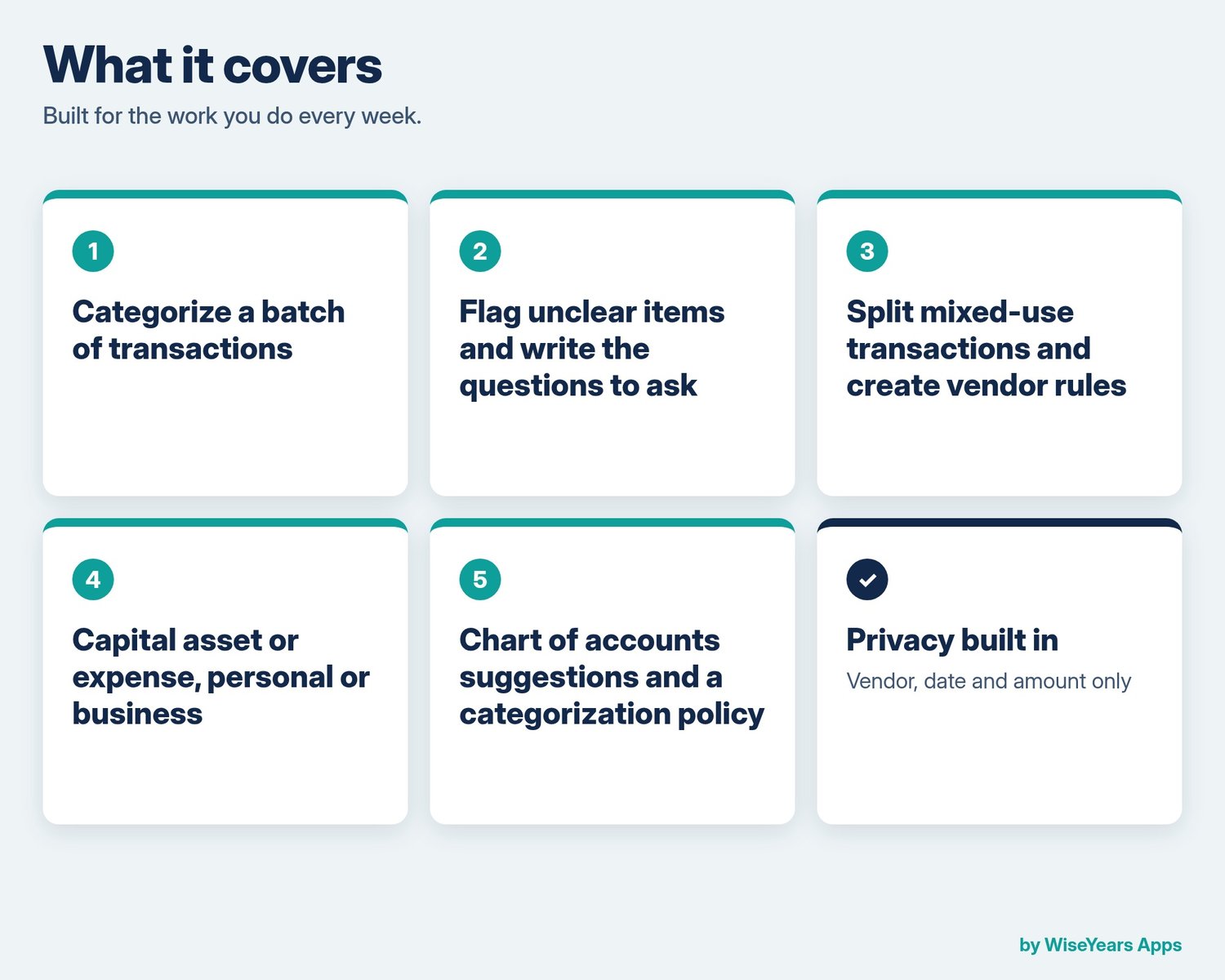
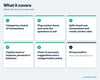
What it covers:
- Categorize a batch of transactions
- Flag unclear items and write questions
- Split mixed-use transactions and create vendor rules
- Capital asset or expense, personal or business
- Chart of accounts suggestions and a categorization policy
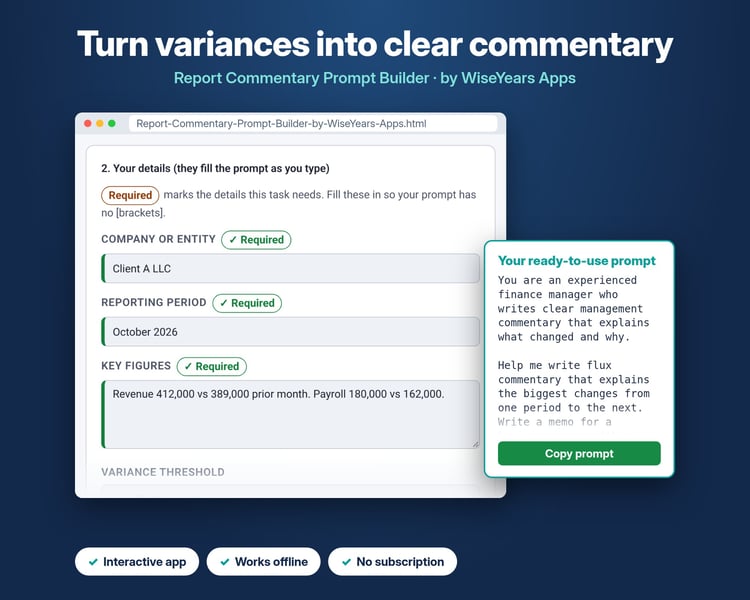
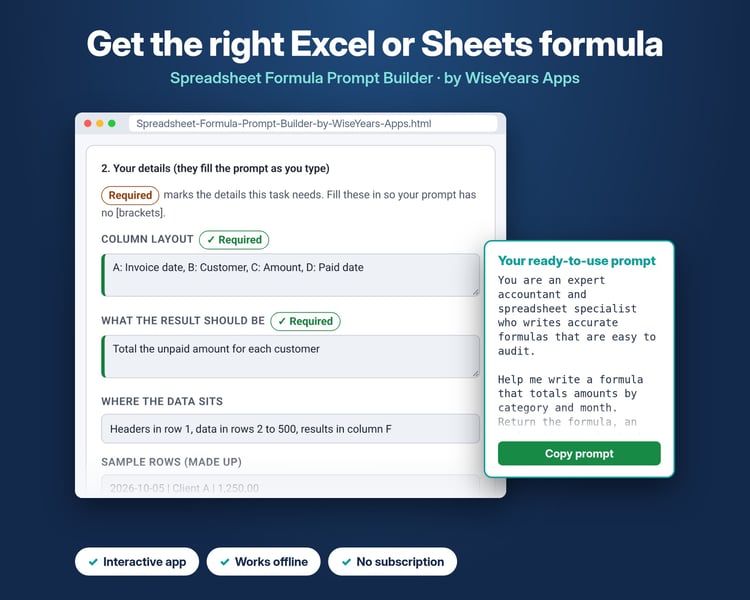
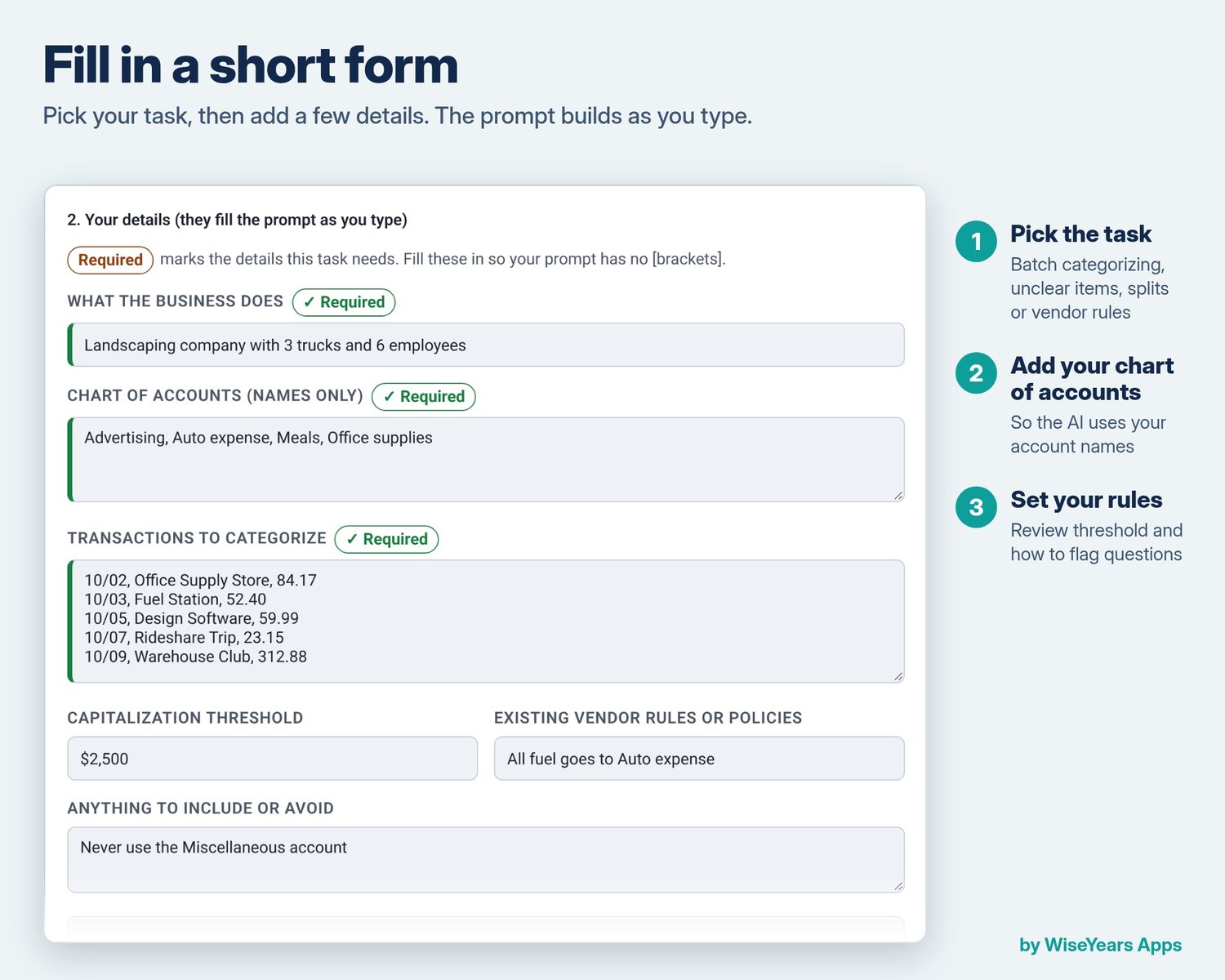
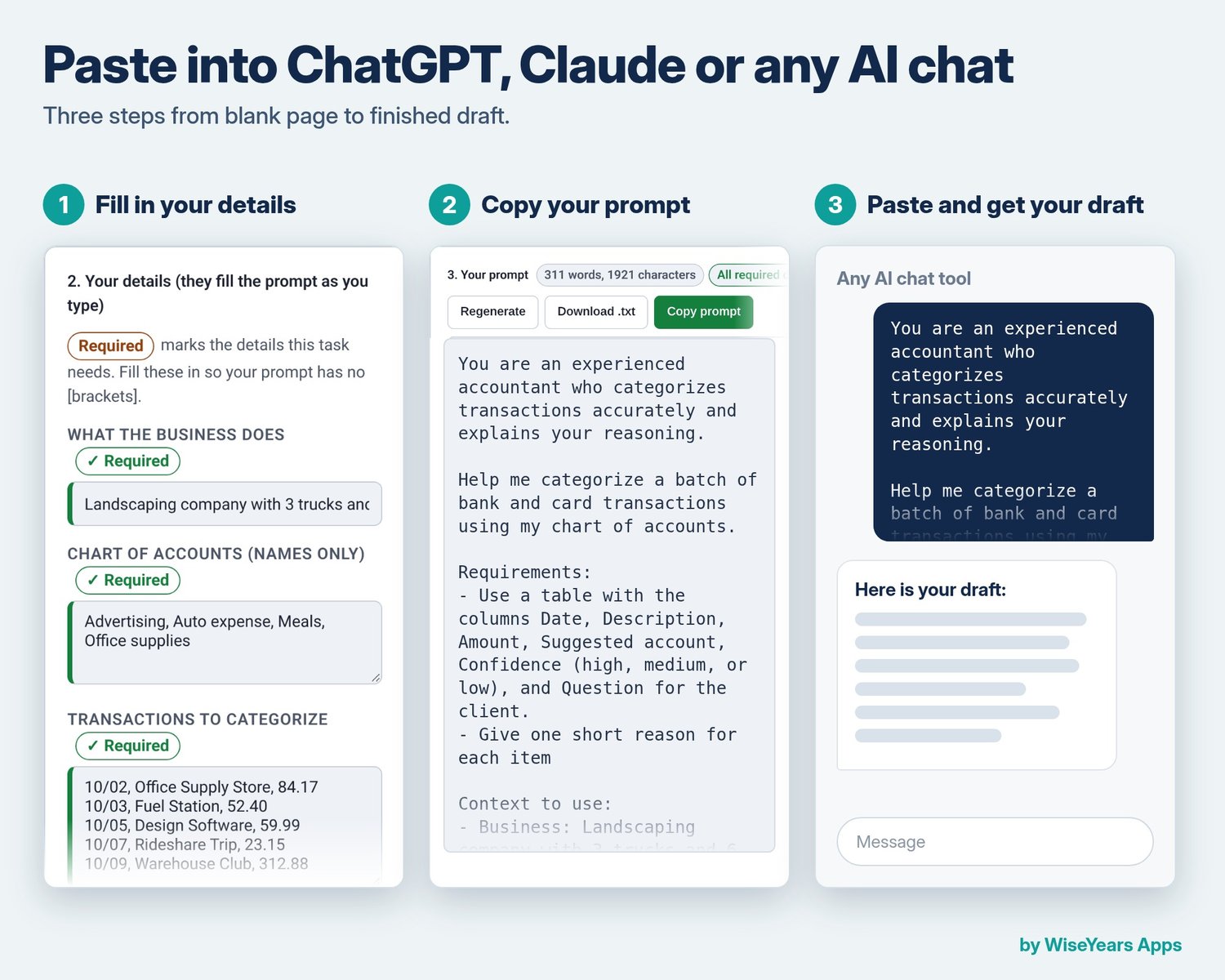
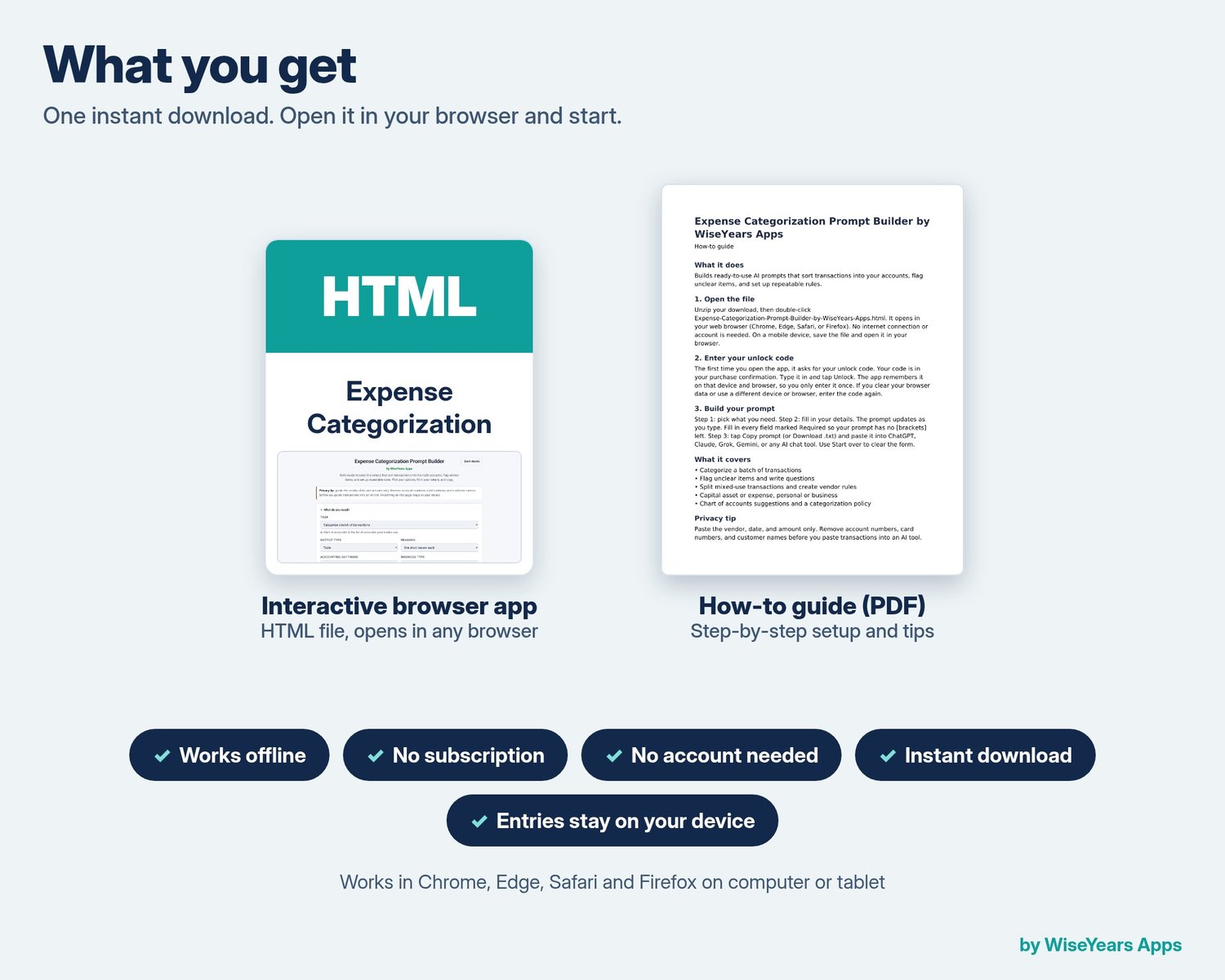
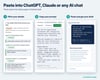
How it works: open the file in your browser, enter your unlock code once, pick a task, fill in your details, and copy the prompt into any AI chat tool. Works offline. Your entries stay on your device.
Privacy tip built in: Paste the vendor, date, and amount only. Remove account numbers, card numbers, and customer names before you paste transactions into an AI tool.
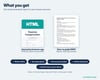
What you get: one ZIP with the HTML app file and a how-to guide PDF. Your unlock code comes with your purchase.
Want all seven? Get the Bookkeeping Prompt Builders Bundle.
Please note: Always check AI answers with a qualified professional. This is not tax, legal, or accounting advice. Digital download.
Watch the walkthrough video: https://youtu.be/nxnKOgTkCL4