


Debt Payoff Tracker for Excel With Snowball and Avalanche Calculator
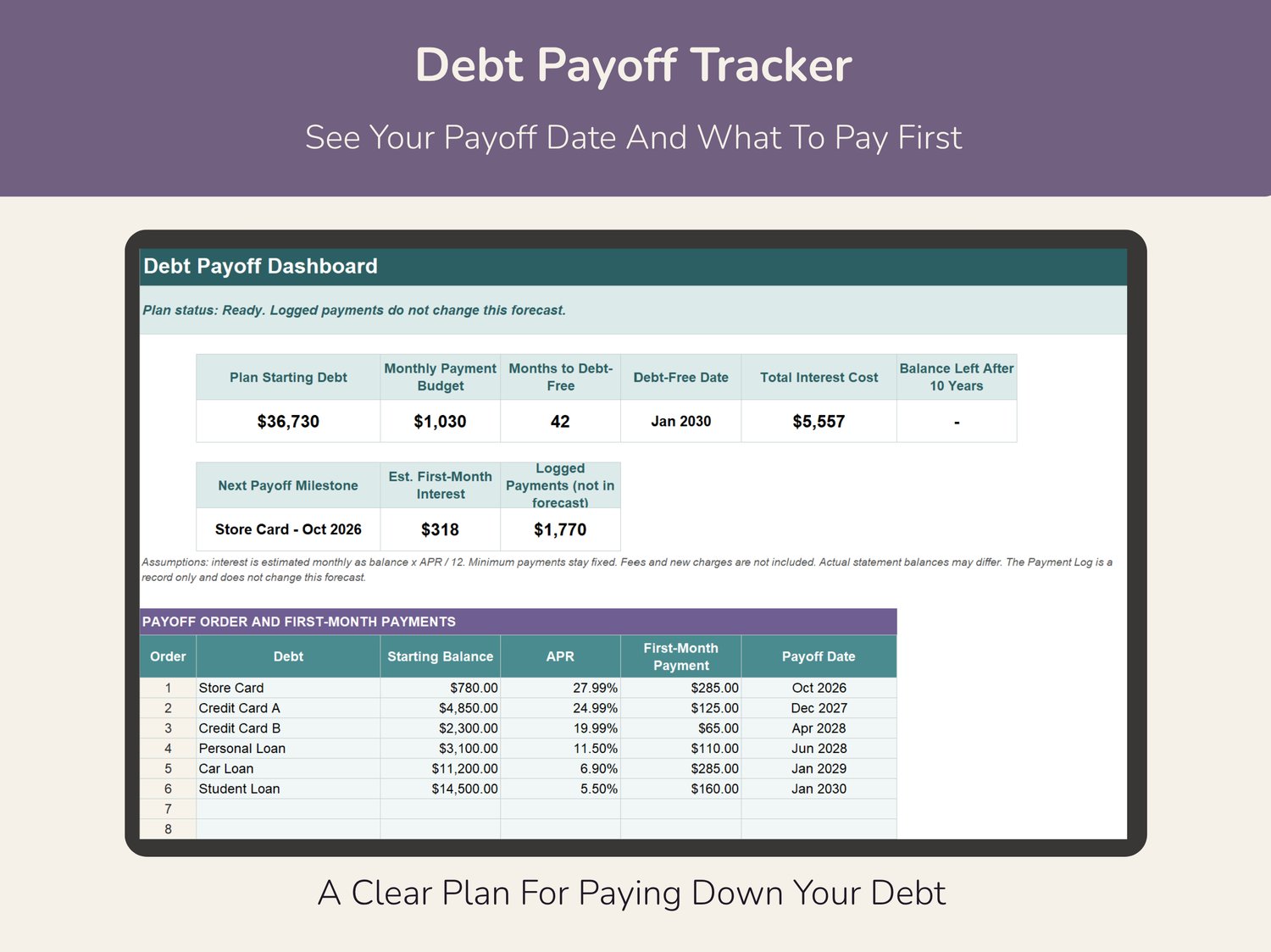
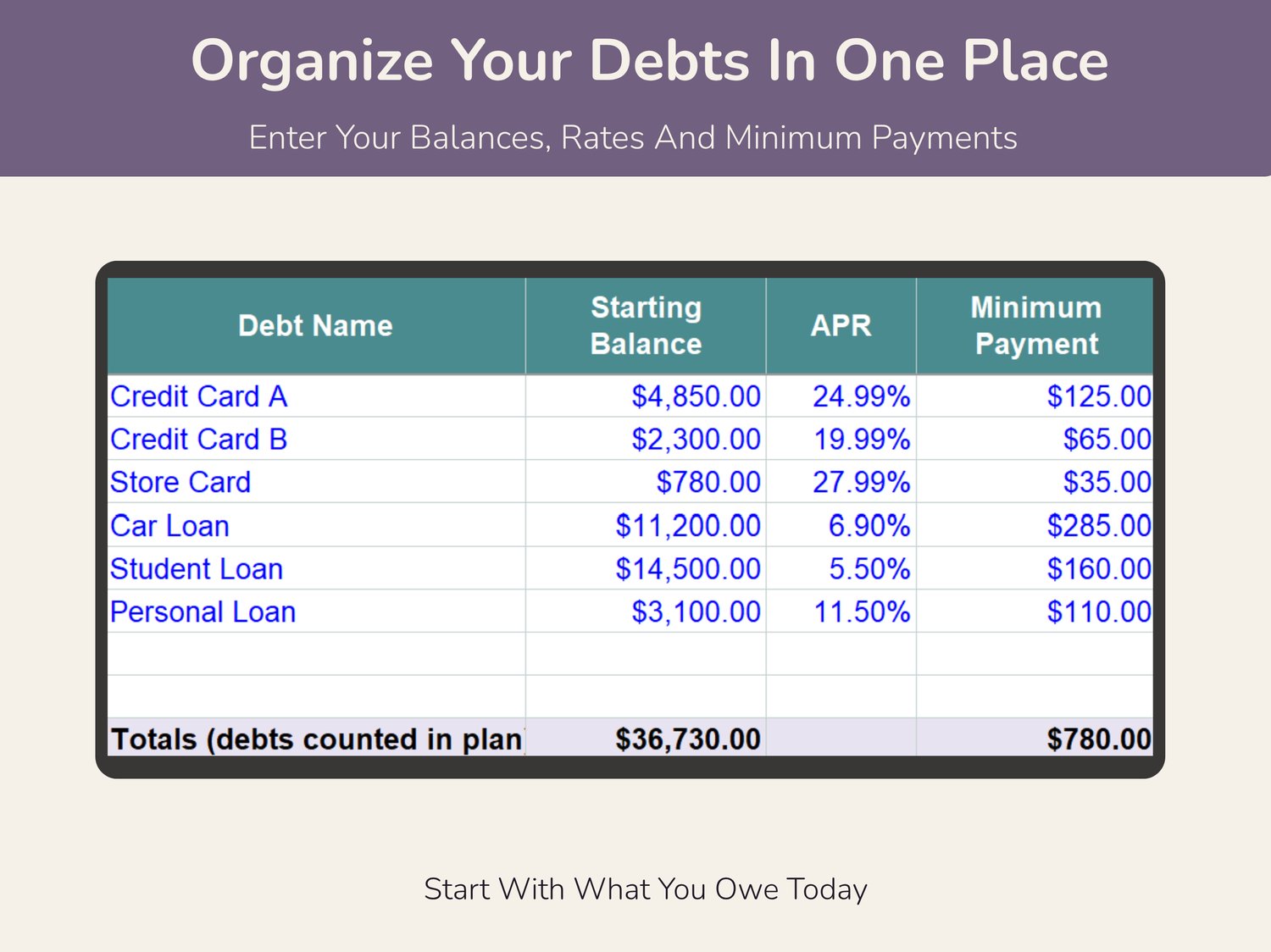
See what to pay first and when you could be debt-free. This debt payoff tracker for Excel brings your balances, interest rates, and minimum payments together in one clear spreadsheet.
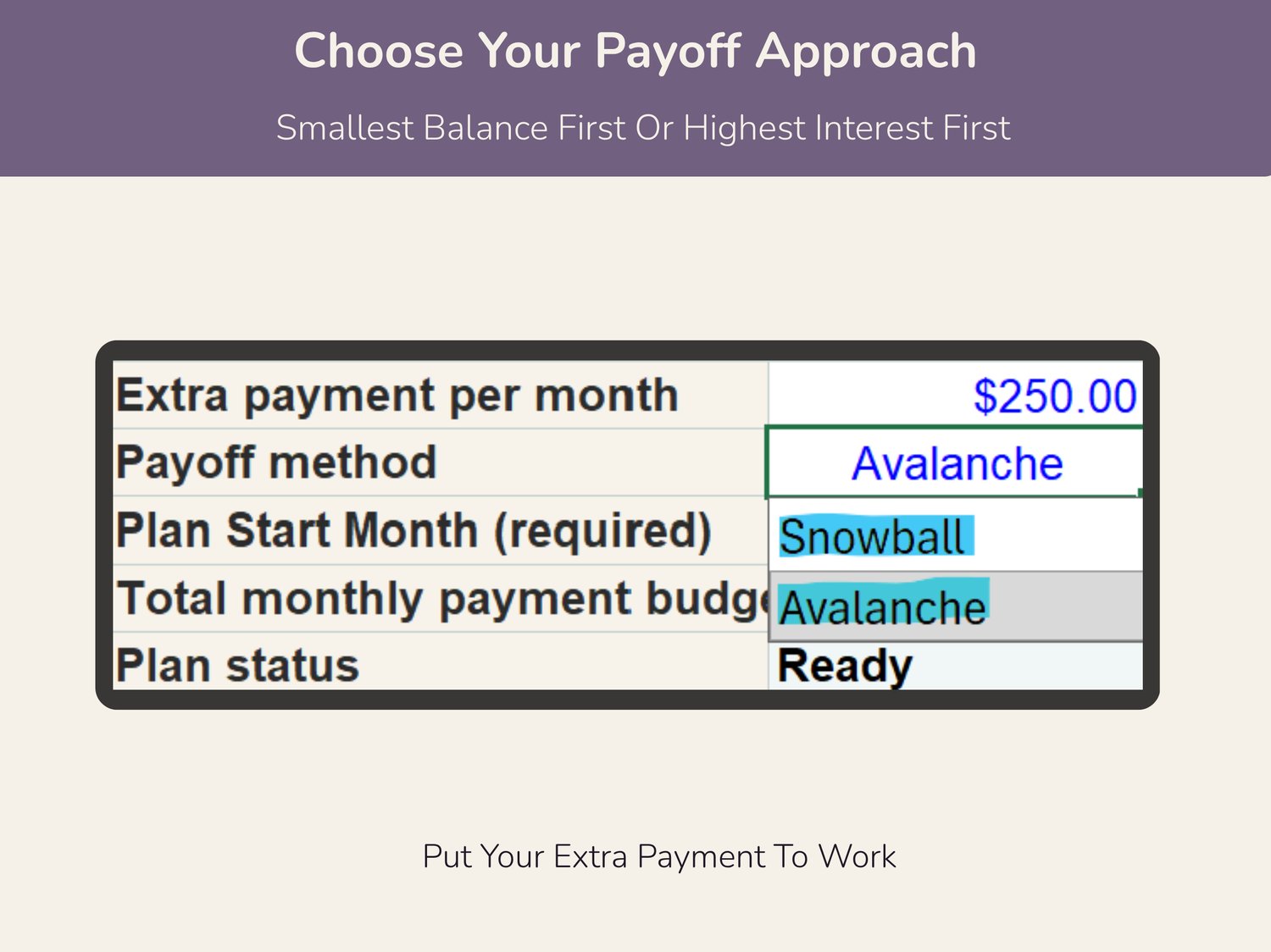
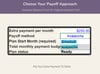
Choose the debt snowball method to tackle your smallest balance first, or use Avalanche to target your highest interest rate. Enter an extra monthly payment and see how your estimated payoff timeline and interest cost change.
Build a plan you can follow:
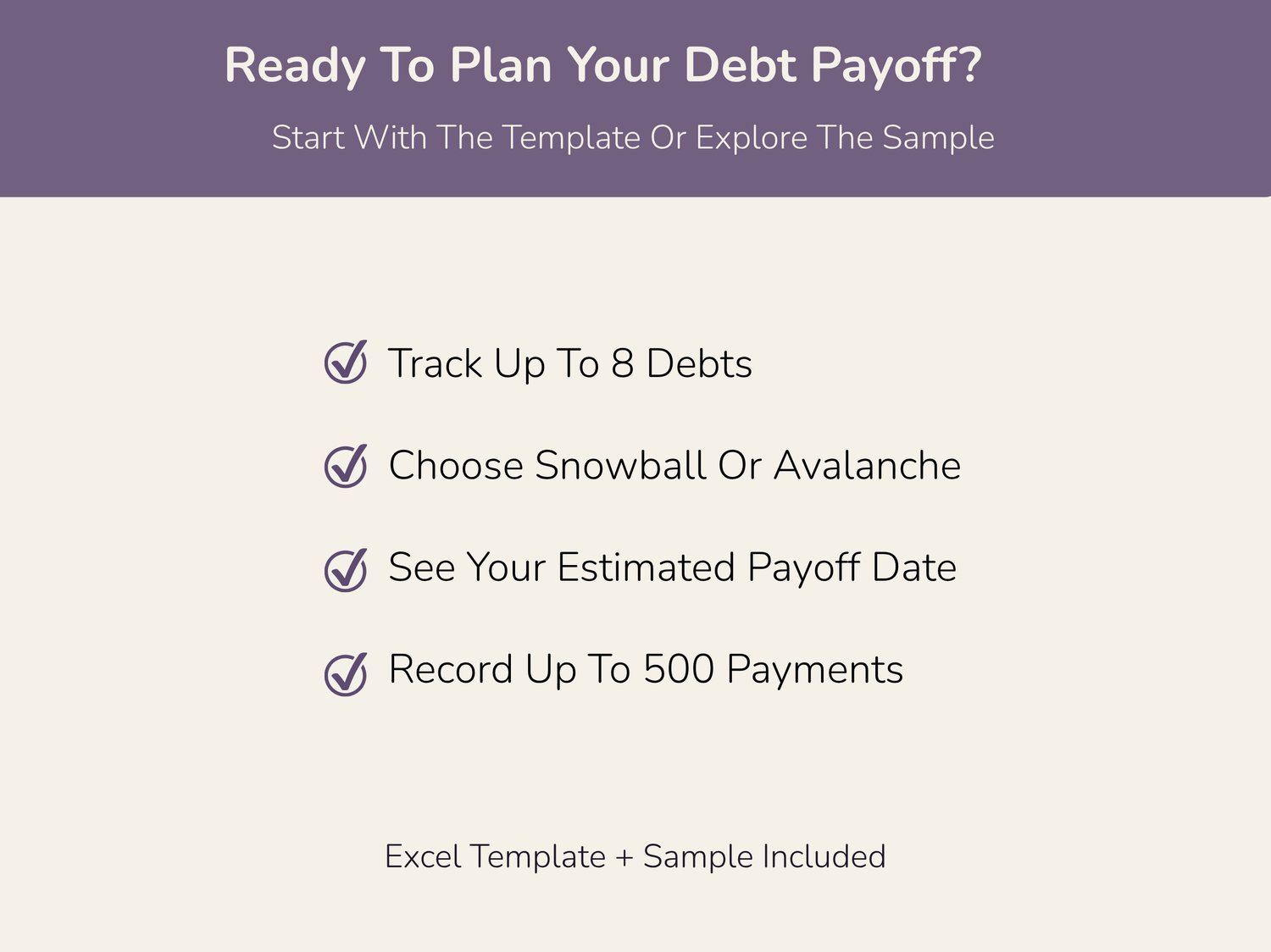
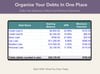
• Organize up to 8 credit cards, loans, or other debts.
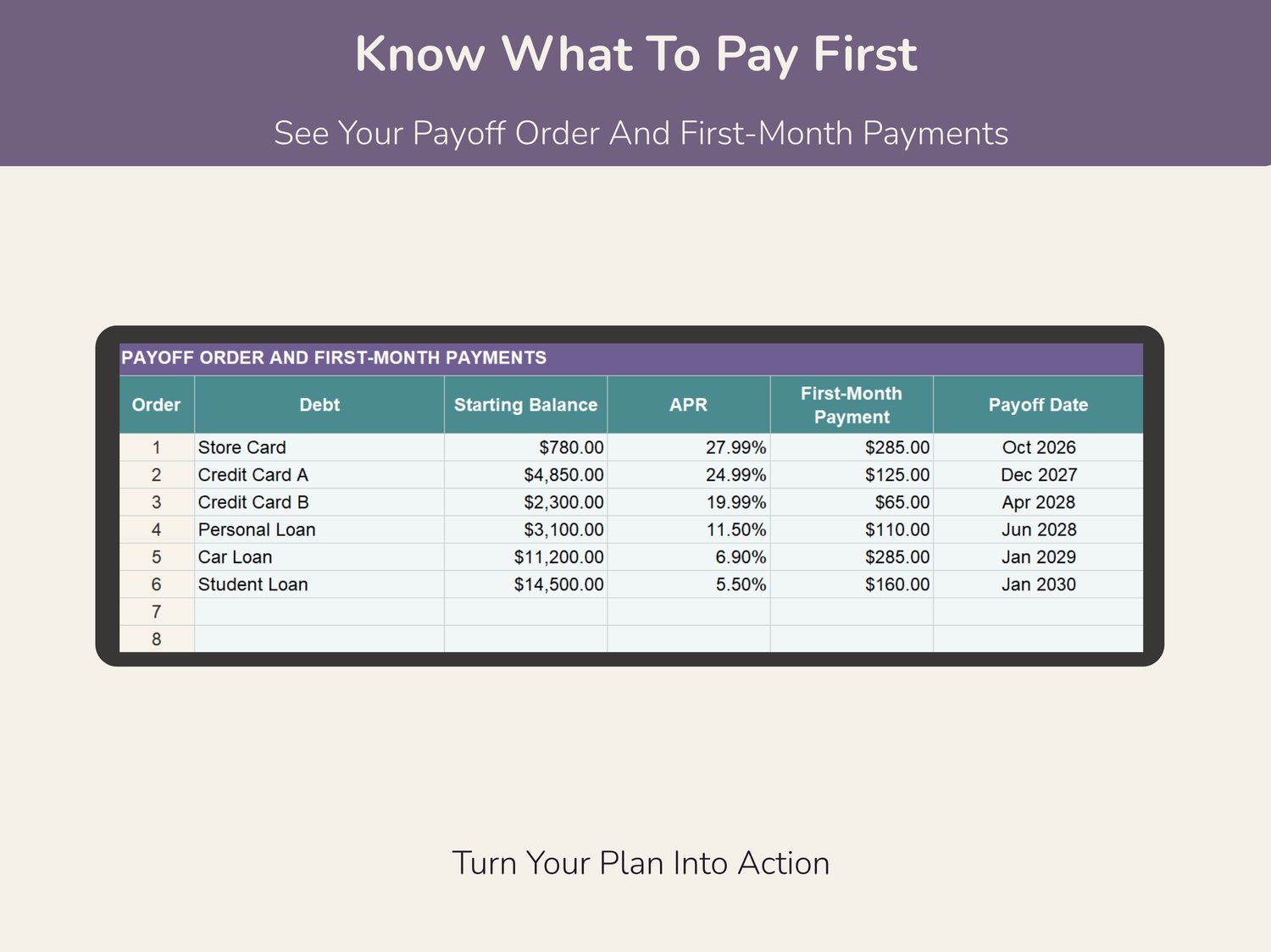
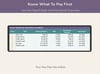
• See your payoff order and first-month payment amounts.
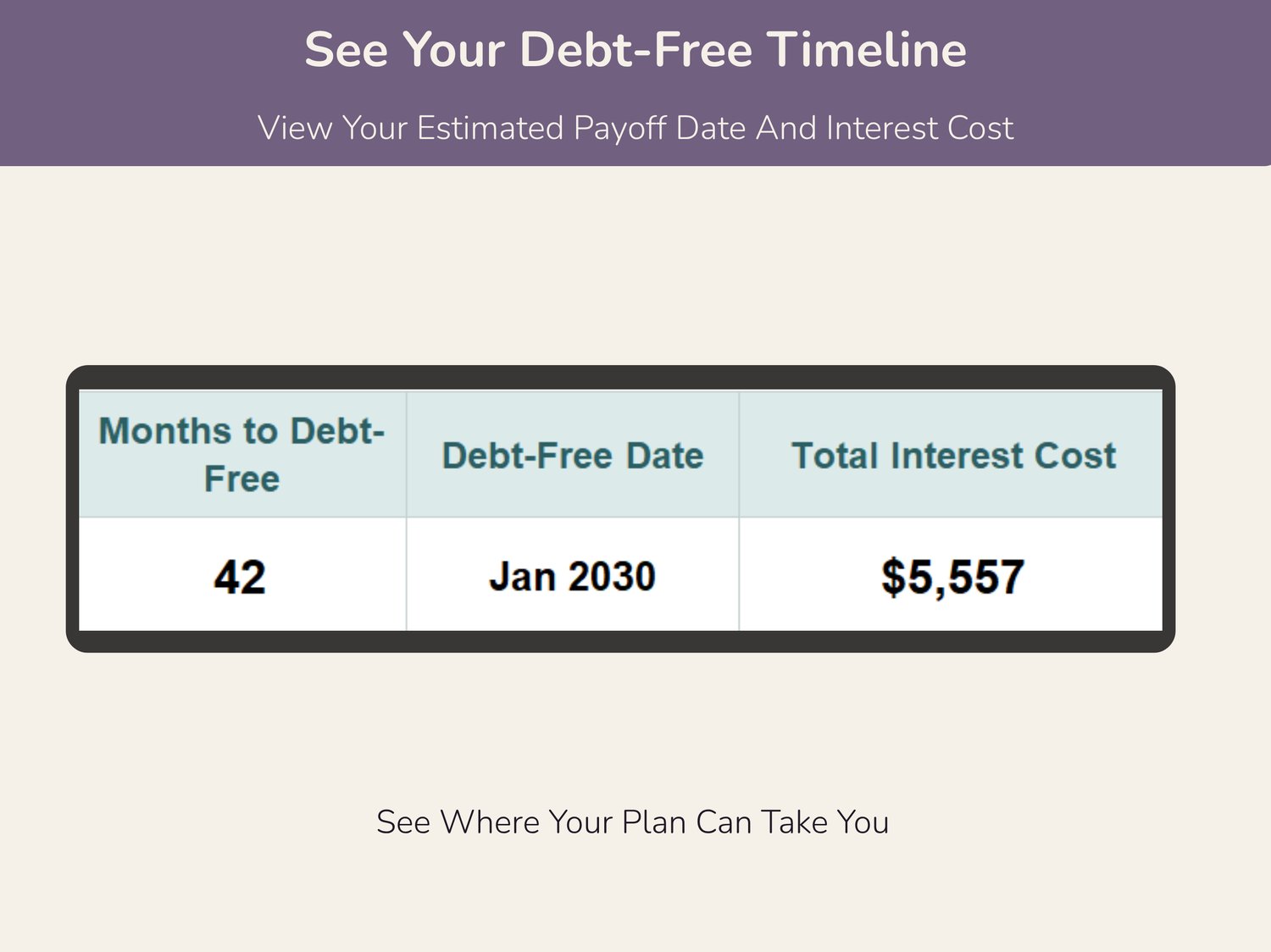
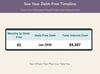
• View estimated payoff dates and your next payoff milestone.
• Automatically roll freed-up payments toward remaining debts.
• Review a monthly forecast covering up to 10 years.
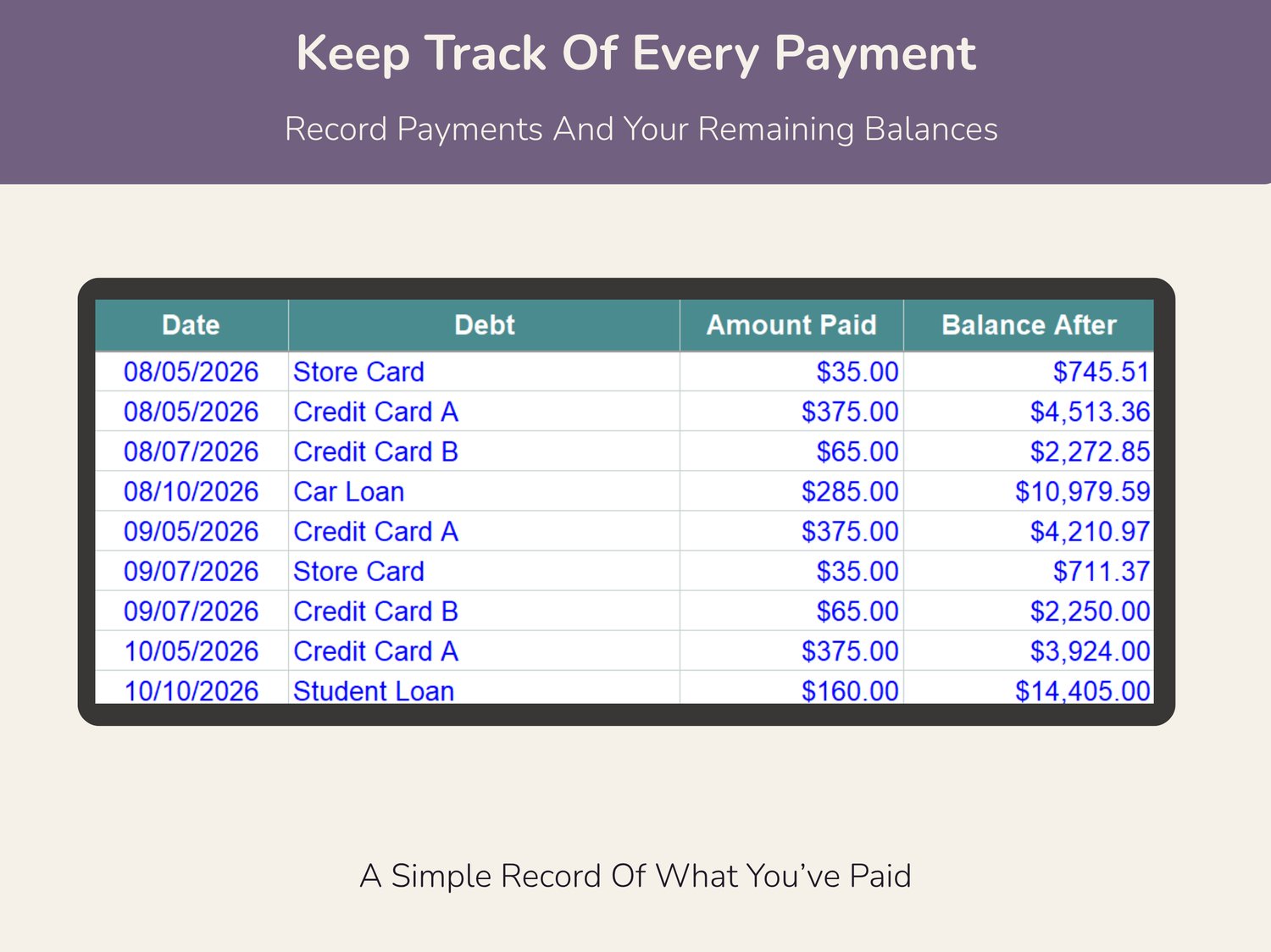
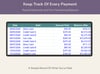
• Record up to 500 payments in a separate payment log.
What’s Included
• Blank Excel template
• Completed sample workbook
• Five tabs: Start Here, Dashboard, Debts, Payment Log, and Schedule
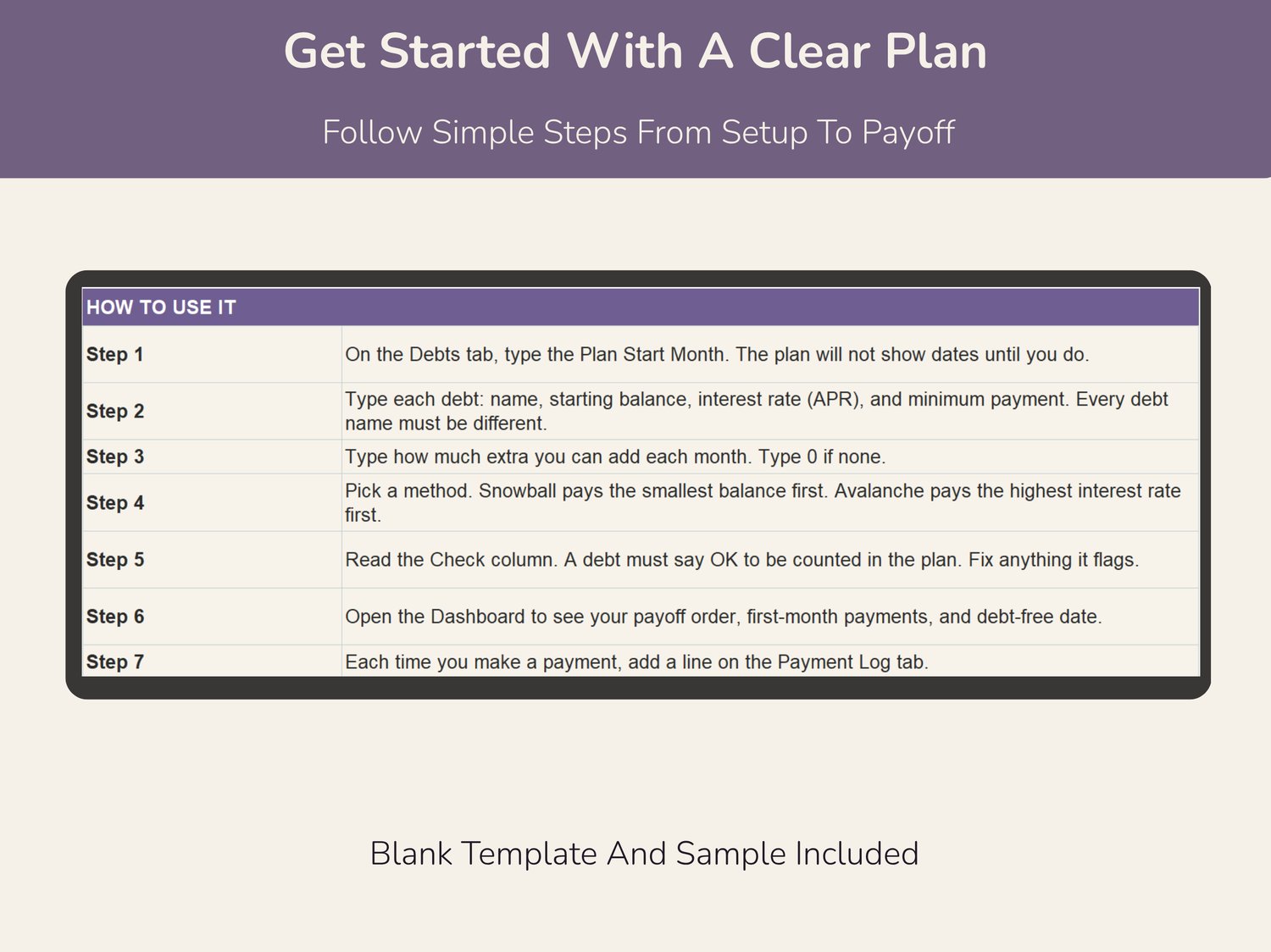
• Setup instructions and input checks
Enter your debts, choose your method, and set your extra payment. The formulas calculate your plan.
The Payment Log records actual payments but does not automatically update the forecast. To refresh your plan, update your starting balances and plan start month.
Microsoft Excel required. Digital download only; no physical product. Estimates assume fixed interest rates and minimum payments, with no new charges or fees. For personal organization and education.