
Household Bills Calendar — Excel & Google Sheets Workbook (English + German)
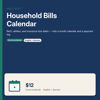
Rent, utilities, and insurance premiums — due dates, a month calendar, and a payment log — in a workbook that stays on your computer.
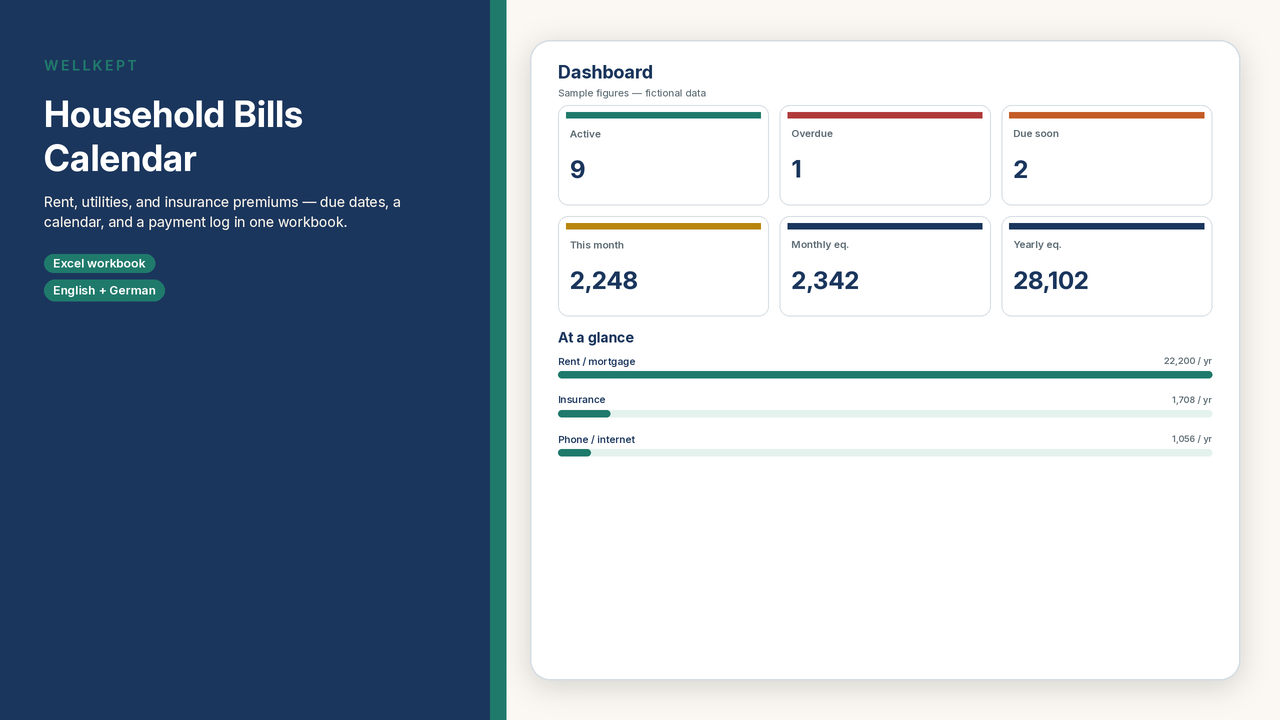
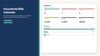
List each household bill once. For a monthly bill, the due day (1–31) is enough. For weekly, quarterly, or yearly bills, add an anchor date. The workbook converts every amount into a monthly and yearly equivalent, advances the next due date, and flags unpaid periods as overdue when the last paid date is missing or too old. A Monday-start calendar shows what falls due in the month you choose. A Year-ahead sheet estimates the next 12 months.
This is a bills calendar, not a paycheck budget. It does not replace the Subscription & Renewal Tracker, which is for recurring digital services.
What’s included
- English sample workbook (fictional bills and dates, so you can see the formulas) and a blank file ready for your own list
- German sample and blank workbooks with the same structure
- A short PDF guide in English and in German
- Google-Sheets-Links.pdf with one-click “Make a copy” links for the English sample and blank and the German sample and blank (no manual upload needed)
- 80 bill rows, a dashboard, a month calendar, a payment log, a year-ahead view, and editable dropdown lists
- A currency label you set yourself (USD, EUR, CHF, GBP, or another). Enter every amount in that same currency
How to use it
1. Open the workbook in Microsoft Excel (2016 or later), or click the one-click “Make a copy” Google Sheets links in the included Google-Sheets-Links.pdf (no manual upload needed). LibreOffice Calc usually works too. German workbooks use a German Google Sheets locale (Germany, Austria, or Switzerland).
2. Set your currency and alert window on the Settings sheet (default: 7 days). Leave the calendar month blank to view the current month.
3. Replace the sample rows, or start from the blank file. Teal cells are for your entries; grey cells calculate automatically. After you pay a bill, update Last paid and, if you want a record, add a line in the Payment log.
Please note
- This is a digital download. Nothing is shipped.
- This is an organizational template. It is not financial, tax, or legal advice. It does not connect to your bank or make a payment. Confirm amounts and dates with each provider.
- Do not store passwords, PINs, or full account numbers. A payee name and the last four digits, if you need a reminder, are enough.
- Personal use for you and your household only. Please do not resell, share, or redistribute the files.
- Sample names and figures are fictional.