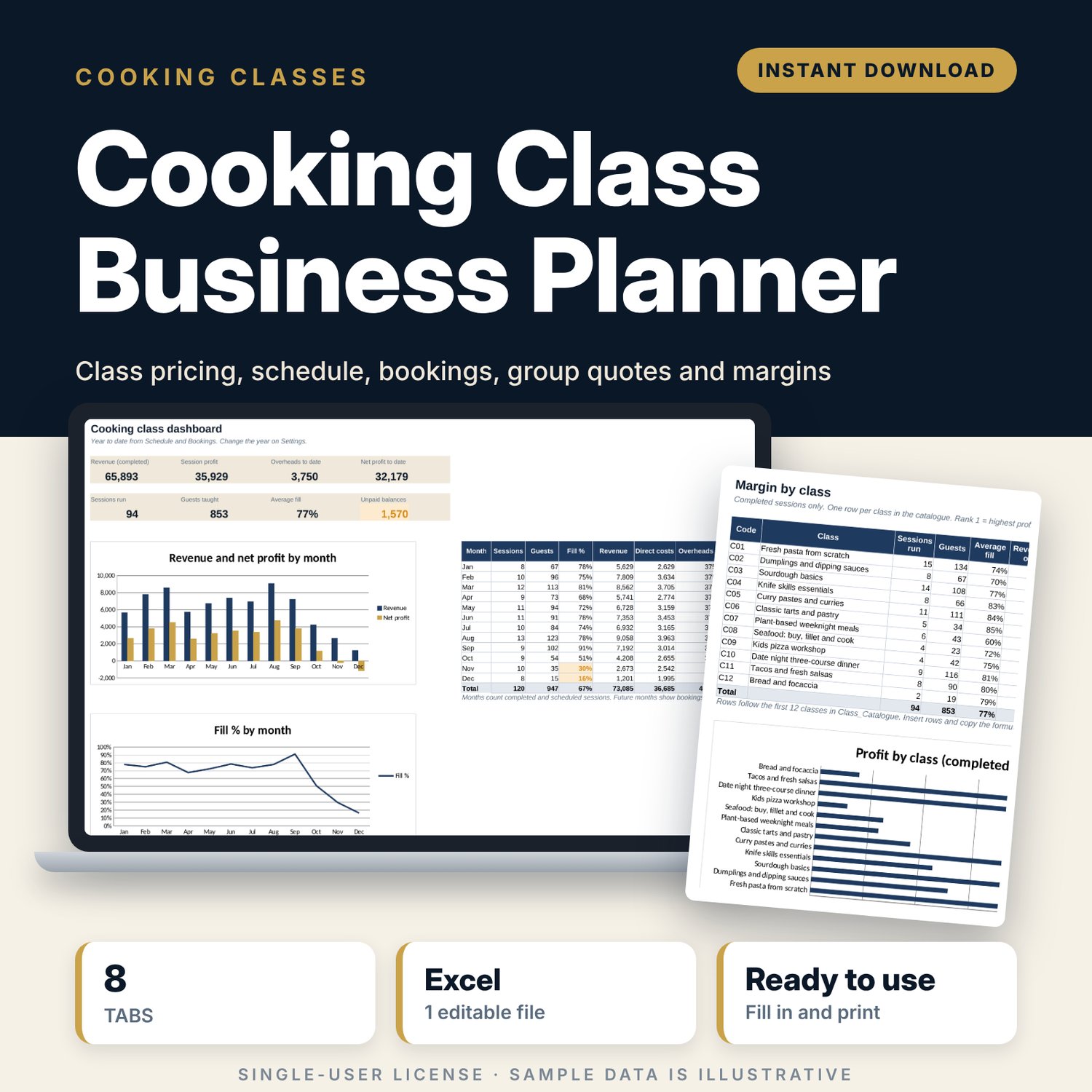
Cooking Class Business Planner: Cooking Class Pricing, Schedule and Booking Spreadsheet
Full description
For cooking schools, chefs who teach, culinary studios and food tour operators who run hands-on classes. You list each class with its capacity, duration, price and ingredient cost per participant, and the workbook shows the session cost, break-even number of guests and margin at a full class. You schedule sessions, log bookings and payments, and price private groups. Seats left, low-fill warnings, unpaid balances, margin by class and a monthly dashboard update from the same data.
Save with a bundle: this template is also in the Food & Leisure Business Startup Bundle, 14 templates for $35 instead of $103. All 141 templates are in the All-Access Hospitality Template Library for $79.
What is inside
- Cooking_Class_Business_Planner.xlsx: 8 tabs, 11,779 formulas, 3 native charts, 13 drop-down or number rules. No macros.
- Settings: 11 costs and rules (instructor, assistant and venue cost per hour, setup time, fee %, minimum fill, target margin, group minimum and deposit), 6 booking channels with fee %, 6 monthly overheads and all drop-down lists.
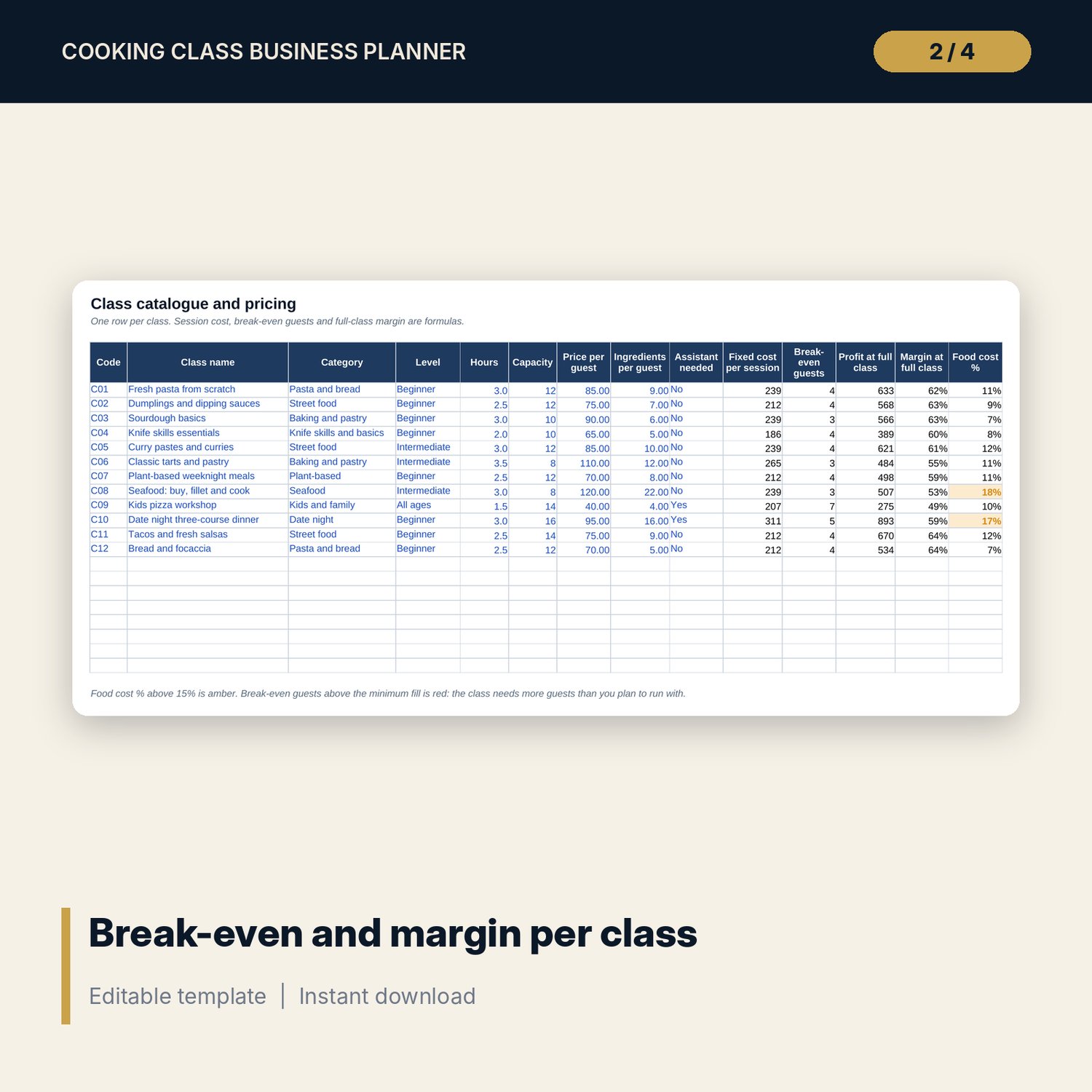
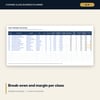
- Class_Catalogue: room for 20 classes (12 sample rows) with fixed cost per session, break-even guests, profit and margin at full class, and food cost %.
- Schedule: room for 300 sessions (122 sample rows). Booked seats, fill %, revenue net of fees, direct costs, profit and a status check calculate.
- Bookings: room for 1,500 bookings (461 sample rows). Class, date, amount due, balance, channel fee and payment status calculate.
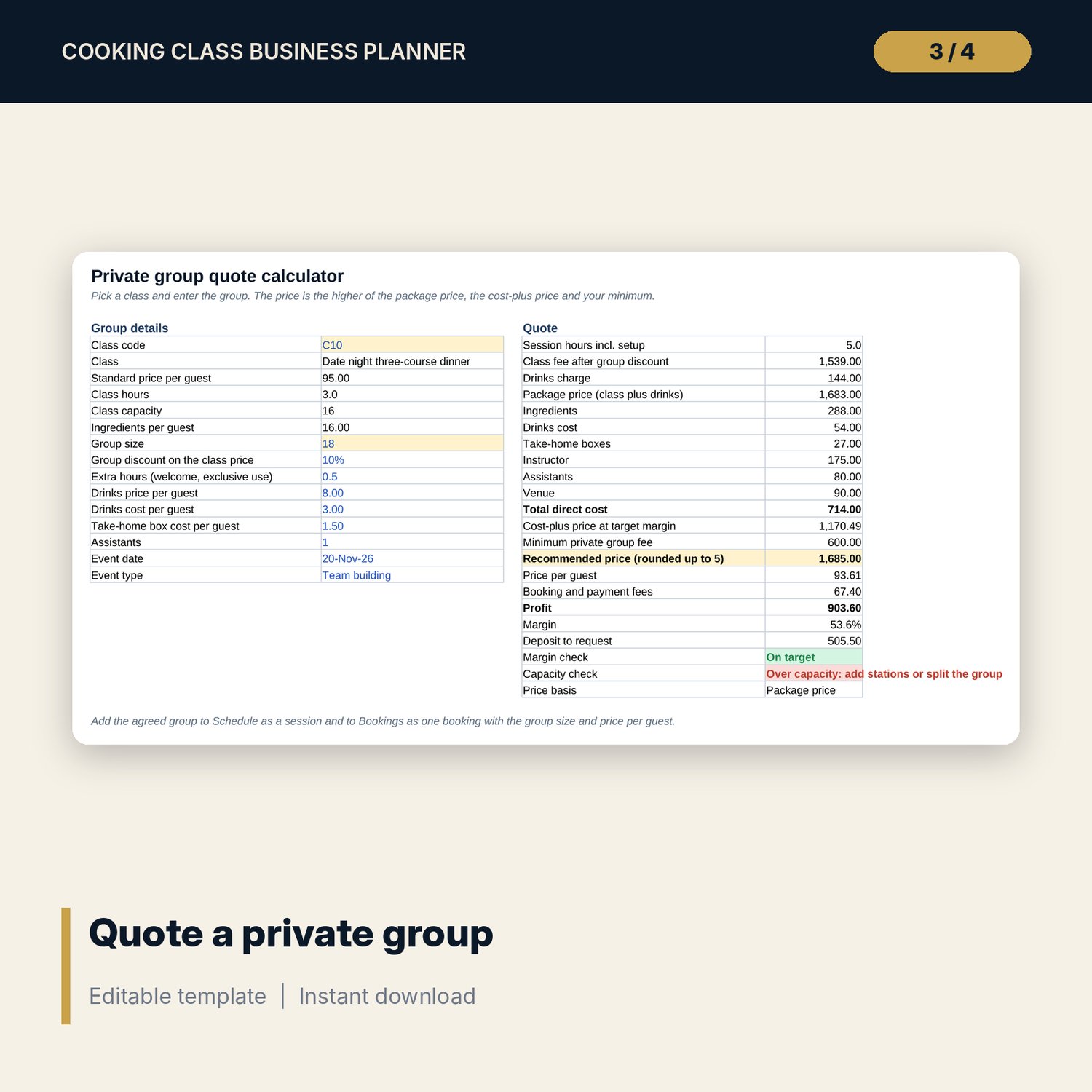
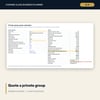
- Group_Quote: 15 group inputs and 22 result lines that compare a package price with a cost-plus price and your minimum fee, plus capacity and margin checks.
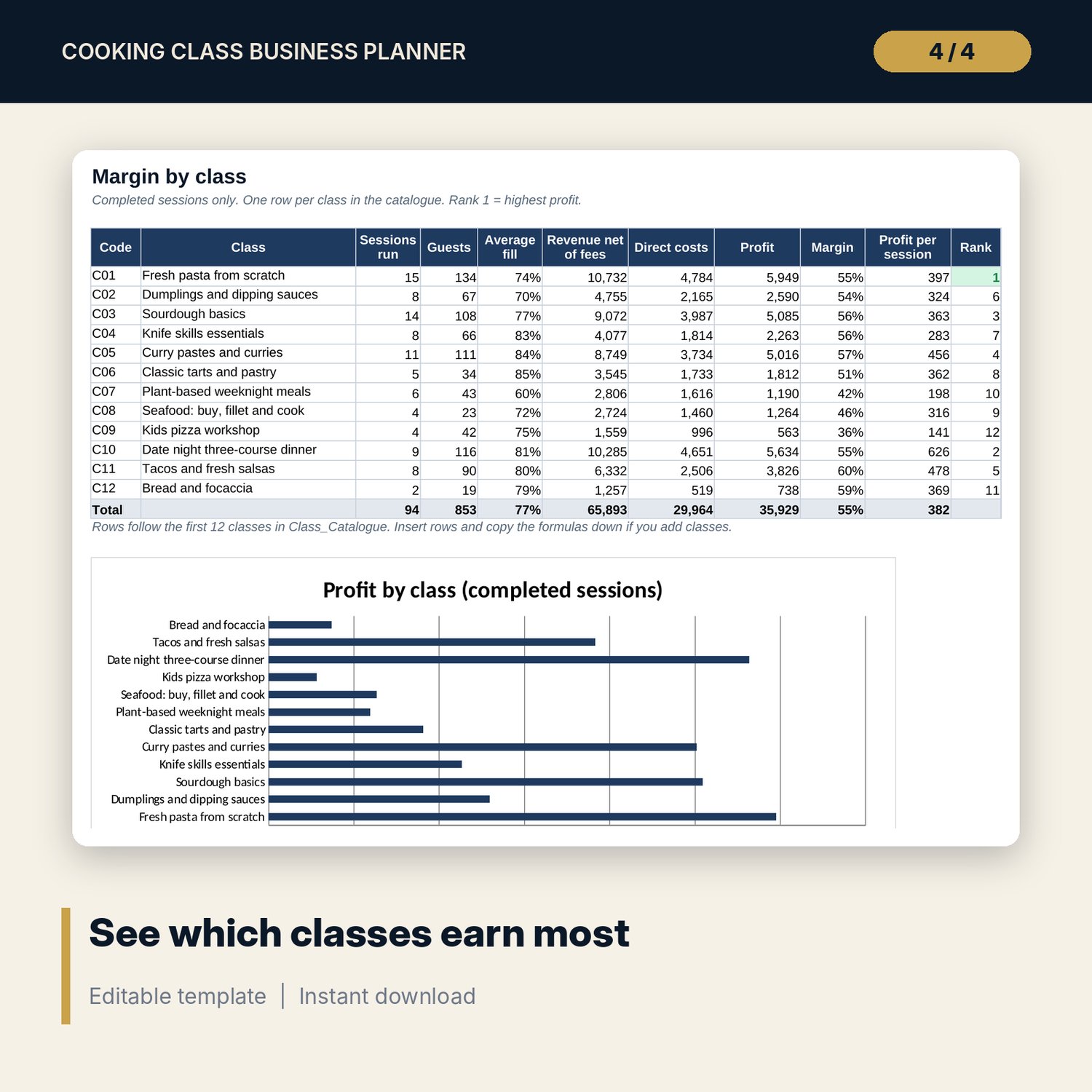
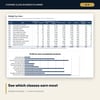
- Class_Margin: completed sessions for each class with guests, average fill, revenue, costs, profit, margin, rank and a chart.
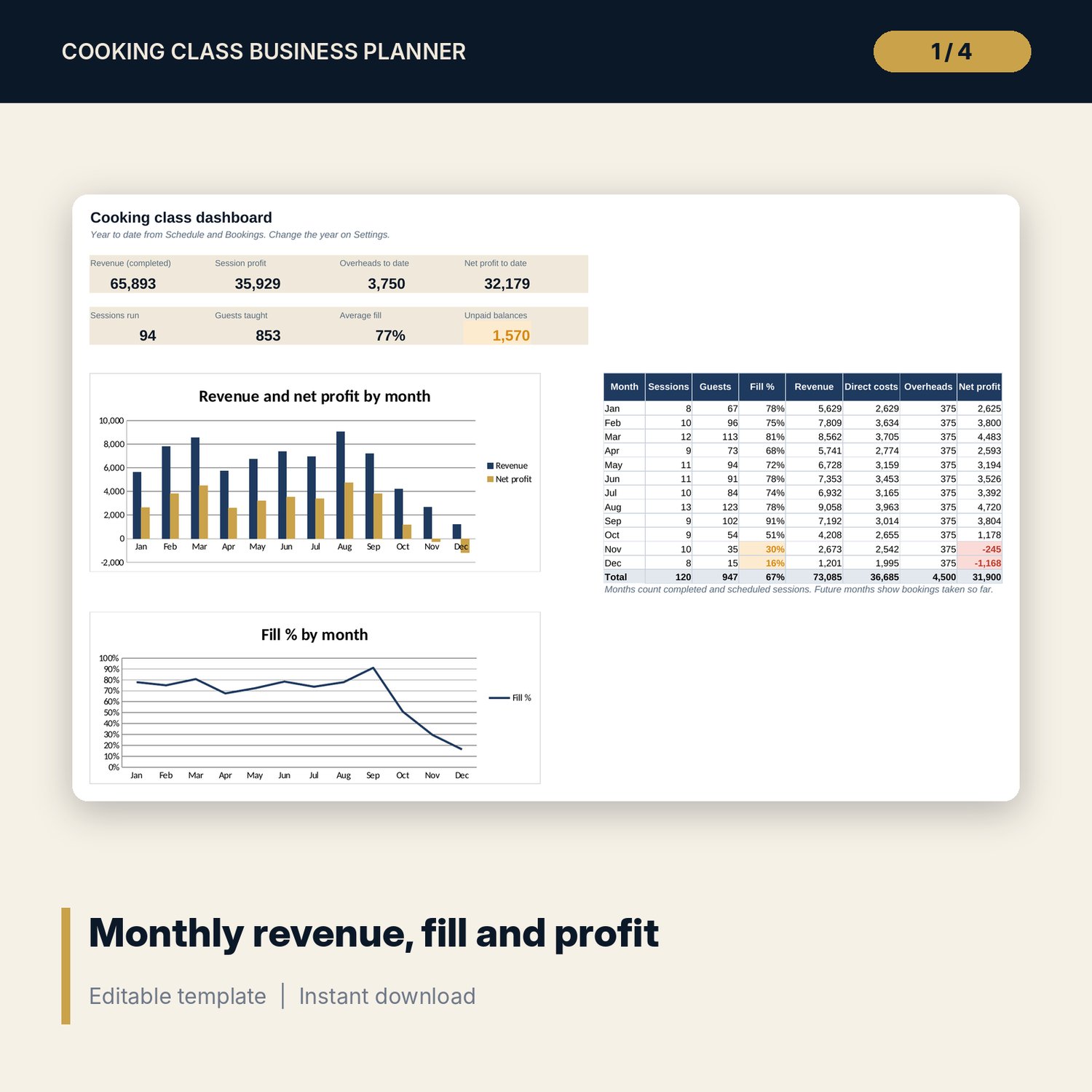
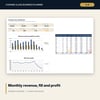
- Dashboard: 8 KPI tiles, a twelve-month table and 2 charts.
- README.txt and LICENSE-and-Terms.txt.
How it works
- Enter your hourly costs, setup time, venue cost, channel fees and overheads on Settings.
- Add your classes with price, capacity, hours and ingredient cost per guest. Check break-even and margin.
- Add sessions to Schedule and log each booking against its session ID.
- Price private groups on Group_Quote and add the agreed group as a session and a booking.
- Review Schedule flags weekly, then Class_Margin and the Dashboard each month.
Details
- Format: Excel workbook (.xlsx). No macros.
- Language: English. Currency is a label you choose.
- Software: Excel 2016 or later, or a spreadsheet program that opens .xlsx files.
- Delivery: instant digital download. Nothing is shipped.
Good to know
- All sample classes, prices, sessions and bookings are illustrative. Replace them with your own data.
- Food safety, allergen information, insurance and tax rules differ by location. Verify local requirements.
- Not tax or legal advice.
- Single-user license. Do not share or resell the files.
FAQ
How is the break-even number of guests worked out?
Fixed cost per session (instructor, venue, assistant and setup time) divided by what each guest leaves after fees and ingredients, rounded up.
Can I set different fees for each booking channel?
Yes. Each channel on Settings has its own fee %, and every booking uses the fee of its channel.
How do I handle a late cancellation where I keep the money?
Set the booking to No-show. A booking set to Cancelled counts as a full refund.
Does it work in Google Sheets?
It opens in Google Sheets and the formulas calculate. Check the drop-downs after import.
Is this a physical product?
No. It is a digital download. Refund terms follow the store policy at the time of purchase.