

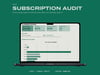





Subscription Audit
A subscription list that makes the numbers comparable, then divides them by how often you actually use the thing.
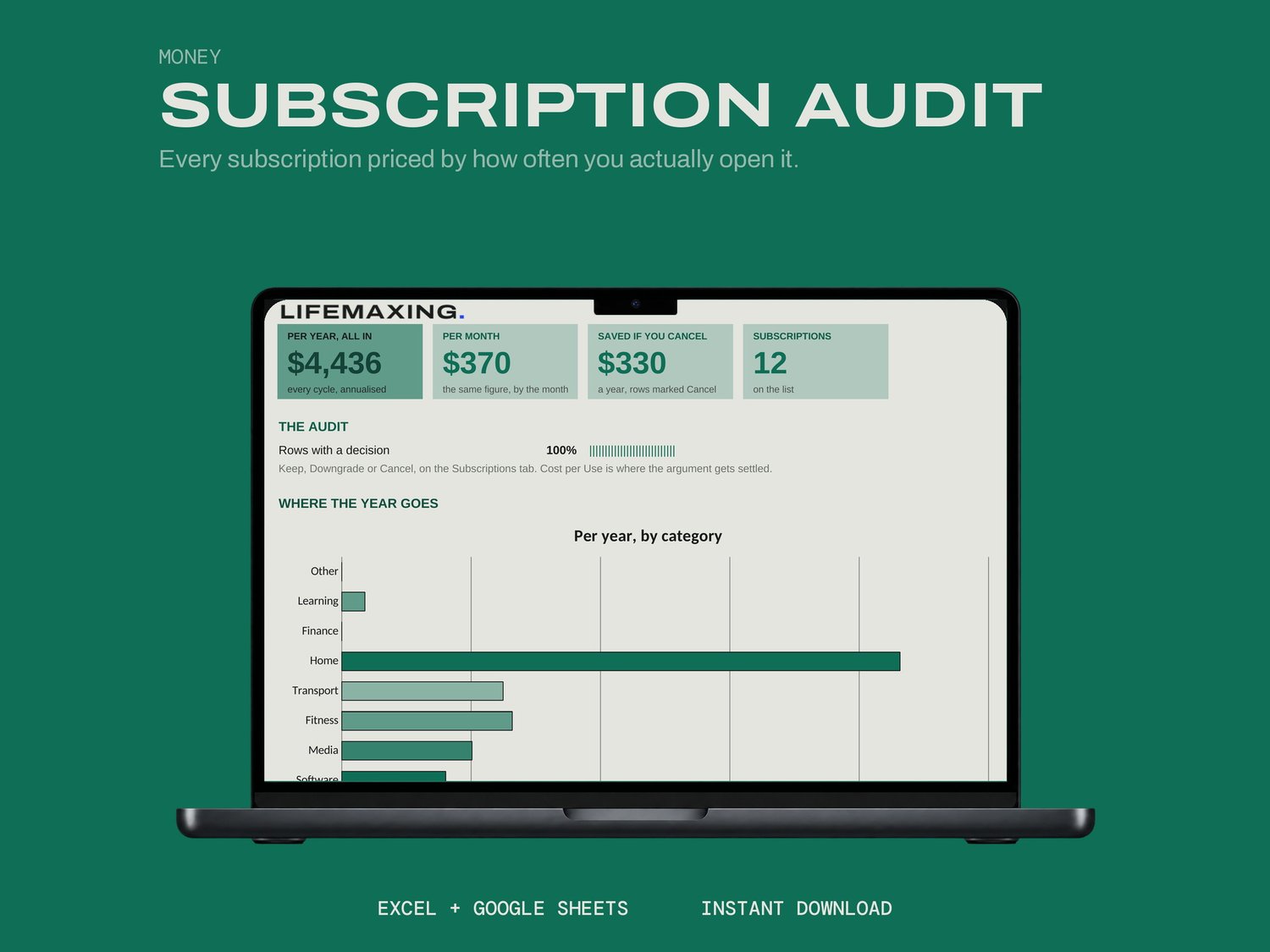
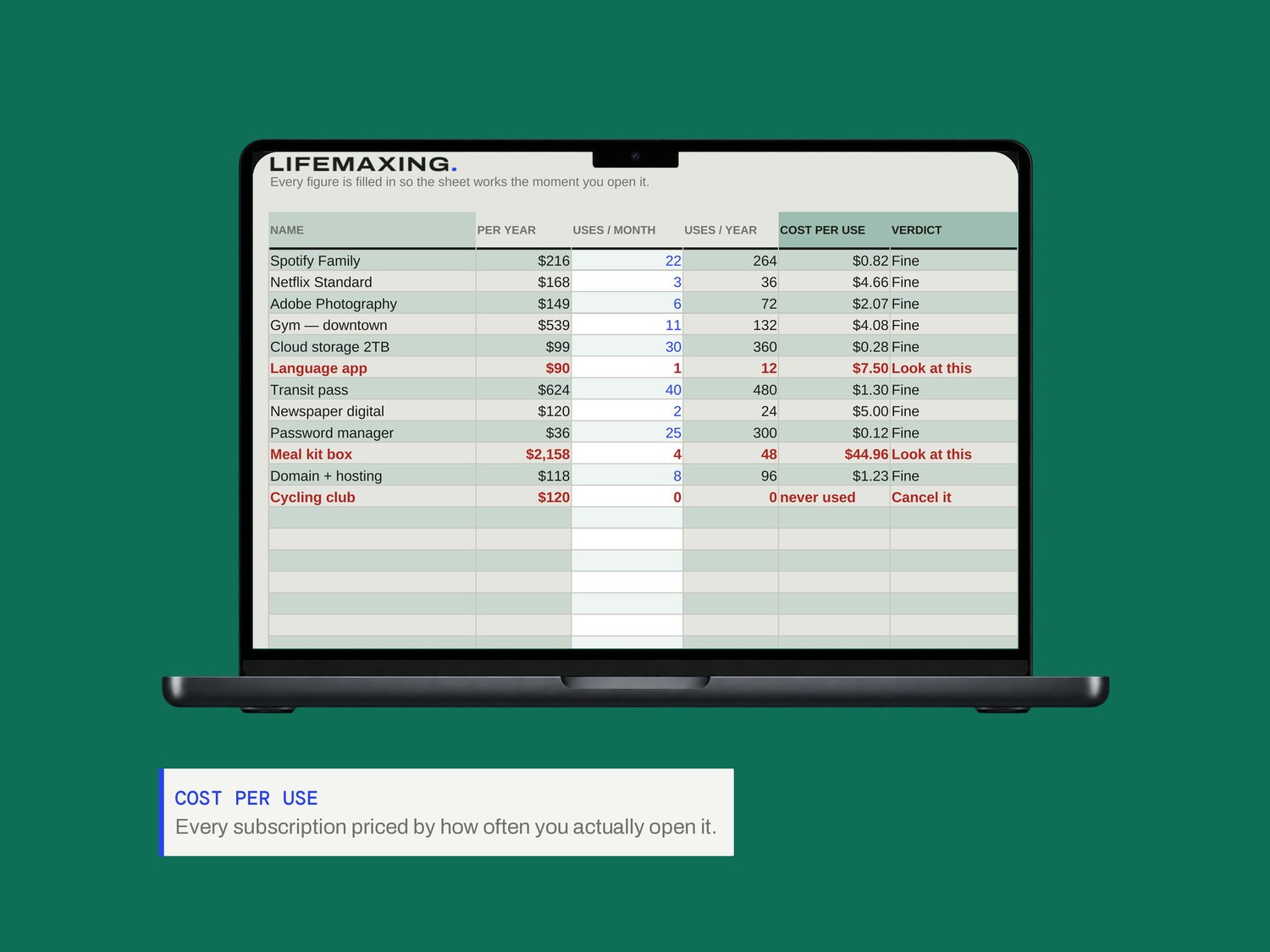
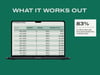
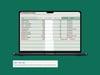
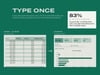
Weekly, monthly, quarterly and annual charges all become one annual figure. You enter how many times a month you genuinely open each service, and the sheet prices it per use. Mark every row Keep, Downgrade or Cancel, and the annual saving from the cancellations totals itself.
WHAT'S INSIDE
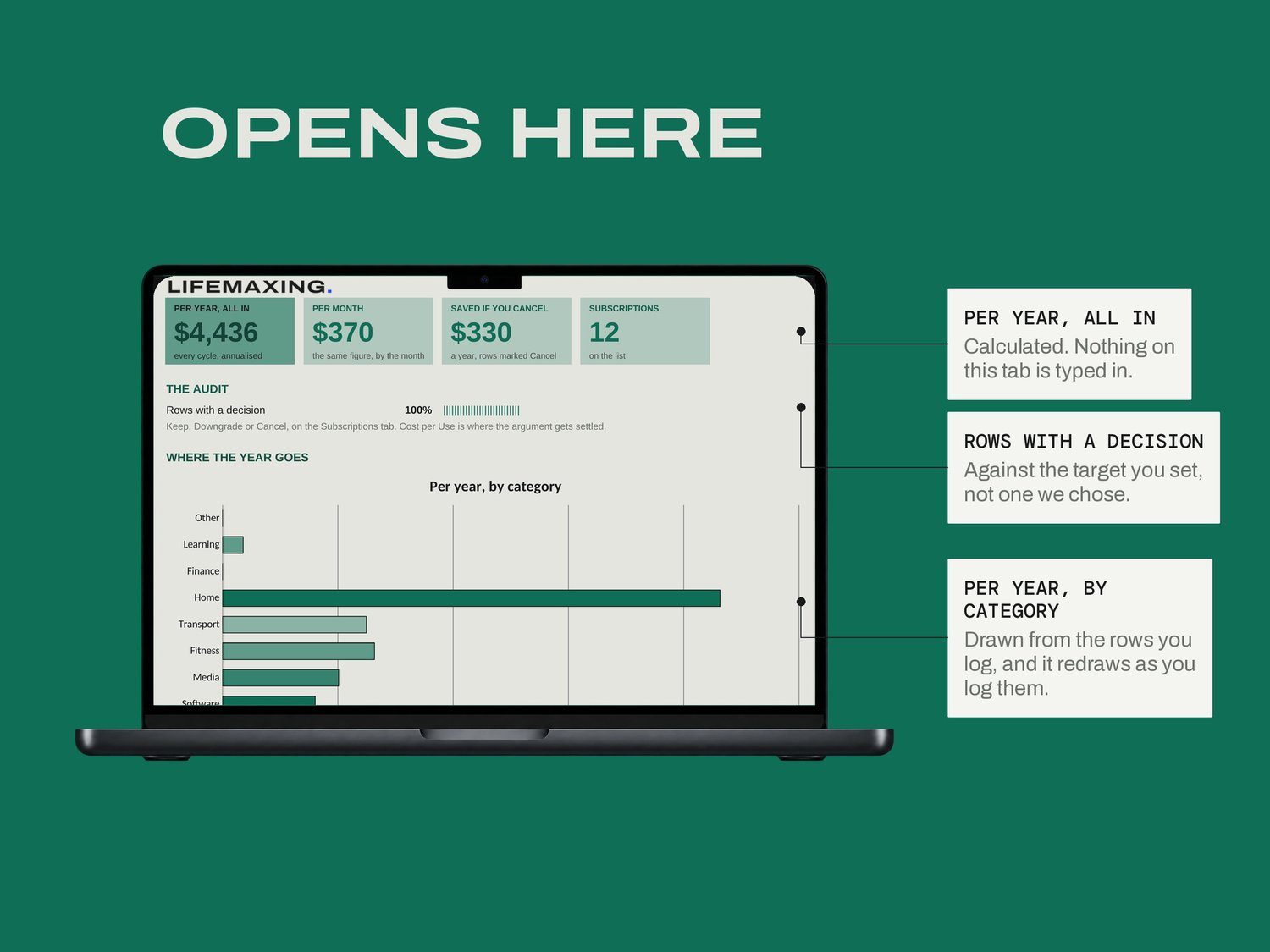
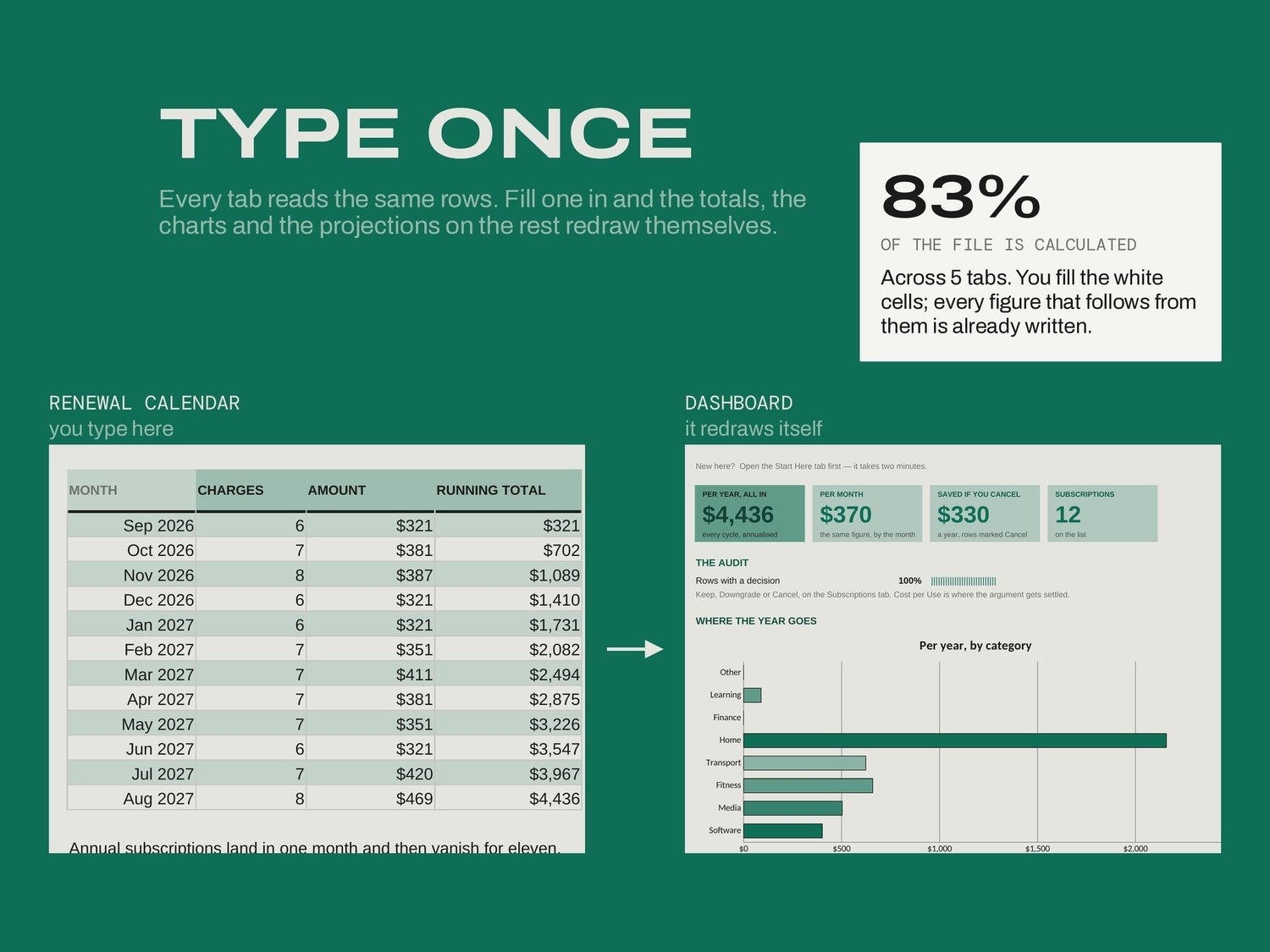
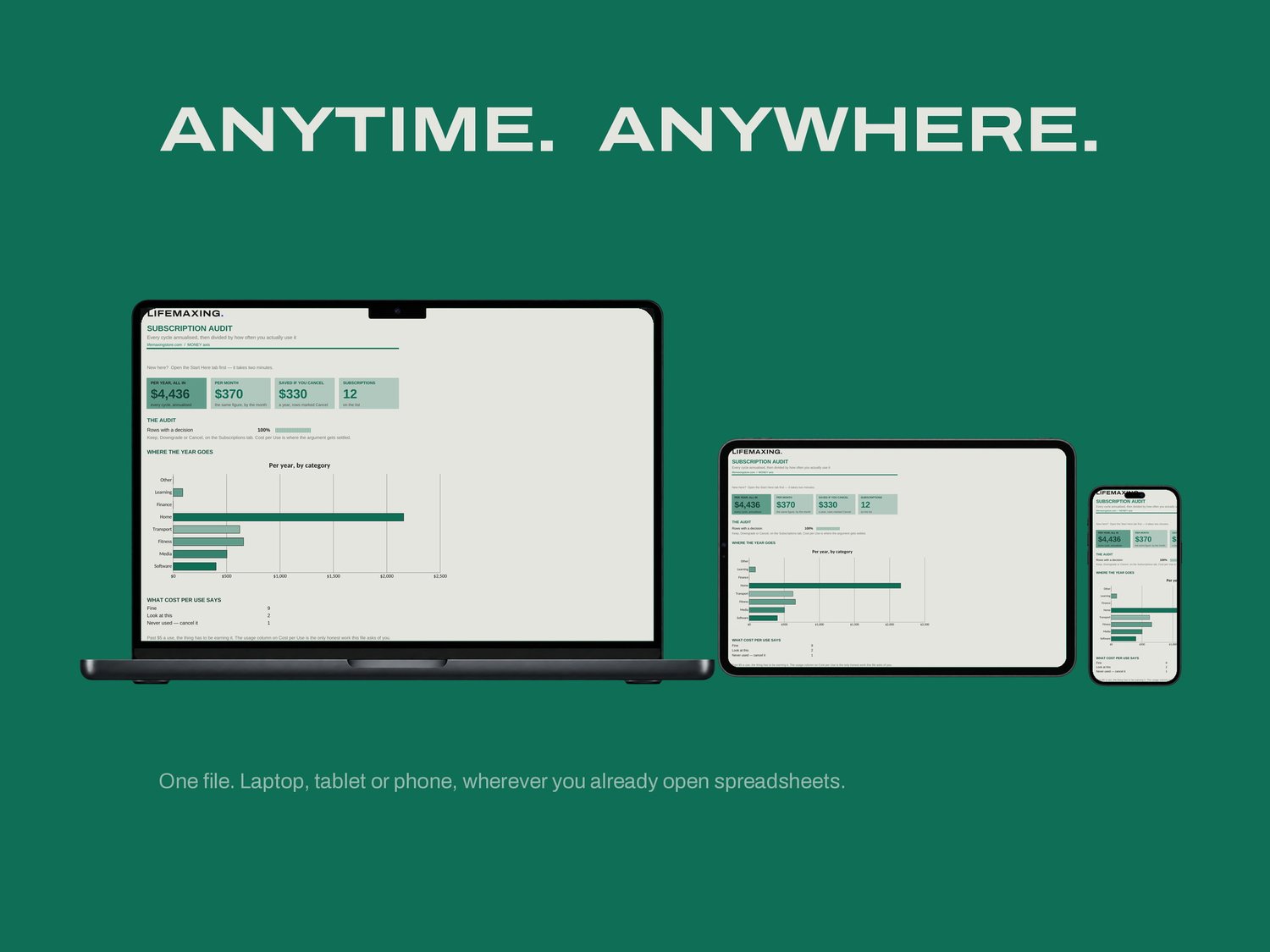
Dashboard - the annual total, the saving, and where the year goes
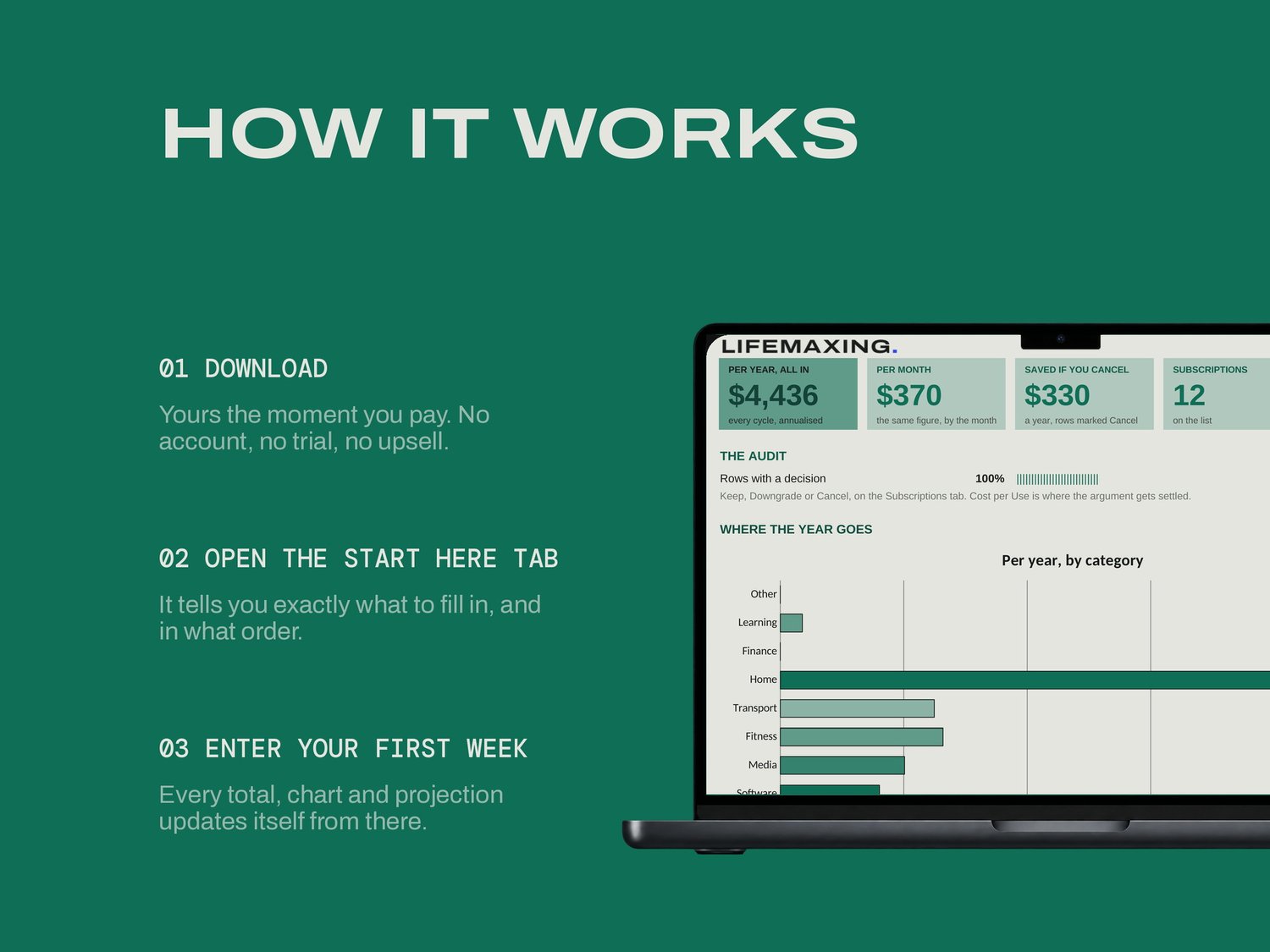
Start Here - how the file works and which cells are yours
Subscriptions - every charge, annualised, with your Keep / Downgrade / Cancel
Cost per Use - annual cost divided by how often you use it
Renewal Calendar - what leaves your account each month, twelve months out
THE PART NOBODY ELSE BUILDS
A monthly price is designed not to feel like anything. Fourteen dollars a month is a number you stop seeing. A hundred and sixty-eight dollars a year for something you open twice a month is seven dollars a go, and seven dollars a go is a number you can argue with. The saving figure counts cancellations only. A downgrade saves something, but the sheet does not know how much and will not guess, because an inflated headline number is worse than a smaller true one.
WHAT YOU GET
Excel workbook (.xlsx)
Google Sheets template - one click to copy
Setup instructions (PDF)
Free updates for life
BEFORE YOU BUY
Works in Microsoft Excel 2016 and later, and in Google Sheets. No app, no subscription, no account. It does not cancel anything for you and it does not connect to your bank; you decide, and you click. Amounts in USD. Digital download, all sales final.