







Sinking Funds Tracker
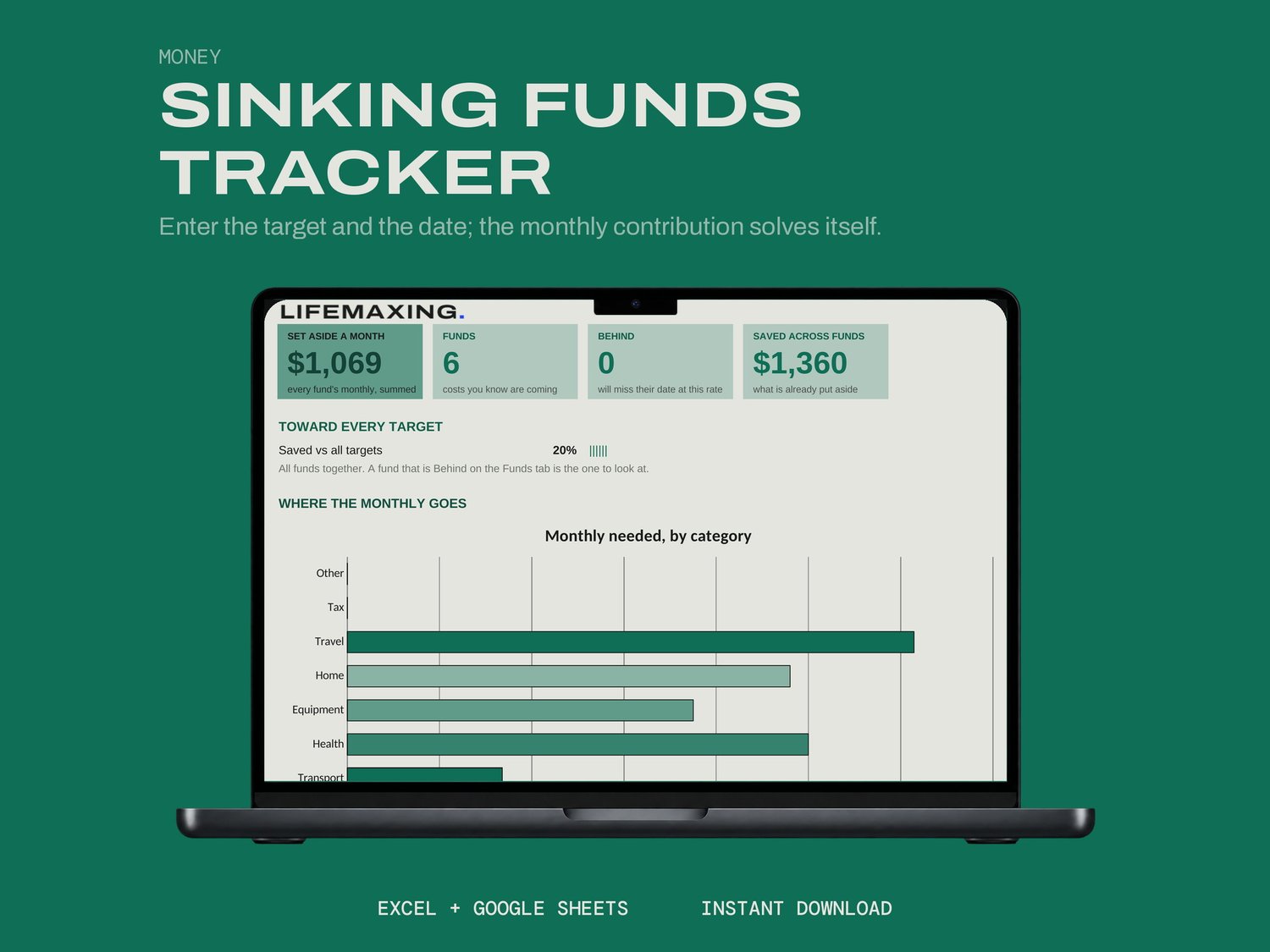
A sinking fund is money set aside monthly for a cost you already know is coming. This sheet works out the monthly amount for you.
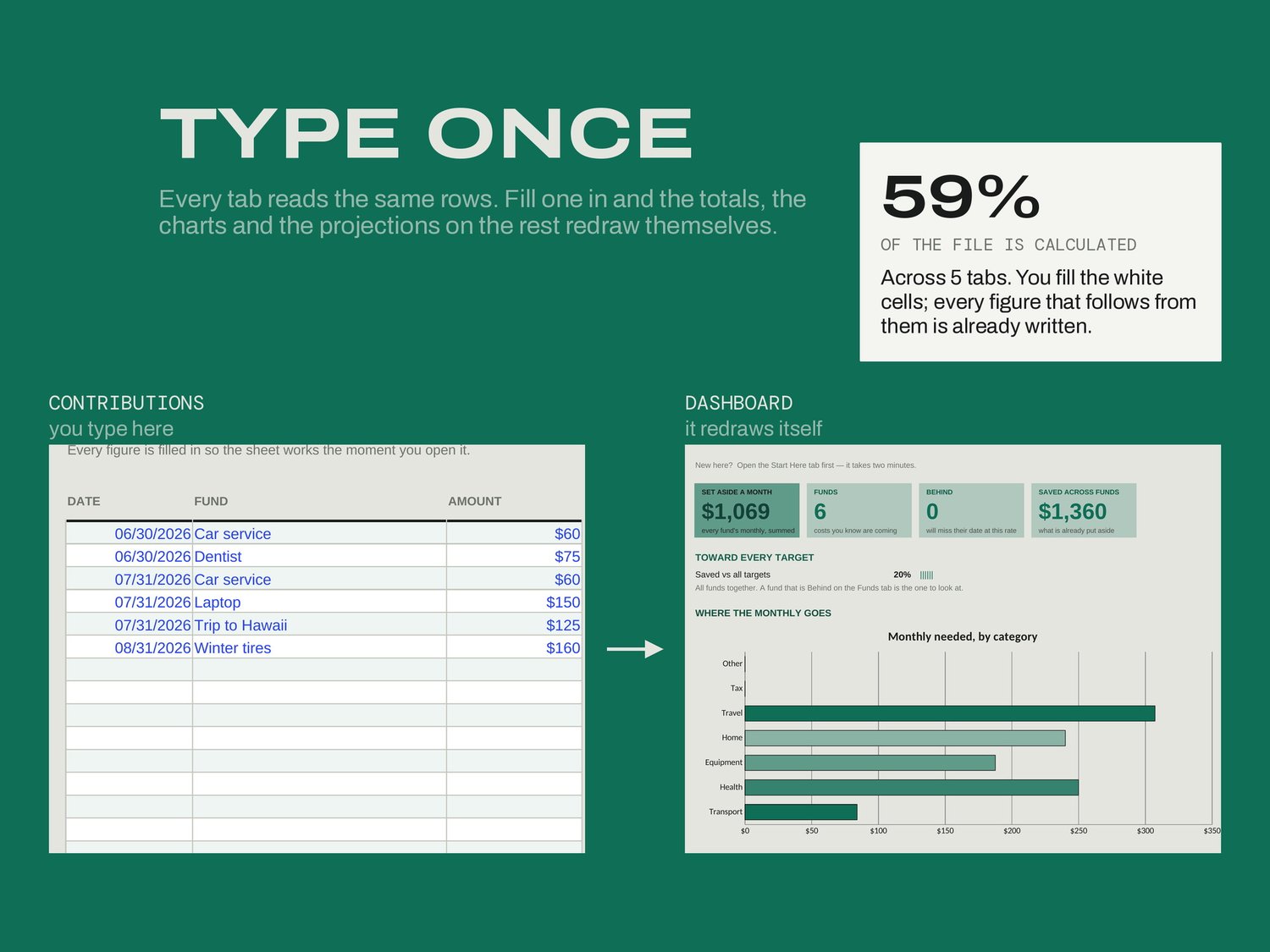
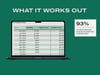
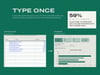
Enter the fund, what it will cost, what you have already saved and the date you need it by. The monthly contribution back-solves itself. Anything the sheet marks Behind will not make its date at the rate you are going, and it says so while there is still time to change the rate.
WHAT'S INSIDE
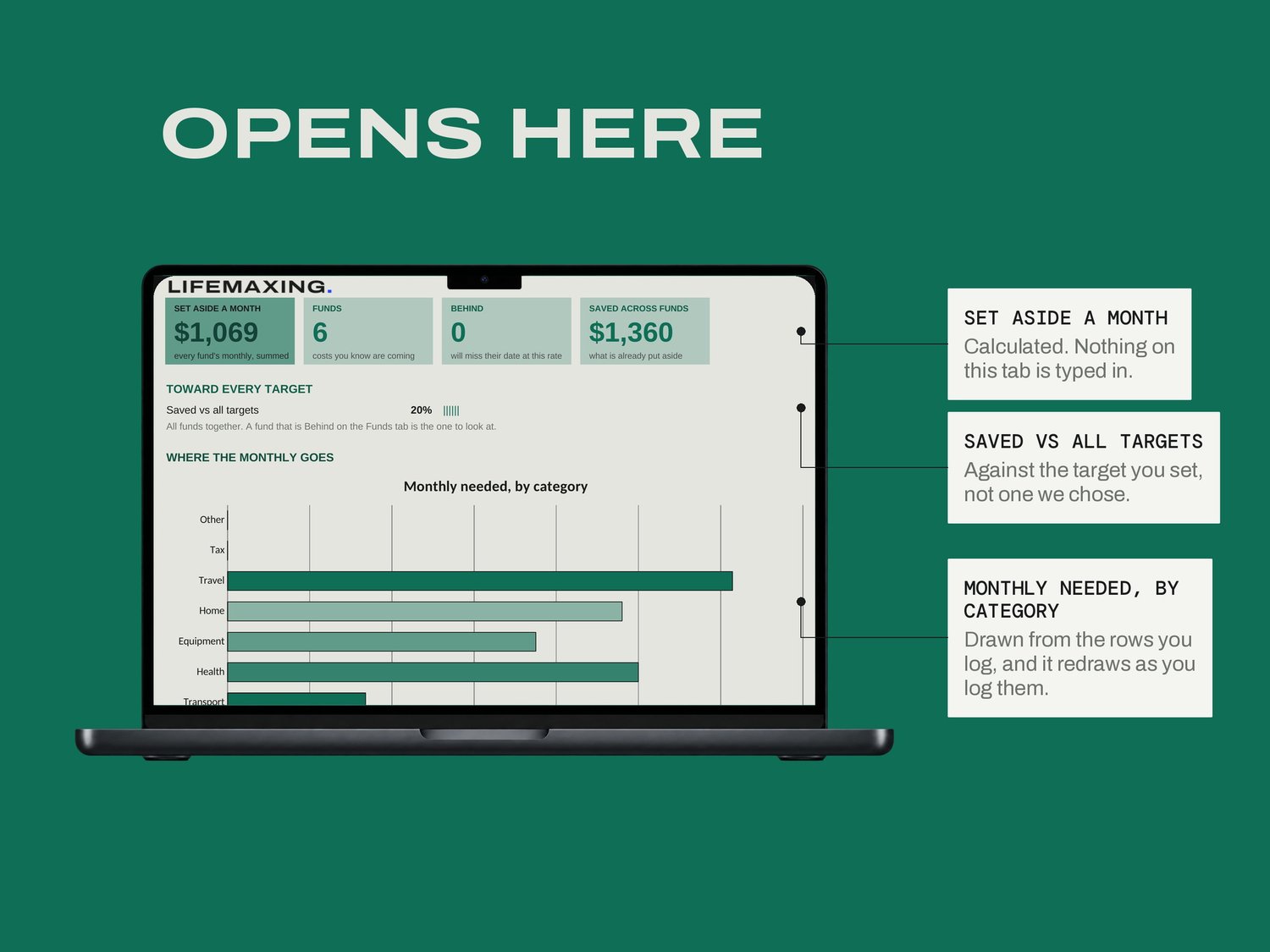
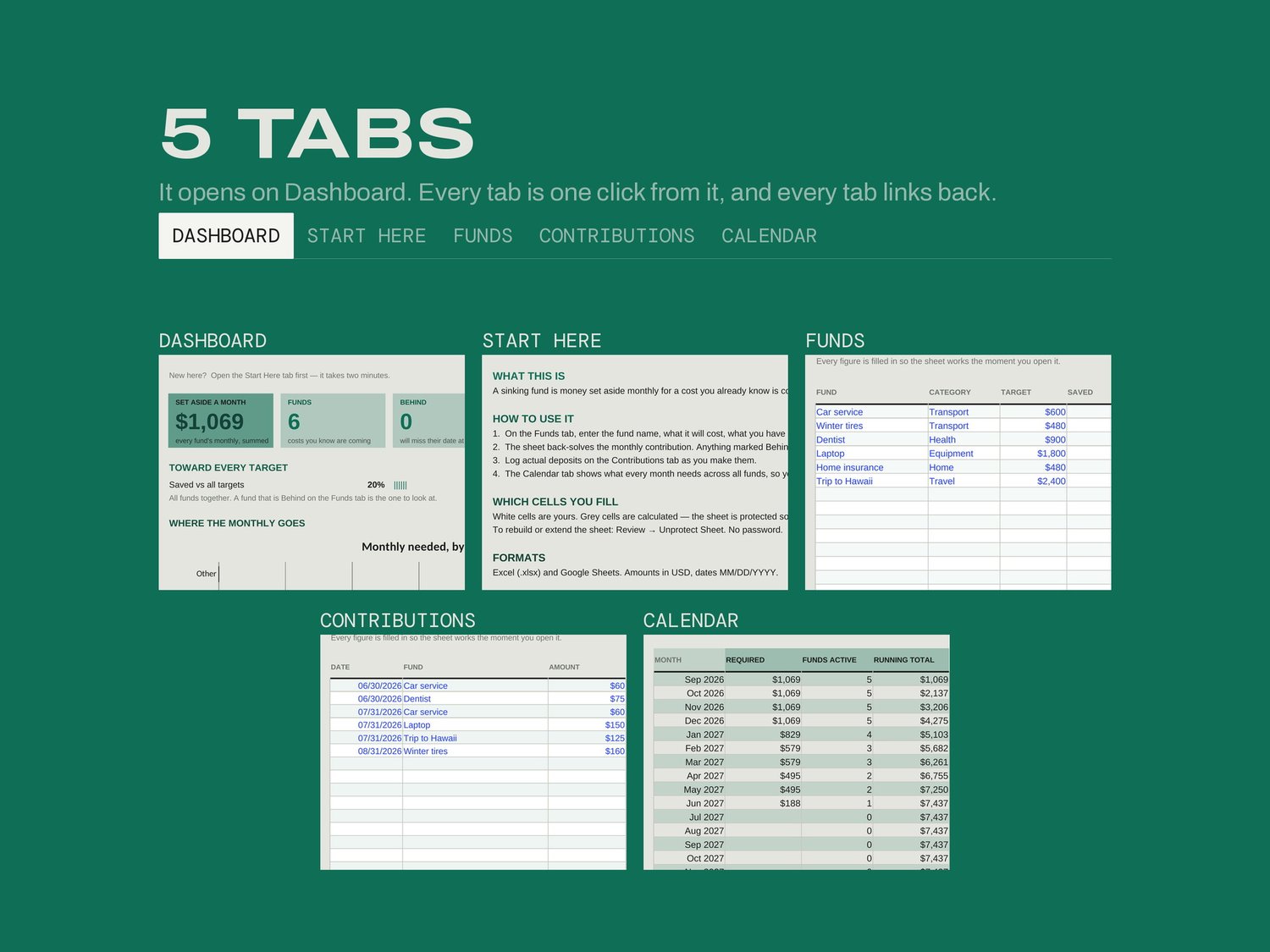
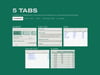
Dashboard - the monthly total, funds behind, and where the money goes
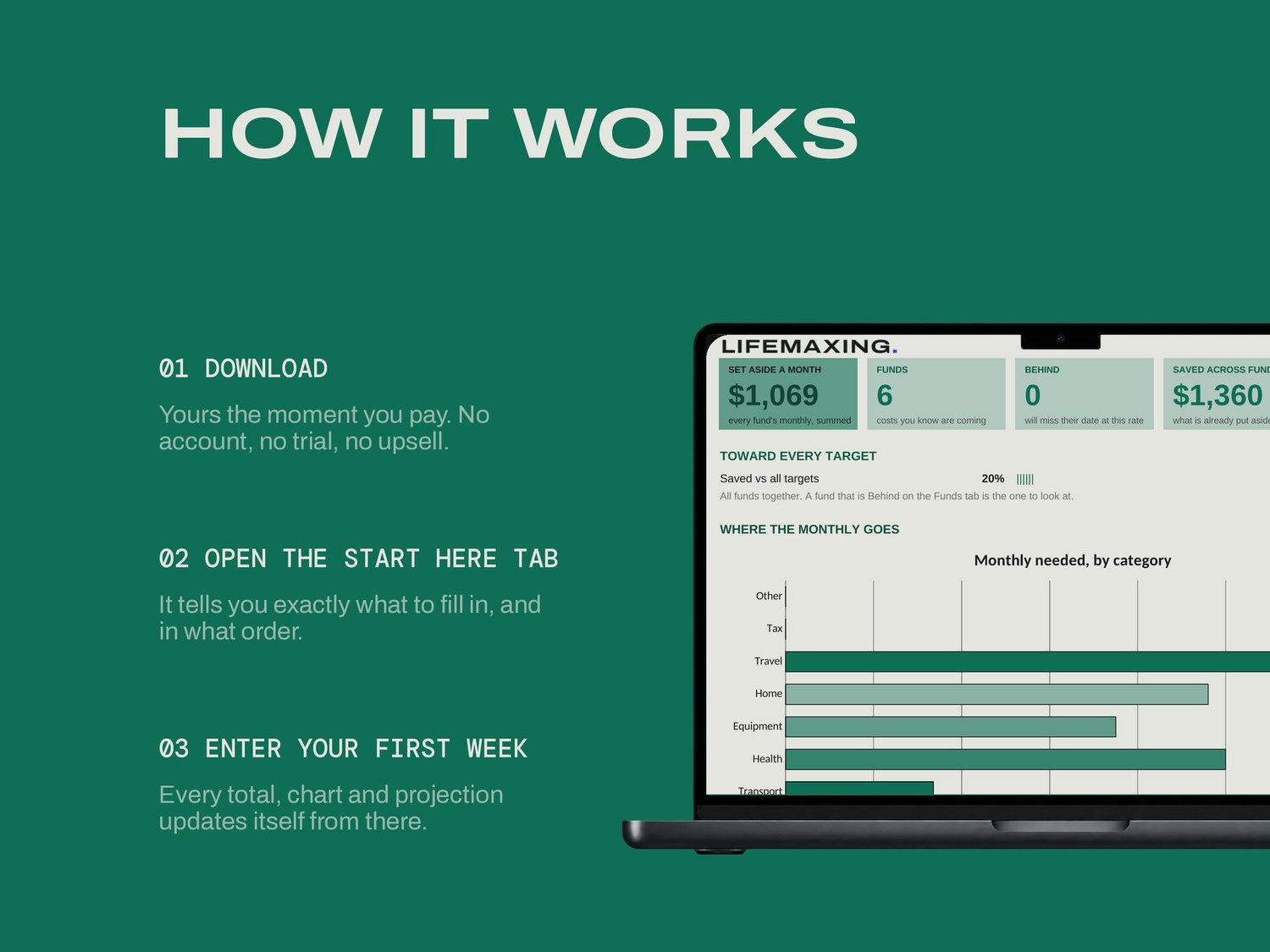
Start Here - how the file works and which cells are yours
Funds - every fund, its target and date, and the monthly it needs
Contributions - what actually went in, and when
Calendar - what every month needs from you, across all funds
THE PART NOBODY ELSE BUILDS
Most savings templates ask you for a monthly amount and add it up. This one asks for the date instead and derives the amount, which is the direction the question actually runs in real life. The Calendar tab is the reason people keep it open: it stacks every fund by month, so the heavy month shows up in January rather than in April. Car insurance, a birthday and a service landing in the same four weeks is the kind of thing you want to find early.
WHAT YOU GET
Excel workbook (.xlsx)
Google Sheets template - one click to copy
Setup instructions (PDF)
Free updates for life
BEFORE YOU BUY
Works in Microsoft Excel 2016 and later, and in Google Sheets. No app, no subscription, no account. It does not move money or connect to an account; it tells you the number and you make the transfer. Amounts in USD, dates MM/DD/YYYY. Digital download, all sales final.