
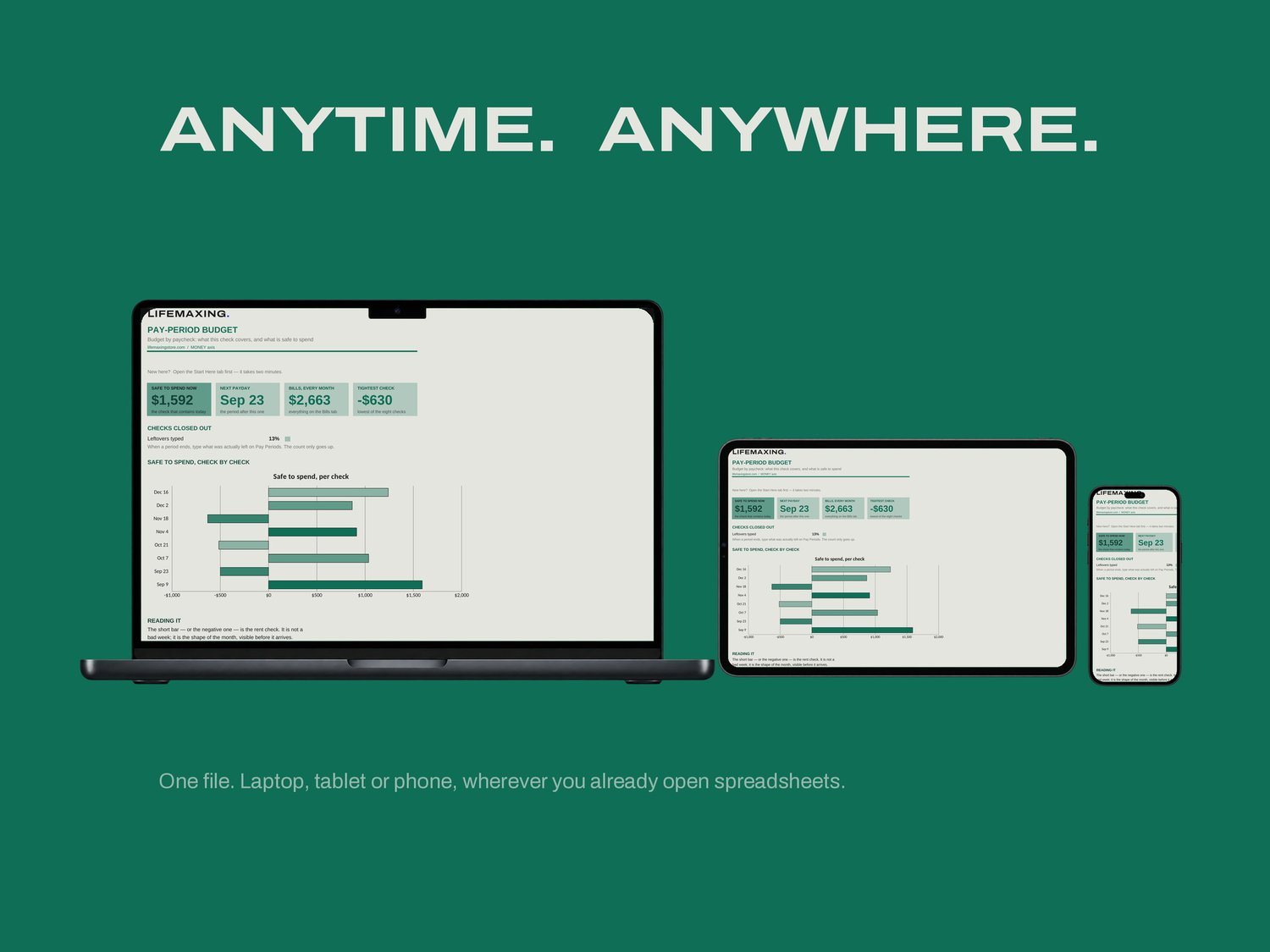
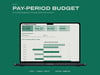
Pay-Period Budget
A budget with the same shape as your money. If you are paid every two weeks, a monthly budget is a translation exercise you redo every month. This one budgets each check instead.
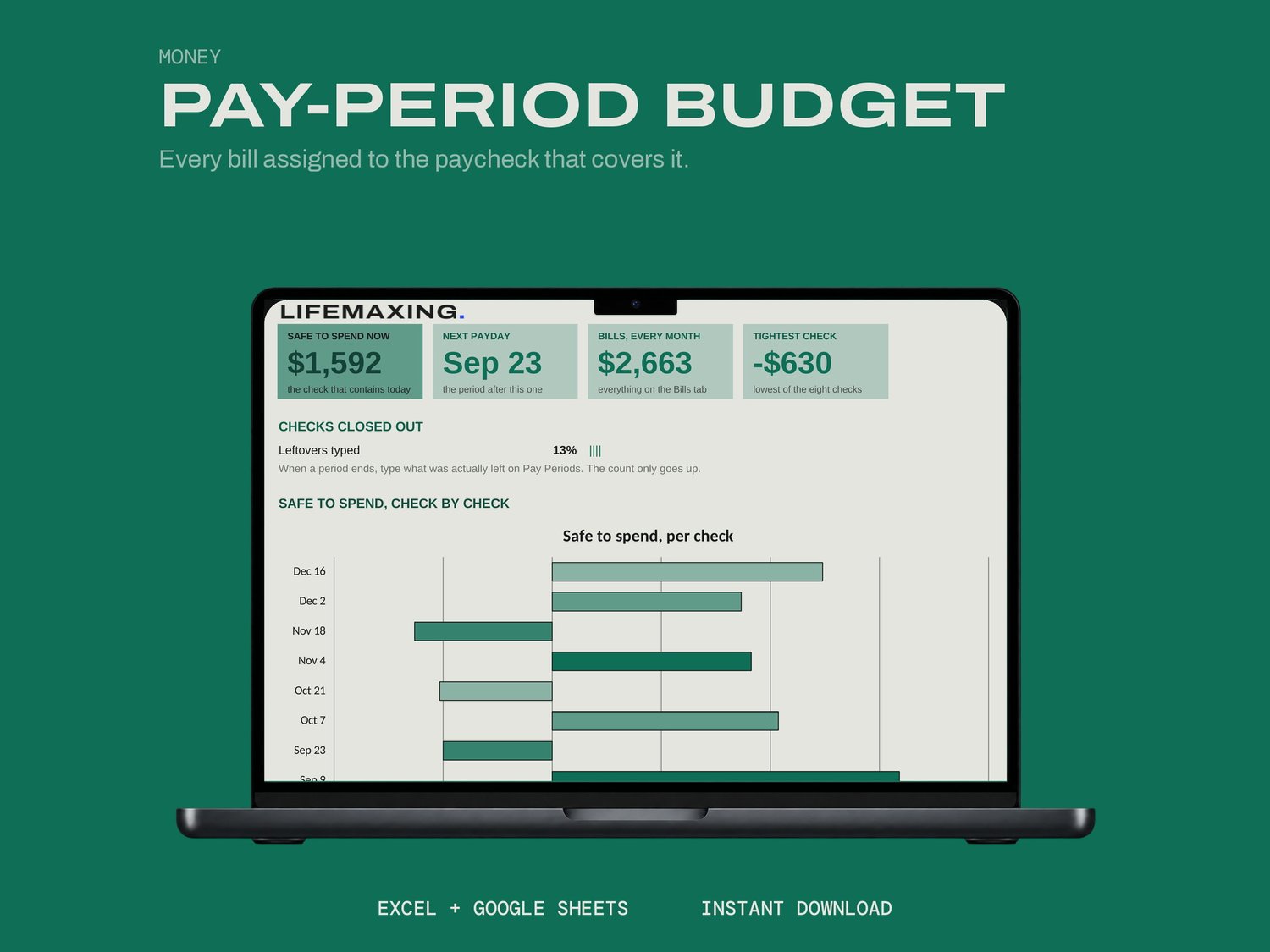
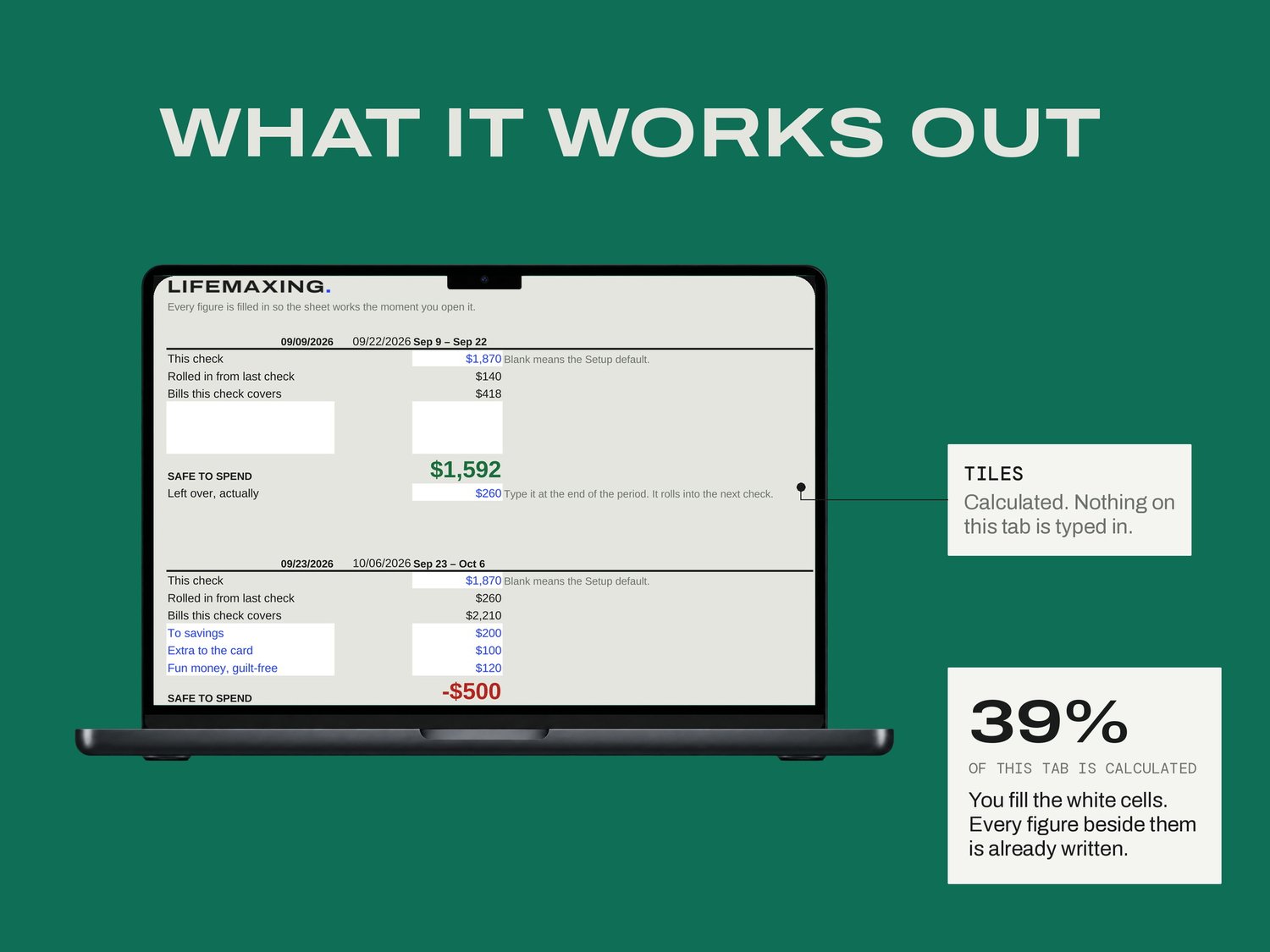
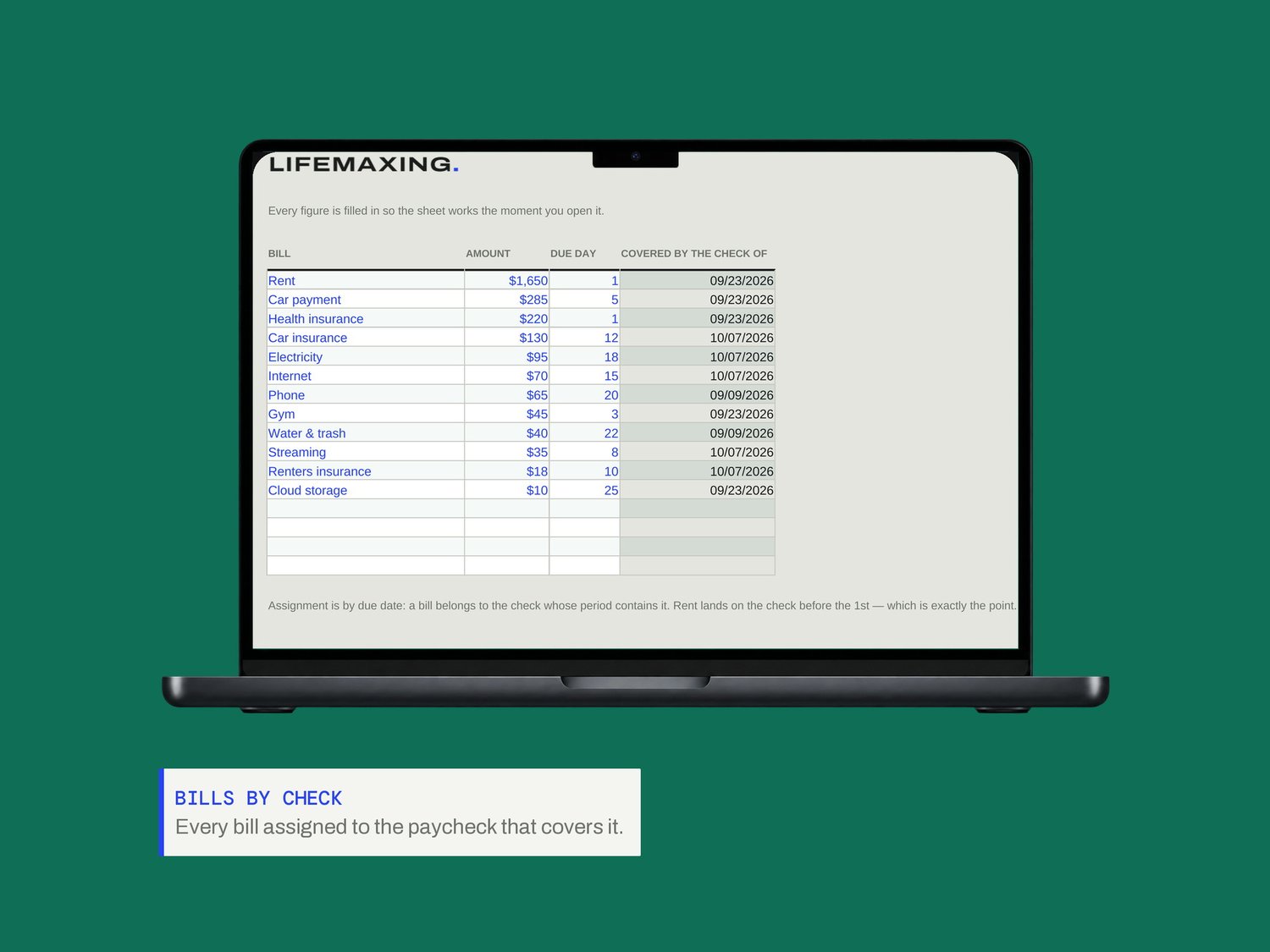
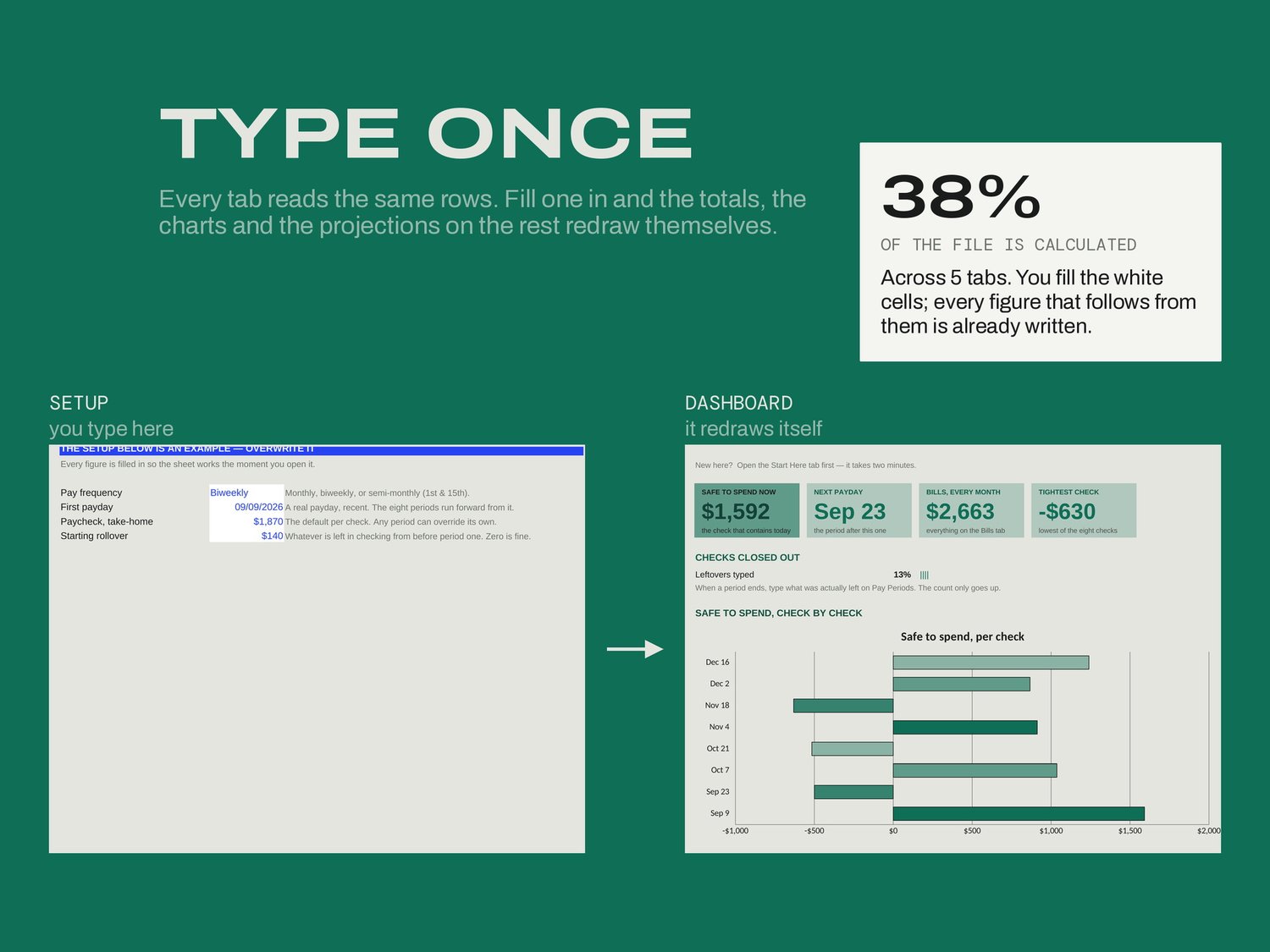
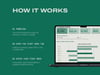
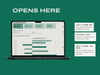
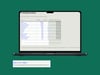
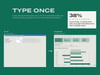
Setup takes how you are paid, a recent payday and your take-home per check. On Bills you list each bill and its due day, and the sheet assigns every one to the check whose period contains it. Pay Periods gives you eight sections, one per check: set your allocations, read SAFE TO SPEND, live on that number until the next one.
WHAT'S INSIDE
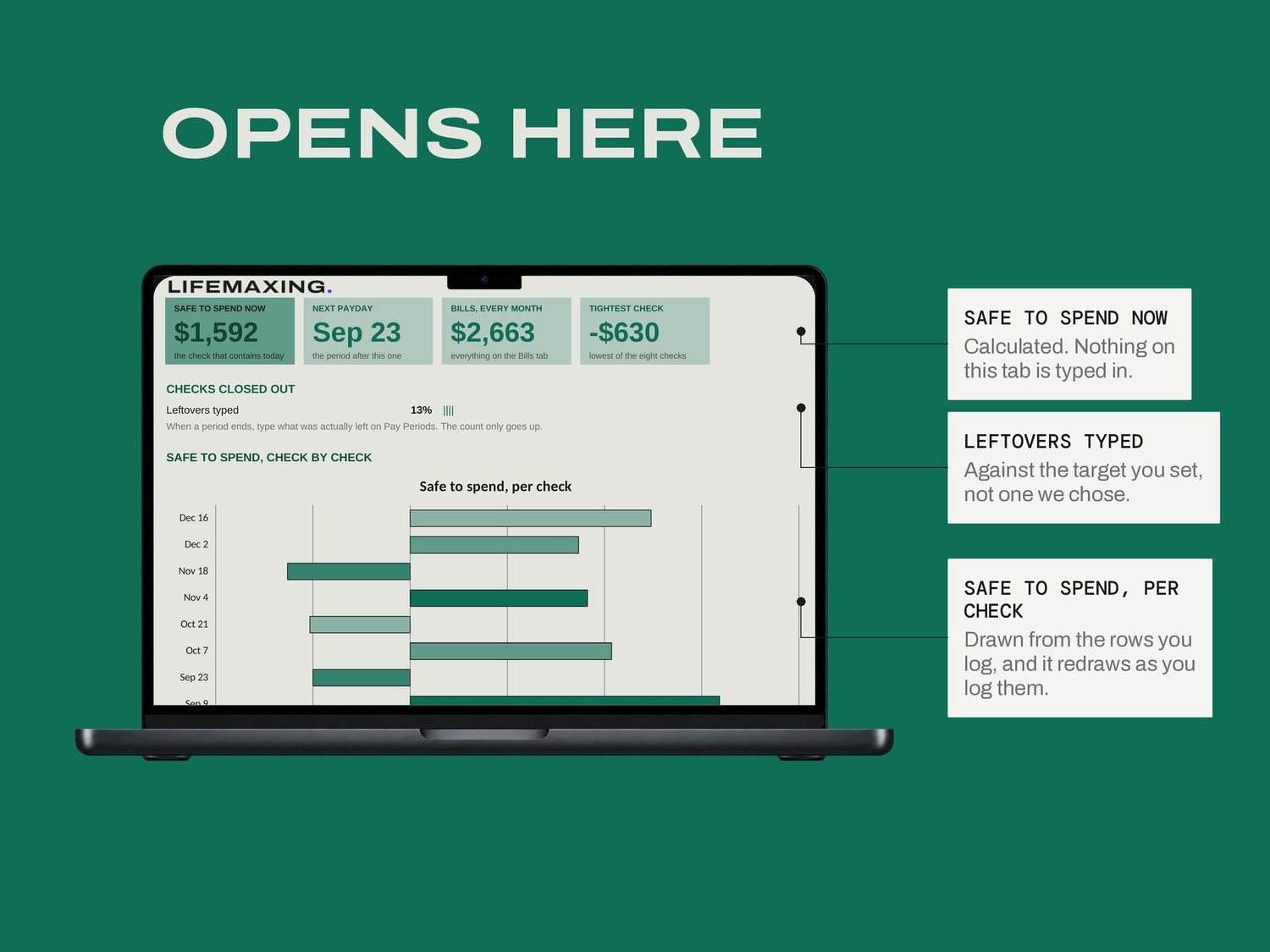
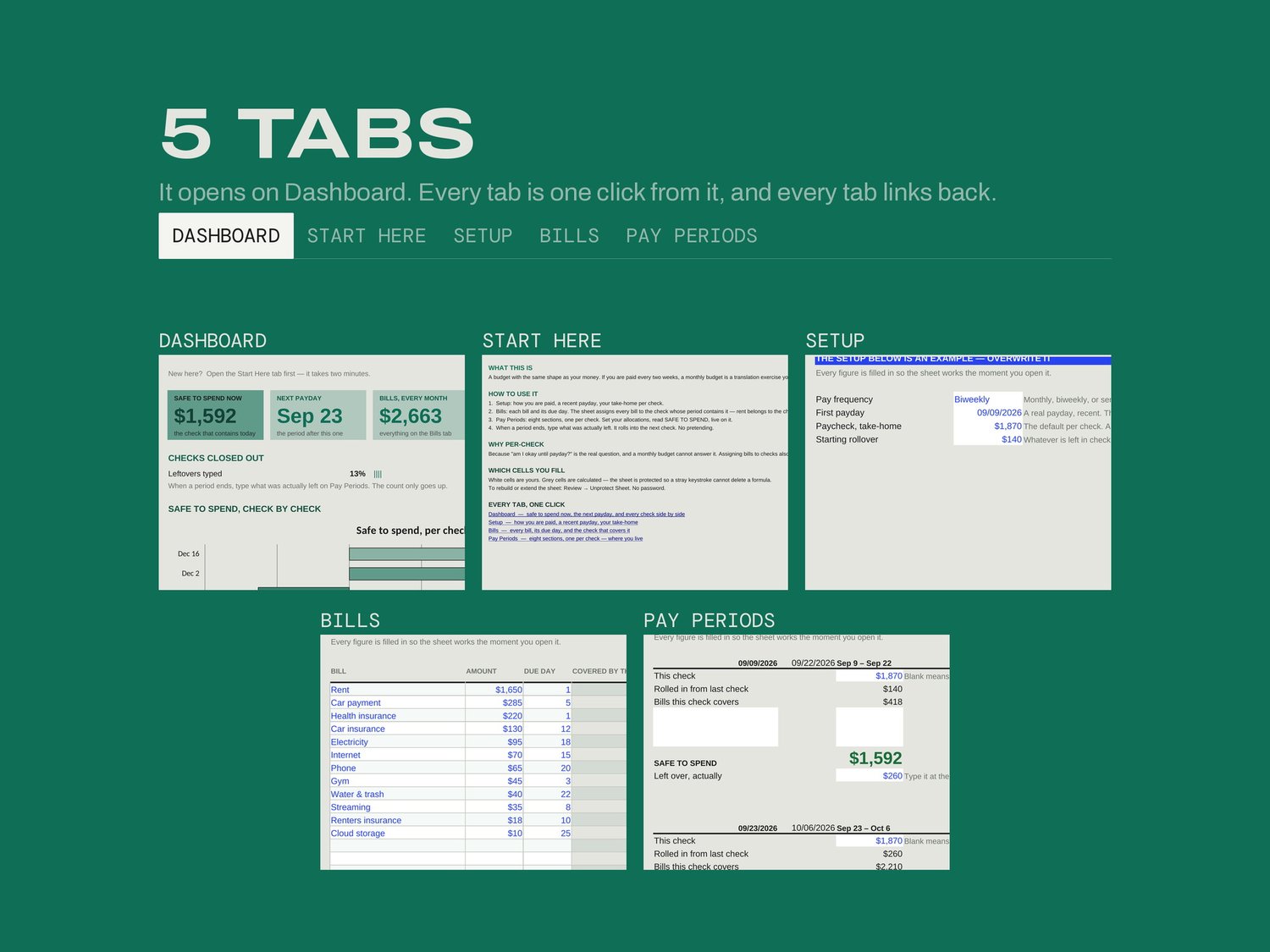
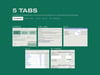
Dashboard - safe to spend now, the next payday, every check side by side
Start Here - how the file works and which cells are yours
Setup - how you are paid, a recent payday, your take-home
Bills - every bill, its due day, and the check that covers it
Pay Periods - eight sections, one per check, where you live
THE PART NOBODY ELSE BUILDS
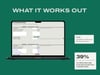
Assigning bills to checks surfaces the lopsided one. Rent belongs to the check before the first, which means that check was always going to be thin, and seeing it written down turns a bad week into a known shape you can plan around. When a period ends you type what was actually left and it rolls into the next check. Not what you meant to have left. That rollover is the whole difference between a budget you keep and a budget you quietly abandon in week three.
WHAT YOU GET
Excel workbook (.xlsx)
Google Sheets template - one click to copy
Setup instructions (PDF)
Free updates for life
BEFORE YOU BUY
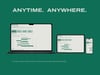
Works in Microsoft Excel 2016 and later, and in Google Sheets. No app, no account, no bank connection. Built for weekly, biweekly, semi-monthly or monthly pay. Amounts in USD. Digital download, all sales final.