


Support at Home Preflight Provider Self Check Workbook 2026
Give your team a structured administrative second check before Support at Home statements and service agreements move to internal review.
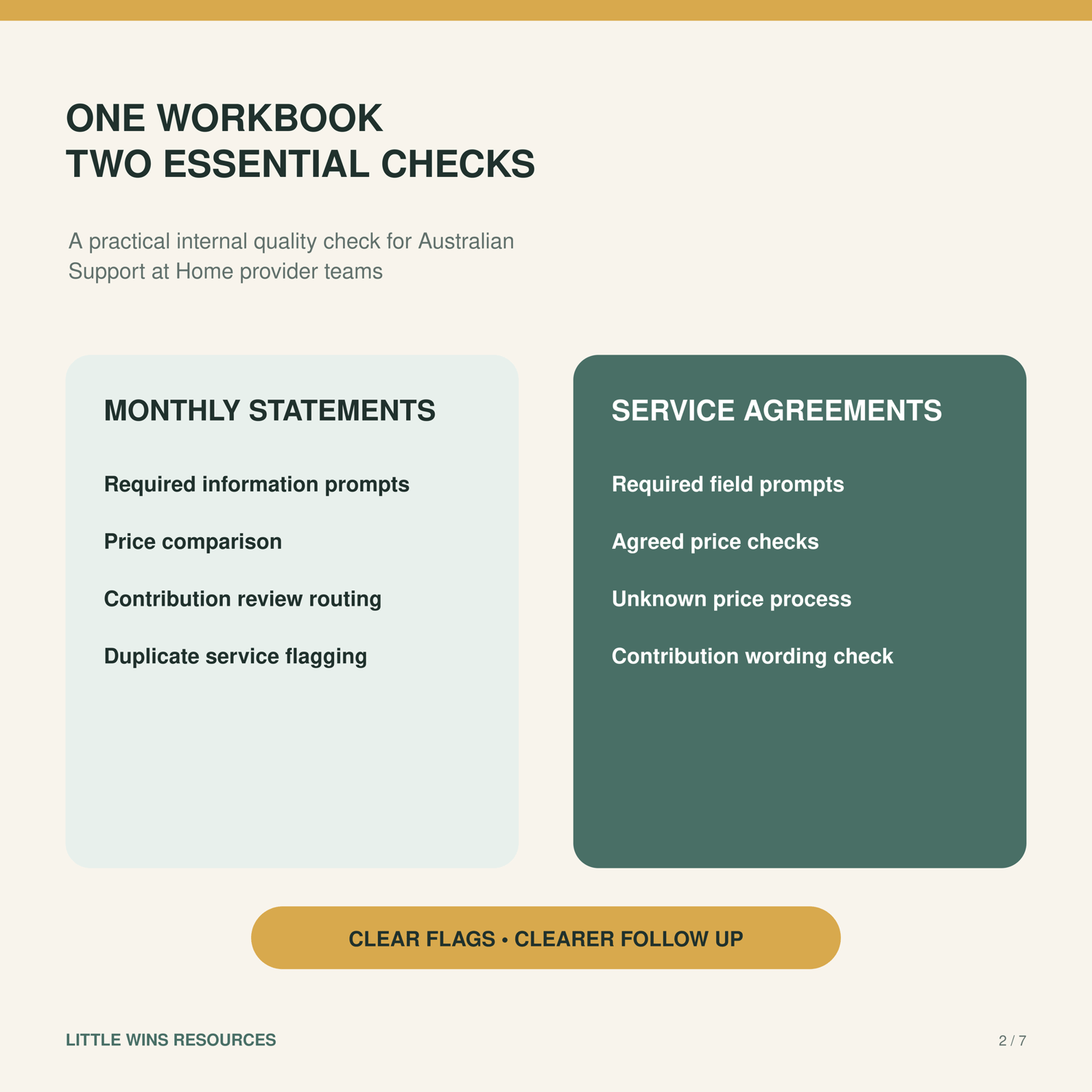
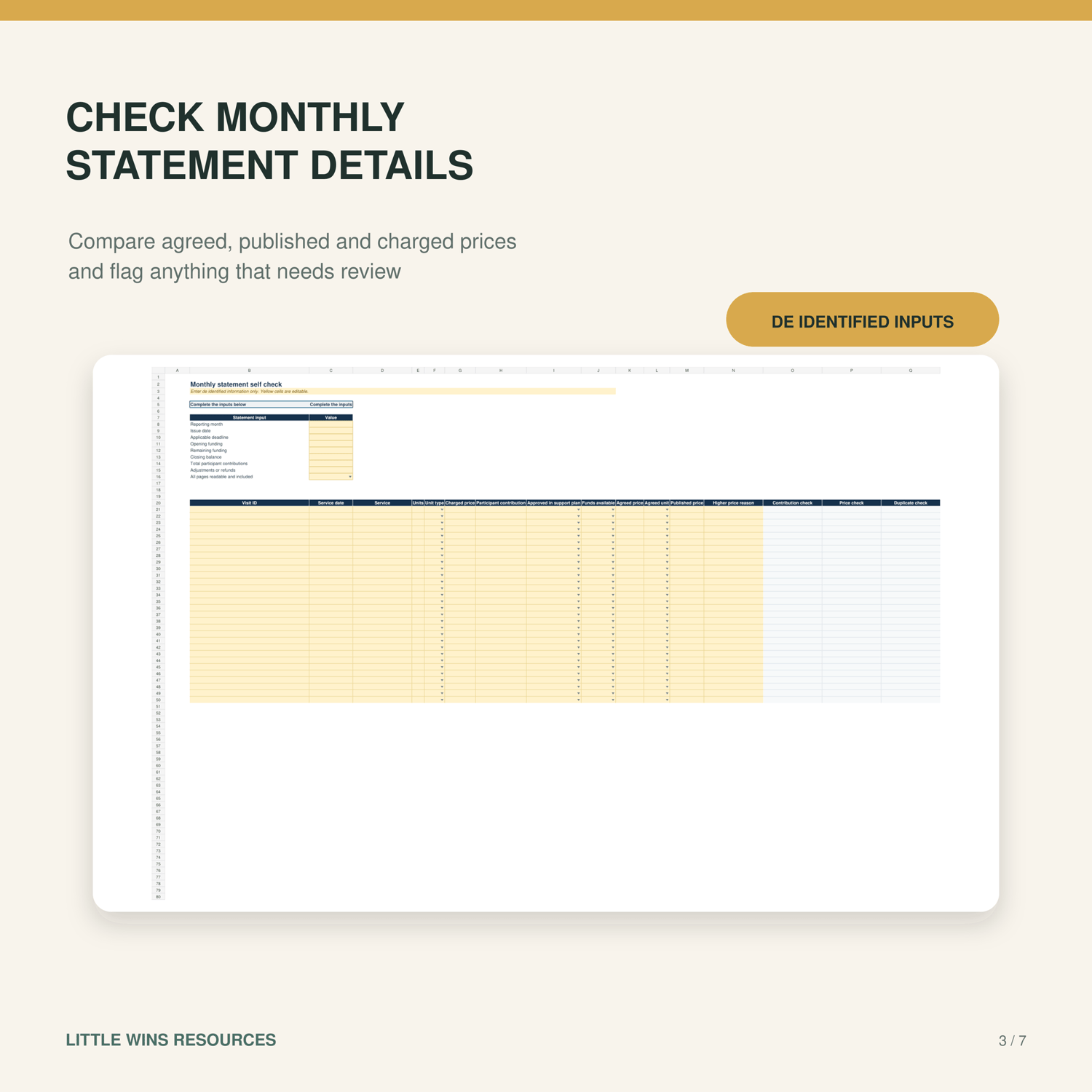
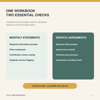
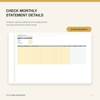
This Excel workbook helps Australian provider teams manually check selected monthly statement information, compare prices, flag possible repeated service identifiers and record follow up. It is a manual review aid.
WHAT YOU RECEIVE
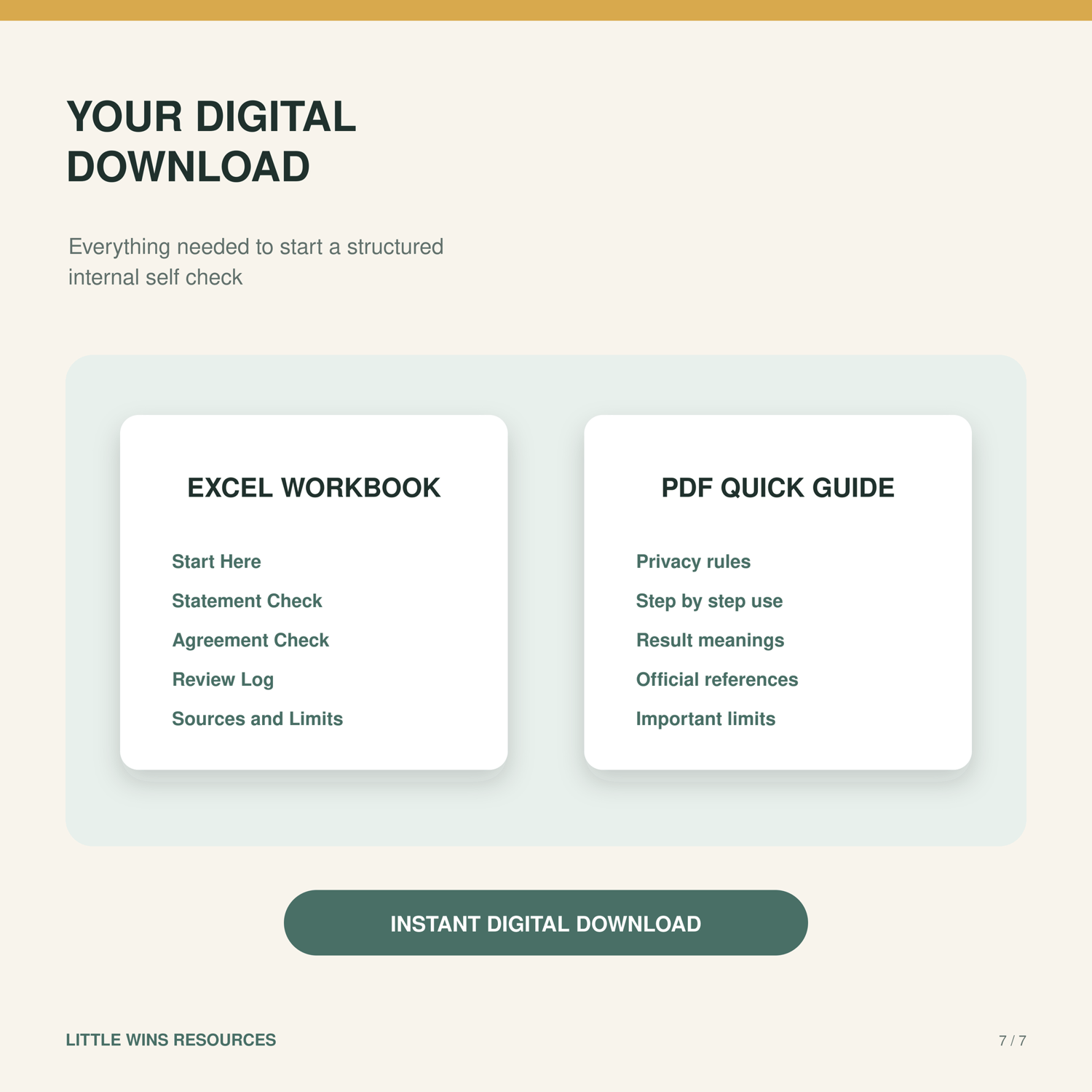
One Excel workbook with nine tabs, a four page PDF Quick Guide and a release review recording actual fictional test results. Release 1.1 was technically reviewed on 1 October 2026, with selected desktop Excel checks completed by the owner on 2 October 2026.
WHAT YOU CAN CHECK
• Statement issue timing and selected statement information
• Up to 30 manually entered service or cancellation lines
• Charged, agreed and published price differences and unit mismatches
• Possible repeated visit identifiers for a person to review
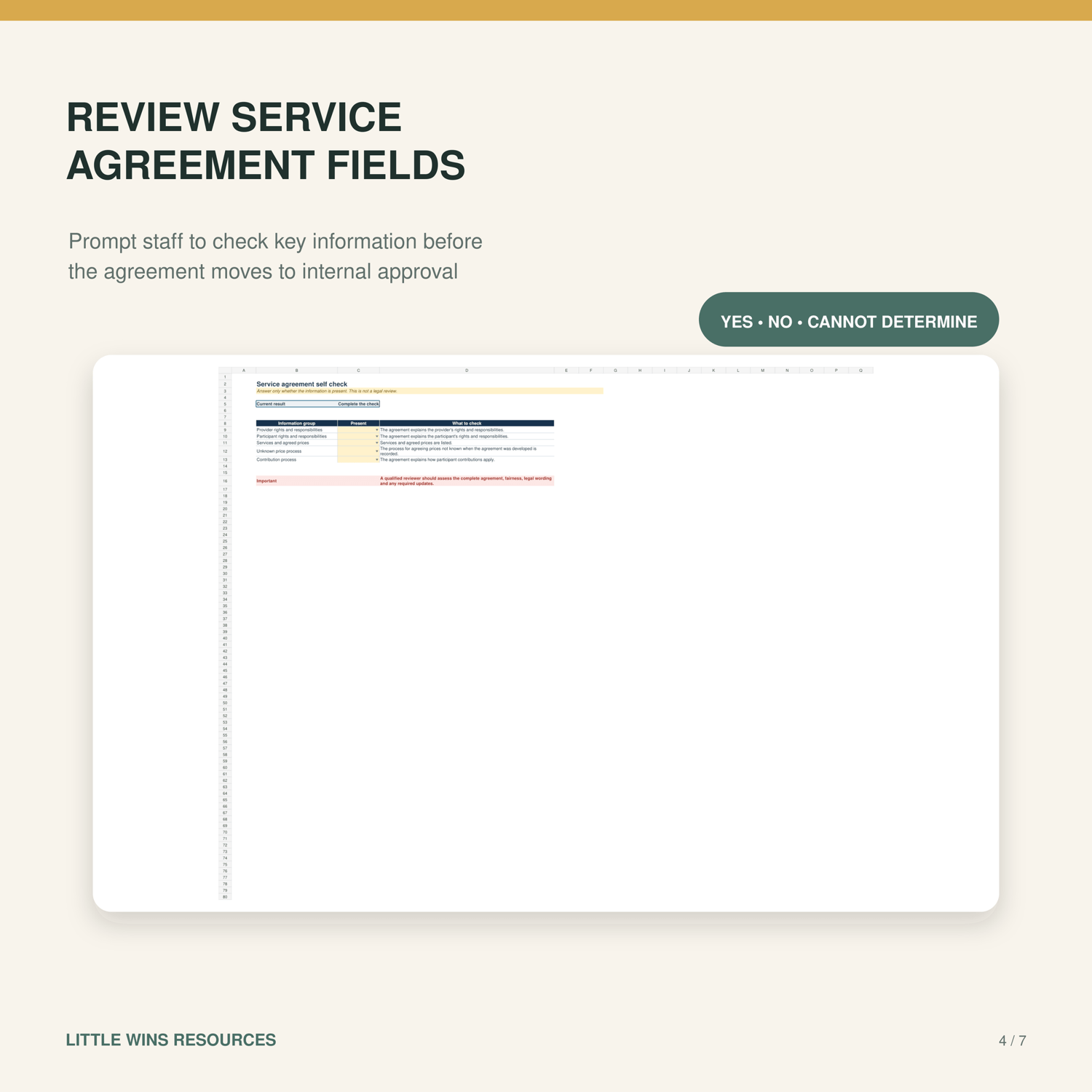
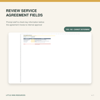
• Presence of five service agreement information groups
• Published price review timing
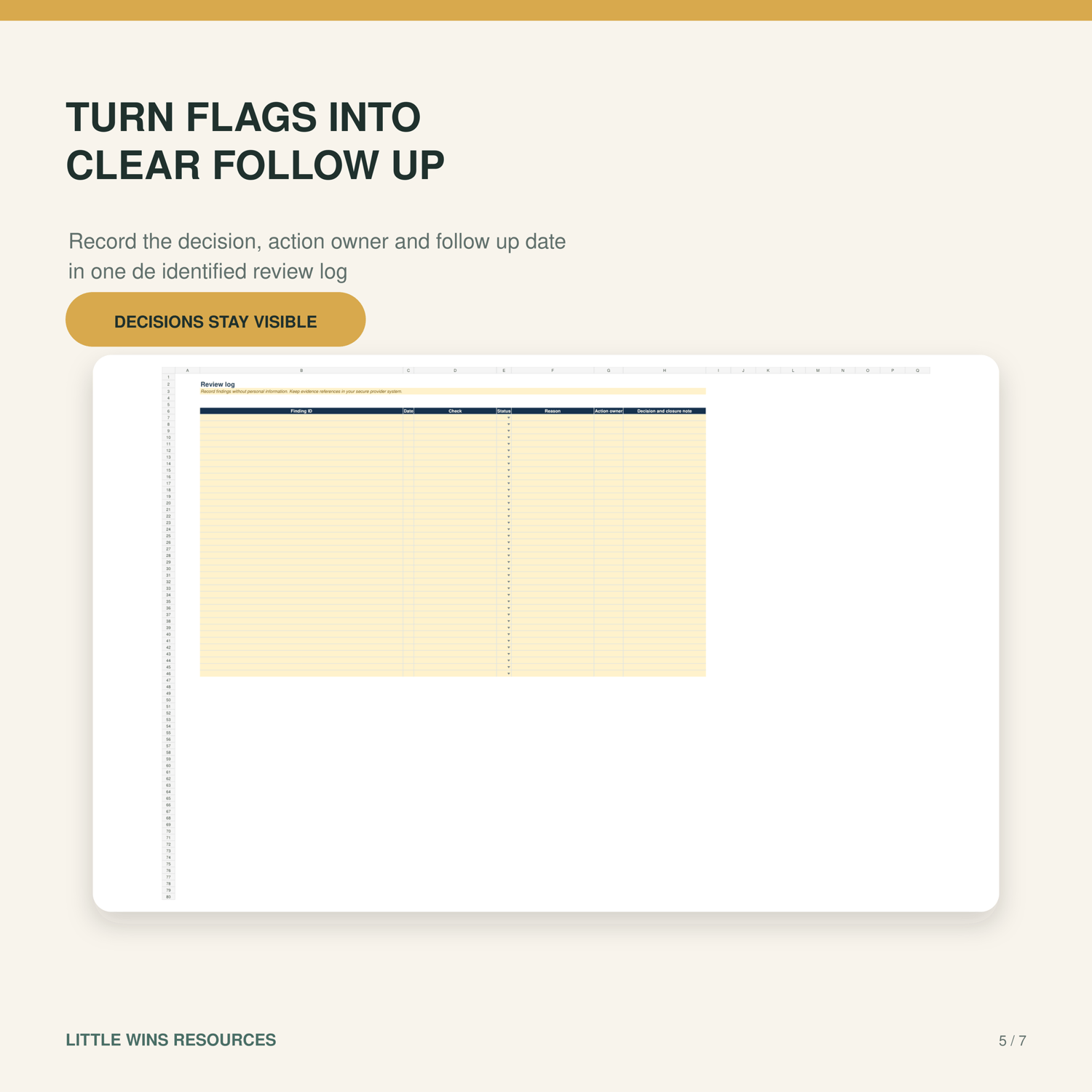
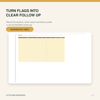
• Follow up actions, owners and dates
• Personal care contribution prompts from 1 October 2026
HOW TO USE IT
Set the review date, enter fictional or deidentified information in the yellow cells, complete the presence checks and investigate each flag against source records. Missing information and unsupported dates remain visible. No service months have a separate review context.
REVIEW EVIDENCE
All 52 fictional formula and boundary checks passed on the exported release after corrections using a spreadsheet calculation engine. Actual expected and returned outputs are included. This was AI assisted technical testing by the product authoring assistant. External professional review has not been obtained. Selected owner executed desktop Excel checks passed on 2 October 2026, including input choices, result warnings, summary updates and saving and reopening. The 52 case calculation engine suite and selected desktop checks are separate evidence sets. No live provider document trial was performed.
IMPORTANT LIMITS
Use fictional or deidentified information only. Do not enter names, addresses, participant numbers, Medicare details, phone numbers, health information or other identifying details.
The workbook does not read PDFs or images, perform OCR, connect to government systems, submit claims, perform a full accounting reconciliation, determine eligibility or calculate official or historical contribution rates. Manually review source records and all pages.
Services before 1 October 2026 return Cannot determine for the contribution amount. Confirm the applicable assessed rate in source records. A No issue found result applies only to the limited checks completed.
This resource does not certify compliance, approve documents or replace professional advice. Confirm current requirements with official sources and an appropriately qualified reviewer before acting.
SOFTWARE AND DELIVERY
Microsoft Excel is recommended. Preserve formula cells. Instant digital download of one ZIP containing the workbook, guide and release review. No physical item will be posted.
Created with AI assistance.