Monthly Expense Tracker | Excel Spreadsheet Template with Budget vs Actual
See exactly where your money goes every month - without an app.
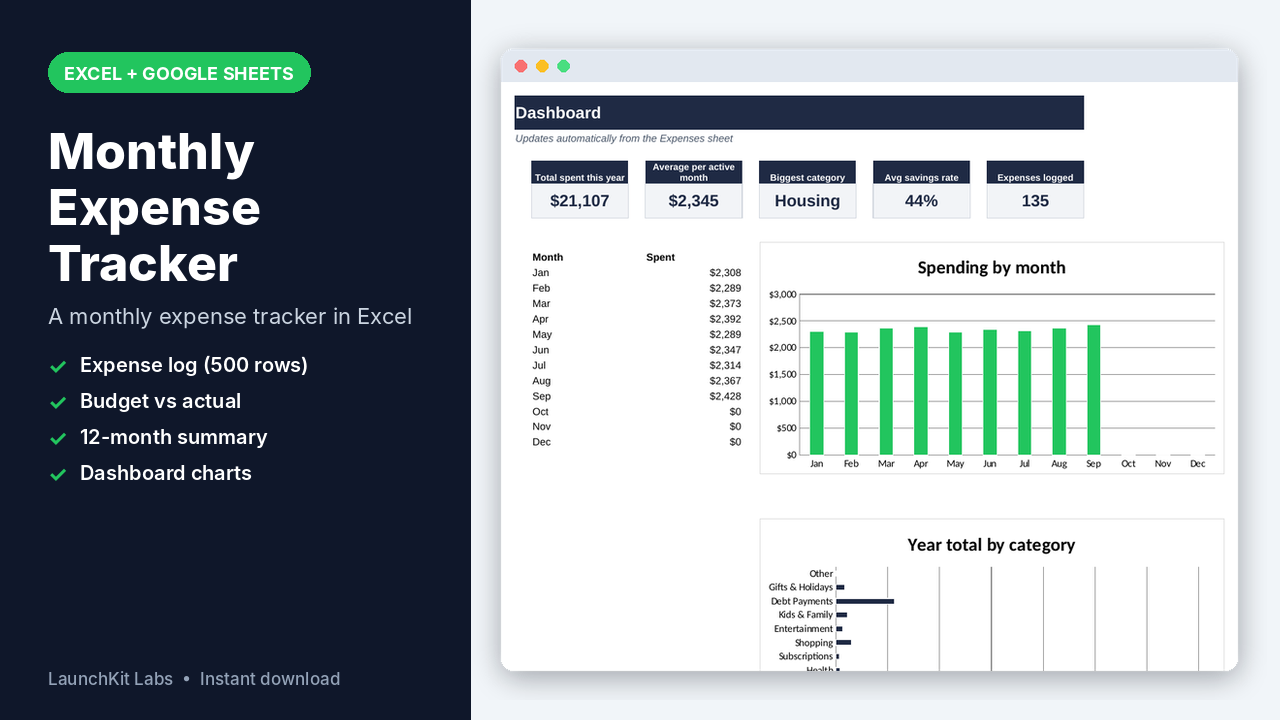
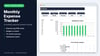
This monthly expense tracker is an Excel spreadsheet template: log each expense once and it totals your spending by category and month, compares it with your budget and charts the whole year.
WHAT'S INCLUDED
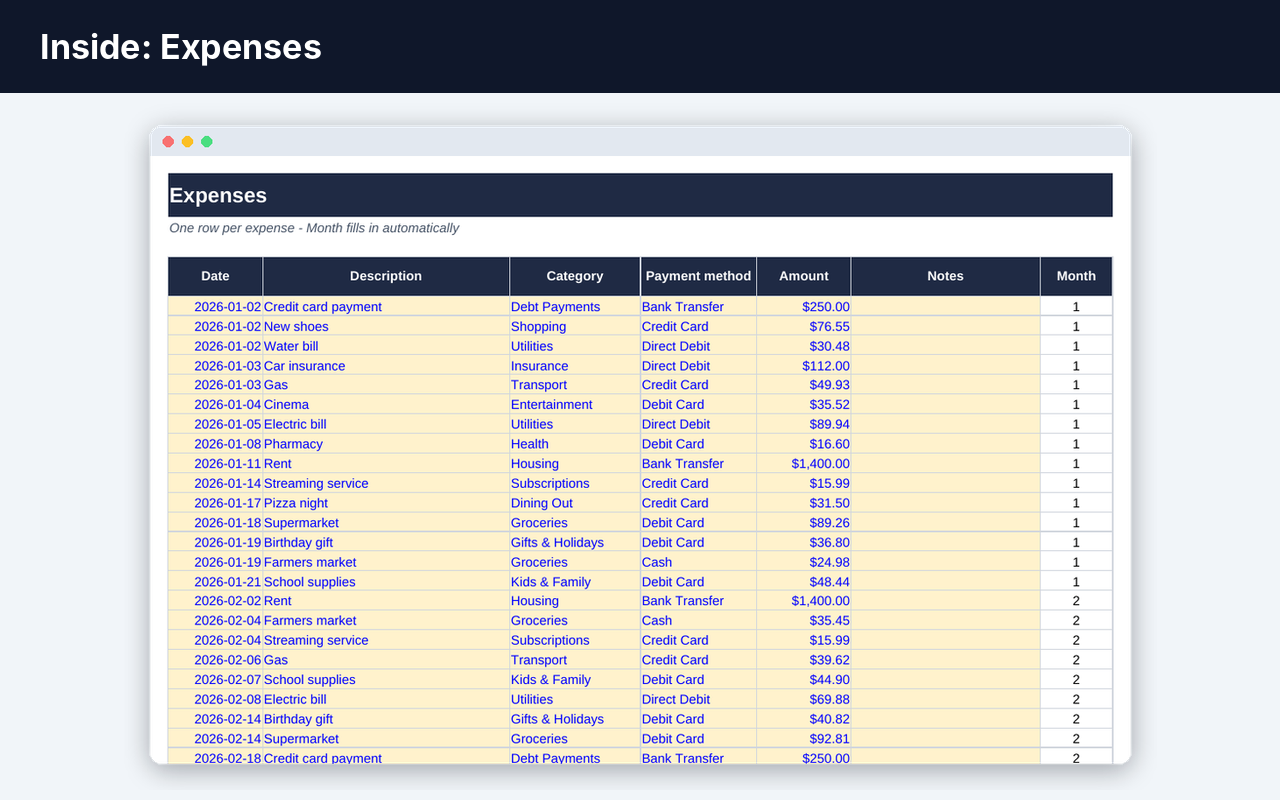
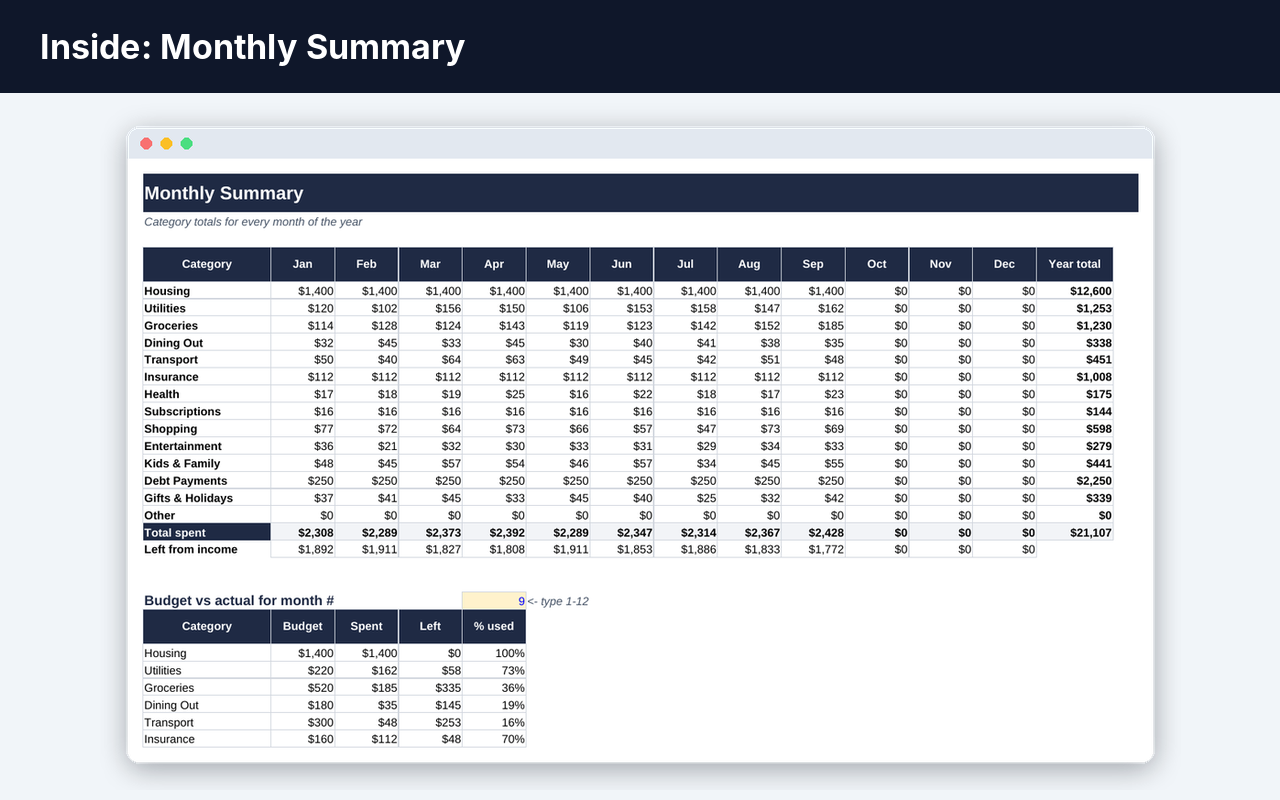
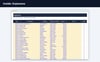
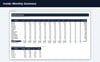
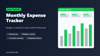
• Settings: year, monthly take-home income, 14 editable categories with a monthly budget each, payment methods• Expenses log (500 rows): date, description, category and payment method drop-downs, amount, notes; the month fills in automatically• Monthly Summary: category x month table for January to December with totals and money left from income• Budget vs actual: pick any month to see budget, spent, left and % used per category (over-budget lines turn red)• Dashboard: total spent this year, average per month, biggest category, savings rate, expenses logged, spending-by-month and by-category charts
BEST FOR
Individuals, couples and families who want a simple monthly expense tracker in Excel to control spending and stick to a budget.
HOW IT WORKS
1. Set your income and category budgets in Settings2. Add each expense in the Expenses sheet (sample rows show the format)3. Check Monthly Summary and the Dashboard
FORMAT / DELIVERY
• Microsoft Excel (.xlsx) - also opens in Google Sheets and LibreOffice• Sample data included so you can see how it works• Instant digital download - no physical item is shipped
FAQ
What exactly do I get?
Monthly expense tracker for Excel: expense log, category budgets, budget vs actual, 12-month summary and dashboard charts.
What do I need to use it?
Microsoft Excel on Windows or Mac (Excel 2016 or newer, or Microsoft 365). It also opens in free Google Sheets, though Excel is recommended.
How do I get it?
It is an instant digital download: right after checkout you get the file on the page and by email. No physical item is shipped.
I have a question
Use the contact link on my Payhip store page and I will help.