









Practice Transitioning Command Center
Practice Transitioning Command Center
$597
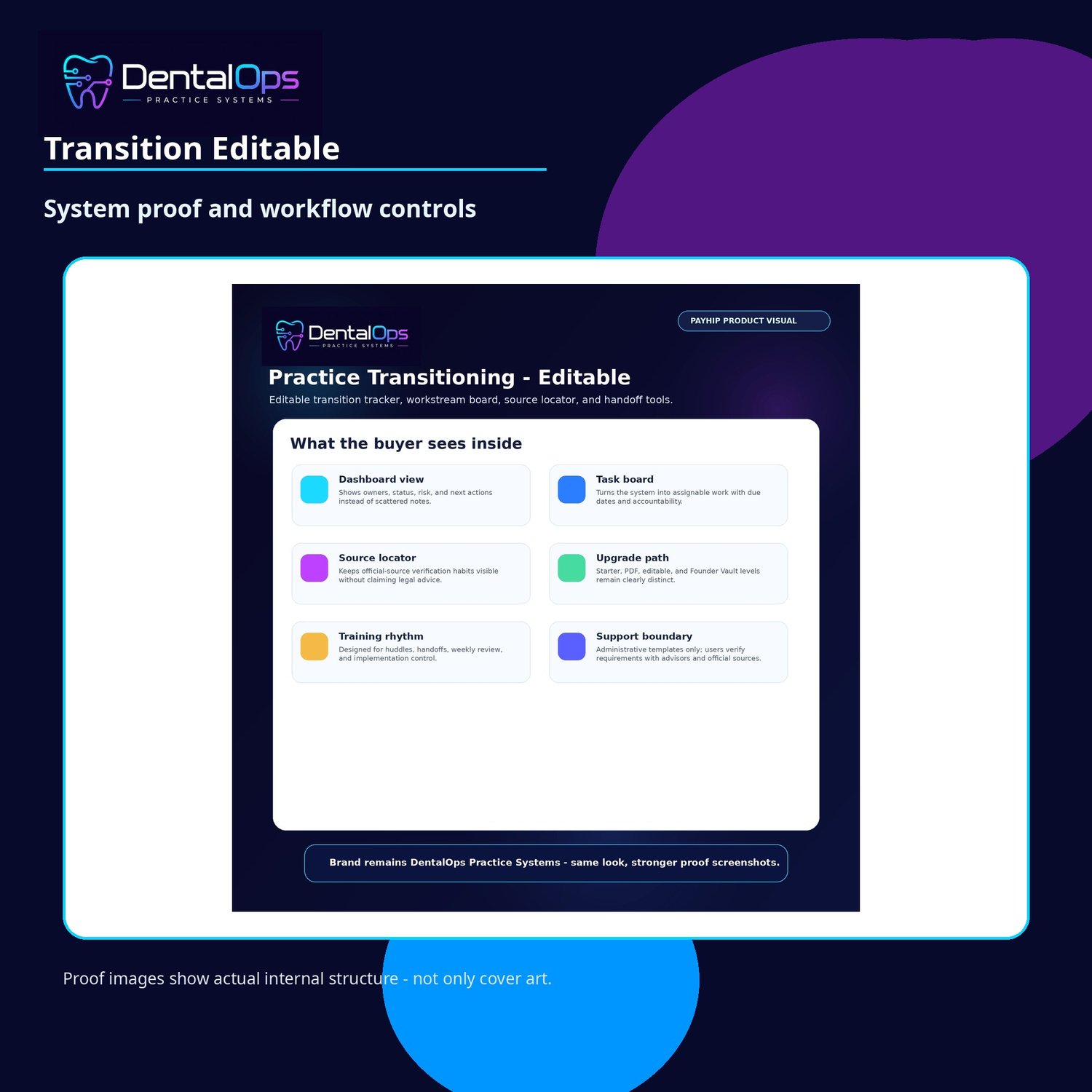
Practice Transitioning Command Center is a dental practice transition control system for teams managing ownership, operational, vendor, payor, HR, PMS, and first-100-day handoff workflows.
The system gives dental transition teams a more organized way to think through workstreams such as state board/source checks, entity and secretary-of-state items, IRS/EIN/W-9/8822-B routing, payer updates, NPI and EFT/ERA considerations, vendor transfers, personnel updates, payroll/HR coordination, PMS/IT access, patient communication, records, reputation, day-one operations, and first-100-day integration.
Why this is different:
DentalOps ProSuite is built as an implementation system, not a thin printable. The customer receives a structured product with quick-start instructions, detailed manuals, product-specific workflows, forms, and version-appropriate implementation tools. The goal is to help the office understand what to do next without needing extensive support or custom consulting.
What is included in this product:
- Everything in PDF
- Custom DOCX transition guide
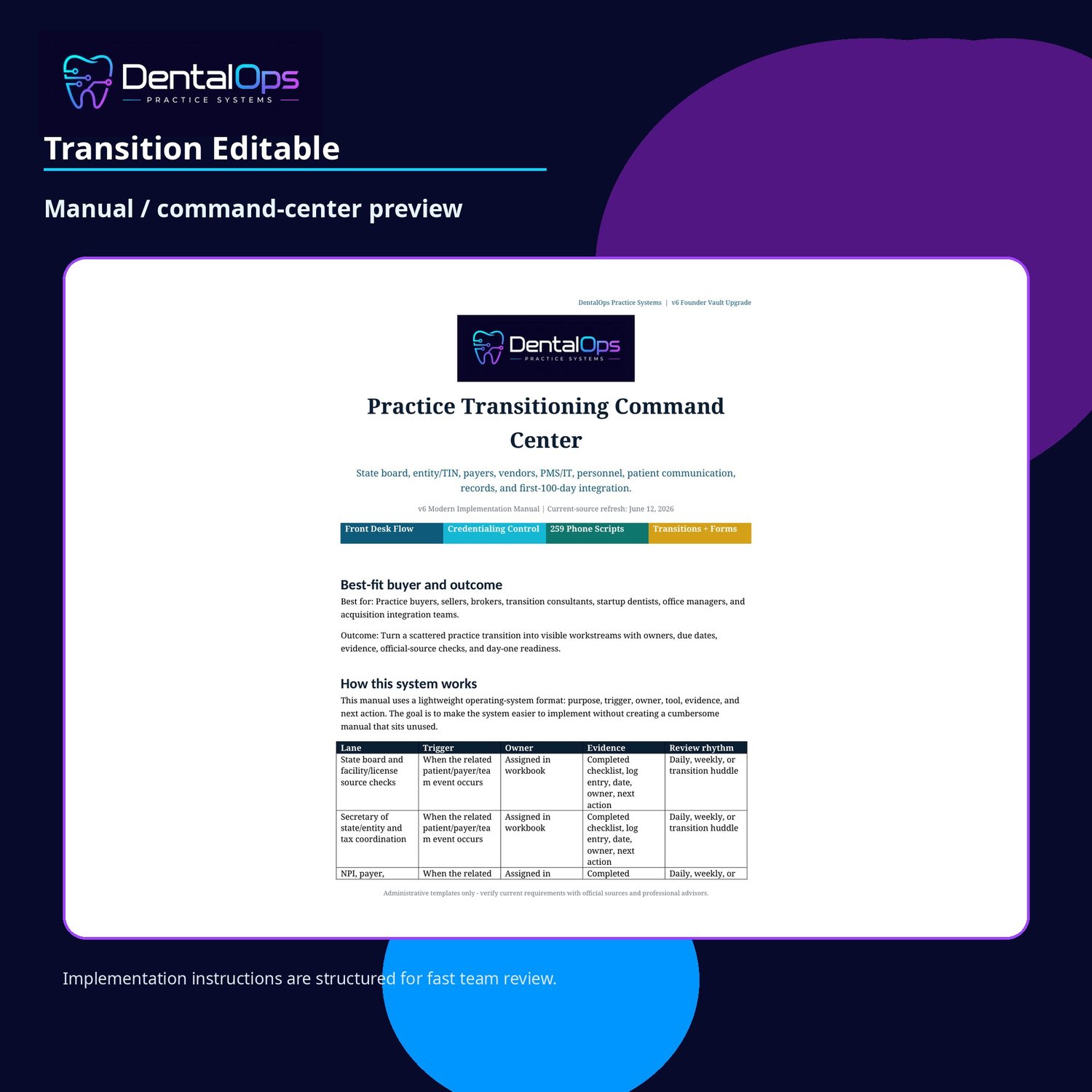
- Custom DOCX implementation manual
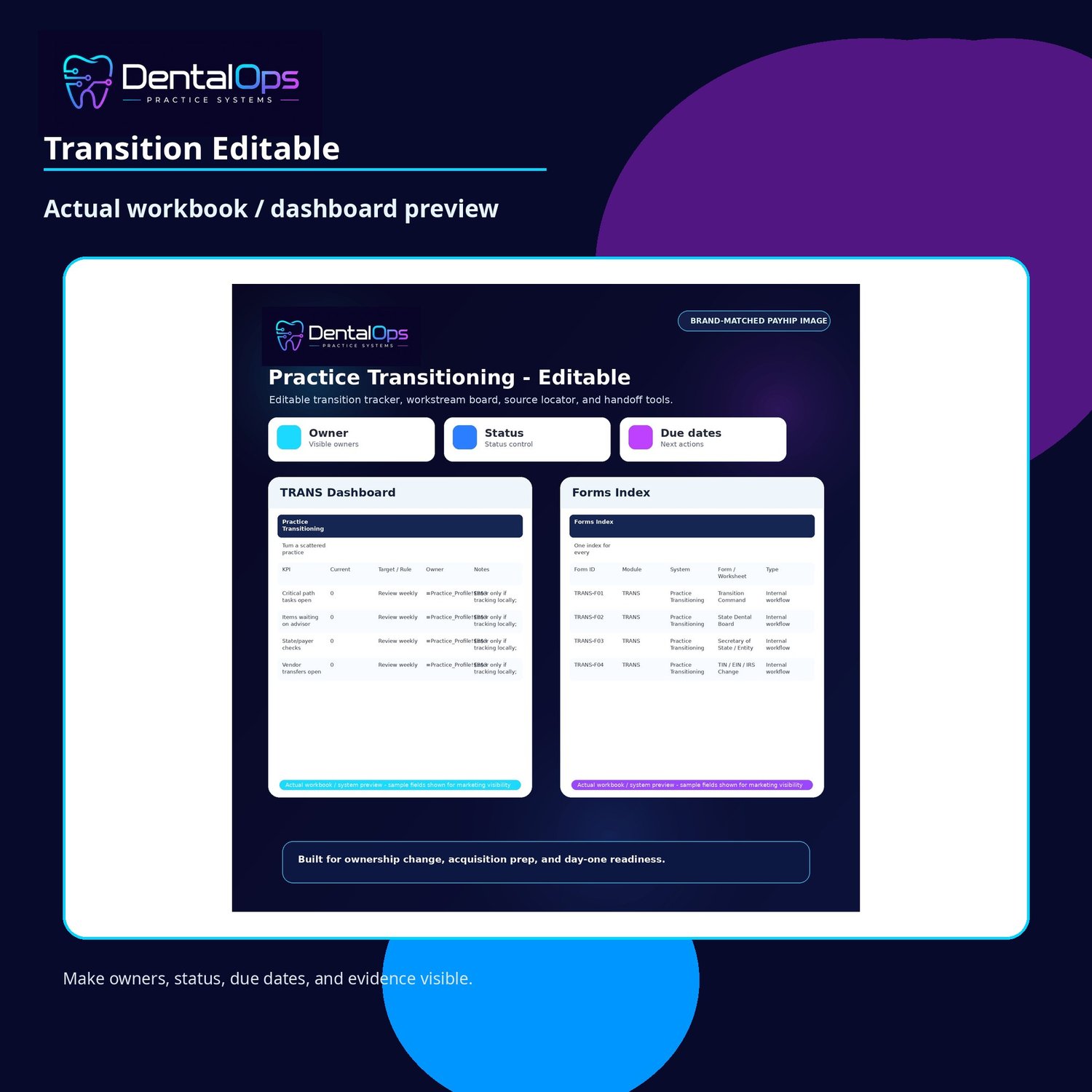
- Transition workbook XLSX
- Transition form index CSV + official source locator CSV
Primary file formats included:
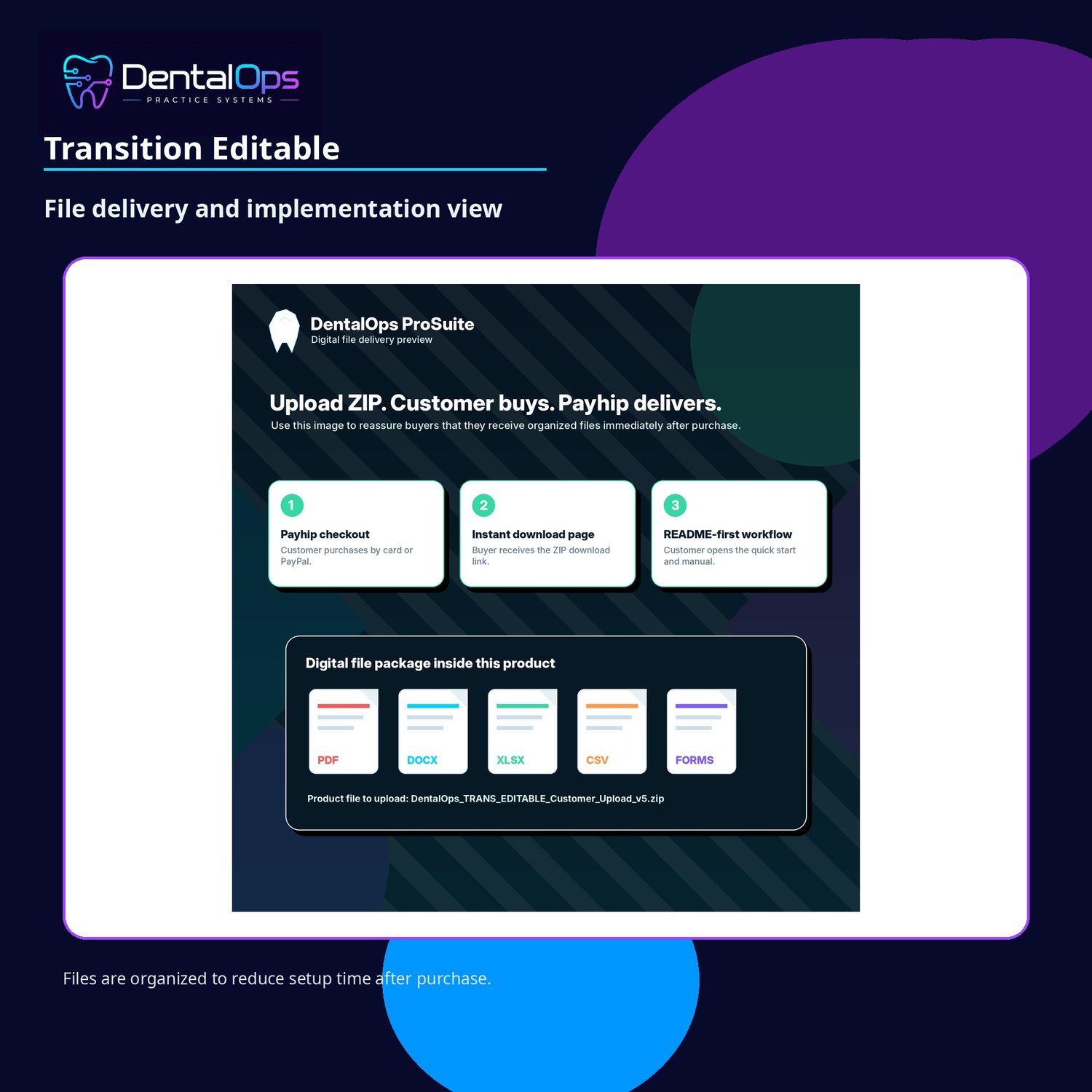
PDF, DOCX, XLSX, CSV, Forms
Best for:
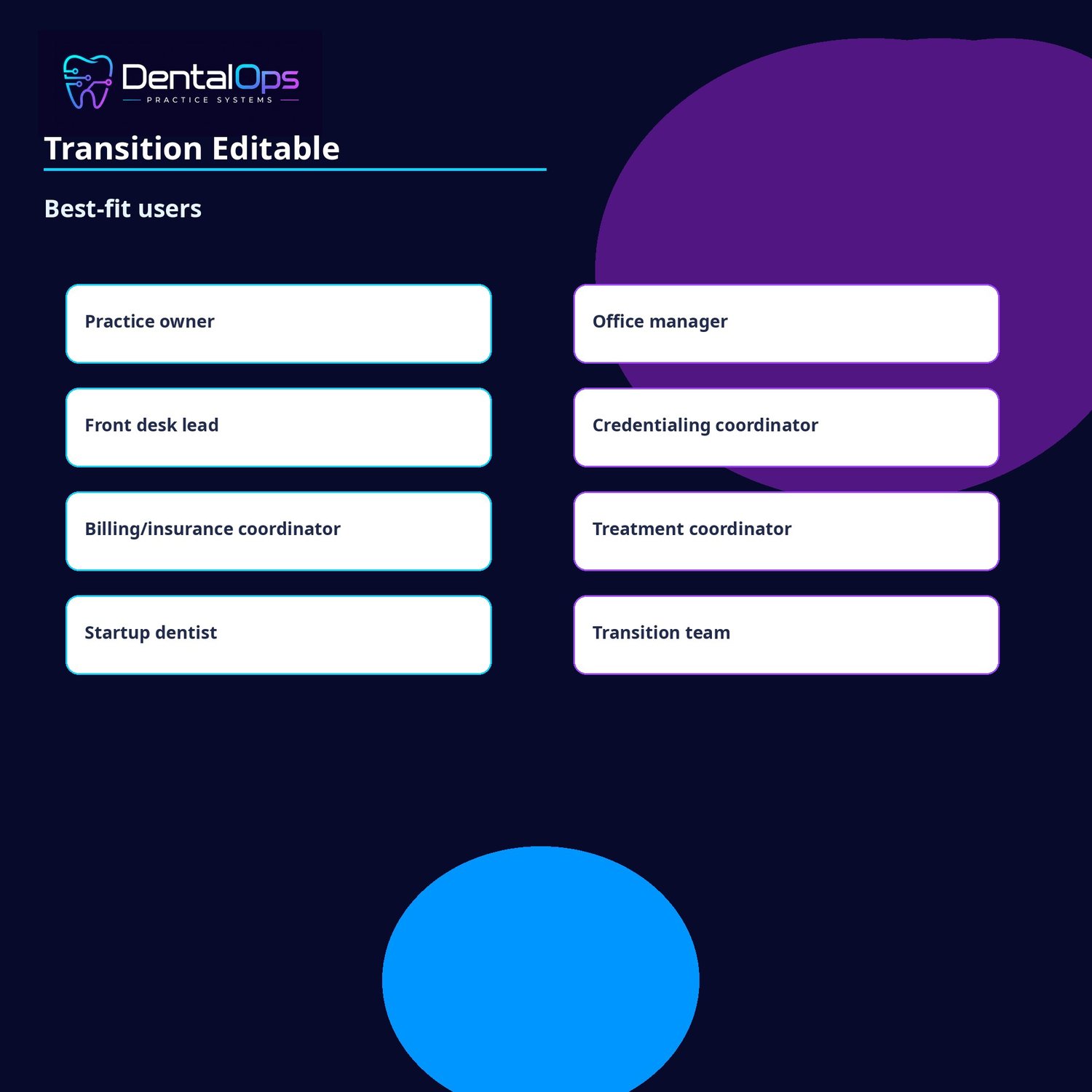
- Buyers and sellers
- Practice administrators
- Transition teams
- Consultants supporting handoff projects
What this helps your practice do:
- Turn the transition into a managed project
- Assign owners and due dates by workstream
- Customize internal communication and tracking forms
- Use source locators and CSV indexes for transition control
How to use it after purchase:
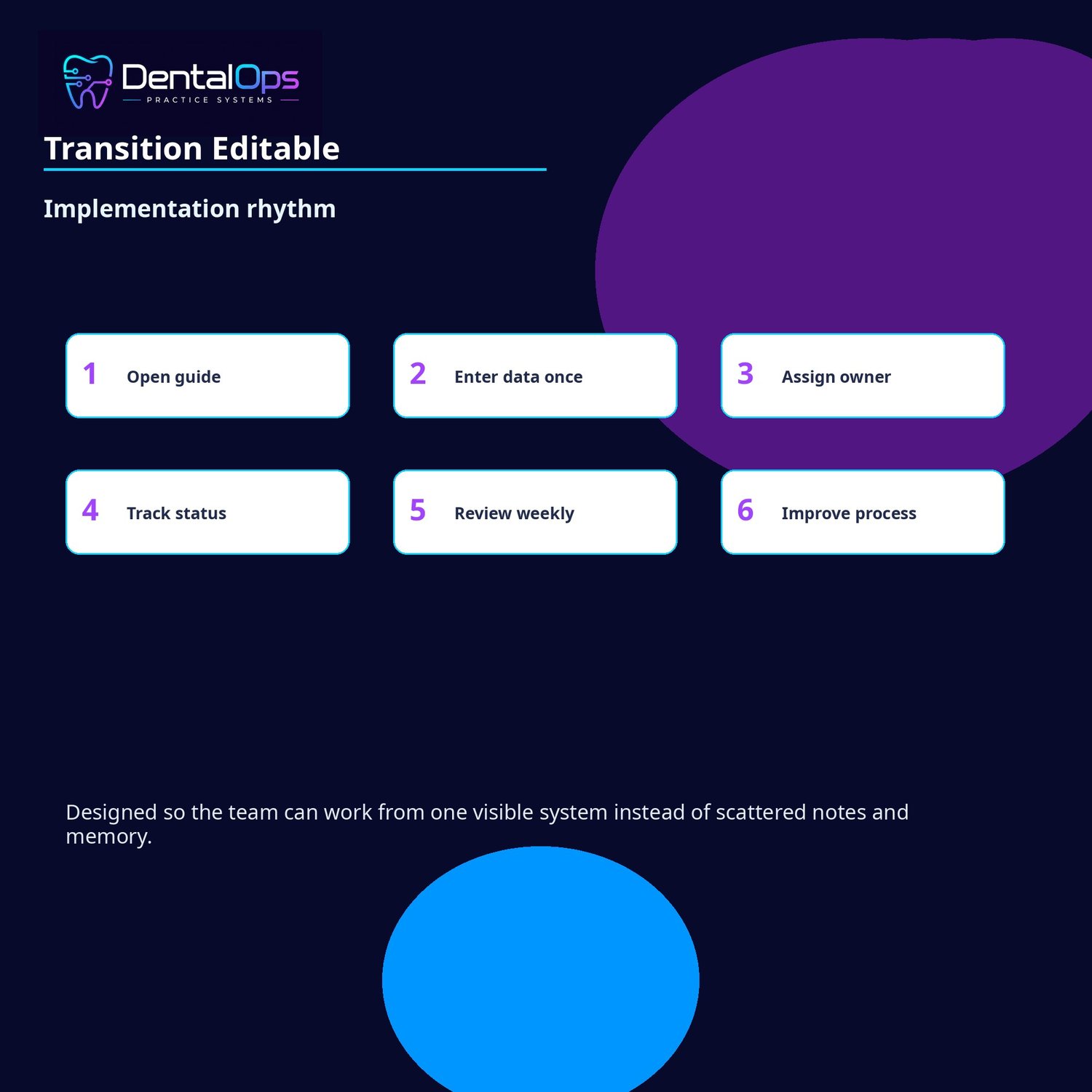
1. Download the ZIP file from the Payhip download page.
2. Open README_FIRST before opening the other files.
3. Review the product guide and the matching implementation manual.
4. Print or save the one-form-per-page forms pack where applicable.
5. If you purchased an editable version, customize the DOCX files and use the XLSX workbook to assign owners, due dates, and rollout status.
6. Verify all official requirements directly with the relevant payer, state board, secretary of state, IRS, bank, vendor, attorney, CPA, credentialing advisor, billing advisor, or compliance professional before submitting anything externally.
Choose the editable version if you want to manage the transition as a project with owners, due dates, editable forms, CSV indexes, and workbook tracking. Choose PDF-only if you want the read/print transition guide and manual.
Support boundary:
This is a self-serve digital download. Support is limited to download/access issues and file-opening issues. Product purchase does not include custom consulting, payer-specific advice, legal review, credentialing submission assistance, billing/coding advice, clinical advice, tax advice, state-board guidance, HR advice, contract review, or compliance review.
Important: DentalOps ProSuite is an administrative template and implementation resource. It is not legal, tax, clinical, billing, coding, payer, credentialing, state-board, secretary-of-state, HR, OSHA, HIPAA, contract, compliance, financial, or professional advice. Requirements change and vary by payer, state, entity, vendor, bank, and practice situation. Always verify current requirements directly with the appropriate official source and professional advisor before using or submitting any information.