Your Cart
Loading

Dental Practice Admin Systems Built for Implementation


Turn recurring dental admin work into visible, assignable systems for front desk workflow, payor credentialing, phone communication, and practice transitions.


DentalOps Practice Systems helps dental teams move from scattered tasks, sticky notes, inboxes, and memory-based workflows into organized implementation systems with manuals, editable tools, dashboards, trackers, and clear next actions.
WHO

Dental practice owners, office managers, front desk leads, credentialing coordinators, billing/insurance coordinators, startup teams, and transition teams

WHAT

Digital implementation systems: manuals, editable templates, XLSX workbooks, dashboards, trackers, scripts, forms, source locators, and workflow tools.

WHEN

Use DentalOps when repeated admin work is living in memory, scattered spreadsheets, emails, sticky notes, or systems only one person understands.

WHERE

Start with a focused toolkit, build one complete editable system, or choose the Founder Vault for the full DentalOps implementation library.

WHY

To make administrative work visible, assignable, trainable, and easier to improve before tasks get missed, delayed, or rebuilt from scratch.

Choose the Right Starting Point

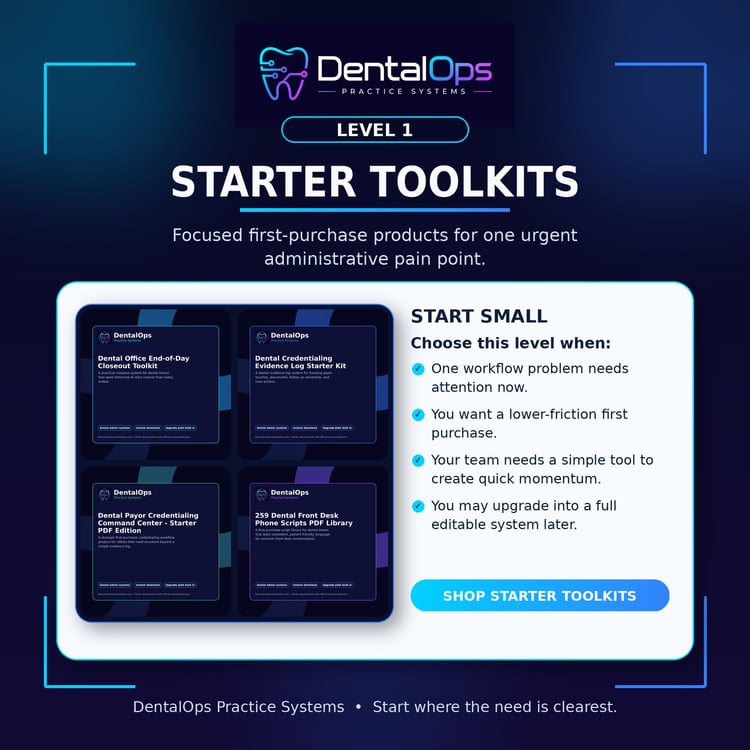
Starter Toolkits

Best when one problem needs attention.


Choose a starter toolkit when your team needs a focused, lower-friction resource for end-of-day closeout, credentialing evidence tracking, payer follow-up, or dental phone scripts.

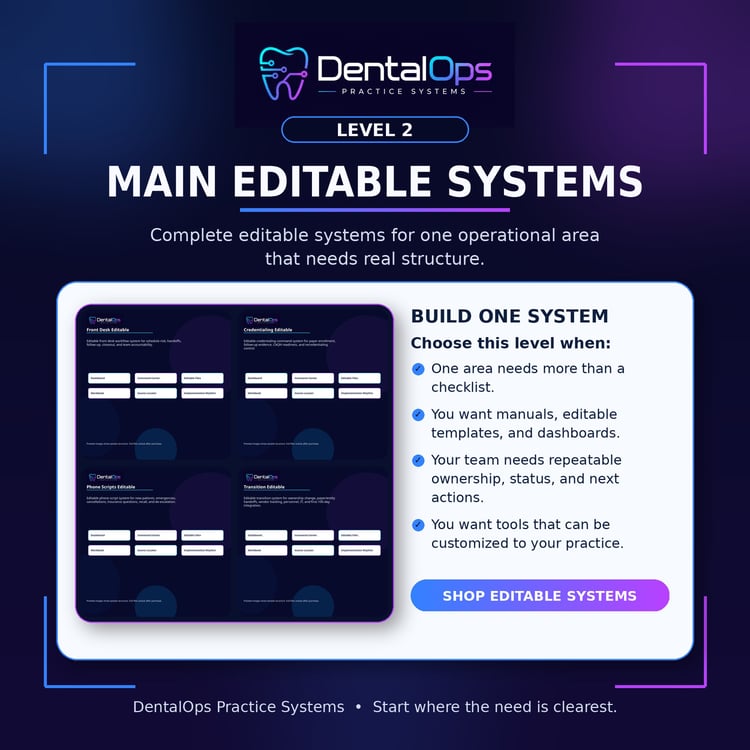
Main Systems

Best when one operational area needs a real system.


Choose an editable system when your team needs a complete implementation framework with manuals, editable templates, workbooks, trackers, dashboards, and repeatable workflows.

Founder Vault

Best when you want the complete DentalOps library.


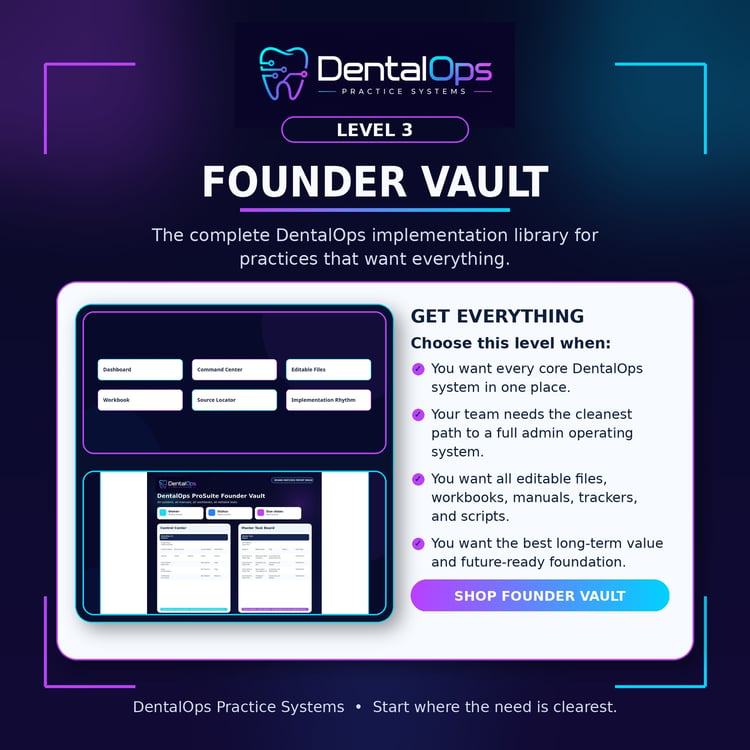
Choose the Founder Vault when you want every core DentalOps system, all editable files, all implementation workbooks, all manuals, all trackers, and the cleanest path for building a complete dental admin operating system.

Choose by the Problem You Want to Fix First

Front desk work feels scattered at the end of the day

Start here:

Starter: End-of-Day Closeout Toolkit

Full system: Front Desk & Daily Flow Command Center

Complete library: Founder Vault

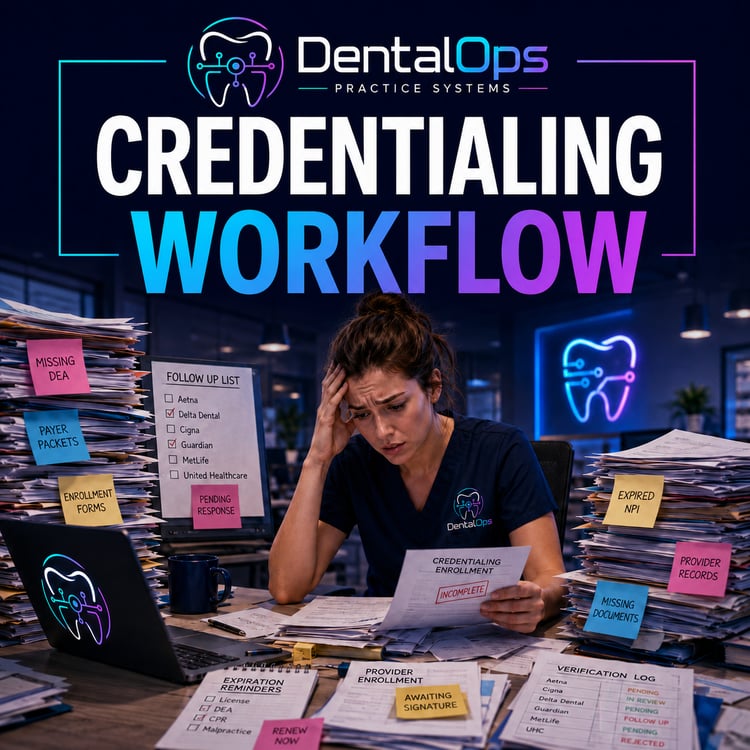
Credentialing follow-up is hard to track

Start here:

Starter: Credentialing Evidence Log Starter Kit

Step-up starter: Payor Credentialing Command Center Starter

Full system: Payor Credentialing Command Center - Editable

Complete library: Founder Vault

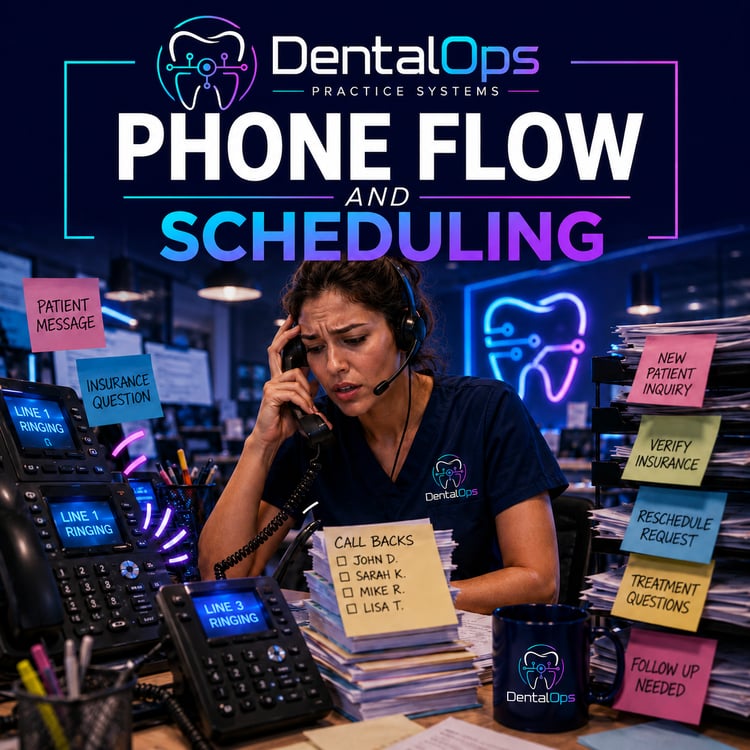
The front desk keeps recreating the same phone language

Start here:

Starter: 259 Dental Front Desk Phone Scripts Starter

Full system: 259 Dental Front Desk Phone Scripts - Editable

Complete library: Founder Vault

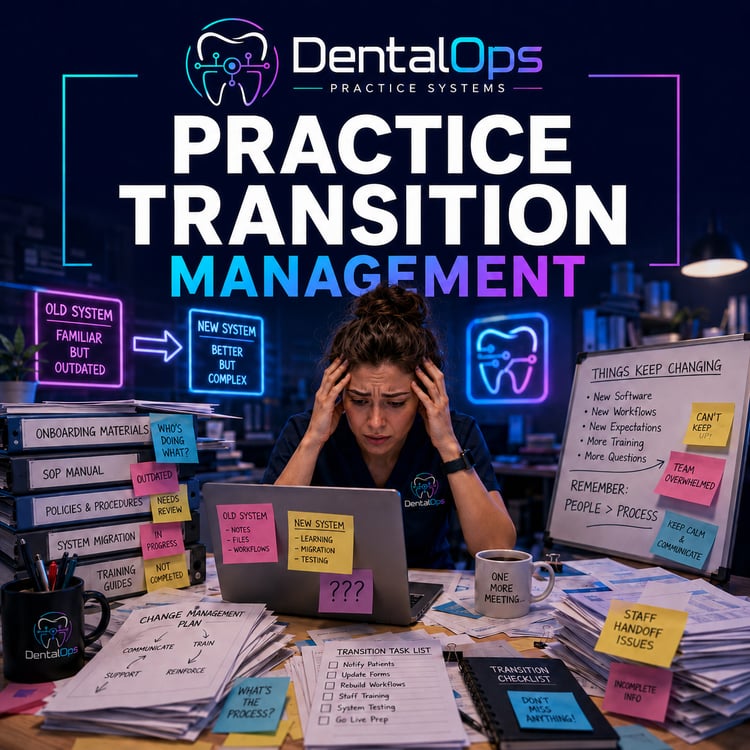
A transition has too many moving parts

Start here:

Full system: Practice Transitioning Command Center - Editable

Complete library: Founder Vault

Choose based on how much structure your team needs today.

Buy a Starter Toolkit

Choose this if you want one focused tool for one immediate problem.


Best for:

  • Office managers testing DentalOps for the first time
  • Teams with one urgent workflow problem
  • Buyers who want a lower-cost first step


Buy a Main System

Choose this if you want a complete system for one operational area.


Best for:

  • Practices that want editable templates
  • Teams that need implementation workbooks
  • Offices building repeatable SOPs
  • Managers training staff around one workflow area


Buy the Founder Vault

Choose this if you want the full DentalOps implementation library.


Best for:

  • Owners who want everything
  • Office managers building a complete admin operating system
  • Startup practices
  • Multi-role admin teams
  • Transition buyers/sellers
  • Consultants or leaders who want a complete systems library


What DentalOps Helps You Build

DentalOps products are built to help dental teams turn recurring administrative work into visible systems. Each product focuses on practical implementation: ownership, status, next actions, scripts, forms, trackers, dashboards, source checks, and repeatable workflow.


Front desk flow — daily workflow, huddles, handoffs, closeout, schedule risk

Credentialing — payer follow-up, evidence logs, document control, source checks

Phone communication — scripts, training, recall, objections, urgent calls

Transitions — ownership-change workstreams, vendors, payer updates, day-one readiness

How to Use DentalOps

Step 1

Choose the pain point


Start with the administrative area that is costing the most time, creating the most confusion, or depending too much on one person.

Step 2

Download the files


Each product includes a customer upload package with the relevant manuals, workbooks, templates, trackers, and implementation resources.

Step 3

Assign owners and work the system


Use the dashboard, command center, tracker, or scripts to assign owners, set next actions, and review progress weekly.

Step 4

Upgrade when the team is ready


Start with a toolkit, move into an editable system, or choose the Founder Vault for the complete library.

Built From Real Dental Practice Operations Experience

DentalOps Practice Systems was created to help dental teams organize the administrative work that often falls between software, memory, inboxes, spreadsheets, payer portals, and daily interruptions.


The goal is not to replace professional judgment or official requirements. The goal is to give teams a stronger implementation starting point so they can organize work, assign owners, track next actions, and customize systems to their own office.

Administrative Templates Only

DentalOps Practice Systems products are administrative templates and implementation resources only. They are not legal, clinical, billing, coding, payer, credentialing, tax, HR, HIPAA, OSHA, state-board, contract, transition, or compliance advice. Each office is responsible for customizing materials and verifying requirements with official sources and professional advisors.