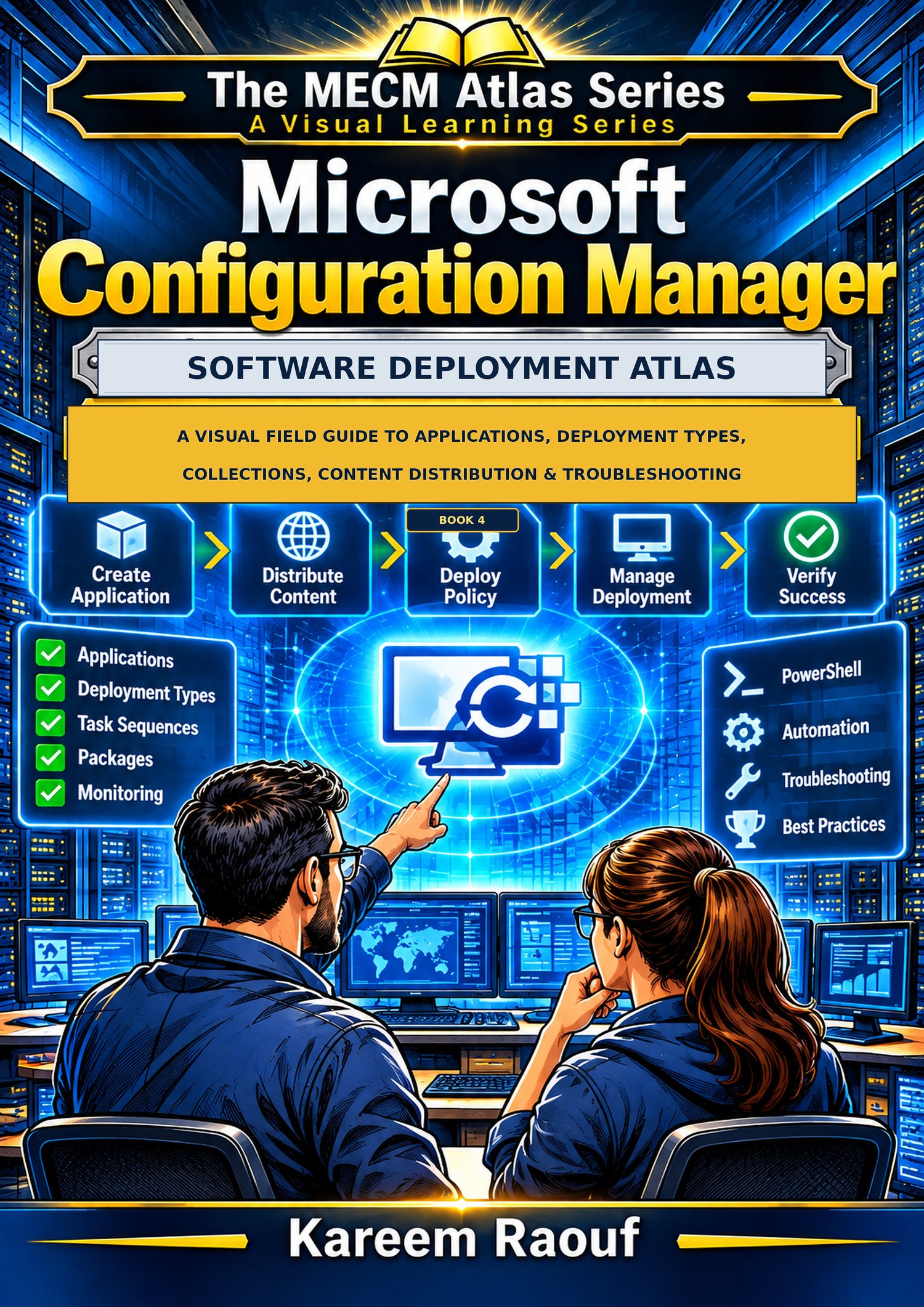
Microsoft Configuration Manager: Software Deployment Atlas
Why did your application deployment fail on 30% of your endpoints—and why does a "0 (Success)" installer exit code still report as failed in Configuration Manager?
In enterprise endpoint management, treating software deployment as a single button click leads to broken rollouts, false detection failures, unmapped boundary groups, and high-risk manual interventions. In reality, the Microsoft Configuration Manager Application Model is an eight-stage, state-based engineering pipeline where every stage leaves distinct evidence across server and client logs.
Microsoft Configuration Manager: Software Deployment Atlas (Book 4 of The MECM Atlas Series) is a 74-page visual field guide and production runbook built for systems administrators, application packagers, endpoint engineers, and IT operations teams running Microsoft Configuration Manager (Current Branch 2609 baseline).
Combining a continuous workplace narrative (Jordan Martinez, Casey Thompson, and Dr. Alex Chen) with 12 full-page 300-DPI visual comic plates, 12 hands-on Field Missions, Architecture Maps, Log Detective breakdowns, and Production Warnings, this atlas turns product features into a repeatable engineering and troubleshooting mental model.
What You Will Master Inside: • The 8-Stage Application Model Pipeline: Trace deployments end to end from application creation, single-instance content preparation (SCCMContentLib), and DP distribution through policy retrieval, requirement evaluation, detection, content location, enforcement, and state reporting. • Configuration Manager 2609 Baseline & Compatibility Matrix: Plan against the annual release cadence (2609 GA October 26, 2026; supported through March 28, 2028), SQL Server 2017 CU2+ through 2025 (with SQL Server 2016 and SQL Native Client removed), .NET Framework 4.8, ODBC/OLE DB driver prerequisites, Windows 11 (23H2–26H2), Windows 10 ESU/LTSC, and legacy App-V retirement guidance. • Deterministic Deployment Types & Detection Contracts: Engineer silent MSI and script installers, map Windows Installer return codes (0, 3010, 1641, 1603, 1618, 1619), avoid 32-bit vs. 64-bit WOW6432Node registry traps, and write type-safe PowerShell [version] detection scripts and Boolean Global Conditions that obey the Write-Output contract. • Safe Collection Architecture & WQL Targeting: Layer direct, WQL query, include, and exclude membership rules, query both 32-bit (SMS_G_System_ADD_REMOVE_PROGRAMS) and 64-bit (SMS_G_System_ADD_REMOVE_PROGRAMS_64) inventory classes without unsafe string-version comparisons, respect the ~200 incremental-collection guideline (colleval.log), and separate limiting collections from RBAC security scopes. • Single-Instance Content Distribution (PkgLib, DataLib, FileLib): Diagnose content ingestion and transfers across distmgr.log, PkgXferMgr.log, SMSDPProv.log, and PullDP.log while keeping site-to-site sender.log activity distinct. • The Client Log Journey & Hex Error Decoding: Follow PolicyAgent.log, AppIntentEval.log, AppDiscovery.log, LocationServices.log, CAS.log, ContentTransferManager.log, DataTransferService.log, and AppEnforce.log (rather than legacy execmgr.log), and decode ConfigMgr application hex codes (0x87D00607 / -2016410105, 0x87D00324, 0x87D00321, 0x87D00327, 0x87D00215, 0x87D01107, 0x87D01201, 0x87D01202) separately from MSI exit codes. • Phased Rollouts, Advanced Scenarios & Security Hardening: Understand why native application phased deployments create two phases (and how to gate four-wave rollouts manually), configure Dependencies, Application Groups, Supersedence, and Implicit Uninstall (SMS_ImplicitUninstall.log and the 85-minute default cycle), separate Client Peer Cache and BranchCache from cloud-focused Microsoft Connected Cache (MCC), and harden NT AUTHORITY\SYSTEM execution, script signing (AllSigned), PKI/Enhanced HTTP, and CMG content delivery. • Boundary-Group Workshop & Single-Line PowerShell Quick Reference: Includes a 6-step 0x87D00607 boundary-group troubleshooting workshop, a 4-phase Production Deployment Checklist, copy-ready single-line PowerShell cmdlets (Invoke-CimMethod, Get-CMApplicationDeployment, Get-CMApplicationDeploymentStatus, Get-CMDistributionStatus, CCM_Application), and 33 verified Microsoft Learn references.
ABOUT THE AUTHOR Kareem Raouf (MCSE, MCSA, MCITP, CCNA, CWNA, ITIL, MCP) is an IT Tutor (MCSA, MCSE), Technical Content to Multimedia Specialist (B2B Video & Audio), creator of the IT Visualizer YouTube channel, and enterprise IT operations veteran with over 14 years of frontline infrastructure experience—including 12+ years as Assistant IT Manager for Marriott and Starwood Hotels & Resorts Worldwide and 24/7 resident engineering across JW Marriott, Conrad Cairo, Sheraton Cairo, and Sheraton Heliopolis.
CONNECT WITH KAREEM RAOUF & IT VISUALIZER • LinkedIn: https://www.linkedin.com/in/kareem-raouf-00002613 • YouTube (IT Visualizer): https://www.youtube.com/channel/UCAsfbHs3aCFDBFB1M4GQJ9A • Facebook (IT Visualizer): https://www.facebook.com/itvisualizer/ • Email: kareem.raouf@gmail.com