
Black Friday Budget Spreadsheet - Cyber Monday Deal Tracker & Shopping List, Excel & Google Sheets
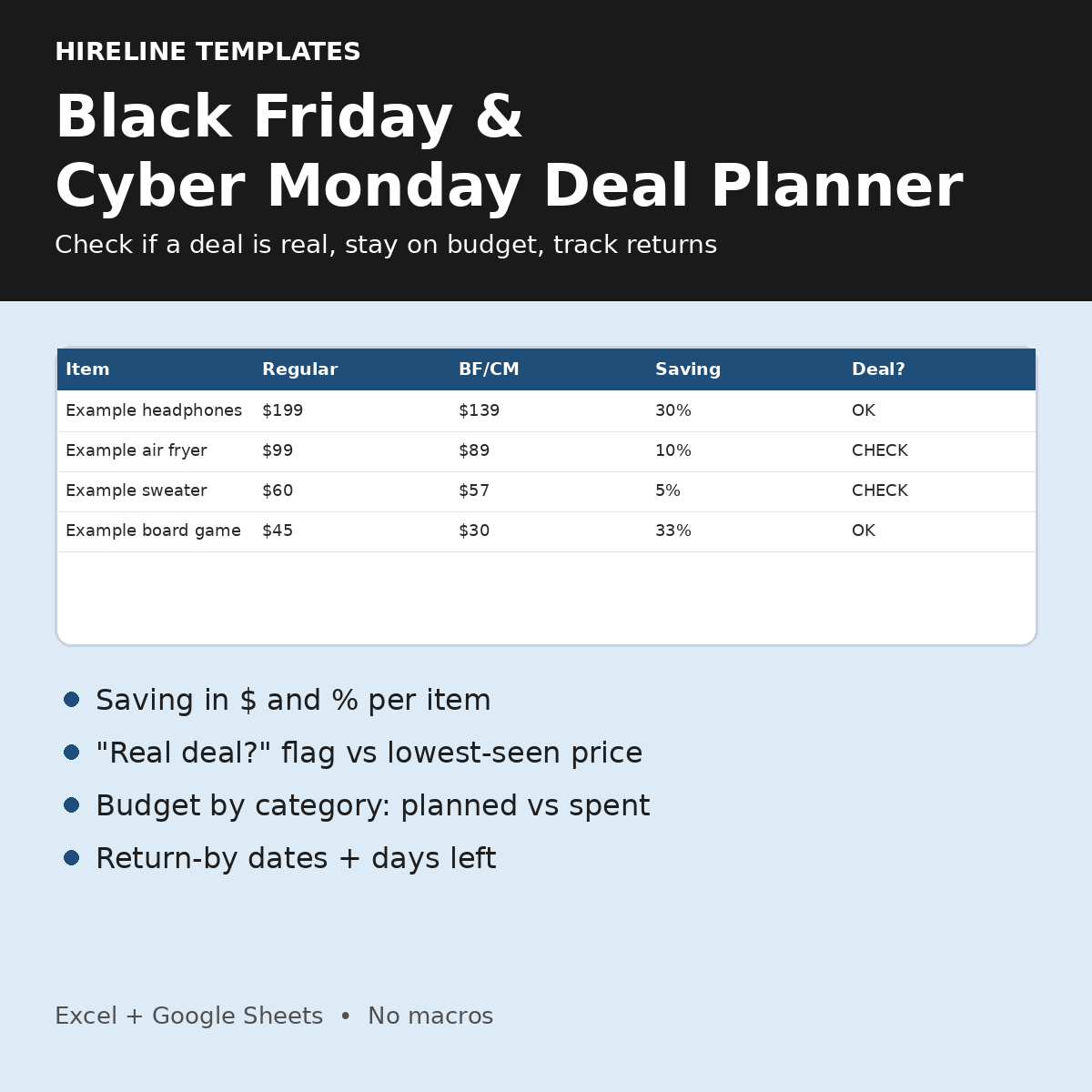
Black Friday is Nov 27 and Cyber Monday is Nov 30. Make your list now, then on sale day type in each price and see right away if it's a real deal. For example, $80 down to $76 is only 5% off, so it gets flagged CHECK (your minimum is 10% unless you change it). $3 one-time.
Why you will like it
- Enter the regular price and the BF/CM price; the saving in $ and % fills in for you.
- Items are flagged CHECK when the saving is below your minimum (10% by default) or the BF/CM price is higher than the lowest price you saw before.
- Budget by category updates from the items you mark bought.
- A return-by date and days-left countdown for each purchase.
What's included (1 .xlsx, 4 tabs)
- Start Here: how-to steps
- Wishlist & Deal Checker: up to 100 items with store, link, category (7 options), regular price seen, lowest price seen before (optional), BF/CM price, saving ($ and %), Real deal? (CHECK or OK, red/green), priority (Must have / Nice to have / Only if cheap), Bought? Y/N and notes
- Budget: total budget, planned vs. spent for 7 categories (spent = items marked bought), remaining, OVER flag per category and overall, unallocated budget, still to buy and total saved on bought items
- Returns: up to 100 purchases with purchase date and return window you enter, return-by date, days left and a flag: DUE SOON at 7 days or fewer, EXPIRED, RETURNED or OK
- Yellow EXAMPLE rows are fictional, with example prices only; delete them to start
How it works
- Set your minimum saving % and your total budget.
- List what you want with the prices you have seen.
- On sale day, type in the BF/CM price and look at Real deal?
- Mark items bought, then log returns with each store's return window.
Good to know
- You enter every price and return window yourself. The file does not look up prices, find deals or know any store's policy.
Compatibility
- Standard .xlsx for Microsoft Excel; open it in Google Sheets by uploading it to Google Drive.
- No macros, scripts or add-ons. One-time download, no subscription.
FAQ
- Does it find deals for me? No. It checks the prices you type in against each other and your minimum.
- Is it a subscription? No. You pay once.
- Questions? hirelinetemplates@mail.grokbot.com
You may also like
- Planning gifts by person? Christmas Gift & Holiday Budget Tracker ($5): https://payhip.com/b/IjdQ6
- Gifts now, budget for 2027 next: Holiday + 2027 Budget Pair ($10): https://payhip.com/b/vniJ9
- Building a cushion? Emergency Fund Calculator ($3): https://payhip.com/b/N9qUG
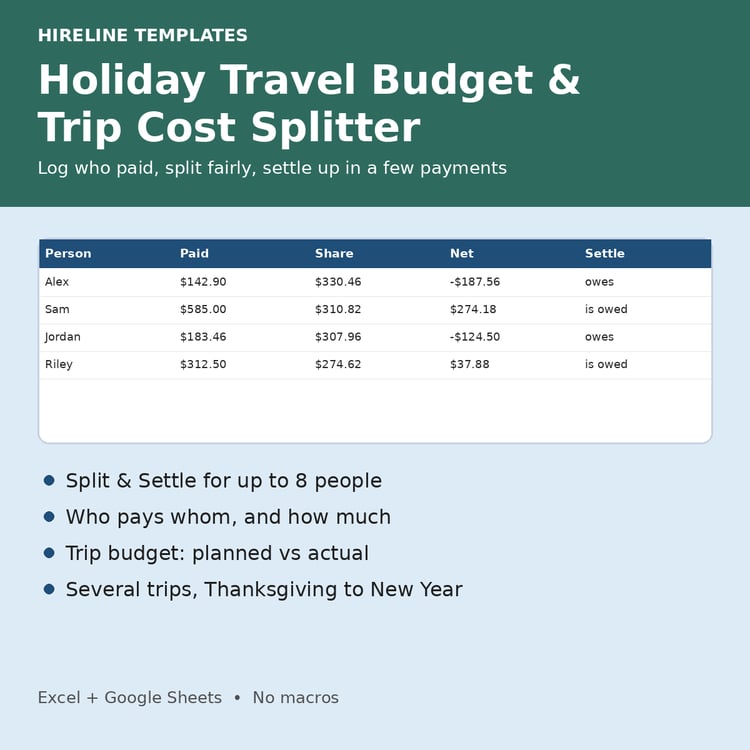
- Traveling for the holidays? Split shared trip costs and see who owes who with the Holiday Travel Budget & Trip Cost Splitter ($4): https://payhip.com/b/ZhatP