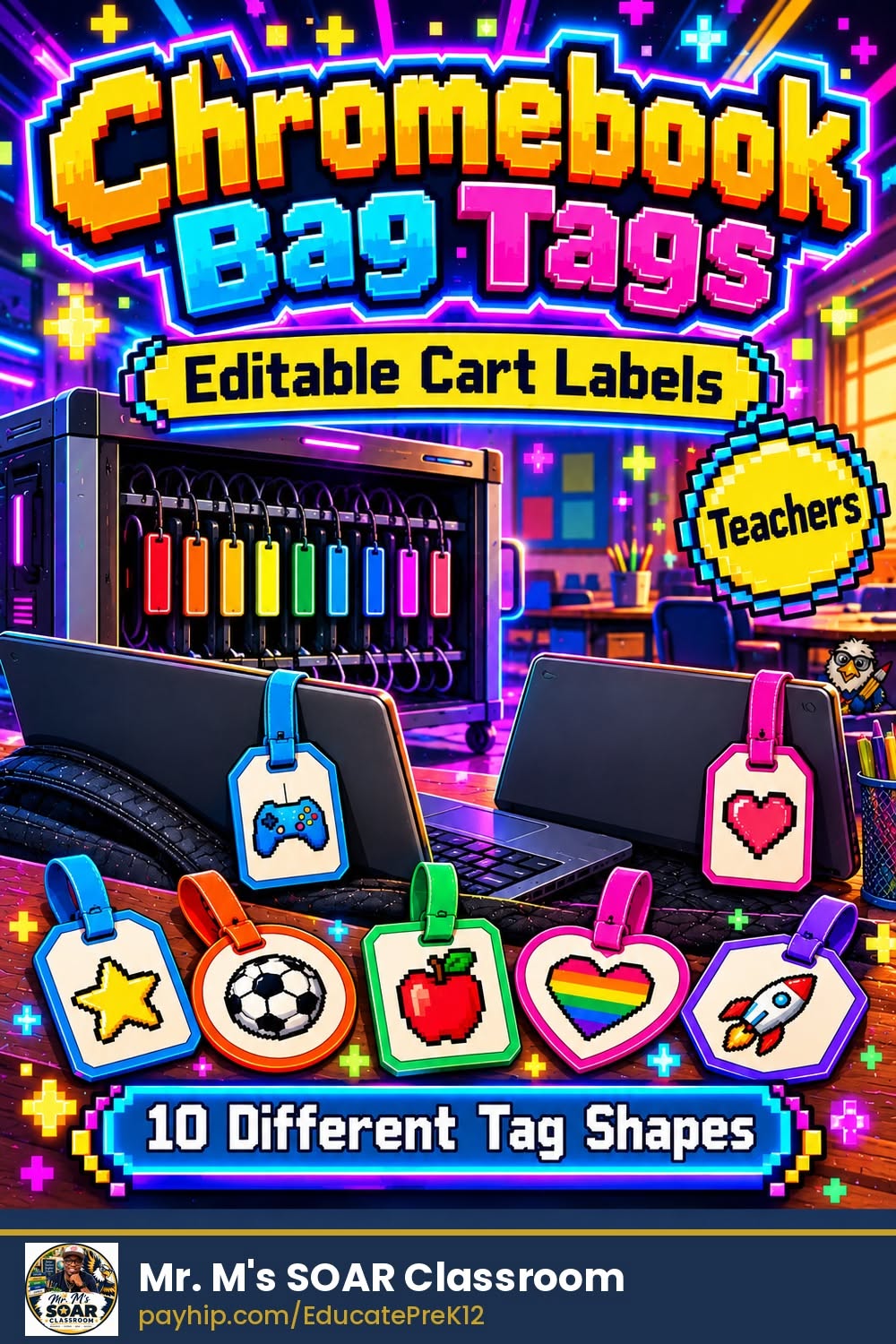
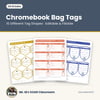
Editable Chromebook Bag Tags | 10 Different Tag Shapes | Fillable PDF & Google Slides | Cart Labels
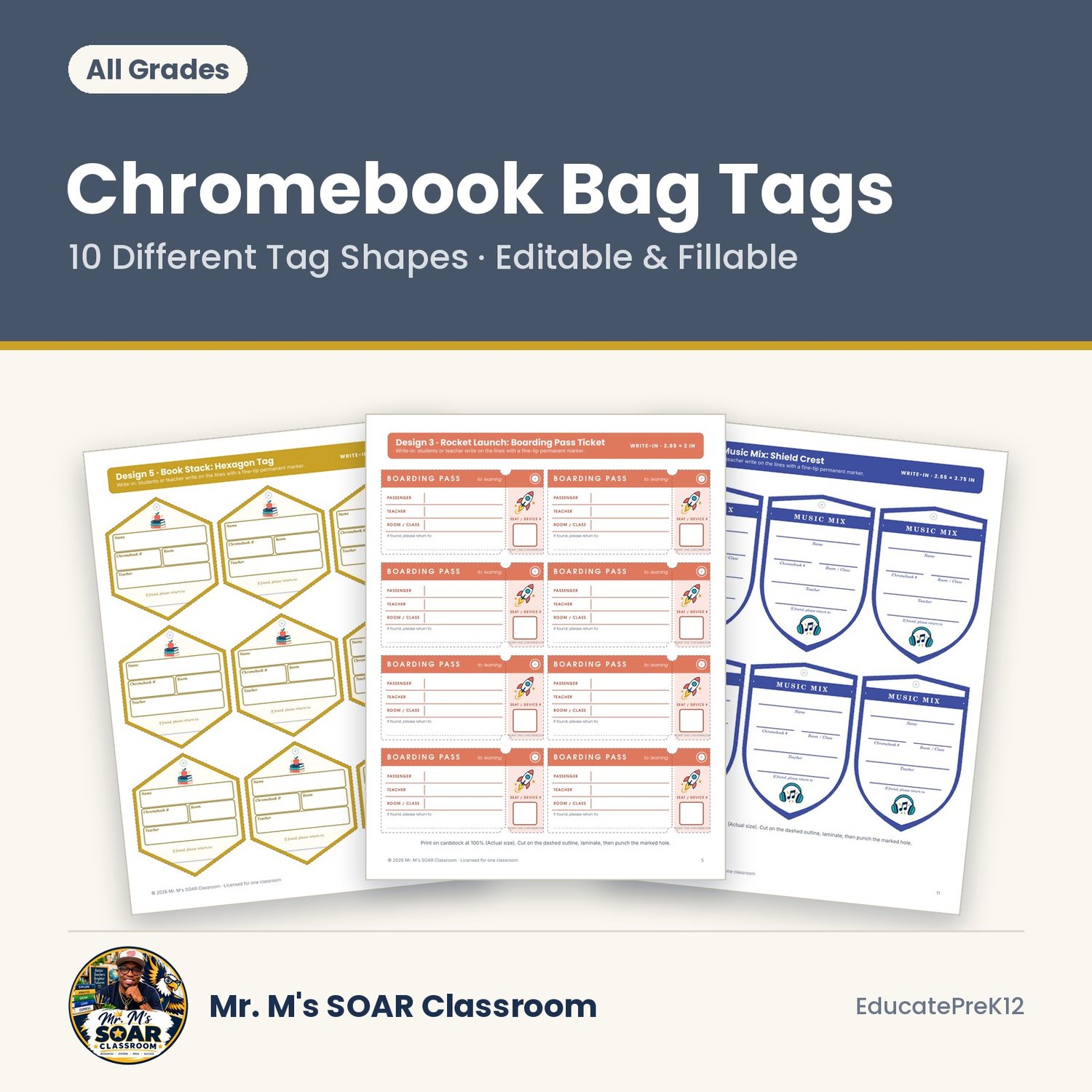
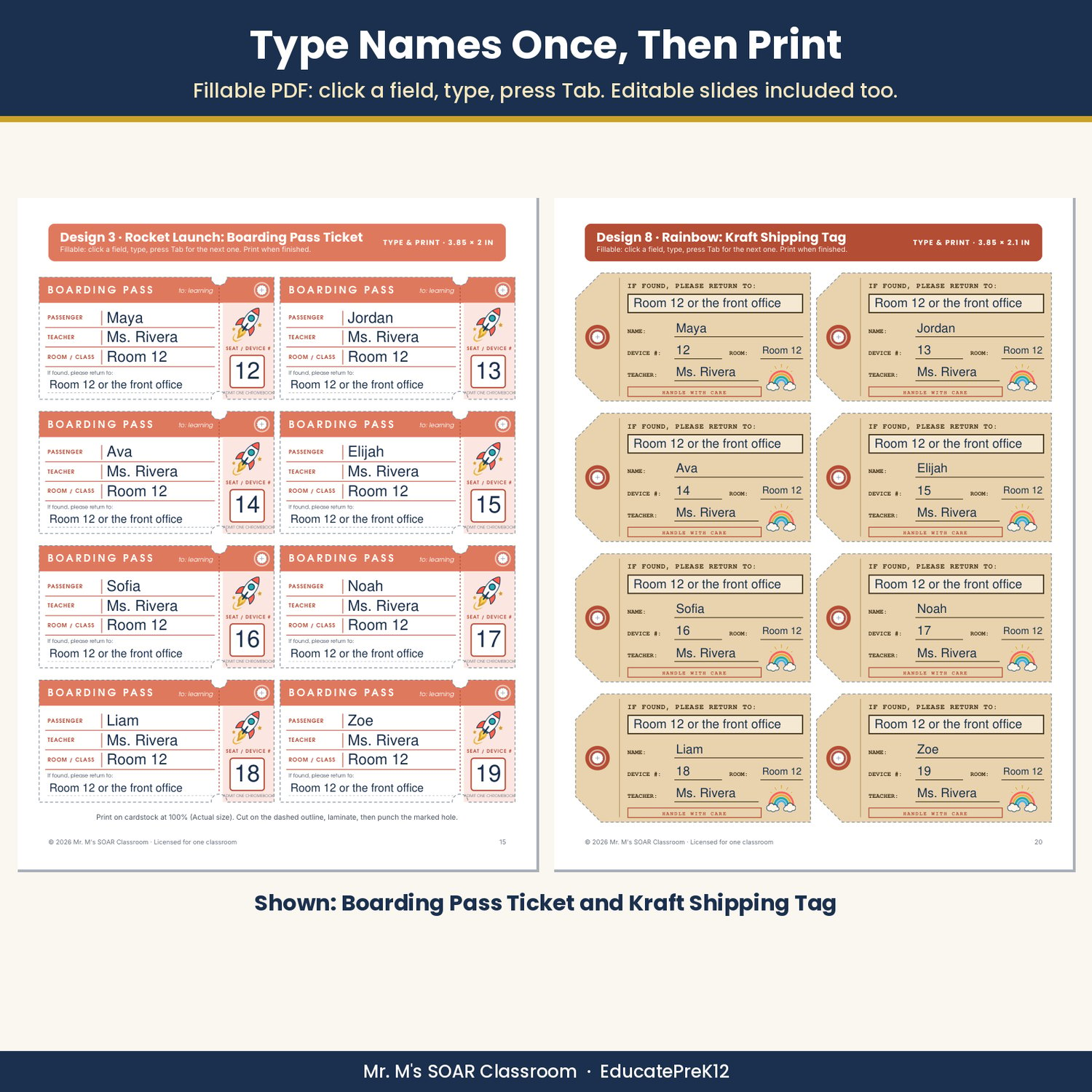
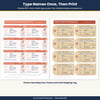
Label every Chromebook in minutes and send lost devices straight back to your room. These editable Chromebook bag tags clip onto sleeves, bag zippers, or charging-cart slots. Type your class list once in the fillable PDF or the editable slides, print on cardstock, laminate, punch, and attach.
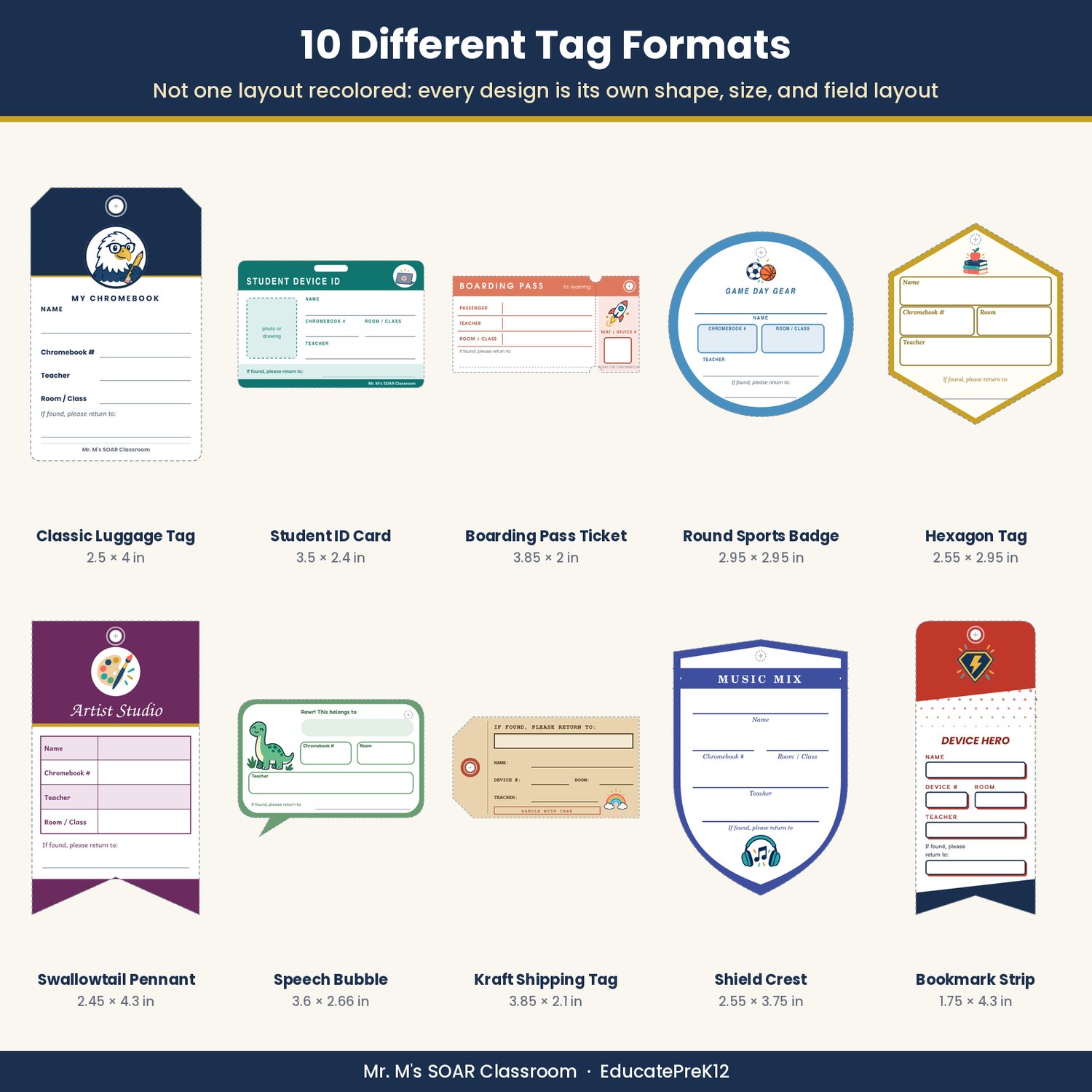
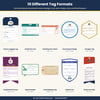
10 truly different designs. Every design is its own tag shape, size, and field layout, not one template recolored, so you can pick the style that fits your class or let students choose.
What's inside
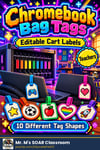
- Classic Luggage Tag (SOAR Eagle, 2.5 x 4 in): chamfered top, stacked lines with labels on the left
- Student ID Card (Laptop, 3.5 x 2.4 in): horizontal badge with a photo or drawing box and a slot punch
- Boarding Pass Ticket (Rocket, 3.85 x 2 in): table rows plus a perforated stub for the device number
- Round Sports Badge (Game Day, 2.95 in circle): jersey-style number boxes
- Hexagon Tag (Book Stack, 2.55 x 2.95 in): boxed fields with labels inside each box
- Swallowtail Pennant (Artist Palette, 2.45 x 4.3 in): striped table layout
- Speech Bubble (Dino Pal, 3.6 x 2.66 in): big name banner and rounded mini boxes
- Kraft Shipping Tag (Rainbow, 3.85 x 2.1 in): notched corners, typewriter labels, and the return address up top
- Shield Crest (Music Mix, 2.55 x 3.75 in): ribbon banner with labels under each line
- Bookmark Strip (Super Hero, 1.75 x 4.3 in): narrow comic-style strip with outlined boxes
- Every tag has Name, Chromebook #, Teacher, Room or Class, and If found, please return to, with a dashed cut outline and a marked hole
- Write-in tags: 10 pages, one per design
- Fillable PDF tags: 10 pages with typeable fields placed on every line and box
- Editable slides (PowerPoint and Google Slides): 10 letter-size slides with a text box on every field, plus a Find and replace tip to add your name and room to all tags at once
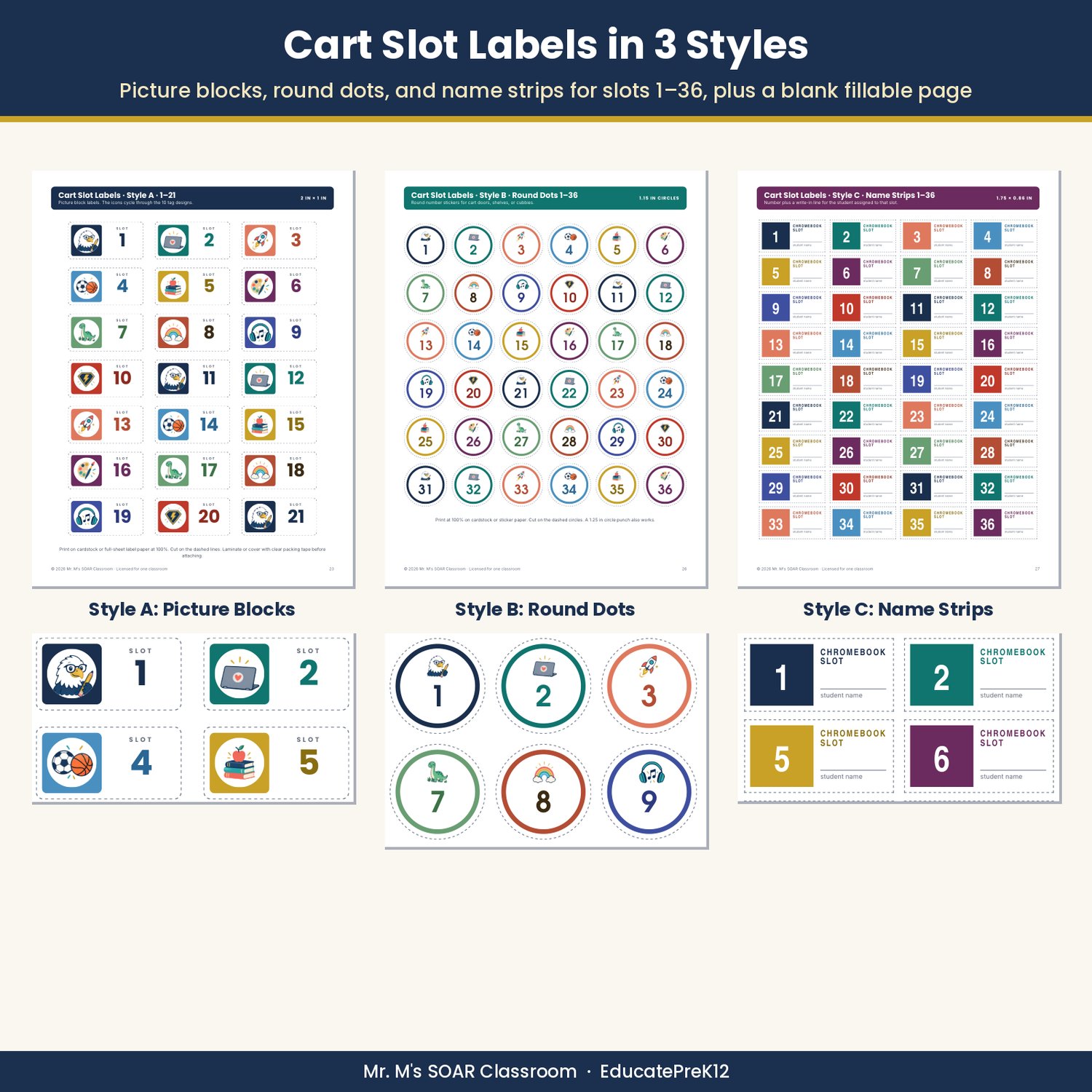
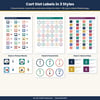
- Charging cart slot labels 1-36 in 3 styles: picture blocks (with a blank fillable page), round dots, and name strips
- Return My Chromebook checklist mini-poster (2 half-page copies)
- Teacher setup guide with printing, cutting, laminating, and attaching tips
LOW PREP: type or write, print at 100%, cut on the dashed outline, laminate, and attach with a zip tie, binder ring, or lanyard. Works for any grade and any 1:1 device program.
Files: one zip with the printable and fillable PDF (29 pages), the editable .pptx, and a How to open in Google Slides guide. Fillable fields work best in Adobe Acrobat Reader.
License: Single-classroom license. For school or team licenses, send a message through the store's Contact page.
Designed by a classroom teacher and instructional coach. Illustrations are created with AI tools; all content is written and reviewed for standards alignment and classroom use.