
2027 Special-Order Materials Tracker for Contractors: Order List, Promised Dates, Upcoming Flags & Receiving Log (Excel, Google Sheets + Printables)
A 2027 tracker for special-order materials you already placed with a vendor, and the promised dates you copy from a purchase order or a vendor confirmation. Write the item, the vendor, the job, and the date as written. See what is coming up in a window you set. Amounts are numbers you typed from a ticket. The sheet counts what you typed. It does not place an order, it does not charge a late fee, and it is not the Material Takeoff & Order Log.
The spreadsheet (Excel and Google Sheets, no macros)
• Start Here and Settings: shop name, as-of date, and upcoming window in days.
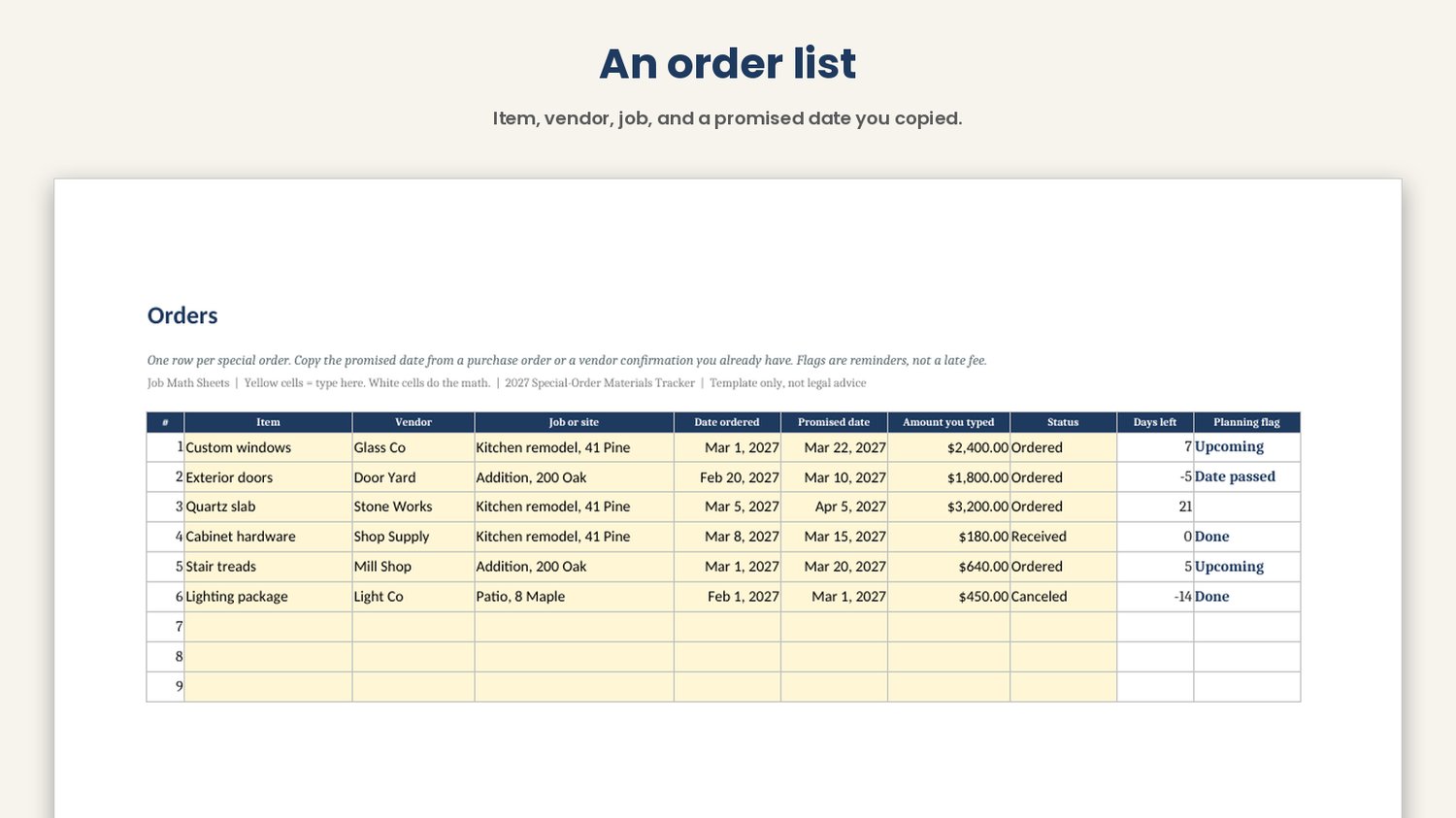
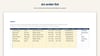
• Orders: item, vendor, job or site, date ordered, promised date, amount you typed, and status (Ordered, Back-ordered, Received, or Canceled). Days left and planning flags (Upcoming, Date passed, or Done) use your as-of date and window. Received or Canceled rows are Done even if the date has passed. Flags are reminders from dates you copied, not a late fee or a finding that a vendor missed a contract date.
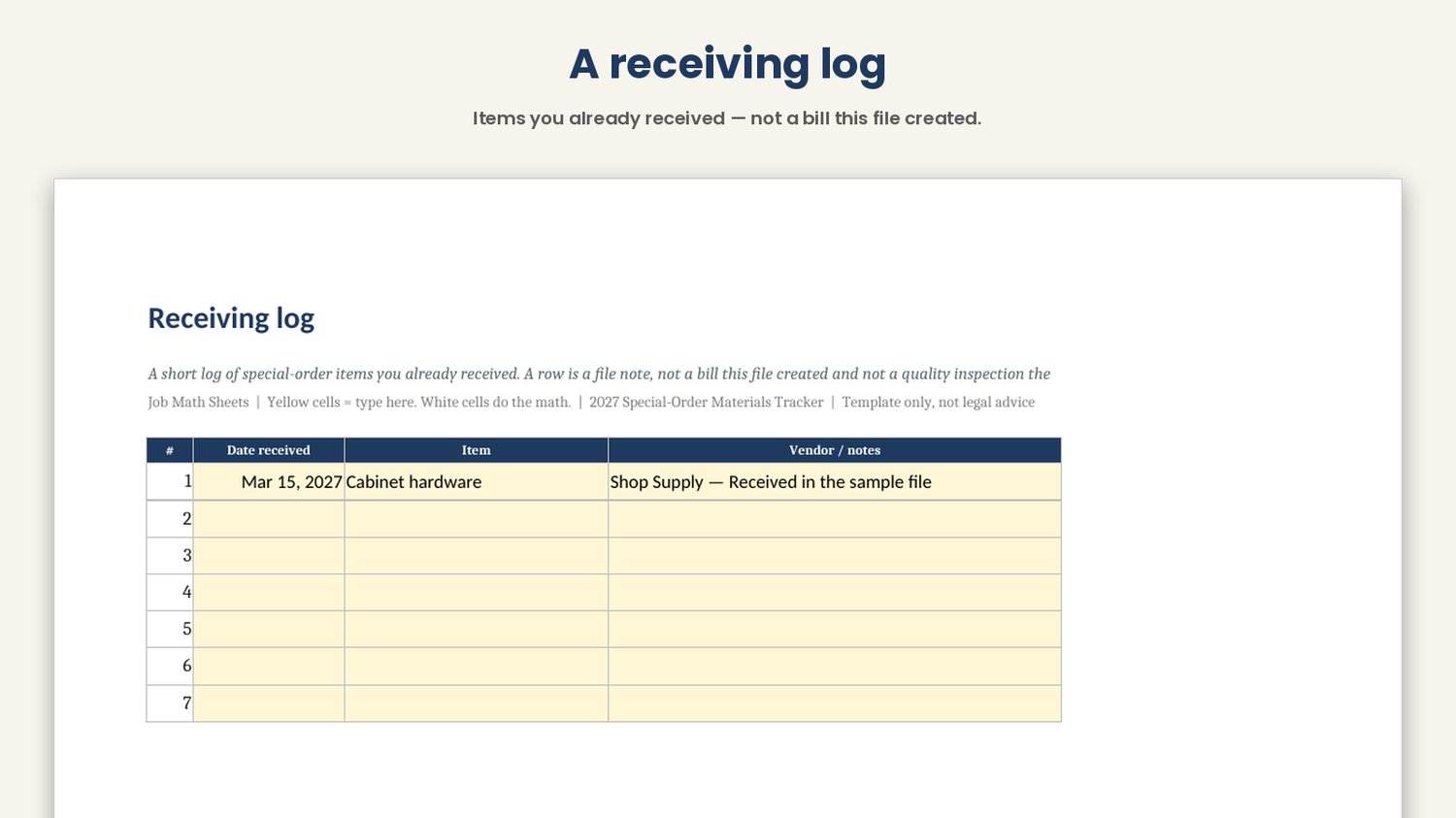
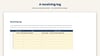
• Receiving log: short file note for items you already received. A row is not a bill this file created.
• Notes: free page for a PO number or delivery note.
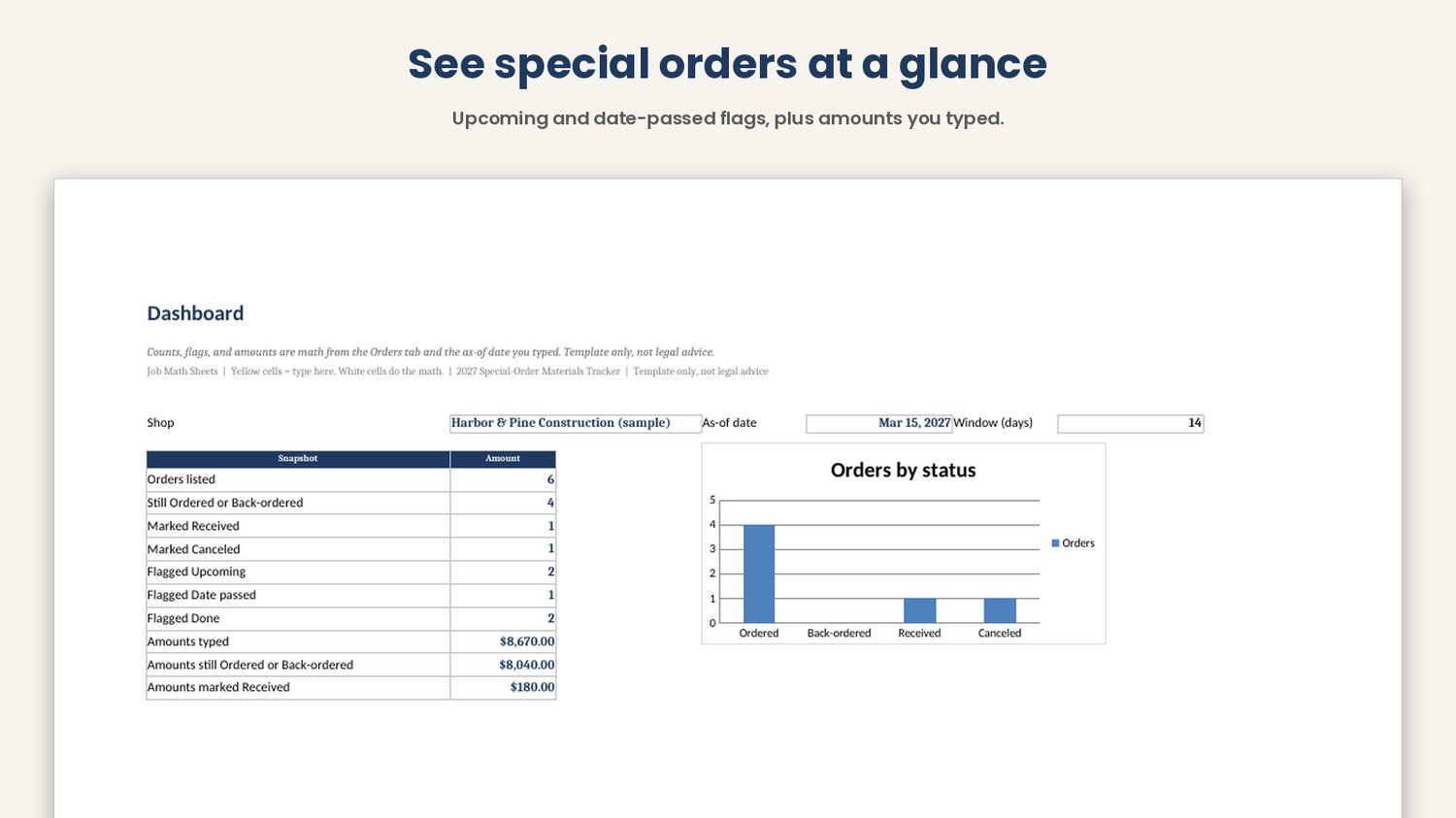
• Dashboard: orders listed; still Ordered or Back-ordered; Received or Canceled; Upcoming, Date passed, and Done flags; and amounts typed, still open, and marked Received.
Yellow cells are for typing. Formula cells are locked (no password). Do not write a credit-card number or a bank account. Works in Excel 2016 or newer and Google Sheets. A made-up shop example is included; the names, items, dates, and amounts are illustrations, not a real order or recommended vendor.
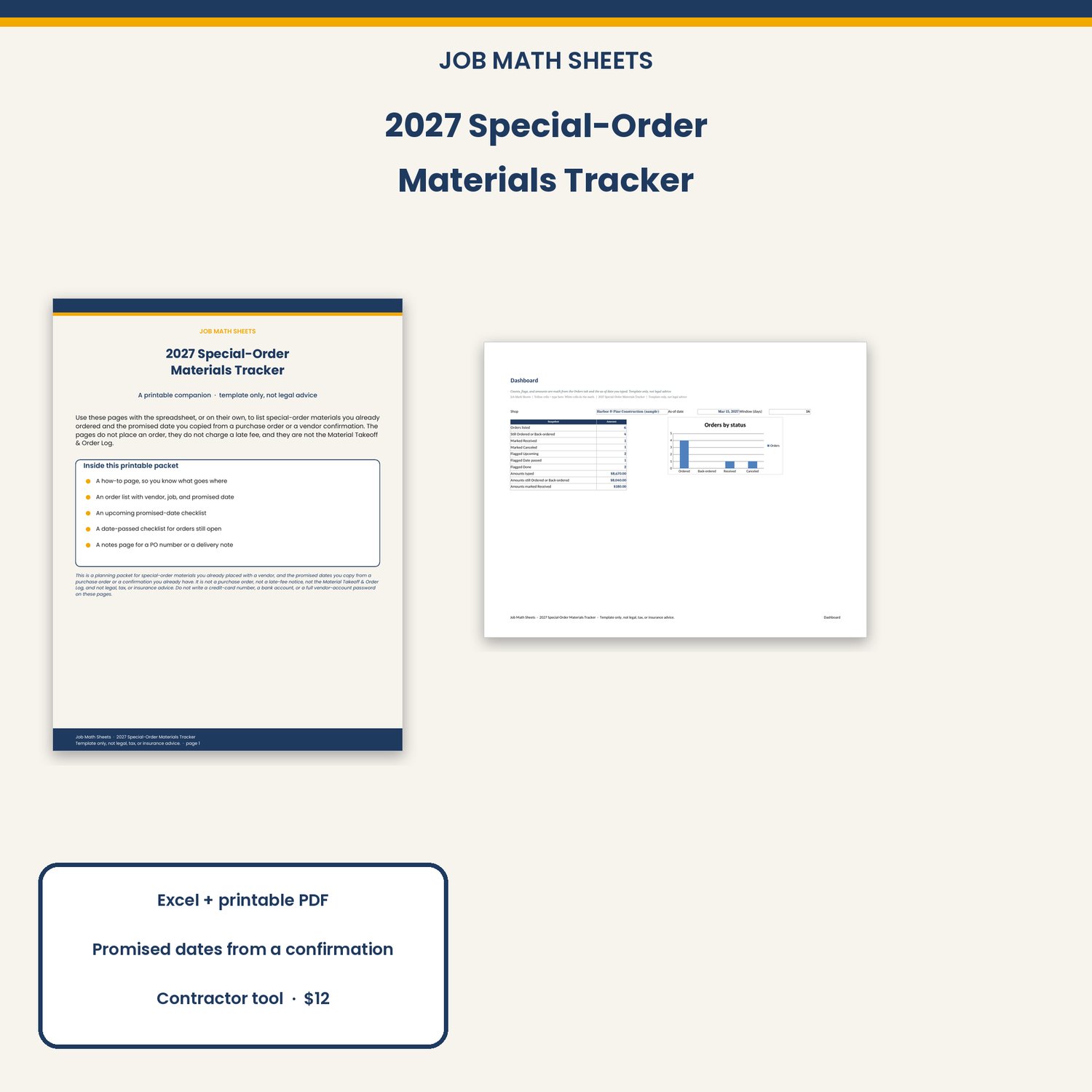
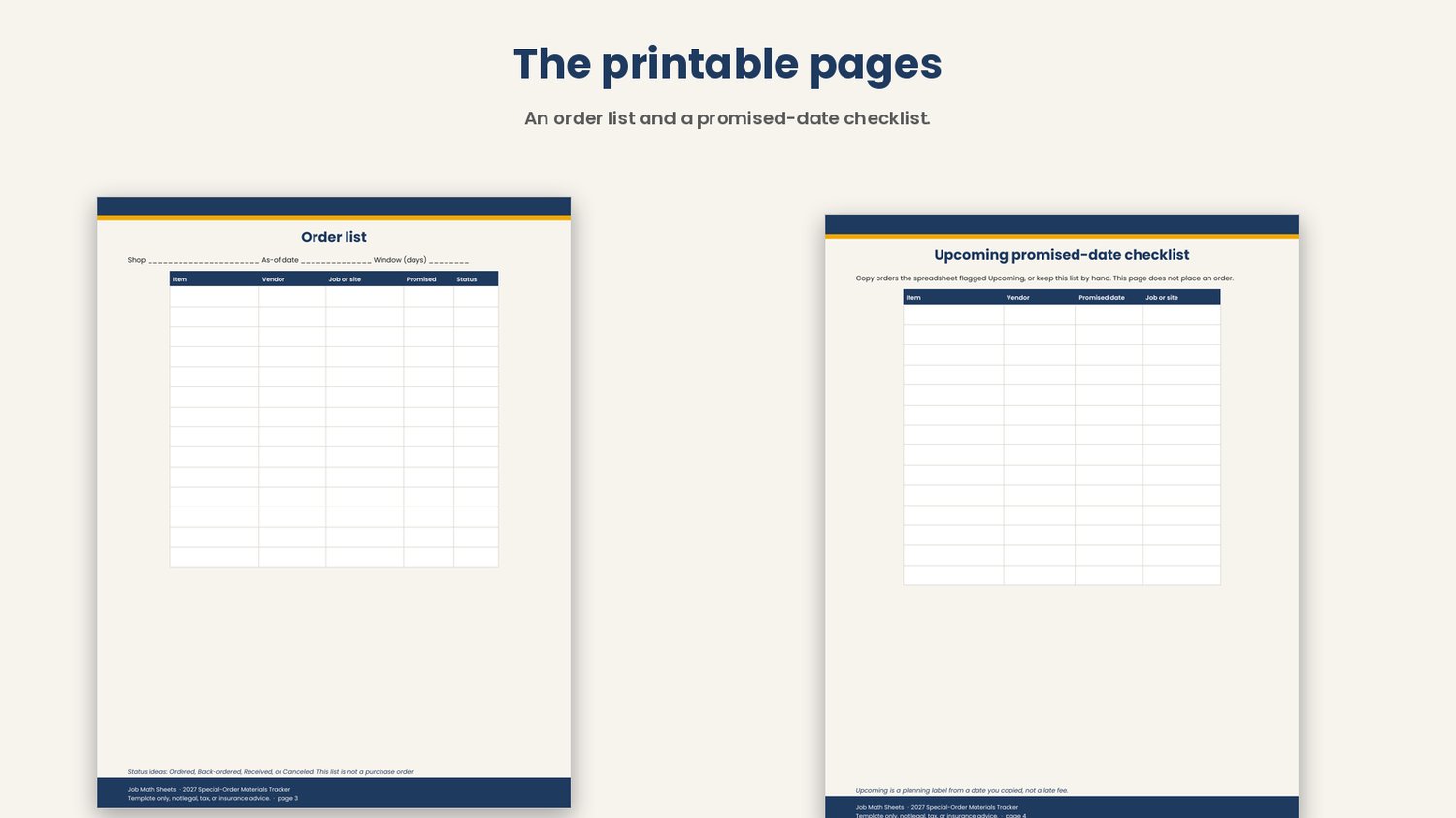
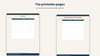
The printable PDF (6 US Letter pages) includes how to start, an order list, upcoming promised-date checklist, date-passed checklist, and notes page.
Instant digital download. Nothing ships.