
Nonprofit Treasurer Report Template, Budget vs Actual
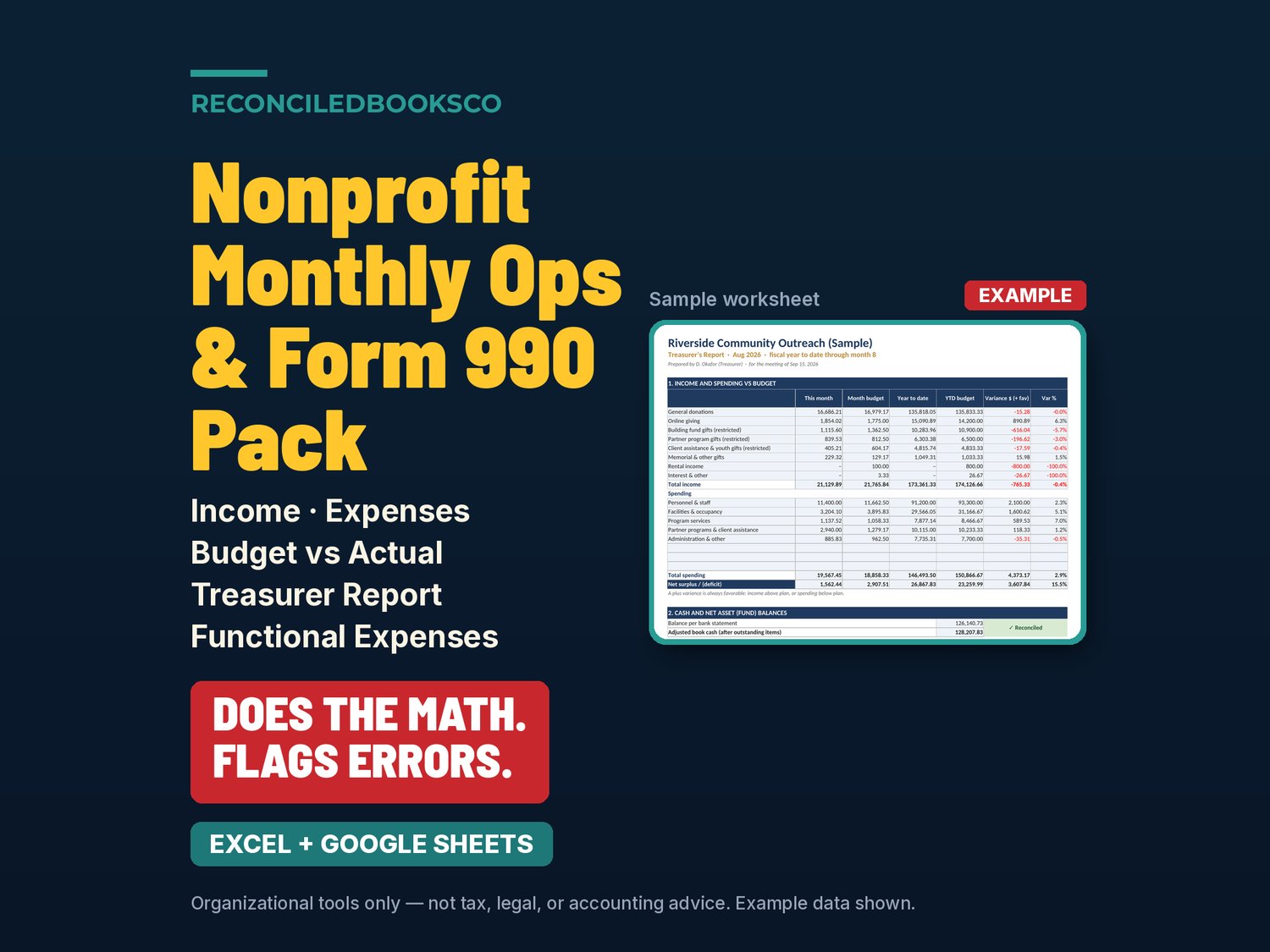
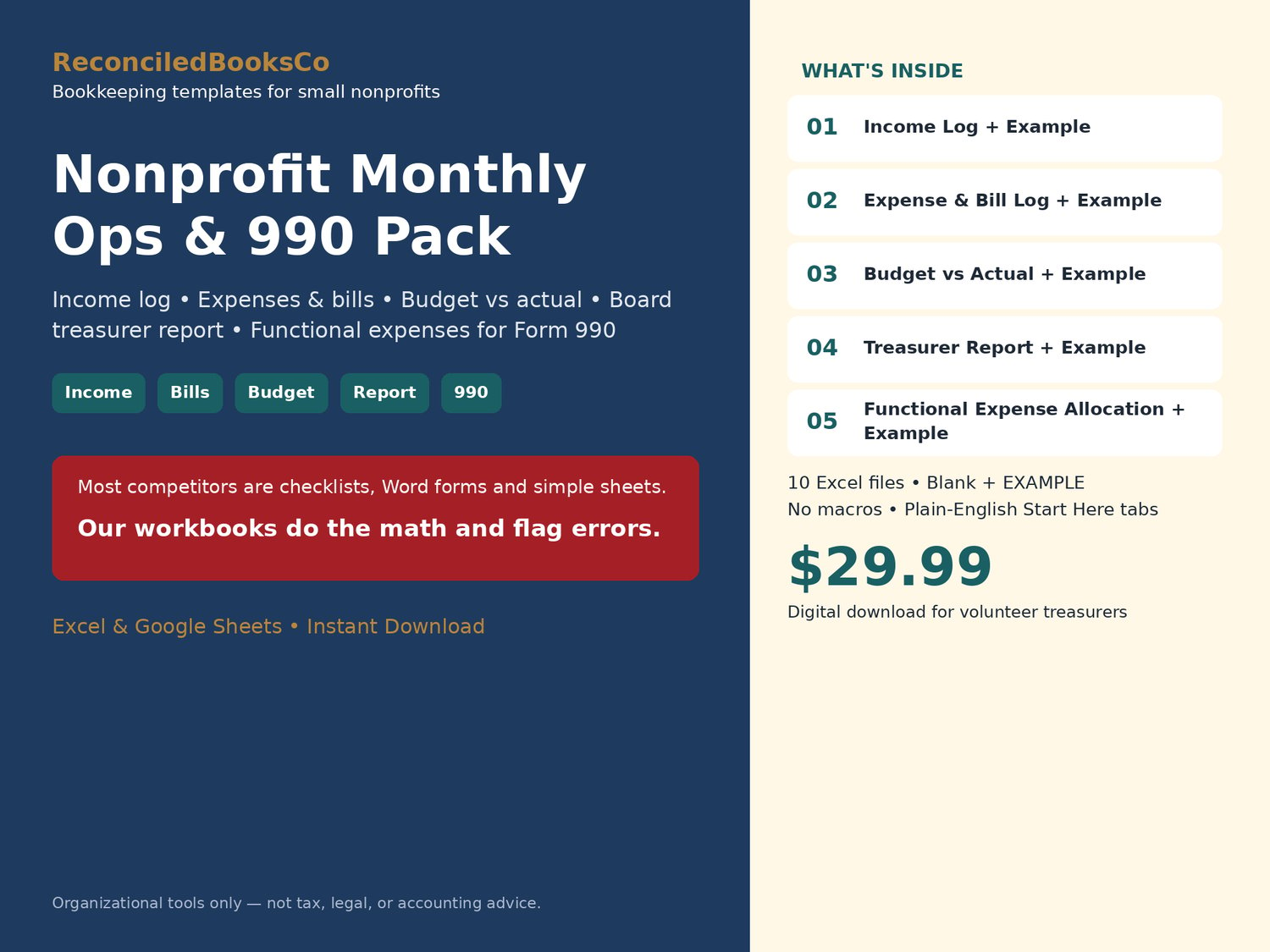
The board meets every month, and the numbers have to tie before you walk in. This nonprofit bookkeeping spreadsheet for the monthly close has income log, expense & bill log, budget vs actual, a two-page board treasurer report, and a functional expense allocation with a Form 990 Part IX worksheet. Excel & Google Sheets.
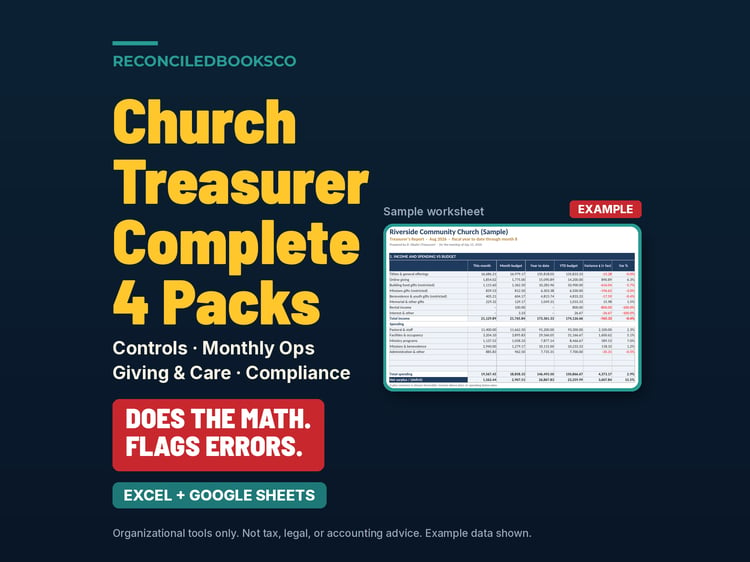
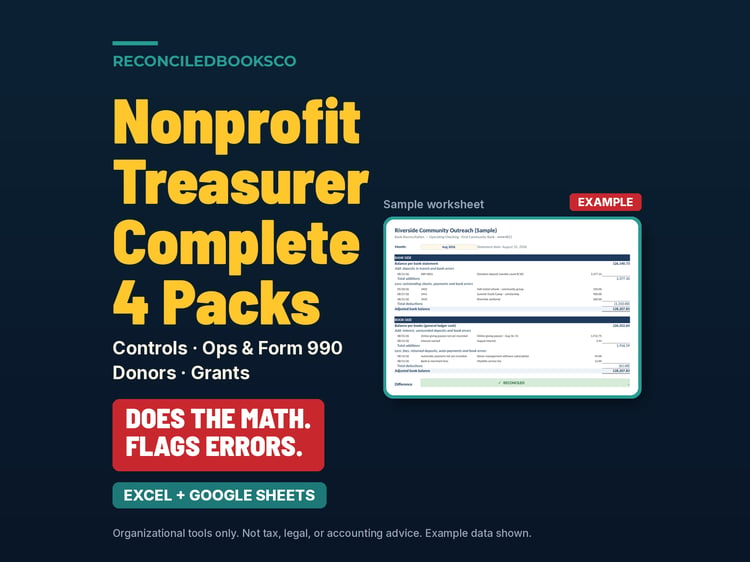
Most templates in this space are checklists, Word forms and simple sheets. These workbooks do the math and flag errors.
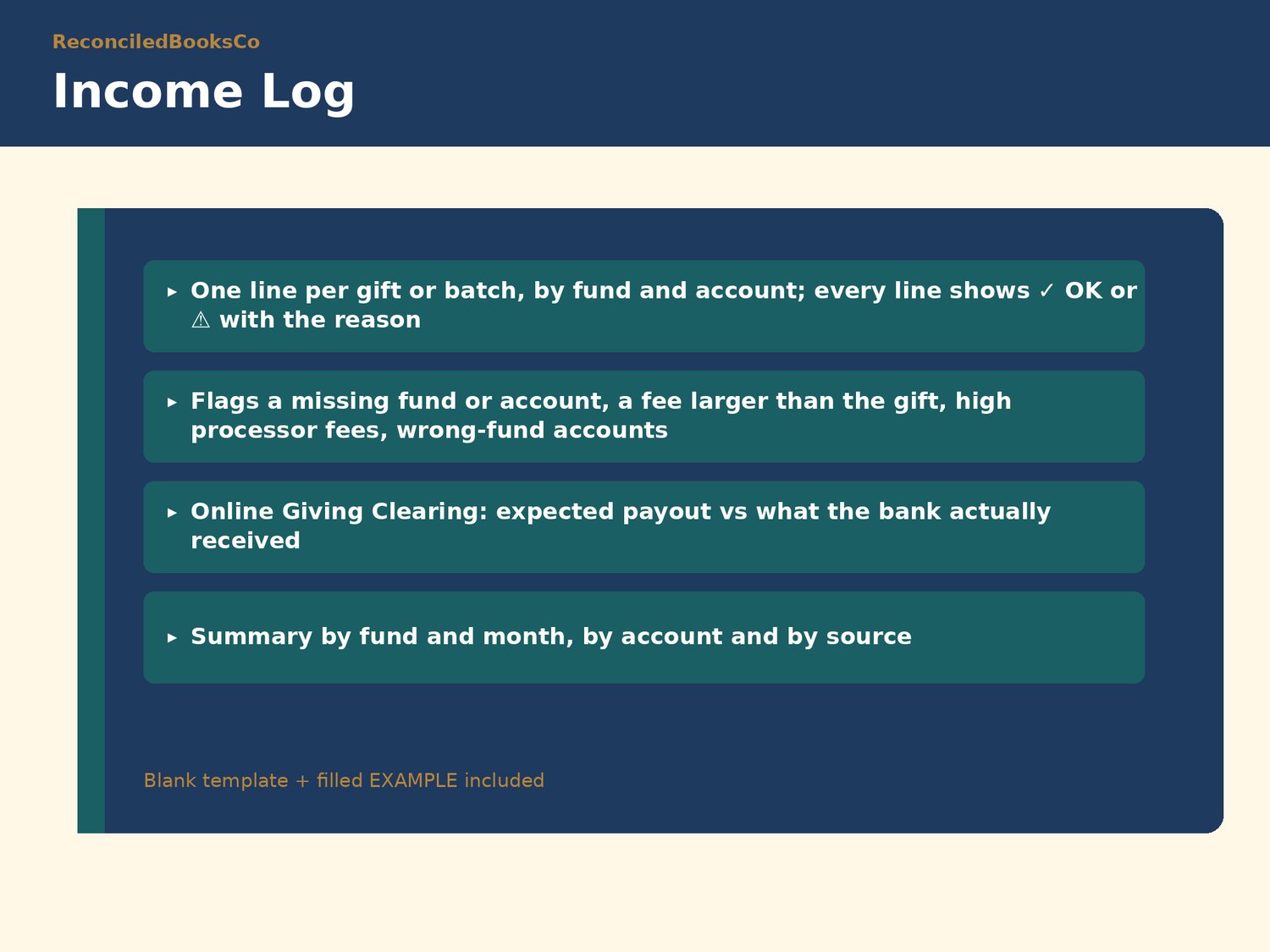
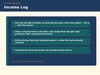
Every log has a Check column that tells you what to fix before it reaches the board or an auditor: gifts missing a fund or account, a processor fee larger than the gift or higher than your limit, an online-giving payout that doesn't match, bills with no approver at your limit, possible duplicate invoices, overdue bills, restricted-fund spending that hasn't been confirmed, budget lines on Watch or Attention, a restricted fund below zero on the treasurer report, and expenses that can't be classified by function.
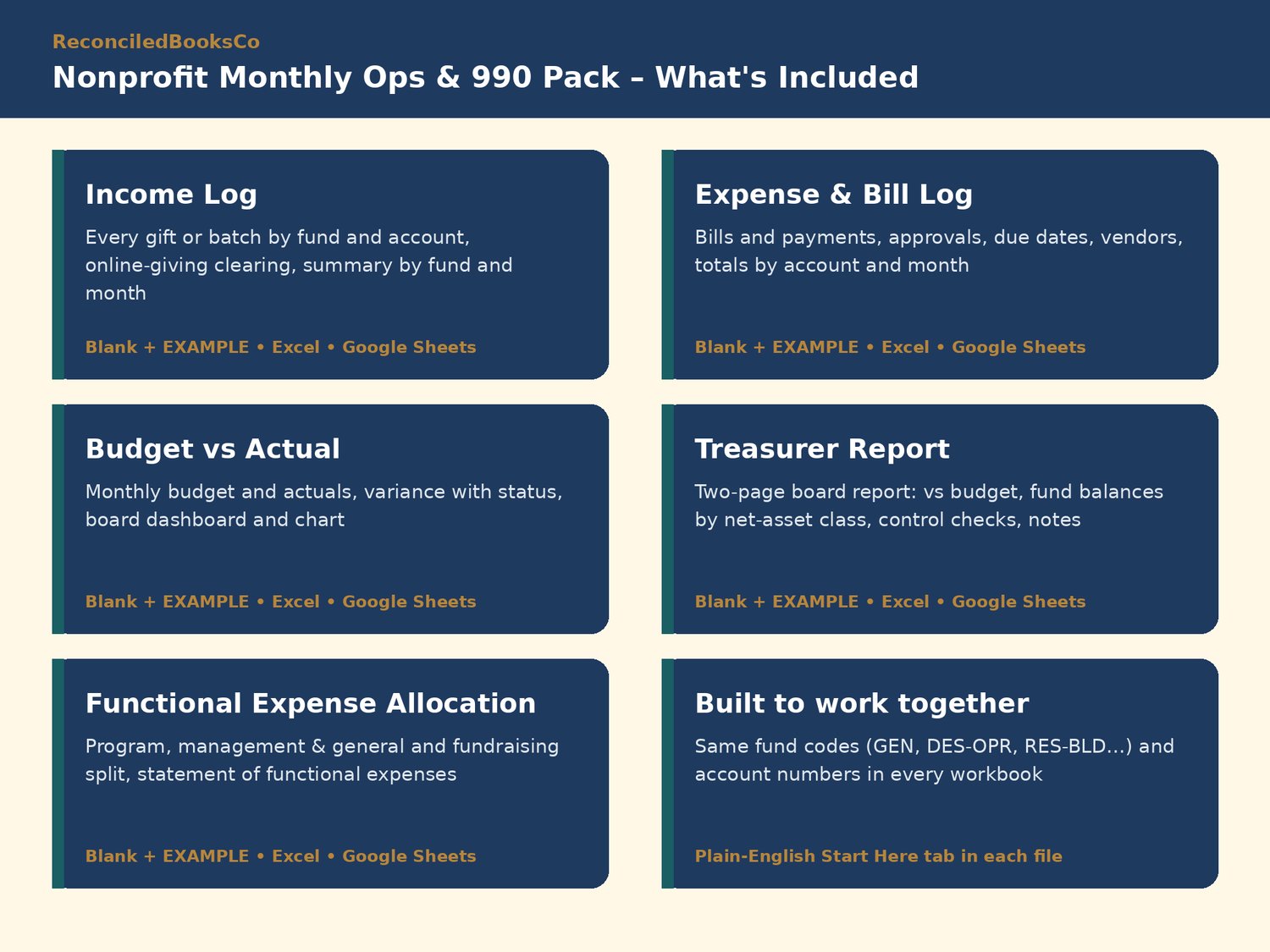
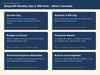
WHAT'S INCLUDED (10 Excel files)
• Nonprofit_Income_Log.xlsx + EXAMPLE: one line per gift or batch by fund and account, online giving clearing (expected payout vs bank deposit), giving by fund and month, by account and by source
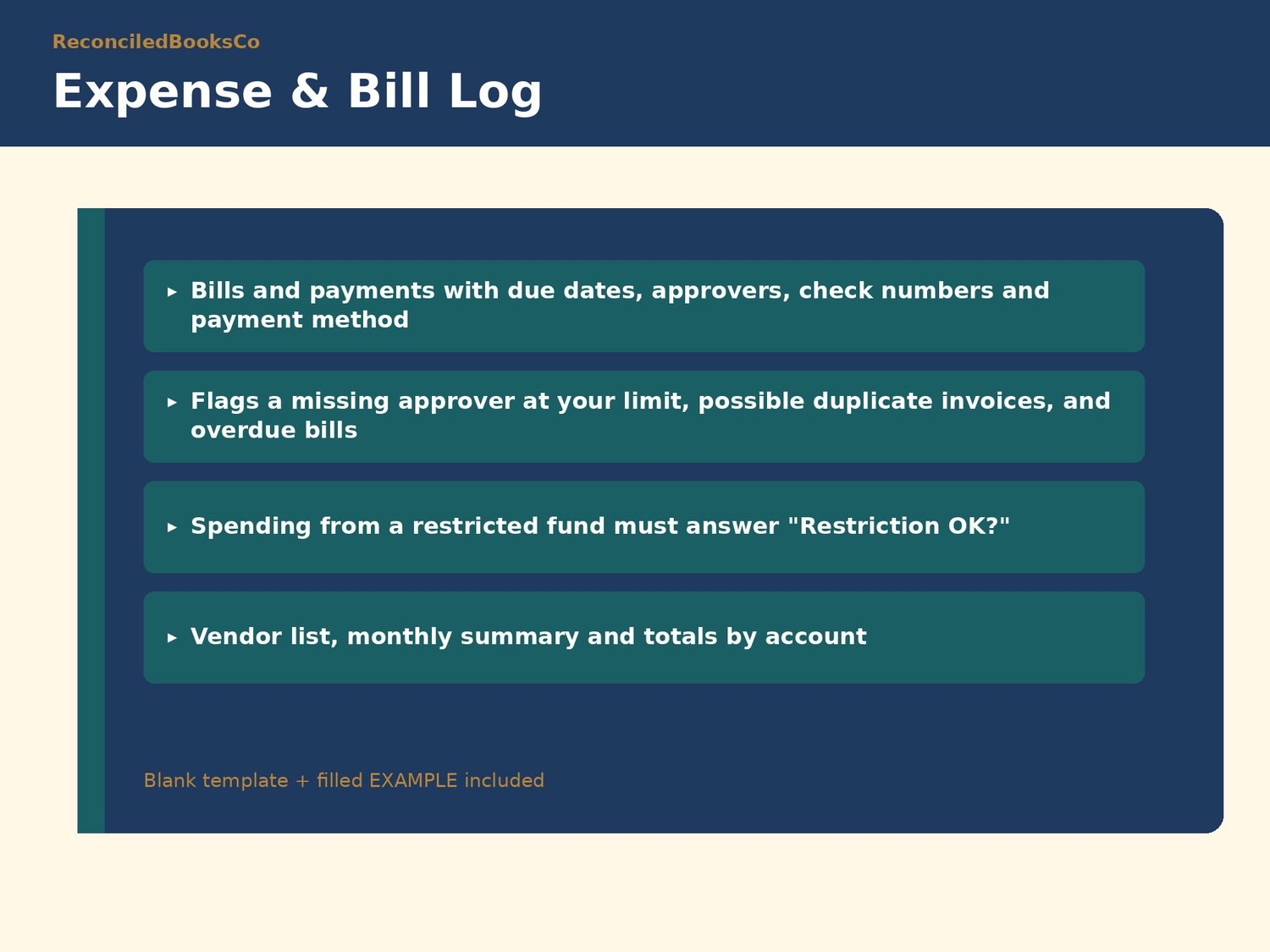
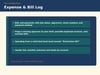
• Nonprofit_Expense_Bill_Log.xlsx + EXAMPLE: bills and payments with due dates, approvers, check numbers and restricted-fund confirmation; vendor list; summary by month and by account
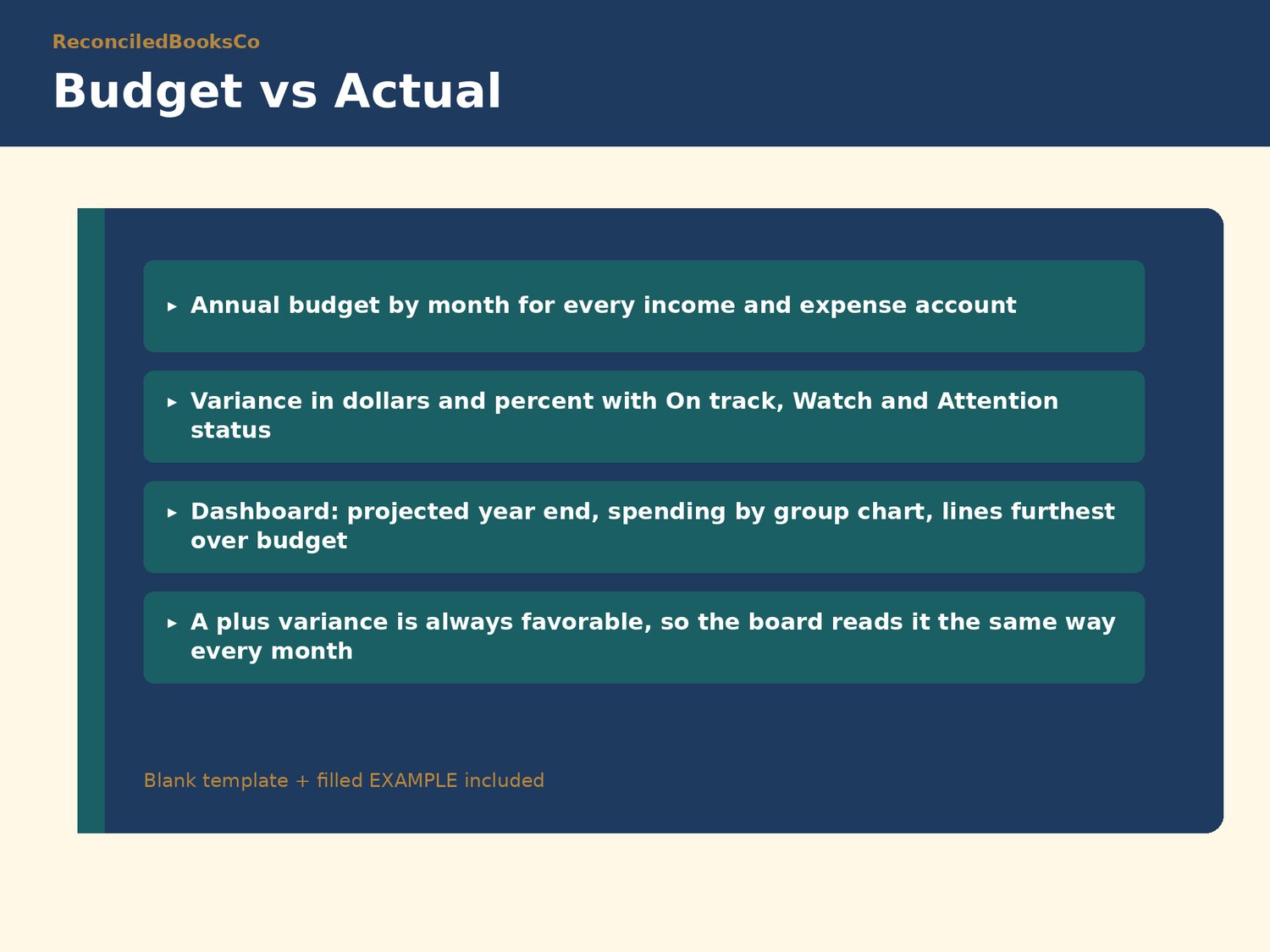
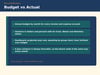
• Nonprofit_Budget_vs_Actual.xlsx + EXAMPLE: monthly budget and actuals, variance in dollars and percent with status, a board dashboard with projected year end, a chart, and the lines furthest over or behind
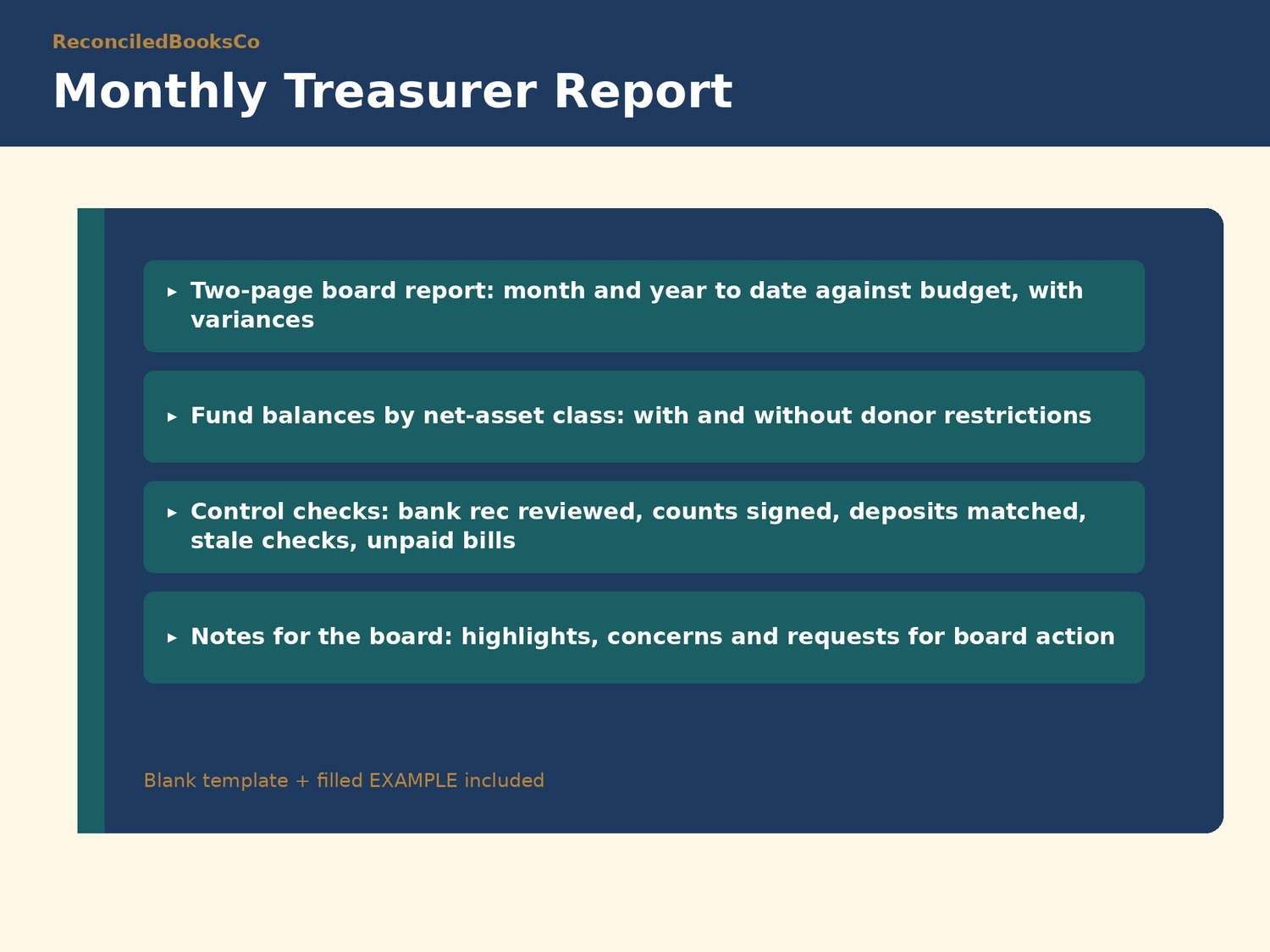
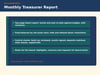
• Nonprofit_Treasurer_Report.xlsx + EXAMPLE: two-page board report with month and year to date vs budget, cash and fund balances by net-asset class (with and without donor restrictions), control checks and notes for the board
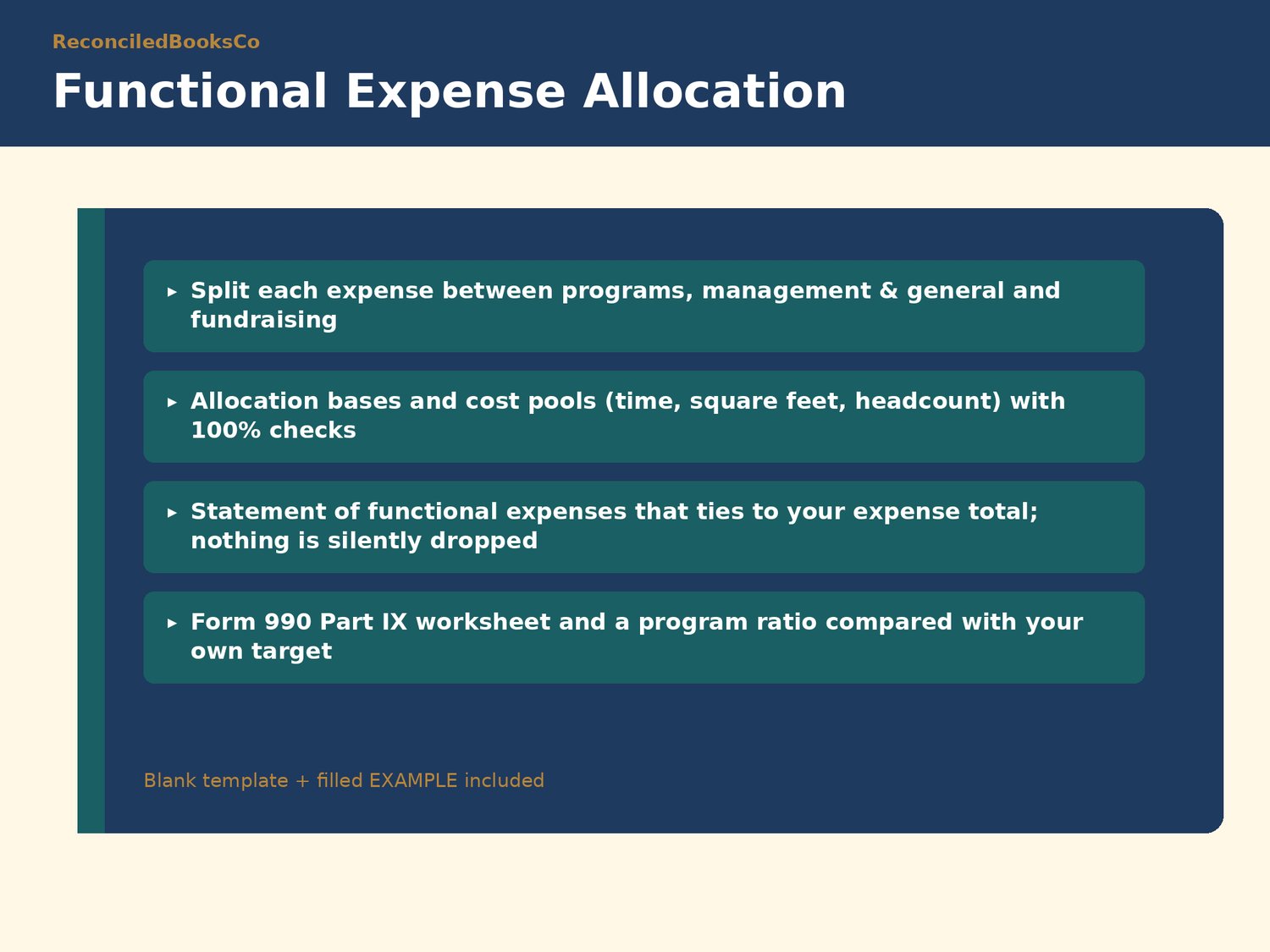
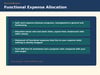
• Nonprofit_Functional_Expense_Allocation.xlsx + EXAMPLE: split expenses between programs, management & general and fundraising using allocation bases and cost pools; statement of functional expenses; board summary with program ratio and a Form 990 Part IX worksheet
HOW IT WORKS
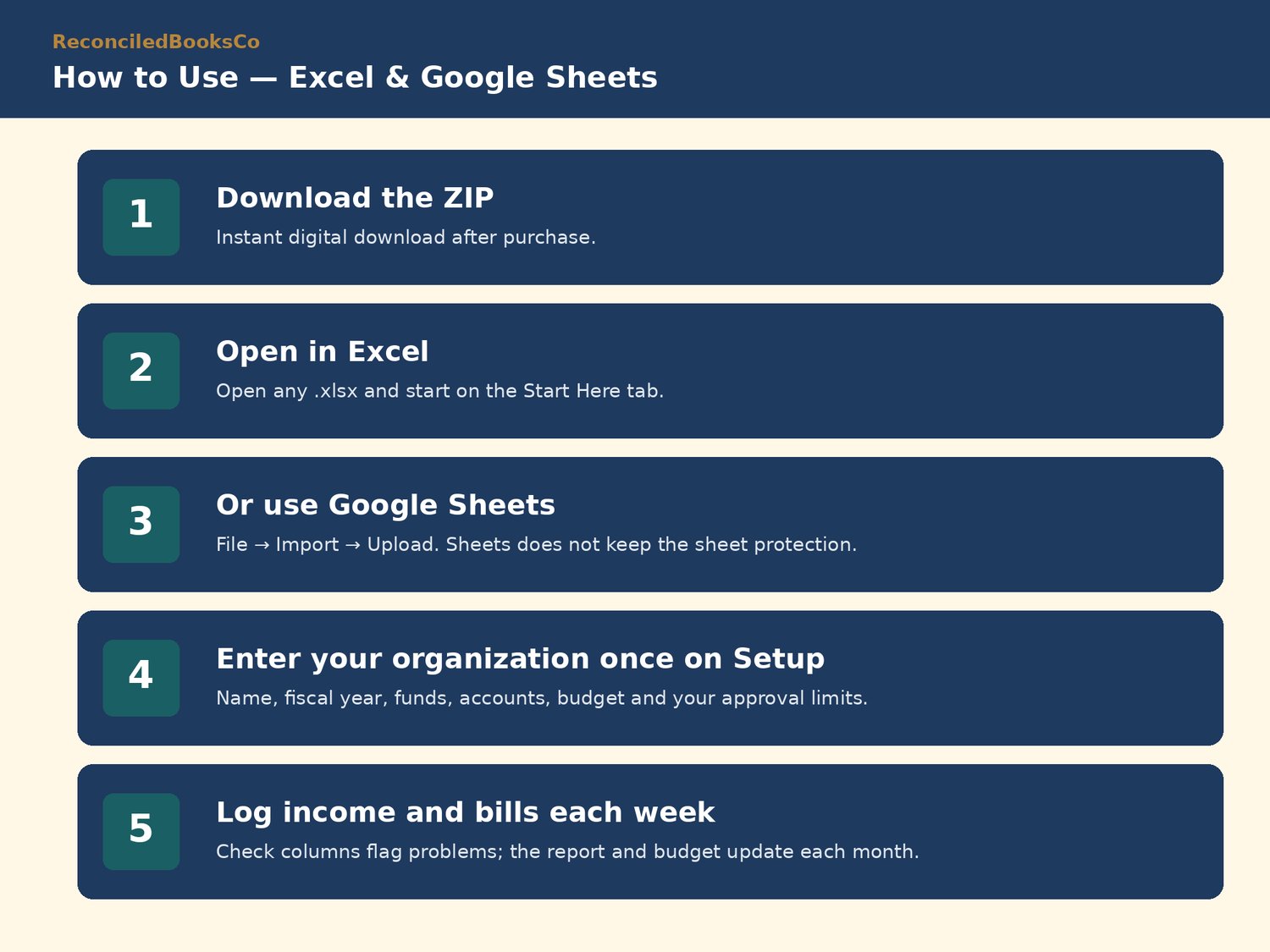
1. Enter your organization once on the Setup tab: name, fiscal year, funds, accounts, budget, approval limits and programs.
2. Log gifts and bills one line at a time, then copy each month's totals onto the Treasurer Report data tab.
3. The Check column flags problems; the variance, dashboard, treasurer report and functional expense statement update themselves.
Fund categories used throughout: Unrestricted (General), Board-designated, Donor-restricted, with fund codes like GEN, DES-OPR and RES-BLD.
Plain-English Start Here tab in every workbook · no macros · blank + filled EXAMPLE for every workbook.
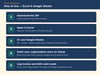
WORKS IN EXCEL AND GOOGLE SHEETS
Excel: download the ZIP, open any .xlsx, and start on the Start Here tab.
Google Sheets: File → Import → Upload → choose the .xlsx → create new spreadsheet. (Sheets does not carry over Excel's sheet protection, so formula cells are unlocked there.)
Keep the EXAMPLE files as a filled reference; work in the blank files.
WHO THIS IS FOR
Part-time treasurers and bookkeepers at small nonprofits and charitable organizations (roughly 1 to 25 staff) who record gifts and bills, compare spending with the budget, and report to a board or finance committee every month.
PAIRS WITH OUR OTHER PACKS
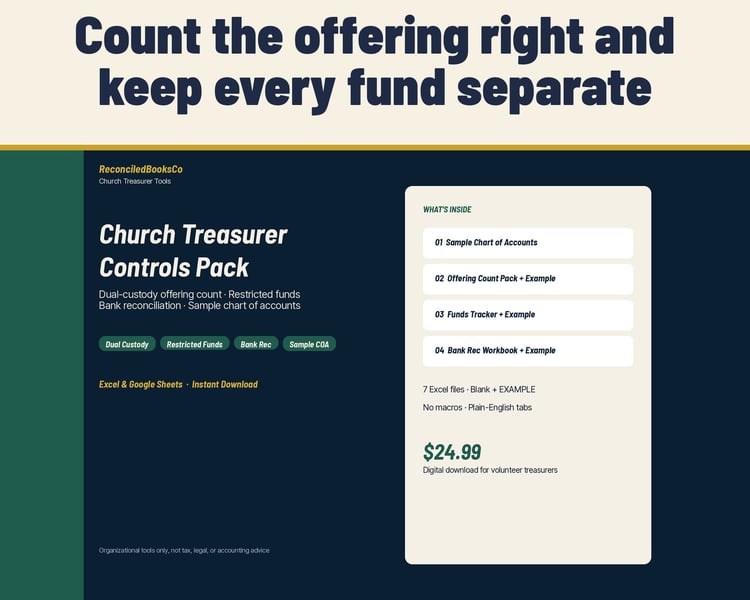
Nonprofit Treasurer Controls Pack (cash & donation count, restricted funds tracker, bank reconciliation, sample chart of accounts): same fund codes, same account numbers, same Start Here layout.
Nonprofit Donor & Fundraising Pack (donor log & giving statements, pledges, fundraising events, volunteers & in-kind, client assistance, donor letters)
Nonprofit Grants & Compliance Pack (grant tracker, compliance calendar, written financial policies, fixed assets, petty cash, mileage, partner support)
INSTANT DOWNLOAD · FINAL SALE
This is a digital product. Files are available immediately after purchase. Because of the nature of digital downloads, all sales are final (see shop policies for detail).
DISCLAIMER
Organizational tools only for small nonprofits and charitable organizations. Not tax, legal, or accounting advice. Not approved or endorsed by the IRS or any regulator. Does not guarantee compliance or a clean audit. The Form 990 Part IX worksheet is general information; check every line against the current-year form and instructions, and have a qualified CPA confirm your allocation method and how these tools apply to your organization.
Built by ReconciledBooksCo, a small shop run by an experienced accountant.
Shop: ReconciledBooksCo