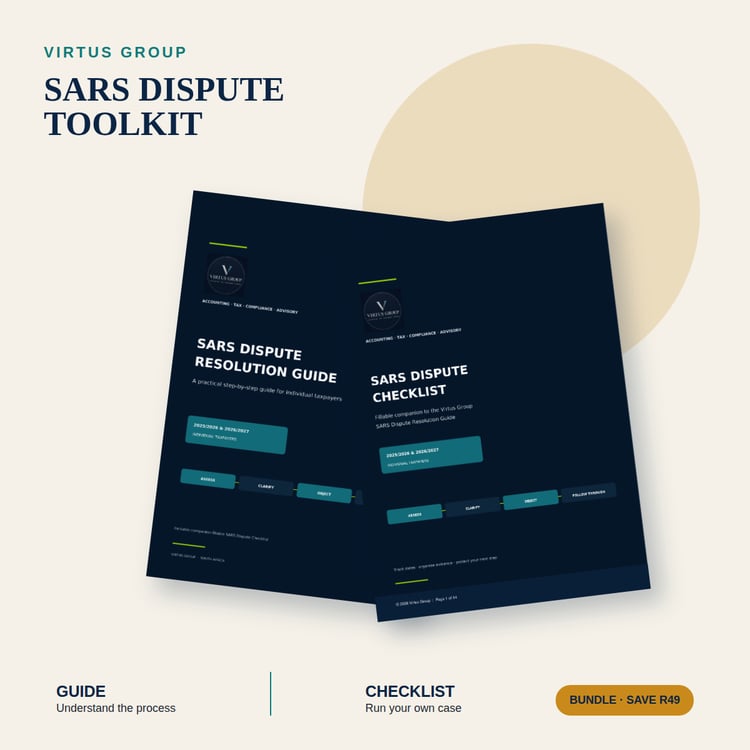
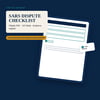
SARS Dispute Checklist | Fillable PDF | Individual Taxpayers | 2025/26 & 2026/27 A fillable 14-page Checklist for individual taxpayers in South Africa. Record your SARS notice, key dates, disputed amounts, supporting evidence, submissions and follow-up ac
SARS DISPUTE CHECKLIST — FILLABLE PDF
For individual taxpayers in South Africa · 2025/26 & 2026/27 edition
If SARS has issued you an assessment, adjustment or penalty — or you simply want your documents in order before you do anything — this is the tracking tool that keeps your case in one place.
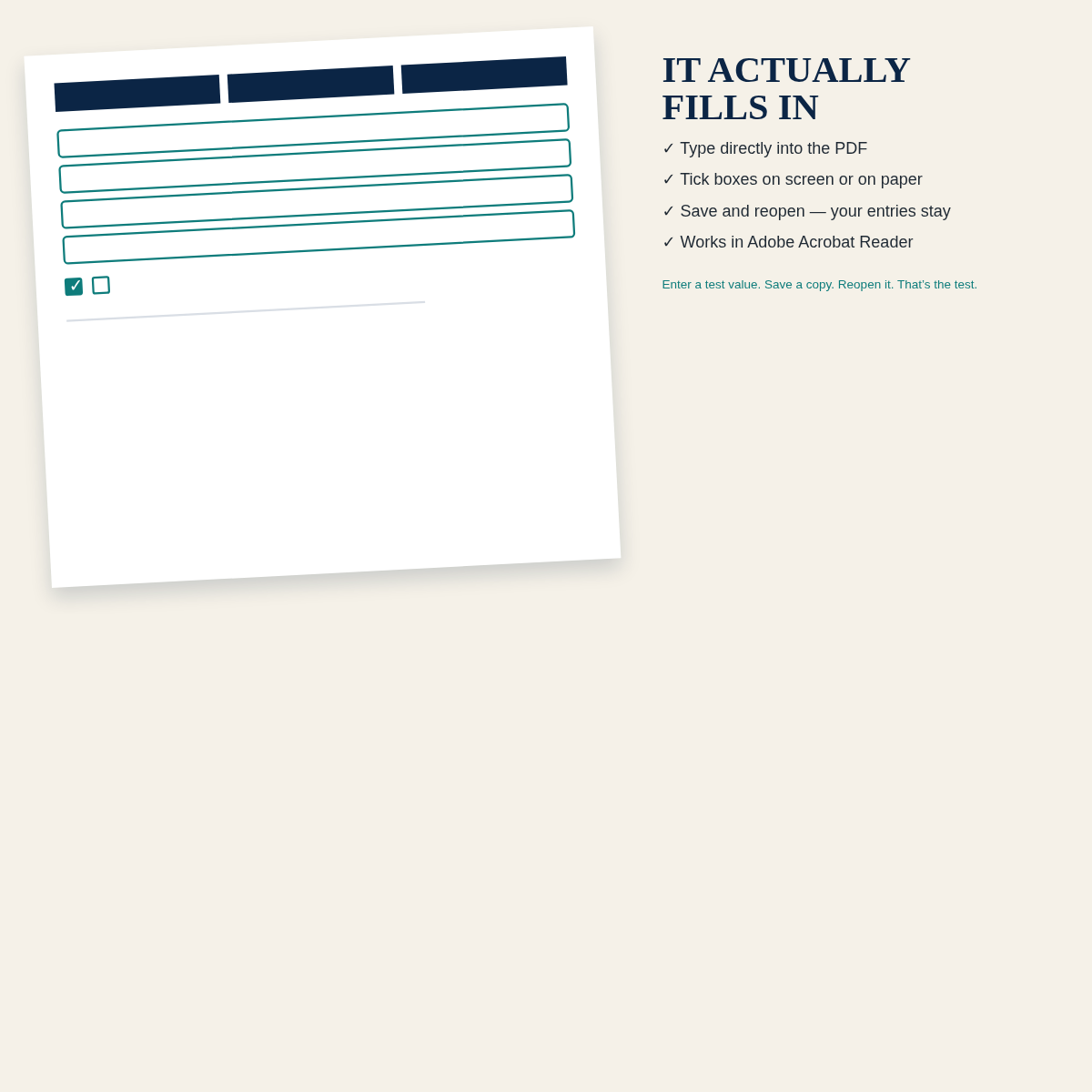
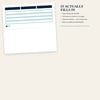
The Checklist is a 14-page interactive PDF designed to be completed on screen or printed and filled by hand. Every field is editable in a PDF reader that supports forms (Adobe Acrobat Reader is recommended). Every page corresponds to one stage of the SARS dispute process, so you always know what to record next.
WHAT YOU CAN DO WITH IT
- Record the notice you received: assessment, auto-assessment, verification letter, penalty notice or audit notification
- Log the tax period, amounts in dispute and the trigger date for each deadline
- Track a Request for Reasons: submission date, response date, objection due date
- Build your Notice of Objection: tick each ground, record the disputed amount and attach an evidence index
- Log the SARS objection outcome and calculate the appeal deadline from the outcome date
- Run the s 164 suspension request as a separate track (with the five statutory factors listed individually)
- Record the Request for Late Submission (condonation) details if a deadline was missed
- Complete a signature block with Date and Capacity (Taxpayer / Representative / Practitioner)
INSIDE THE PDF
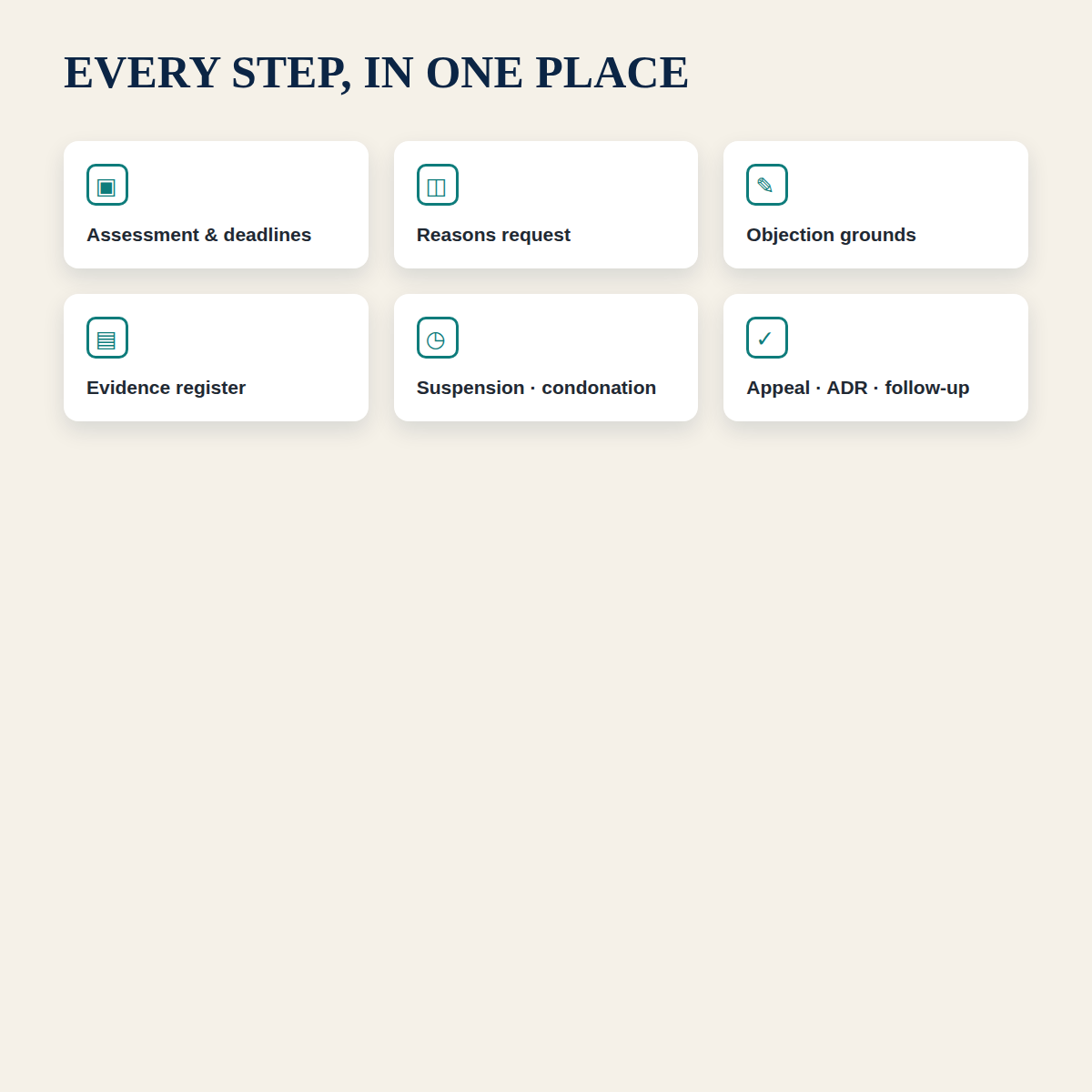
- Section A — Initial Assessment: what you received, amounts in dispute, business-day rules, critical deadline table, case identification
- Section B — Request for Reasons: why, when and what to record, plus the terminology note distinguishing a Request for Reasons from a Request for Remission (RFR01)
- Section C — Notice of Objection: grounds of objection (tick all that apply), form and submission, SARS outcome tracking
- Section D — Suspension of Payment (s 164): a separate request track, with the five statutory factors broken out
- Section E — Evidence: income, deductions, penalty, auto-assessment evidence and an expanded 8-row evidence register
- Section F–I — Appeal, Condonation and Final Checks: appeal deadline, ADR option, final checklist and a follow-up tracker
- Critical deadlines reference page: a one-page summary of RFR, NOO, NOA and condonation/suspension considerations
HOW TO USE IT
- Download the PDF to your device.
- Open it in Adobe Acrobat Reader or another PDF reader that supports form fields.
- Save a local copy before you start entering anything.
- Enter a test value in one field, save the copy, close it and reopen it — confirm the value persisted.
- Then complete the Checklist section by section.
- Keep a separate copy of every SARS notice, submission confirmation and outcome letter.
WHO THIS IS FOR
- Individual taxpayers in South Africa who want their SARS correspondence, dates and evidence in one place
- Anyone who has received a SARS assessment, auto-assessment or verification request and is unsure what to track
- Anyone preparing to submit a Request for Reasons, Notice of Objection, appeal or suspension request
- Anyone who wants to see a registered tax practitioner with a structured, complete case file
WHAT IT IS NOT
This is general information and a tracking tool. It is not SARS-approved, not affiliated with SARS, and not a substitute for case-specific tax, legal or accounting advice. It does not submit anything to SARS. Every deadline depends on the notice you received, the tax type and the applicable rule — verify your own trigger date or consult a registered tax practitioner.
IMPORTANT NOTES
- Contact email: info@virtus-group.co.za.
- Digital download. No physical item will be shipped.
- Single-user personal licence. Please do not share or resell the file.
FAQ
Is this a SARS form?
No. It is a Virtus Group tracking tool that mirrors the structure of the SARS dispute process. It does not submit anything to SARS.
Does it work on a phone?
It opens on most devices, but for the best form-filling experience use Adobe Acrobat Reader on desktop or tablet. Phone viewers sometimes flatten fields.
Can I print it?
Yes. Every section is designed to work as a printed page. Print the PDF and complete it by hand if you prefer.
Will my entries be saved if I close the file?
Yes, provided you use a PDF reader that supports AcroForm fields. Always save a copy, close it and reopen it to confirm before investing time.
Do I get updates if SARS changes something?
The 2025/26 & 2026/27 edition is current as of the release date. Contact Virtus directly if you need the latest edition.
Can I share this with my spouse or business partner?
The licence is single-user. Contact Virtus for multi-user or practitioner pricing.