
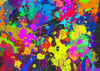
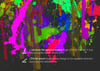
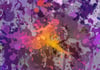
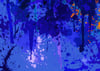
50 Hi-Res SPLASHES brushes for PROCREATE
⚡ INSTANT CHECKOUT — No PayPal required:
👉 Get it instantly HERE on Gumroad (card, Apple Pay, Google Pay) →
💳 PayPal available above if preferred (Add to cart or Buy now button) ↑
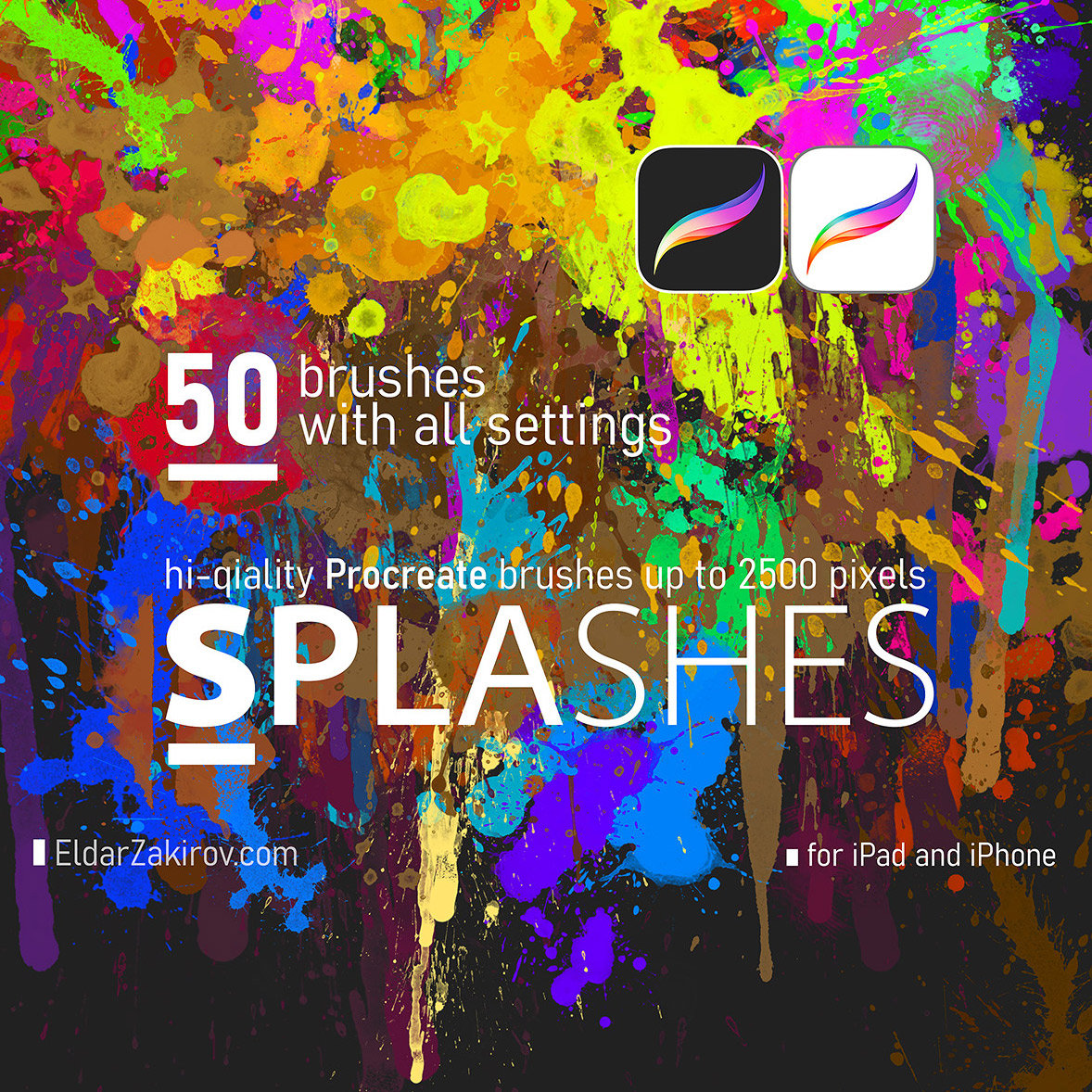
SPLASHES
for Procreate:
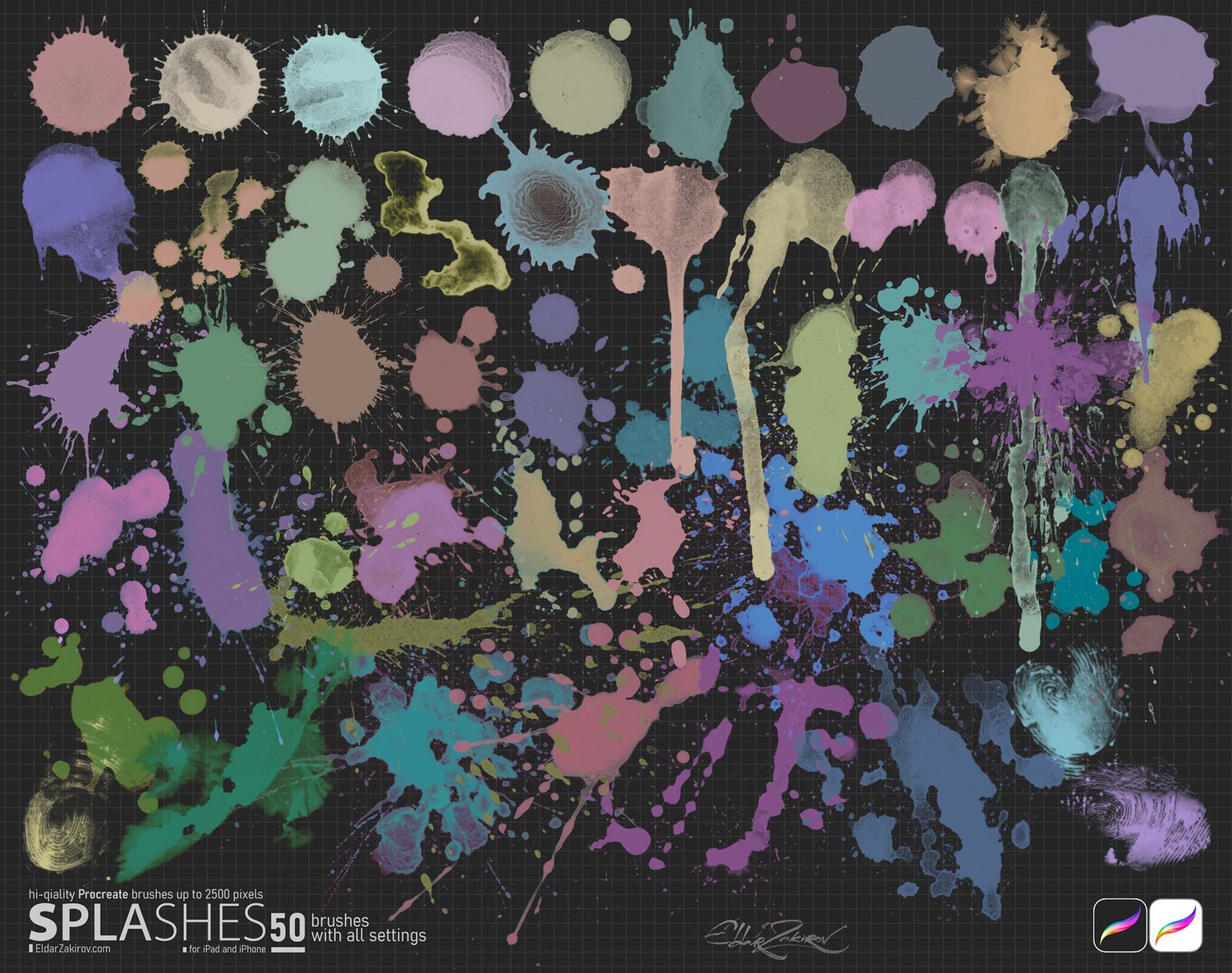
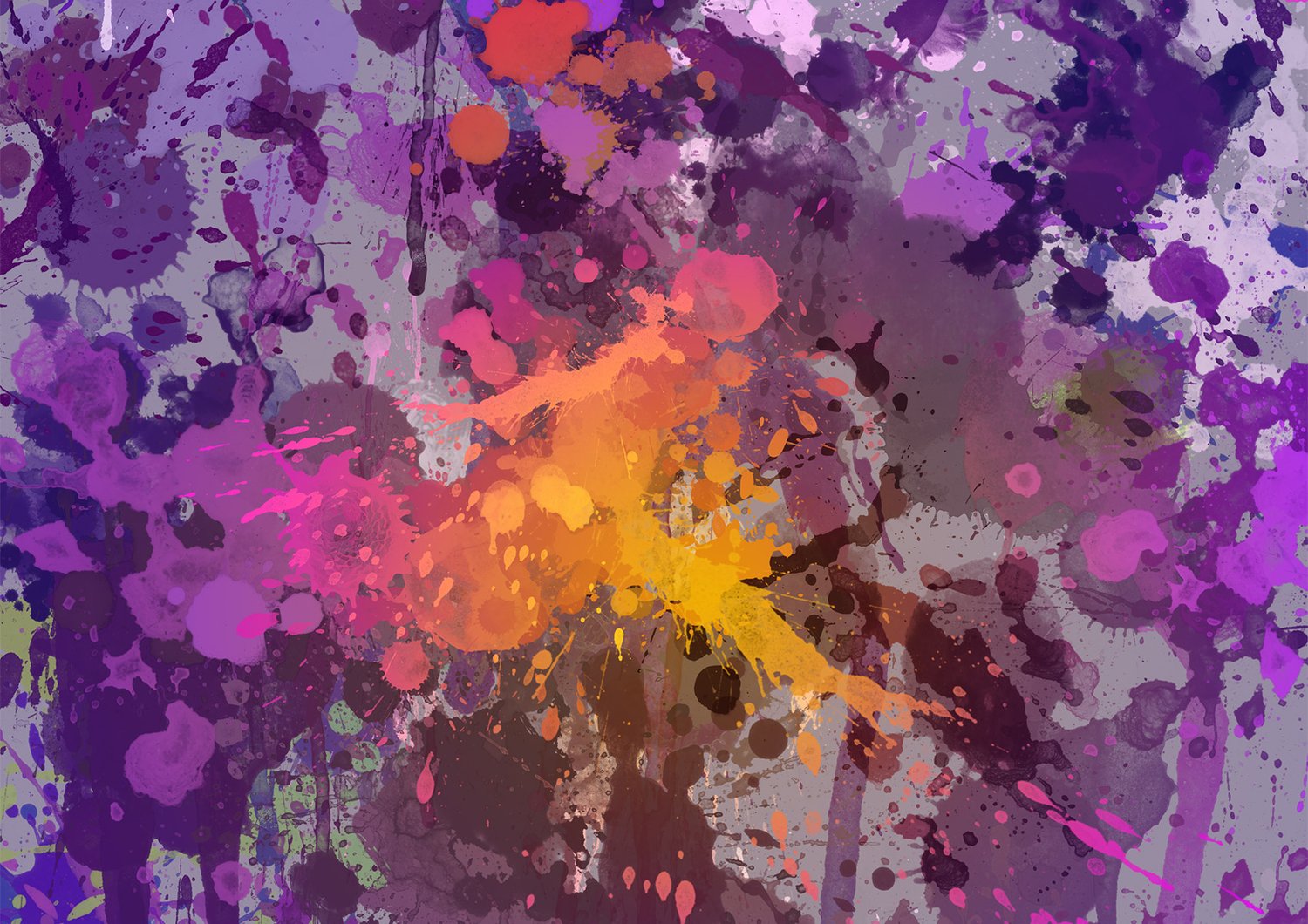
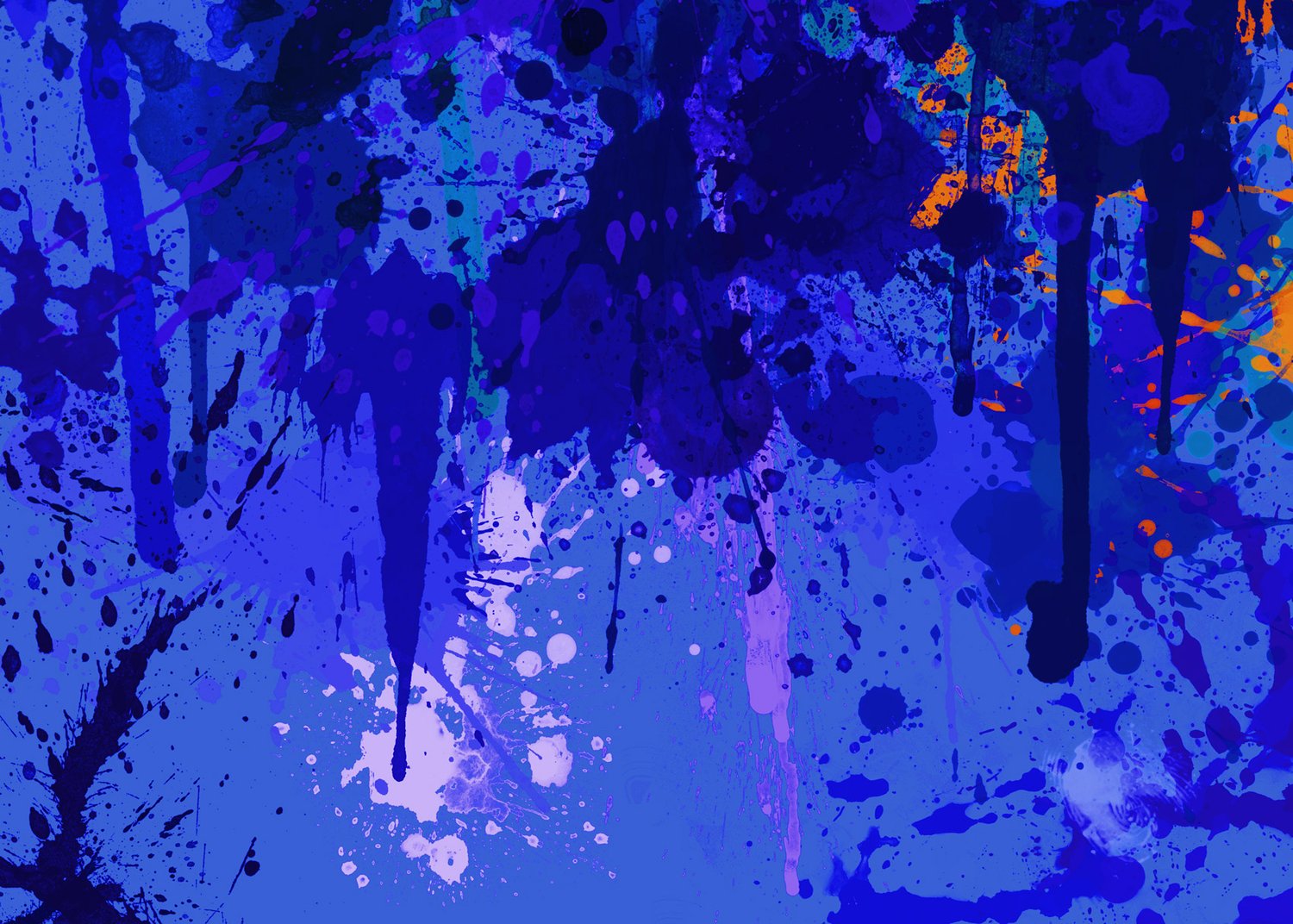
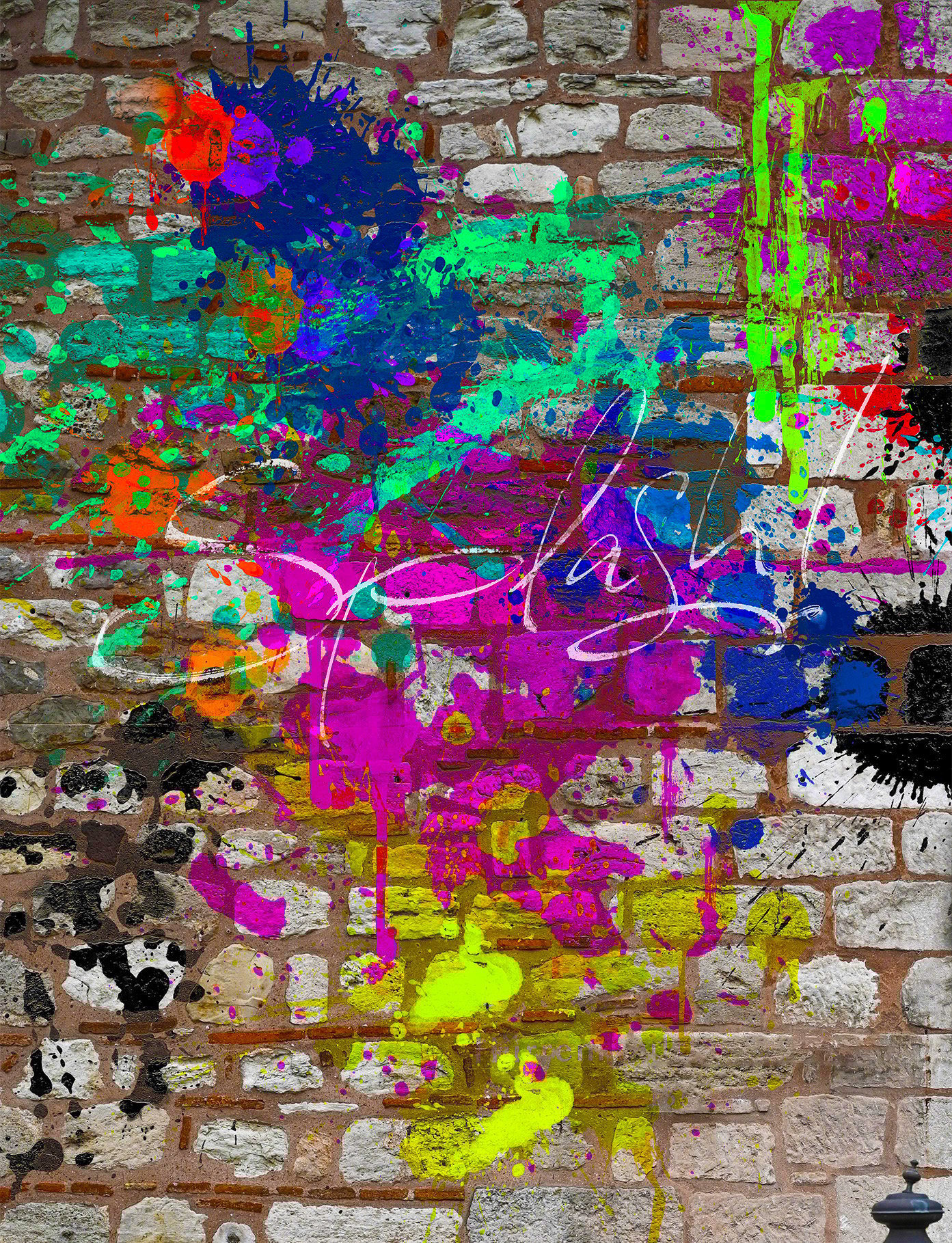
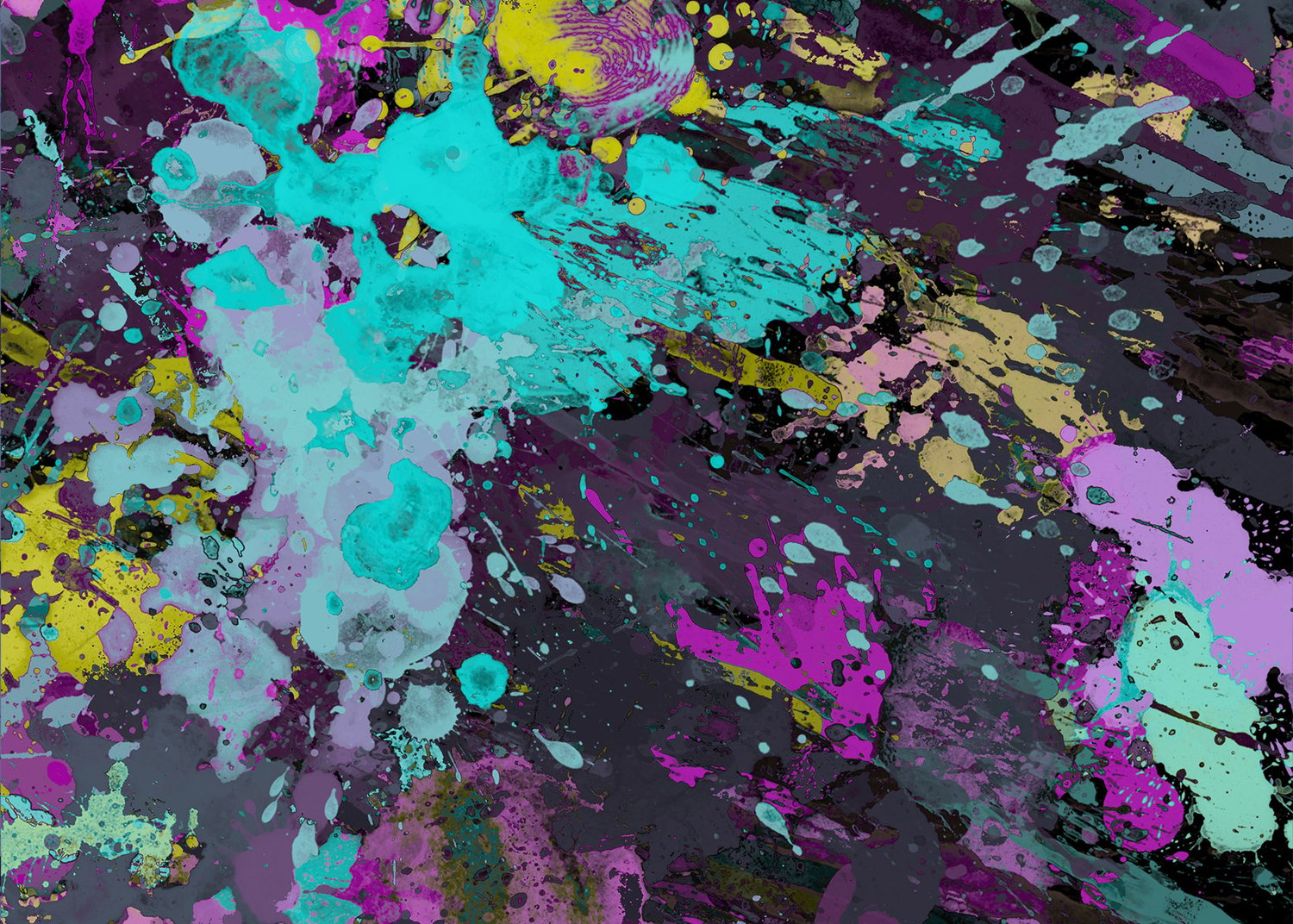
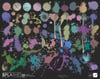
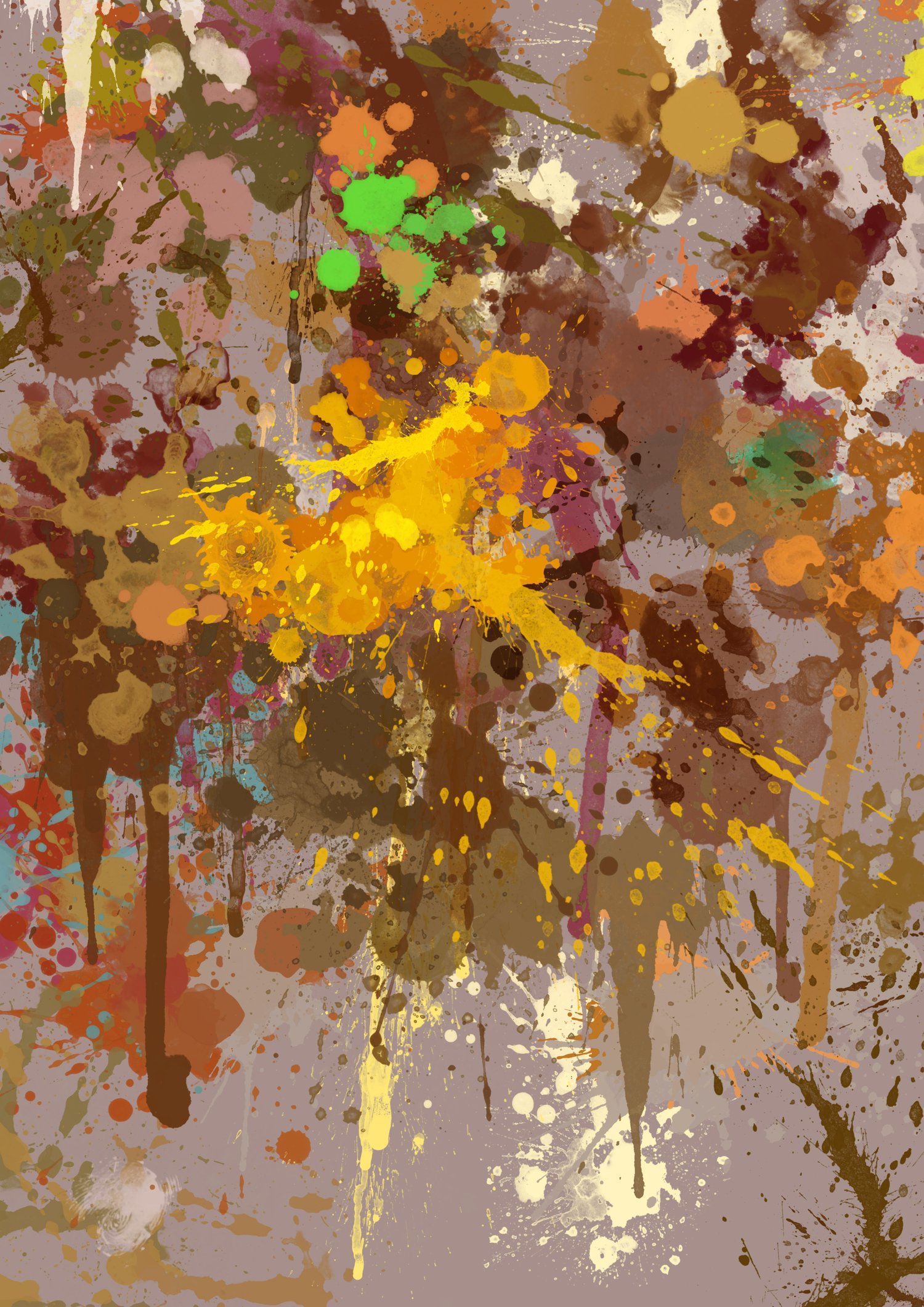
50 Hi-Res (up to 2500 px) splash, spatter, blots, fingerprint brushes
■
50 Professional quality High Resolution (up to 2500 px) brush set
for designers and digital artists: vibrant, energetic Splash & Spatter effects to your workflow
For Procreate and Procreate Pocket (iPad and iPhone versions)
- • Splash
- • Splatter
- • Blot
- • Smudge
- • Fingerprints
- • Drip-drop
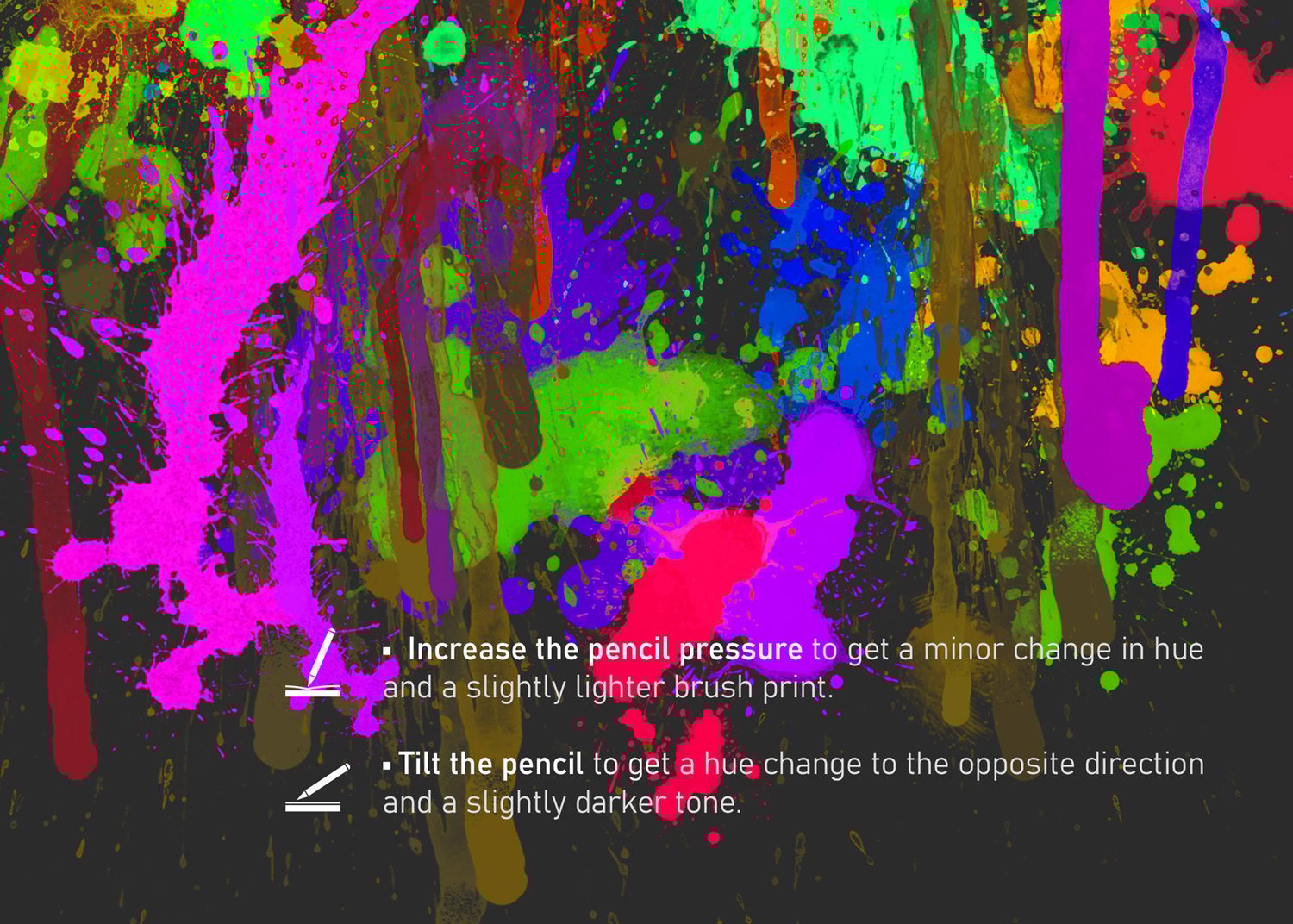
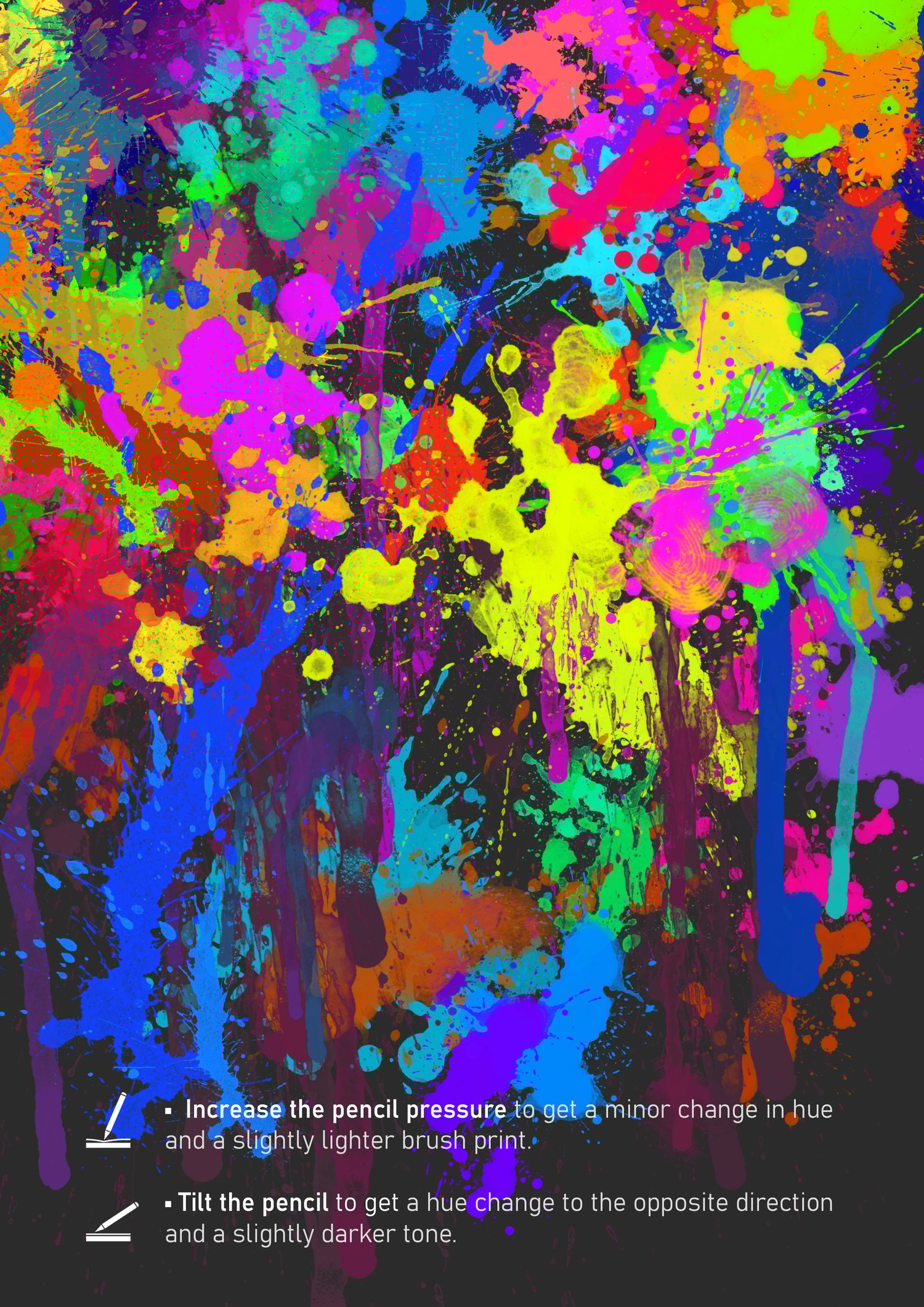
💡 Vary pencil pressure and tilt when putting multiple splashes:
So, each next stamp will differ from the previous ones by size, direction (turning), and shade.
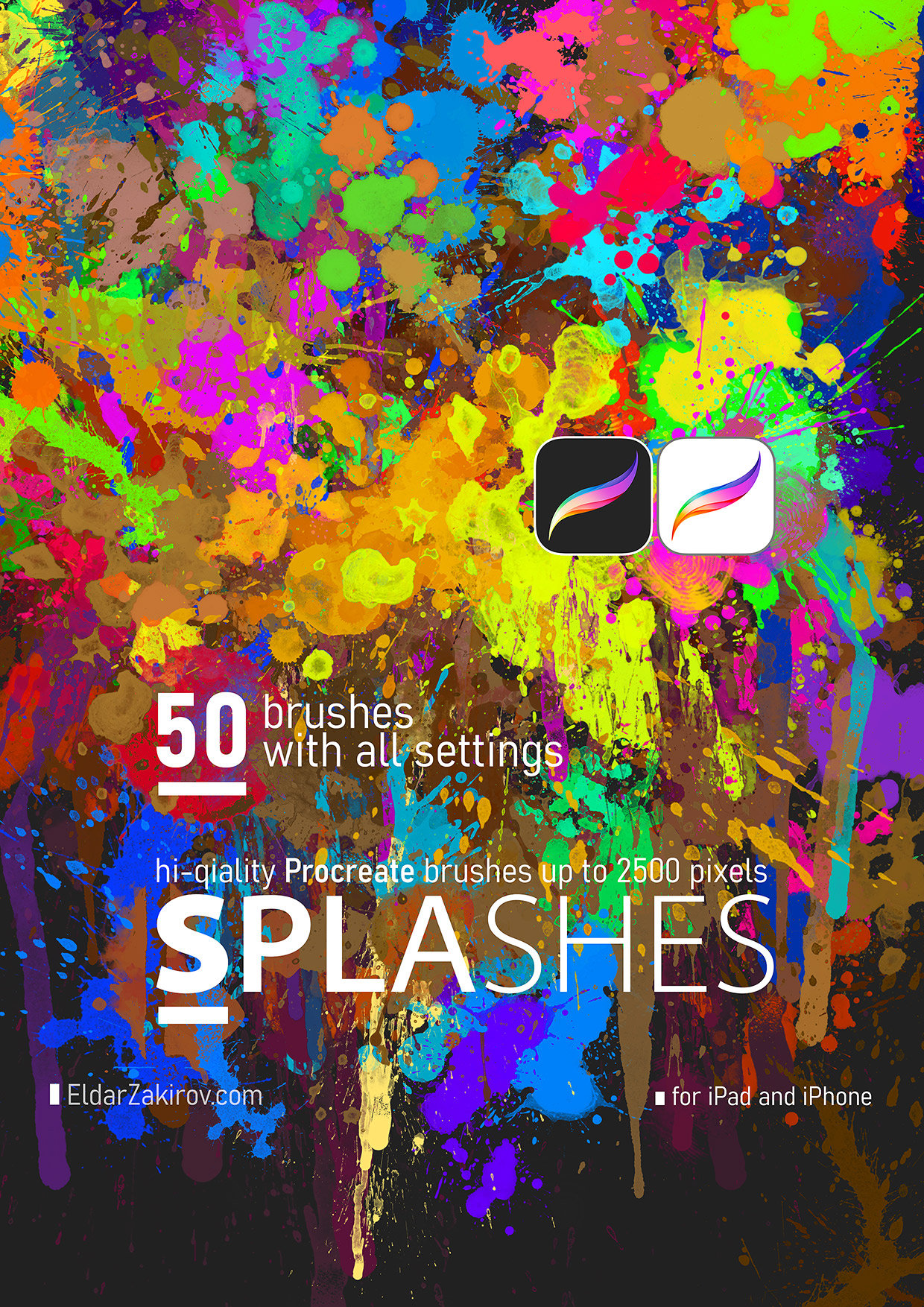
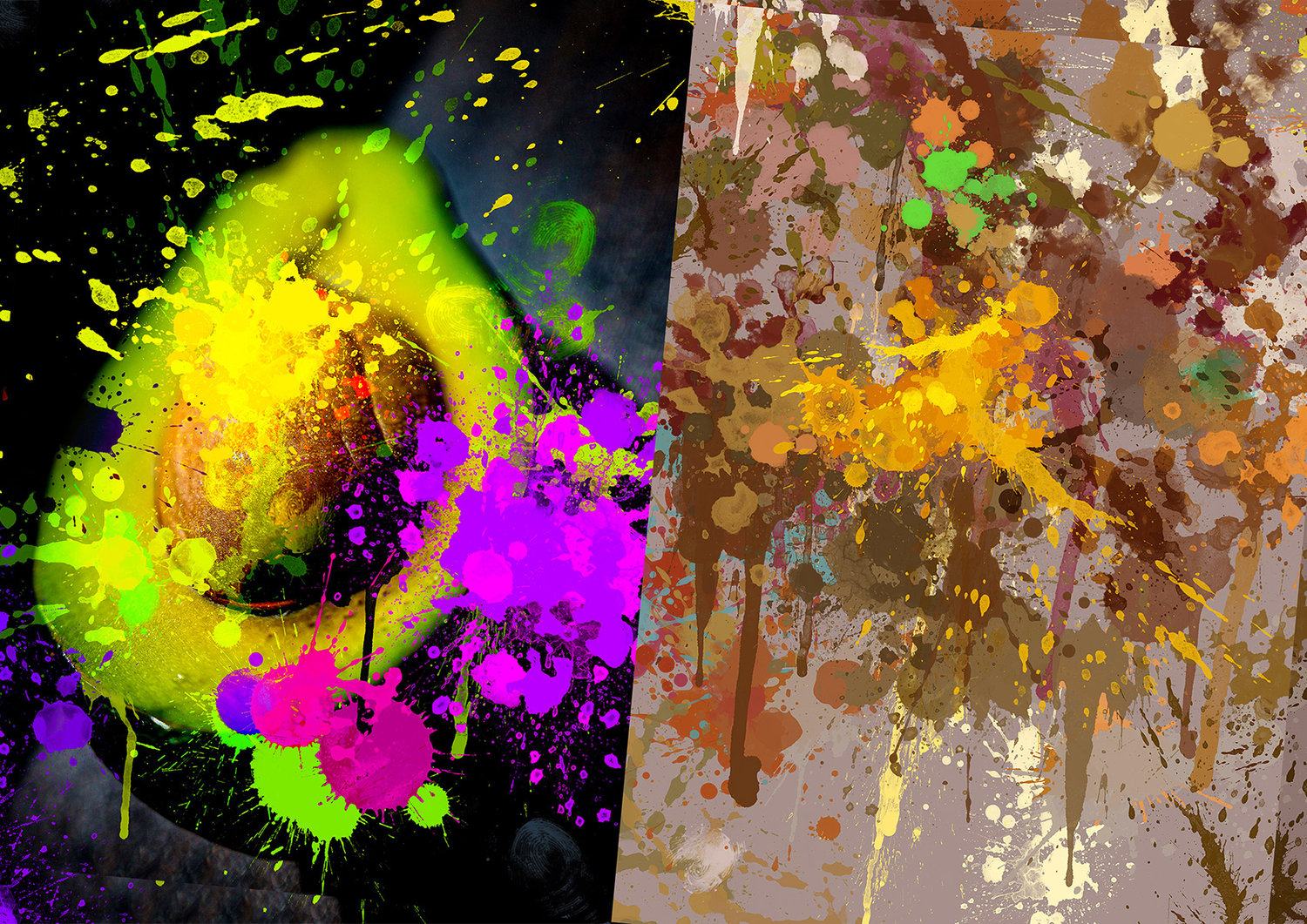
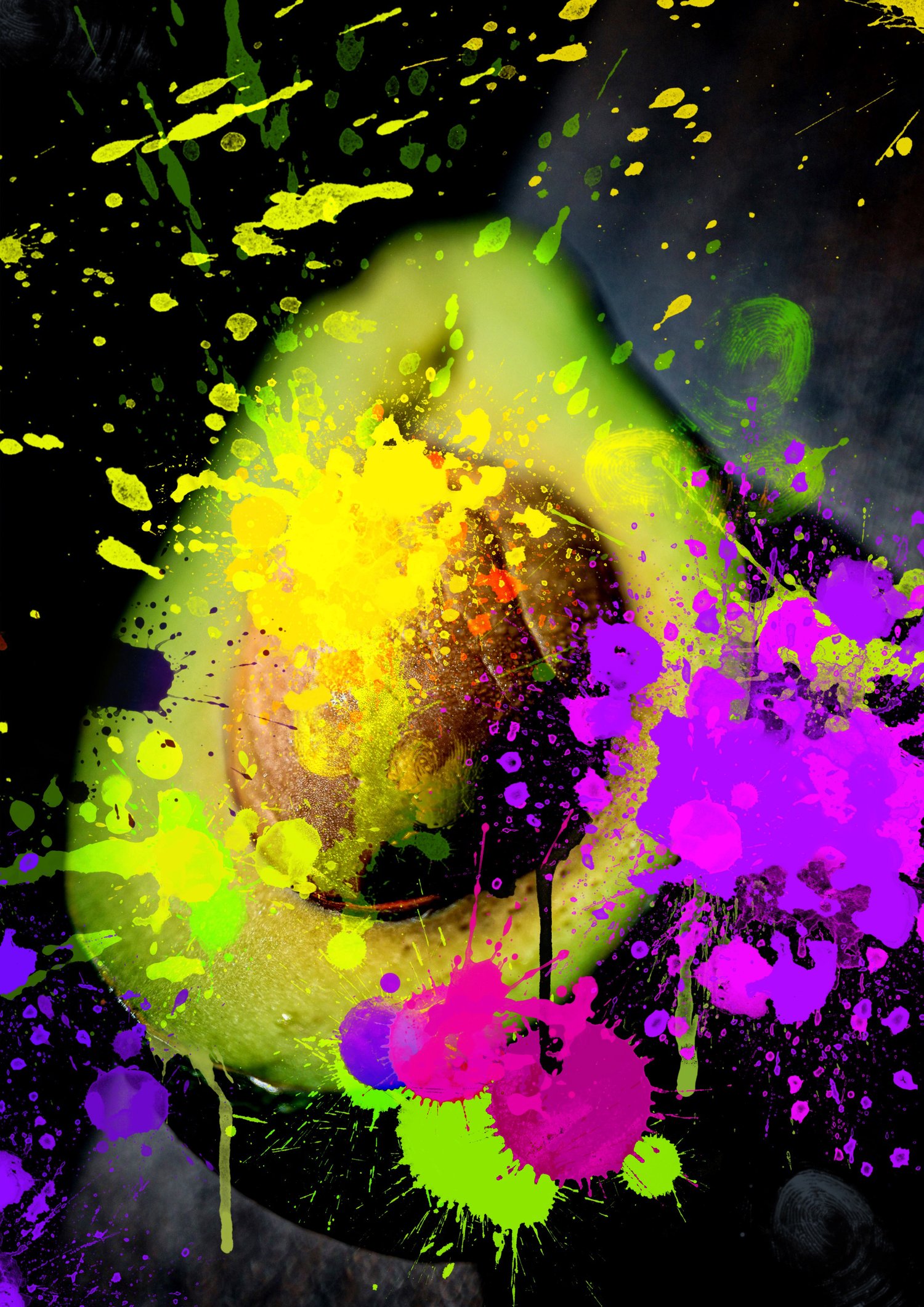
Professionally crafted high-resolution splash, spatter, blot, and mark brushes I use in my workflow — for photo editing and bashing, digital illustrations, concept design, mixed-media compositions, and creative textures.
Every brush was designed and tested in real creative projects 👉 so you can add striking splash details quickly and intuitively without complex setup.
■
What you get:
✔️ 50 high-resolution (up to ~2500 px) brushes for bold, expressive splash effects
✔️ Compatible with Procreate (even older versions)
✔️ Instant download — start using them right away
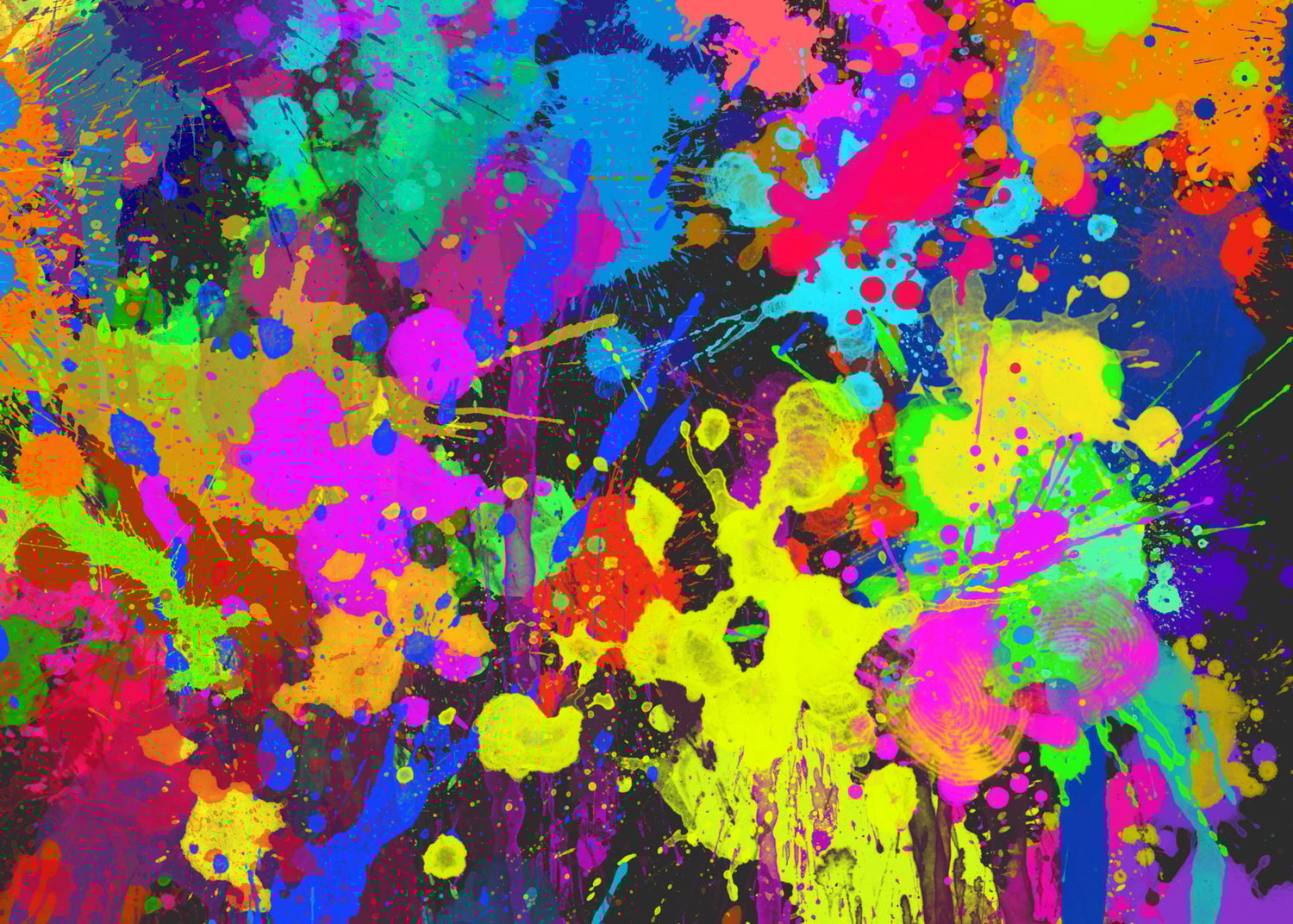
- So add lifelike splash & paint effects to compositions
- Enhance backgrounds and textures
- Use for dramatic, painterly visuals with minimal effort
- Emphasize motion, impact, or energy in your artwork
⚡️BTW, there's also the Photoshop version of SPLASHES (which also works with Photoshop Elements, Adobe Fresco).
⚡ INSTANT CHECKOUT — No PayPal required:
👉 Get it instantly HERE on Gumroad (card, Apple Pay, Google Pay) →
💳 PayPal available above if preferred (Add to cart or Buy now button) ↑
■
How to install the brushes:
• Tap the downloaded SPLASHES_50_Hi-Res_Brushes.brushset file in your iPad's 'FILES' application to launch it. It automatically opens Procreate, and the imported set with the same title will appear at the top of the brush category list.
Or:
• Go to the brushes list in Procreate, tap the "+" sign at the top, right to the "Brush Library" title, and then choose 'Import' at the top of the Brush Studio window;
• Then specify the file with the downloaded brush set (SPLASHES_50_Hi-Res_Brushes.brushset);
• Voila! The folder with the set named “SPLASHES 50 Hi-Res Brushes” will appear at the top of the brush category list.