
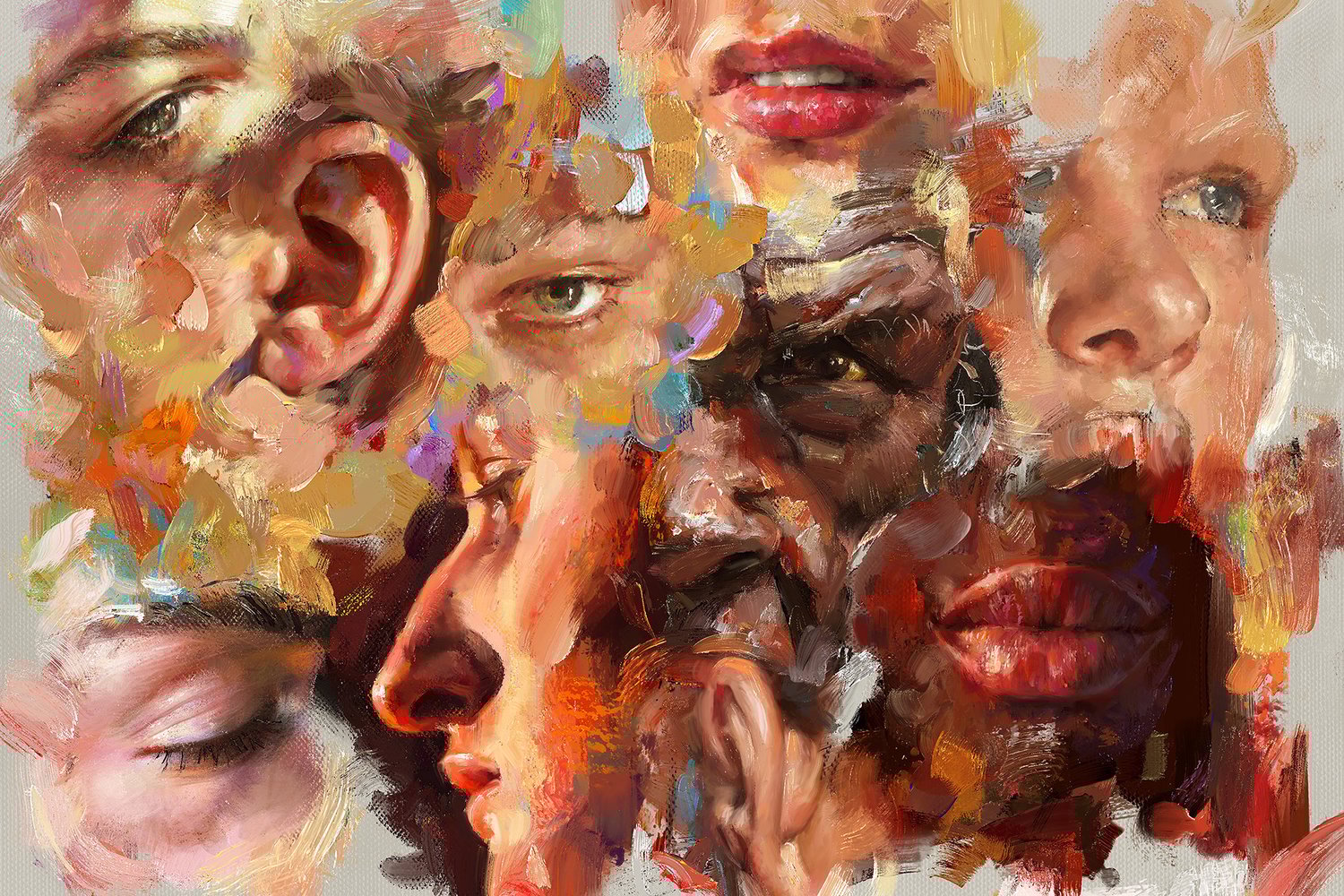
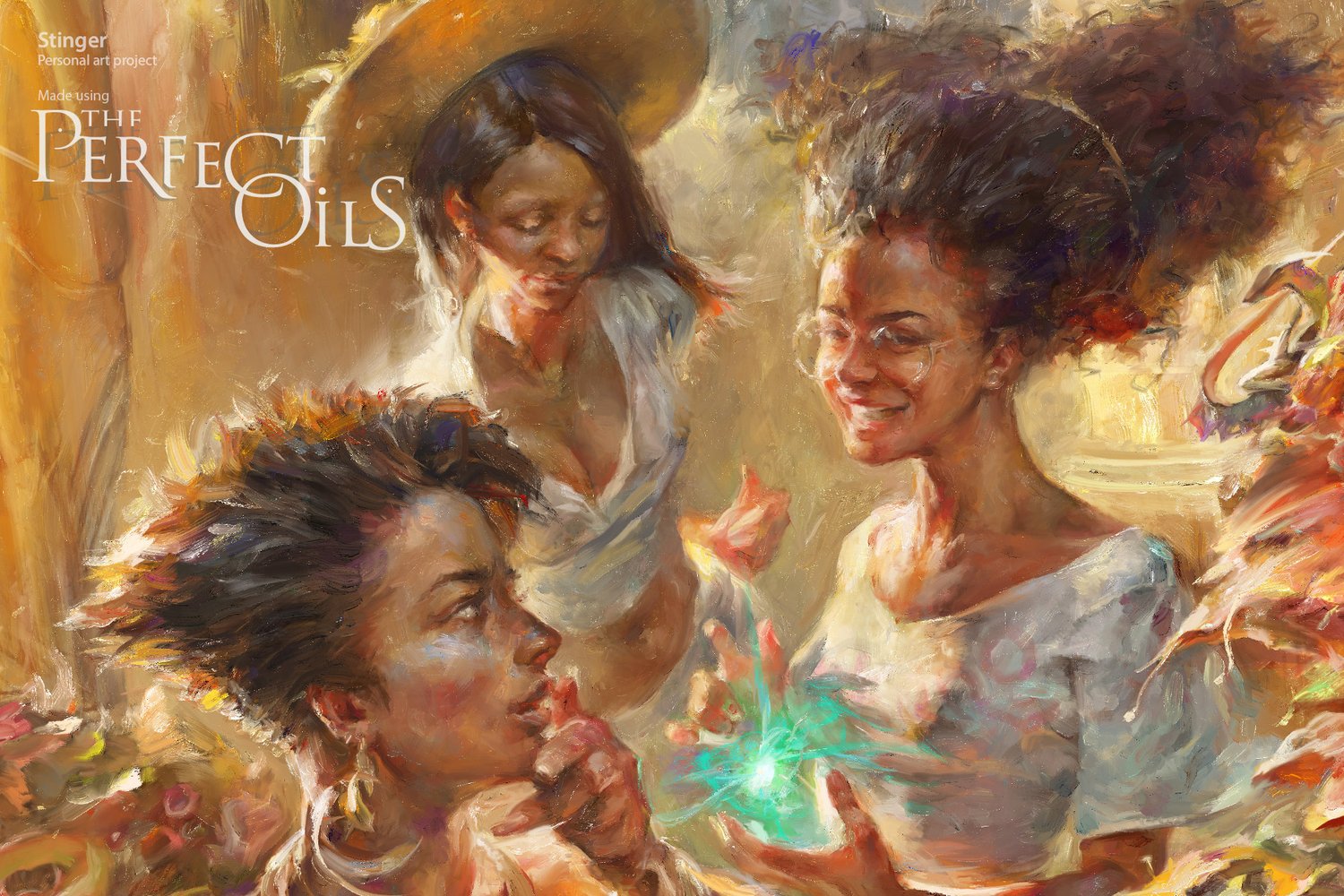
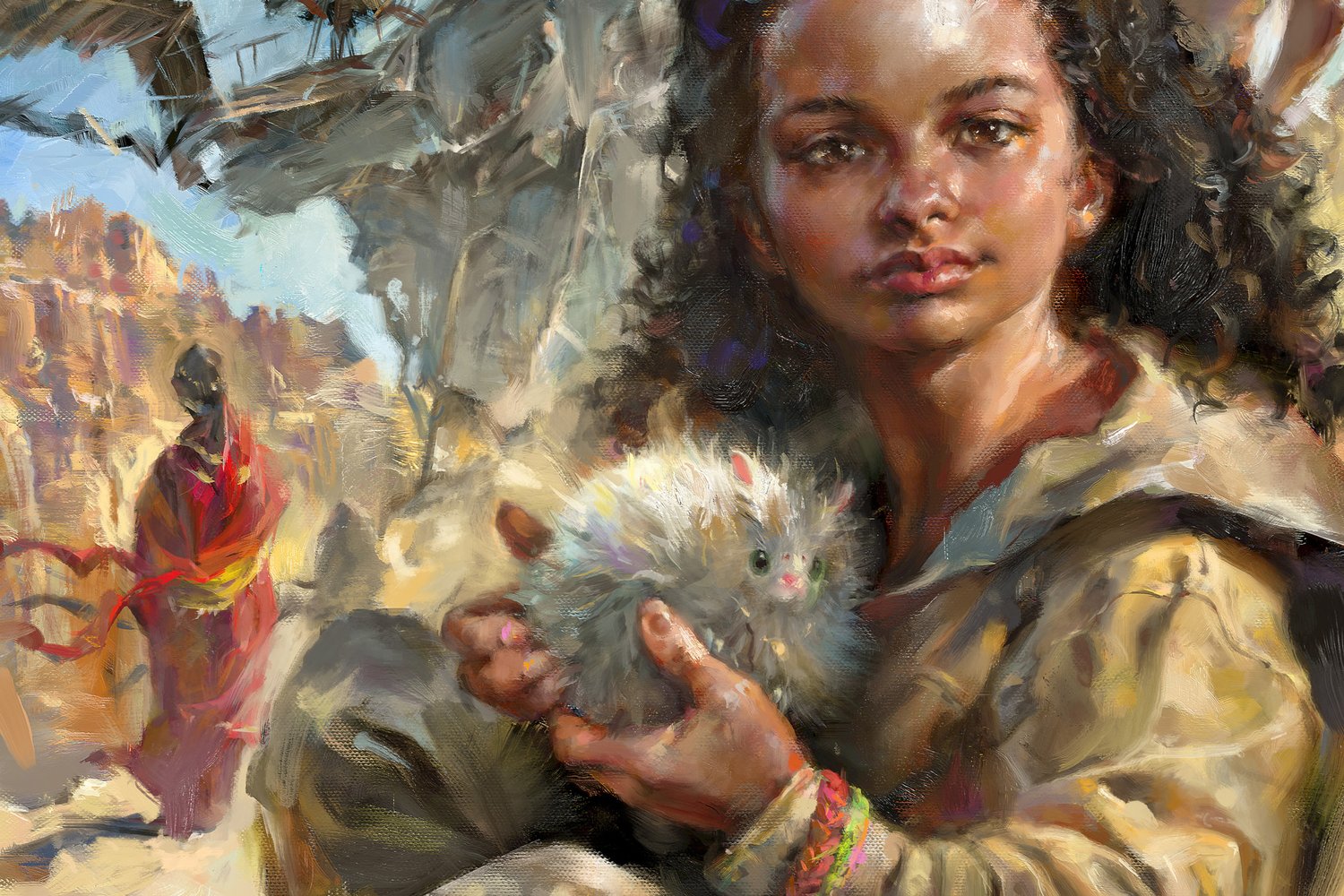


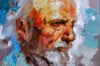
The Perfect Oils for Procreate — 87+ Realistic Oil Painting Brushes
BUY it instantly on GUMROAD (Bank card, Apple Pay, Google Pay) →
Ultimate Oil Painting Brushes for Procreate
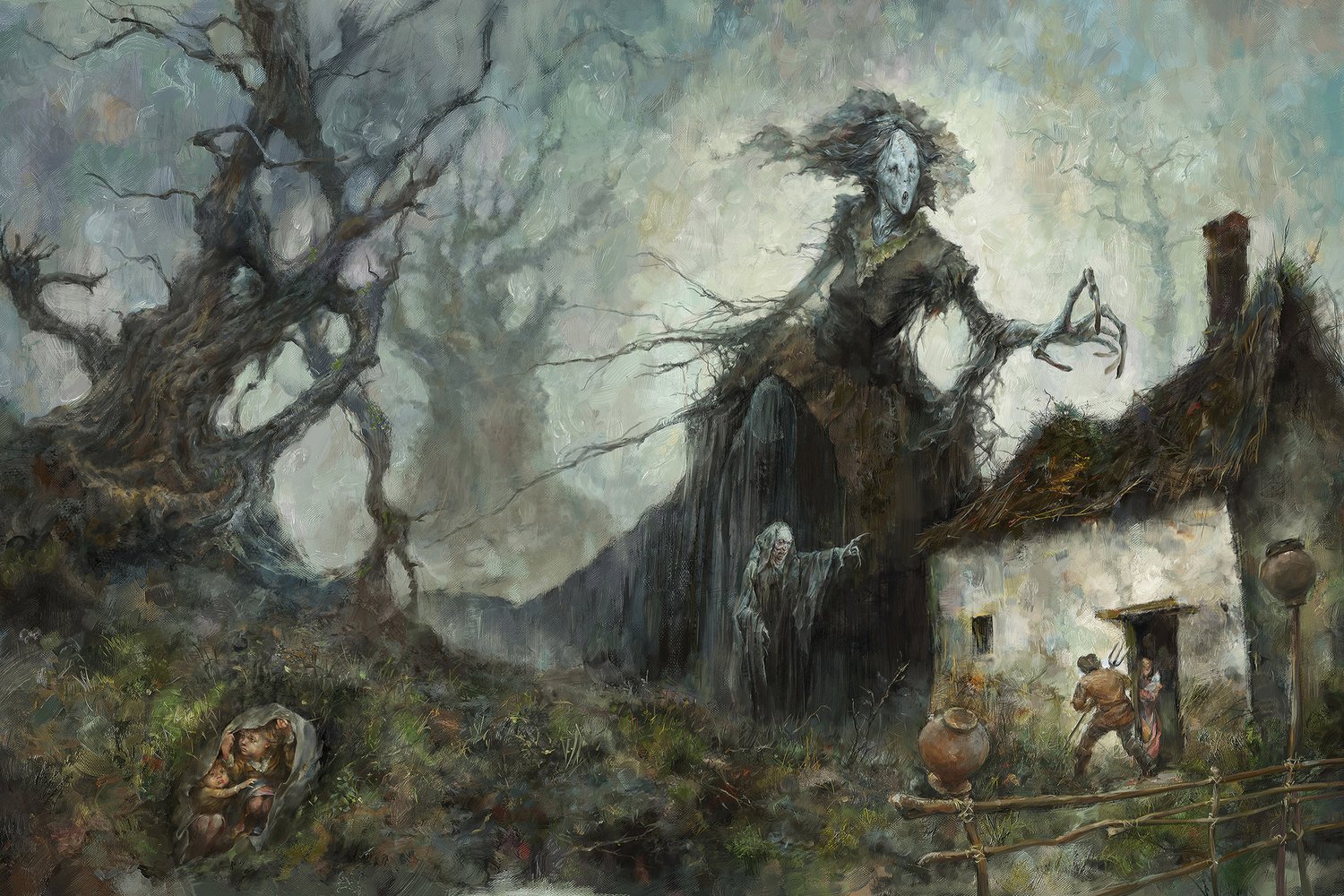
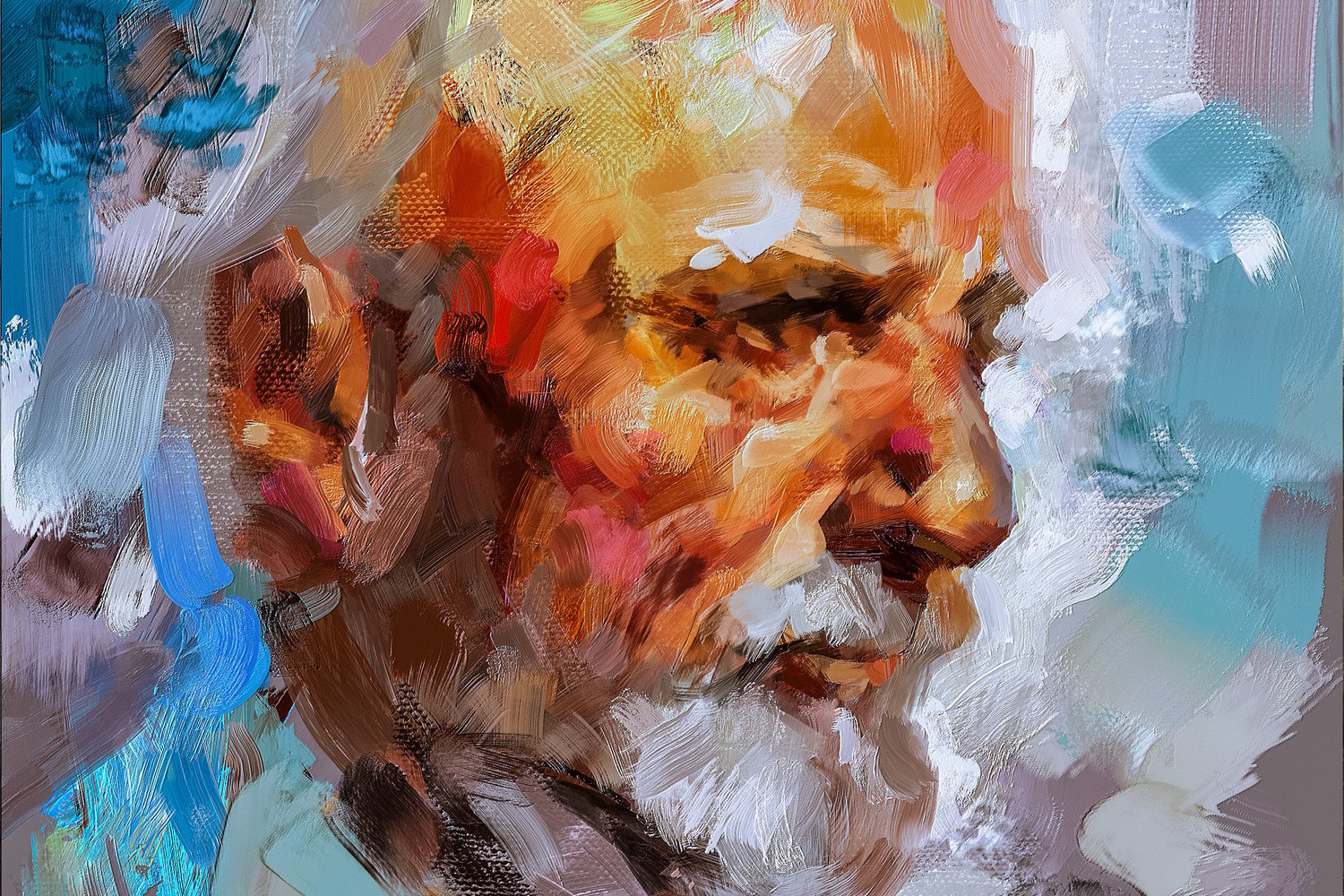
87+ Realistic Brushes with a True Impasto Feel
These are the exact brushes I’ve relied on in all my paintings since 2019 —
completely replacing every other tool in my painting workflow.
A complete set of oil painting brushes for Procreate, designed for every stage:
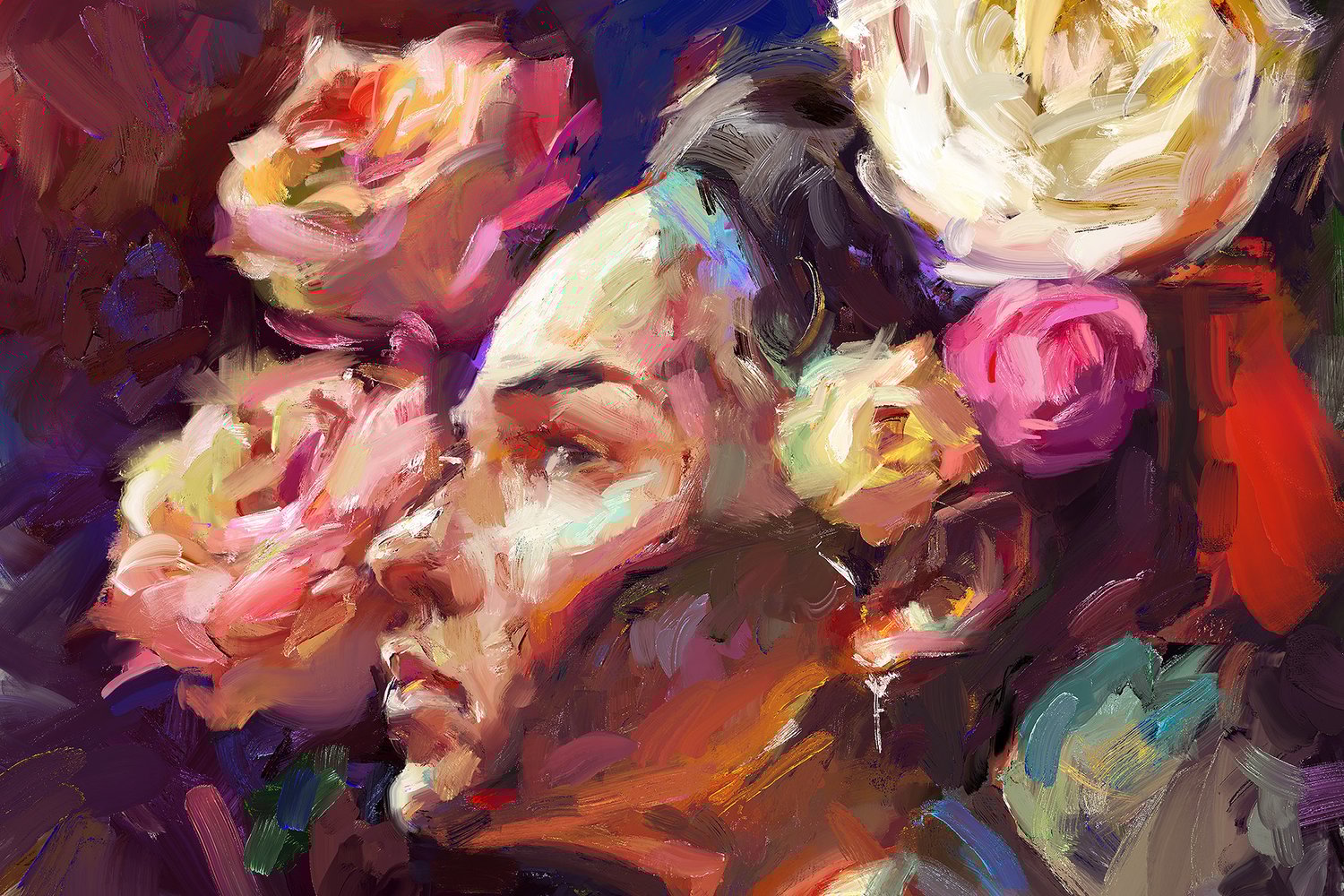
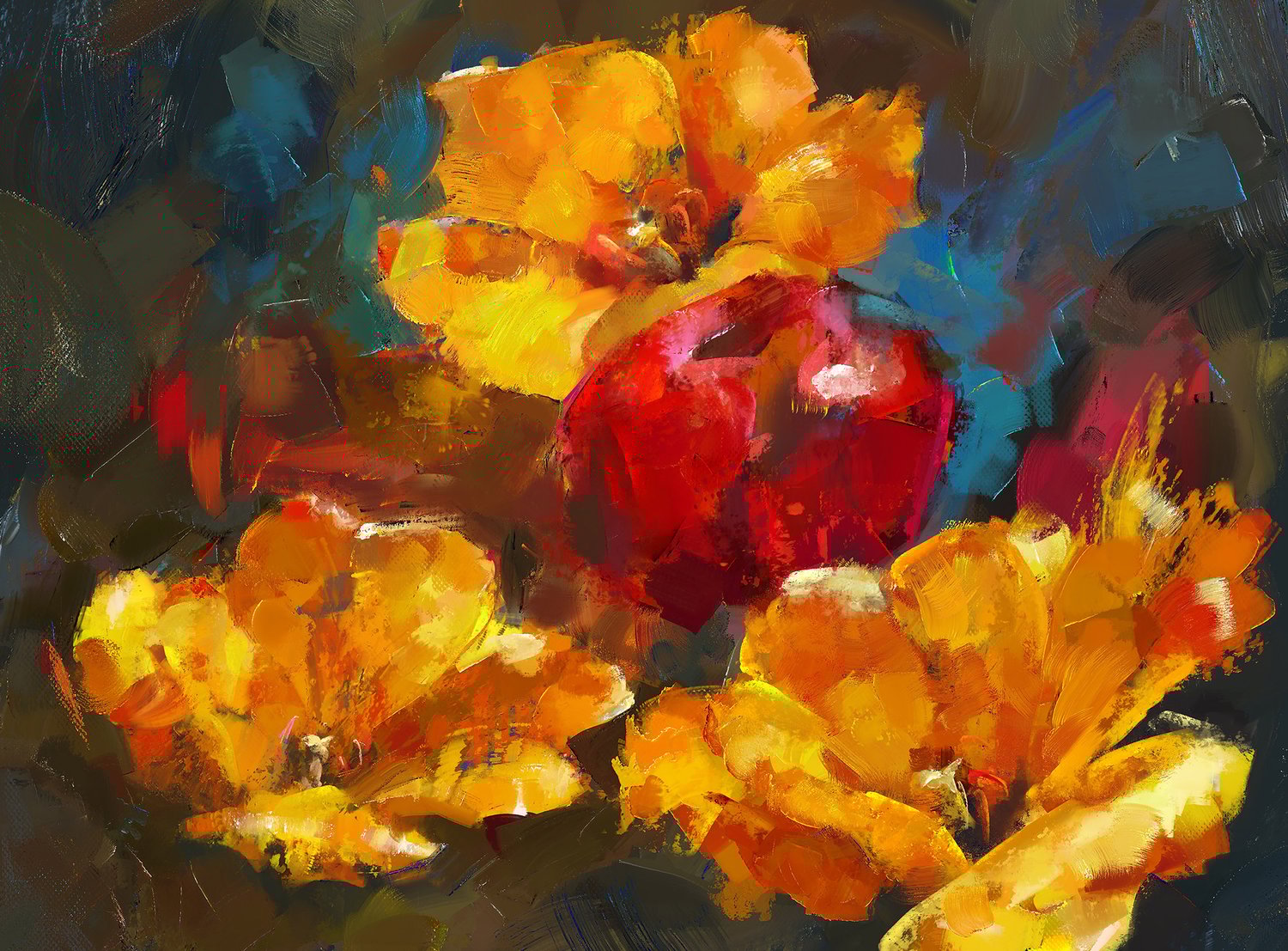
from quick sketches to finished artworks — delivering rich impasto texture and the lively feel of real oil paint.
Perfect for plein-air studies, from-nature sketches, color studies,
and fully developed artworks and illustrations.
■ The set also works in Procreate Pocket for iPhone; however, all the features can be fully disclosed using pressure sensitivity, as it's available on the iPad.
This product is NOT released under the GPL (General Public License) or any variations. If you find it selling with such a license, this product was stolen or distributed there illegally without the author's knowledge.
See the workflow videos in the presentation (This video library will be replenished with more informative videos showing the brushwork and the techniques):
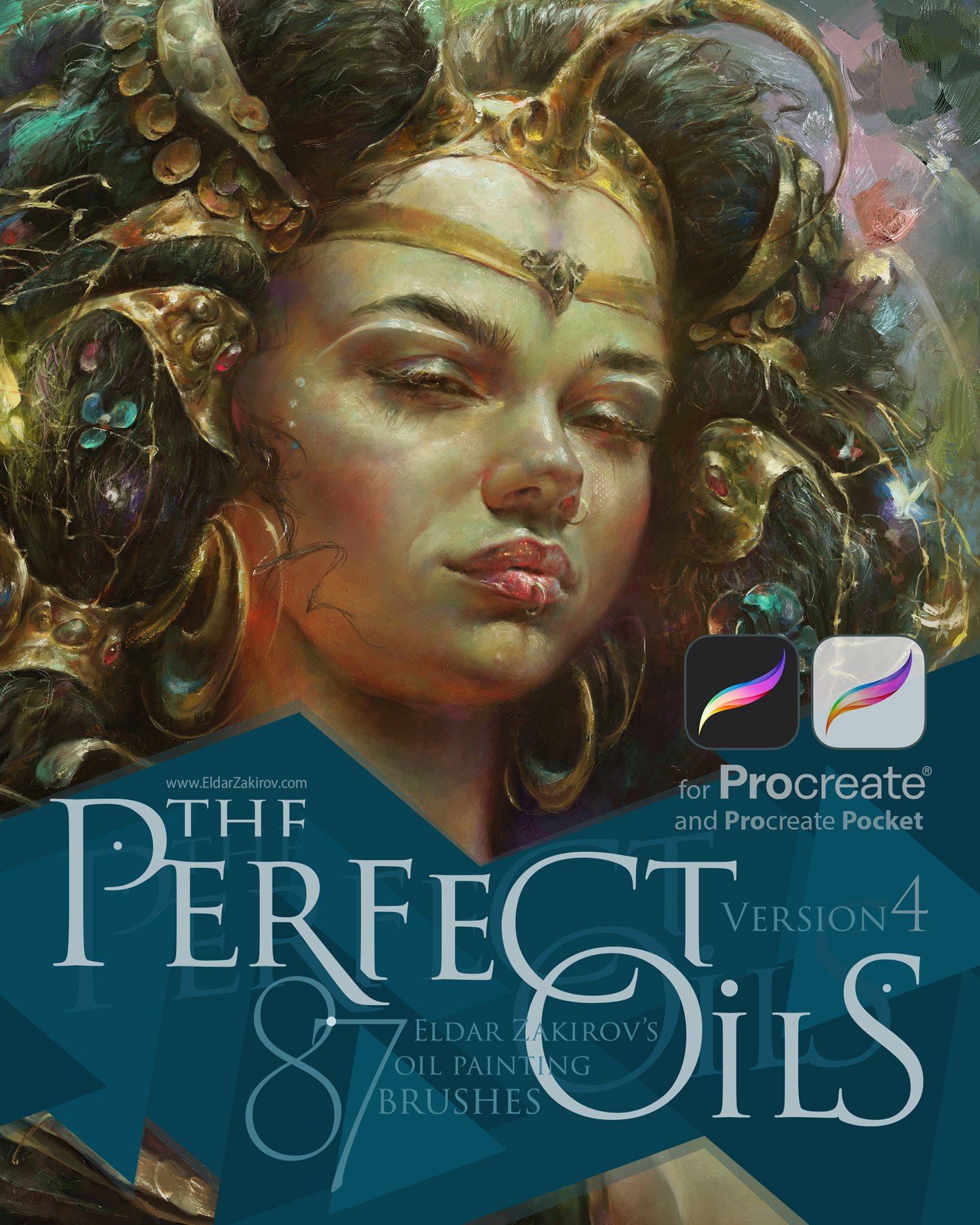
The set now contains 87 brushes:
For ease of navigation and use, I have divided all the brushes into the following categories corresponding to the painting work stages:
- 🔘 PreDRAWING, 5 brushes — for outline sketching stage with preliminary marking drawing like charcoal or a stiff brush on canvas + the brush for common imprimatur or adding/enhancing the canvas texture;
- 🔶OnCANVAS, 15 brushes — expressive, thick-painted strokes with a pronounced canvas texture. Best suited for the initial stages of work, primary color or shape blocking, for more expressive painting.
- 🟪 RELIEVO, 12 brushes: for applying rough, expressive paint textures on canvas;
- 🟩 MASTICHINO, 14 brushes: for imitation work with a palette knife and based techniques;
- 🟡VOLUMES, 22 brushes: universal and for all stages of painting, such as sketching or speed painting, modeling big volumes, and fine finishing with tiny details. Several quite thick-painted brushes. The designations of subtypes indicate the brush features: 🟡 — universal round/filbert, 🟠 — rounded with increased relief, 🟨 — flat brushes;
- ♦️ IMPASTO, 19 brushes: makes a particularly thick, pasty, embossed stroke. This group complements the previous VOLUMES category and can be considered its continuation. Brushes with a double red ♦️ icon at the end of the list have especially thick strokes in the Daubist style.
👉 Get it instantly HERE on Gumroad (card, Apple Pay, Google Pay) →
or
💳 PayPal available above if preferred (Add to cart or Buy now button) ↑
You receive:
- Perfect_OILS🔸v4.brushset, the Main file (actual version 4) with 87 Procreate brushes in the set (969 MB);
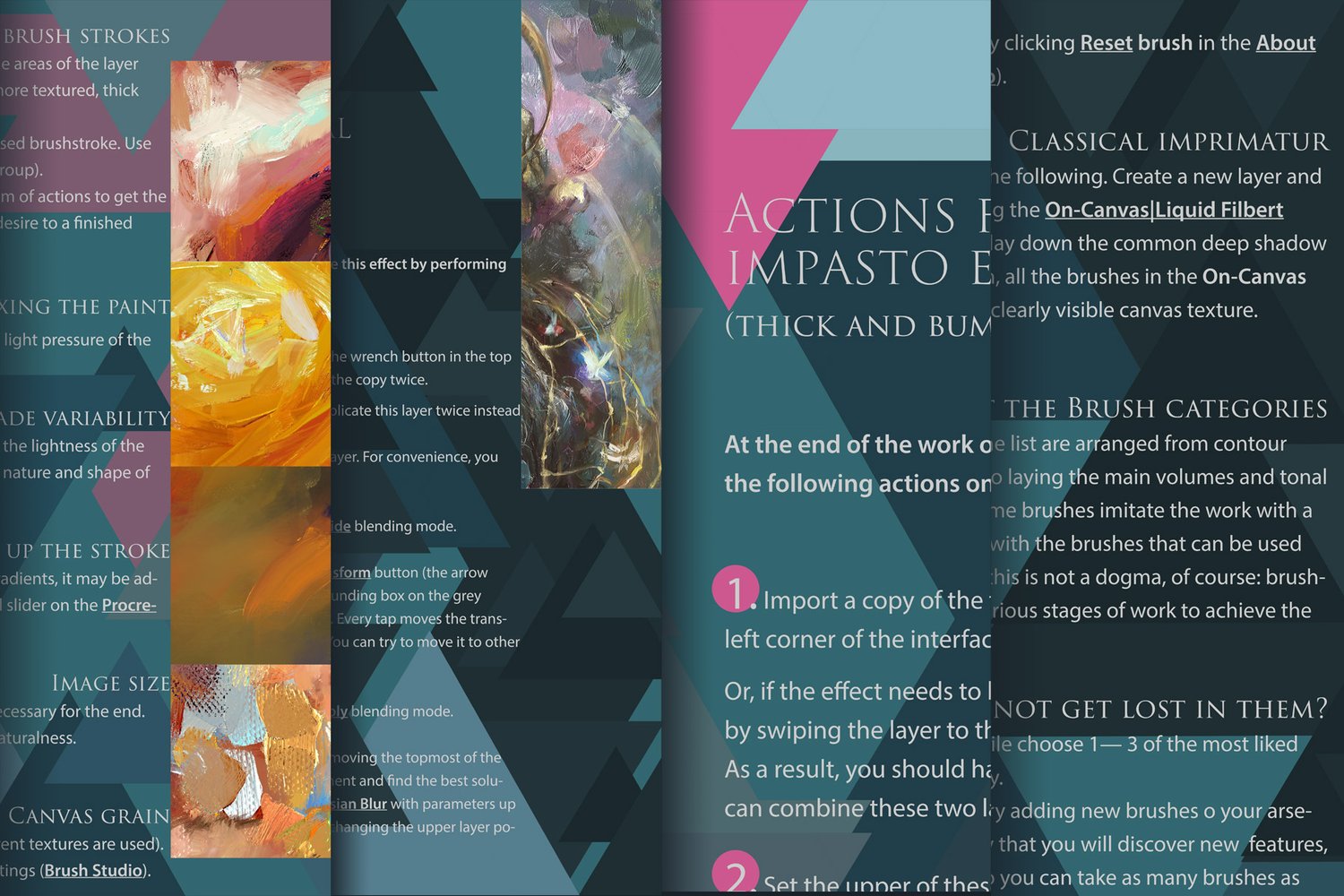
- The Perfect Oils for Procreate V3.0. Info and Tips.pdf. Several main working tips and a tutorial on adding an additional impasto (embossed paint strokes) effect to a layer or the final image. (119 MB): Although this file is for the previous version, the basics remain. I will edit this manual and remake it to the current version.
- Several images with basic hints on the set's brushes and how to use them.
Copyright and Terms:
- Instant download: Your files will be available once payment is confirmed.
- ❗️ Please note: this brush set is available in Photoshop and Procreate versions. You are looking through the PROCREATE version page. Please be sure that you are buying the right one. I do not accept returns, exchanges, or cancellations. But don't hesitate to contact me if you have any problems with your order.
- This product is for unlimited personal and commercial use.
- ❗️ Cannot be resold, shared, or provided to a third person entirely or partially.
- ❗️ This product is *NOT released under the GPL *(General Public License) or any of its variations. If you find it on a market selling with such a license, the product is being distributed there illegally — it is stolen or redistributed without the author's knowledge.
How to install the brushes:
- Tap the downloaded Perfect_OILS🔸v4.brushset file in your iPad's 'FILES' application to launch it. It automatically opens Procreate, and the imported set with the same title will appear at the top of the brush category list. Or:
- Go to the brushes list in Procreate and tap the "+" sign at the top, right to the "Brush Library" title, then choose 'Import' at the top of the Brush Studio window.
- Then specify the downloaded brush set file (Perfect_OILS🔸v4.brushset).
- Voila! The folder with the set named “Perfect_OILS🔸v4” will appear at the top of the brush category list.
- Read more at the Procreate website page