





Year in Books
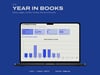
The year-end reading summary everyone shares, computed from a table you own rather than from an app that owns you.
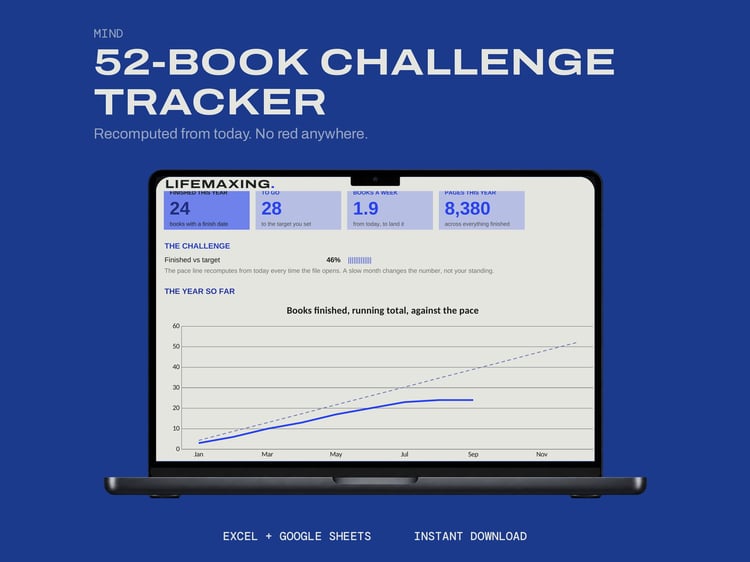
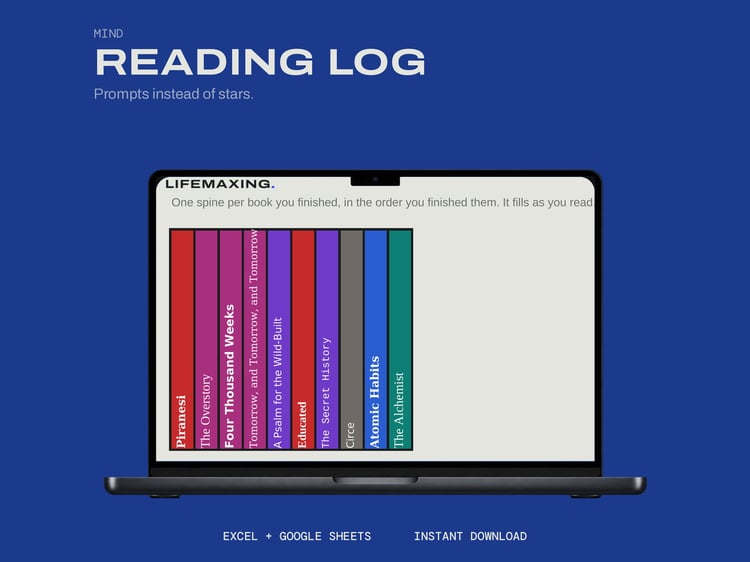
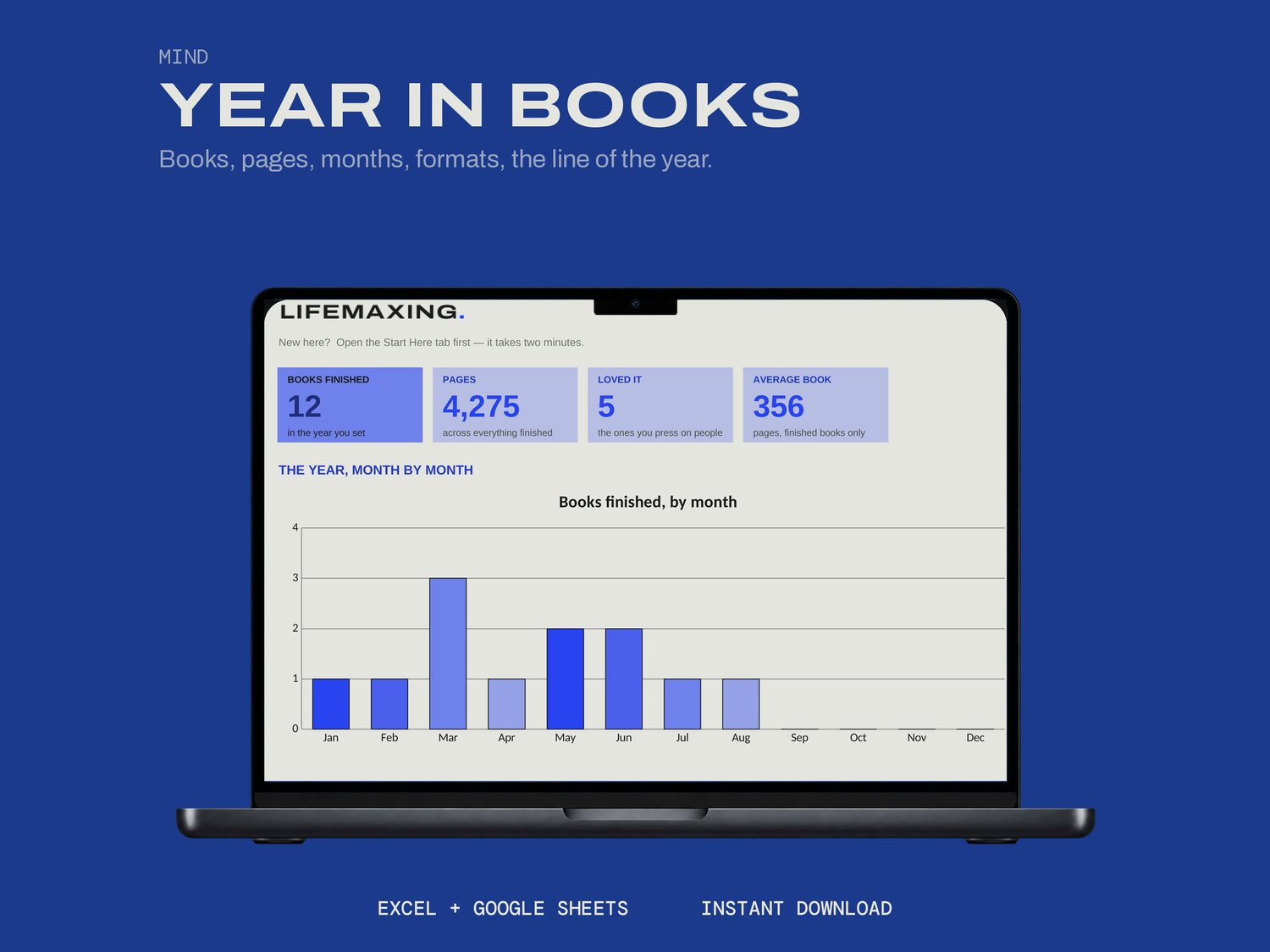
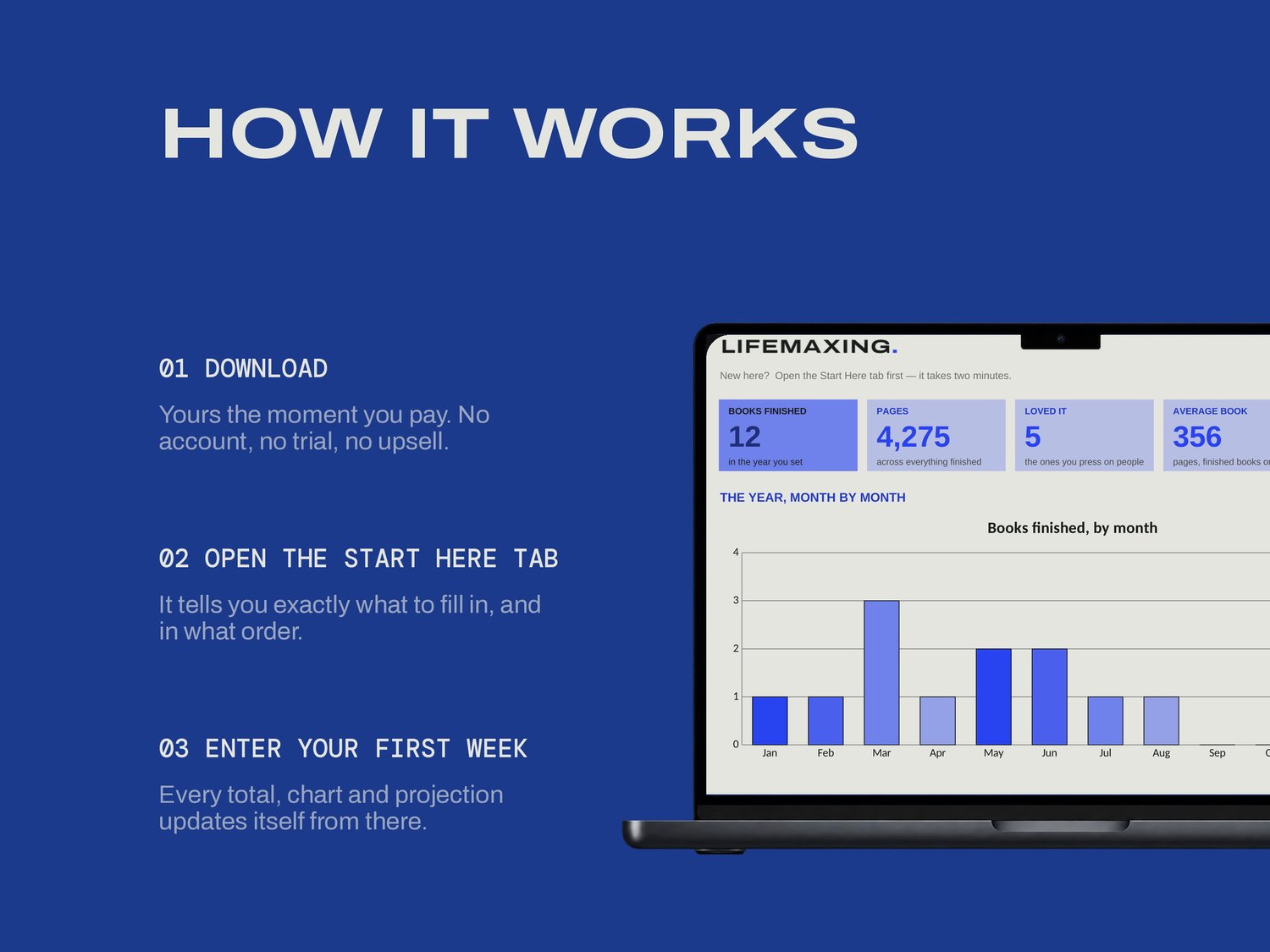
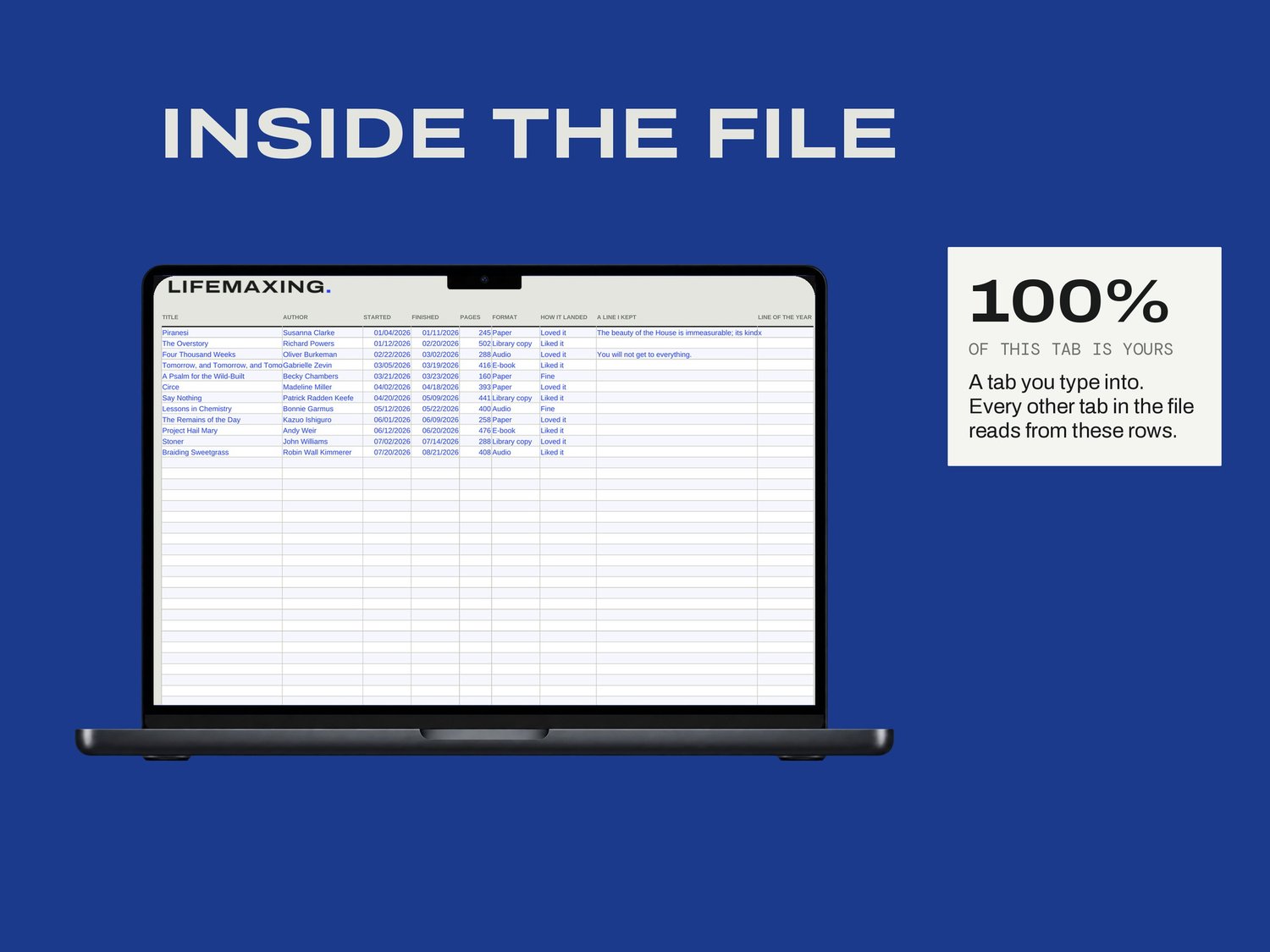
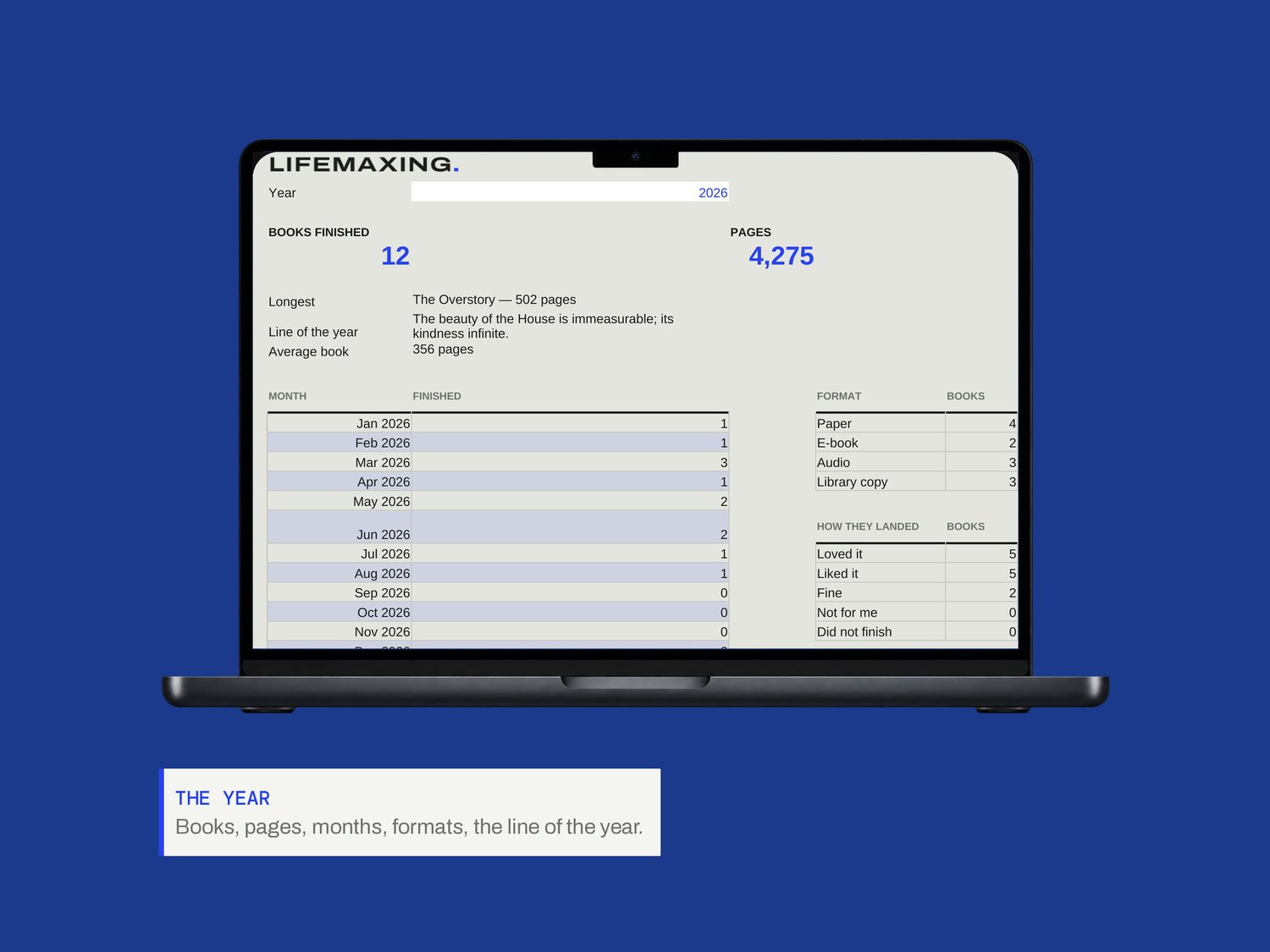
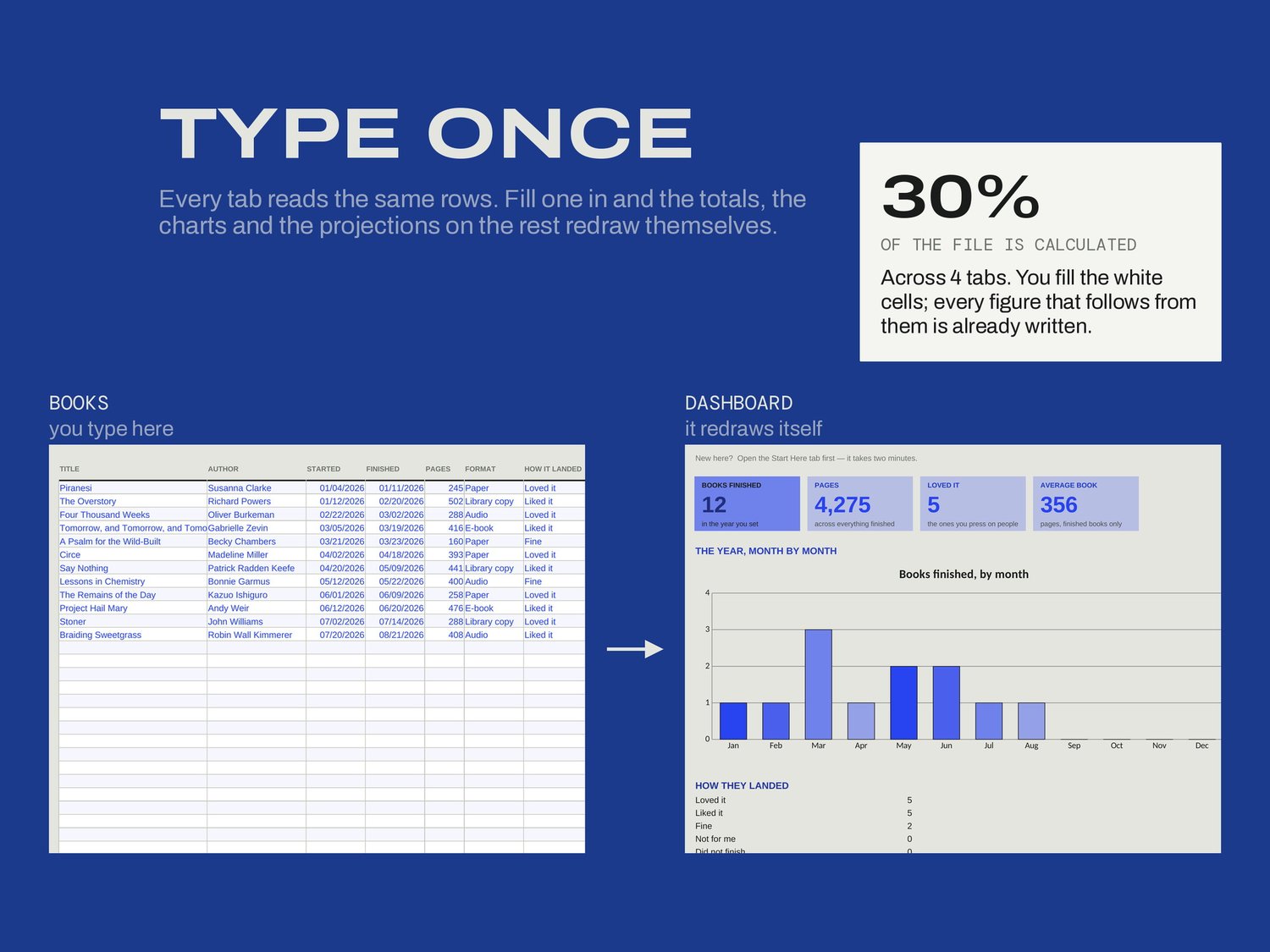
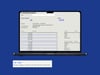
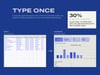
One row per book. If you keep the Reading Log, its first seven columns paste straight in. Mark one line as the line of the year when you find it. Then set the year on the summary tab and read: books, pages, the months you read most, the formats you actually used, how they landed, and the longest thing you finished.
WHAT'S INSIDE
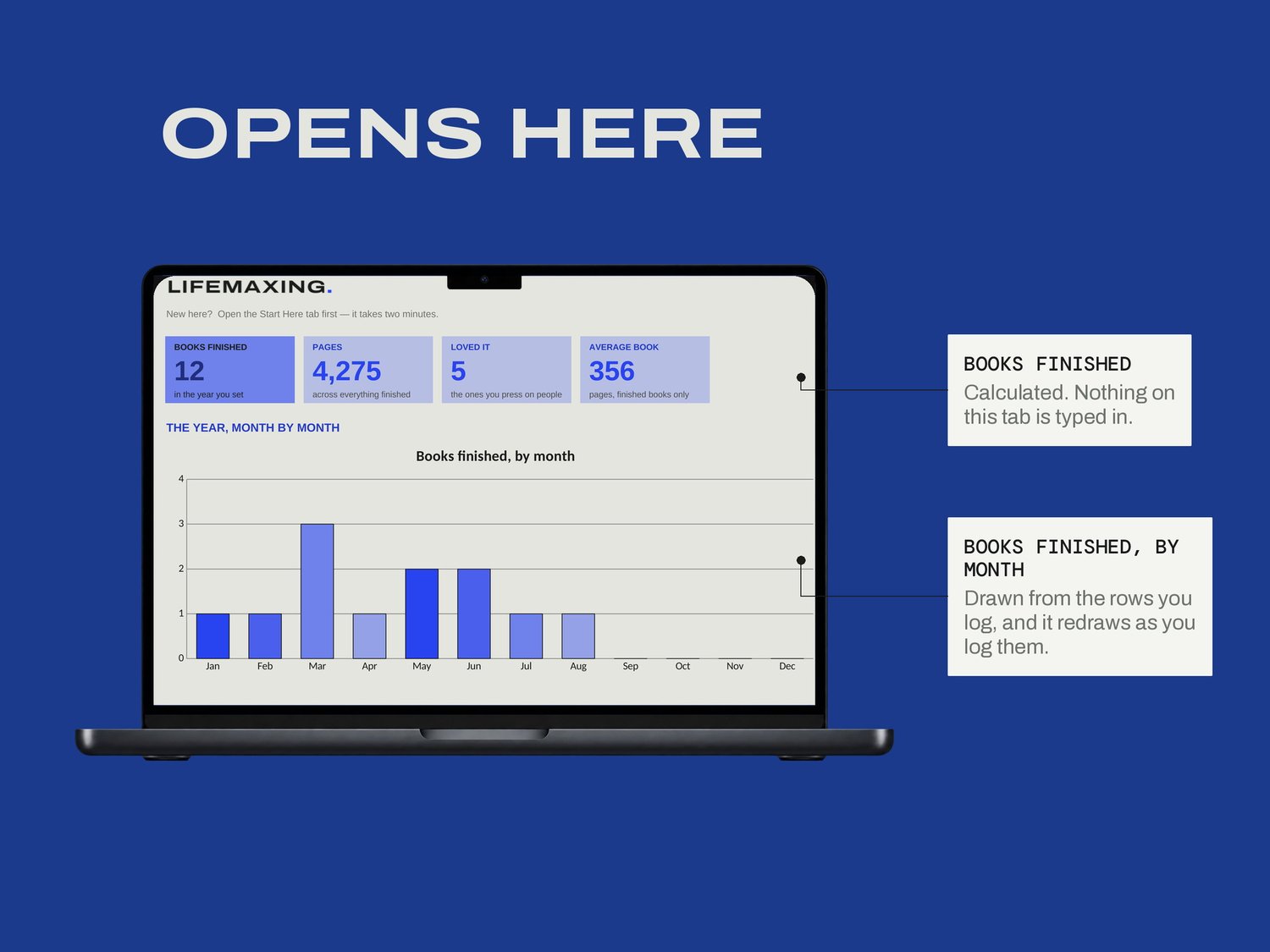
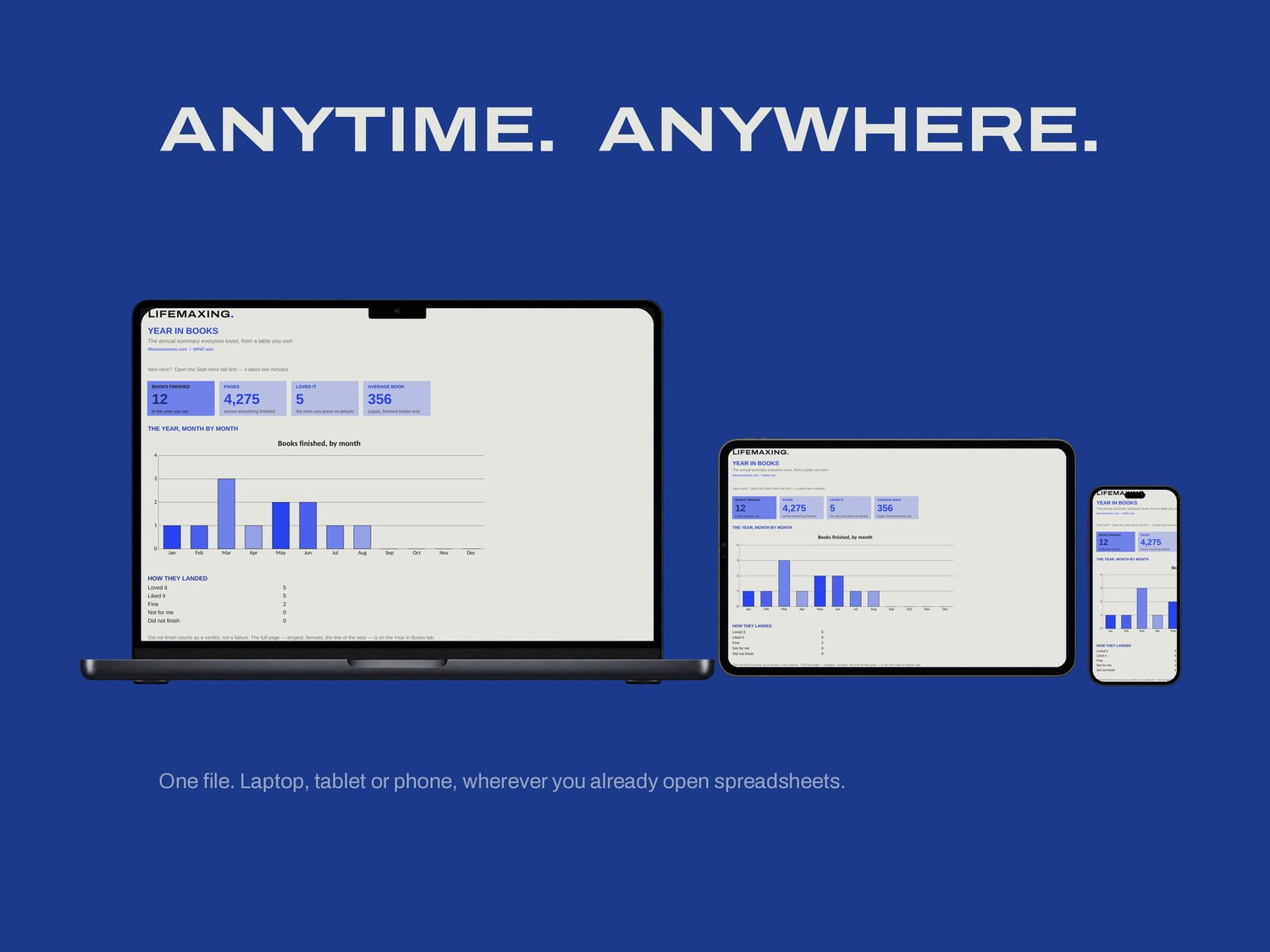
Dashboard - books, pages, the months, and how they landed
Start Here - how the file works and which cells are yours
Books - one row per book, where you write or paste
Year in Books - the full page: longest, formats, the line of the year
THE PART NOBODY ELSE BUILDS
Change the year and the whole page re-computes for that year instead. The summary is not generated once and frozen; it is a view over your own table, so 2027 is a cell edit rather than a new file, and last year does not disappear to make room. That also means the numbers are auditable. When it tells you that you read nine thousand pages, the rows that add up to nine thousand pages are one tab away and you can check them.
WHAT YOU GET
Excel workbook (.xlsx)
Google Sheets template - one click to copy
Setup instructions (PDF)
Free updates for life
BEFORE YOU BUY
Works in Microsoft Excel 2016 and later, and in Google Sheets. No account, no import, no connection to any reading service; you own the table. Pairs with the Reading Log, which is sold separately. Digital download, all sales final.