


TS-PortfolioMerge Special
TS-PortfolioMerge (1.13.1) for TradeStation and MultiCharts
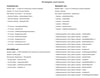
BONUS: 10+ Free Trading Systems for TS-PortfolioMerge and TS-ParamScape
Trend-following and mean reversion systems included
Download the .ELD and .TSW files, import the .ELD first, and then open the .TSW workspace in TradeStation.
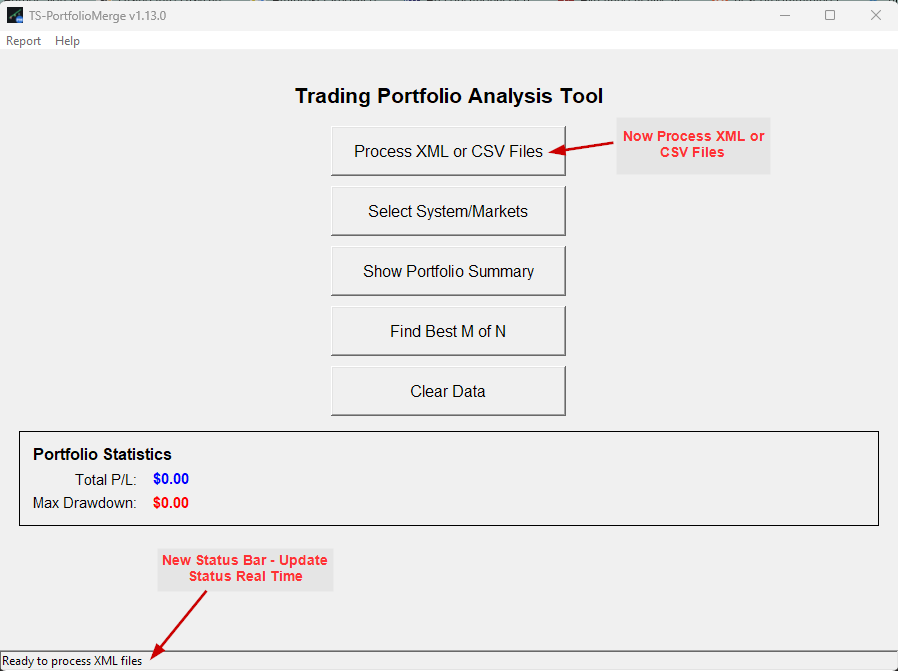
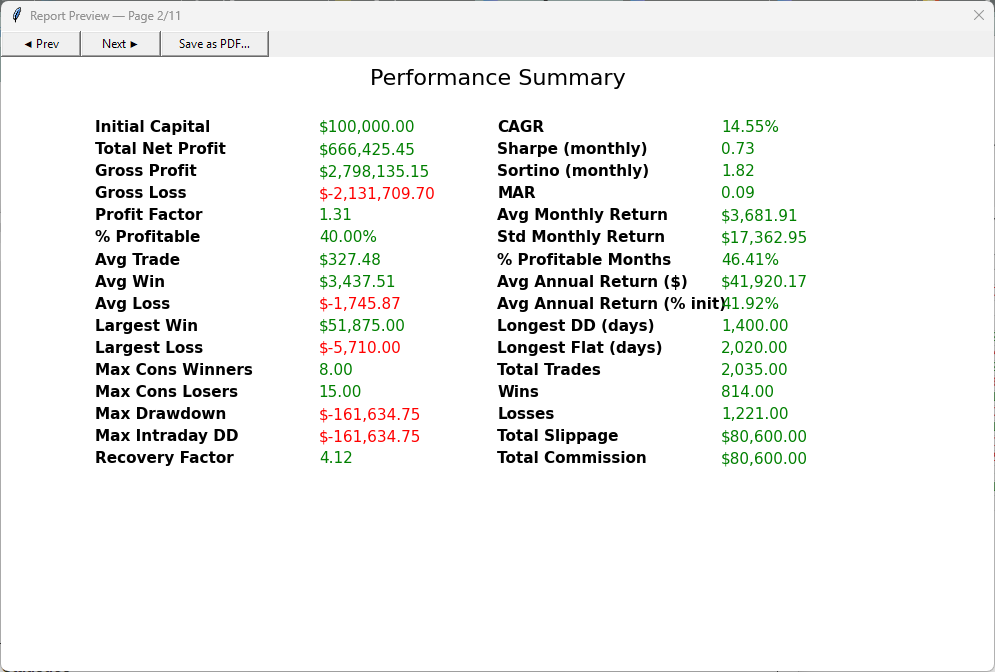
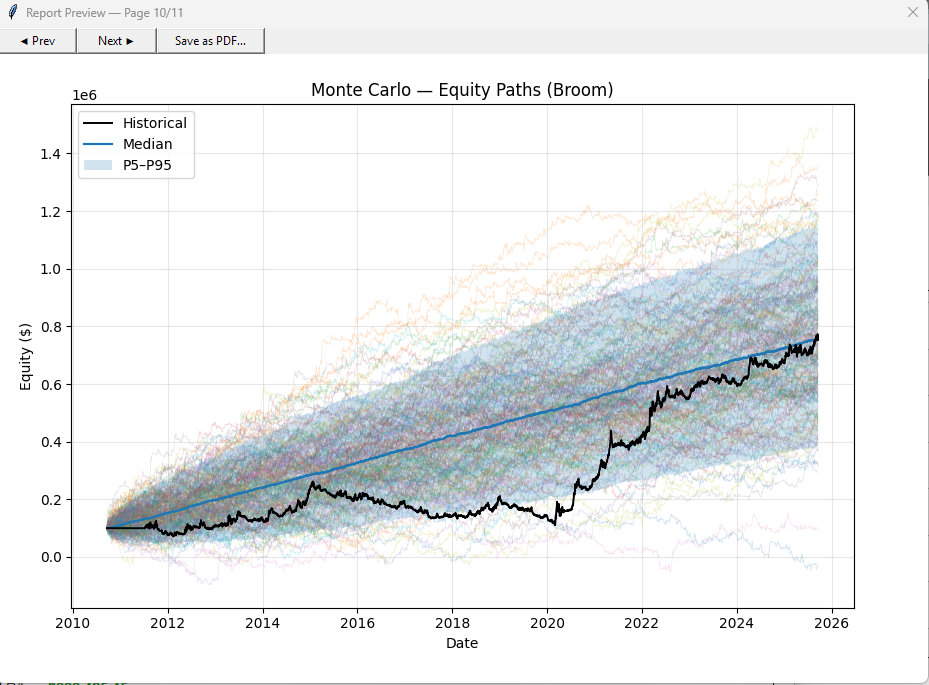
TS-PortfolioMerge combines multiple TradeStation or MultiCharts strategy results (.xml) into one clean portfolio view, so you can evaluate total equity, drawdowns, and portfolio behavior at a glance. No Python required. Simple Windows installer included.
Check out the new website for the product - TS-PortfolioMerge Version 1.13.1 Website
Combines multiple TradeStation/MultiCharts strategy results (.xml) into one clean portfolio view—showing total equity and drawdowns at a glance. Simple installer, no Python required. User Manual included.
What it does
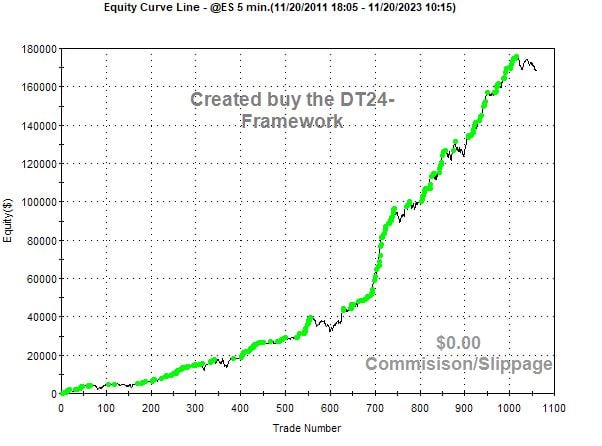
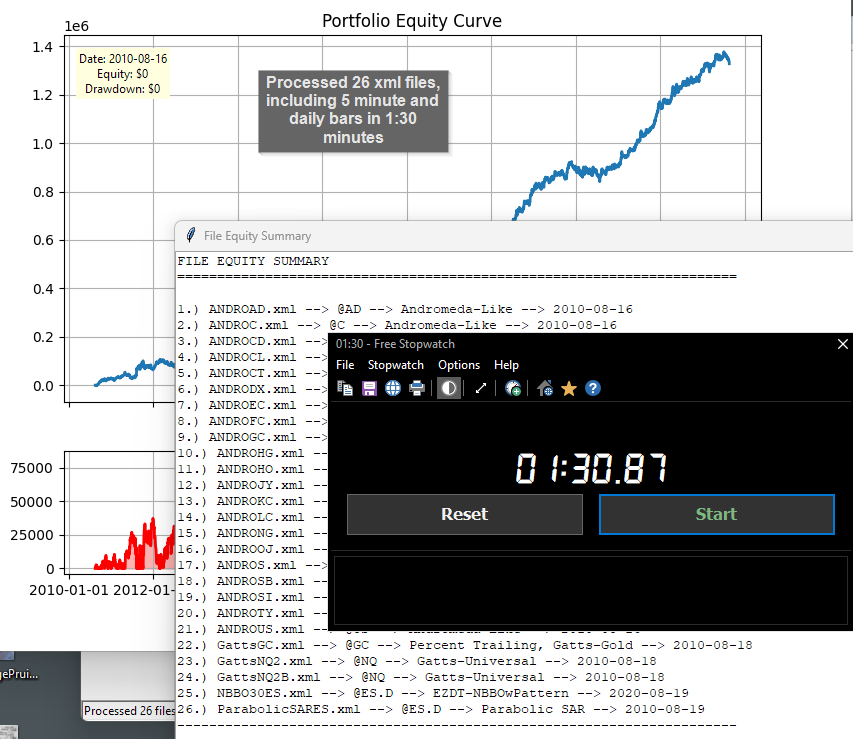
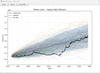
TS-PortfolioMerge builds a single, combined equity curve from multiple strategy/market results exported from TradeStation or MultiCharts—so you can see the “whole portfolio” performance in seconds.
Who it’s for
Traders and system developers who want a quick, reliable way to merge strategy outputs and visualize total equity and drawdowns without spreadsheets.
Key features
- 🔗 Merge multiple results (strategies/markets) into one portfolio equity curve
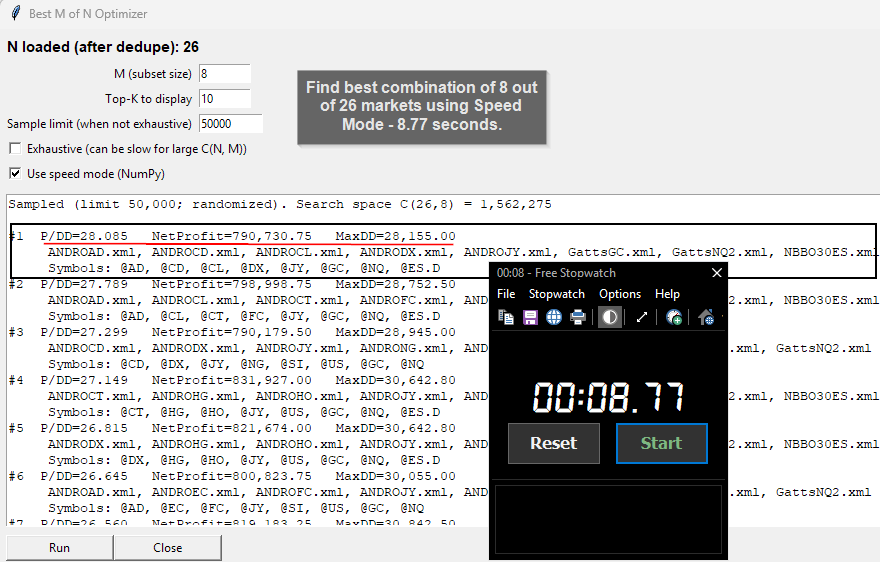
- ⚡ m-out-n subset selection — pick any m strategies out of n candidates and preview the combined equity fast, making it easy to compare different mixes
- 📈 Daily equity & drawdown visualization to spot regime shifts quickly
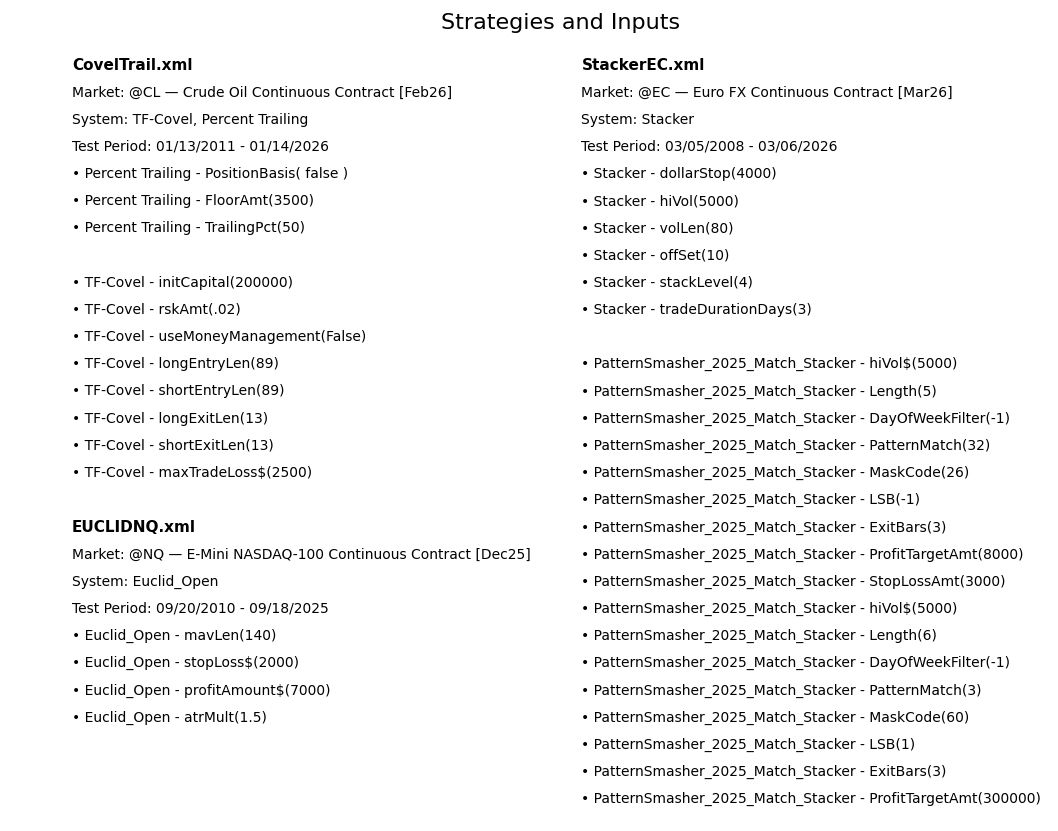
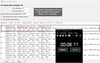
- 🧾 Per-file breakdown so you can see each component’s contribution
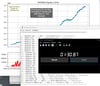
- 🌓 Use a companion Strategy in a Study Group to automate (sort of ) data extraction
- 📘 User Manual (PDF) installed with the app
What you get
- Setup ZIP containing the Windows installer
- Install Guide (PDF) with step-by-step instructions
- User Manual (PDF) installed to: Start → TS-PortfolioMerge → User Manual
Install (Windows)
- Download the Setup ZIP from your PayHip purchase page.
- Right-click the ZIP → Extract All…
- Open the folder and double-click TS-PortfolioMerge-v1.06-Setup.exe.
- After install: launch from Start → TS-PortfolioMerge.
If Windows SmartScreen appears, click More info → Run anyway
Requirements
- Windows 10/11 (64-bit)
- No Python or extra software required
Watch a quick video on TS-PortfolioMerge
Watch a quick video on Version 1.13 data extract tool (Companion Strategy)
TS-PortfolioMerge Special for customers. Check out the video on how to create the historic FX database: