Competitor Restaurant & Bar Shopping Report Pack: Mystery Shopper Form and Competitor Price Comparison
Full description
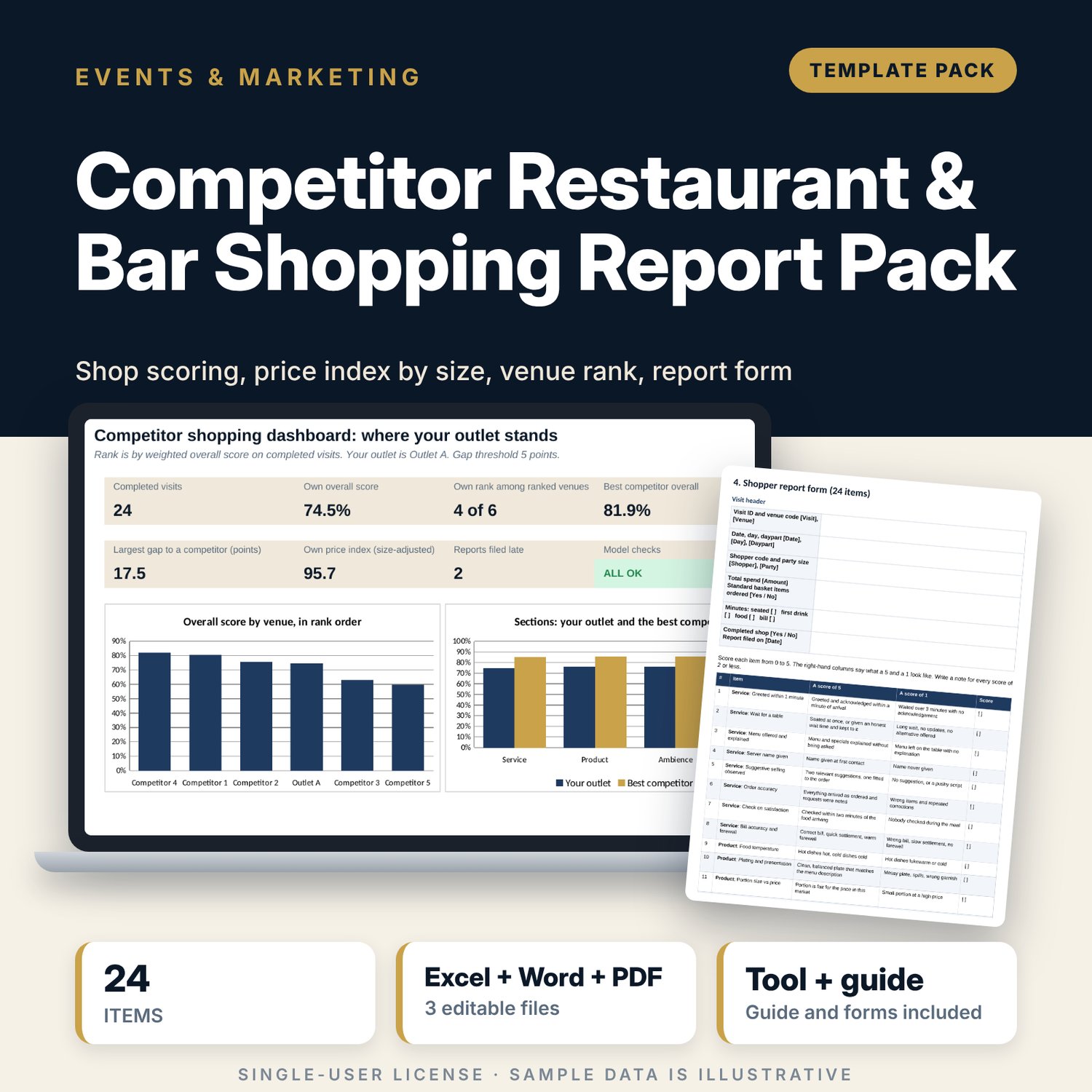
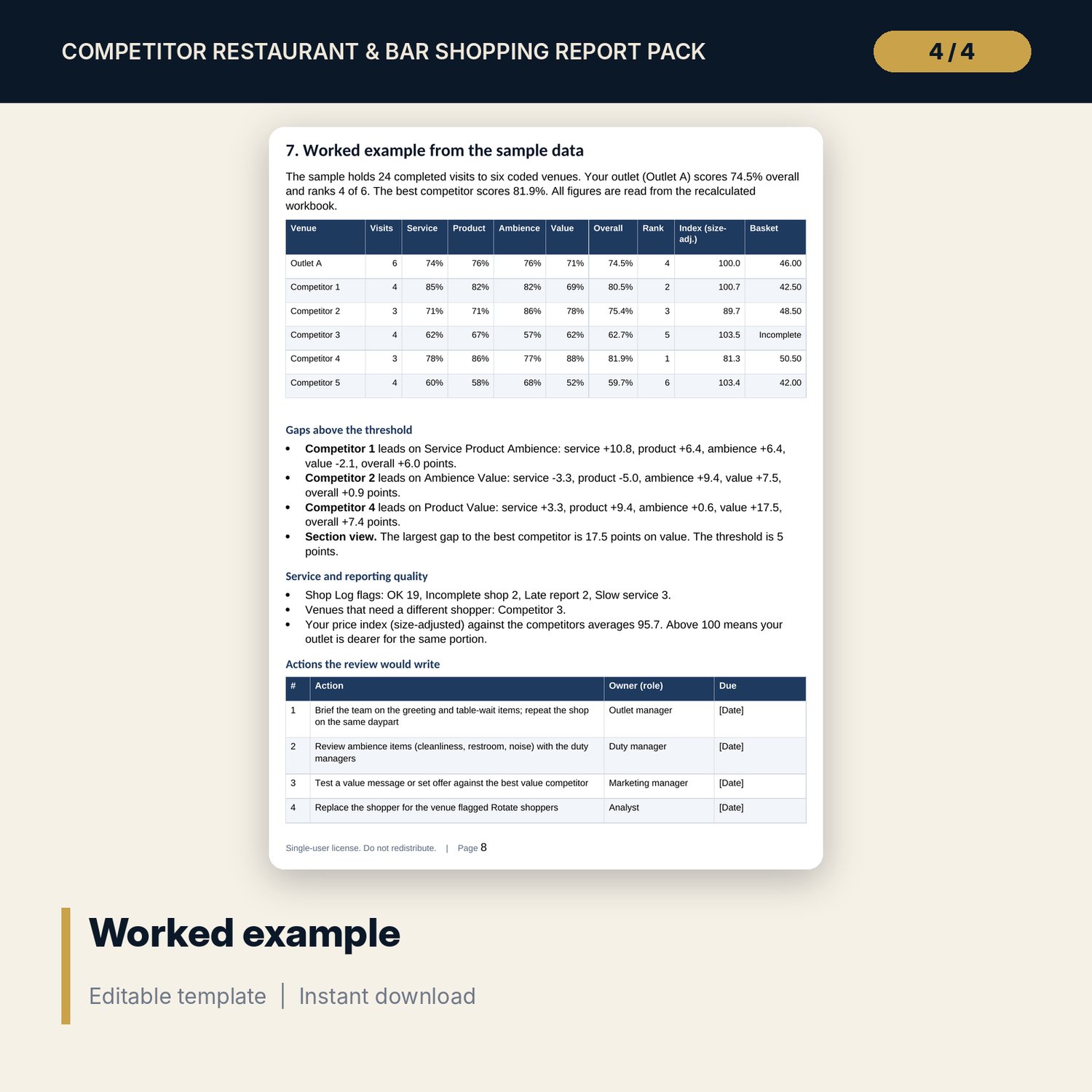
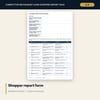
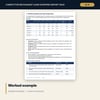
For F&B directors, restaurant and bar managers and marketing teams who shop their competitors and want scores they can compare from one round to the next. The workbook holds a shop log with 26 sample visits scored on 24 items in four weighted sections (service, product, ambience, value), a price table for 12 menu items at six venues with portion sizes, and a venue comparison that averages completed visits, ranks the venues, shows the gap to your own outlet by section and compares a standard basket. The Word guide covers the shopping programme, shopper rules, the report form, the price sheet, the review routine and a worked example.
What is inside
- Competitor_Shopping_Report_Tracker.xlsx: 7 tabs, 879 formulas, 2 native charts, 42 drop-down and input rules, 8 integrity checks
- Shop Log: 26 sample visits plus 24 spare rows; 24 item scores, four section scores, overall score, spend per head and a row flag
- Price Compare: 12 sample items plus 3 spare rows for six venues, raw and size-adjusted price index and a four-item standard basket
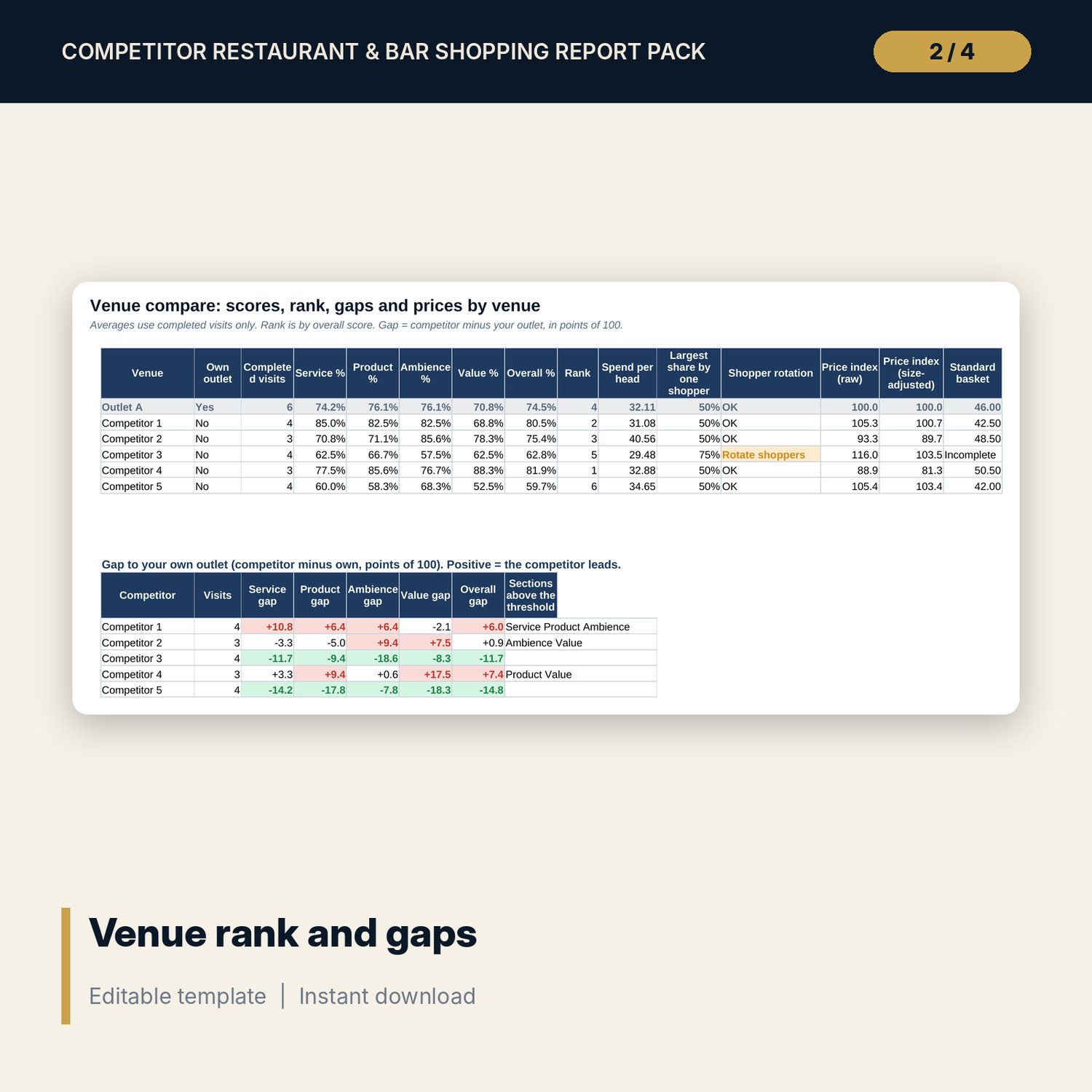
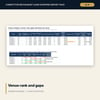
- Venue Compare: completed visits, section scores, rank, shopper rotation check, price index, basket price and a gap table with the sections above the threshold
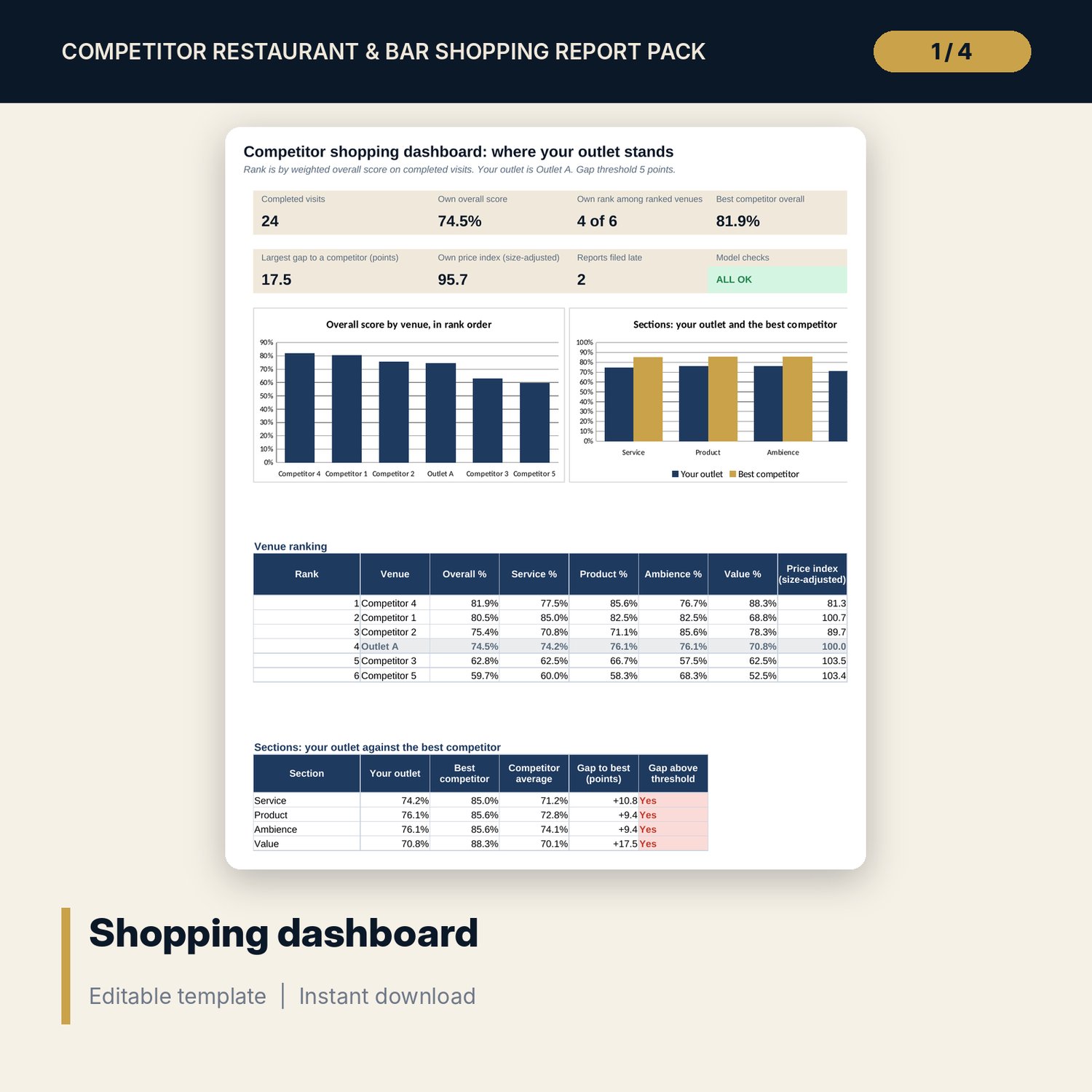
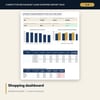
- Dashboard: 7 KPI tiles, a check tile, venue ranking, section comparison with the best competitor and 2 charts
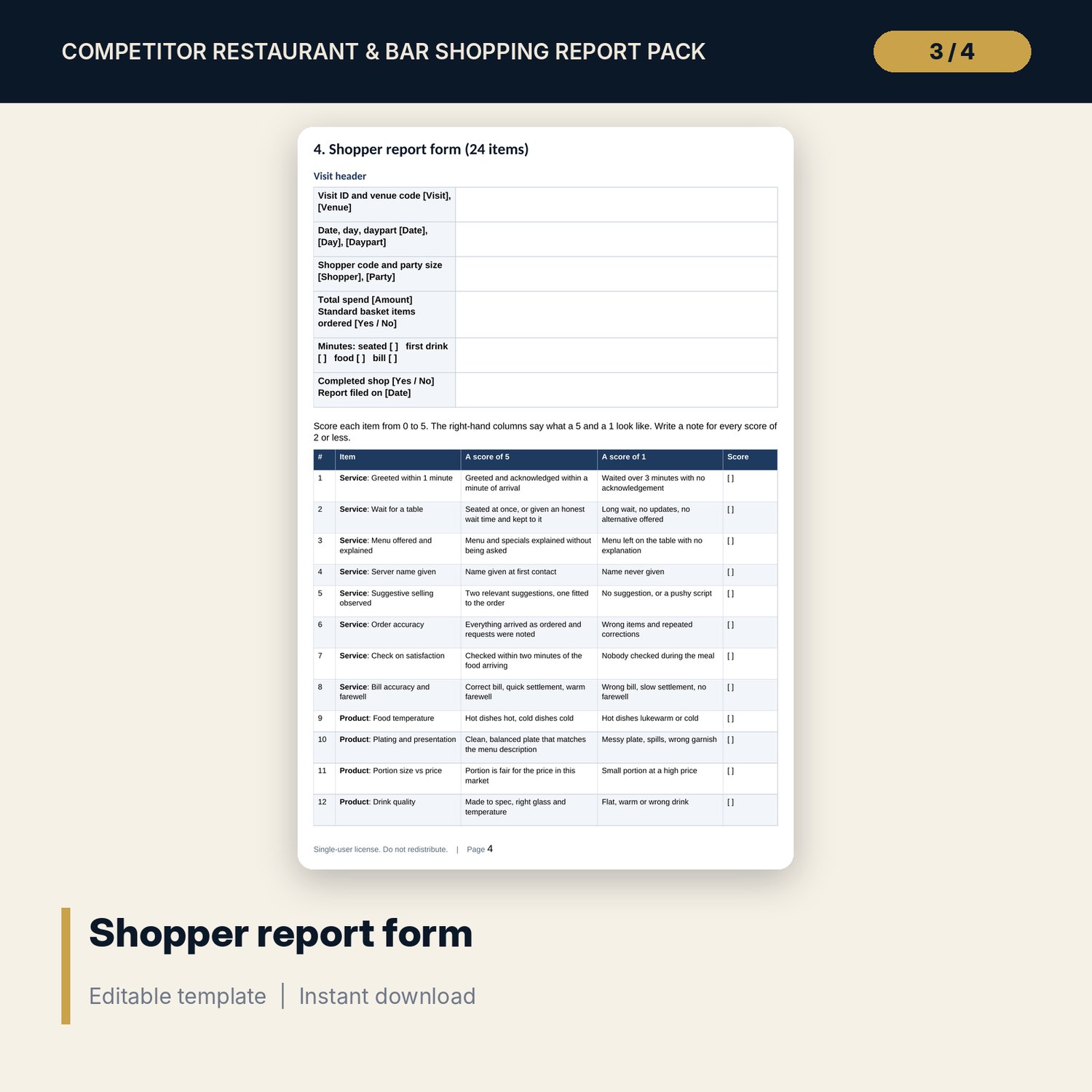
- Competitor_Shopping_Visit_Guide.docx and Competitor_Shopping_Visit_Guide.pdf: 8 pages with a programme plan, shopper rules, observation guide, a 24-item report form, a price sheet, a review agenda, an action tracker and a worked example
- README.txt and LICENSE-and-Terms.txt
How it works
- Set the weights, gap threshold, time limits and six venue codes on Settings.
- Send shoppers with the printed form and price sheet. They file both within 24 hours.
- Type each form into Shop Log and the prices into Price Compare.
- Read Venue Compare and the Dashboard to see rank, gaps and price position.
- Review with the outlet managers and write an action for every gap above the threshold.
Details
- Formats: 1 Excel workbook (.xlsx), 1 guide and forms pack in Word (.docx) and PDF, English
- Software: Excel 2016 or later, or LibreOffice Calc 7 or later
- No macros, no external links, no data tables, no array formulas
- 3 files plus README and license; instant digital download
Good to know
- Sample data is illustrative. Replace it with your own figures.
- Venues appear as codes. Keep a private key to real names and verify local requirements for any shopper arrangement.
- Weights, time limits and the gap threshold are your own policy. These files are management tools, not legal advice.
- Single-user license. Do not redistribute.
FAQ
How is the overall score calculated?
Each section score is points earned divided by points possible. The overall score is the weighted sum: service 30, product 30, ambience 20, value 20 by default. You can change the weights.
How does it compare prices fairly?
Price Compare records the price and the portion size. The raw index compares prices. The size-adjusted index compares price per gram or millilitre.
What does the rotation flag mean?
One shopper made more than the set share of the visits to a venue. Scores drift when one person shops every time, so the file asks you to rotate.
Can I add venues or items?
The log takes extra visits and the price table has spare item rows. The venue list holds six venues, with your own outlet first.
Do I need macros?
No. Every result is a standard worksheet formula.