Wedding Planner Client Timeline & Vendor Tracker: Wedding Planning Business Spreadsheet
Full description
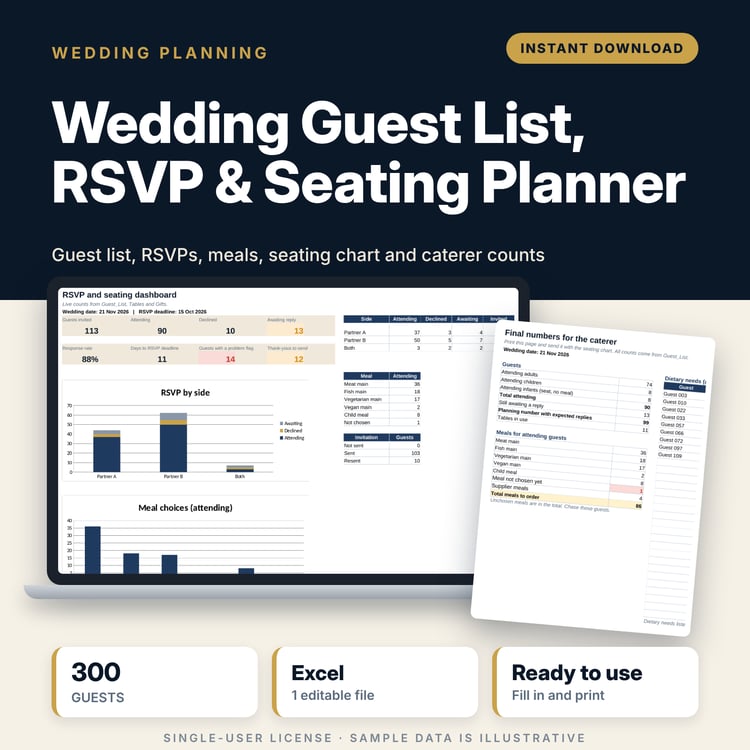
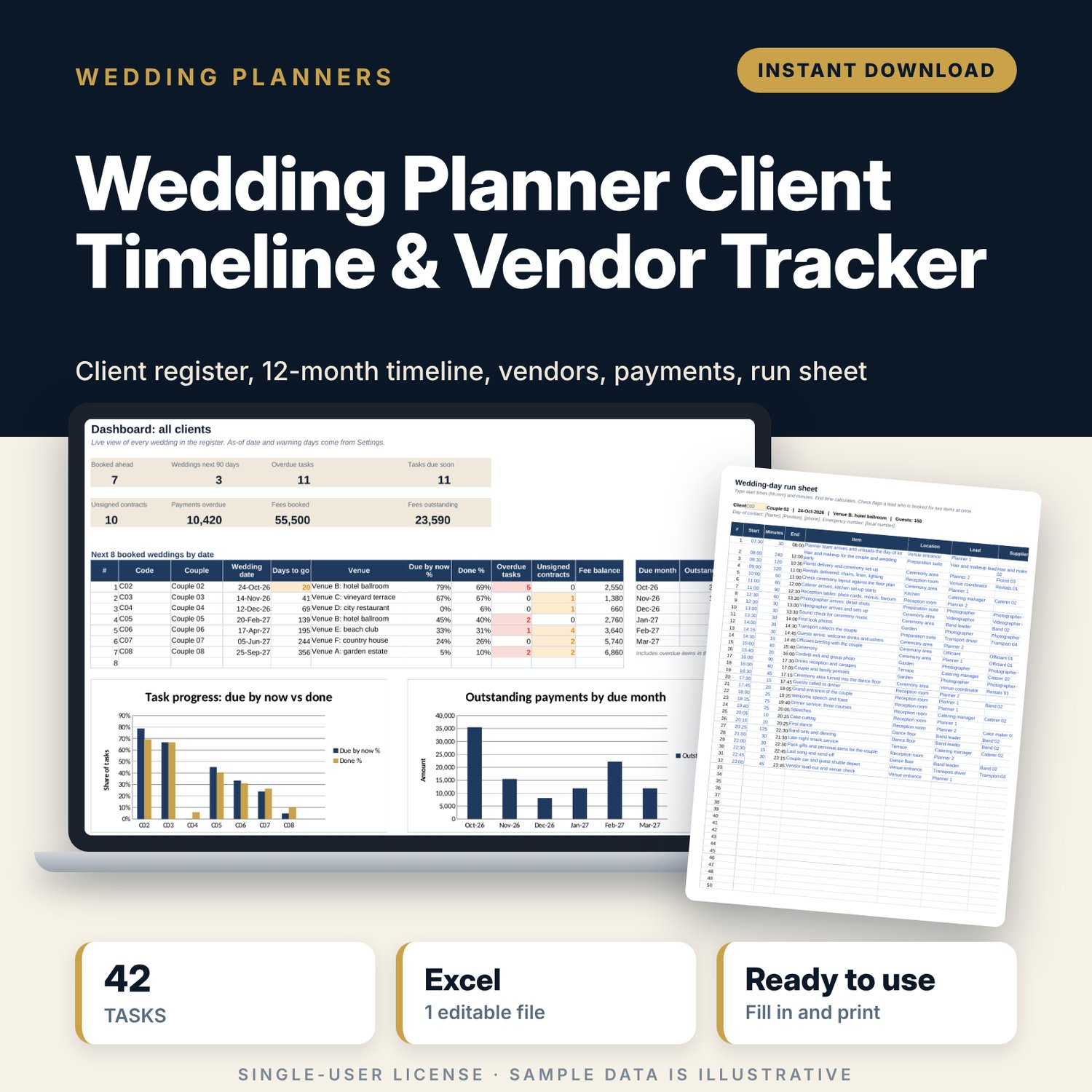
For professional wedding planners and coordinators who manage several couples at once and need one place to see what is due, what is overdue and who still owes money. You enter each couple and their wedding date once. The workbook counts back a 42-task planning timeline from that date, tracks every vendor contract and instalment, builds the wedding-day run sheet and shows all clients on one dashboard.
Save with a bundle: this template is also in the Events & Weddings Bundle, 10 templates for $29 instead of $67. All 141 templates are in the All-Access Hospitality Template Library for $79.
What is inside
- Wedding_Planner_Client_Timeline_Vendor_Tracker.xlsx: 9 tabs, 10,107 formulas, 2 native charts, 16 drop-down or number rules. No macros.
- Settings: as-of date (=TODAY() by default), currency label, 2 warning windows, 6 drop-down lists and a task library with 42 standard tasks plus 3 spare rows.
- Clients: 20 client slots (8 sample couples) with wedding date, venue, guests, package, booking status, planner fee, fee paid, days to go, tasks done % and overdue tasks.
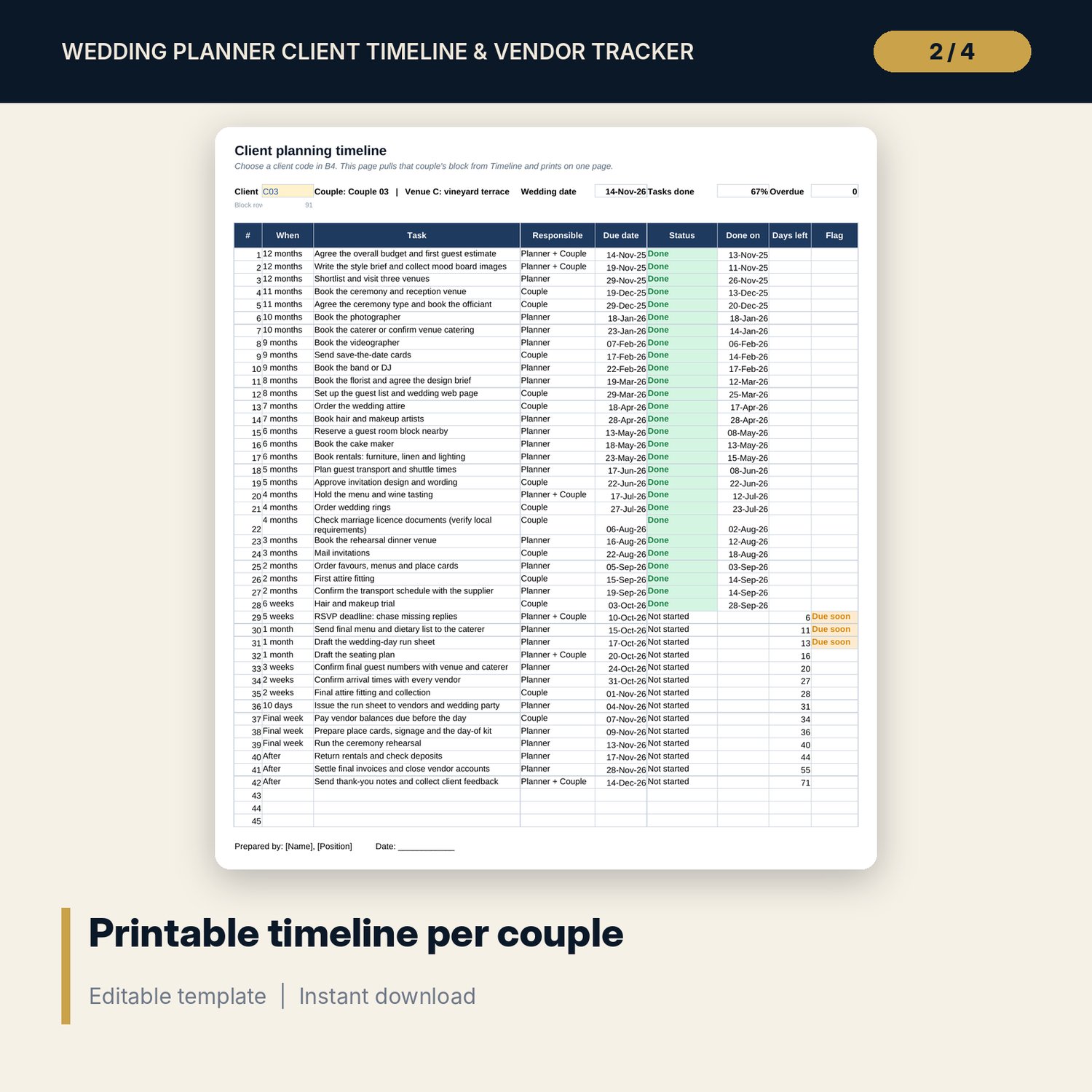
- Timeline: 20 blocks of 45 task rows. Due dates count back from each wedding date; status drop-down; overdue and due-soon flags.
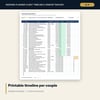
- Client_Timeline: pick a client code and print that couple's timeline on one page.
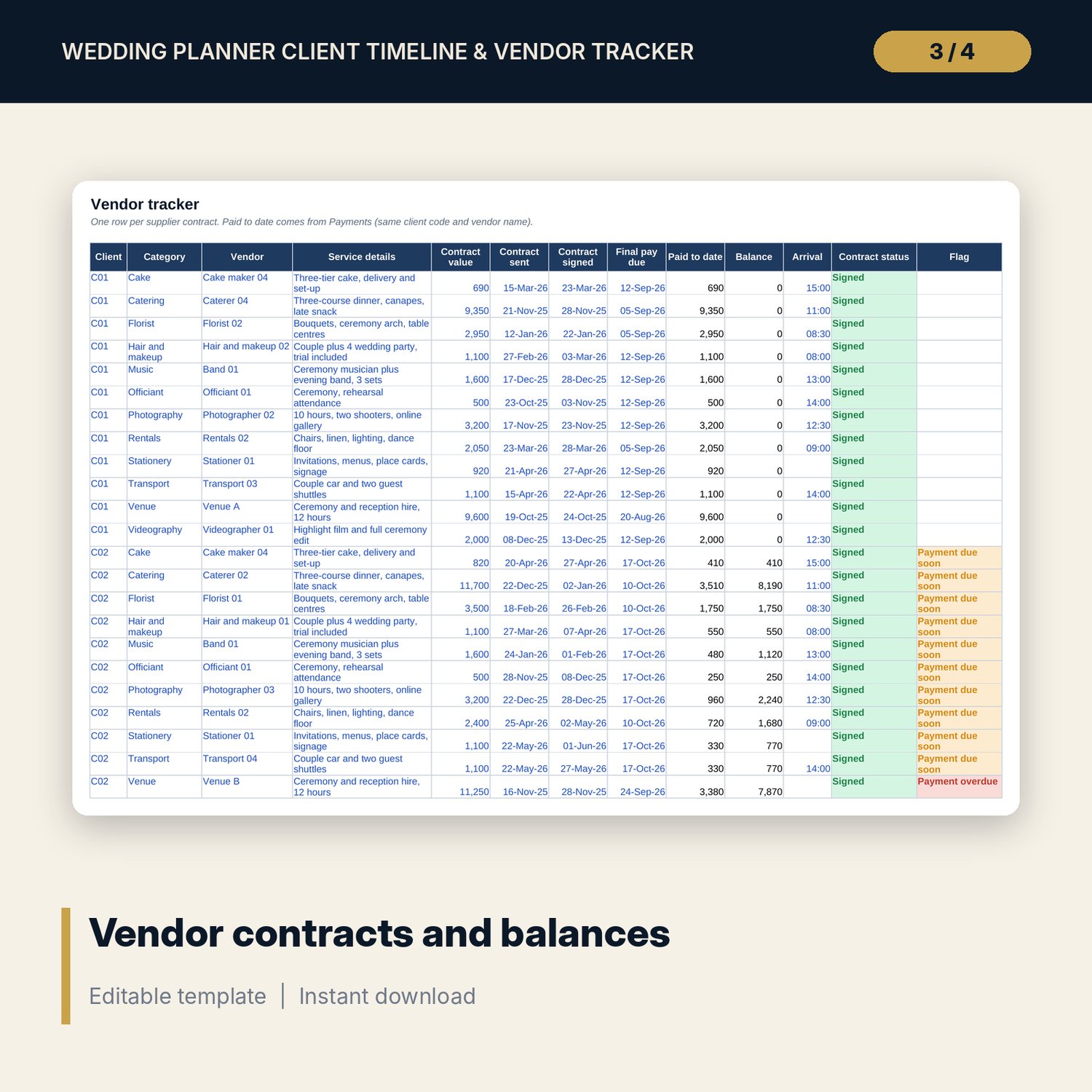
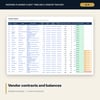
- Vendors: room for 260 contracts (79 sample rows) across 15 vendor categories, with sent and signed dates, final payment due, paid to date, balance, arrival time and flags.
- Payments: room for 400 instalments (162 sample rows) for planner fees and vendor payments, with an automatic Paid, Overdue, Due soon or Scheduled status.
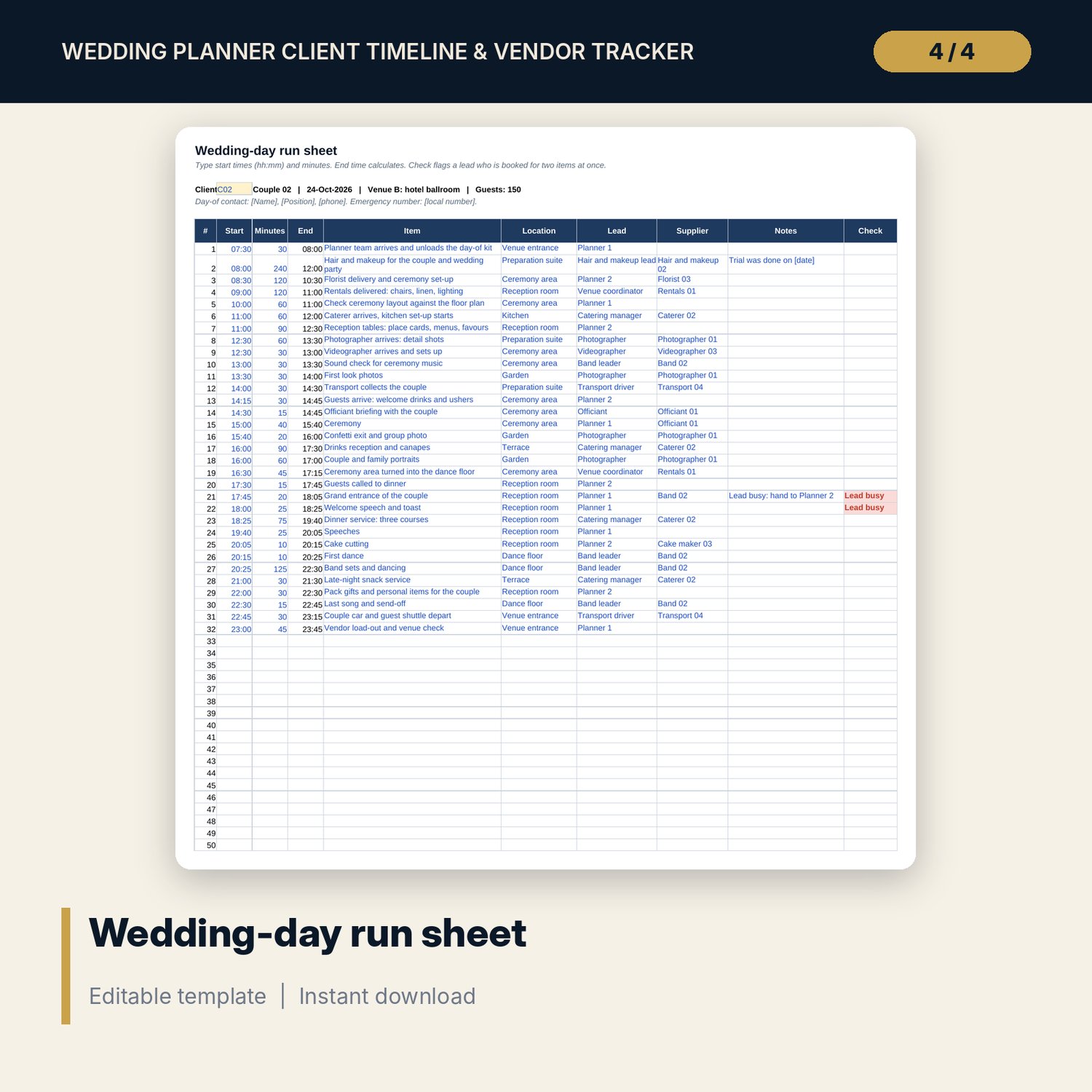
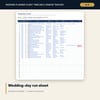
- Run_Sheet: 50 rows (32 sample items) for the wedding day, with end times and a check for a lead booked in two places at once.
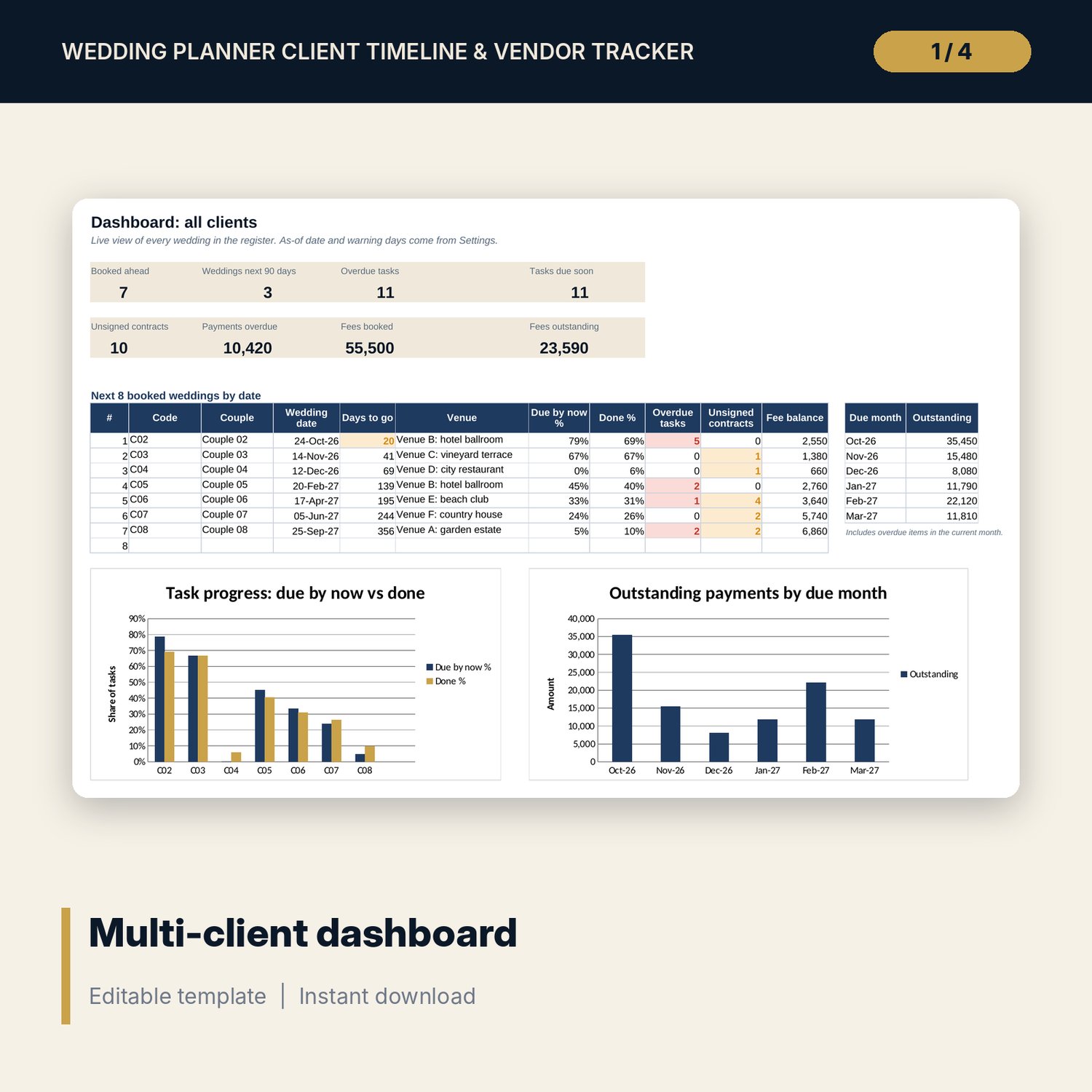
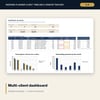
- Dashboard: 8 KPI tiles, the next 8 booked weddings by date and 2 charts (task progress by client, outstanding payments by month).
- README.txt and LICENSE-and-Terms.txt.
How it works
- Set the as-of date and currency label on Settings, and edit the task library if your process differs.
- Replace the sample couples on Clients with your own. Each code links to a block on Timeline.
- Update task statuses on Timeline and log contracts on Vendors and instalments on Payments.
- Before each wedding, fill in the Run_Sheet and print the Client_Timeline for the couple.
- Check the Dashboard each week for overdue tasks, unsigned contracts and payments due.
Details
- Format: Excel workbook (.xlsx). No macros.
- Language: English. Currency is a label you choose.
- Software: Excel 2016 or later, or a spreadsheet program that opens .xlsx files.
- Delivery: instant digital download. Nothing is shipped.
Good to know
- All couples, venues, vendors, dates and amounts are illustrative. Replace them with your own data.
- Marriage licence and document rules differ by place. Verify local requirements.
- Do not sort the Clients tab: each code links to its Timeline block.
- Single-user license. Do not share or resell the files.
FAQ
How many weddings can I track at once?
Twenty client slots. When a wedding is closed, clear its row and its Timeline statuses and reuse the slot.
Can I change the planning tasks?
Yes. Edit the task text, days before and responsible person in the library on Settings. Every client timeline updates.
Does it work in Google Sheets?
It opens in Google Sheets and the formulas calculate. Check the drop-downs and charts after import.
Do the flags update by themselves?
Yes. The as-of date is =TODAY() by default, so overdue and due-soon flags change each day you open the file.
Is this a physical product?
No. It is a digital download. Refund terms follow the store policy at the time of purchase.