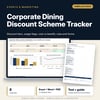
Corporate Dining Discount Scheme Tracker: Corporate Discount Scheme Tracker with Rules and Forms
Full description
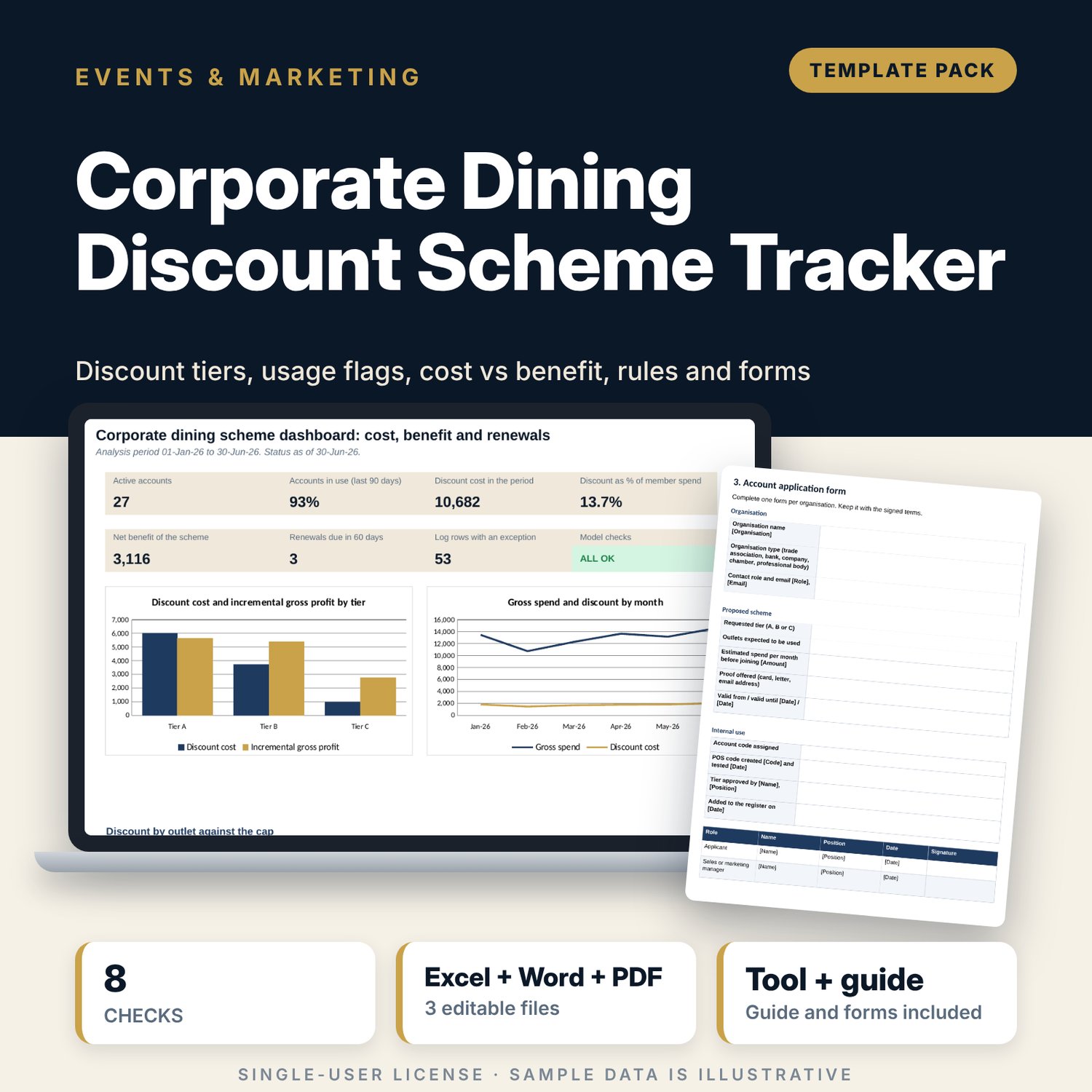
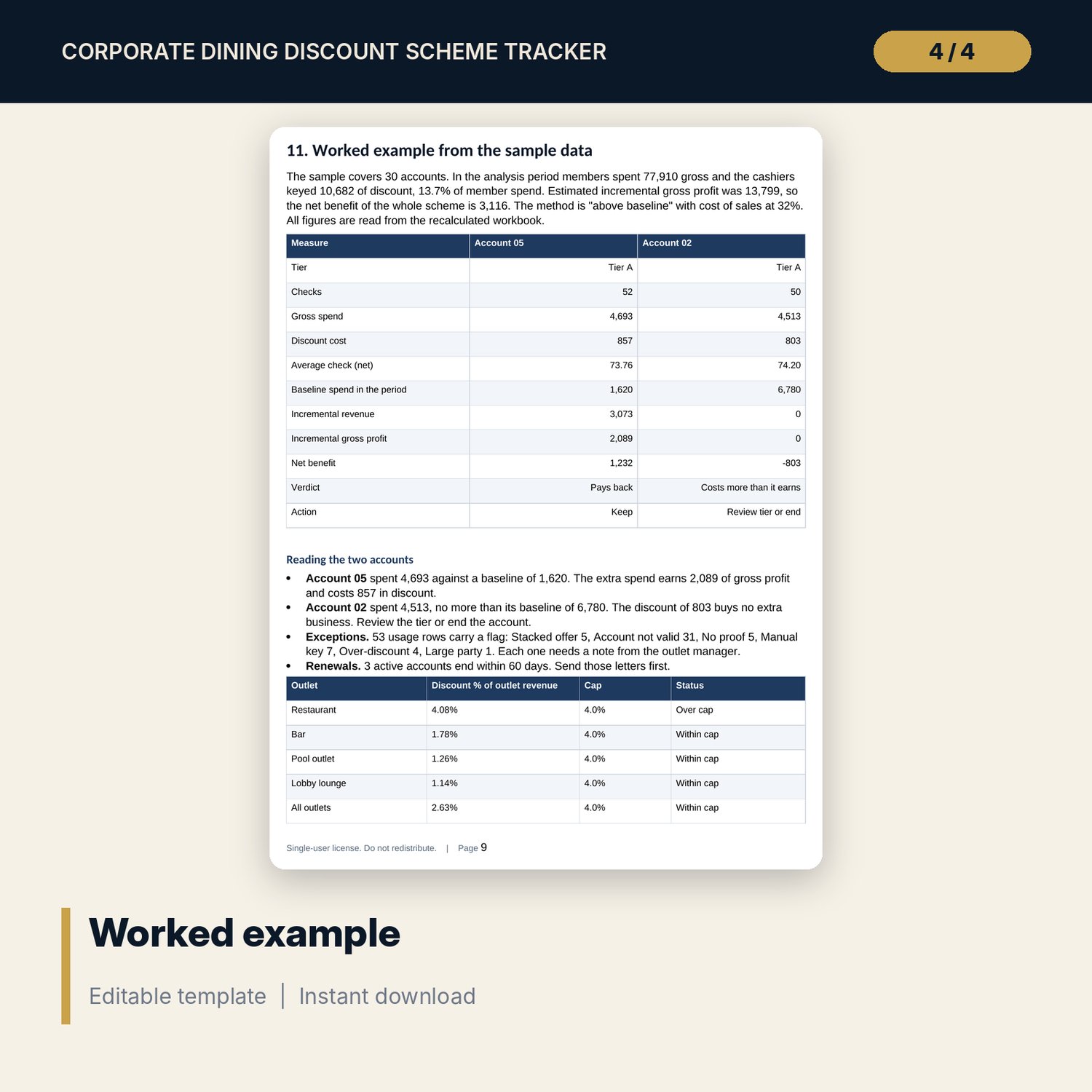
For hotel and restaurant sales managers, F&B directors and finance teams who give discounts to company and association members and need to know whether the scheme pays. The workbook holds 30 accounts on three tiers with a discount rate for each of four outlets, and a usage log of 585 sample checks. Every row is tested for validity dates, proof, stacking, manual keying, over-discount and party size. The summary sets discount cost against incremental gross profit by account, shows utilisation and renewal alerts, and compares discount with outlet revenue and a cap. The Word pack gives the rules, forms and letters.
What is inside
- Corporate_Dining_Discount_Tracker.xlsx: 7 tabs, 4,085 formulas, 2 native charts, 20 drop-down and input rules, 8 integrity checks
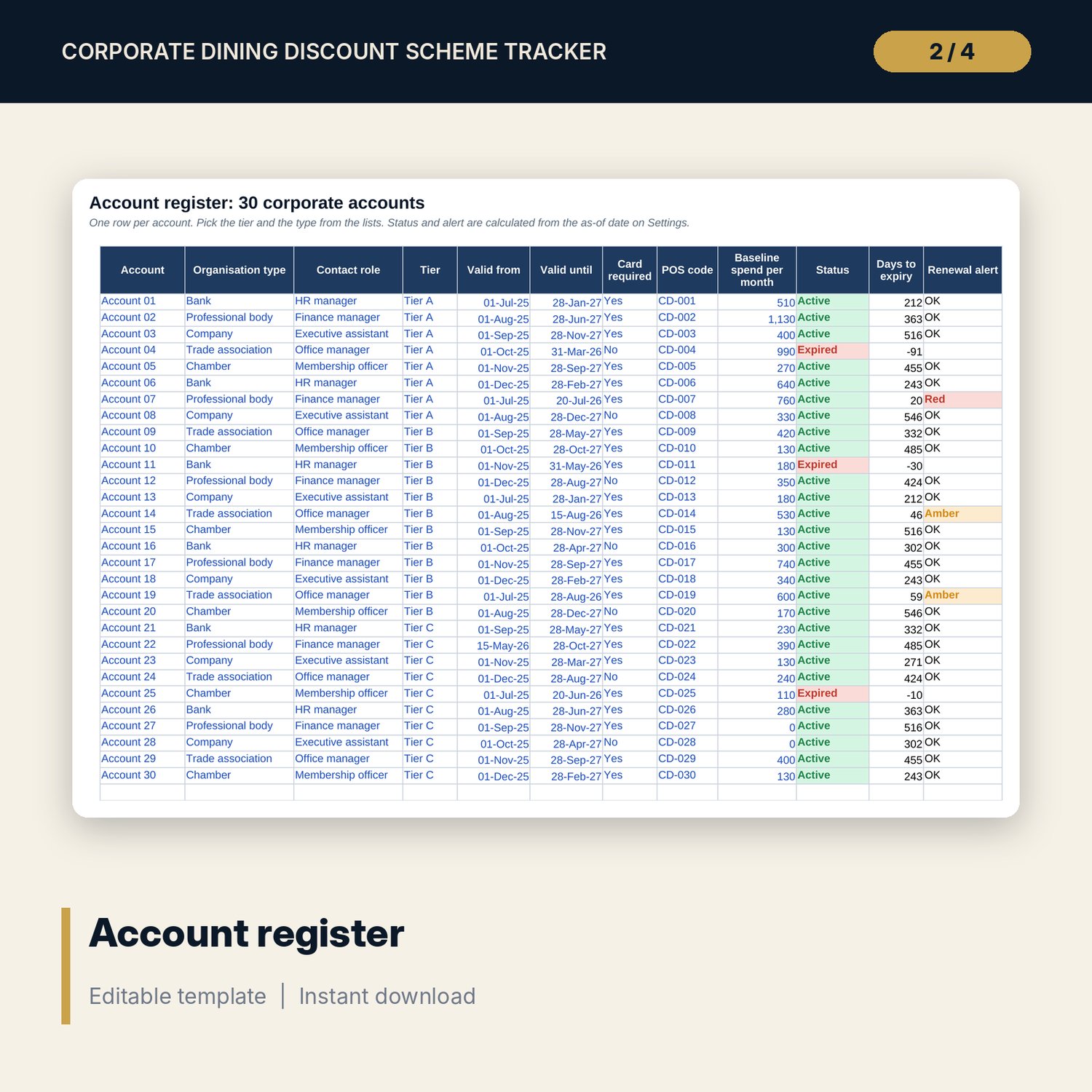
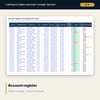
- Accounts: 30 sample accounts plus 6 spare rows, with tier, valid dates, card rule, POS code, baseline spend, status and a red or amber renewal alert
- Usage Log: 585 sample rows plus 40 spare rows; scheme %, discount due, net spend and one of 8 row flags
- Account Summary: 30 accounts with 20 columns including utilisation, incremental revenue, net benefit, verdict and action
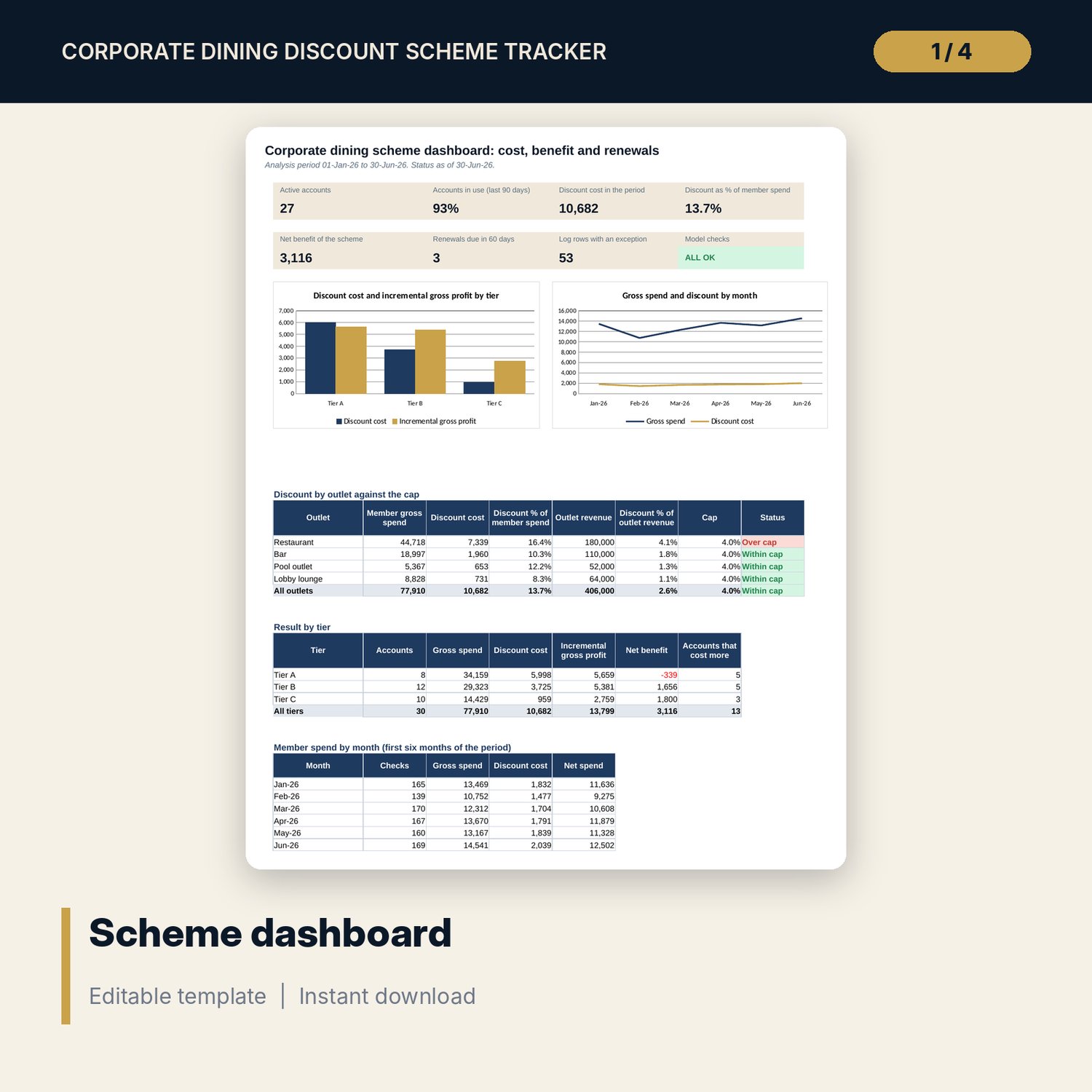
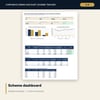
- Dashboard: 7 KPI tiles, a check tile, outlet discount against the cap, results by tier, a month table and 2 charts
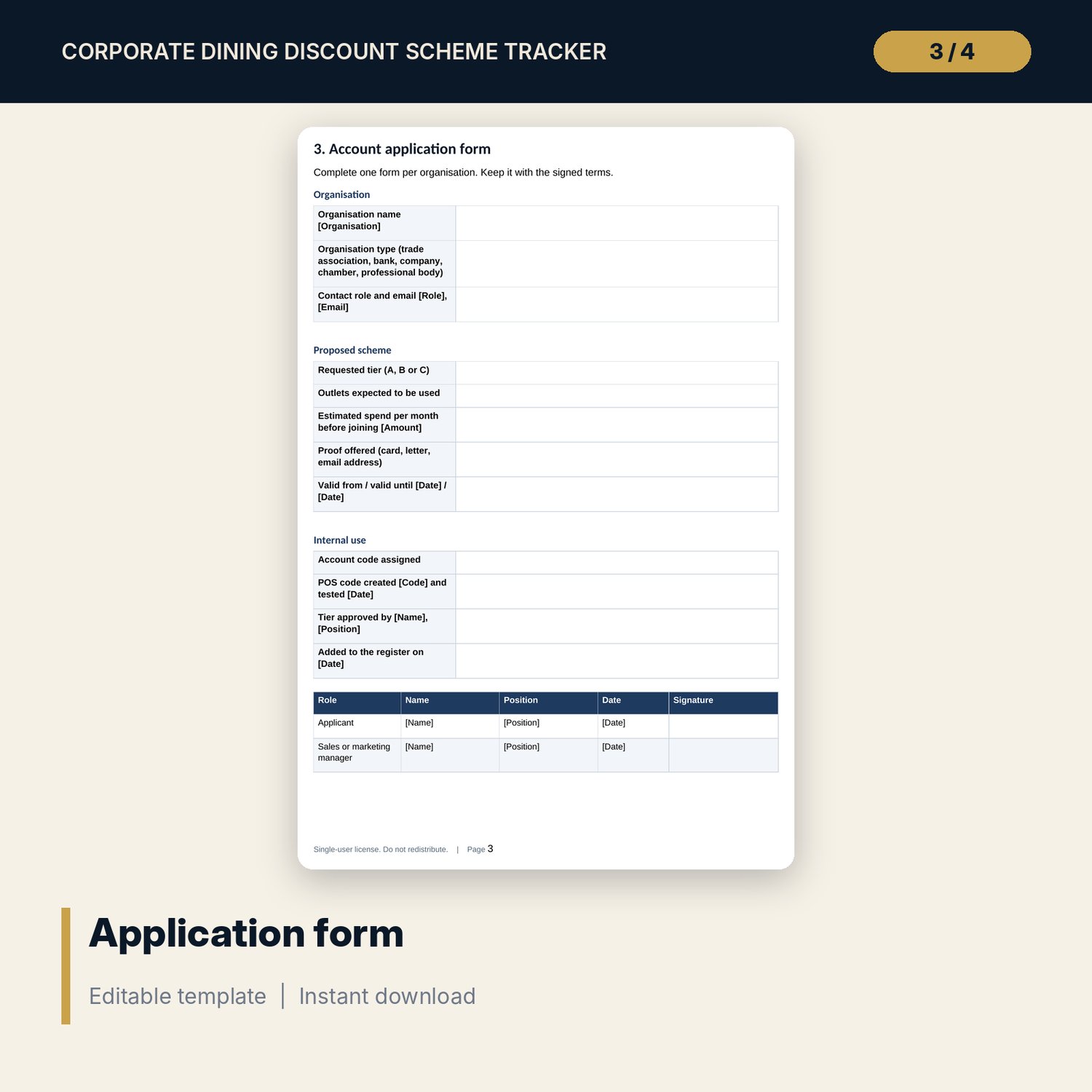
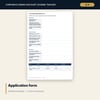
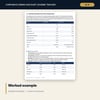
- Corporate_Dining_Scheme_Rules_and_Forms.docx and Corporate_Dining_Scheme_Rules_and_Forms.pdf: 9 pages with scheme rules, tier table, application form, terms, cashier briefing, account list, authorisation form, monthly summary, annual review, letters and a worked example
- README.txt and LICENSE-and-Terms.txt
How it works
- Set the period, the tier matrix by outlet, outlet revenue and the alert windows on Settings.
- Replace the sample accounts and enter the discounts your cashiers keyed in the usage log.
- Fix every flagged row with the outlet manager: no proof, stacked offer, manual key, over-discount.
- Read the summary and dashboard. Renew accounts that pay back and review the rest.
- Use the forms for new accounts, exceptions, the monthly summary and renewal letters.
Details
- Formats: 1 Excel workbook (.xlsx), 1 rules and forms pack in Word (.docx) and PDF, English
- Software: Excel 2016 or later, or LibreOffice Calc 7 or later
- No macros, no external links, no data tables, no array formulas
- 3 files plus README and license; instant digital download
Good to know
- Sample data is illustrative. Replace it with your own figures.
- Incremental revenue is an estimate. The workbook offers two methods and says which one it uses.
- Tiers, caps and cost of sales are your own policy. These files are management tools, not legal, tax or financial advice. Verify local requirements and have an adviser review the terms.
- Single-user license. Do not redistribute.
FAQ
How does it decide whether an account pays back?
Net benefit = incremental gross profit - discount cost. Incremental revenue is spend above the pre-joining baseline, or a share of spend, as you choose on Settings.
What does a flagged usage row mean?
The row failed one test: account not valid on the date, no proof where a card is required, another offer on the check, a manual price change, a discount above the tier rate, or a party over the limit.
Can I change the discount tiers?
Yes. The tier matrix on Settings holds a rate for each tier and outlet. A 0% cell excludes the outlet.
How are renewal alerts set?
Days to the valid-until date are compared with the amber window (60 days) and the red window (30 days). Both are inputs.
Do I need macros?
No. Every result is a standard worksheet formula.