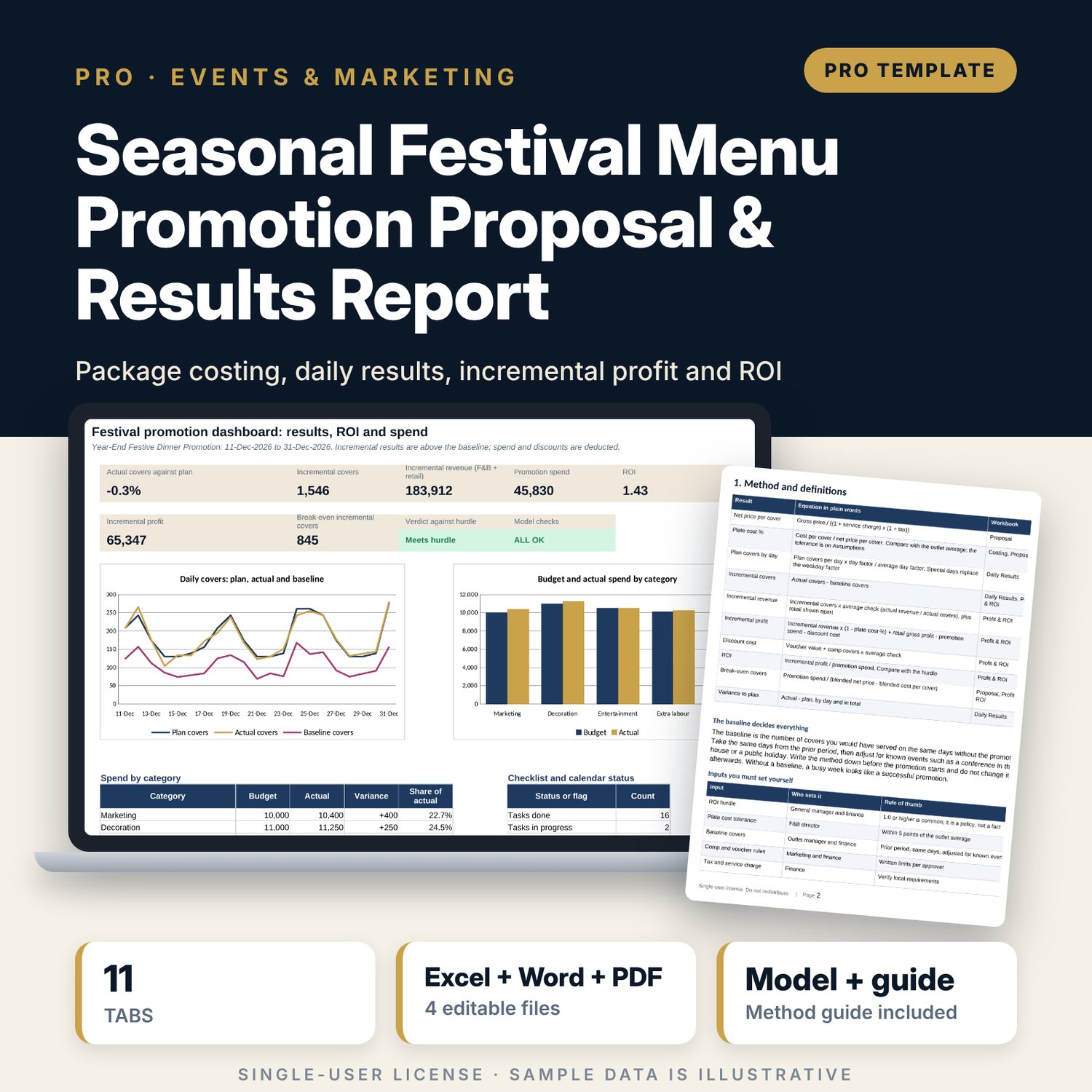
Seasonal Festival Menu Promotion Proposal & Results Report: Seasonal Festival Promotion Proposal and Results Tracker
Full description
For F&B directors, outlet managers and marketing teams who plan seasonal festival promotions and want to know whether a promotion earned its spend. The main workbook prices and costs six packages across three outlets, holds a 19-task preparation timeline and a festival calendar, tracks 18 budget lines, records 21 days of results against plan and a baseline, and calculates incremental covers, incremental profit, ROI against your hurdle, break-even covers and a sensitivity grid. The companion form scores the promotion on eight criteria and keeps a lessons log. The Word guide gives the method, a proposal form, the daily form, review rules and a worked example.
What is inside
- Festival_Promotion_Proposal_and_Results.xlsx: 11 tabs, 907 formulas, 2 native charts, 23 drop-down and input rules, 13 integrity checks
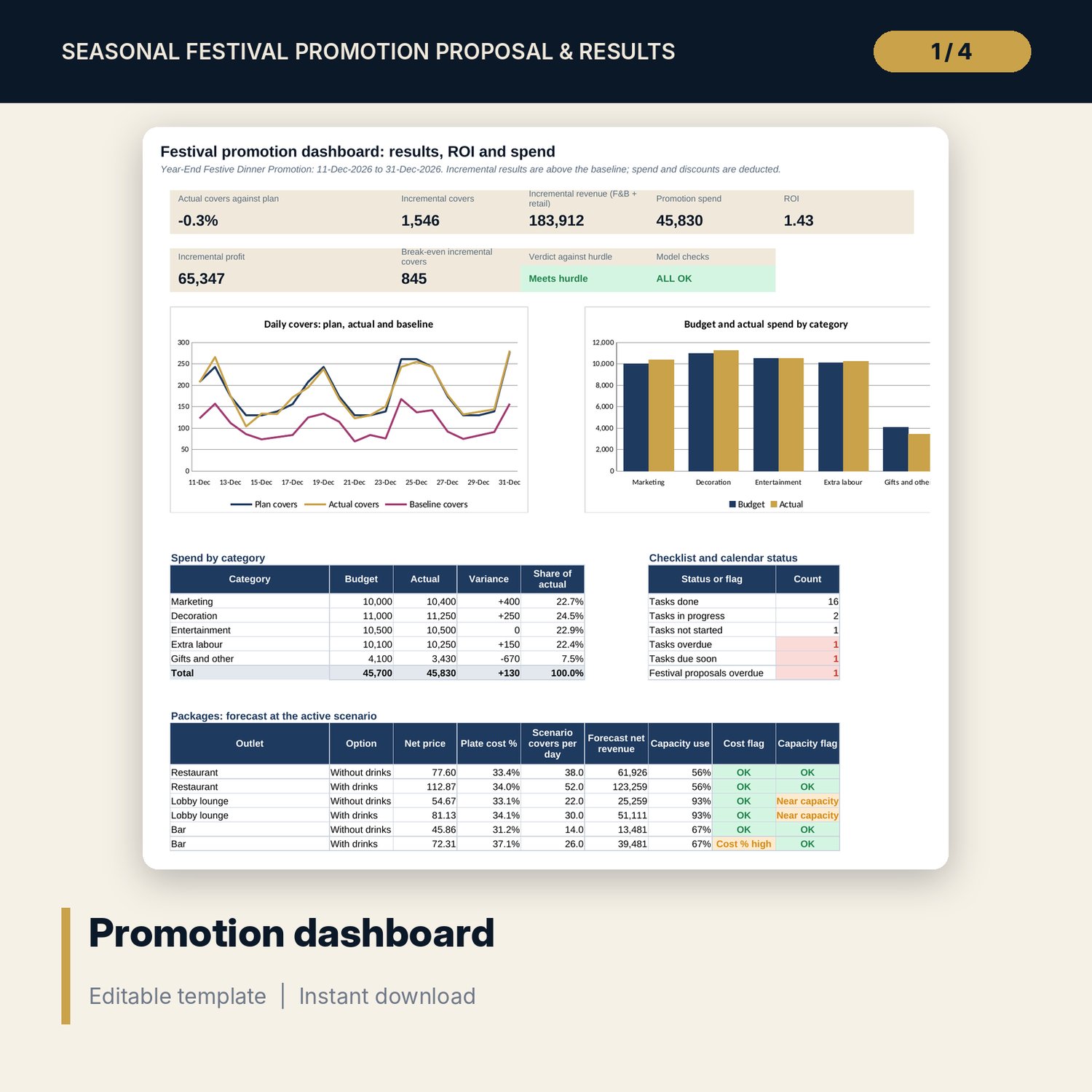
- Proposal and Costing: packages with and without drinks, net price, plate cost against the outlet average, capacity use, a Base, Upside and Downside scenario and retail items
- Budget and Daily Results: 18 sample budget lines with flags and 21 sample days with plan, baseline and actual covers, comps, vouchers and advance bookings
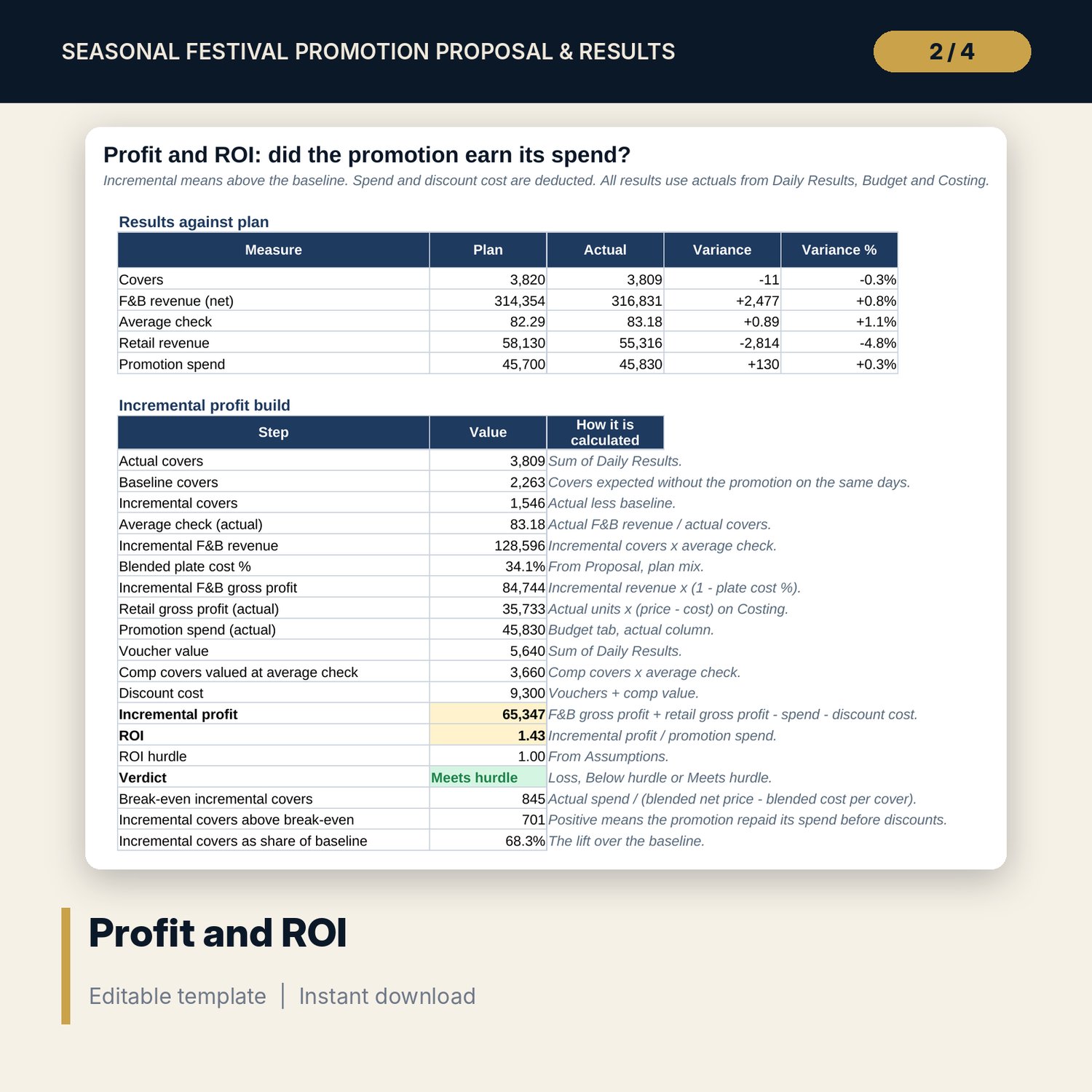
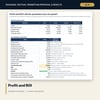
- Profit & ROI: results against plan, incremental profit build, ROI verdict, break-even covers and two sensitivity grids
- Timeline: 19-task checklist with due dates and an annual calendar of 12 festivals with proposal due dates
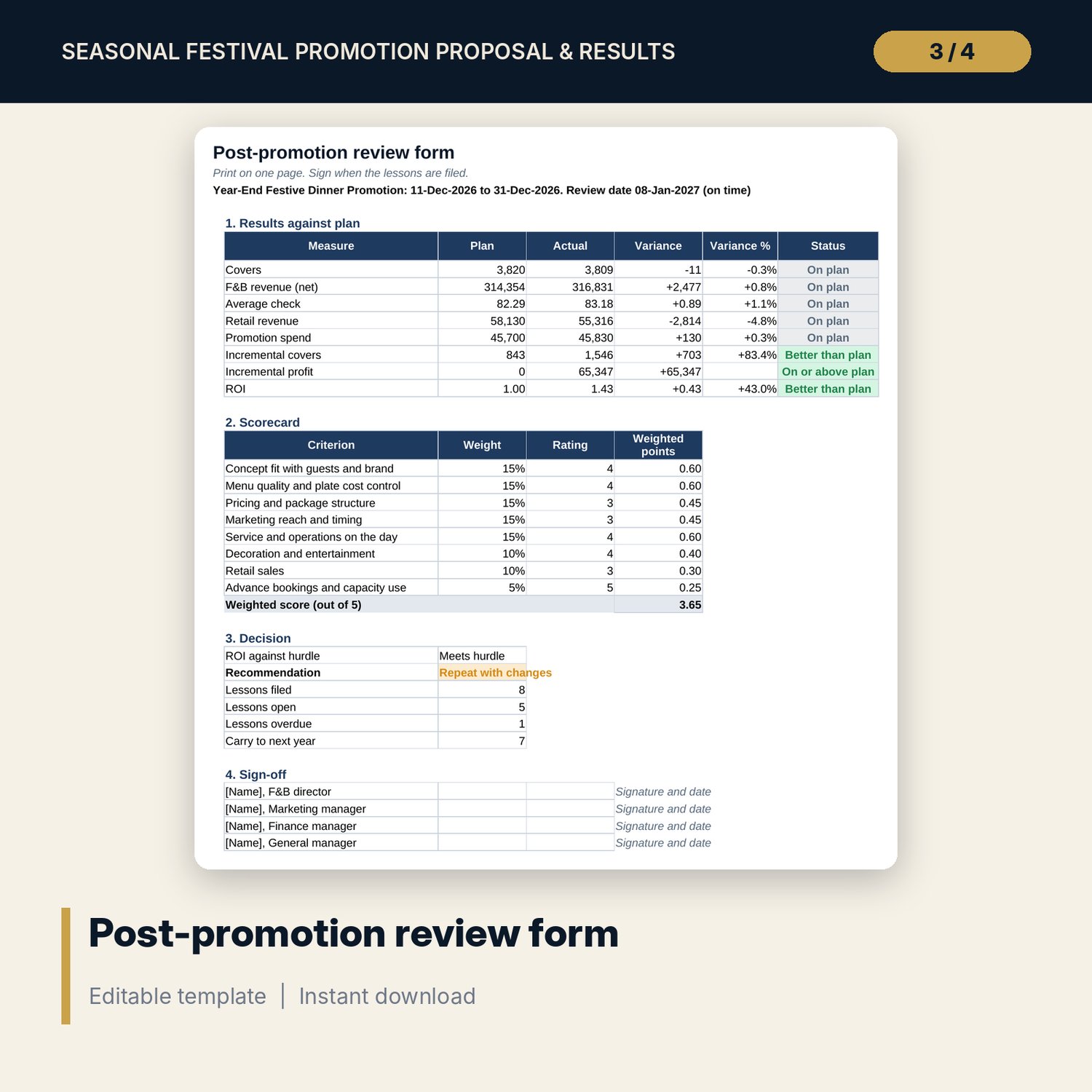
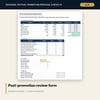
- Post_Promotion_Review_Form.xlsx: 4 tabs, 127 formulas, 6 checks; plan against actual, an 8-criterion scorecard, a recommendation and a lessons log
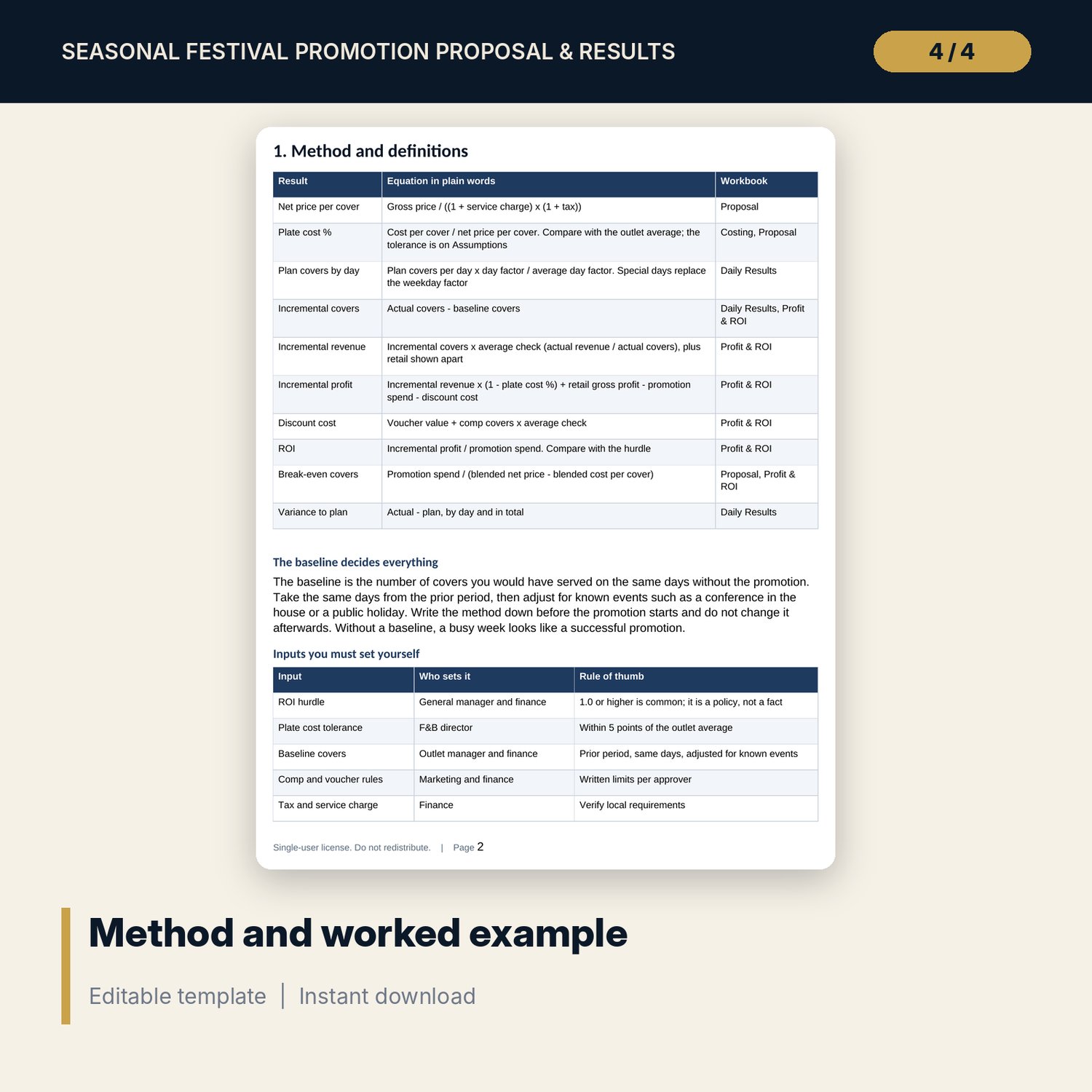
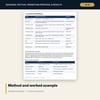
- Festival_Promotion_Guide.docx and Festival_Promotion_Guide.pdf: 10 pages with method, proposal form, timeline, daily form, review rules, a worked example, pitfalls and a glossary
- README.txt and LICENSE-and-Terms.txt
How it works
- Set promotion dates, tax and service, capacity, hurdle and tolerances on Assumptions.
- Cost each package and retail item, enter prices and plan covers, and list every spend line.
- Record baseline and actual covers, revenue, comps and vouchers each day.
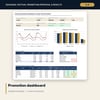
- Read Profit & ROI and the Dashboard for incremental profit, ROI and break-even covers.
- Score the promotion on the review form and file the lessons.
Details
- Formats: 2 Excel workbooks (.xlsx), 1 guide in Word (.docx) and PDF, English
- Software: Excel 2016 or later, or LibreOffice Calc 7 or later
- No macros, no external links, no data tables, no array formulas
- 4 files plus README and license; instant digital download
Good to know
- Sample data is illustrative. Replace it with your own figures.
- Incremental profit depends on the baseline you enter. Write the baseline method down before the promotion starts.
- Tax, service charge, the ROI hurdle and tolerances are your own policy. These files are management tools, not financial or tax advice. Verify local requirements.
- Single-user license. Do not redistribute.
FAQ
What is the baseline?
The covers you expect without the promotion on the same days. You enter it on Daily Results. The workbook subtracts it from actual covers to find incremental covers.
How is ROI worked out?
Incremental profit divided by promotion spend. Incremental profit is incremental revenue after plate cost, plus retail gross profit, less spend and discount cost.
Can I change the outlets and packages?
Yes. Outlet names, capacity and cost targets are on Assumptions, and the six package lines can be renamed and repriced on Proposal.
Does the scenario change the results?
The scenario changes the forecast on Proposal. Results on Profit & ROI use actuals and do not change with the scenario.
Do I need macros?
No. Every result is a standard worksheet formula.