Media Impression & PR Coverage Tracker: Media Coverage and PR Impression Tracker
Full description
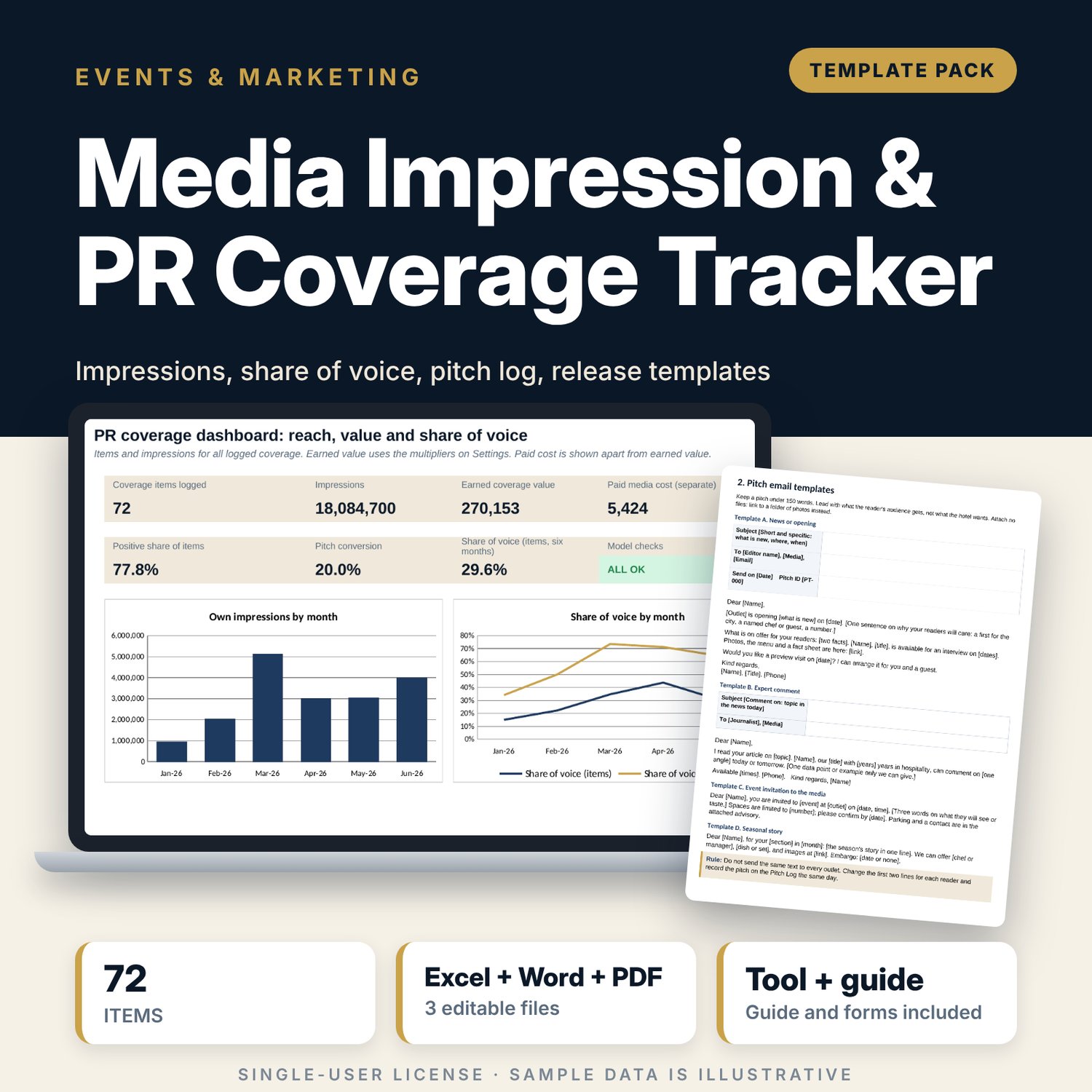
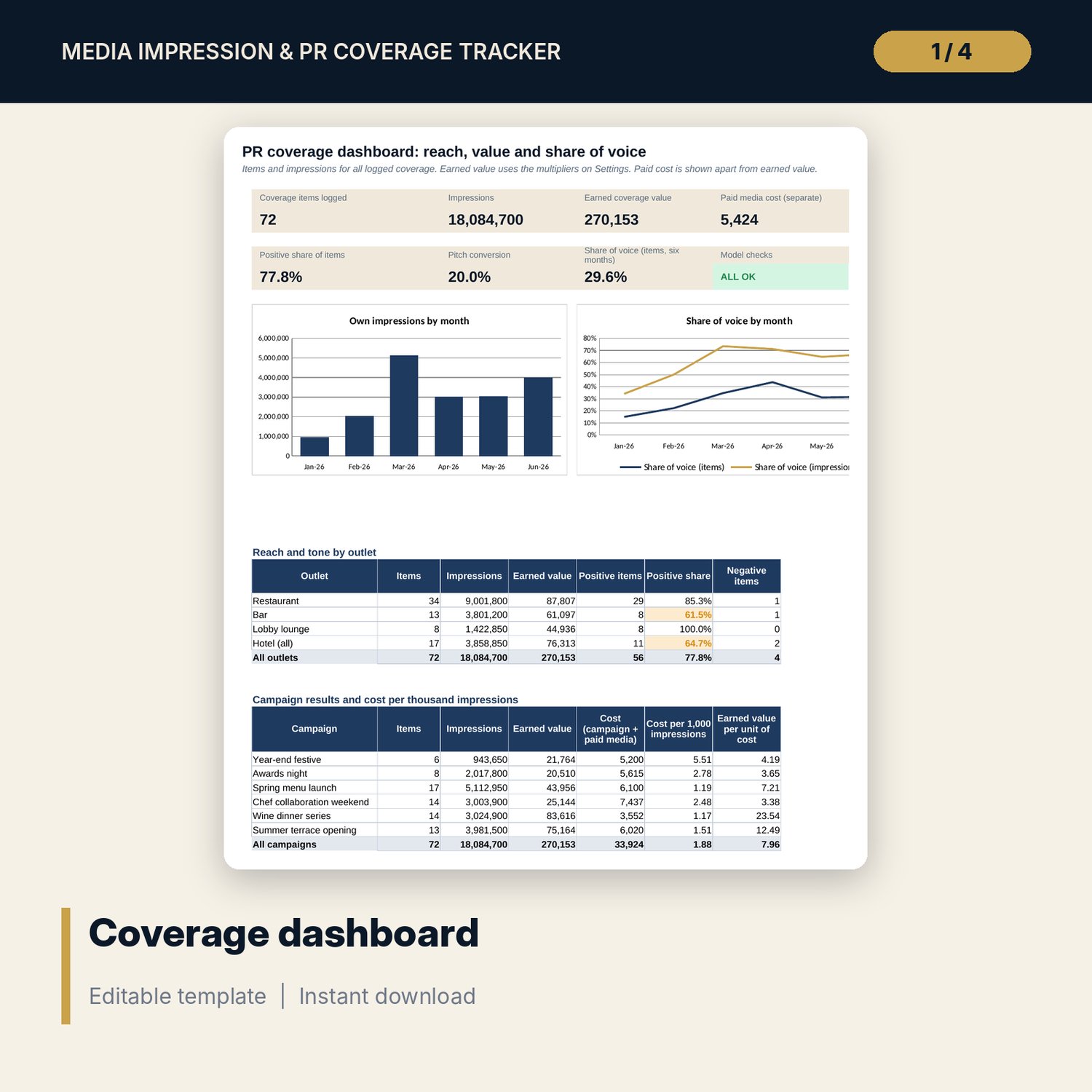
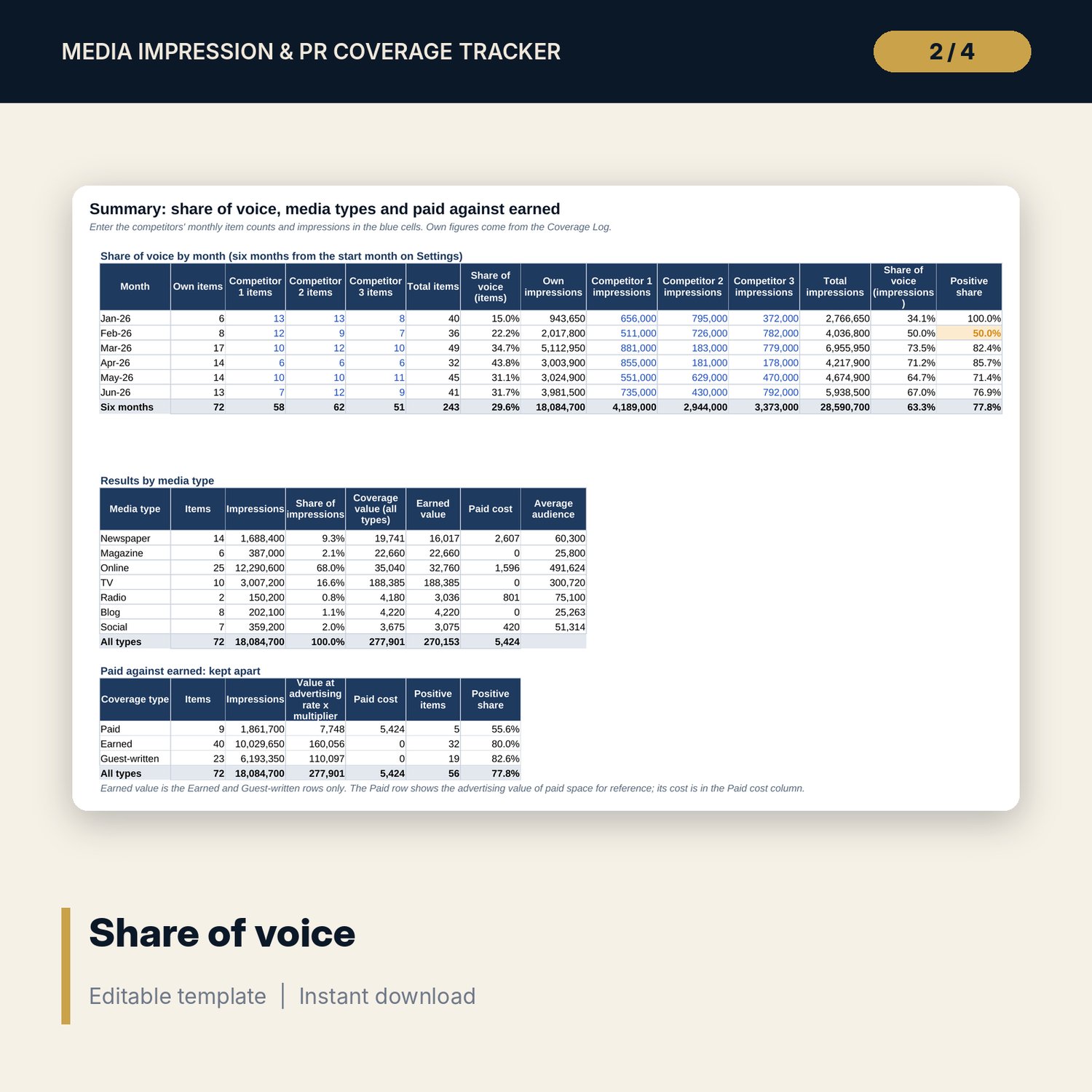
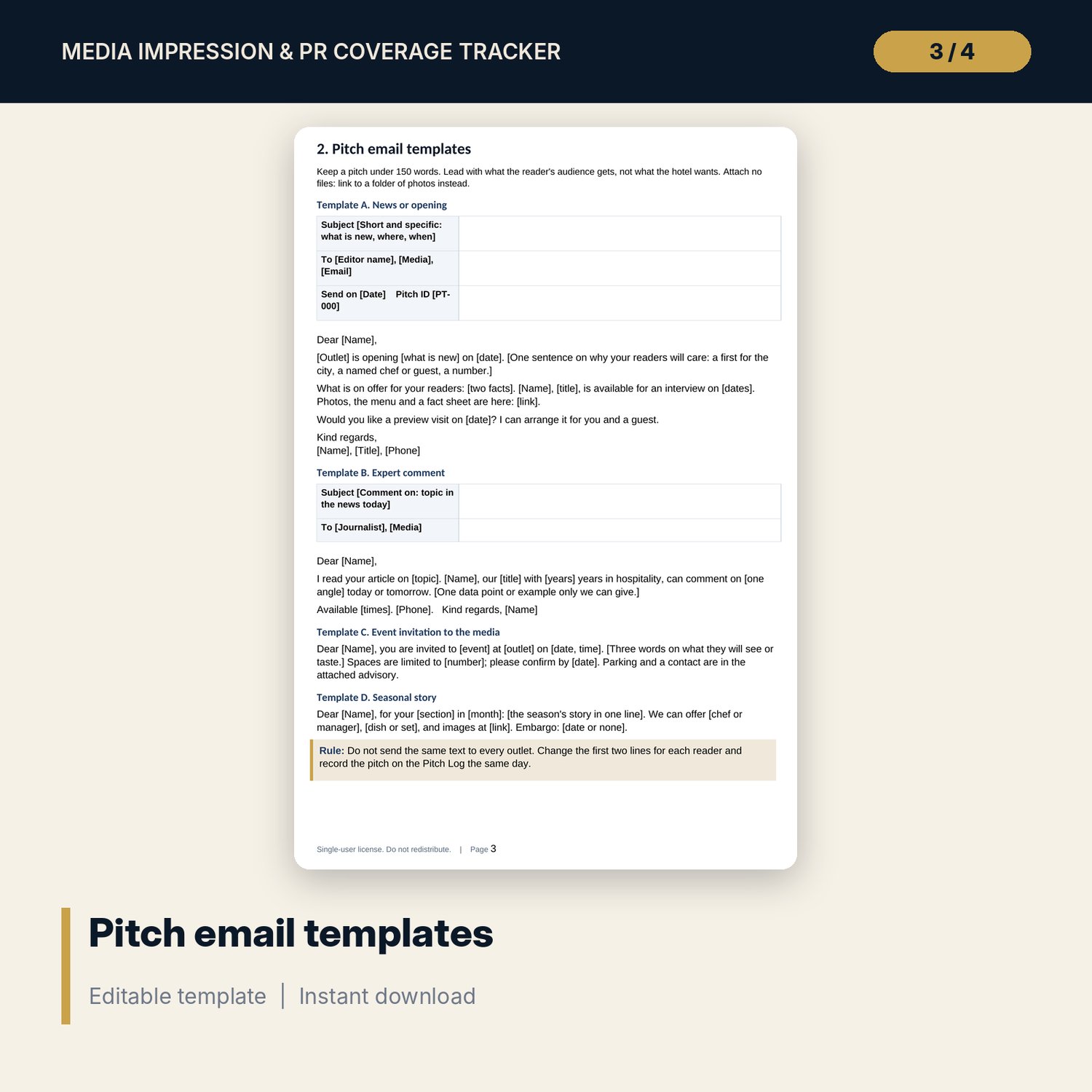
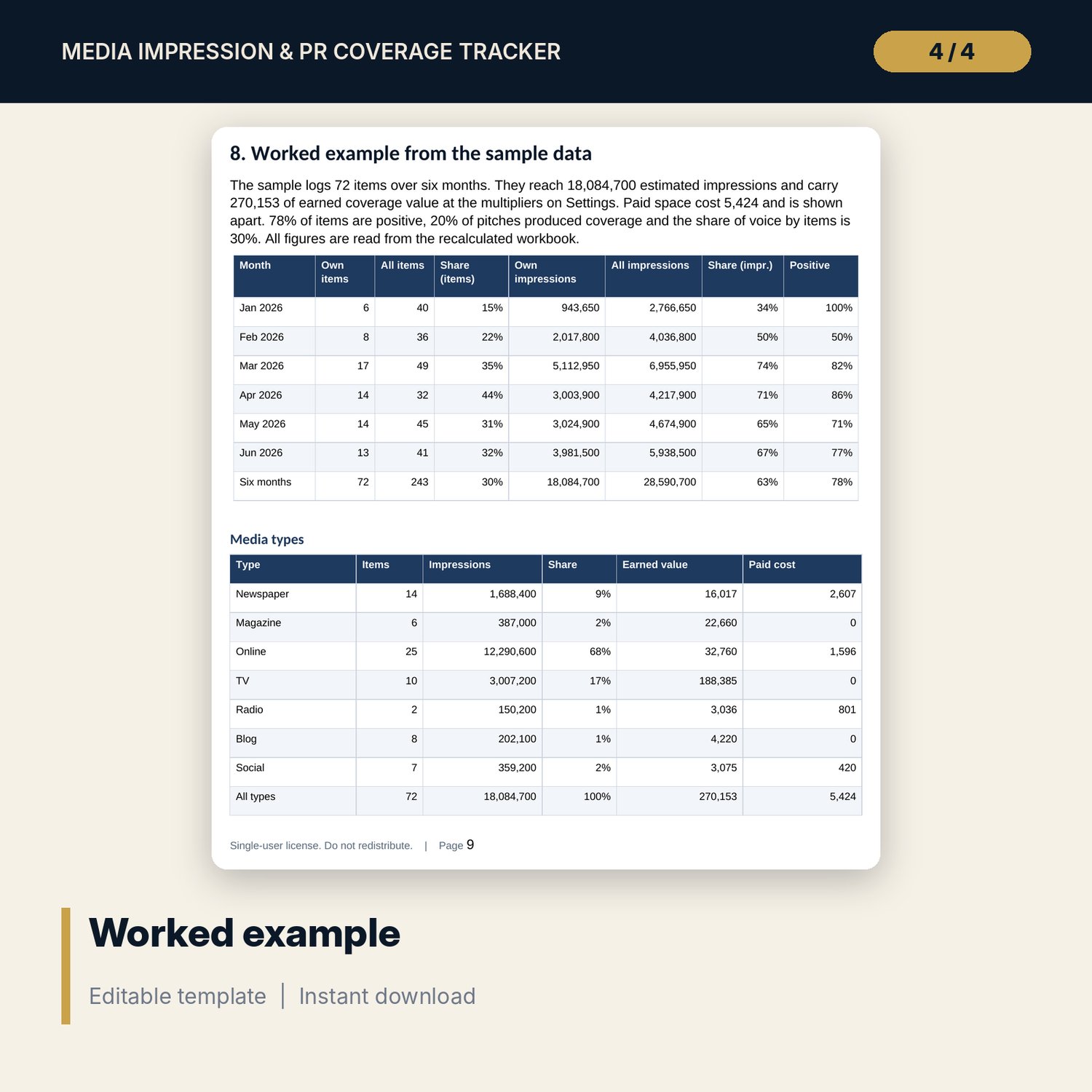
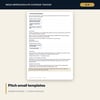
For hotel and restaurant marketing and PR teams who want one place to log press coverage and show what it delivered. The workbook holds a coverage log with 72 sample items, a rate card by media type, impressions and coverage value on editable rules, a pitch log with 40 sample pitches, a monthly share of voice against three named competitors, paid cost kept apart from earned value, and cost per thousand impressions by campaign. The Word pack gives four pitch emails, a press release, a media advisory, follow-up and correction notes, a spokesperson briefing, a negative coverage response plan and a monthly report form.
What is inside
- Media_Coverage_Impression_Tracker.xlsx: 7 tabs, 887 formulas, 2 native charts, 23 drop-down and input rules, 8 integrity checks
- Coverage Log: 72 sample items plus 30 spare rows; impressions, coverage value, days to log and a row flag are calculated
- Pitch Log: 40 sample pitches plus 20 spare rows; reply time, outcome, linked coverage ID and follow-up flags
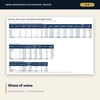
- Summary: monthly share of voice by items and impressions, results by media type, paid against earned
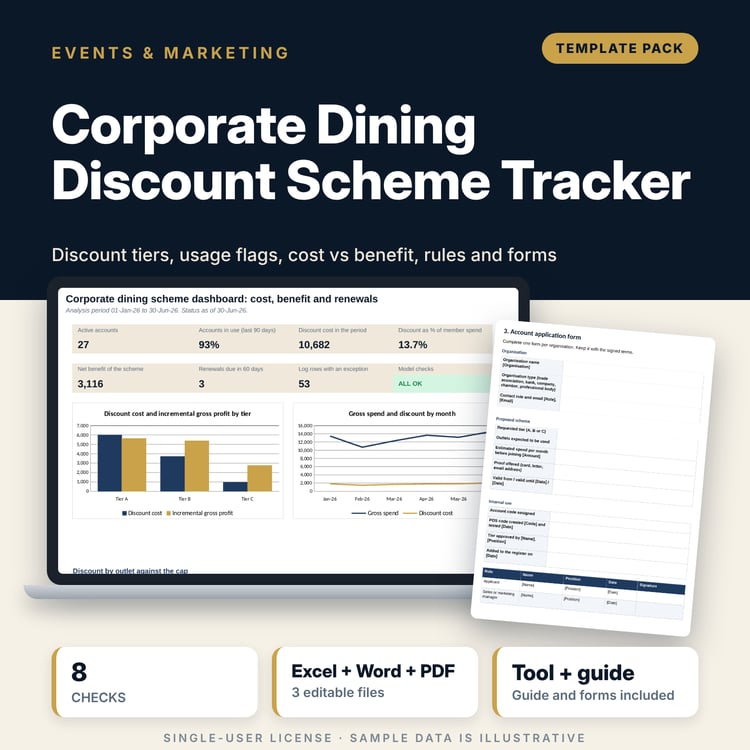
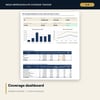
- Dashboard: 7 KPI tiles, a check tile, outlet reach and tone, campaign cost per thousand impressions and 2 charts
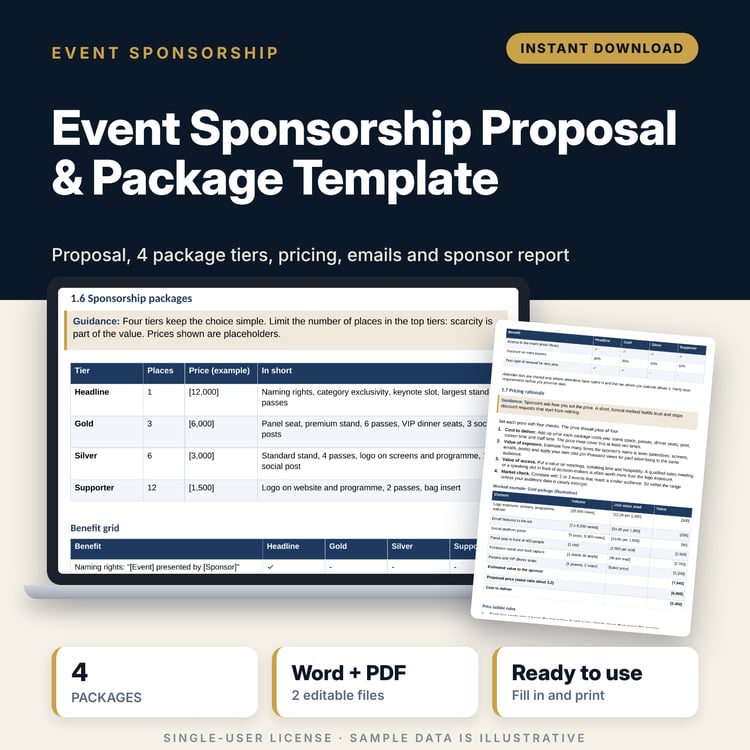
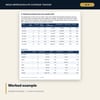
- PR_Pitch_and_Press_Release_Templates.docx and PR_Pitch_and_Press_Release_Templates.pdf: 10 pages with logging rules, 4 pitch emails, a press release, a media advisory, follow-ups, a response plan, a report form and a worked example
- README.txt and LICENSE-and-Terms.txt
How it works
- Set the rate card, pass-along factors and multipliers on Settings and write down the source of each.
- Log each item within three days, with the audience figure and a saved clipping.
- Record each pitch and its outcome; type the coverage ID when a pitch lands.
- Add competitor counts each month on Summary.
- Read the Dashboard, check the flags and send the monthly report.
Details
- Formats: 1 Excel workbook (.xlsx), 1 template pack in Word (.docx) and PDF, English
- Software: Excel 2016 or later, or LibreOffice Calc 7 or later
- No macros, no external links, no data tables, no array formulas
- 3 files plus README and license; instant digital download
Good to know
- Sample data is illustrative. Replace it with your own figures.
- Impressions and coverage value are estimates on stated conventions, not revenue or audited reach.
- Pass-along factors, rates and multipliers are your own assumptions. Keep the source of each.
- Single-user license. Do not redistribute.
FAQ
How are impressions worked out?
Audience figure times the pass-along factor of the media type. Both are on the log and the Settings tab, so every number can be traced.
What is coverage value?
Size times the advertising rate of the media type times a multiplier for the coverage type. It is a stated convention for comparing items, not money earned.
Why is paid cost kept apart?
Paid space is bought, not earned. The Dashboard shows earned value and paid cost side by side and never adds them.
Can I change the competitors and campaigns?
Yes. Competitor names and campaign names and costs are on Settings, and the log has spare rows.
Do I need macros?
No. Every result is a standard worksheet formula.